

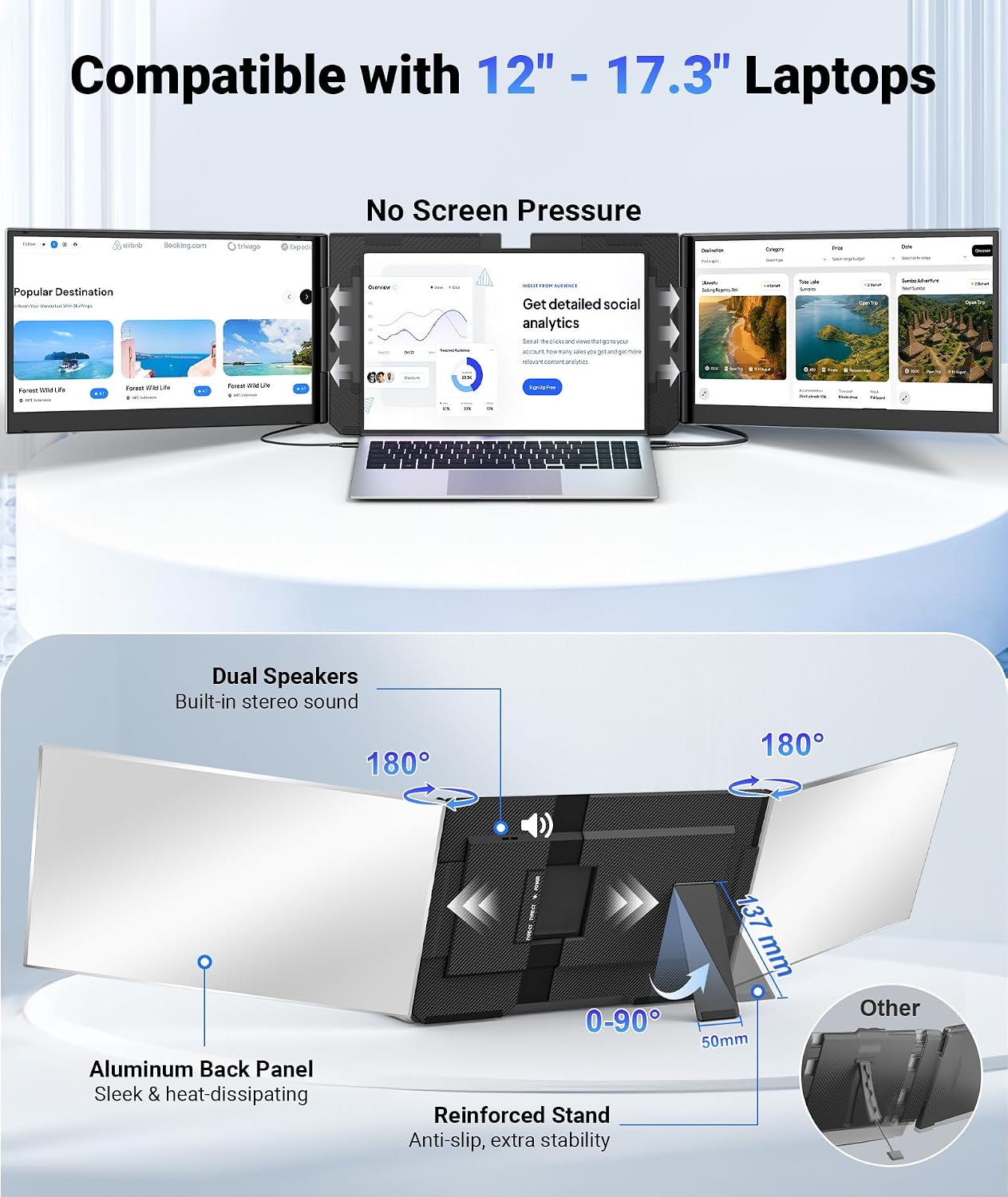
Synnov 15.6" Laptop Screen Extender: Portable Triple Monitor with 1080p FHD IPS
Product description
What matters most
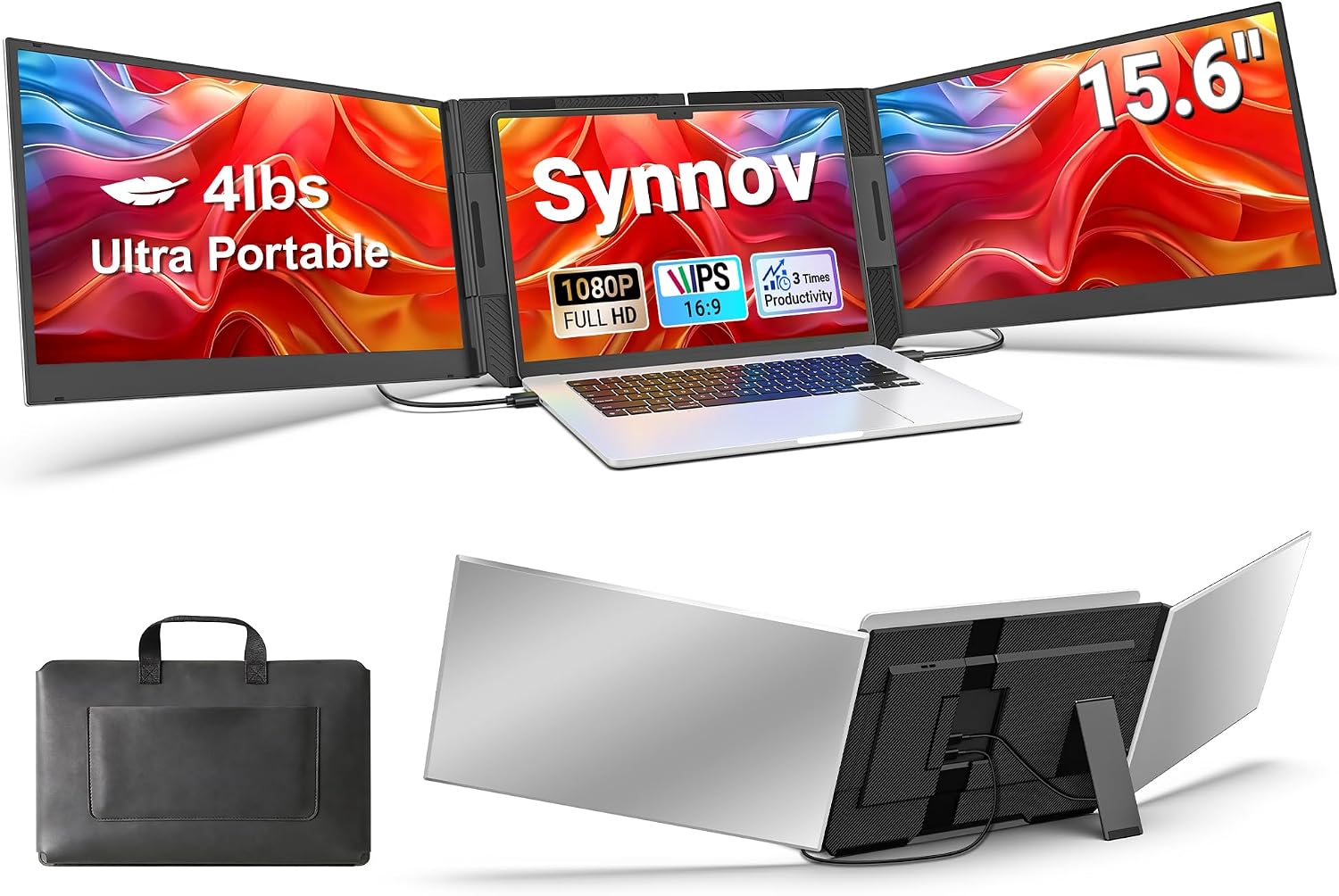
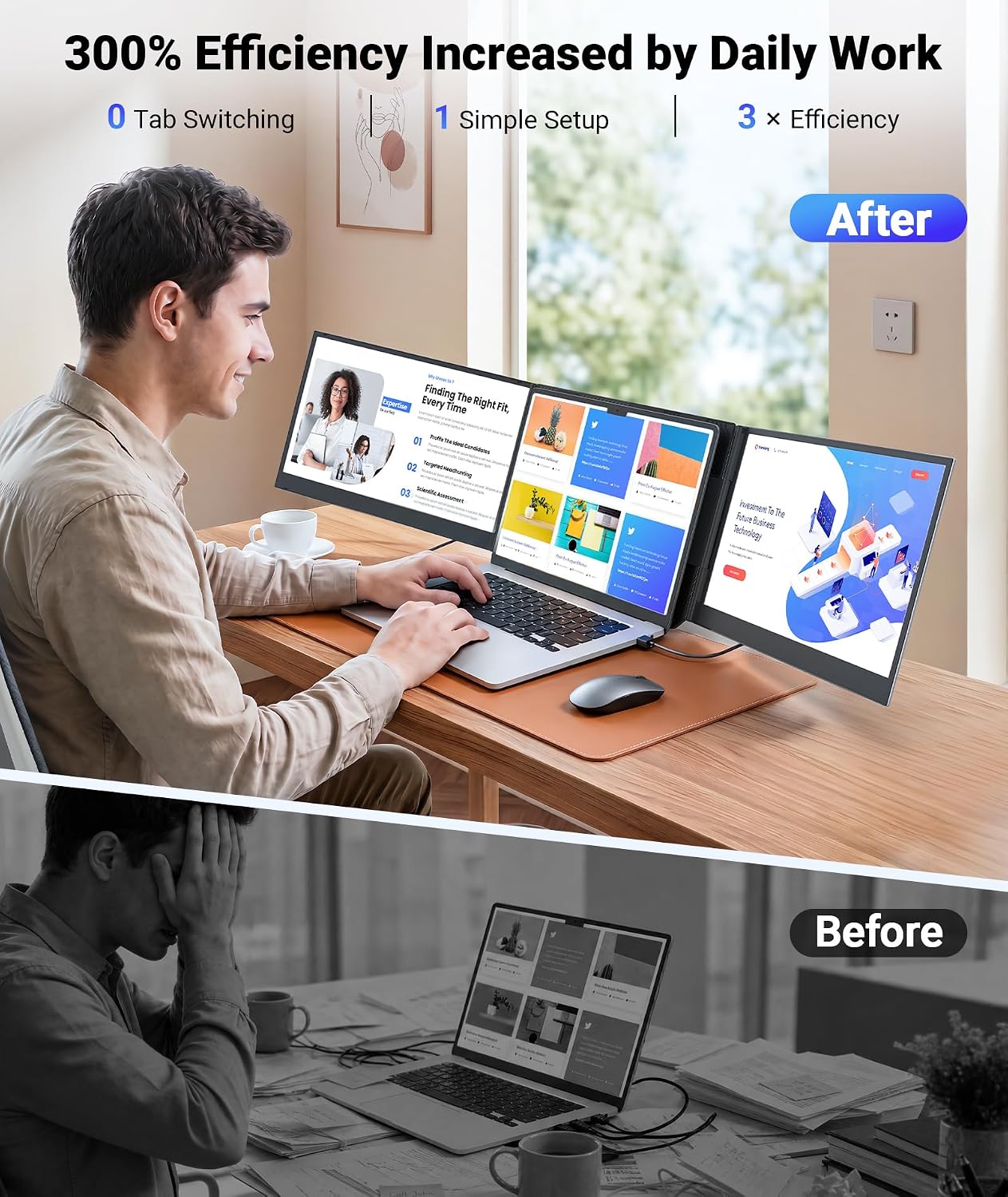
If you’re aiming to level up productivity on the go, the Synnov 15.6" laptop screen extender positions a second and third screen alongside your laptop for a true triple-monitor setup. It supports extend, mirror, and portrait modes so you can tailor your workspace to research, coding, or presentations without constantly switching tabs. On paper, it’s designed to reduce tab fatigue and streamline workflows, which is especially appealing for remote workers, developers, and travelers who need more screen real estate without a bulky desk setup.
How it’s constructed and what it means for day-to-day use
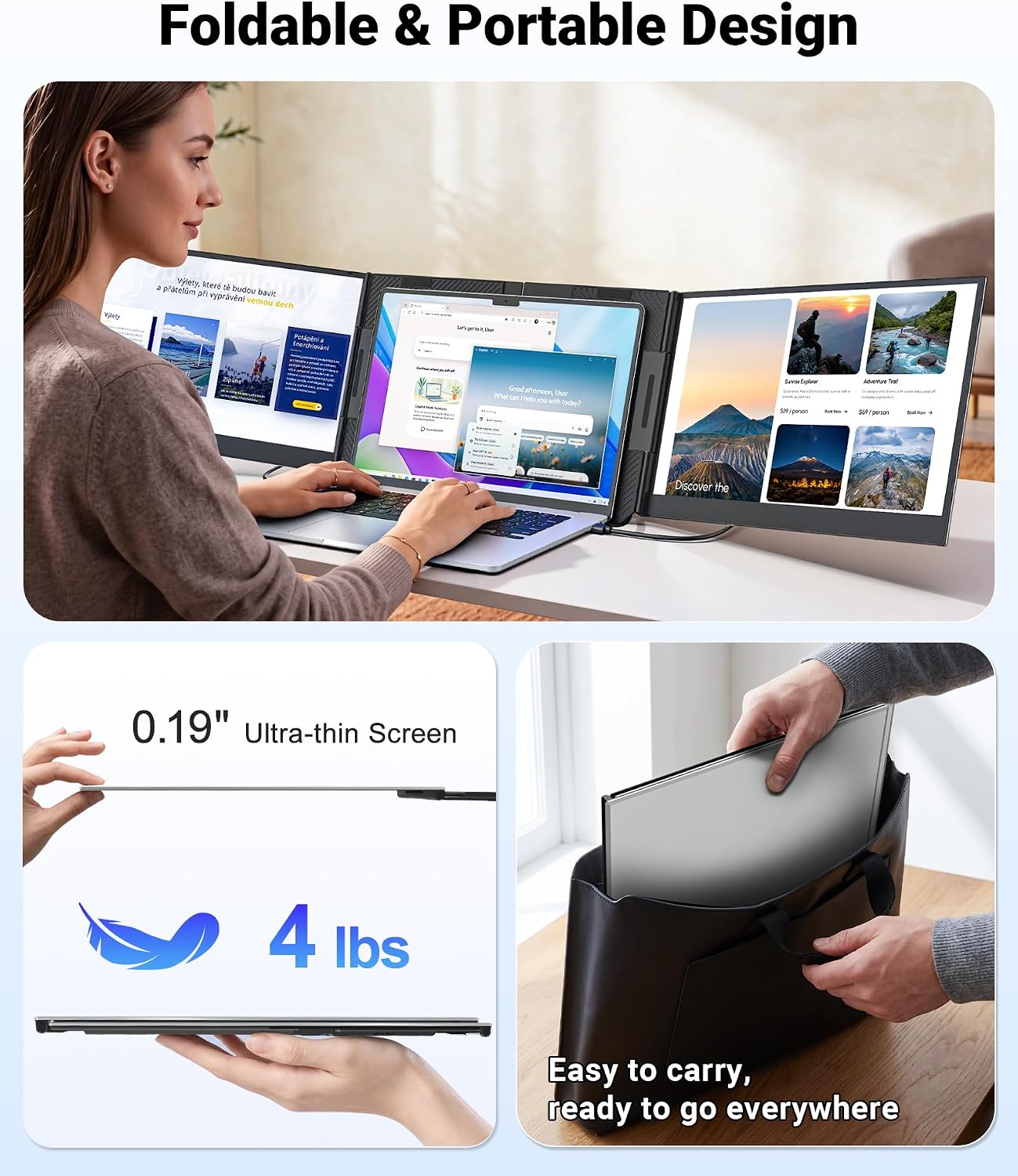
Weighing about 4 lbs and measuring just 0.19" thick, this extender leans into portability. The upgraded aluminum alloy body and metal stand contribute to a sturdier feel than many ultra-light options, while the no-clip design helps avoid extra pressure on your laptop hinge. That combination matters when you’re tossing the setup into a bag for travel and need something that won’t rattles or loosen over time.
Display quality and viewing comfort
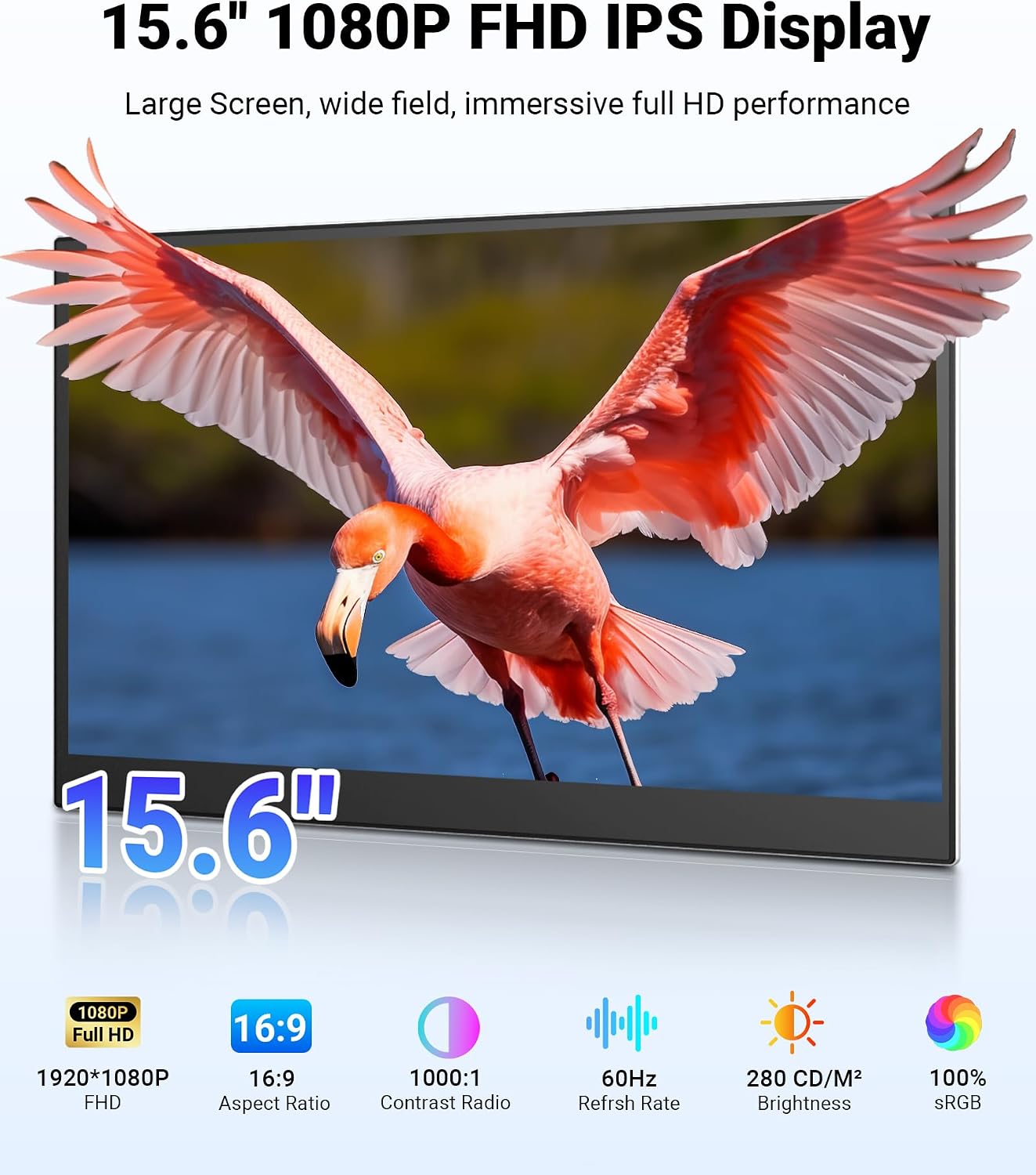
The 15.6" FHD 1080p IPS panel delivers a bright, vivid picture with a wide 178° viewing angle. That wide angle helps keep color and clarity consistent from different seating positions—handy when you’re sharing your screen or working from a coffee shop with variable lighting. You can adjust brightness and angle up to 180° to fit your environment, which is nice for both focused work and casual collaboration.
Setup, compatibility, and practical limits
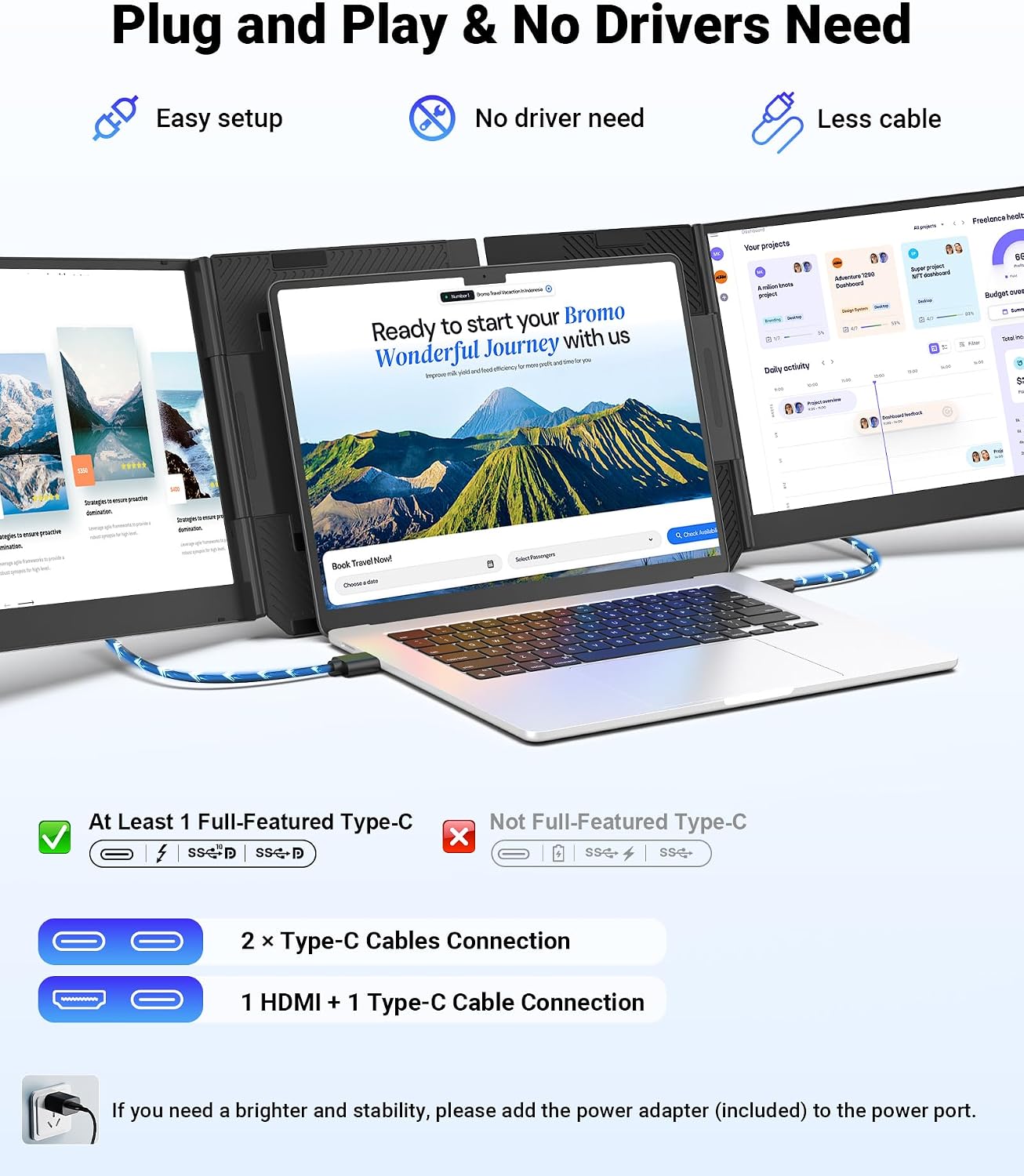
The monitor is designed for plug-and-play use with no driver installation. You connect via 2x USB-C ports or 1x USB-C plus 1x HDMI, then run power through the included adapter. It is compatible with laptops in the 12"–17.3" range and supports Windows, MacOS, Chrome, Linux, and Android. A key caveat: your laptop must have at least one full-featured USB-C port. Some MacBooks with M1/M2/M3 chips can face chip-related limitations, so it’s worth checking your port capabilities before buying.
What it adds to your workflow (pros and limits)
On the plus side, you get a robust triple-monitor experience without a full docking station. The setup is quick, the panel is reasonably bright, and the build feels sturdy for a portable device. On the downside, there’s an extra external gadget to manage, and cable arrangement is still a consideration if you want a truly clean workspace. If you prioritize minimal desk clutter and you travel frequently, this extender can save you time switching between windows and tabs. If you work primarily with cloud apps and a single-screen laptop, the benefit may be subtler.
What to review before you buy
- Check that your laptop has at least one full-featured USB-C port, otherwise, compatibility may be an issue.
- Consider how you’ll route cables in your typical workspace to keep the setup tidy.
- If you work in environments with variable lighting, test brightness and viewing angles to ensure comfort over long sessions.
- Think about the weight, since about 4 lbs is not negligible for ultra-portable needs, but it’s still lighter than many desktop triples.

A practical use case
Imagine coding in a split-screen layout: one screen displays your IDE, another shows documentation, and the third runs a browser with research sources. While you’re on a video call, you can glance at notes or emails without breaking focus. It’s the kind of setup that can feel immediate—like you’ve added a compact, portable workstation to your bag.
What’s included and how it helps your purchase decision
The package comes with all cables, a power adapter, and a leather carry bag, so you don’t have to hunt for extras. This completeness matters if you want a travel-ready setup that’s ready to go straight out of the box.
Final thoughts and decision points
Final verdict: If you frequently work across multiple apps or documents while traveling or remote-working, the Synnov 15.6" Screen Extender provides a clear upgrade path from a single-laptop screen. It’s particularly appealing for those who want a portable, plug-and-play solution with a solid build and good display quality. However, it’s wise to confirm your laptop’s USB-C port capabilities and be realistic about how much you value a lighter, ultra-portable option versus a bulkier, more feature-rich docking station.
FAQ
- Do I need drivers to run this extender? No, it’s plug-and-play.
- Will it fit MacBooks with M1/M2/M3? It’s compatible in general, but some chip limitations may apply for certain models, verify your USB-C port capabilities.
- Is it heavy to carry every day? About 4 lbs, which is light for a triple-monitor setup but heavier than a single portable screen.