

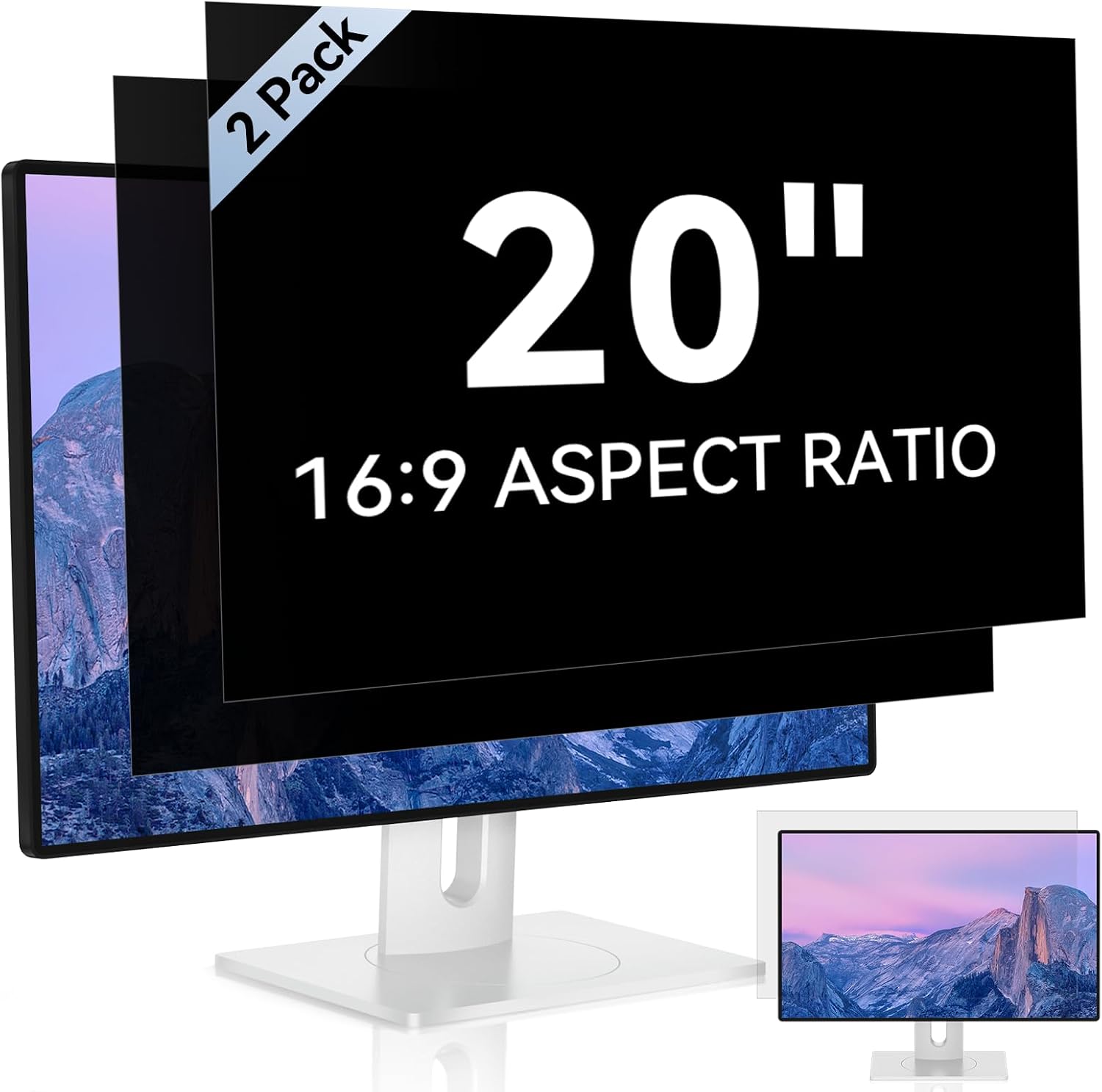
Mamol 2-Pack 20-Inch Computer Privacy Screen for 16:9 Widescreen Monitors
Reviews
Price
Product description
The essentials (what it does and why you’d buy it)
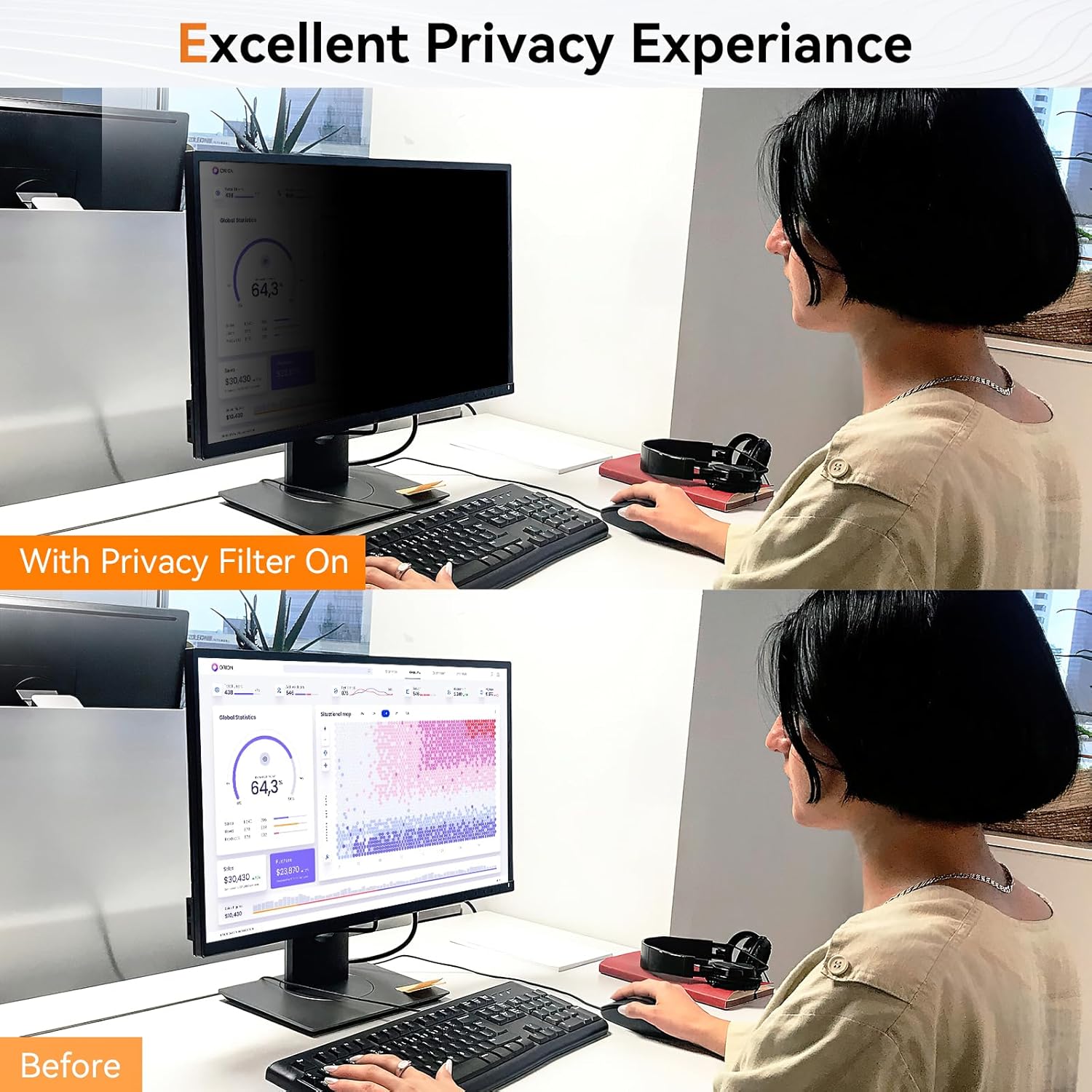
A privacy screen filter is one of those upgrades that feels small—until you’re in a busy office, a shared room, or traveling with a laptop-style desktop monitor setup and you realize how easy it is for someone nearby to glance at what’s on your display. This Mamol 2-pack is built for 20-inch widescreen monitors with a 16:9 aspect ratio, aiming to keep your content confidential in public or high-traffic spaces while also adding a layer intended to help with eye comfort.
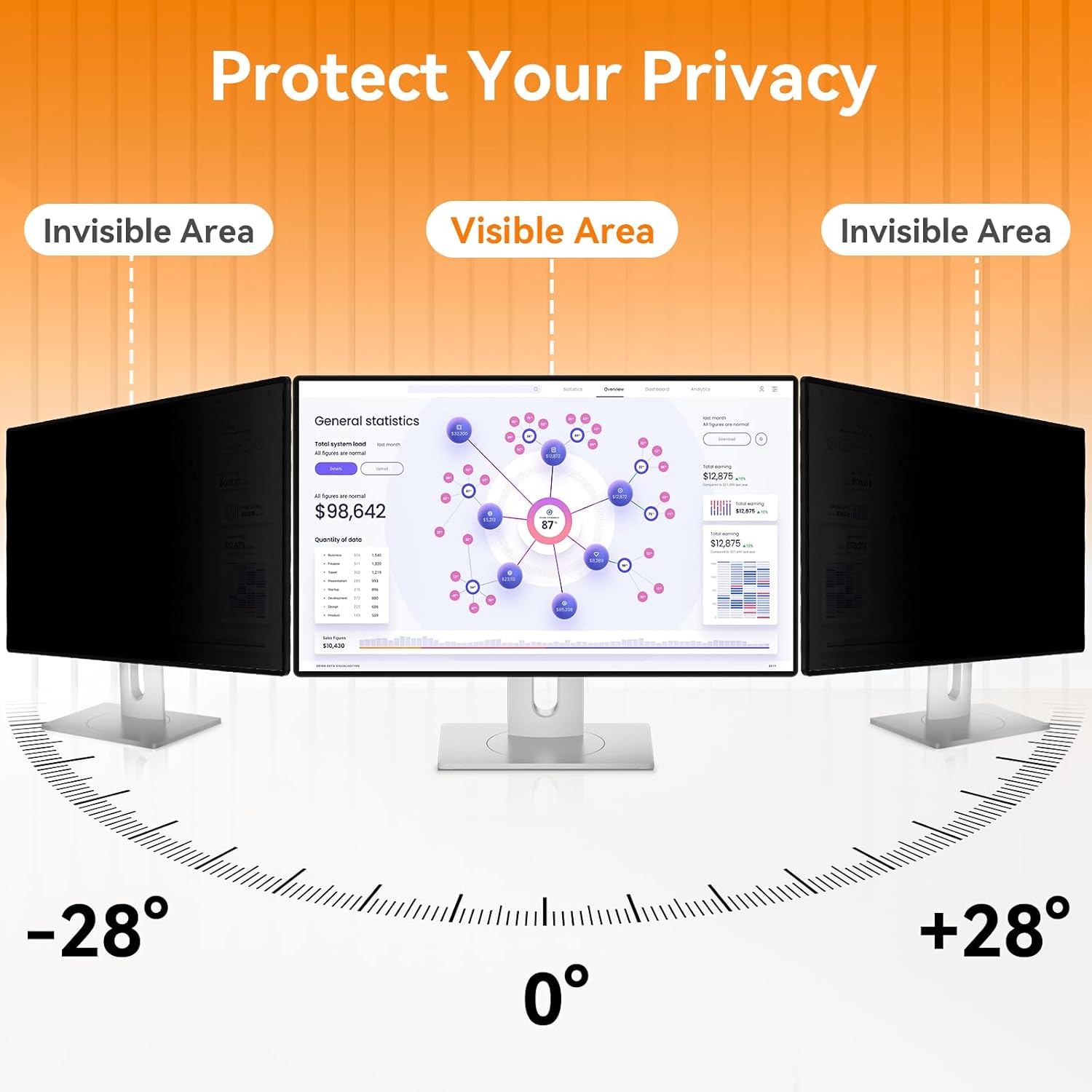
On paper, the big story here is the combination of privacy blocking plus light/eye-related filtration. It uses advanced micro-blinds (micropersifas) to limit viewing angles: it’s described as blocking visibility around 30 degrees and darkening screens more heavily near 60 degrees. That’s the sort of behavior you typically want when you’re protecting sensitive emails, spreadsheets, or personal information.
Key features that matter in daily use
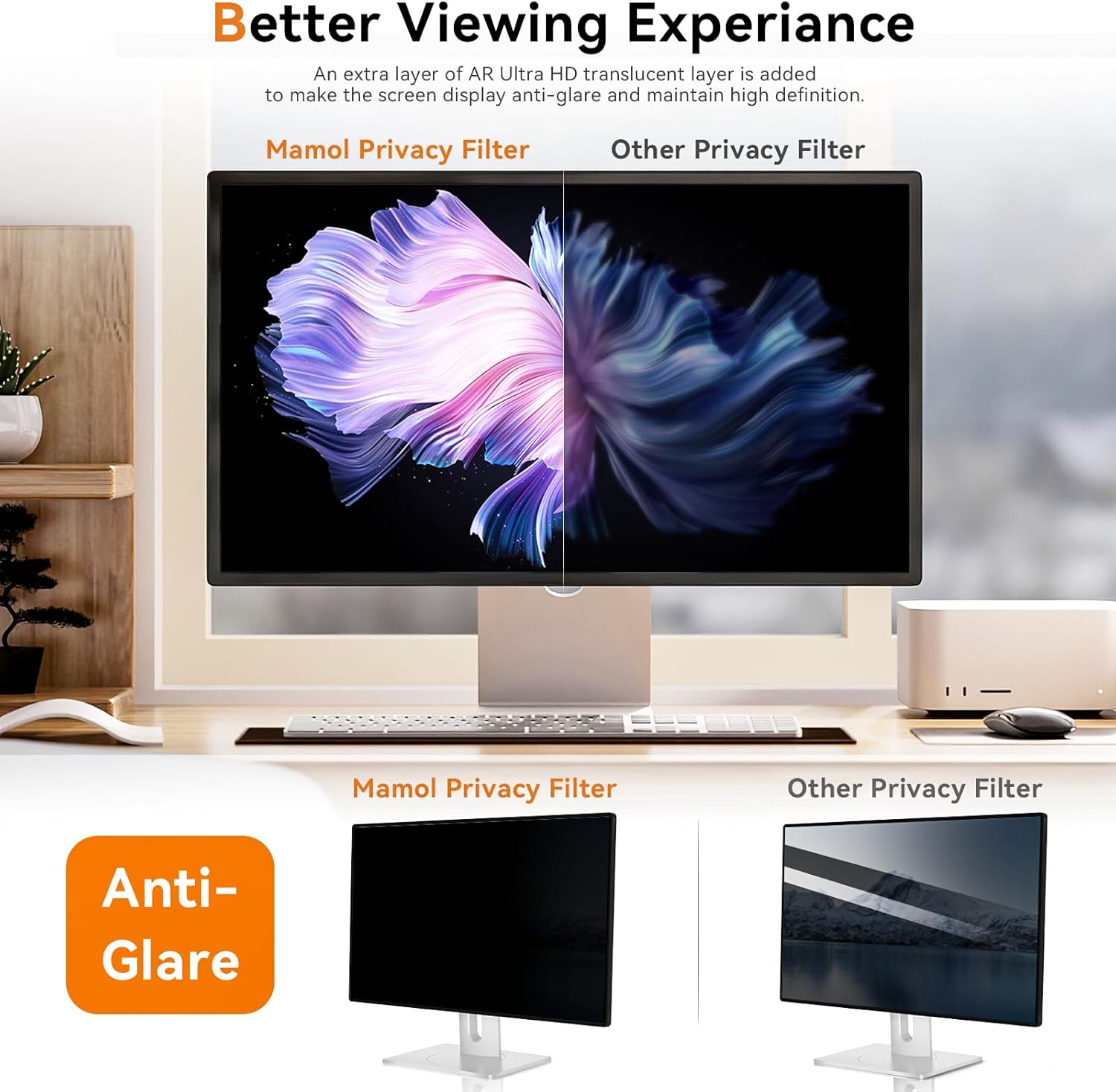
What stands out most is the way this filter balances “privacy” with “still being able to see your screen.” The design is described as offering an additional light transmission layer (it mentions AR, plus “ultra HD” compared with other privacy screens) and says it doesn’t reduce brightness and doesn’t cause eye fatigue due to the privacy screen being installed.
There’s also a “reversible” approach. The glossy side is meant to provide extra clarity and privacy, while the matte side is there to minimize glare and distracting reflections. In practice, that gives you a choice depending on your lighting—if your monitor sits near a window or overhead lights, matte may feel calmer.
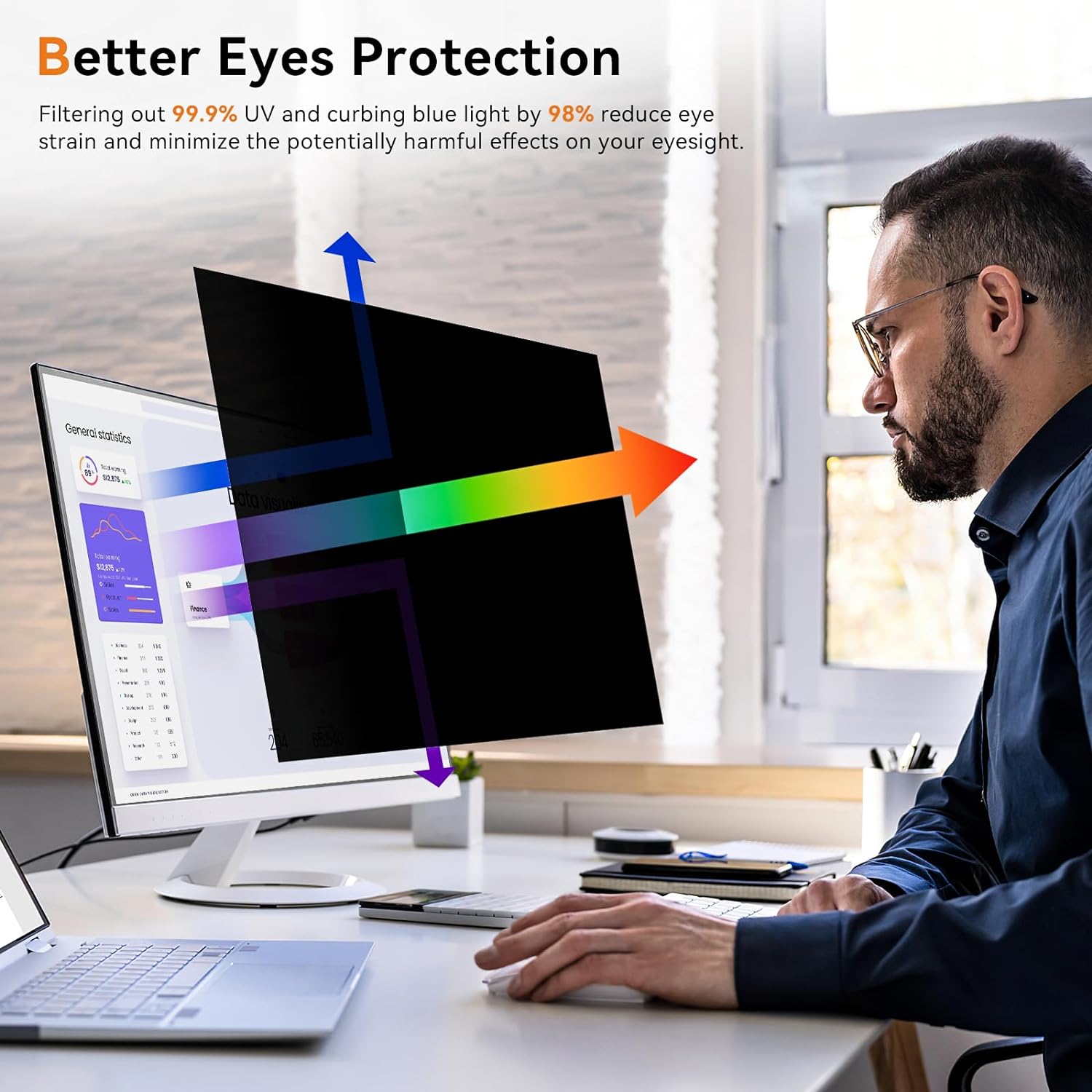
Privacy is only half the equation for comfort. Mamol also claims UV filtering (99.9%) and blue light suppression (98%). It’s a marketing-heavy list of numbers, but the intent is clear: reduce the portion of light that can contribute to eye strain for some users.
Privacy performance and angle limits (a real-world limitation)
Privacy screens don’t work by “magic,” and the angle language here is a good reminder. Since it’s designed to block visibility at certain viewing angles (around 30 degrees, increasing near 60 degrees), your results will depend on where people are sitting relative to your monitor and how your screen is positioned.
A common limitation with privacy filters is that they can make the image look darker or less vibrant from off-axis—even if you’re the one using it. This one specifically claims to avoid brightness reduction and keep HD clarity, but if your monitor is already bright or you’re sensitive to contrast changes, it’s worth paying attention to how it looks from your usual seating position.
Eye protection and glare control
If you spend long stretches at a desk, glare and reflections can become more annoying than you expect. This privacy filter is described as anti-glare, with a matte side that helps reduce glare and reflections. It also includes a surface improvement layer intended to protect against scratches and fingerprints.
The “lavable y reutilizable” part matters for day-to-day ownership: it’s described as washable and reusable, so after dust build-up or fingerprint smudges, you’re not stuck discarding it immediately. Still, privacy film is always something you’ll want to handle carefully—scratches and creases can happen if it’s installed roughly.
Installation options (and what to check before ordering)
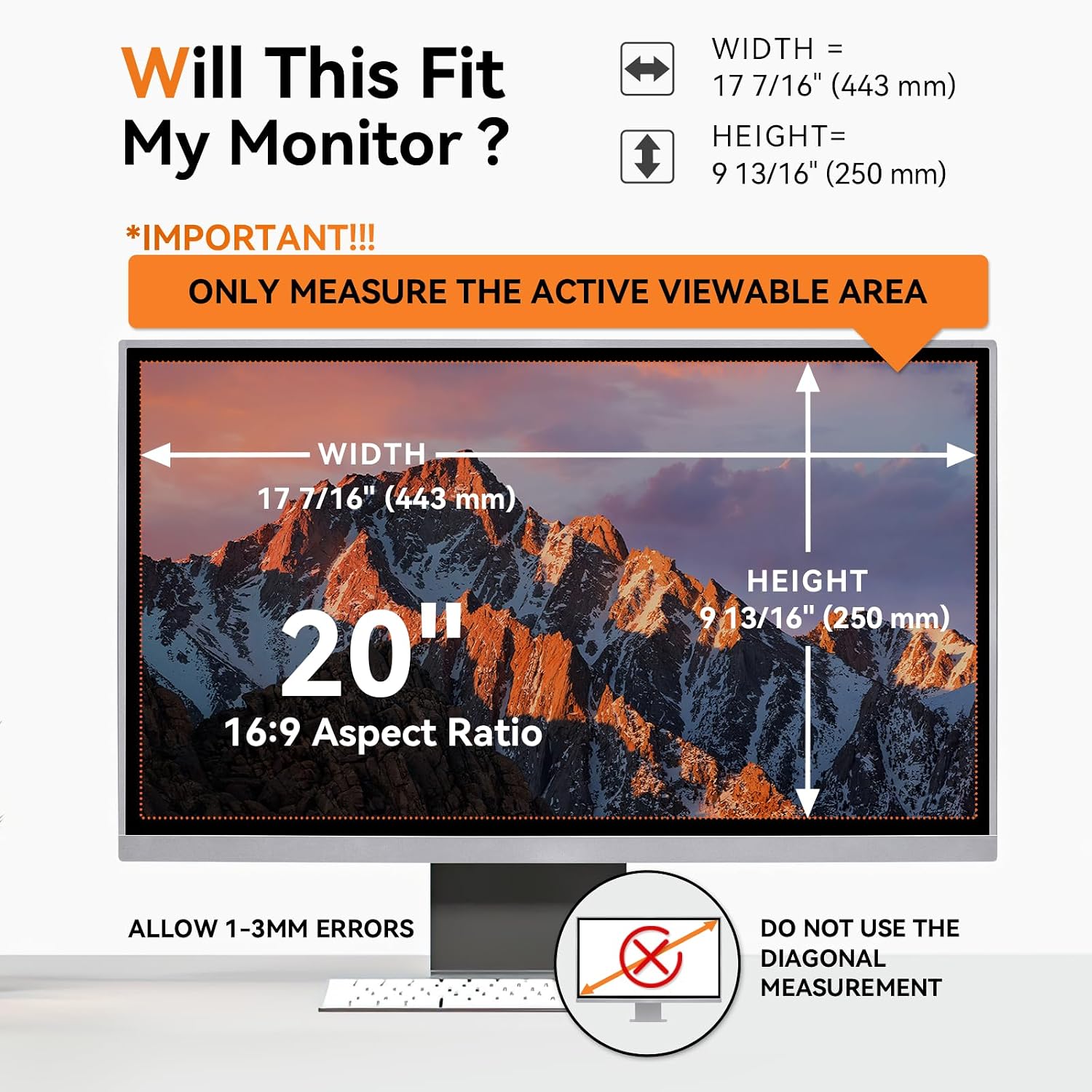
Before buying, the most important thing is size. Mamol is explicit that you should check your monitor’s screen width and height. The filter is described with these dimensions: width 443 mm, height 250 mm, diagonal 508 mm, and a 16:9 aspect ratio.
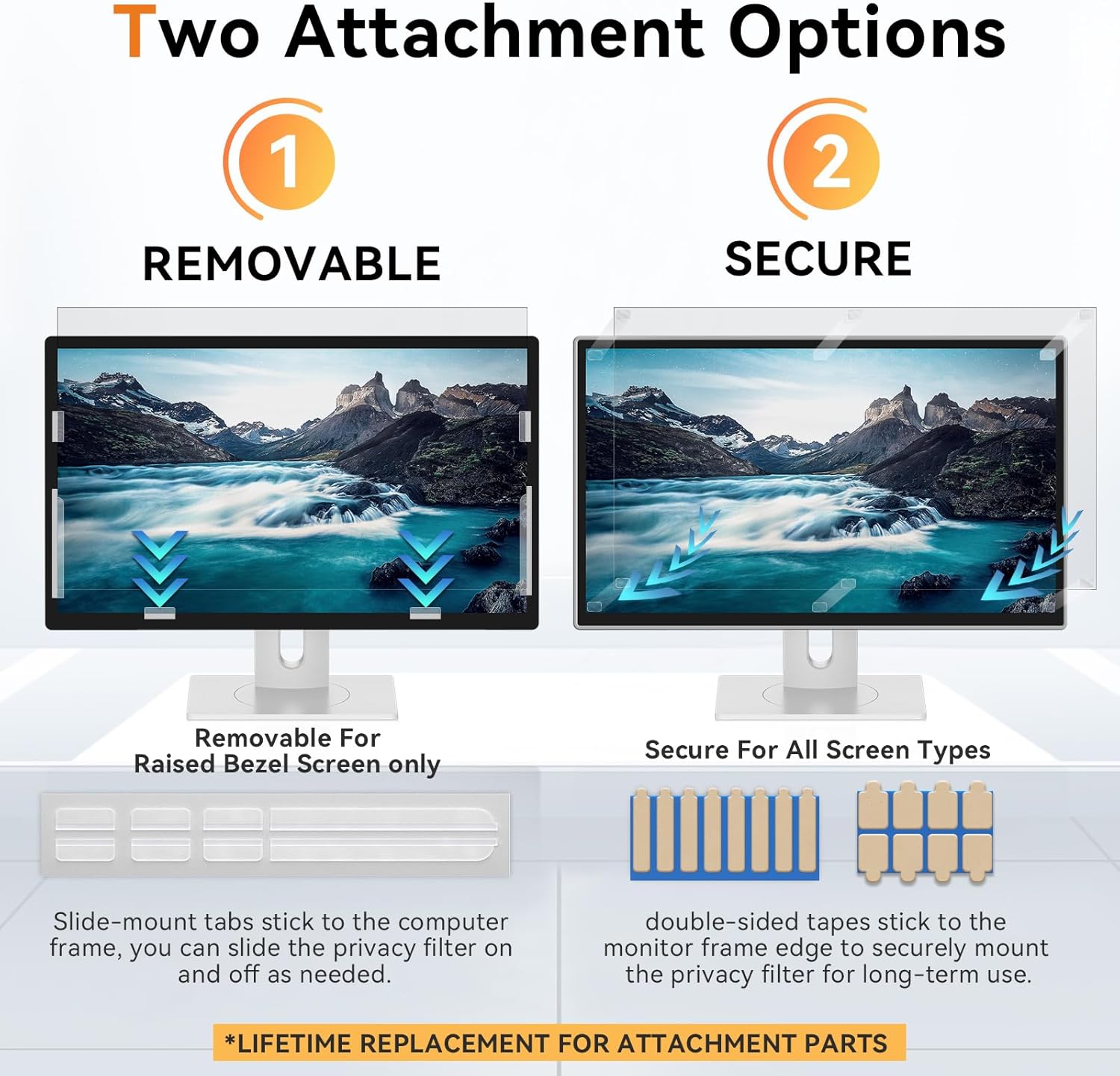
Installation comes in two described options: - Using clear adhesive stickers applied to the privacy screen filter to keep it in place on your monitor. - Using plastic sliding mounting tabs on the outer edge of the monitor bezel—this is noted as only for monitors with an elevated bezel.
Both installation accessories and instructions are included in the package. If you’re not sure which mounting style will fit your monitor setup, it helps to look at your bezel shape first—elevated vs. flat bezel is often the difference.
Who it’s for (and who should skip it)
This Mamol 2-pack makes sense if you want practical privacy for a 20-inch 16:9 widescreen monitor—especially for work or home use in shared environments. The reversible glossy/matte design also suits people who care about handling glare without losing readability.
It may not be your best choice if: - You don’t match the size requirements (widescreen 16:9 and the provided dimensions), because privacy screens are unforgiving about fit. - You’re extremely sensitive to any changes in brightness, contrast, or viewing angle—even though the listing claims it won’t reduce brightness. - Your primary need is color-accurate viewing from wide angles (privacy filters are generally designed to limit off-axis visibility).
Is it worth it?
If you’re buying a privacy filter for a 20-inch 16:9 widescreen monitor, this Mamol 2-pack is a straightforward option that aims to deliver both angle-based privacy and comfort-oriented light filtering. The reversible glossy/matte setup gives it flexibility depending on your room lighting, and the scratch/fingerprint-resistant layer plus washable, reusable design helps with ownership.
Still, don’t skip the dimension check: the listing repeatedly emphasizes measuring your screen width and height before ordering. And keep expectations realistic about privacy behavior—angle-limited filters work best when people are mostly off to the side rather than directly in front.
Mini FAQ
FAQ: Common questions before you install
1) Does this privacy screen fit a 20-inch monitor? It’s designed for 20-inch widescreen monitors with a 16:9 aspect ratio, but you should confirm the screen width and height match the provided dimensions.
2) Can I choose between clearer and less glare views? Yes. The filter is described as reversible, with a glossy side for added clarity and privacy, and a matte side intended to reduce glare and reflections.
3) How does installation work? You can use clear adhesive stickers on the filter, or slide plastic mounting tabs on the outer bezel if your monitor has an elevated bezel. Installation accessories and instructions are included.
4) Is it reusable? The listing says it’s washable and reusable, so you can clean it after longer use.
5) Does the privacy filter come with any coverage? It’s backed by a free lifetime support policy mentioned in the description: if something happens, the brand says it will send a replacement privacy screen at no cost.