

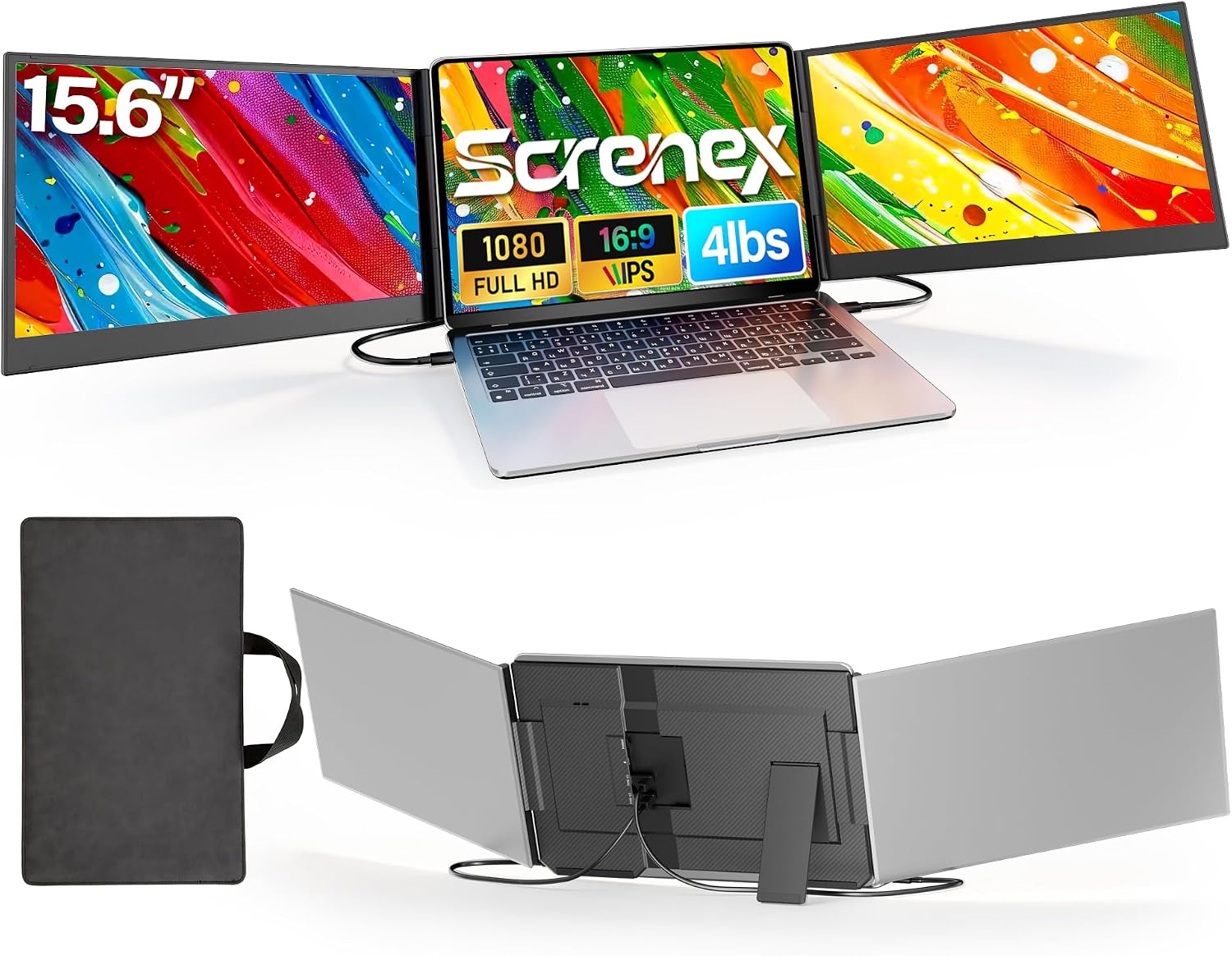
Screnex 15.6" Laptop Screen Extender: Ultra-Thin Triple Monitor Setup
Product description
What it is and who it helps
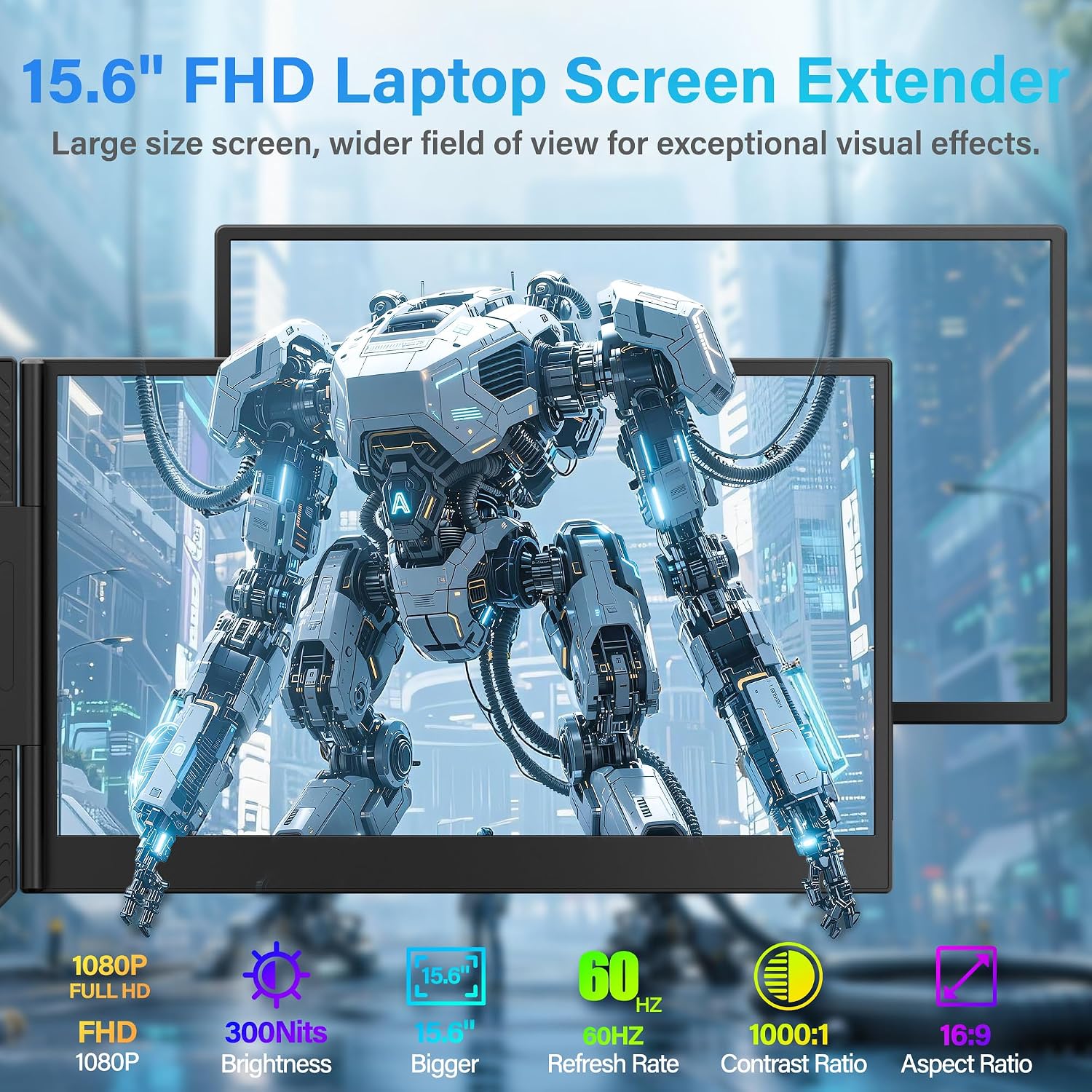
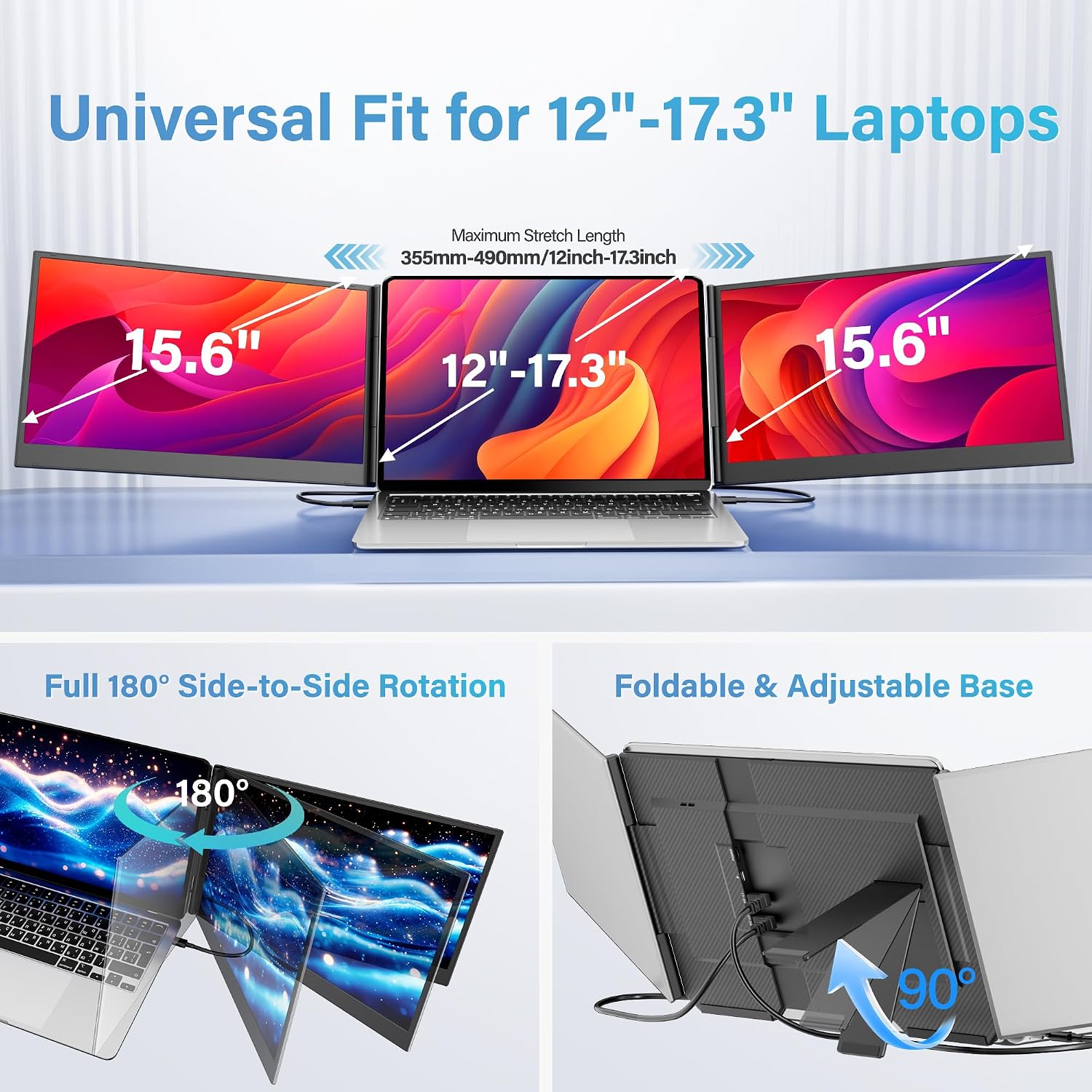
The Screnex 15.6" Laptop Screen Extender is a standalone triple-monitor system designed to turn a single laptop into a compact, multi-screen workstation. It uses two 15.6" IPS panels with 1080p resolution, offering a wide 178° viewing angle and color accuracy that’s suitable for office tasks, content creation, and casual entertainment. Since it’s a free-standing design, it won’t clamp onto your laptop or cause hinge stress, which can be a meaningful benefit if you value laptop longevity and scratch protection while traveling or working in tight spaces.
How it works and what you get
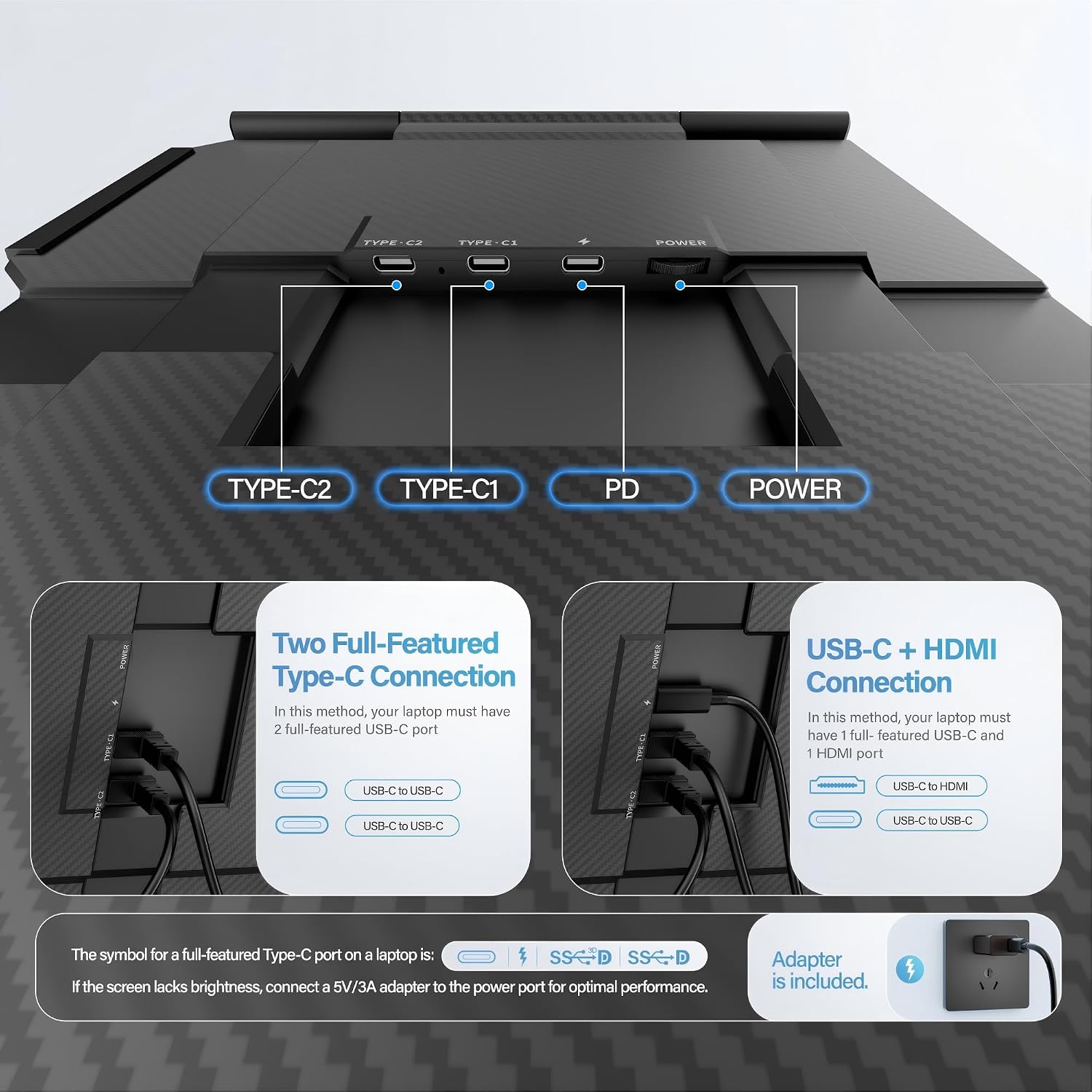
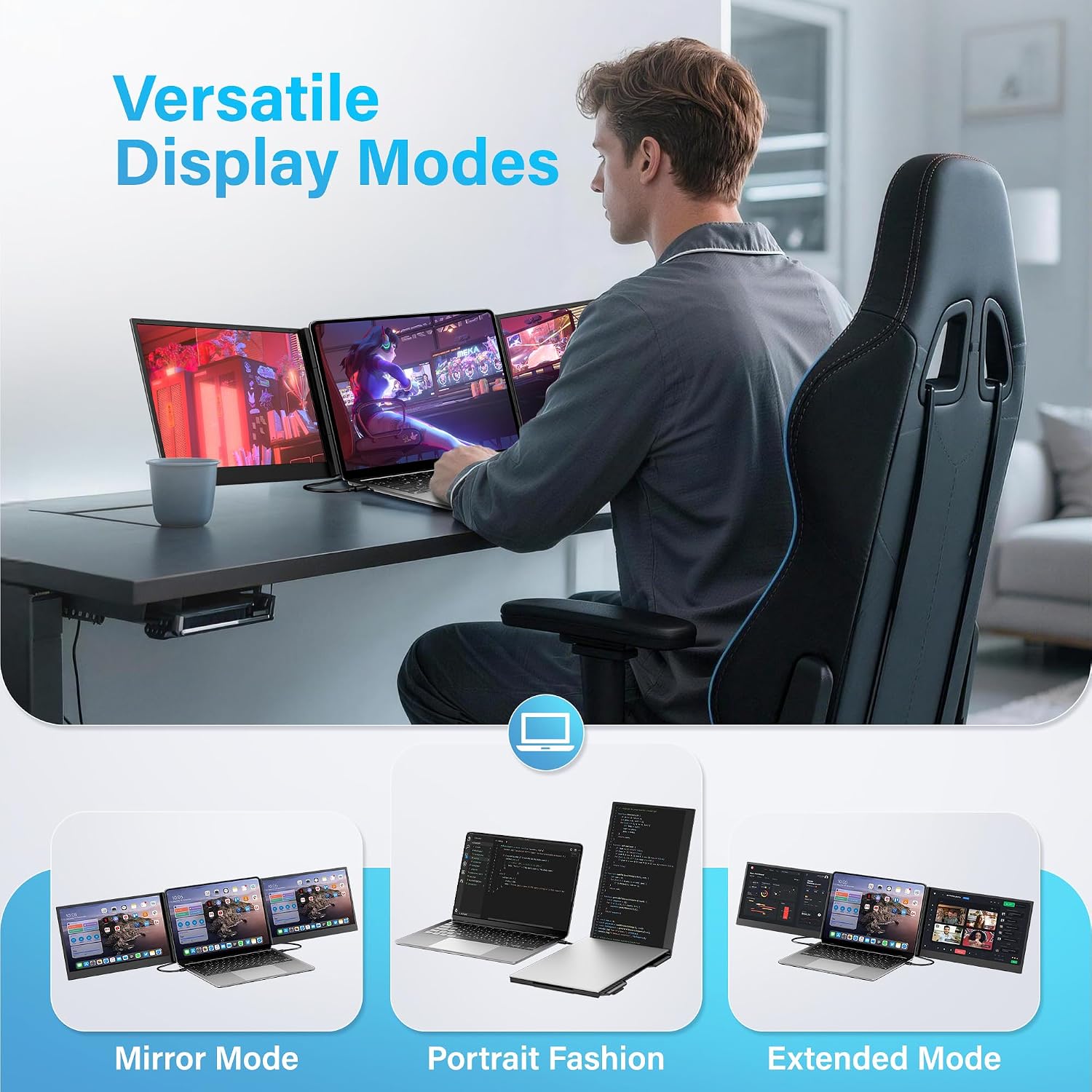
Setup is intentionally simple and plug-and-play. The kit includes two USB-C to USB-C cables, plus the necessary HDMI and USB-A power connections, all designed to work with laptops that have two full-function USB-C ports. You can mirror, extend, or rotate the display to suit a given task, and the system is compatible across Windows, Mac, Android, and Chrome OS. If you’re using certain MacBook models without a full-function USB-C port, note that an extra H5-T cable may be required for full functionality.
What stands out in everyday use
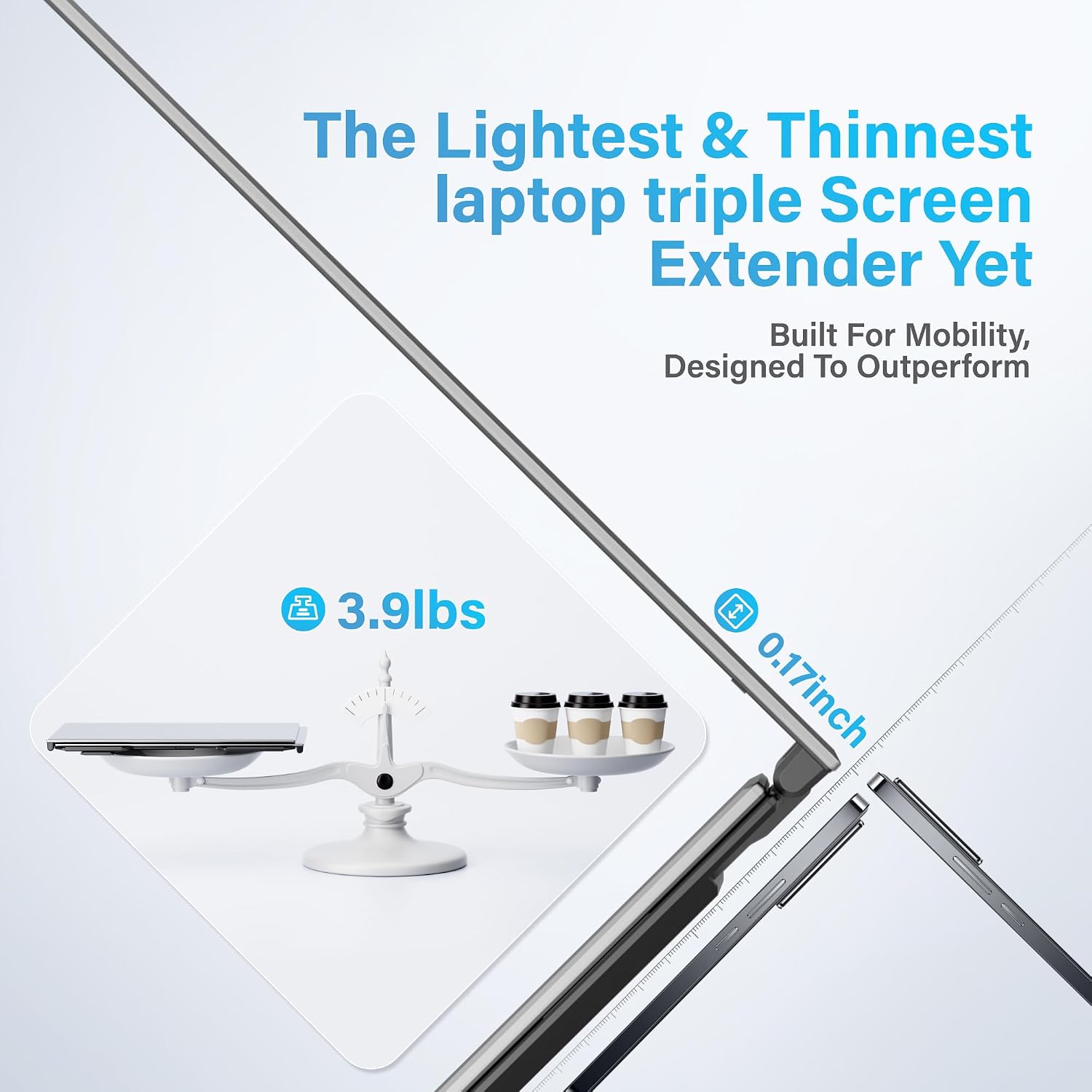
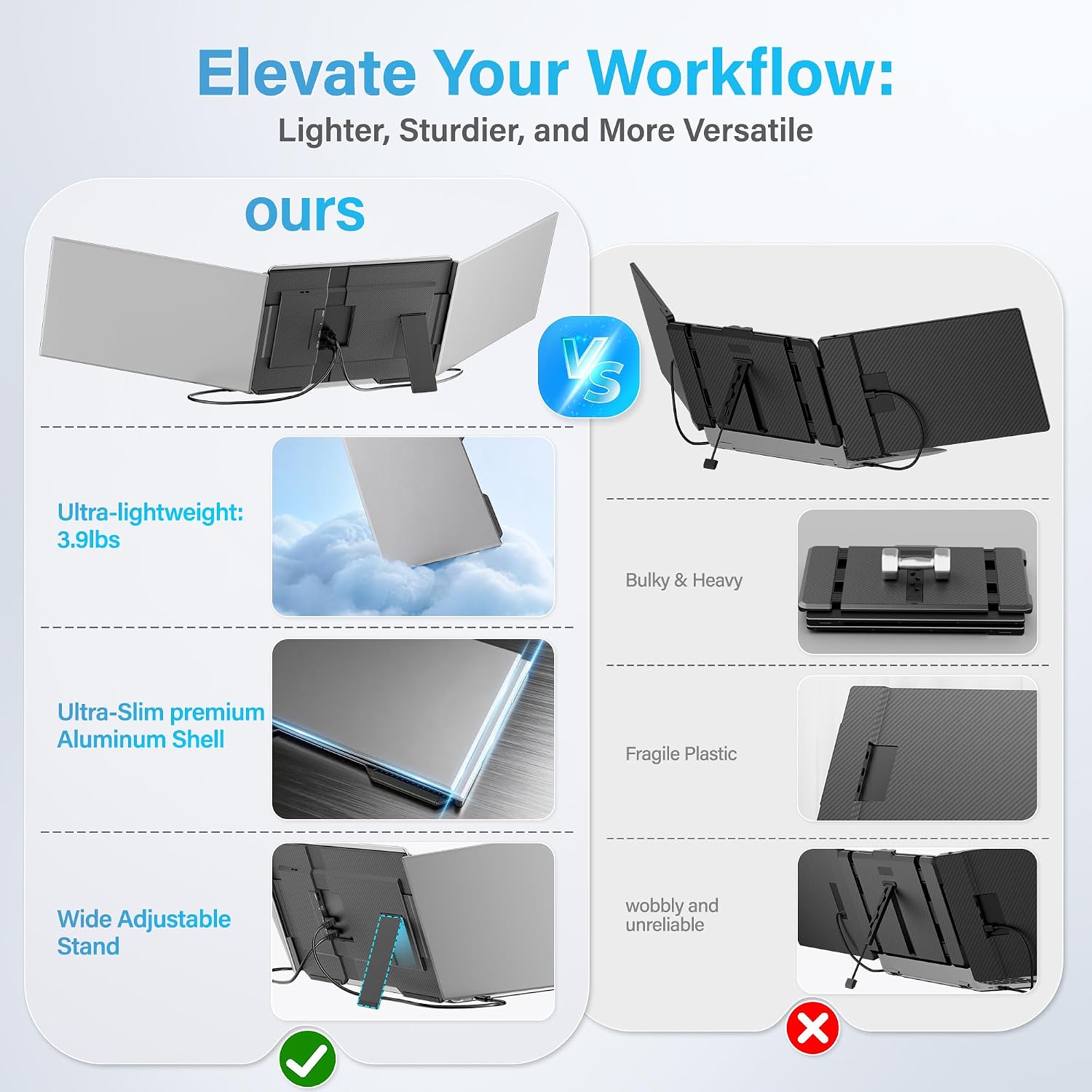
The slim, aluminum-body design keeps the footprint lightweight (about 3.9 lbs) and portable, with a matching carry case for travel. The non-slip stand pads help keep the triple-screen setup stable on desks in cafes, hotels, or home offices, reducing the risk of accidental movement during busy work sessions. Practical users may appreciate faster window management since you can dedicate one screen to communication, another to research, and the third to your main document or code editor.
Strengths you’ll notice day to day
- True plug-and-play experience with most USB-C setups, no docking station required in many cases.
- Immersive visuals from two 1080p panels and wide viewing angles for content and collaboration.
- Standalone design protects your laptop from scratches and hinge stress.
- Broad compatibility across major operating systems and display modes (Mirror, Extended, Portrait).
Limitations and things to consider
It’s not a perfect fit for every workflow. If you rely on ultra-high color fidelity or gaming performance, you may notice differences compared with a dedicated desktop triple-monitor rig. For some MacBook configurations, you’ll need extra cabling and potentially driver steps, which adds a layer of setup complexity. If you prioritize a completely integrated single-laptop solution, the standalone extender may feel bulky relative to a slim external monitor.
Who it’s for
This setup is well-suited for remote workers, students, content creators, and travelers who want a portable triple-screen workspace without sacrificing laptop protection. It’s a practical choice if you frequently work with multiple documents, messages, and reference materials opened simultaneously and you value quick setup in different environments.
Who might skip it
If you mostly need a single, larger screen or if your laptop has limited USB-C capabilities, you may find the initial investment and space of the extender less compelling. It’s also worth considering if you require native 4K or gaming-grade refresh rates, where a different desktop monitor arrangement would be more appropriate.
Before you buy: what to check
- Confirm your laptop has two full-function USB-C ports if you want the simplest plug-and-play path.
- Check whether your MacBook model requires the H5-T cable for full functionality and whether you’re comfortable with the extra cabling and driver steps.
- Consider your desk space and travel plans: the triple monitor setup adds physical footprint and weight, so ensure it fits your typical work environment and carry options.
- Think about the kind of tasks you’ll run on the two extra screens: if you often switch between many windows, the extended mode can help, but you’ll want to balance comfort and ergonomics.
Why this might be a good alternative to other approaches
If you’ve considered a desk-mounted triple setup or a larger external monitor, this extender offers a compact, portable option that preserves your laptop’s protection and negates the need for a dock in many scenarios. For those who travel or work largely from different locations, the price-to-benefit ratio can be appealing, especially when you value a quick, non-permanent multi-screen extension.
Final decision: Is it worth it?
Is it worth it? Worth considering if you need a portable, plug-and-play way to expand your screen real estate without modifying your laptop. It makes sense for multitaskers who value quick setup, travel-friendly gear, and a protective, non-invasive extension. It may not be the best fit if you require native 4K or maximal color-critical work, or if your laptop lacks full-function USB-C ports and you’re unwilling to manage extra cables.
FAQ
- Do I need drivers to use the Screnex extender? In most cases, no drivers are required—the system is designed to be plug-and-play, though some configurations may need driver steps or extra cabling as noted for select MacBook models.
- Will it fit my laptop? It’s designed for 13–17.3 inch laptops and sits behind the lid, protecting the screen. Verify your device has adequate desk space and the USB-C ports needed for the simple connection path.
- What if I need more color accuracy or a 4K option? This extender uses 1080p panels, for higher fidelity or resolution, consider a different setup focused on native 4K external displays or color-critical workflows.