

Philips 4K webcam
Product description
For a home office, remote class, or video call where your laptop’s built-in camera isn’t doing the job, the Philips 4K webcam combines video, a microphone, and a physical privacy cover in one USB camera. It is designed for straightforward setup rather than a complicated studio arrangement.
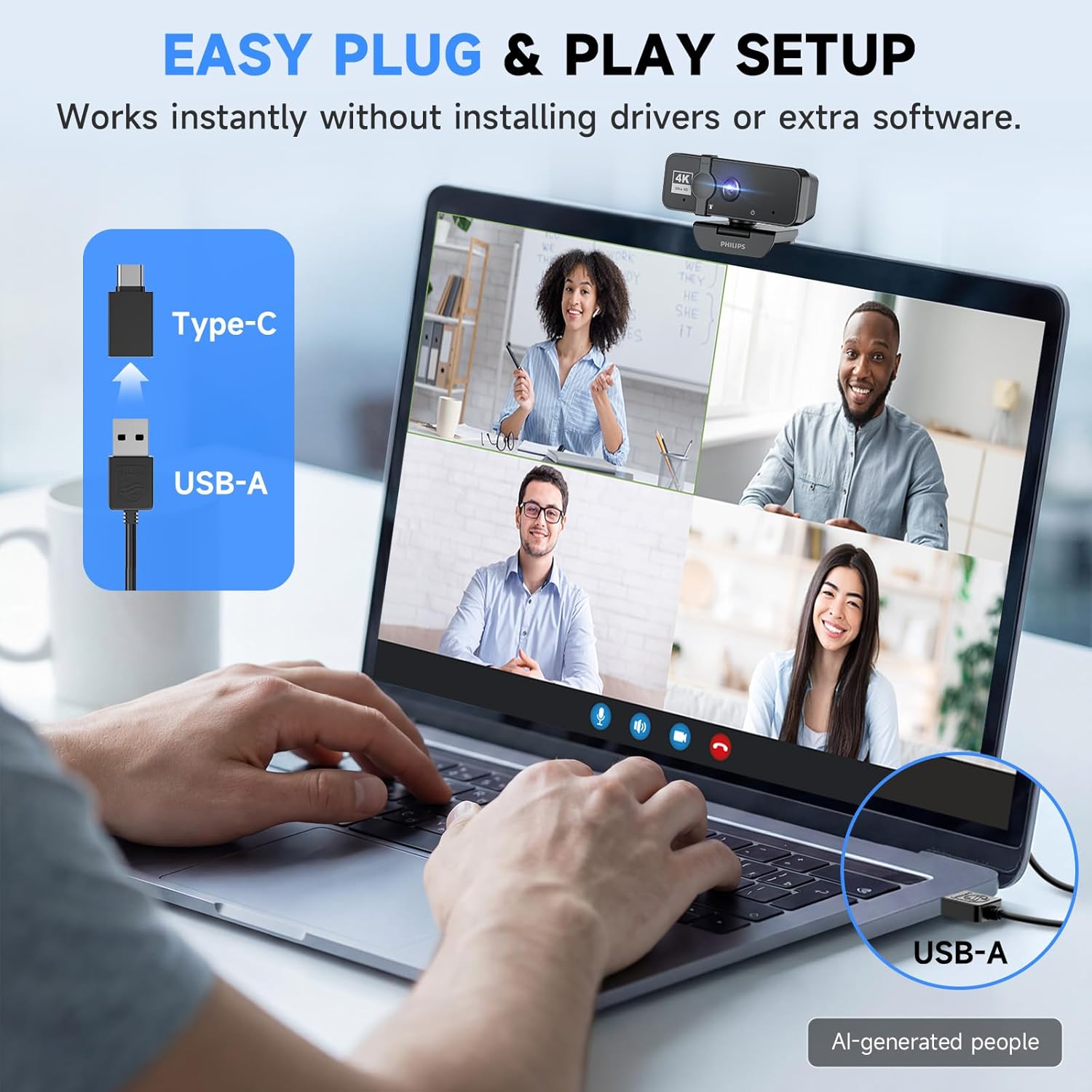
Plug it into a laptop or desktop and use it for meetings, streaming, or everyday video chats. The built-in microphone means you don’t need a separate mic just to get started, though this setup offers fewer ways to customize your audio than a dedicated microphone.
Technical details
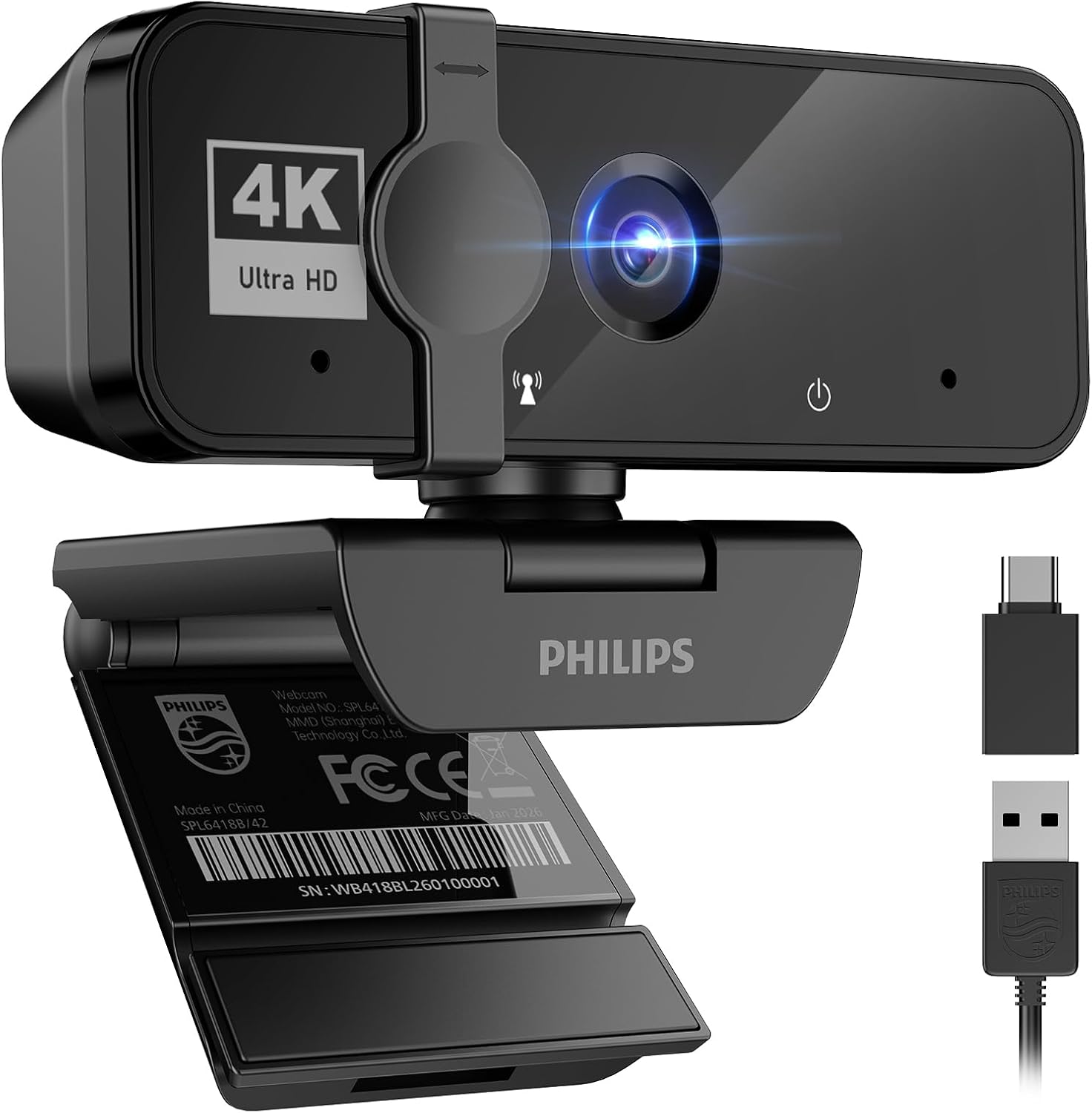
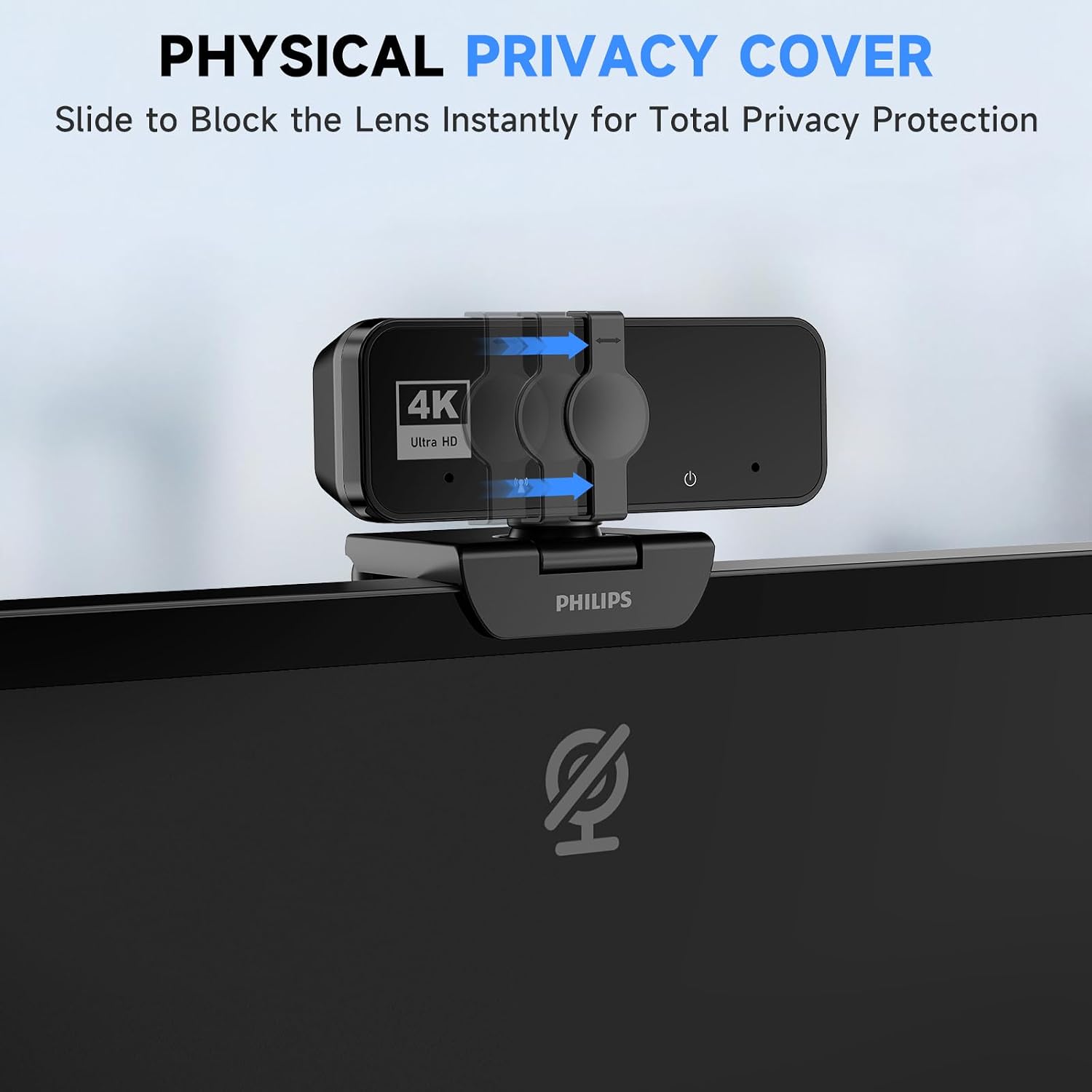
The listing identifies the camera as 4K and includes an integrated microphone for everyday communication. A sliding physical cover blocks the lens when the camera is not in use, which is useful if the webcam stays attached to a computer on a shared desk or in a home office. USB plug-and-play setup is also advertised, with no separate driver download required according to the product description.
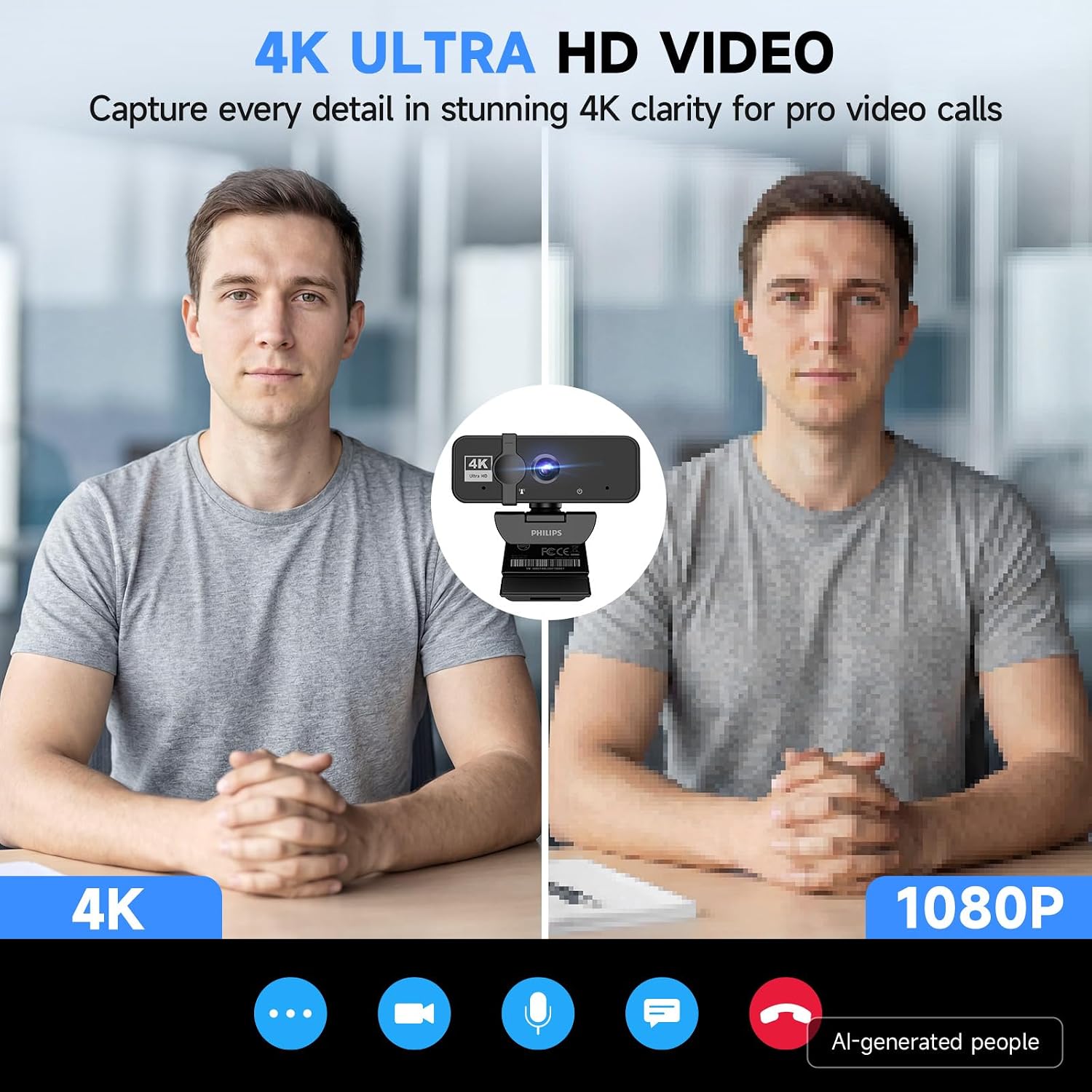
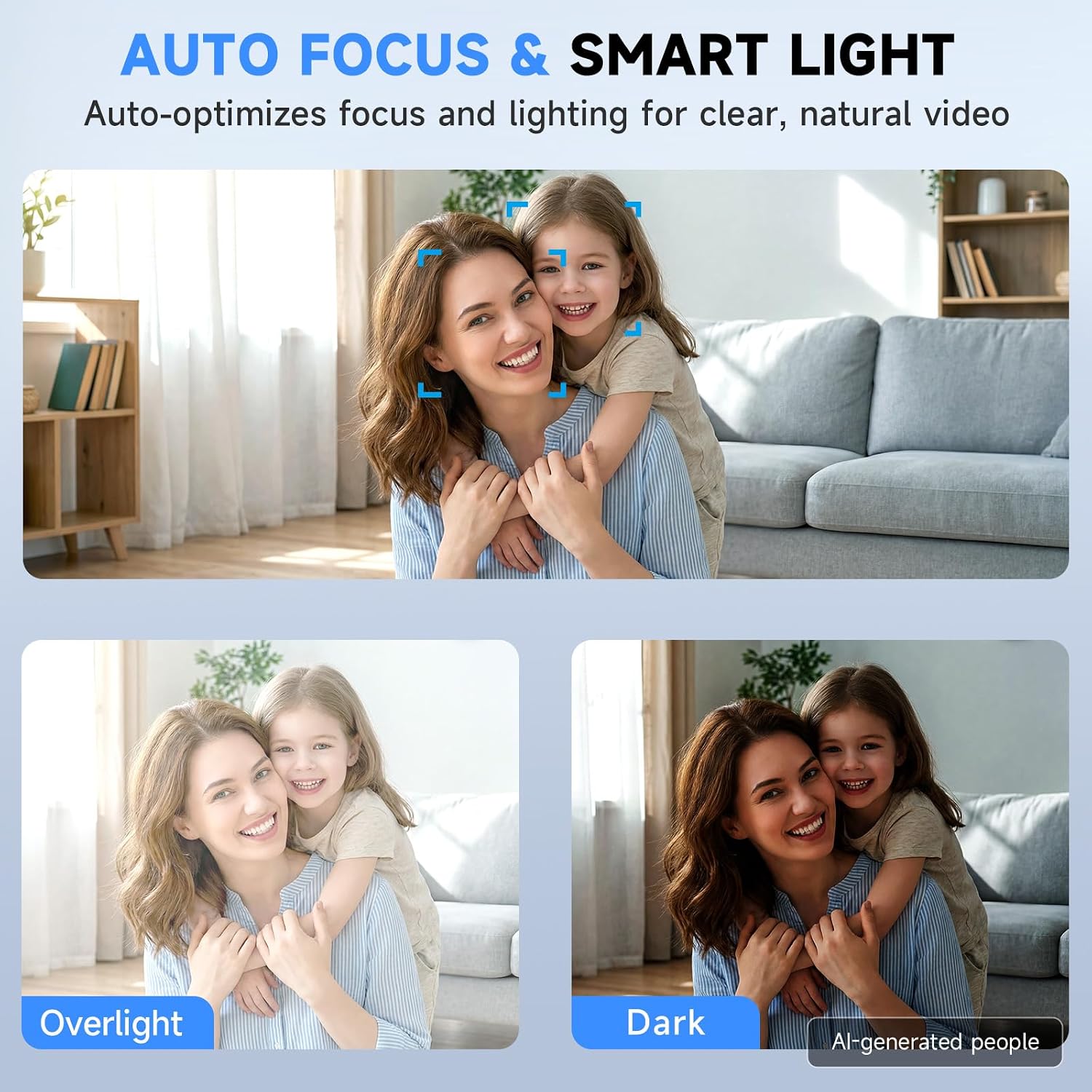
Those features cover the basics many people want in one device: a higher-resolution camera, voice capture, and a visible way to close off the lens. However, the provided details do not specify autofocus, a field of view, or how the image performs in dim rooms. The listing does not give a field-of-view measurement, so you’re choosing without that measurement. If framing or low-light performance is central to your setup, those omissions matter more than the 4K label alone.
Requirements
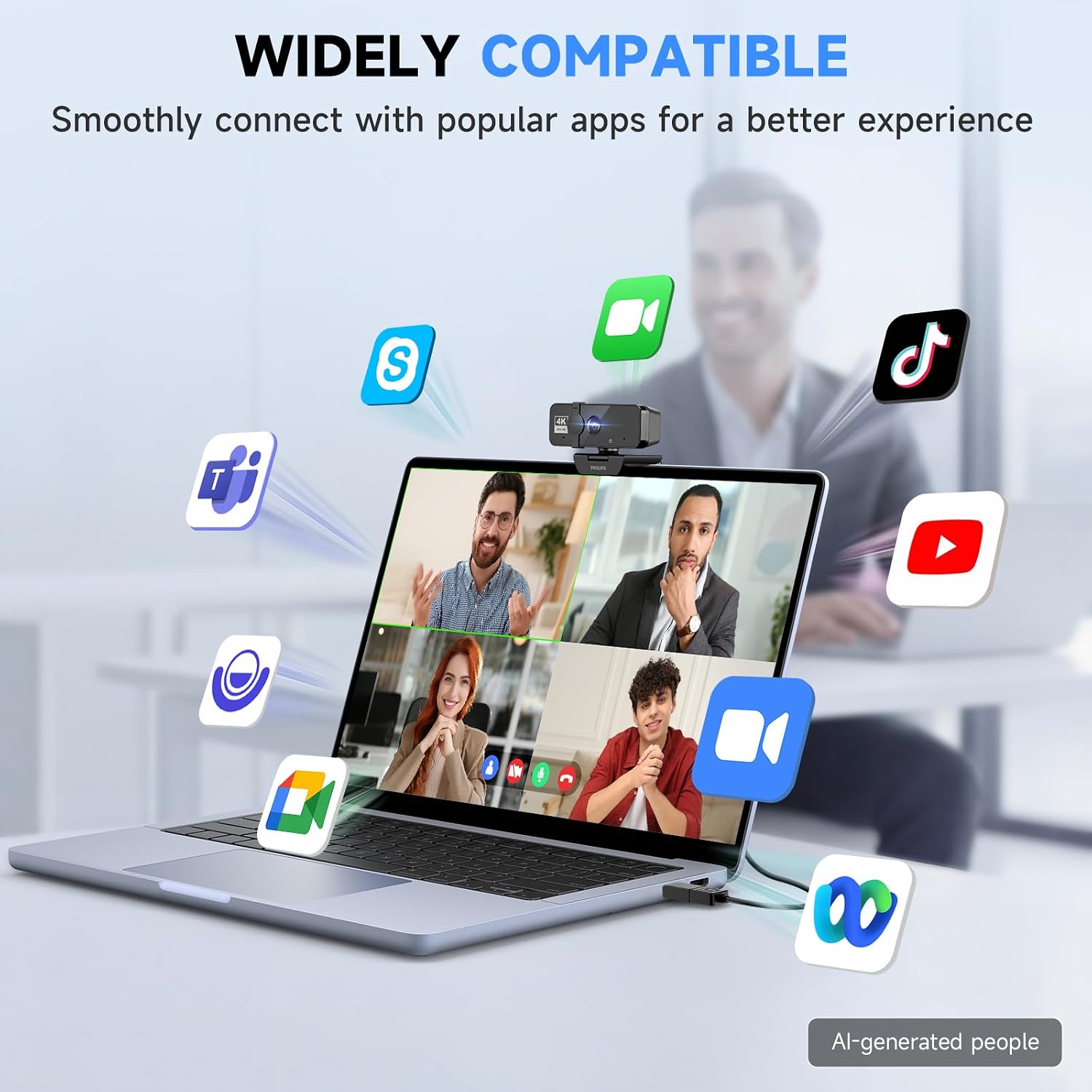
The camera is described as connecting by USB and working with Windows and macOS. The product information also names Zoom, Microsoft Teams, Skype, and Google Meet, so it is aimed at common video-call workflows as well as streaming. Check that your computer has an available USB port and that your preferred app supports an external webcam, the listing does not provide operating-system version details.
It suits you if you want one camera for calls and occasional streaming, without buying a separate microphone at the outset. Not the best choice if you need documented camera controls, detailed audio specifications, or confirmed performance in challenging lighting. Compared with buying a basic camera alone, this one adds a microphone and privacy cover, compared with a more involved webcam-and-mic setup, it keeps the connection simpler but gives you less information about fine-tuning.
Usage tips
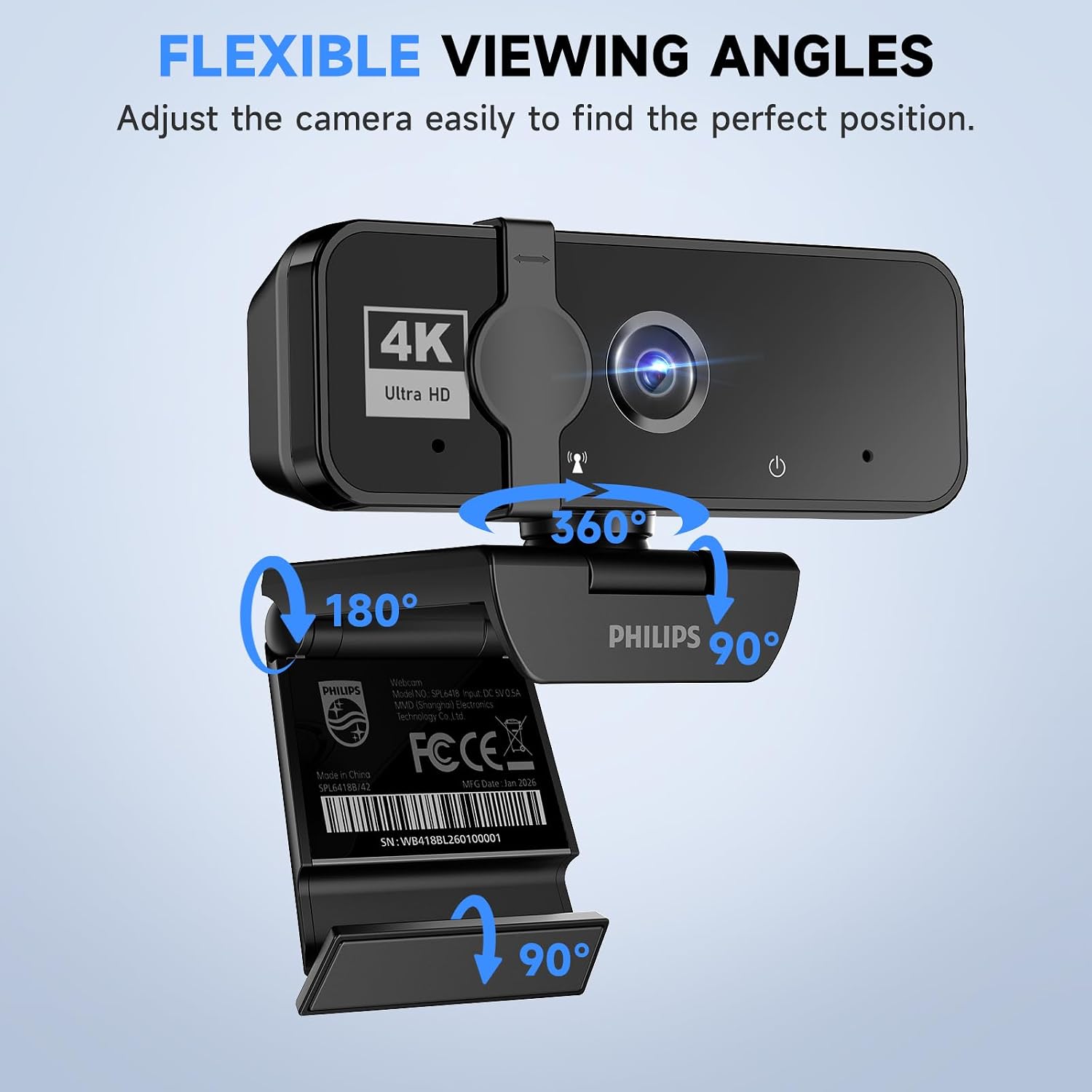
Place the camera near eye level and check the background before an important call. For example, attach it to your laptop or desktop, open a meeting app, and make a short test call to see how your face is framed and whether the built-in mic picks up your voice from your usual sitting position. Close the physical cover when you’re finished. That simple routine makes the privacy feature practical, rather than relying only on app settings.
If you present in a dim room or need a very specific crop, test the result in your actual workspace before depending on it for regular meetings. The available description does not spell out those performance details, so a 4K label should not be treated as a guarantee of a particular look in every environment.
Before you decide
Does it include a microphone? Yes. The product description says the microphone is built in for everyday communication.
Does setup require a driver download? The listing describes USB plug-and-play use and says a separate driver download is not required.
Can you block the camera when it’s idle? Yes. A built-in sliding privacy cover physically blocks the lens.
Buying verdict
Choose this Philips webcam if you want a single USB device for video calls or streaming, with a built-in mic and a physical lens cover, and your computer runs Windows or macOS. Its appeal is the all-in-one setup and simple privacy measure. Look elsewhere if your decision depends on specific autofocus, framing, or low-light details that aren’t provided here, those needs call for clearer performance information than this listing supplies.