

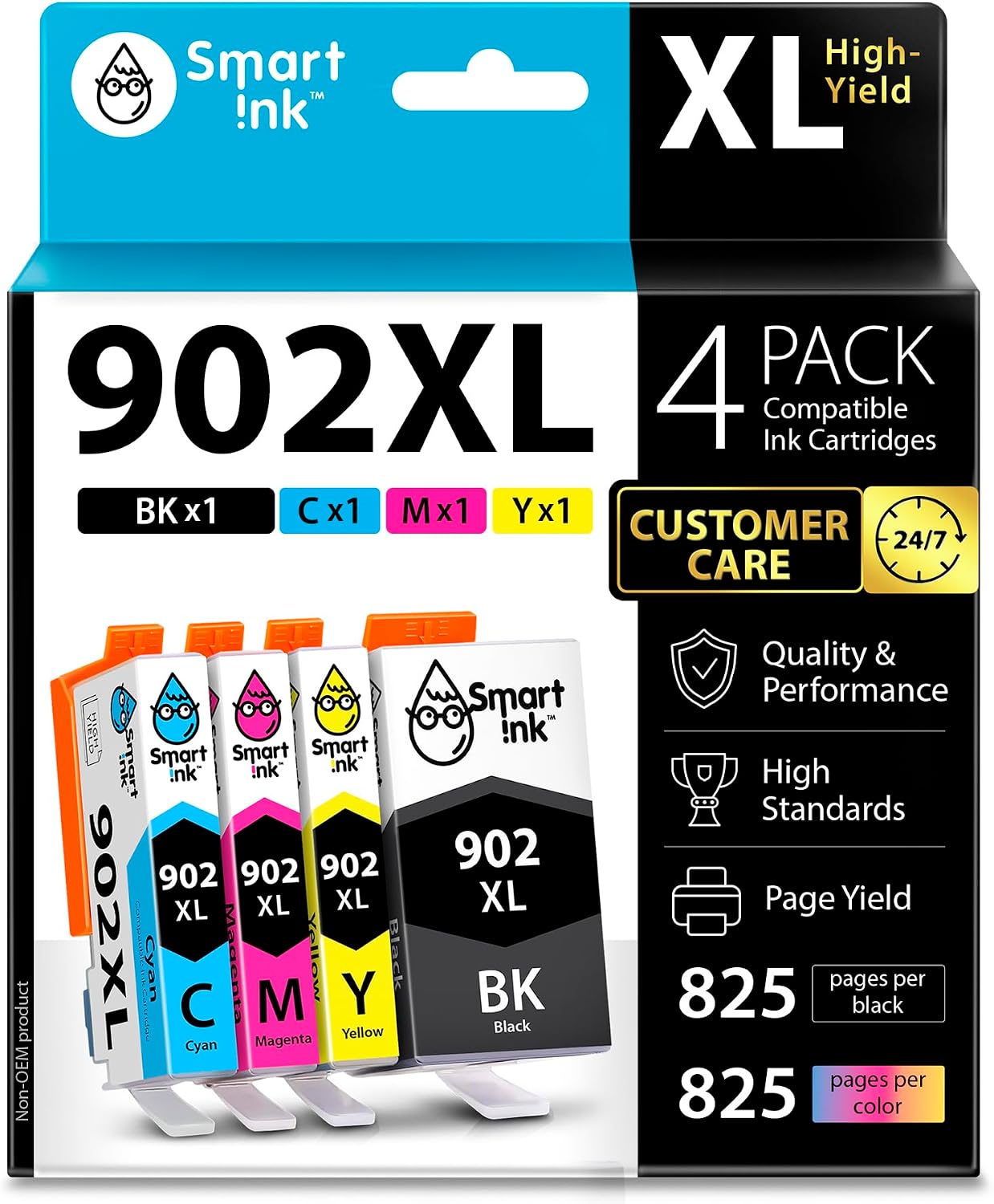
Smart Ink 902XL Compatible Ink Cartridge Replacement (4-Combo Pack) for HP OfficeJet Pro 6978/6968 and more
Product description
If you’re trying to keep an HP OfficeJet Pro printer running without constantly swapping cartridges, a 902XL-style replacement combo is one of those practical buys. This Smart Ink 4-cartridge pack is built for the HP 902XL cartridge format, aimed at OfficeJet Pro printers in the 6950/6960/6970 family line.
It’s not a “mystery” refill kit with unclear intent—on paper, it’s set up as a straightforward replacement set: Black plus Cyan, Magenta, and Yellow. If you print documents regularly (reports, invoices, school work, presentations), the XL sizing approach is usually the kind of setup that reduces how often you’ll need to reorder.
Key takeaways
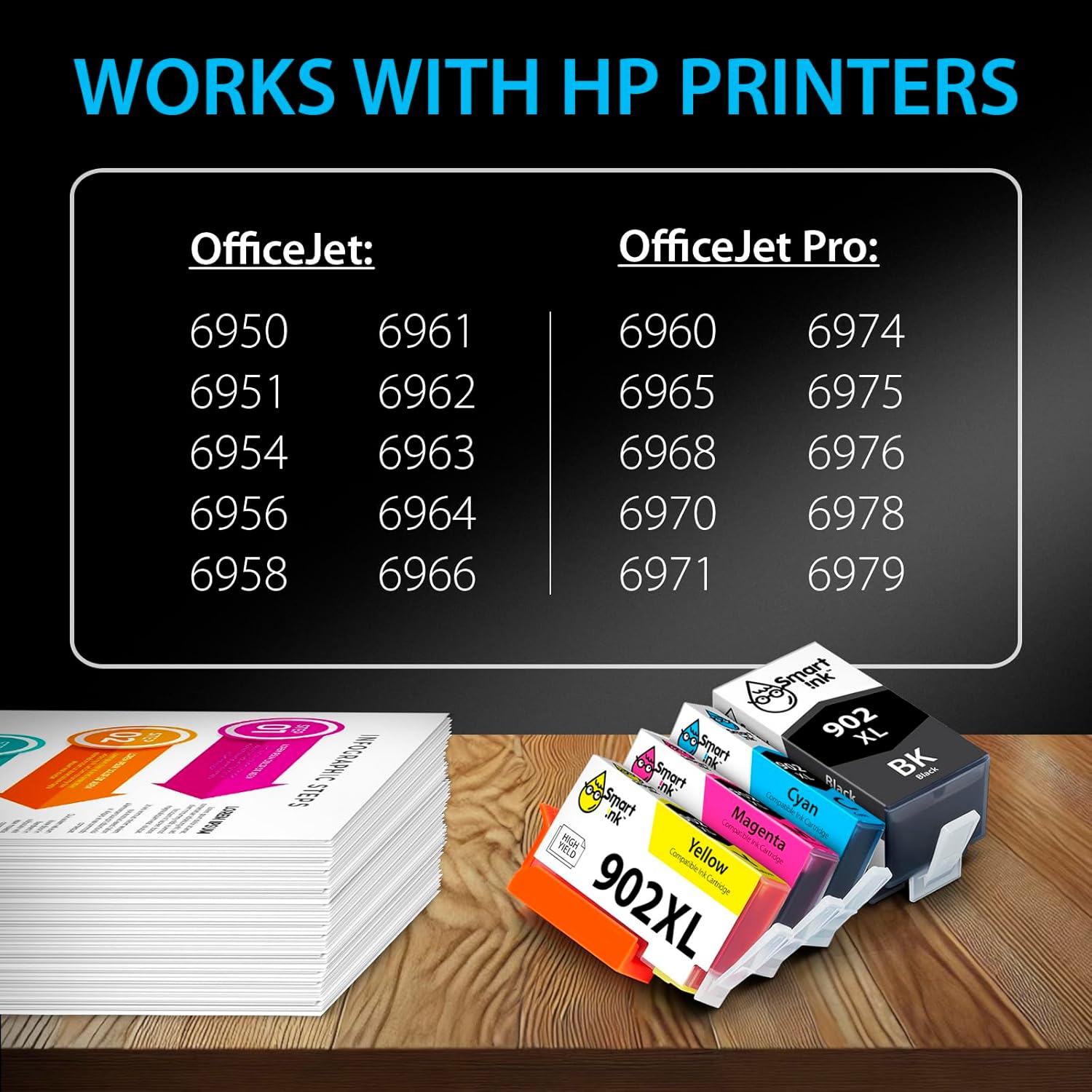
This 4-combo pack includes one XL cartridge each for Black, Cyan, Magenta, and Yellow. It’s compatible with a list of HP OfficeJet Pro printers that includes models such as 6951, 6954, 6956, 6958, and OfficeJet Pro models like 6968 and 6978.
One thing to keep in mind: “compatible with” lists can be picky. If your printer model number is slightly different from what’s listed, it’s worth double-checking before you buy, because cartridge compatibility isn’t something you can safely guess.
Where it shines for everyday printing
The big promise here is the XL approach. The package claims you can print up to 825 pages per XL Black cartridge, and up to 825 pages per XL color cartridge (Cyan, Magenta, Yellow). That’s aimed at people who want fewer cartridge swaps and more printing time between replacements.

In a real-world rhythm, this kind of combo pack tends to fit well if you print weekly—think a small home office or a student who runs a batch of color pages once in a while. You install all four colors at once, then you’re set for both everyday black-and-white jobs and color printing when you need it.
Compatibility and what to verify first
This Smart Ink pack is designed around HP 902XL (902) cartridges for specific HP printer models. The provided compatibility coverage includes:
- OfficeJet Pro 6950-series printers (the input lists models like 6954, 6956, 6958, and 6951)
- OfficeJet Pro 6960/6968-series printers (the input lists OfficeJet Pro models like 6960, 6968, 6970, 6971)
- OfficeJet Pro 6970/6978-series printers (the input lists models like 6974, 6975, 6976, 6978, 6979)
Since compatibility is tied to your exact printer model, your best move is to confirm the model number printed on the printer or shown in your printer settings matches what’s listed.
What’s included in the 4-cartridge combo
You’re getting a complete set for color printing: 1 x Black 902 XL and 1 x each of Cyan 902 XL, Magenta 902 XL, and Yellow 902 XL. That means you don’t need to purchase colors separately if your printer uses the full four-cartridge system.

If you only print occasional color, it can still be a sensible choice—just understand you’ll be starting with all colors at once rather than replacing only the one that’s running low.
Customer support note (and a practical limitation)
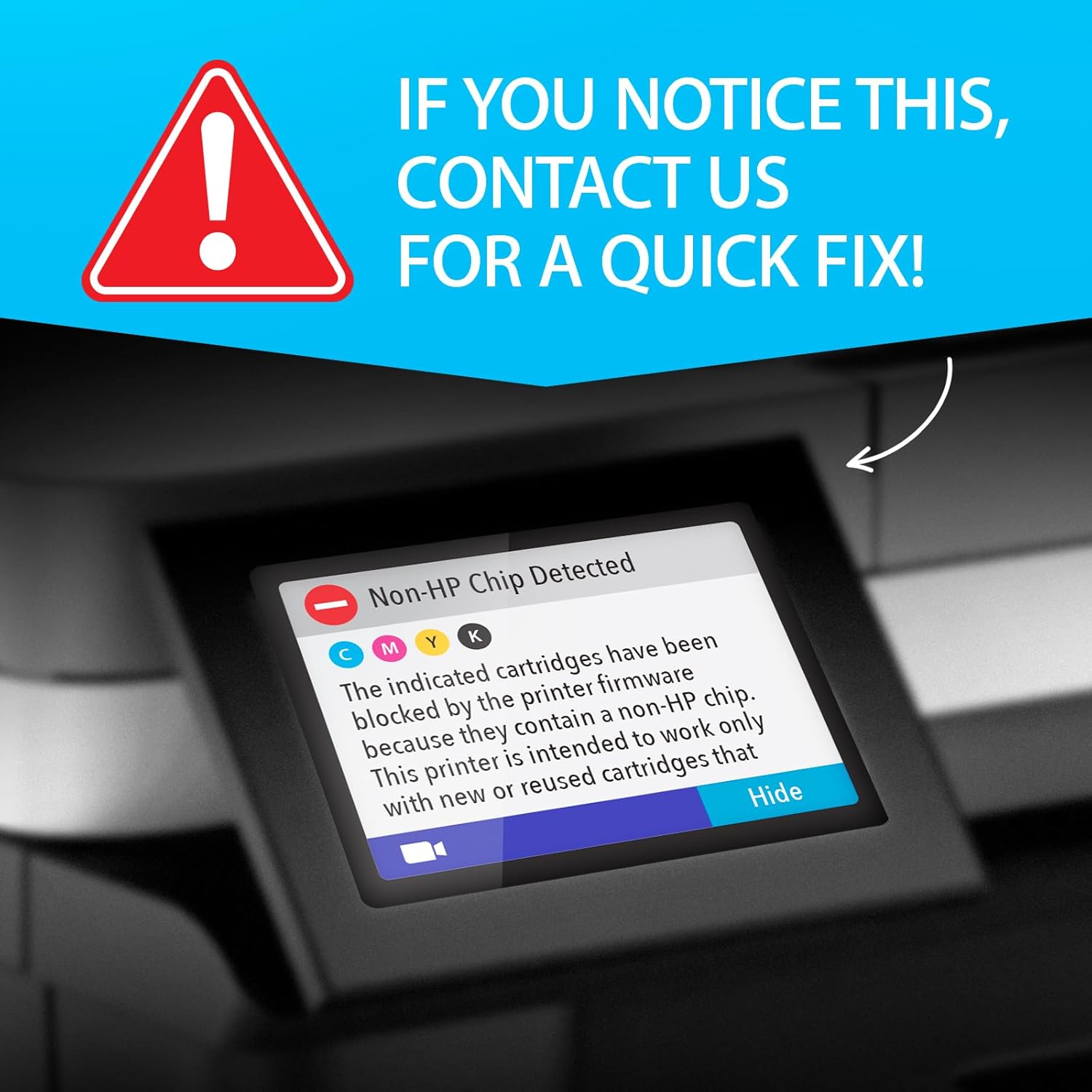
The listing mentions customer live support available 24/7, even on holidays, and encourages contacting them for support if you need help related to manufacturer support.
Still, it’s worth noting a limitation: the listing doesn’t say anything about troubleshooting steps, warranty coverage, or guarantees beyond compatibility claims. So if you’re the type of buyer who wants zero-risk certainty (or you’ve had past issues with non-original cartridges), you may want to be extra careful and verify compatibility tightly before committing.
Mini FAQ
Is this a full color + black set?

Yes. The pack includes Black plus Cyan, Magenta, and Yellow cartridges (4 total).
What page yield should I expect?
The listing states up to 825 pages per XL Black and up to 825 pages per XL color cartridge, based on the XL 902 cartridge set.
Which printers does it fit?
It’s described as compatible with specific HP OfficeJet Pro models listed in the product details (including models like 6951, 6954, 6956, 6958, 6968, 6974, and 6978). Double-check your exact model number.
What should I check before ordering?
Match your printer’s model to the listed compatibility range. Cartridge formats and model numbers are the main thing to verify.
Is it worth it?
A solid pick if you have an HP OfficeJet Pro model that matches the listed compatibility and you want a 4-cartridge 902XL replacement set to reduce how often you replace cartridges, especially for regular black and occasional color printing.
It might not be the best choice if your printer model isn’t clearly included in the compatibility list, or if you need absolute certainty and would rather stick to the most conservative “no surprises” approach for cartridge compatibility.
Worth considering if you print enough that XL-style yields matter to you, and you prefer replacing a complete set (Black + CMY) instead of juggling partial cartridges when your printer signals low ink.