

HP 210A Toner Cartridges 4 Pack (W2100A/W2101A/W2102A/W2103A) – Compatible for Color LaserJet Pro 4301/4201 Series
Product description
What this product is
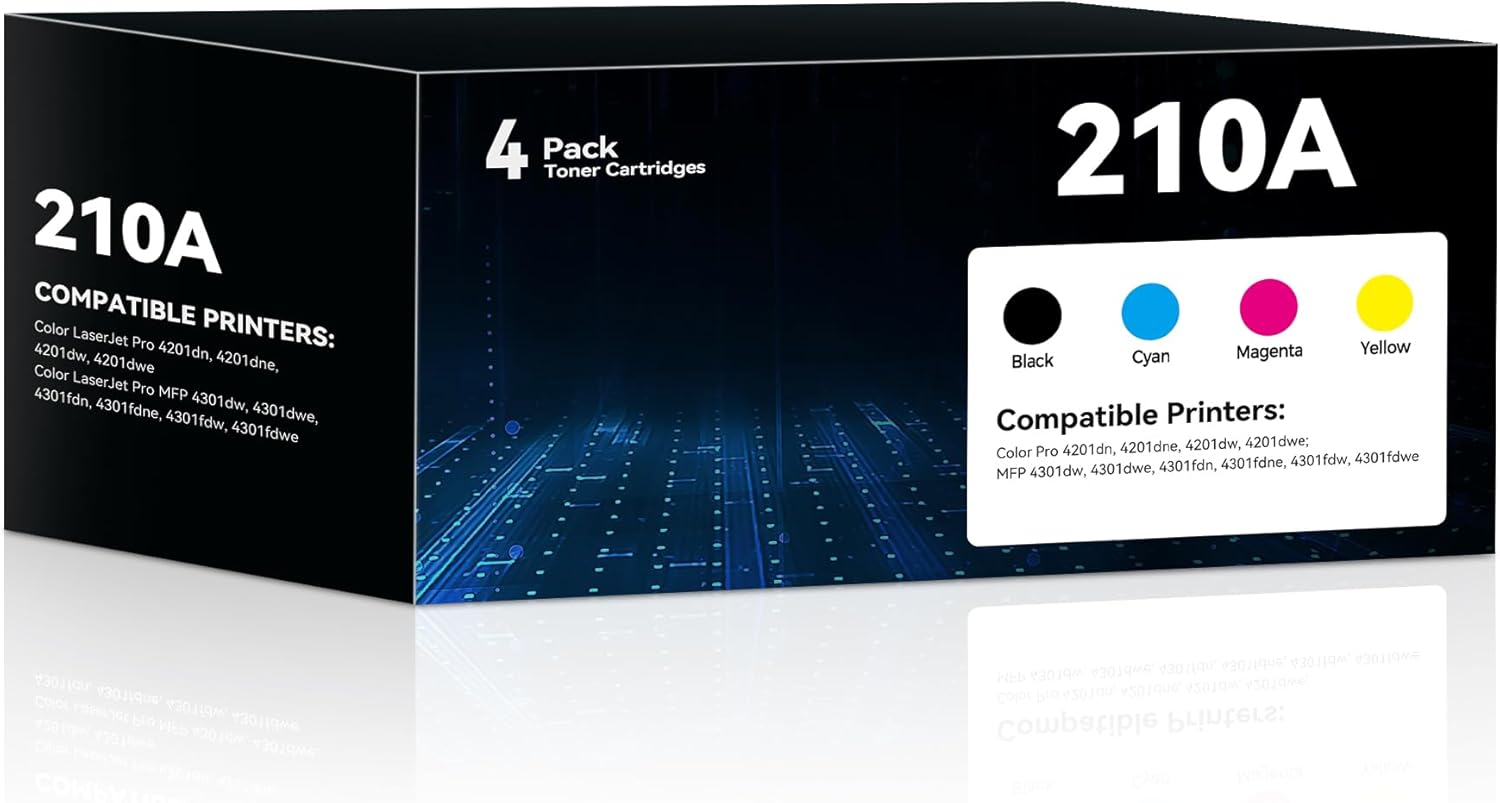
This is a 4-pack of high-yield toner cartridges designed to be fully compatible with HP Color LaserJet Pro MFP models in the 4301 and 4201 families. Included are one black (W2100A), one cyan (W2101A), one yellow (W2102A), and one magenta (W2103A) cartridge. The set is positioned as a replacement option for HP 210A toners, aimed at delivering reliable color printing and sharp text without needing to swap cartridges frequently.
How it performs on paper
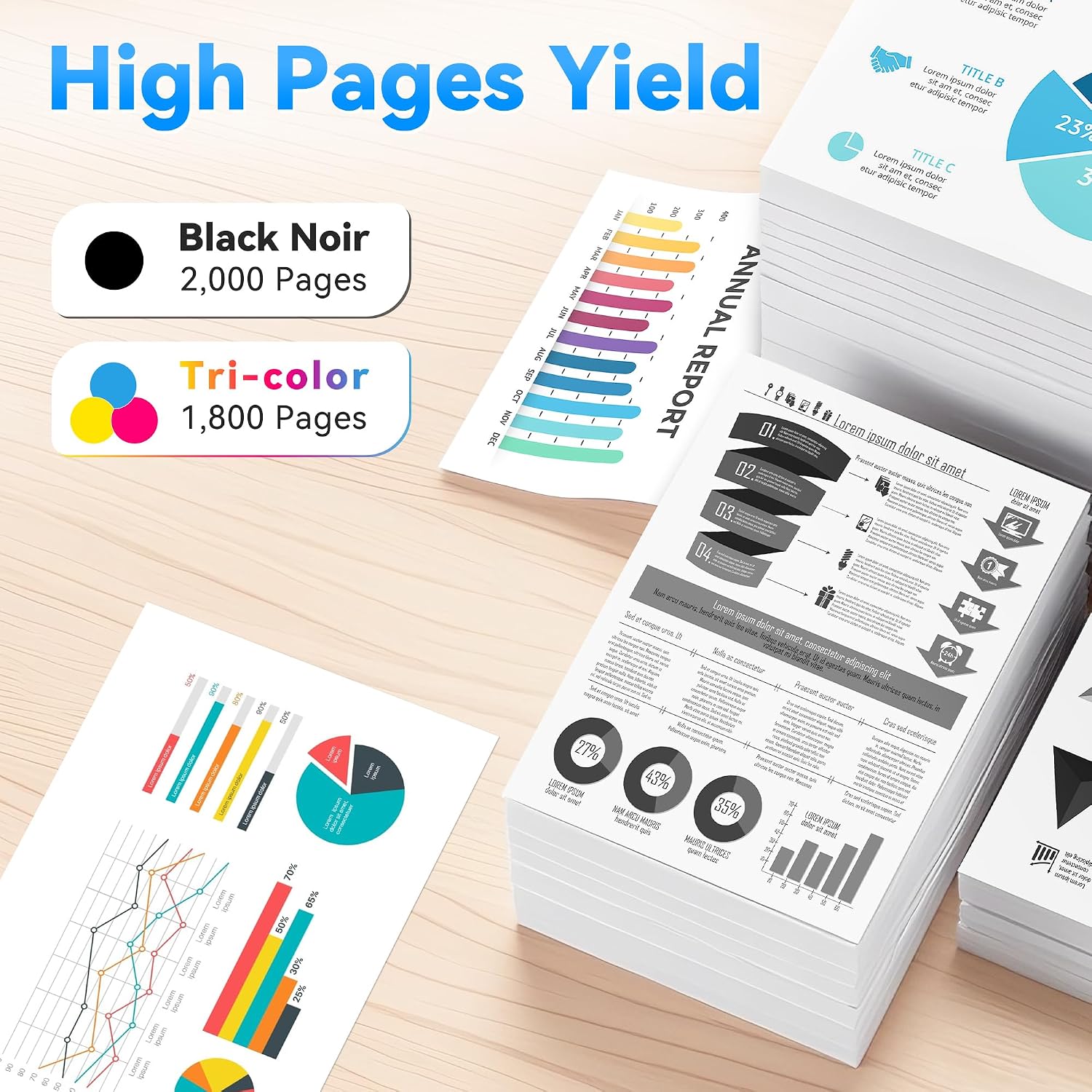
On paper, each black cartridge is advertised to yield 2,000+ pages, and each color cartridge 1,800+ pages at 5% coverage on A4. Taken together, this suggests practical benefits for offices or home setups with moderate color needs, where you print a mix of documents and graphics. The claim emphasizes high-yield performance, which can translate to fewer cartridge changes and more predictable running costs in the right printing scenarios.
Fit and compatibility
These cartridges are engineered for a precise fit with the HP Color LaserJet Pro 4301dw/4301fdw/4301fdn/4301fdwe and the 4201 family (including 4201dn, 4201dne, 4201dw, 4201dwe). If your printer aligns with the listed models, you can expect plug-and-play installation. However, it’s prudent to confirm that your device uses the HP 210A cartridge family before purchasing, to avoid compatibility hiccups.
What stands out in use
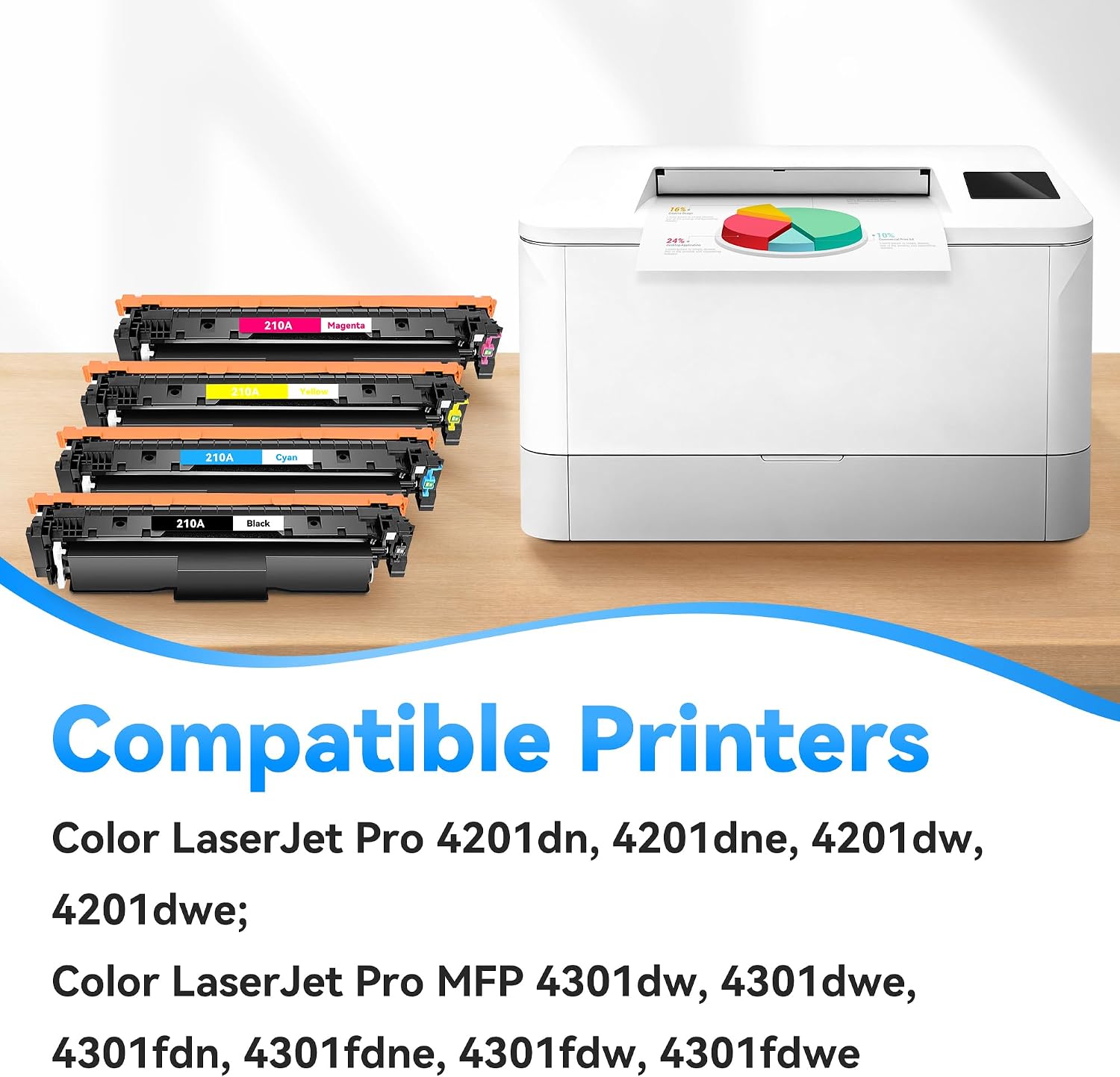
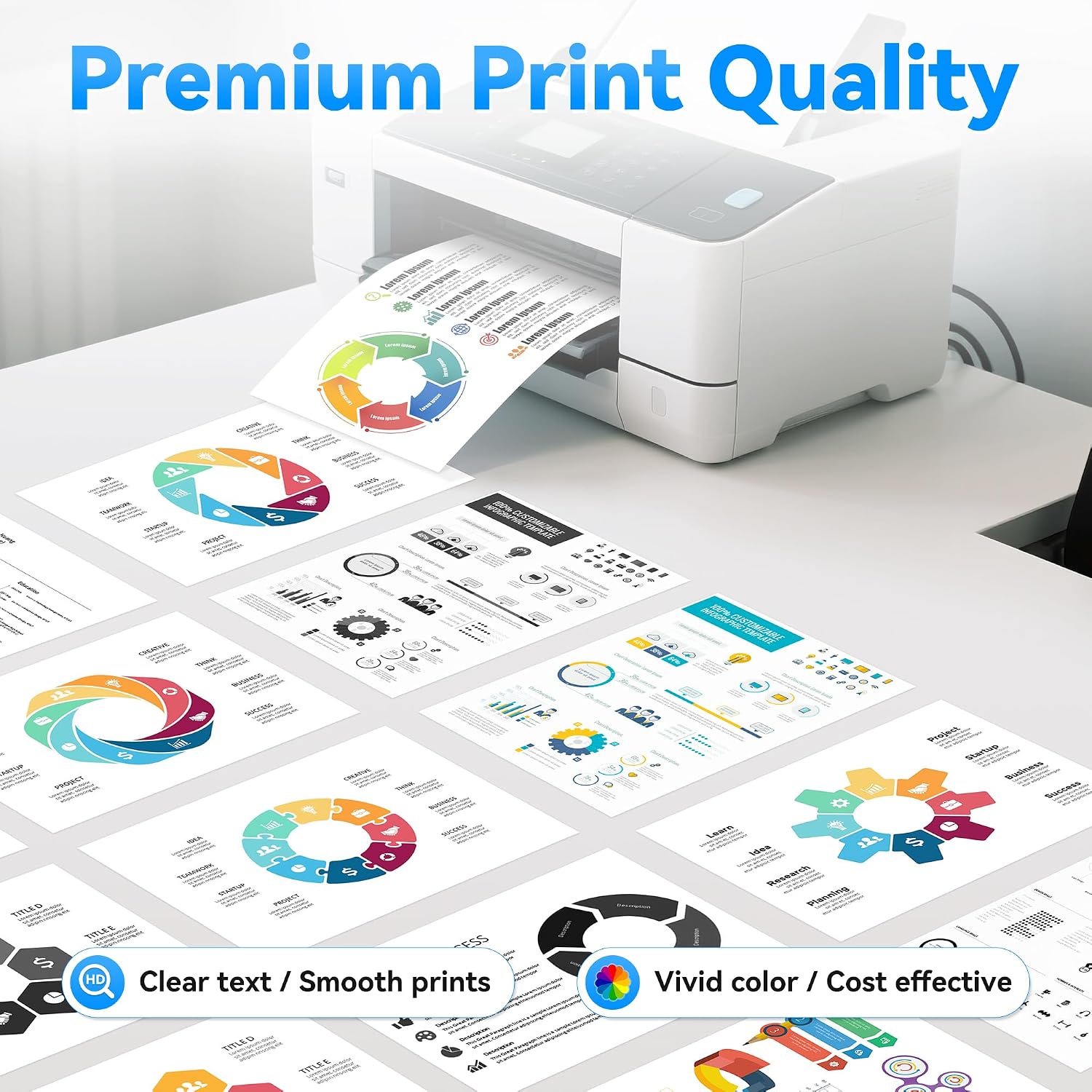
The main value proposition is straightforward: higher-yield pages from a four-color set means fewer mid-work interruptions for cartridge changes and a cleaner color balance across documents. The color trio—cyan, yellow, magenta—along with black, aims to deliver consistent color reproduction for charts, presentations, and images alongside solid text clarity.
Pros and what may give you pause
Pros: high-yield expectations for both black and color, complete color set in a single package, designed for a precise HP 210A fit, plug-and-play installation. These points make it a sensible option if you print multi-page documents with color accents and want to minimize downtime due to cartridge changes. Cons/limits: the page yield figures are based on a 5% coverage assumption, which is a typical industry standard but may differ in real-world use—especially for dense graphics or heavy color work. If your print volume is very high or you regularly print images with heavy color saturation, total cost per page could be higher than some premium alternatives. Also, you’ll want to verify that your exact printer model supports 210A cartridges beyond the general compatibility list.
Who it’s for
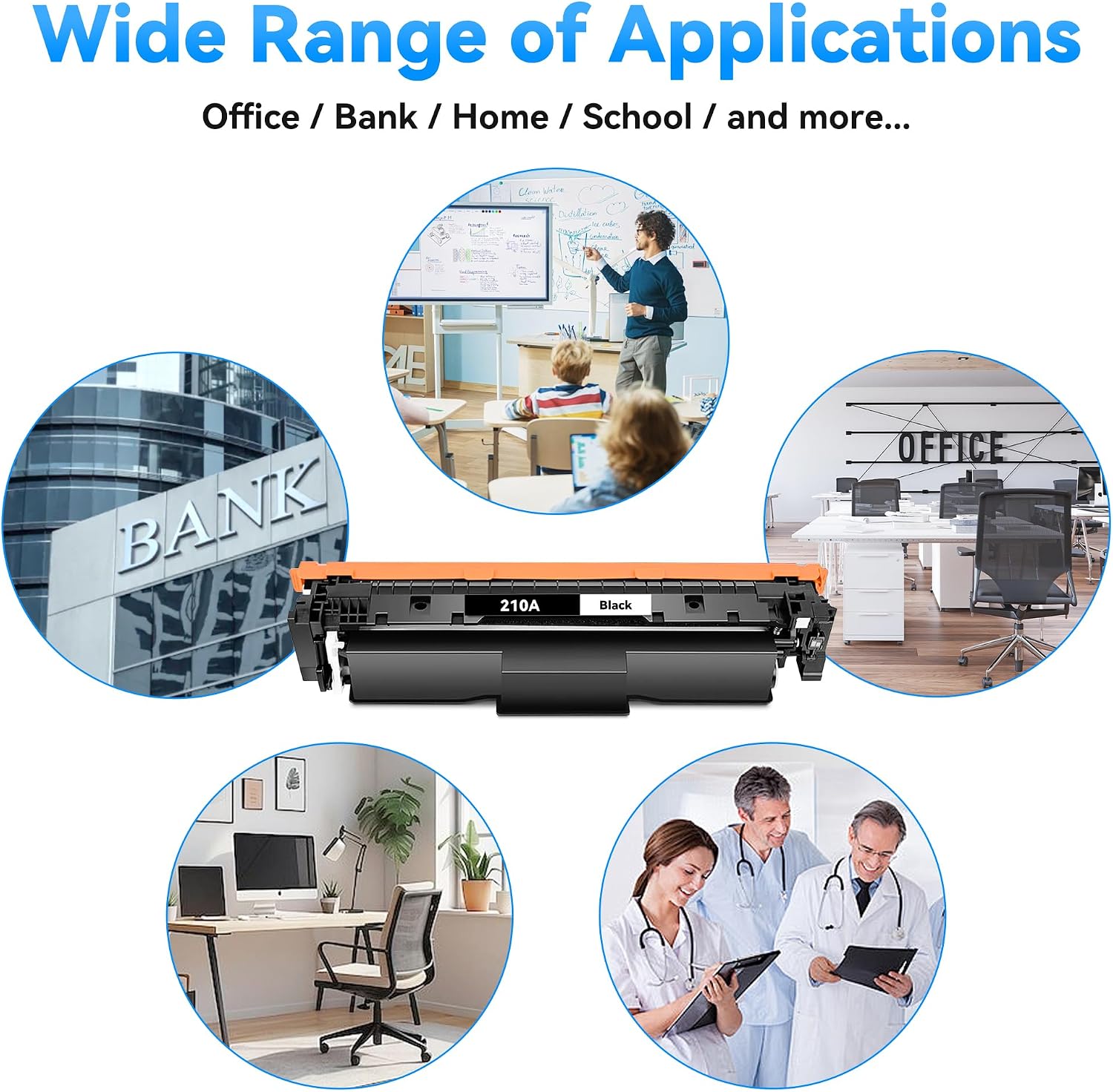
This pack is a good fit for small to mid-size offices or home offices that rely on HP Color LaserJet Pro printers in the 4301/4201 series and want a ready-made color set that minimizes downtime and maintains consistent color quality across multiple pages.
Who it isn’t ideal for
If your workflow involves extreme color-heavy graphics or photo printing with ultra-precise color management, you might want to compare against other options with noted color calibration advantages. If your printer model isn’t in the listed compatibility range, this pack isn’t suitable.
When it makes sense to buy
Consider this four-pack when you’re running a printed color workflow that involves regular pages with a mix of text and color elements. If you want to reduce the frequency of cartridge changes and keep color balance consistent across documents, this set can be convenient.
Before you buy
- Double-check your printer’s compatibility with the 210A family and the exact 4301/4201 model you own.
- Consider your typical color usage: if your color-heavy jobs are rare, a smaller pack could suffice, though the 4-pack helps reduce reorder frequency.
- Be mindful of the 5% coverage basis for page yield, real-world results depend on content type and print settings.
Practical usage example
Imagine compiling a quarterly report with charts and brand graphics. You print a 20-page document in color plus a few black-and-white annexes. With the 210A 4-pack, you’d likely complete the color sections and text-heavy pages in one cartridge cycle, reducing interruptions caused by mid-run toner changes and keeping visuals consistent across the report.
Technical snapshot (brief)
- Type: 210A toner cartridges (black + color)
- Quantity: 4-pack (1x Black W2100A, 1x Cyan W2101A, 1x Yellow W2102A, 1x Magenta W2103A)
- Approx. yield: Black ~2,000+ pages, Color ~1,800+ pages per cartridge at 5% coverage (A4)
- Compatibility: HP Color LaserJet Pro MFP 4301 and Color LaserJet Pro 4201 series printers
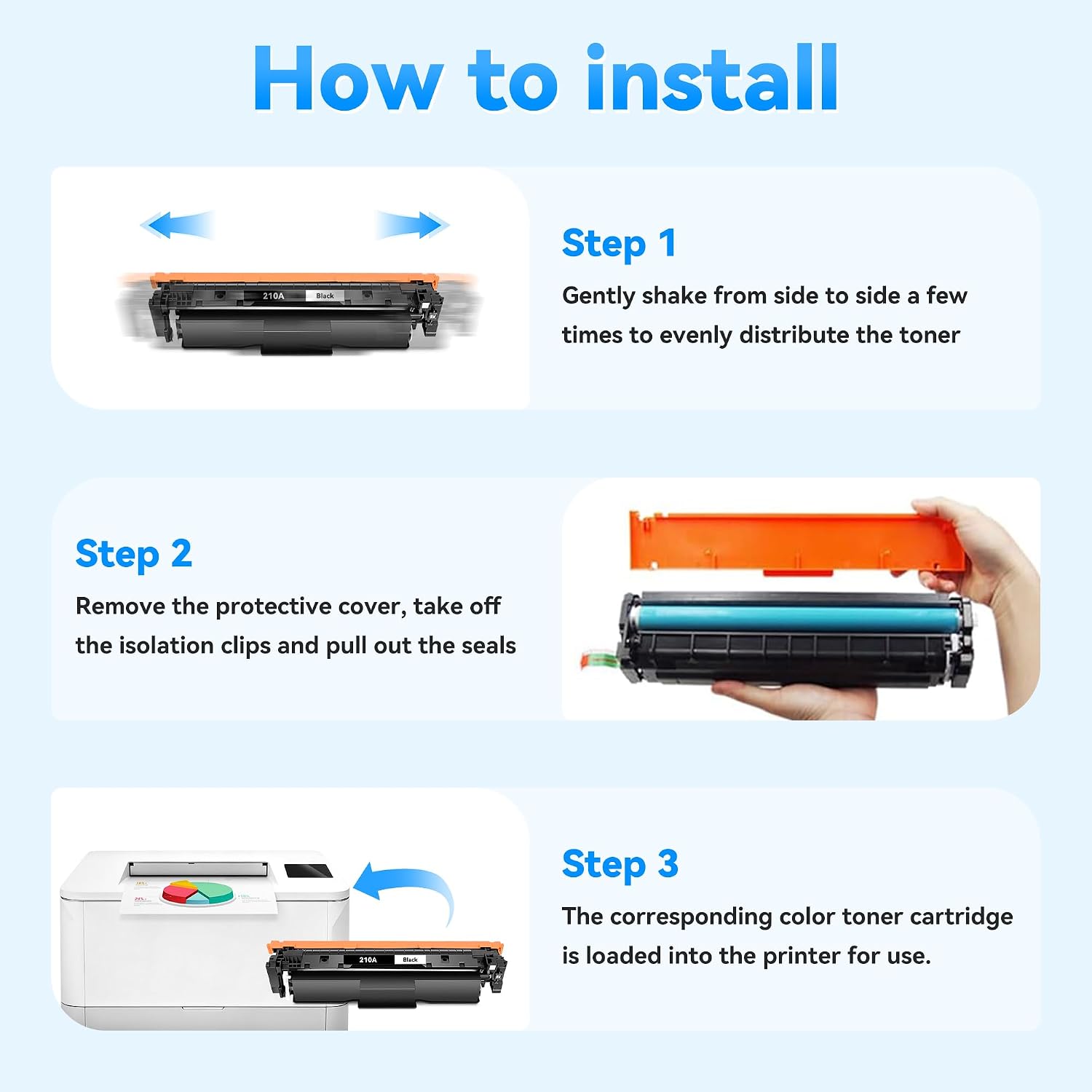
- Installation: Plug-and-play, designed for precise fit and reliable performance
Is it worth it?
Worth considering if you prioritize fewer cartridge changes and steady color output for a mid-volume office setup, and your printer is one of the listed HP 4301/4201 models. If your usage leans toward heavy color workloads or you rely on exact color matching for branding, factor in real-world yields and consider whether a premium option with calibrated color management might suit you better. Not the best pick if your print volume is exceptionally high or if your device isn’t on the compatibility list.
FAQ
- Q: Do these cartridges guarantee the same color accuracy as original HP inks? A: They are designed to be compatible with HP 210A, focusing on reliable color output, but exact color fidelity may differ slightly from original OEM cartridges.
- Q: How soon will I notice a difference after installation? A: Installation is described as hassle-free, you should see stable print quality from the first page. Real-world variation depends on print settings and content.
- Q: Can I mix brands in the same printer with these cartridges? A: It’s generally recommended to use a complete set of matching cartridges for consistent results and to avoid potential conflicts.
Final note
If you value a straightforward, budget-conscious option that keeps color printing going with minimal fuss, this 210A 4-pack offers a practical balance of yield and compatibility for the HP Color LaserJet Pro 4301/4201 line. It’s not perfect for every heavy-use scenario, but for many everyday business and home office needs, it hits a reasonable middle ground.
Decision and takeaway
Is it worth it?
It makes sense if you’re in the target printer family and want a ready-to-install color set with solid yield, aiming to reduce cartridge changes during typical color print workloads. If your use case borders on high-volume color graphics or you require exact OEM color calibration, you may want to compare alternatives or consider higher-yield options.