

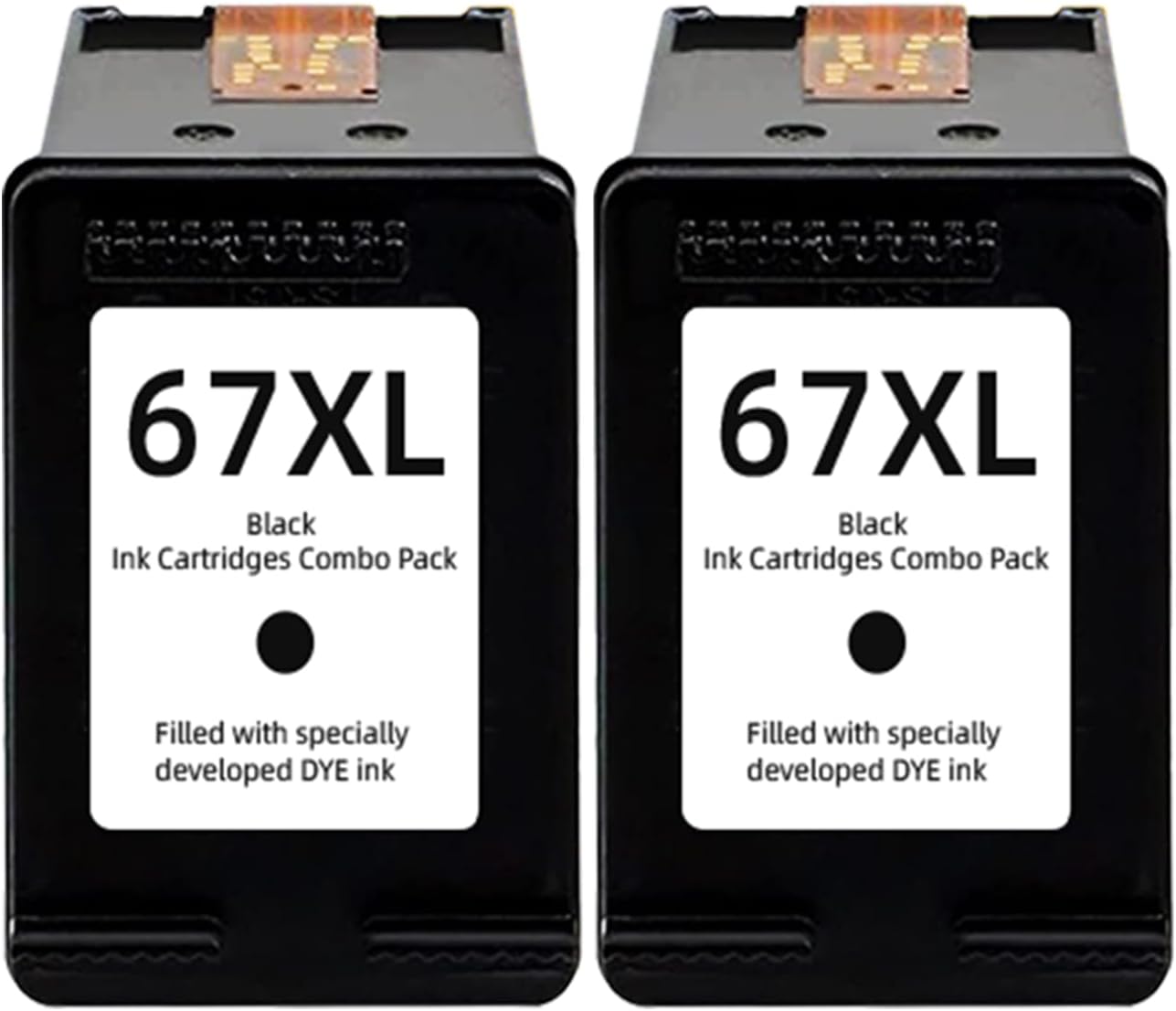
67XL Black Ink Cartridges (2-Pack) Replacement for HP 67XL Printers
Product description
The essentials
If you’re running an HP printer that takes 67XL (HP 67 ink XL), this 67XL Black Ink Cartridges 2-pack is built for a pretty specific job: keeping black ink flowing without having to settle for smaller cartridges. On paper, the appeal is straightforward—buy a two-pack, install, and get back to printing text and everyday graphics.
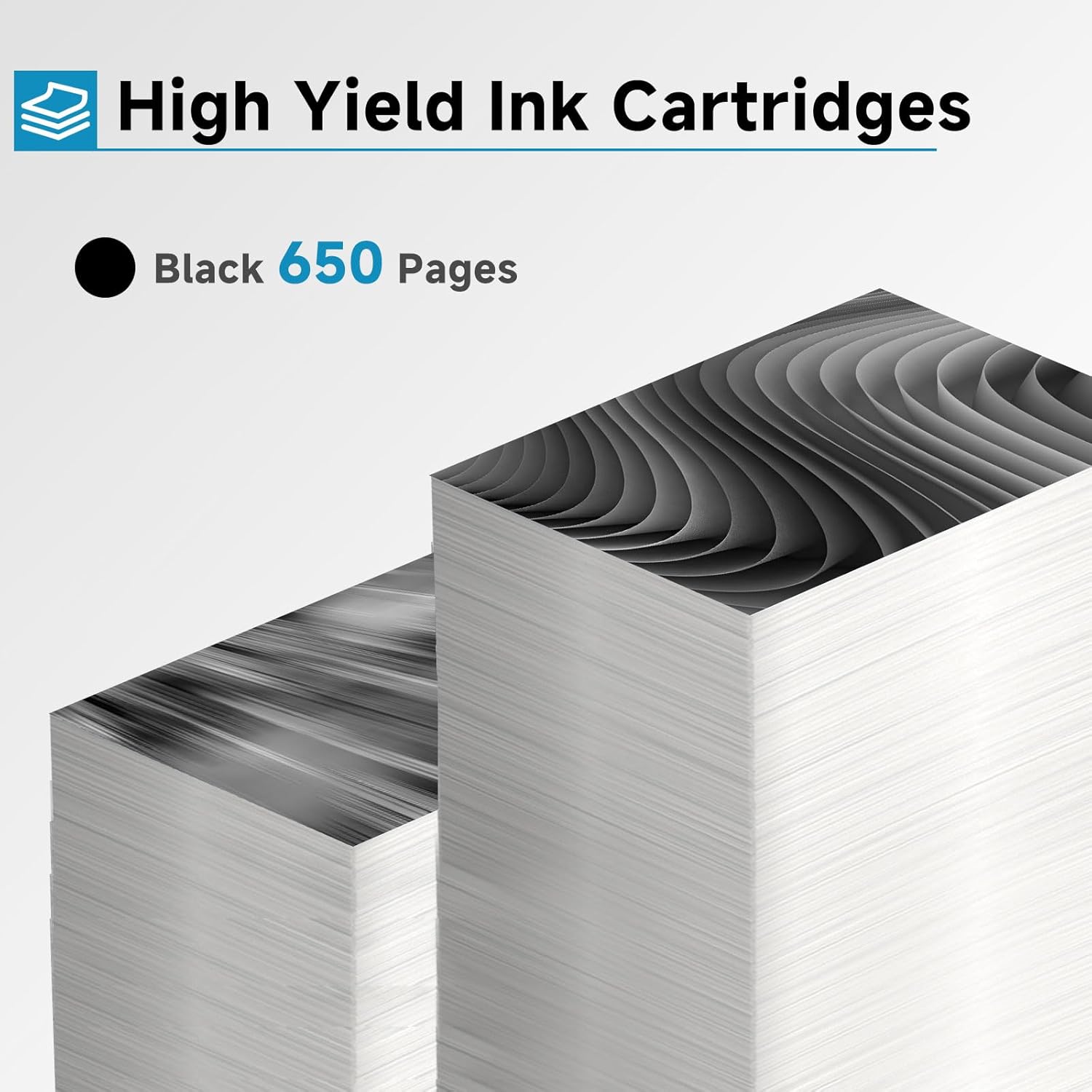
Where it gets interesting is coverage. The listing states up to 650 pages per black 67XL cartridge at 5% coverage. That doesn’t mean every print will hit that number, but it does give you a baseline for how this cartridge is positioned—more like a productivity purchase than a “just in case” buy.
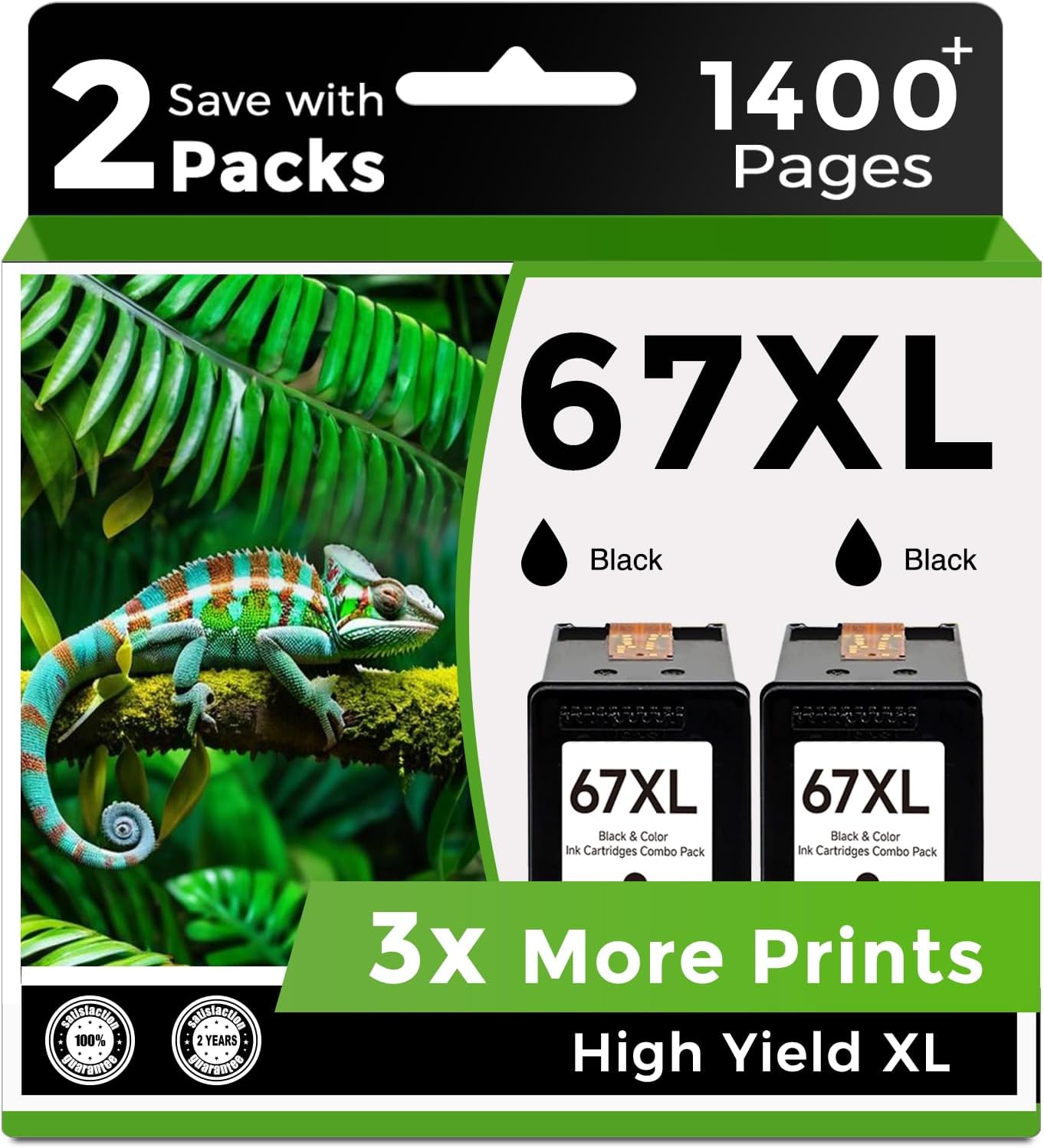
Key features that affect buying decisions
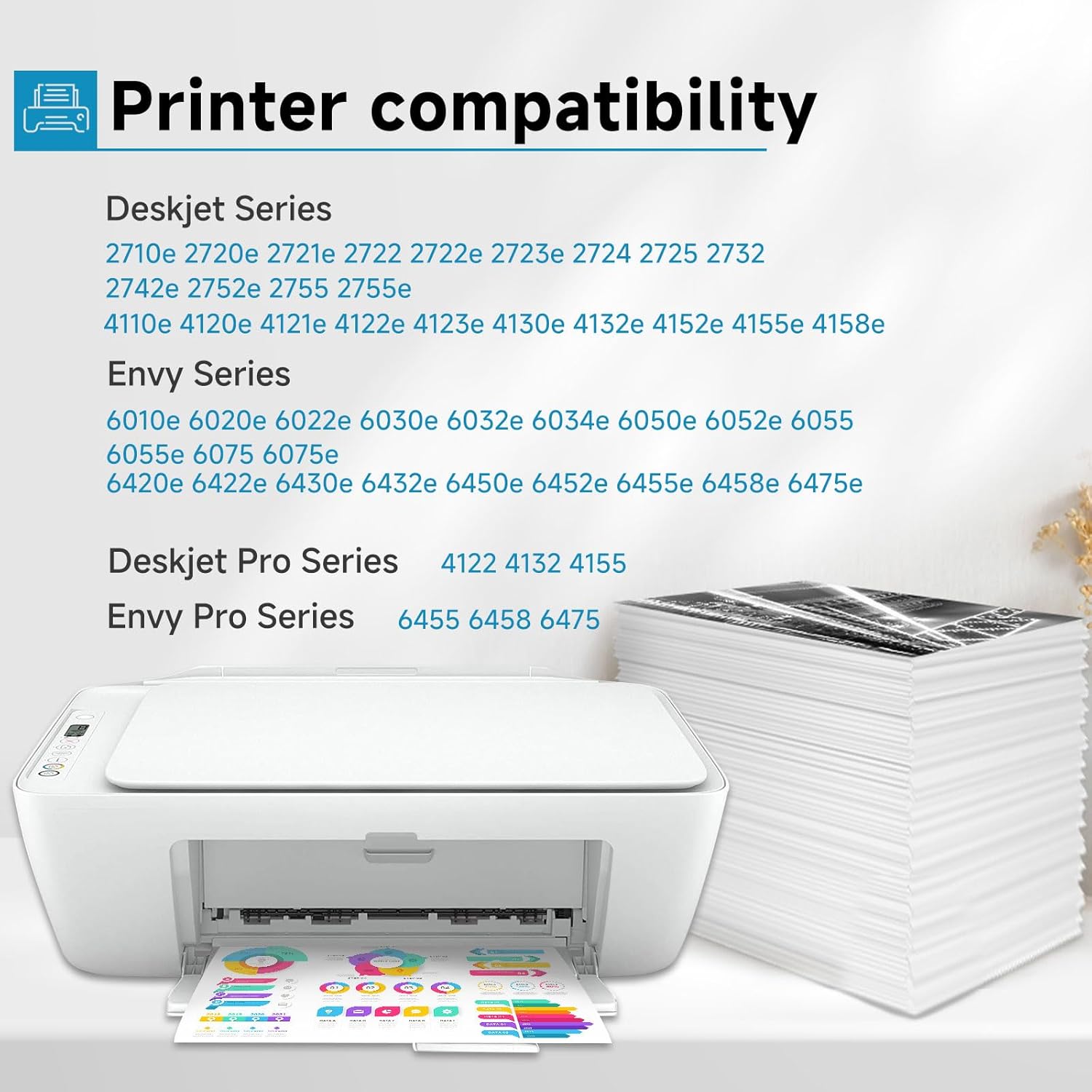
These cartridges are described as compatible replacements for a long list of HP DeskJet, DeskJet Plus, ENVY, and ENVY Pro models mentioned in the entry. If your printer model is on that list, you’re not guessing—you’re matching the right cartridge family.
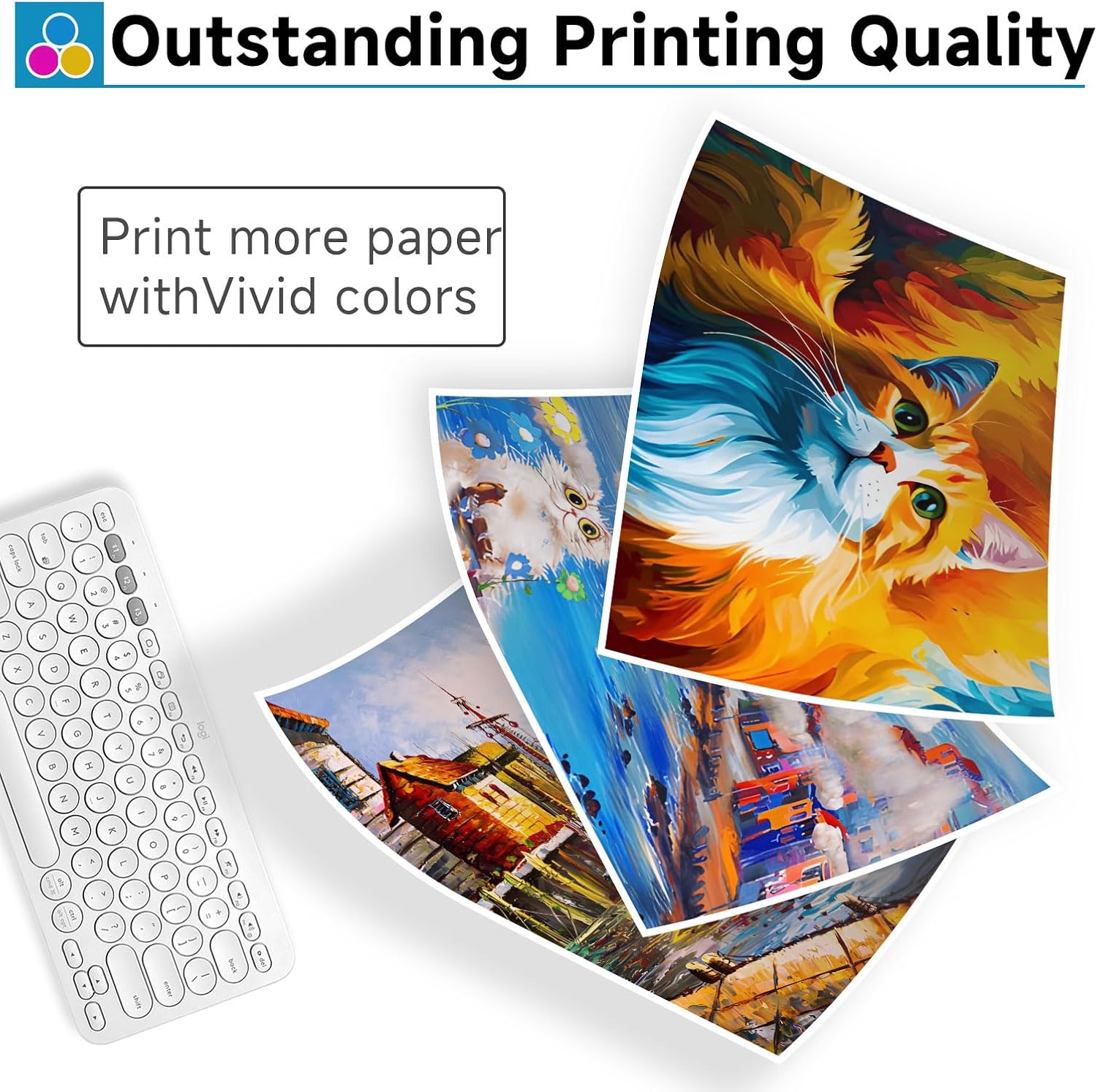
The other real-world detail here is ink output. The listing also claims the ink is “premium quality,” aiming for crisp text and graphics. That matters most when you care about readability—reports, school docs, invoices, or simple graphics where fuzzy output gets annoying fast.
What to expect in everyday use
Picture a typical week: you print mostly text-heavy pages for work and occasional forms. With ink at the 67XL size, the “feel” is usually less downtime and fewer interruptions to replace cartridges. The entry’s page estimate (650 pages at 5% coverage) suggests it’s meant for steadier use rather than ultra-light printing.
That said, ink performance can vary a lot depending on how you print (draft vs. standard, dense text, color-heavy documents, etc.). So, if your workflow is mostly low-coverage prints, you might not notice the full value swing. If you print frequently, the 2-pack can be a practical way to stay ahead.
Where it shines—and where it may fall short
This is a solid pick if you want a compatible black 67XL replacement for an HP printer model listed in the entry, and you’re trying to manage costs and refills without constantly buying single cartridges.
But it may not be the best fit if: - Your printer model isn’t clearly included in the compatibility list. Compatibility is the big deal with cartridges. - You’re extremely sensitive to output consistency and want a specific “brand-authentic” result. Replacement inks can be a little hit-or-miss from user to user, depending on expectations. - You only print occasionally. In that case, buying a 2-pack may leave you holding extra ink before you even need it.
Compatibility and requirements
Compatibility is based on the HP 67XL ink cartridge family, and the entry lists many specific printer models. Before ordering, double-check your exact printer model against the ones named here.
Also, keep in mind that cartridge behavior can vary by printer setup (for example, how your printer detects cartridges). The listing doesn’t mention installation quirks or policies, so if your printer is known to be picky, you’ll want to pay attention during setup.
Is it worth it?
Buy this 67XL Black Ink Cartridges 2-pack if your HP printer model is listed in the compatibility section and you want a higher-yield black ink option aimed at crisp text and graphics, with the listing’s up-to-650-pages-at-5%-coverage estimate as your planning reference.
Skip it if your printer model isn’t on the provided list, or if you only print rarely and would rather buy single cartridges when you actually run low. It’s a very “use-it-often” purchase—no thrills, just a replacement ink approach for people who want fewer cartridge runs and more consistent black output.

Quick FAQ
How can I confirm it fits my HP printer?
Check your exact HP model number and compare it to the models listed in the entry for this 67XL replacement.
Is the 650-page estimate guaranteed?
No—page yield is listed “at 5% coverage,” which is a standard reference. Your real results will depend on your print settings and how much ink your documents use.
What kinds of printing does this cartridge seem best for?
The entry emphasizes crisp text and graphics, so it’s well suited for everyday documents like text-heavy pages and simple graphics.
Why buy a 2-pack instead of a single cartridge?
If you print regularly, a 2-pack can reduce interruptions and help you manage refills. If you print rarely, it may tie up ink before you need it.