

Laptop Screen Extender 15.6-Inch
Product description
Technical details
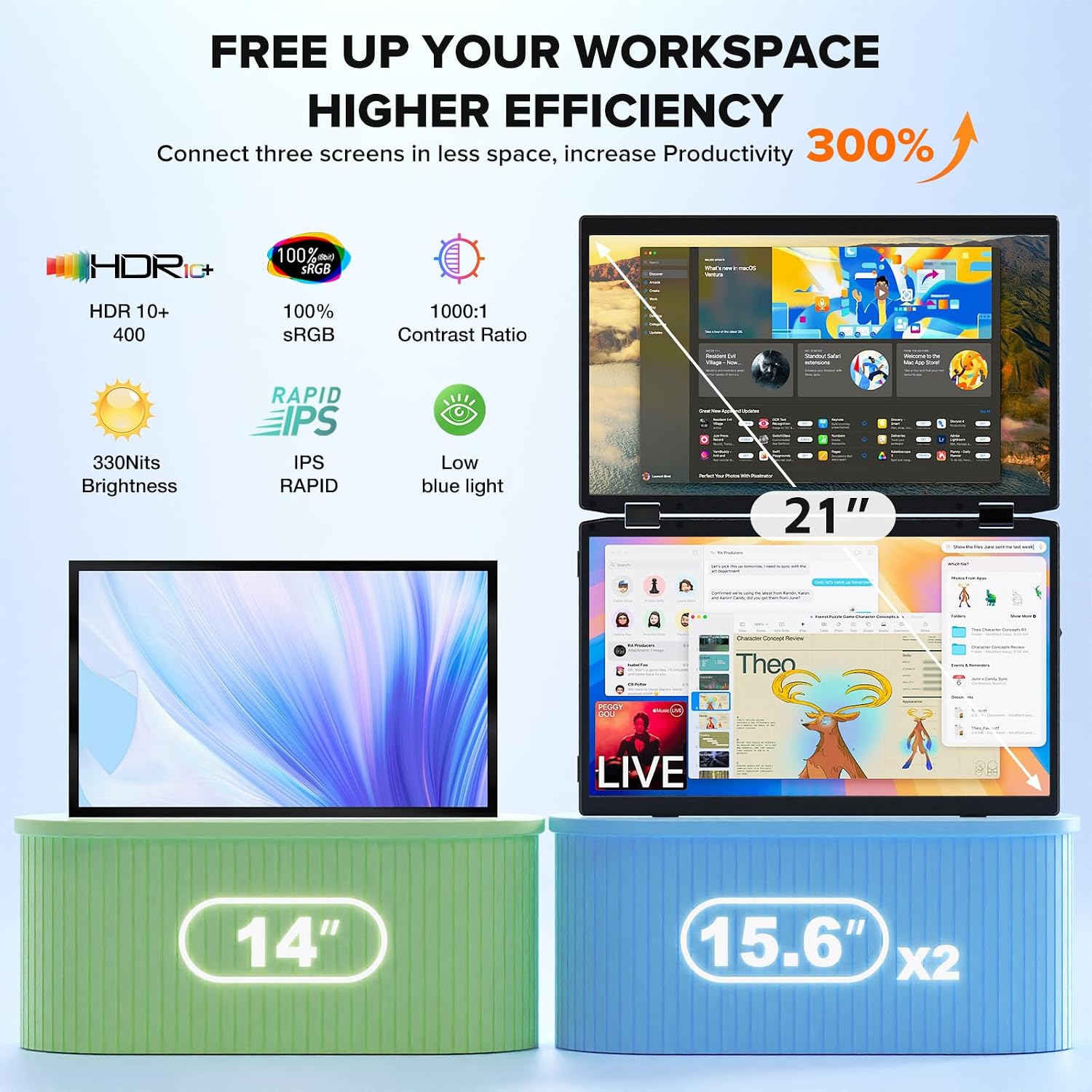
This laptop screen extender adds two 15.6-inch displays to your laptop setup, giving you three screens in total when used with the laptop display. Each portable panel is an IPS screen with 1920 × 1080 Full HD resolution, a 60Hz refresh rate, 330 cd/m² brightness, and a stated 100% sRGB color gamut. That combination is suited to everyday multitasking, spreadsheets, video meetings, and general content work, it is not a substitute for a larger desktop display if you want one expansive screen.
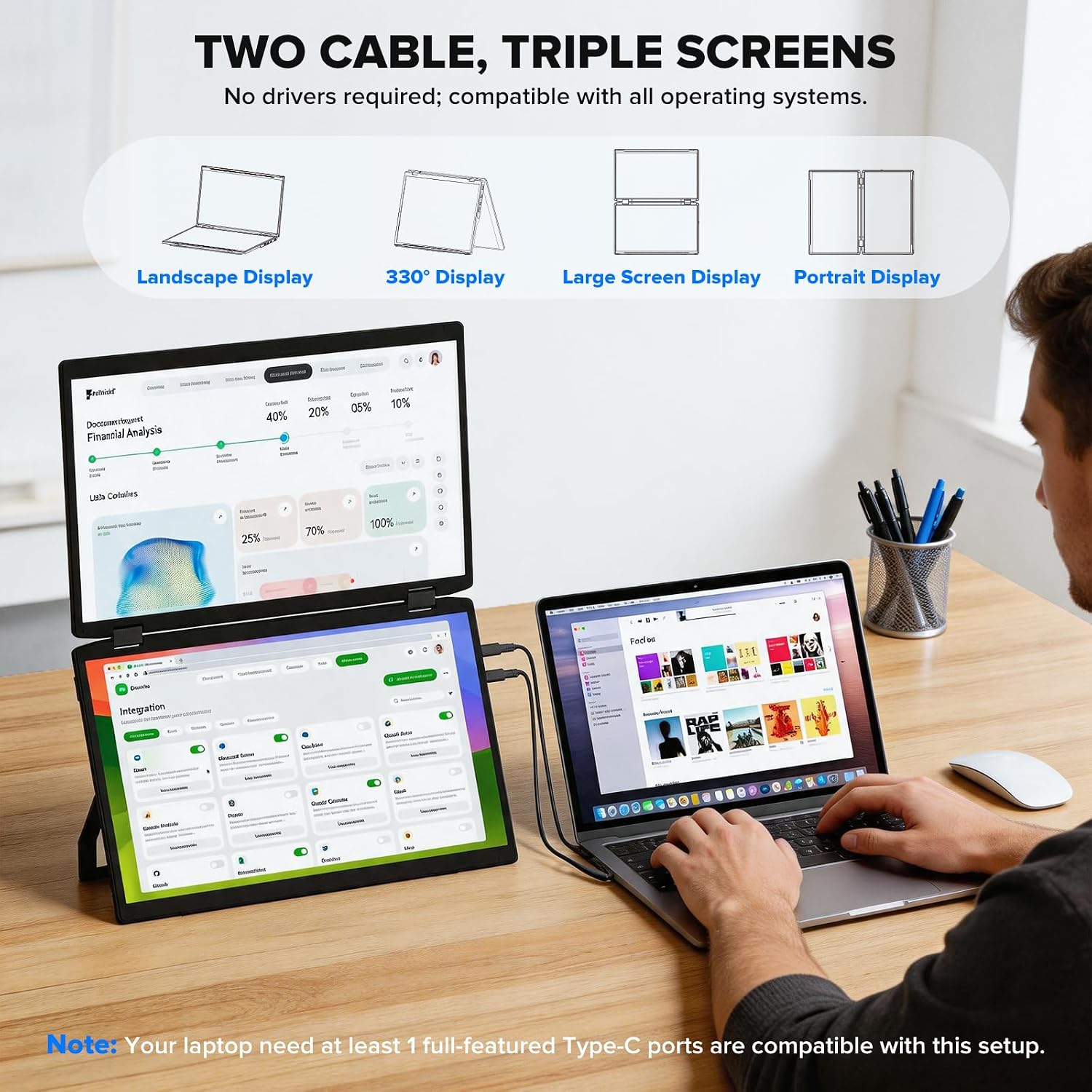
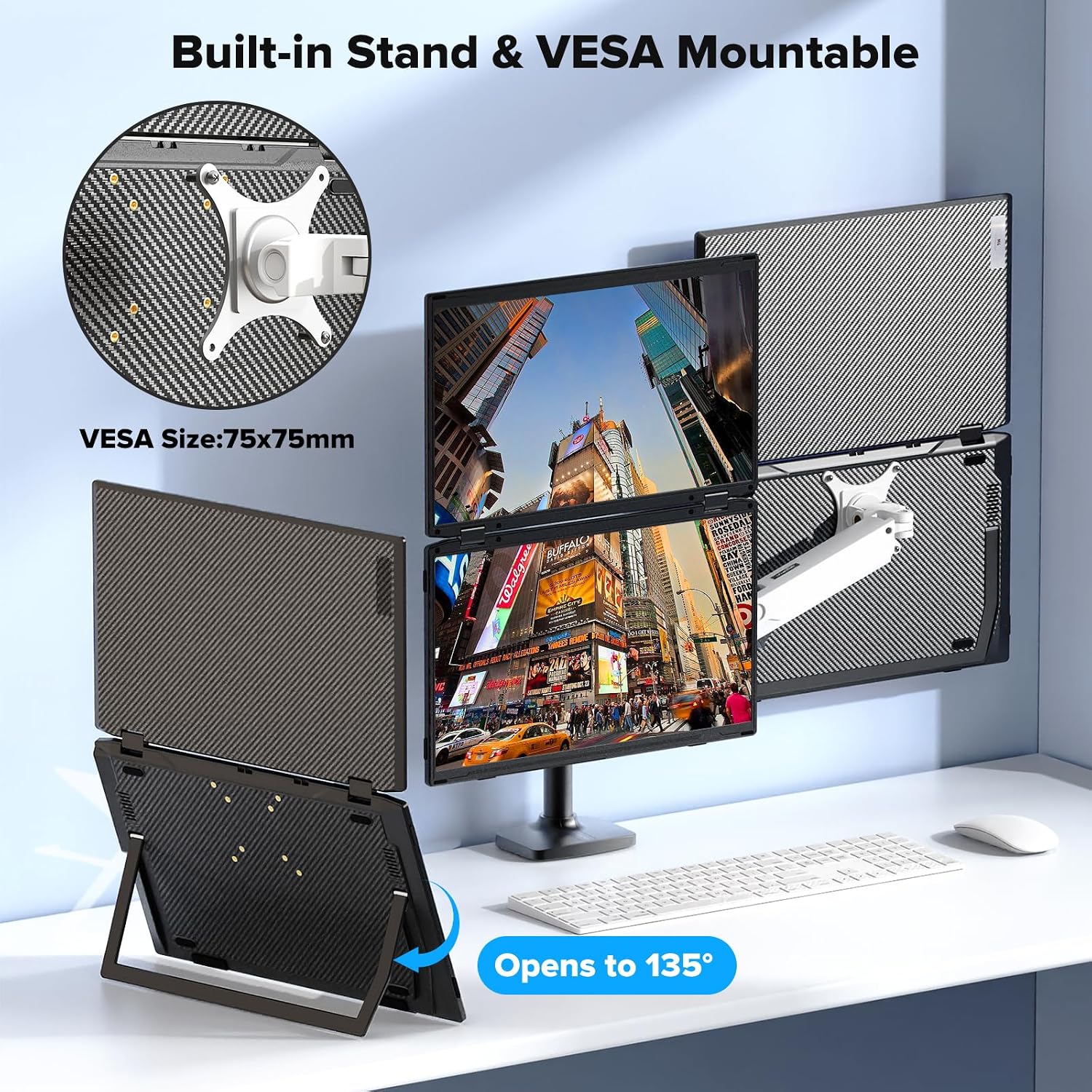
The panels use a foldable, vertically stacked design and support extended, portrait, and duplicate display modes. Connections listed include USB-C, HDMI, and USB-A, and the unit has built-in dual speakers. For a fixed desk setup, it is also compatible with 75 × 75 mm VESA mounts, so you can use a compatible stand or monitor arm instead of relying only on the portable arrangement.
What it works with
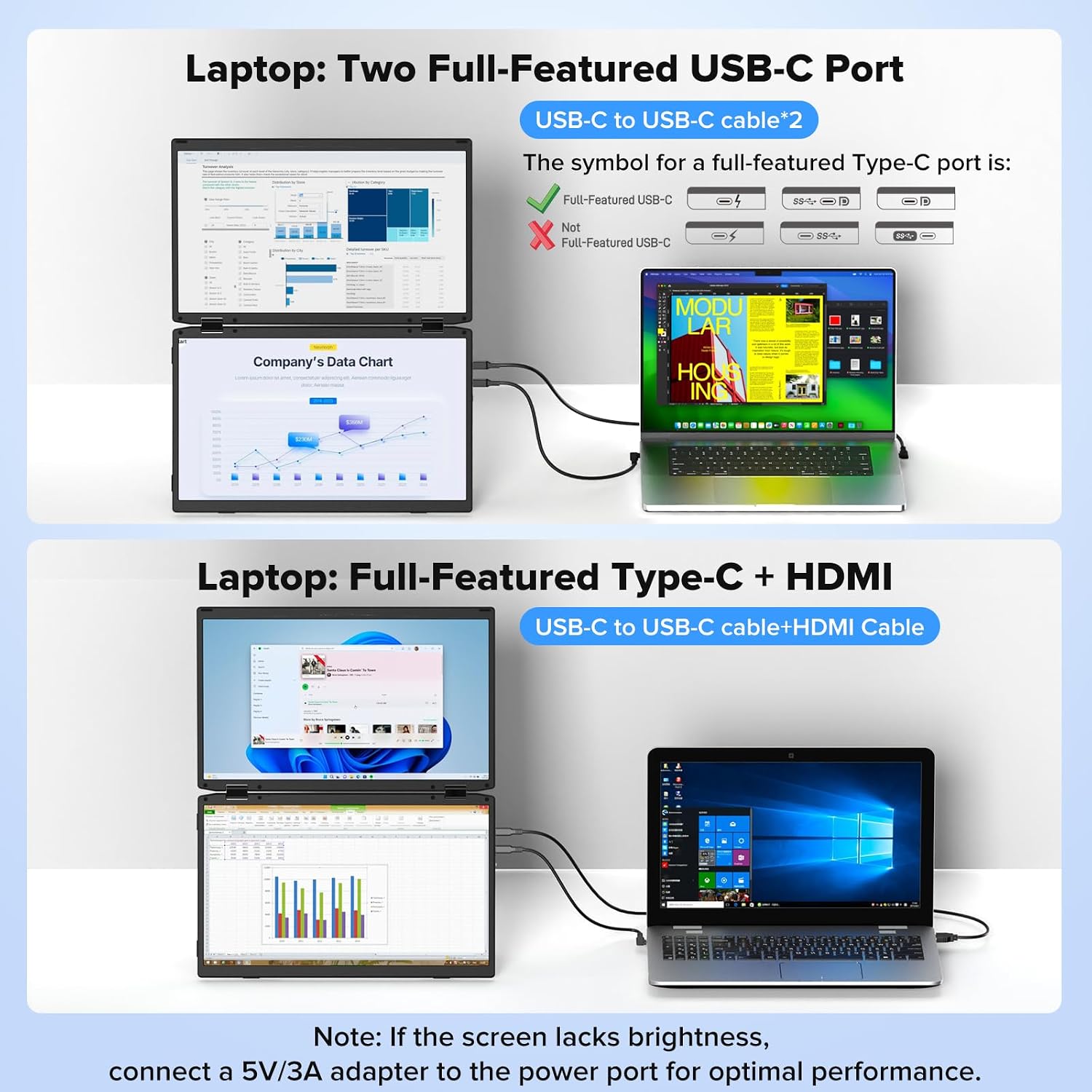
The product information lists Windows, macOS, and Android, and the product name also mentions PS5 and Chrome. It is described as working with most laptops, but the exact connection requirements for each device are not specified. Check which ports your laptop or other device has and whether its setup supports external displays before relying on a particular connection. The listed USB-C, HDMI, and USB-A options offer flexibility, but the details do not explain which cable combination is needed in every configuration.
Usage tips
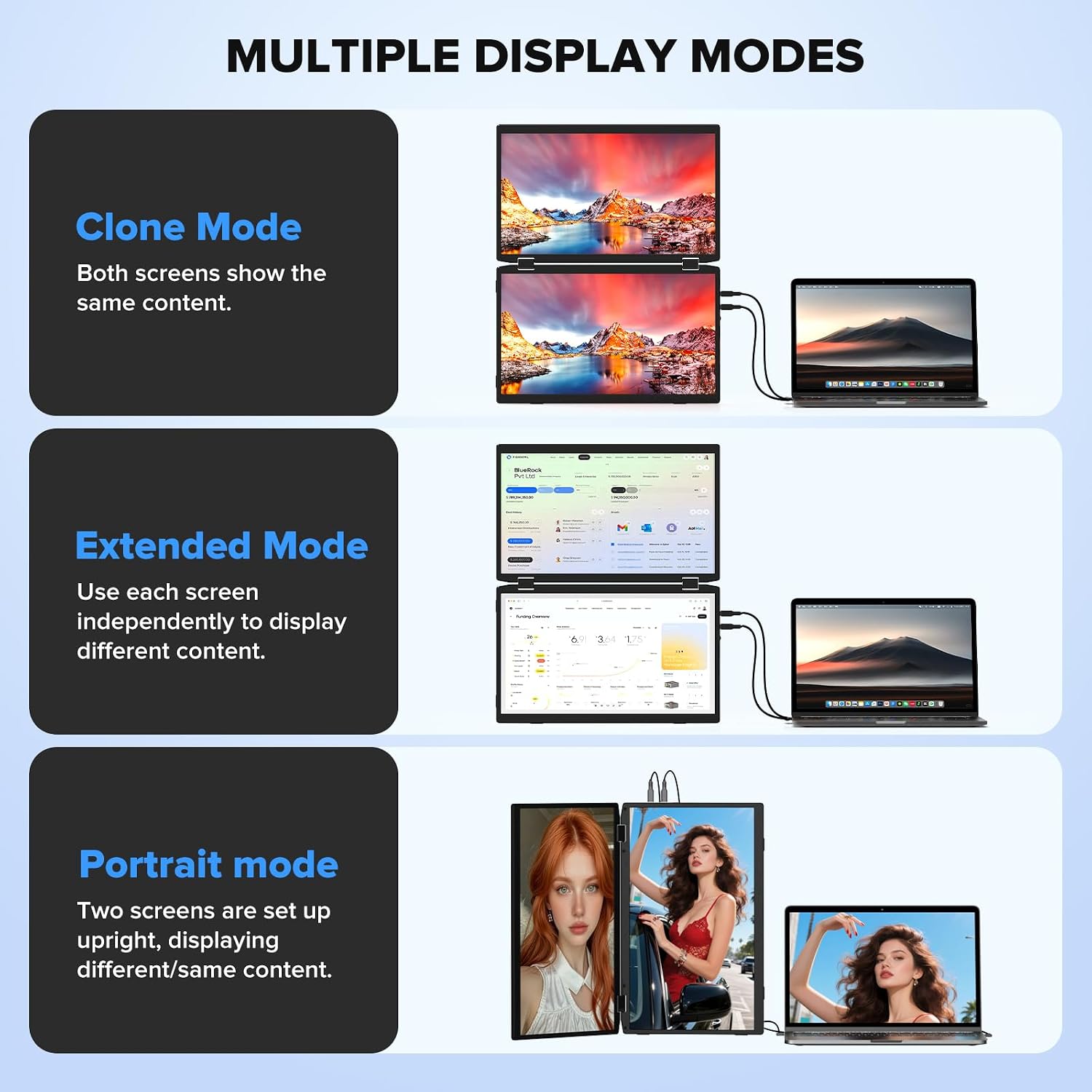
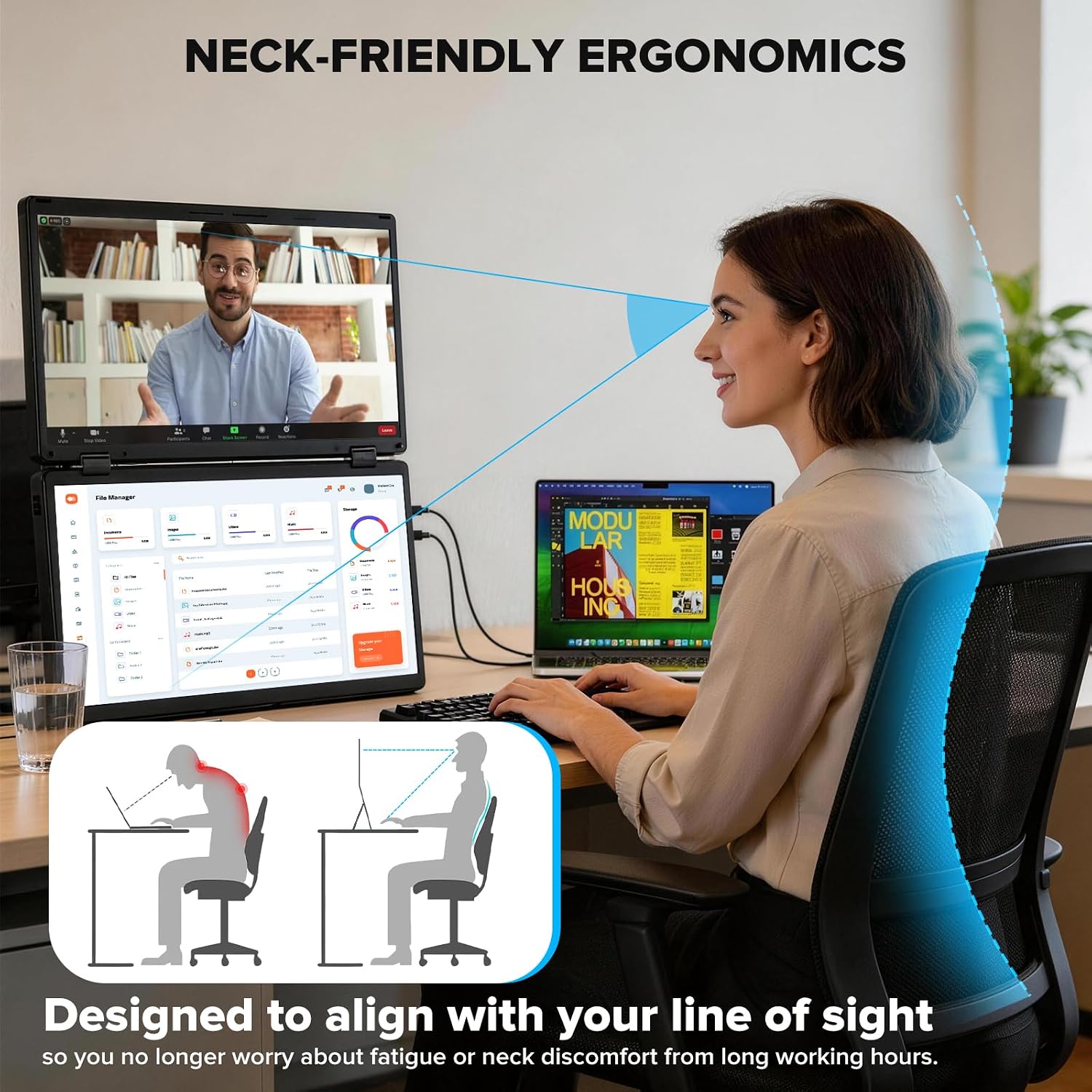
For a practical work session, keep a spreadsheet or reference document on one panel while using the laptop screen for a video call and the other panel for notes. Portrait mode may be useful for reading longer documents, while duplicate mode is intended to show the same content on another screen. The vertical layout takes a different approach from two separate monitors placed side by side: it can keep the workspace more compact, but the stacked screens may not suit every desk position or viewing preference.
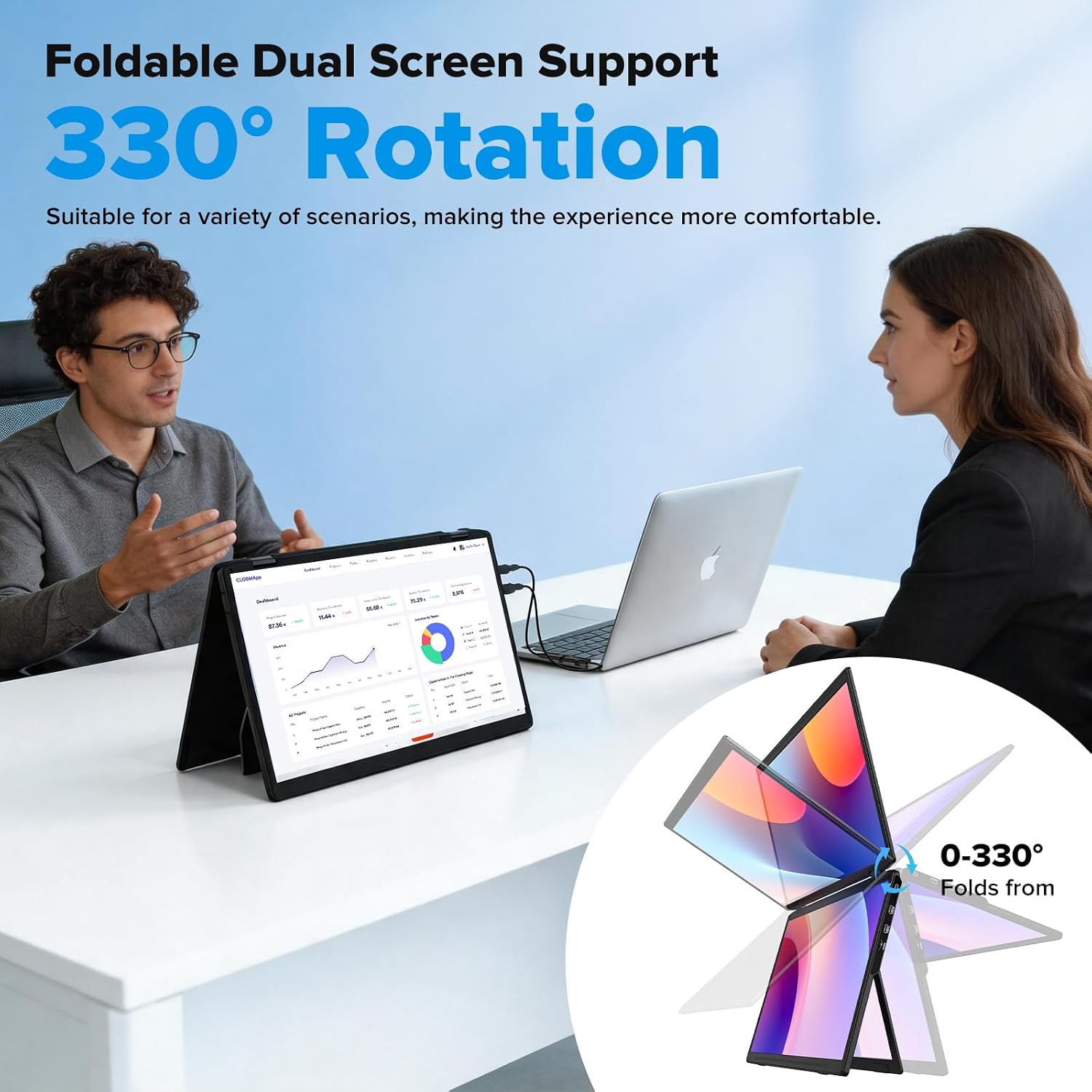
It suits you if you regularly move between locations and want extra display space without carrying two separate desktop monitors. The foldable format is designed for travel, and the built-in speakers provide audio without requiring a separate speaker for basic meetings or media. For a permanent workstation, VESA mounting may make more sense than setting the extender up and folding it away each day. From the way it is set up, screen placement and access to the right ports matter more than they would with a standalone monitor.
Questions before you buy
Does it need a driver? The product is described as plug and play and says no driver is needed. Specific setup steps for each device are not provided.
Can the panels show different content? Extended mode is listed for using the screens as additional workspace, duplicate mode mirrors content, and portrait mode changes the orientation.
Is it designed for travel? Yes. The screens have a foldable, thin design intended to fit in a backpack. Keep in mind that the product details do not state its folded dimensions or weight, so they do not show exactly how much bag space it will take.
Is it worth it?
Not the best choice if you need a single large monitor, detailed device-by-device setup guidance, or a known carrying weight before buying. The key trade-off is portability and extra screen area versus having to accommodate a vertically stacked unit and confirm your device’s connection needs. If that fits your routine, this extender offers a way to keep work, reference material, and calls visible at once, if your setup stays in one place, a conventional monitor arrangement may be simpler.