

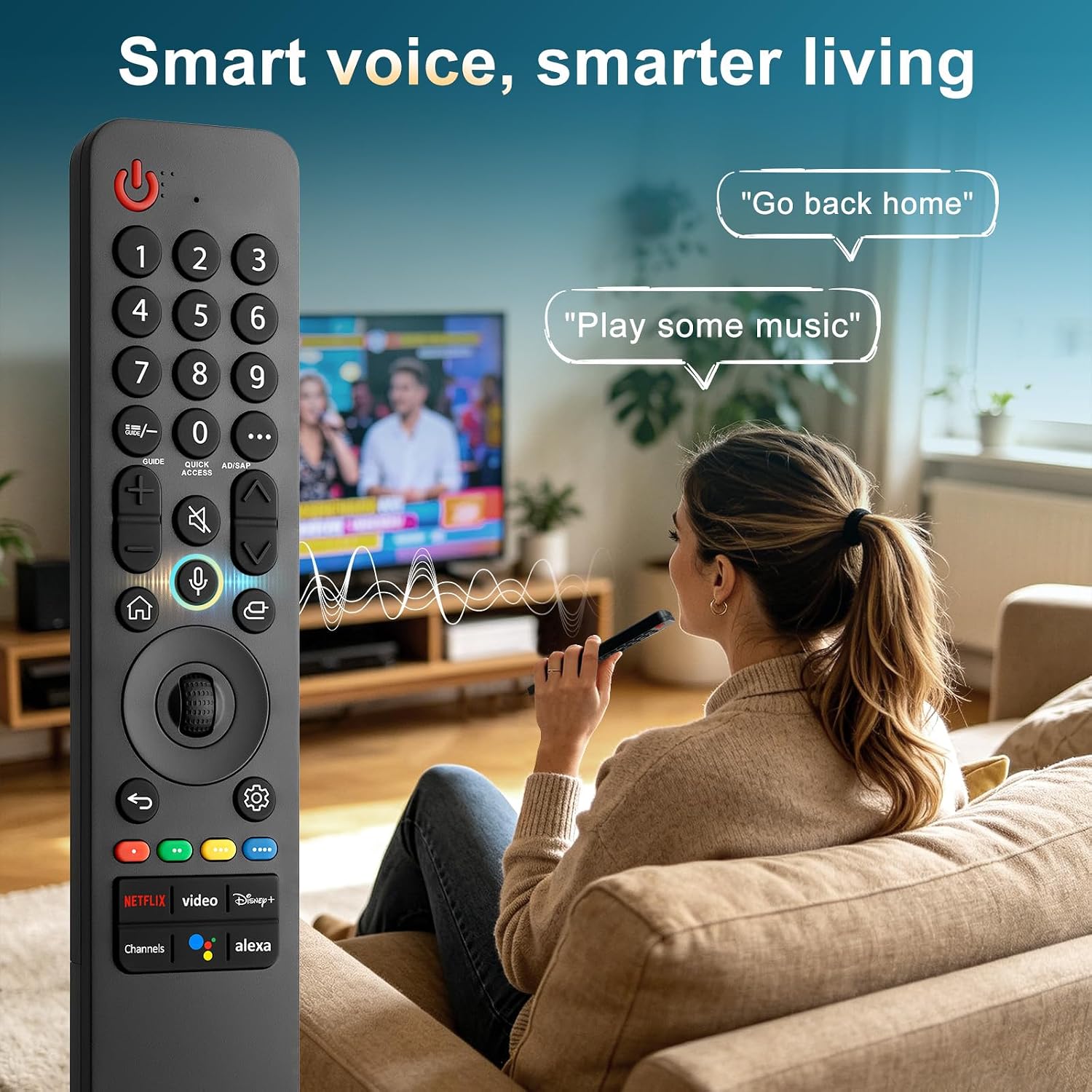
Voice-Magic LG TV Remote Replacement, MR25GA
Product description
Technical details
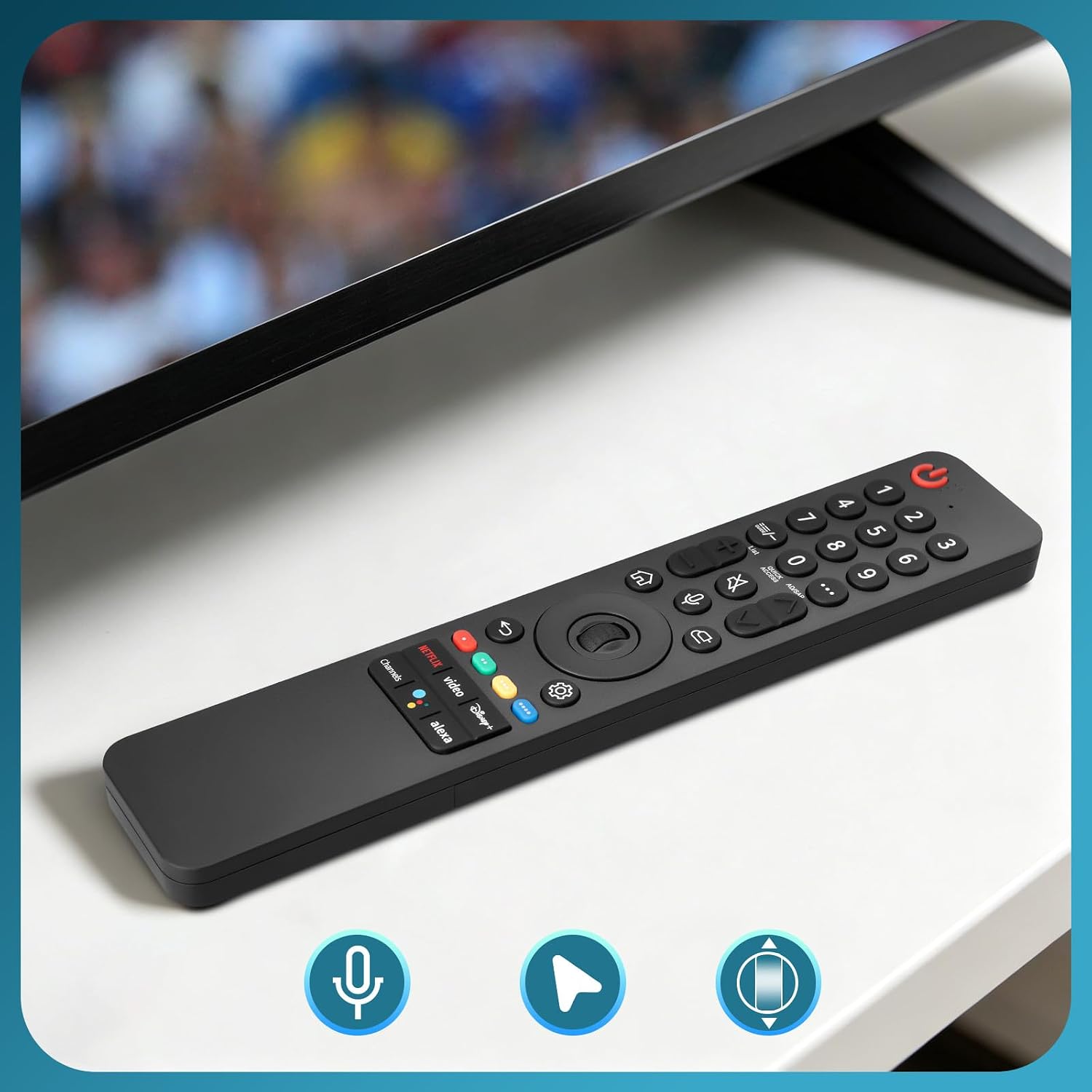
Voice control is the standout feature here: this replacement is designed for compatible LG Smart TVs, so you can use voice functions instead of relying only on button-by-button navigation.
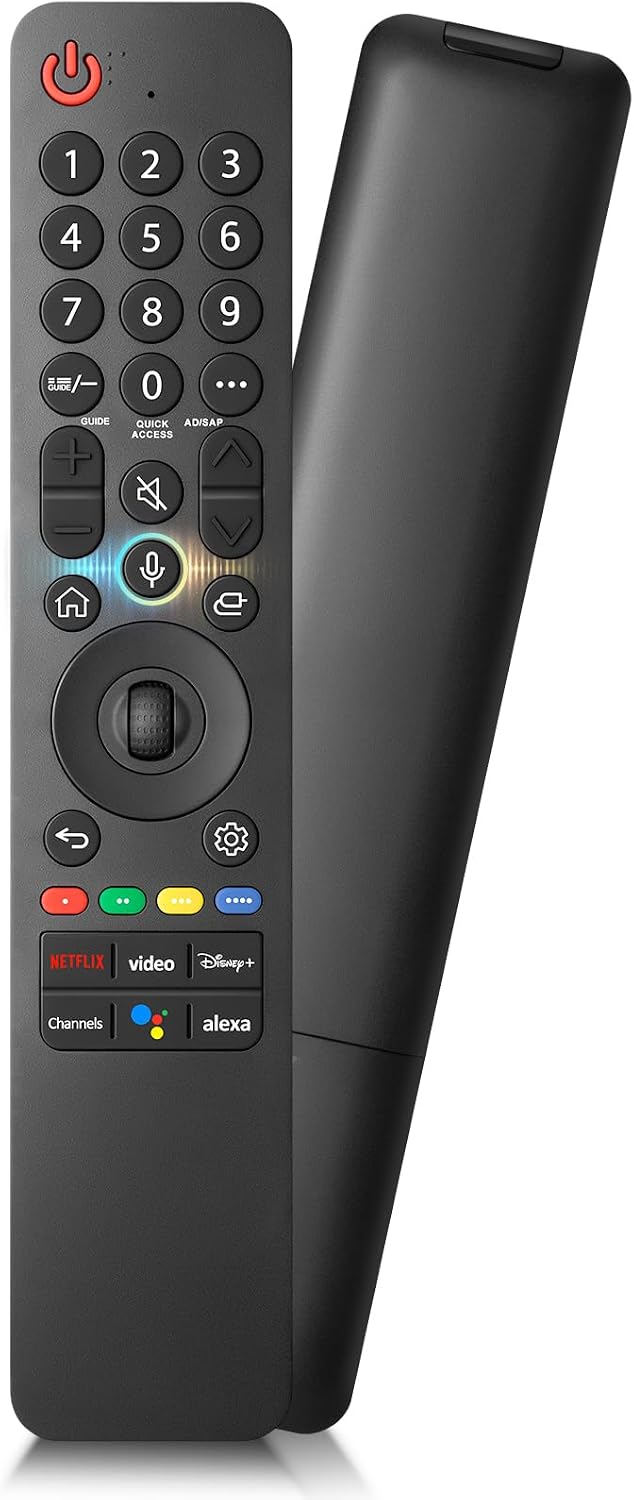
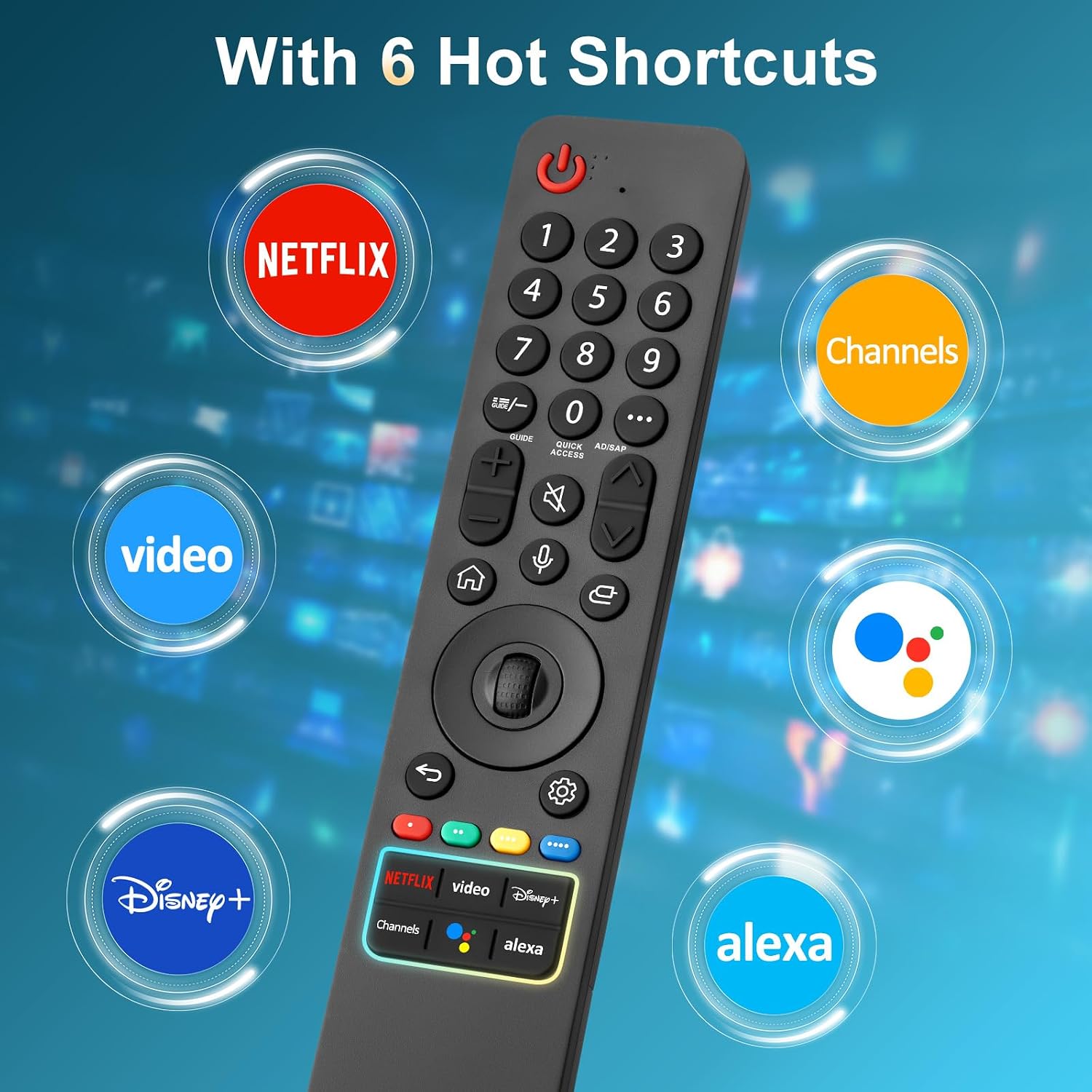
Six shortcut buttons add a quicker route to streaming channels you use often. That can be handy when you settle in and want to open a favorite service without working through the TV’s menus.
The package details provided specify a remote control, compatibility references, and pairing instructions. It uses two AAA batteries, which are not stated to be included. A one-year warranty is also listed by the seller.
What it works with
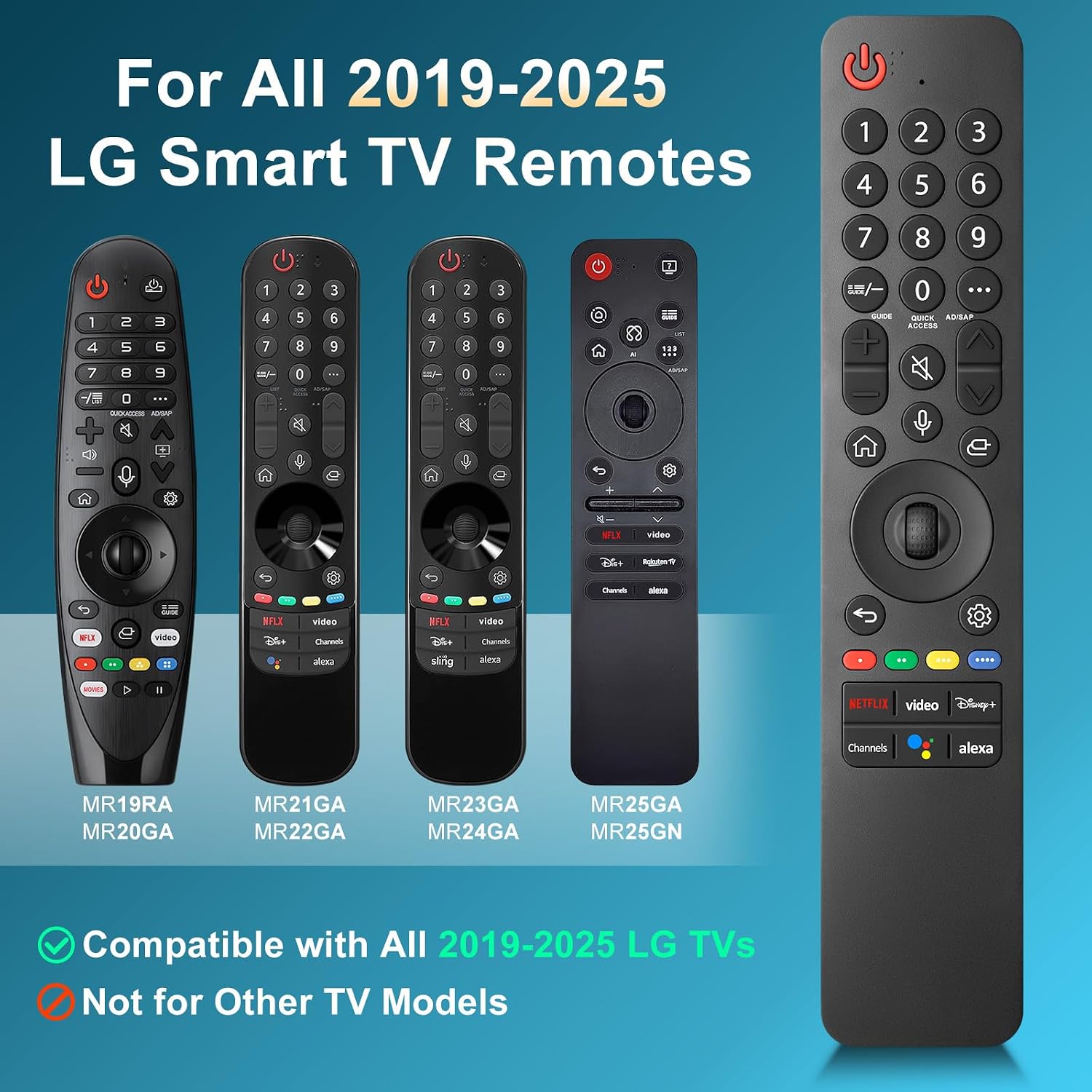
The maker lists compatibility with LG Smart TVs from 2019 through 2025 that support voice control, and names the MR19GA, MR20GA, MR21GA, MR22GN, MR23GA (Sling), MR24GN, and MR25GA remote models as examples. That list is useful when replacing a lost or damaged Magic Remote, but it is not a guarantee that every LG TV will support every function.
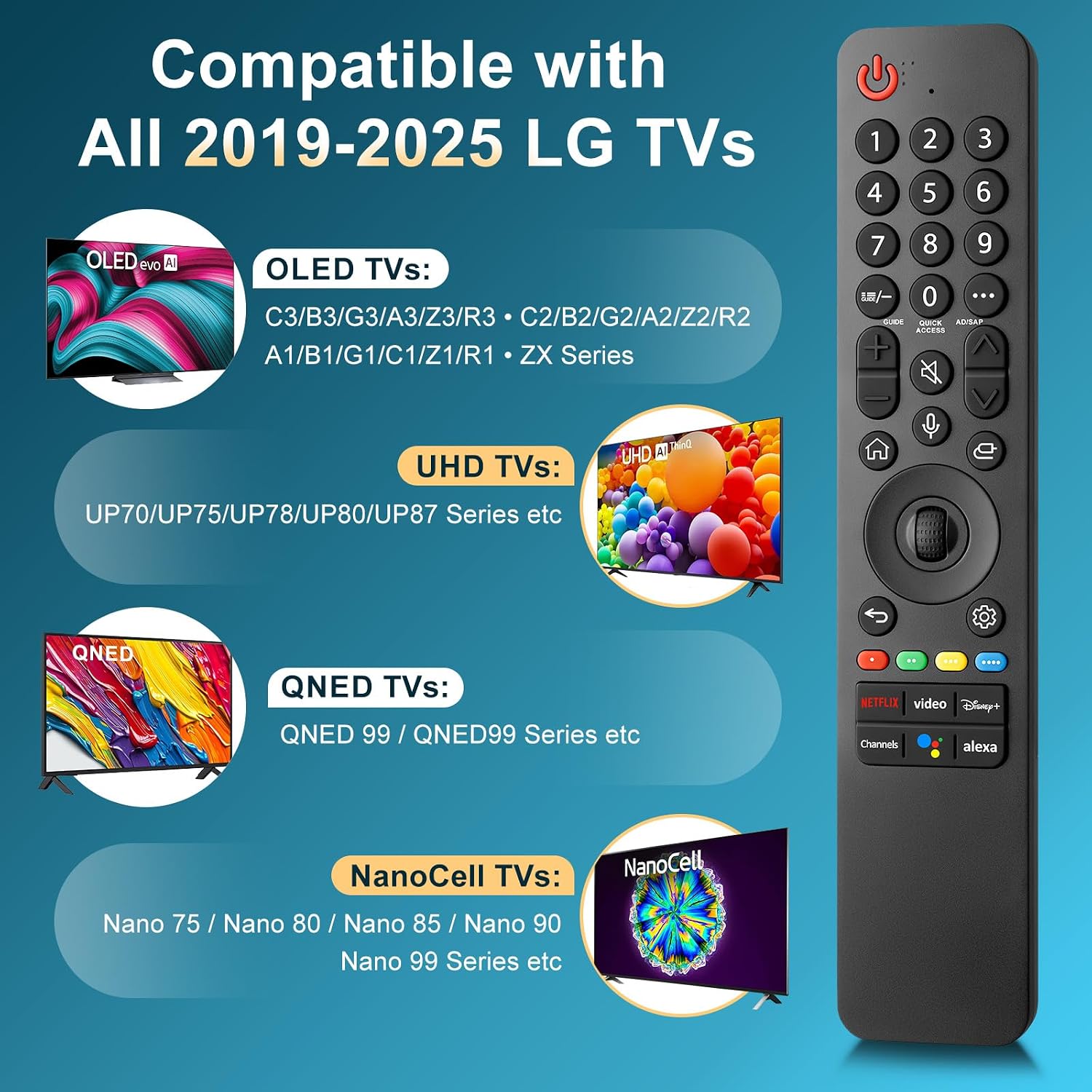
There’s an important boundary: this remote is for LG TVs only, not LG soundbars or TV boxes. Voice search may also be unavailable on TVs that do not support voice control or models released before 2018. A solid pick if your TV falls within the stated compatibility range and you want voice control plus dedicated shortcuts, It might not be a great match if you need a remote for another device or your TV lacks voice support.
Usage tips
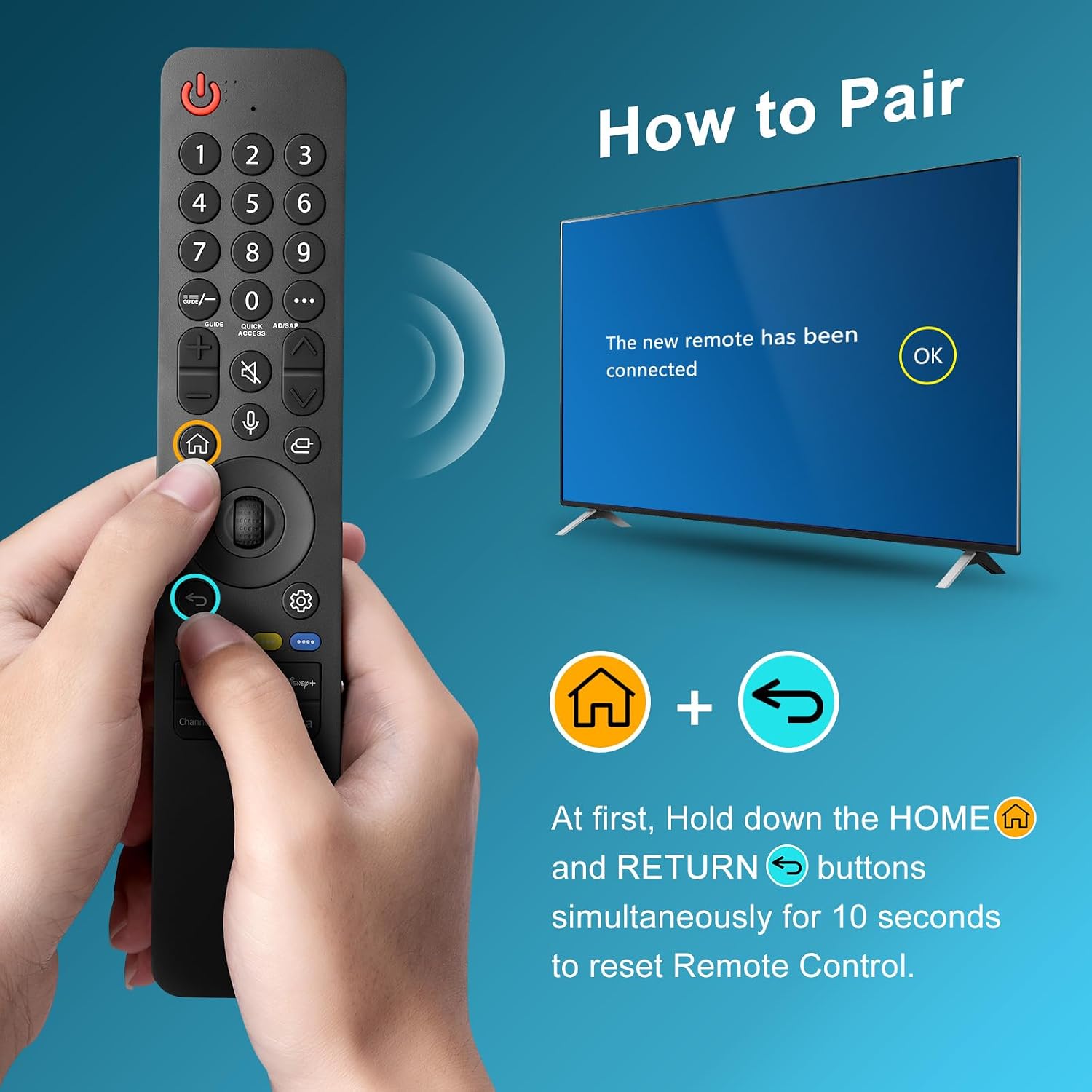
Start by installing two AAA batteries and turning on the TV. Hold the Home and Back buttons together for five to seven seconds, then point the remote at the TV and press the center Wheel (OK) button to finish pairing. If the pairing does not complete, the supplied instructions say to repeat that step.
In everyday use, the shortcuts should be most useful when you routinely switch between streaming channels. For example, rather than opening the home screen and moving across rows of apps, you can try the relevant shortcut button. The exact channels assigned to those buttons are not specified, so don’t assume they can be customized or that a particular service is included.
Before you decide
Does it work with every LG TV? No. The listing describes support for voice-capable LG Smart TVs from 2019 through 2025, while noting limitations for TVs without voice control and models released before 2018.
How do you pair it? Install two AAA batteries, turn on the TV, hold Home and Back for five to seven seconds, then press the center Wheel (OK) button while aiming at the TV. Repeat the pairing step if needed.
Can it control an LG soundbar or TV box? No. The stated compatibility is limited to LG TVs, soundbars and TV boxes are excluded.
Final verdict
This replacement makes sense when the original LG remote is missing or unusable and your TV supports the listed voice features. The combination of voice control and six shortcut buttons is more convenient than a basic remote without those features, but compatibility is the deciding factor—not the model list alone. If voice search matters to you, confirm that your specific TV supports it, otherwise, a simpler remote may be a better fit. The listing also includes a one-year warranty, though it does not add compatibility for unsupported TVs or other LG devices.