

Portta VHS to Digital Converter recorder 🎥
Reviews
Price
Product description
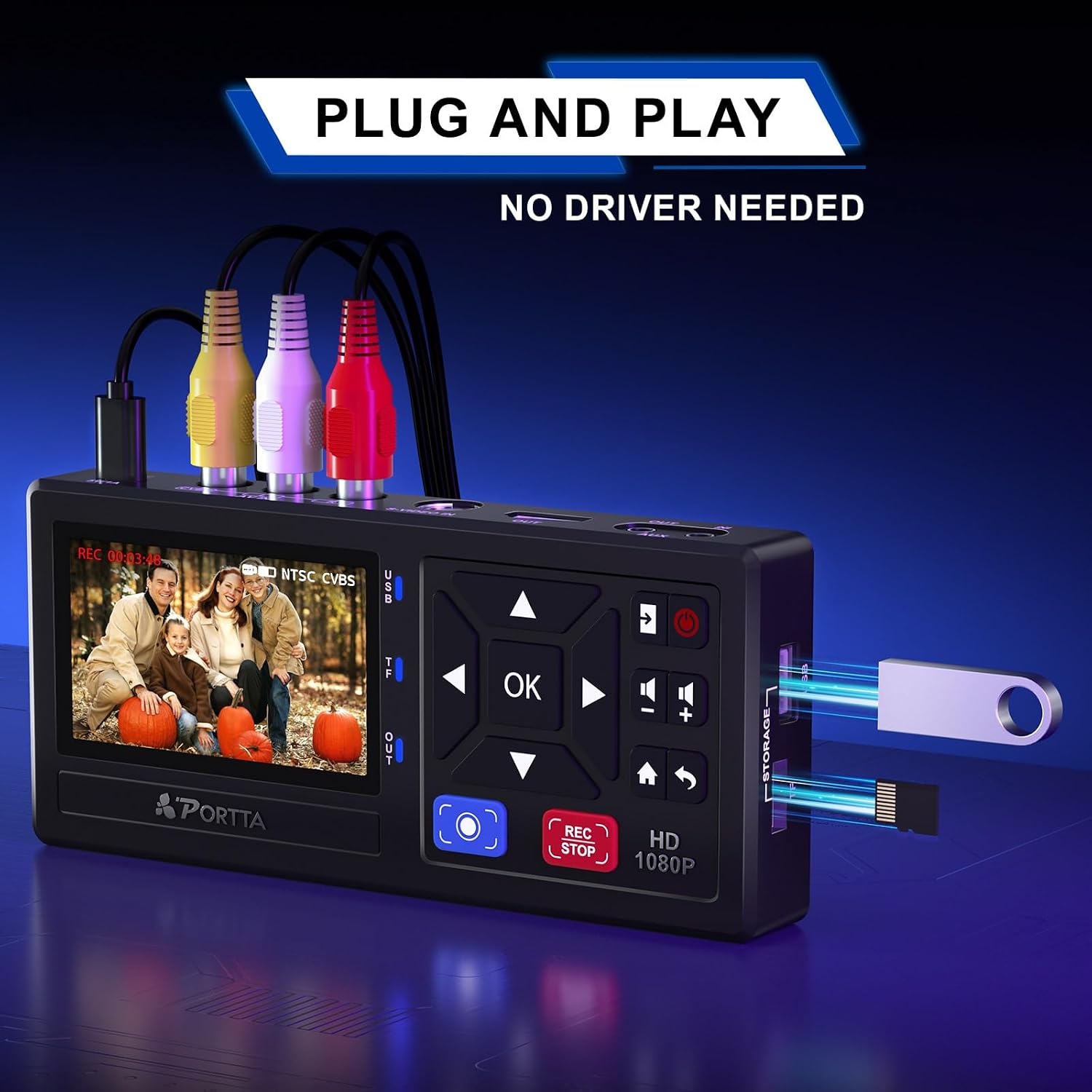
This compact video capture box converts analog tapes and legacy outputs into digital files, making it easier to preserve old recordings. As a VHS to digital converter it records up to 1080P at 30Hz and lets you save footage directly to a USB drive or SD card, so you can archive family videos without a computer.
Key Points
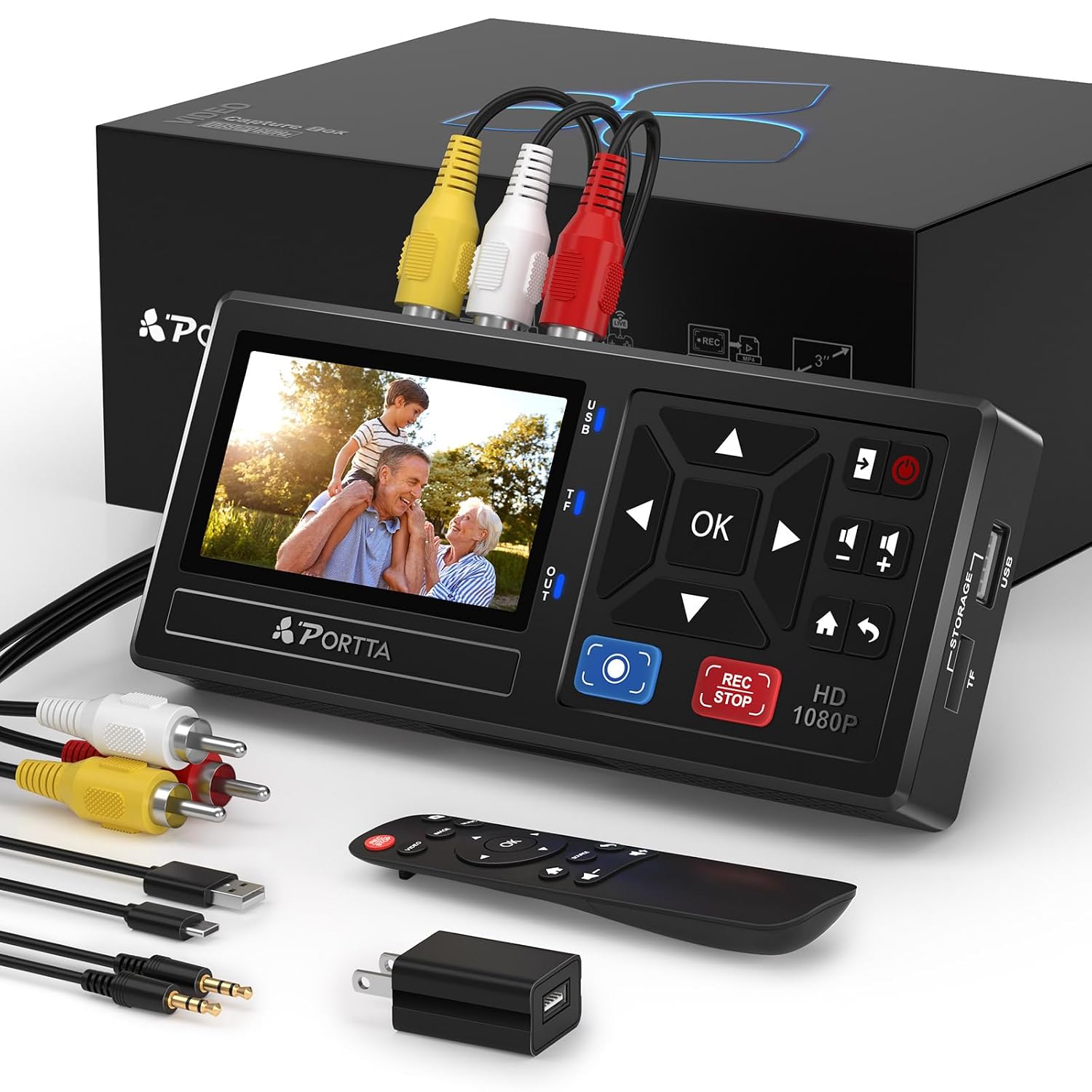
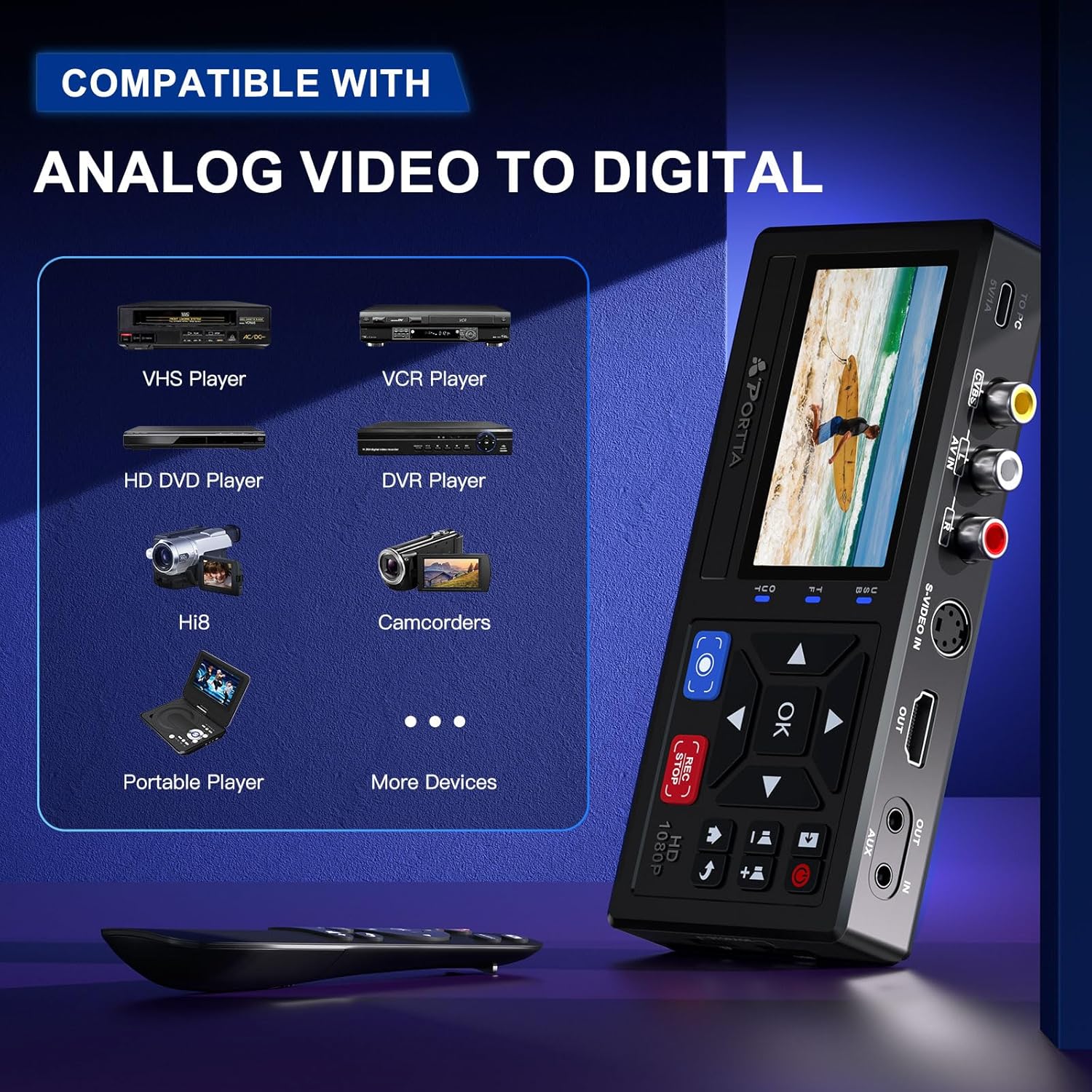
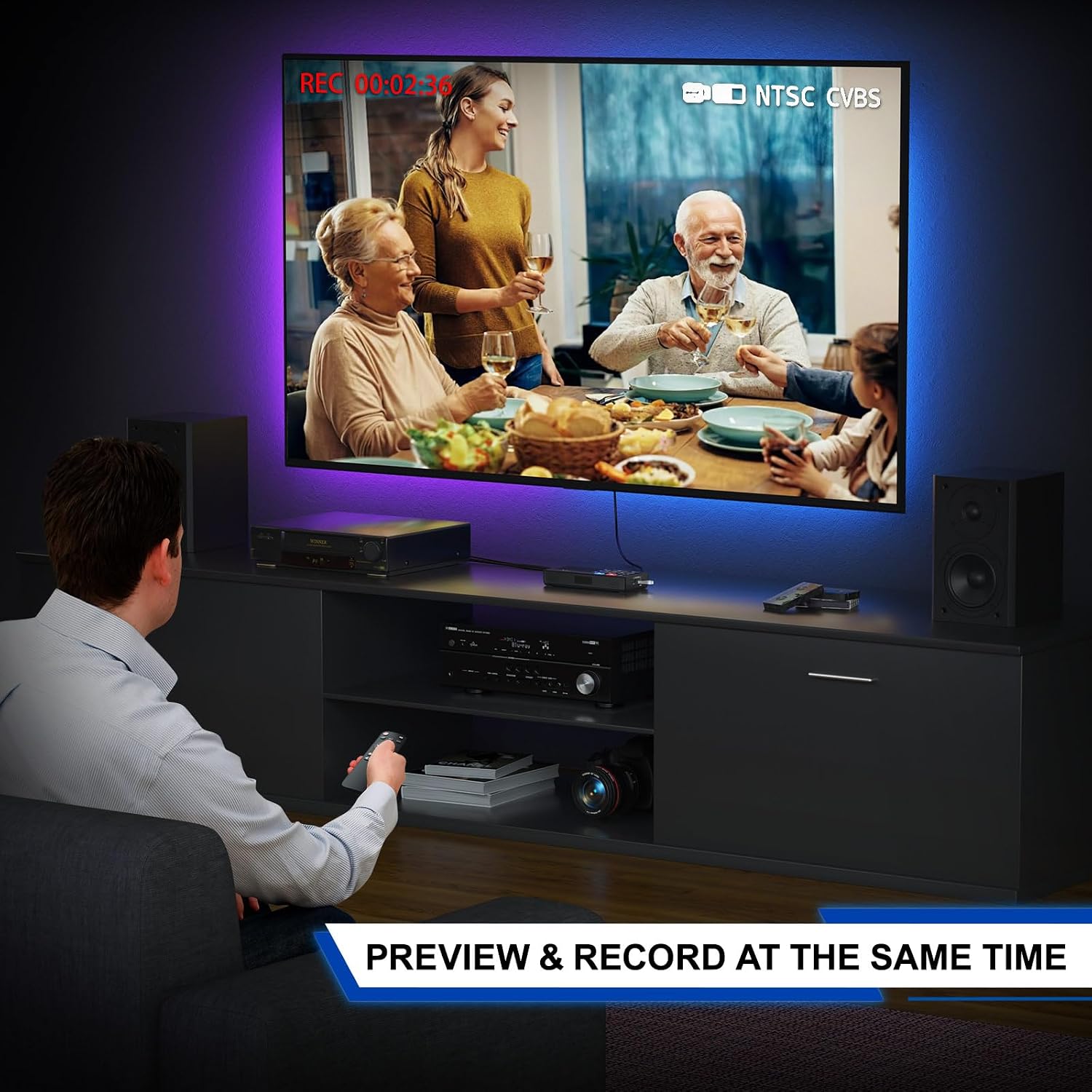
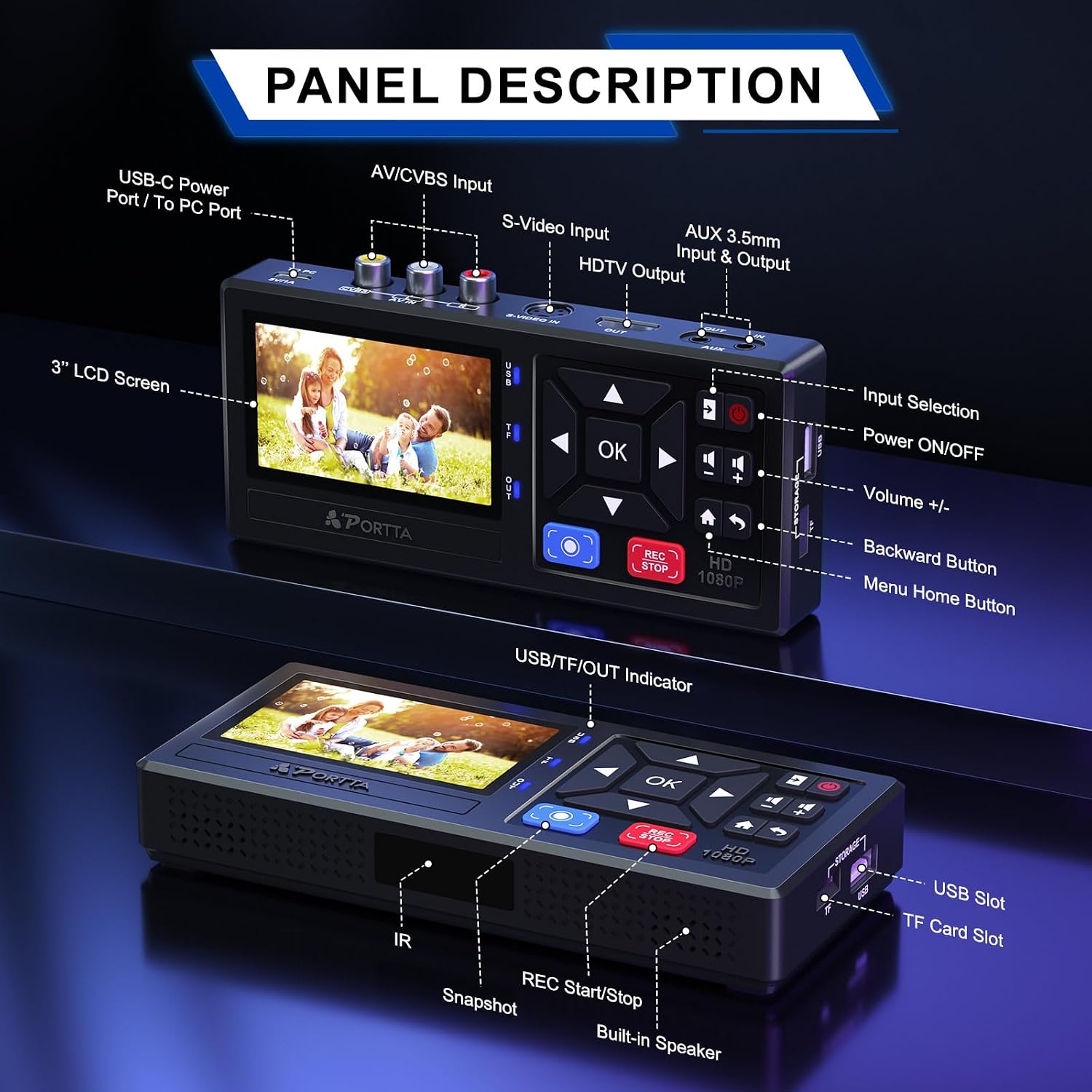
The unit accepts composite AV, S-Video and AUX inputs, so it works with VHS decks, VCRs, camcorders, Mini DV units and many DVD players. A 3.0-inch preview LCD and built-in speaker let you check recordings on the device itself, which is useful when you are transferring long sessions. The recorder is plug-and-play and does not require additional software or drivers according to the manufacturer, simplifying the digitization process. 🎞️
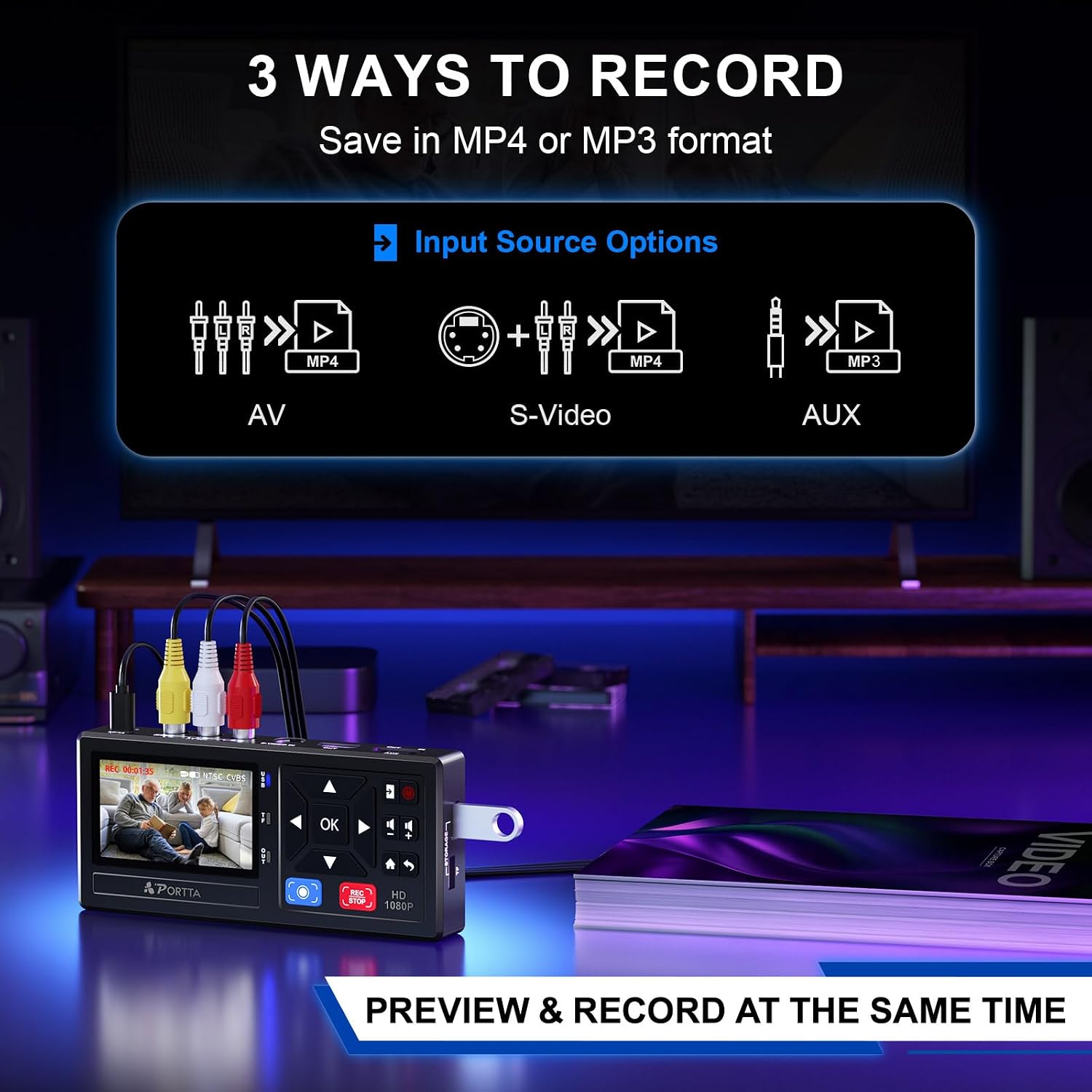
This capture box stores video as MP4 and audio as MP3, which keeps files compatible with common editors and media players. Recording supports standard TV formats including several NTSC and PAL variants, and audio is saved as two-channel LPCM with up to 48 KHz sampling for clearer sound than many basic converters.
Technical Specifications
- Name: PORTTA VHS to Digital Converter
- Video recording resolution: 1080P 30Hz
- Inputs supported: AV/RCA (CVBS + R/L), S-Video, AUX
- Storage: USB drive or TF/SD card (not included)
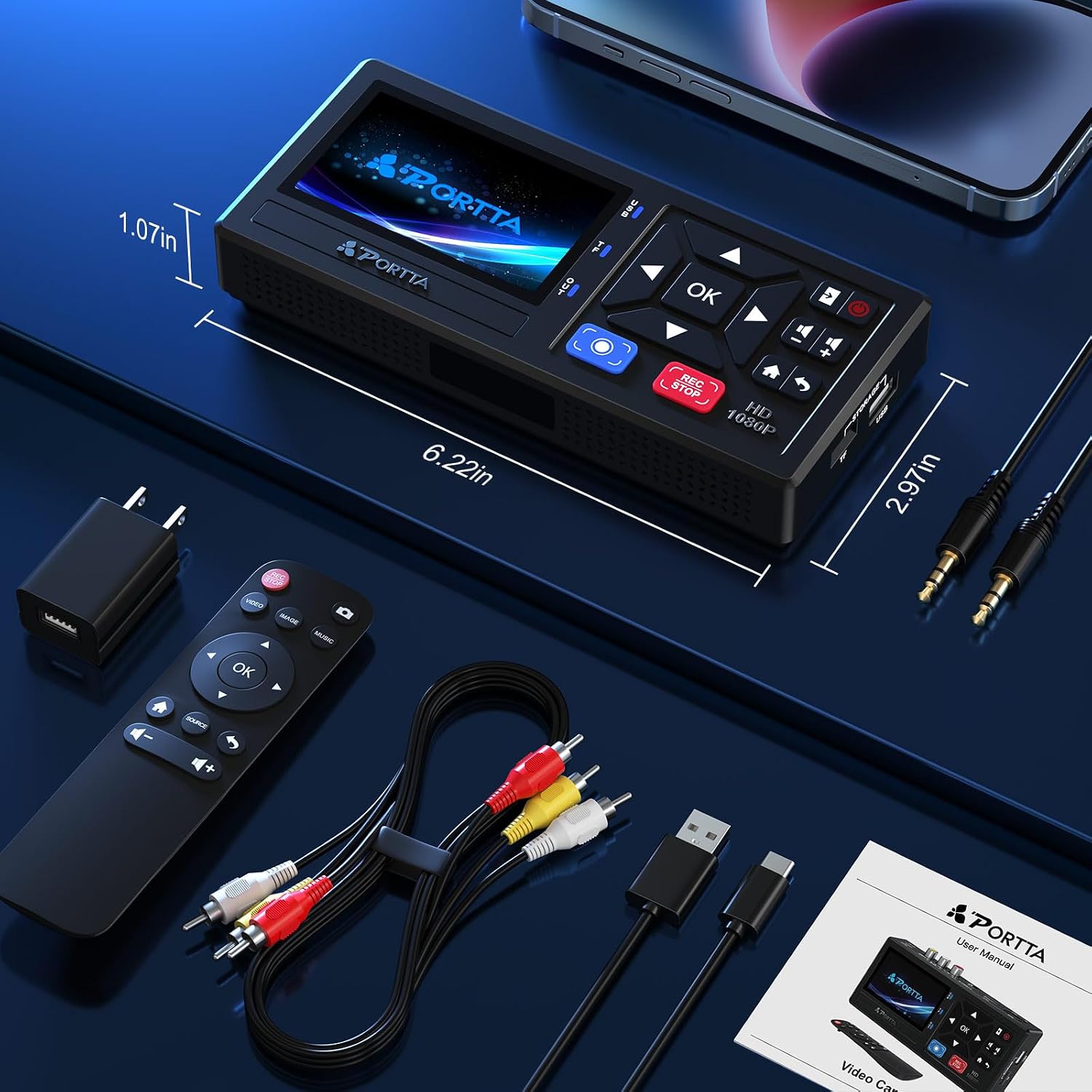
- Preview display: 3.0-inch LCD with built-in speaker
Usage Recommendations
Connect your playback device via the appropriate cable, set the input format that matches the source, and press record to capture directly to the attached storage device. For transfers of gaming footage from retro consoles, use composite outputs and keep sessions segmented into manageable clips to simplify later editing. Consider using a fresh USB drive or SD card to avoid interruptions from fragmented storage, and test one short recording first to confirm audio and video sync. 🎮
Practical Notes
The box comes with a power adapter (USB-A to USB-C), a remote control that uses two AAA batteries, an AV cable and a 3.5 mm audio cable. According to the product information there is a two-year warranty and lifetime technical support included. Keep in mind that protected commercial DVDs and some proprietary formats may not be captured by this type of device, and capture quality depends on the original source signal and playback equipment. 📼