

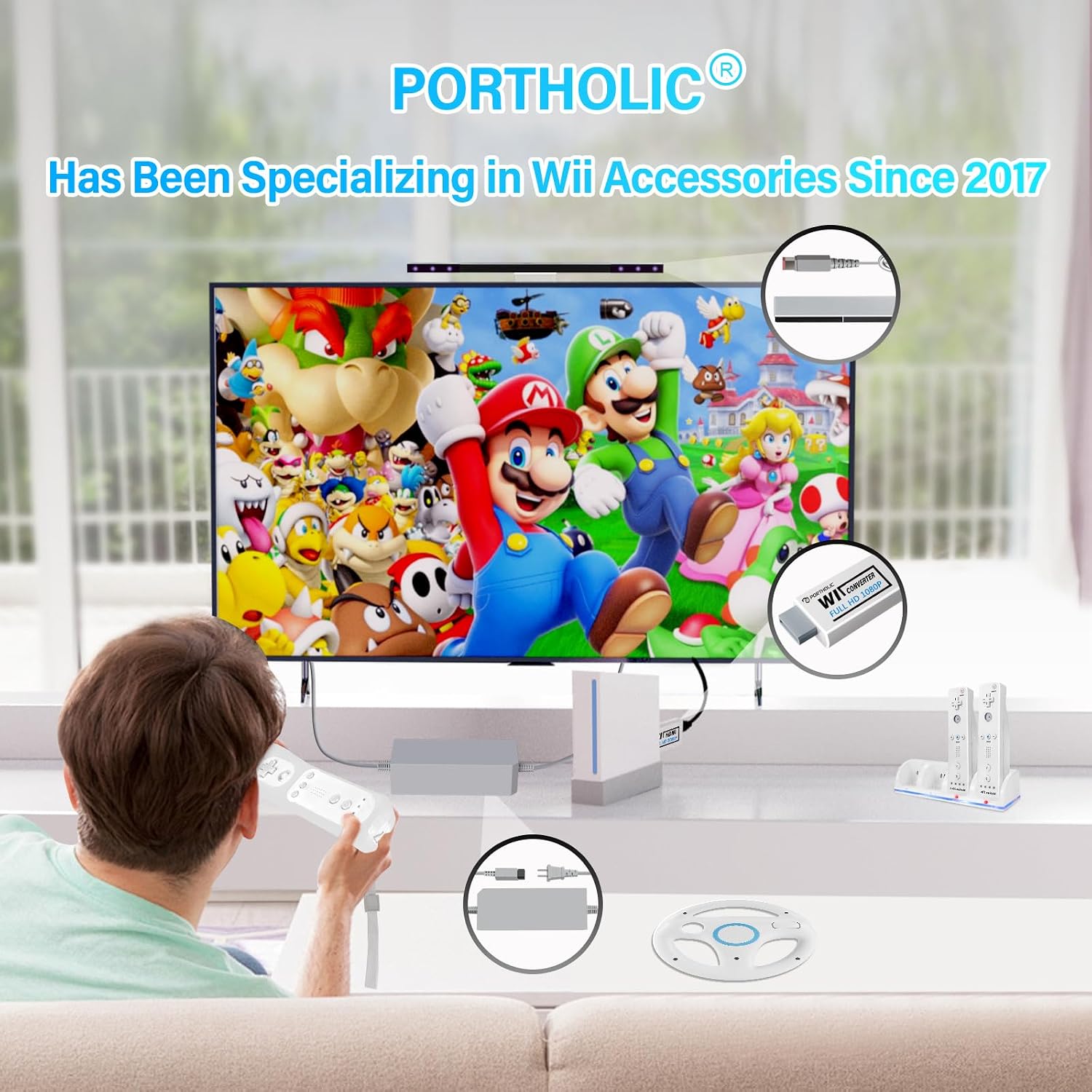
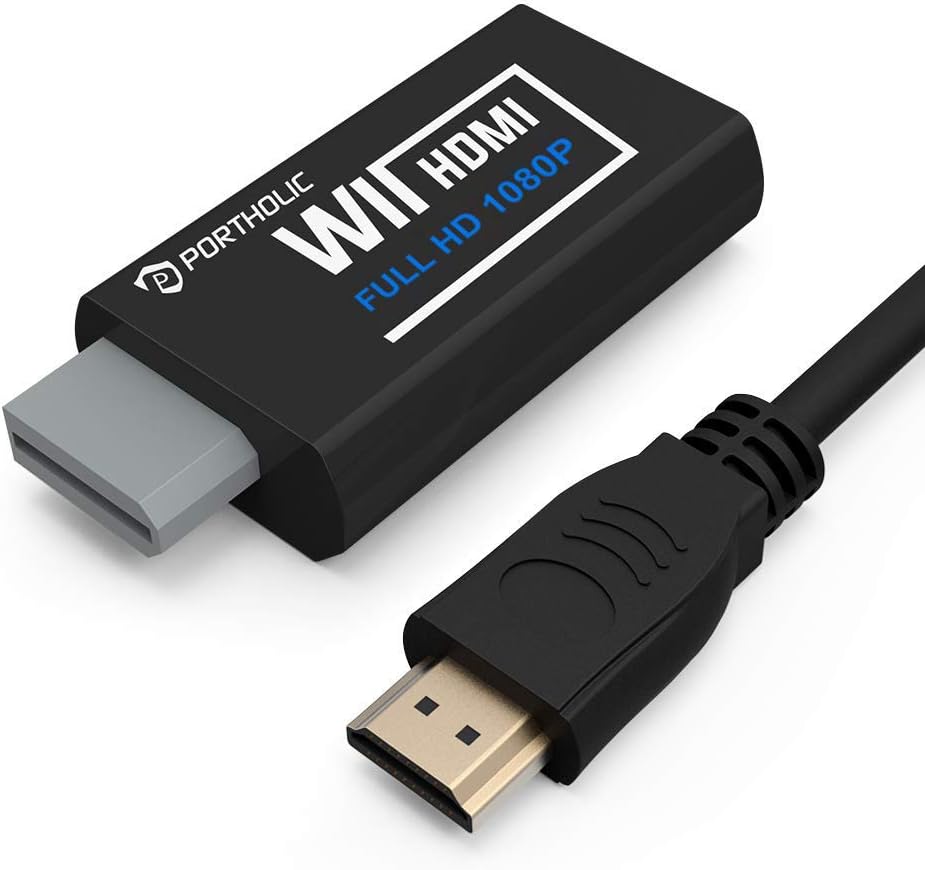
PORTHOLIC Wii to HDMI Converter 1080P
Product description
This compact adapter converts classic Wii video into HDMI so you can play on modern HDTVs and monitors with cleaner output and easier hookups, ideal for retro sessions and late night play. If you need a simple Wii to HDMI converter for a casual setup it reduces cable clutter and brings your console image to HDMI displays with an extra 3.5mm port for headphones or external speakers 🎧. Note that some consoles default to 480i and may require switching to 480p to support certain legacy modes, according to the original notes.
Key points
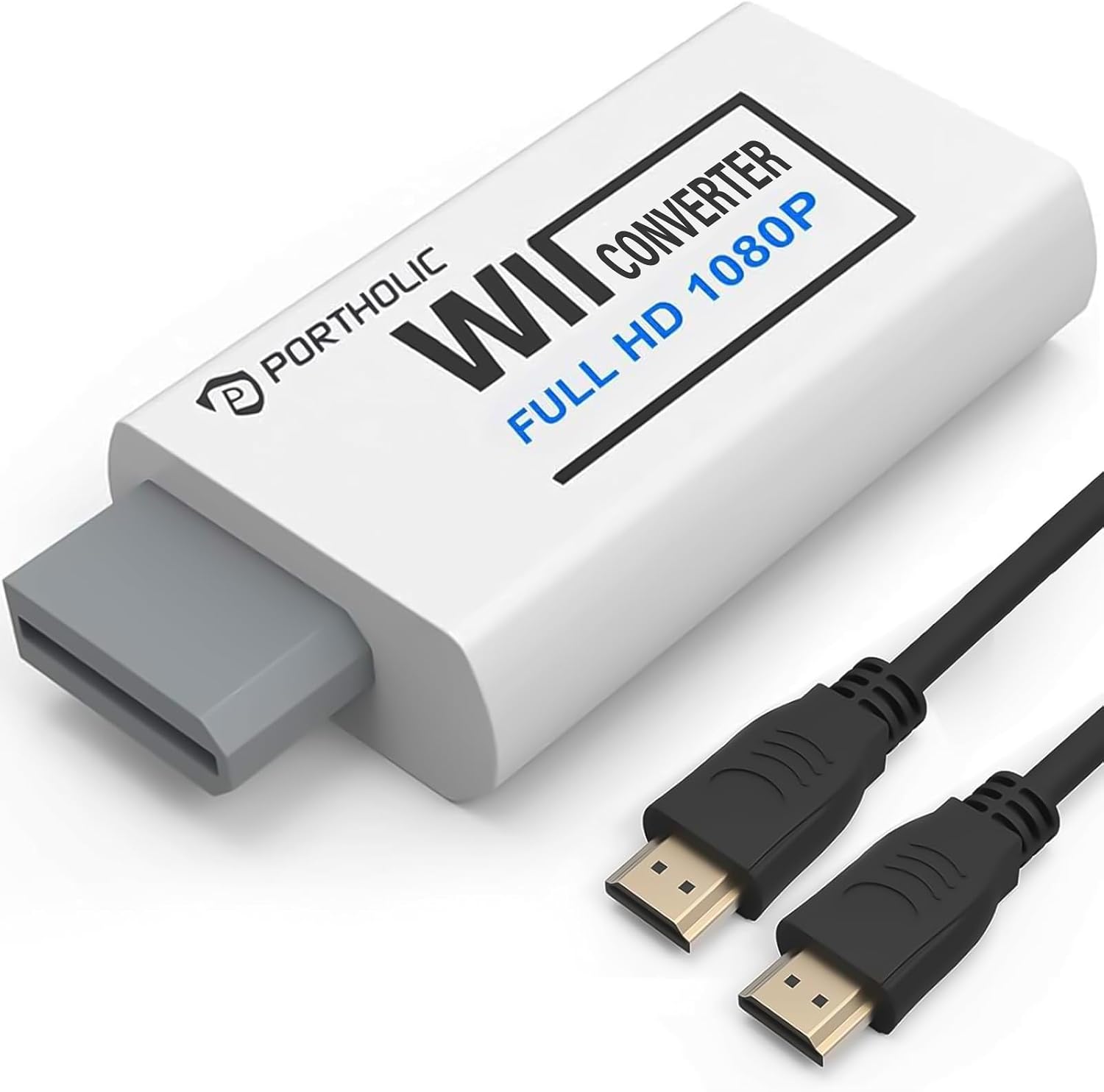
The PORTHOLIC adapter keeps things straightforward and unobtrusive. Small in size yet practical, it connects directly to a TV or monitor without drivers or software, making setup fast. PORTHOLIC Wii to HDMI Converter 1080P supports a range of Wii display modes and includes an extra audio jack so you can play quietly at night or route sound to external speakers. This unit cannot be used with video switchers or splitters and will not work with Wii Mini models, so check your console before plugging in. Compact design keeps the adapter tucked behind the console and helps avoid messy cable runs 🎮.
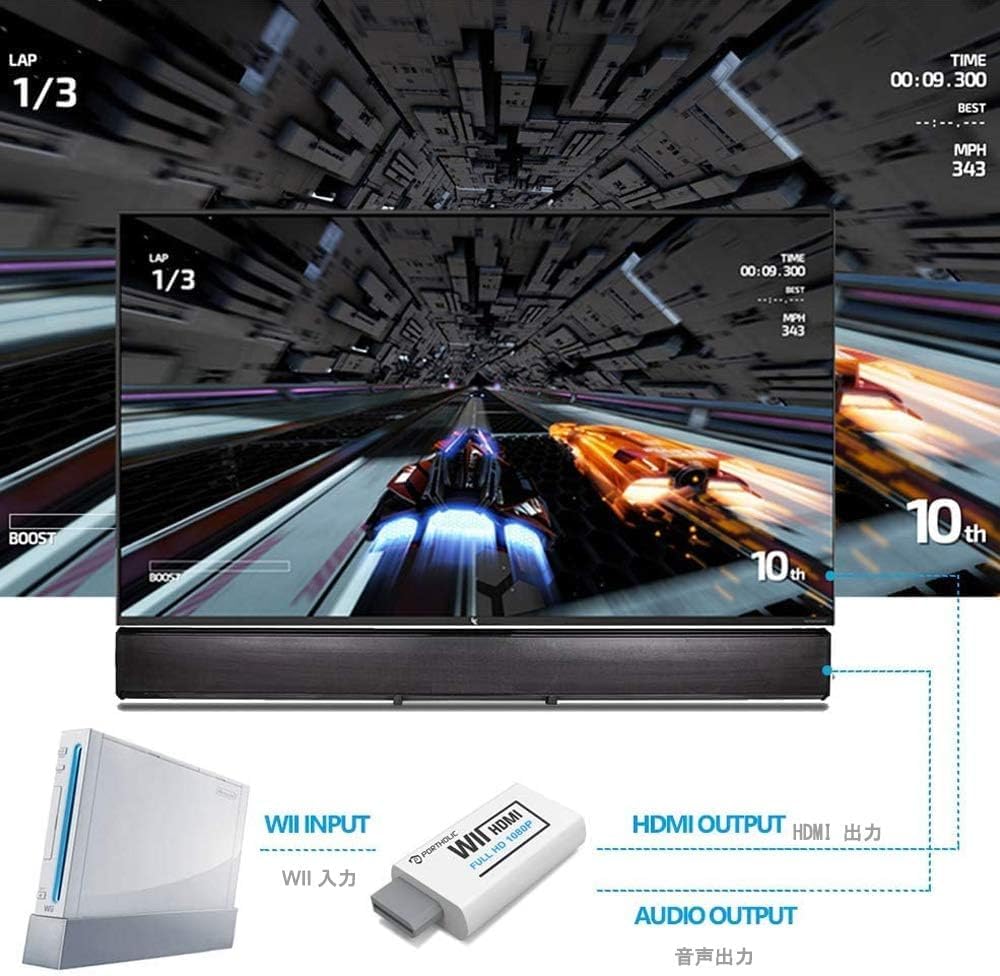
Technical details
- Name: PORTHOLIC Wii to HDMI Converter 1080P
- Size: 6 x 3 x 1.9 cm
- Video output: HDMI up to 1080P
- Audio output: 3.5mm audio jack
- Compatibility: Wii, Wii U, HDTV, monitor
How to use it
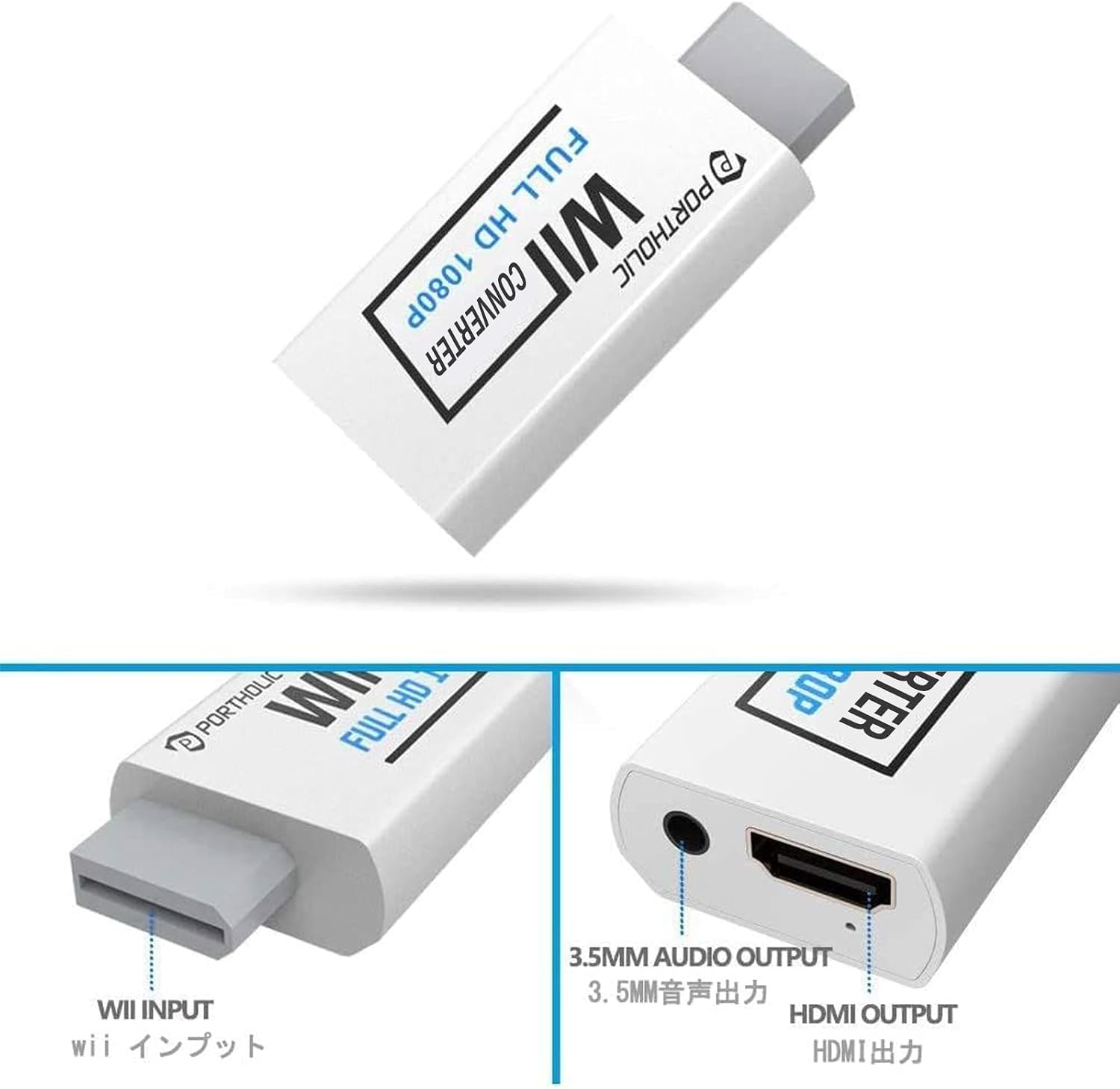
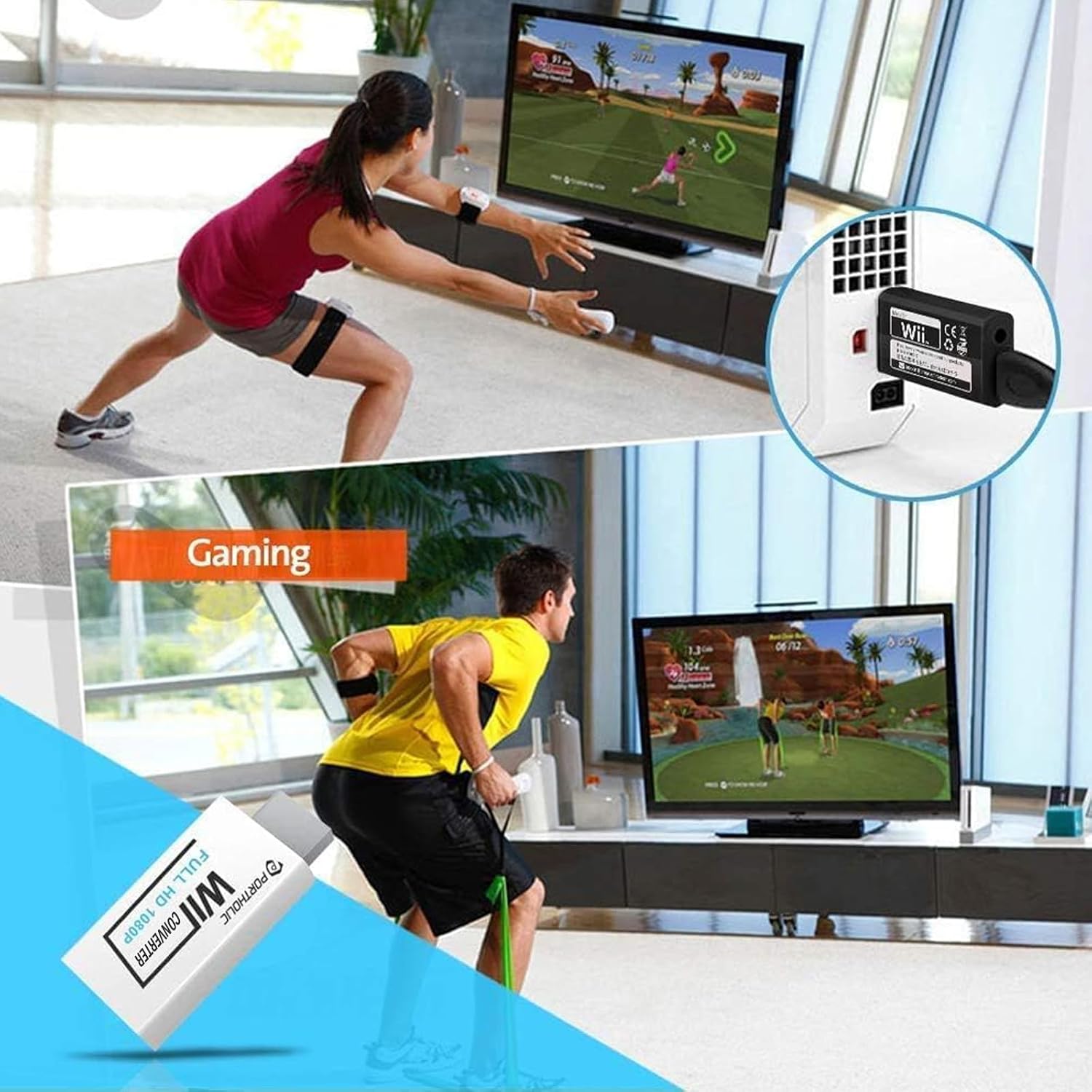
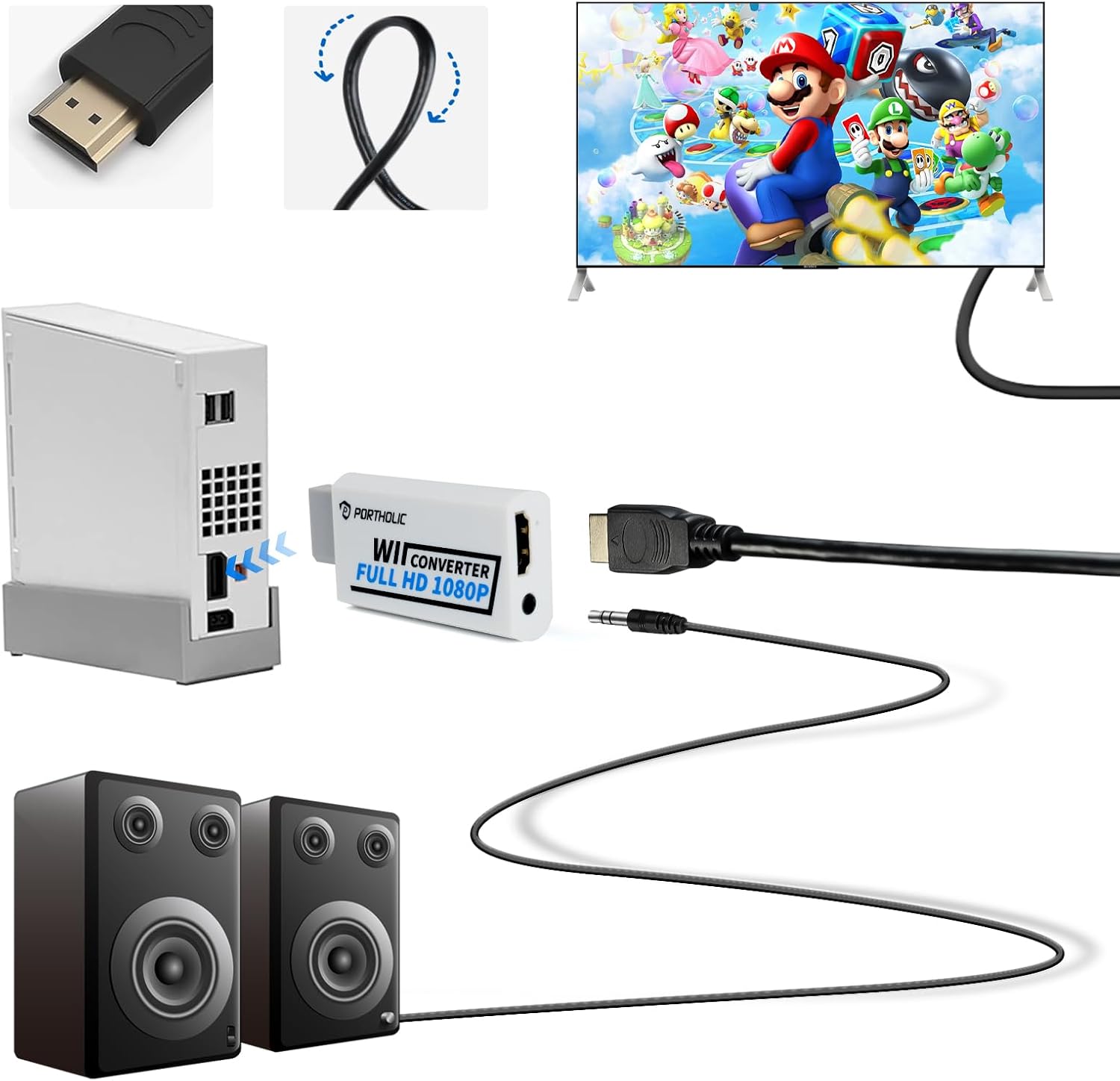
Plug the adapter into the Wii AV port, connect an HDMI cable to your display, and optionally attach headphones or speakers to the 3.5mm jack. No drivers are required so most setups are plug and play and ready in seconds Plug and Play. If the image looks odd try forcing the console to 480p, since some systems may default to 480i which can affect older modes. Avoid using the adapter with splitters or switch boxes to prevent signal issues.
What stands out
The balance of size and convenience is the main advantage here. With 1080P output support you can upscale older Wii visuals for clearer viewing and the extra 3.5mm audio jack gives flexibility for private listening or external sound systems. Keep in mind it may not support every legacy scan mode and it is designed for direct TV or monitor connection only.