

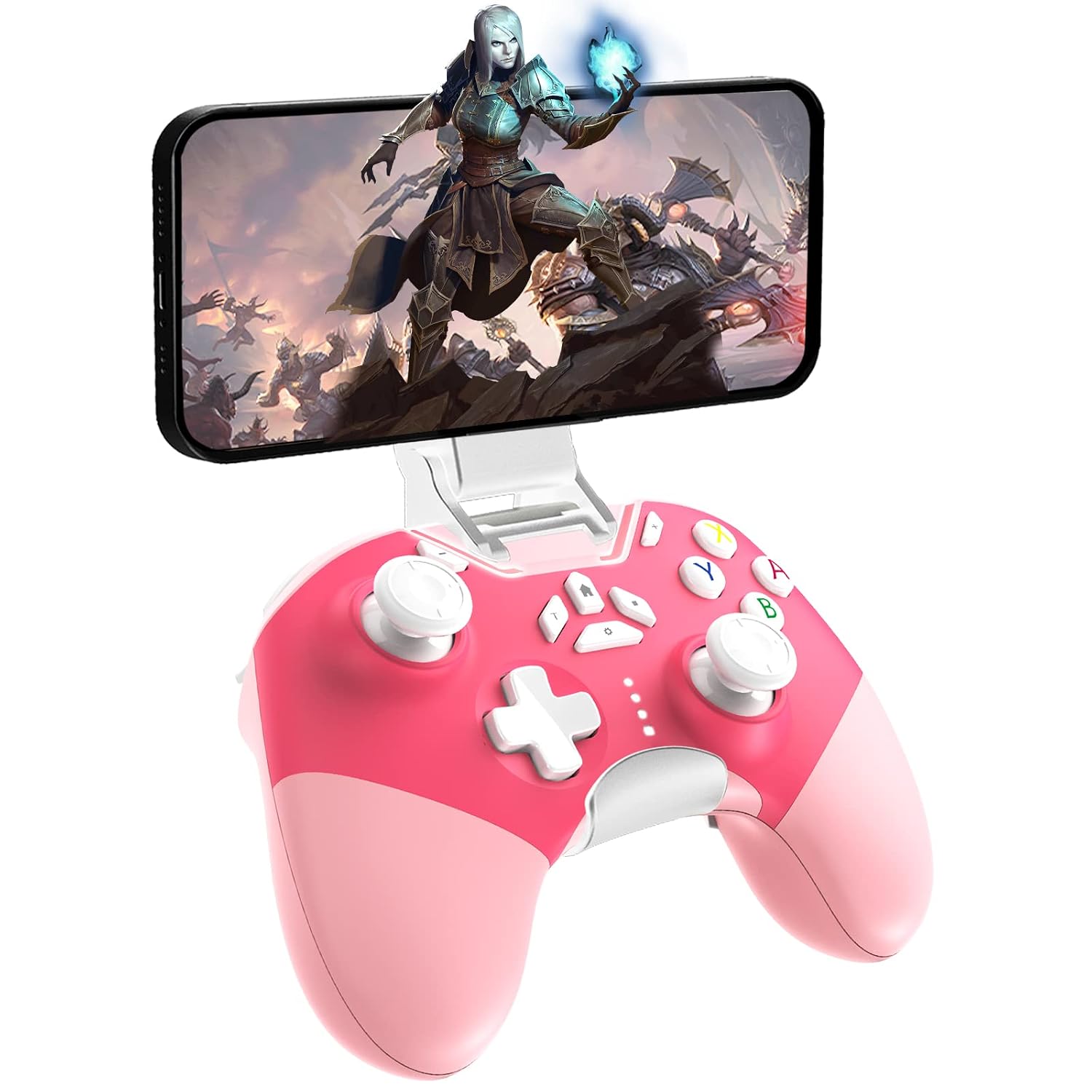
Hall Effect Bluetooth Controller for Switch/PC/iPhone/Android/TV/Steam — Pro Wireless Game Controller with Hall Joysticks and Turbo
Product description
What this is
This is a multi-platform wireless game controller designed to work with Nintendo Switch family systems, PC (Windows 7/8/10/11), Android devices, iPhone/iPad (iOS), TV setups, Steam, and even Tesla integrations in certain contexts. It combines Bluetooth 4.0 wireless pairing with a wired USB connection for stable play sessions, and it ships with a phone clip for on-the-go gaming. On paper, it aims to cover a broad range of devices with a single, rechargeable controller.
Connectivity and compatibility
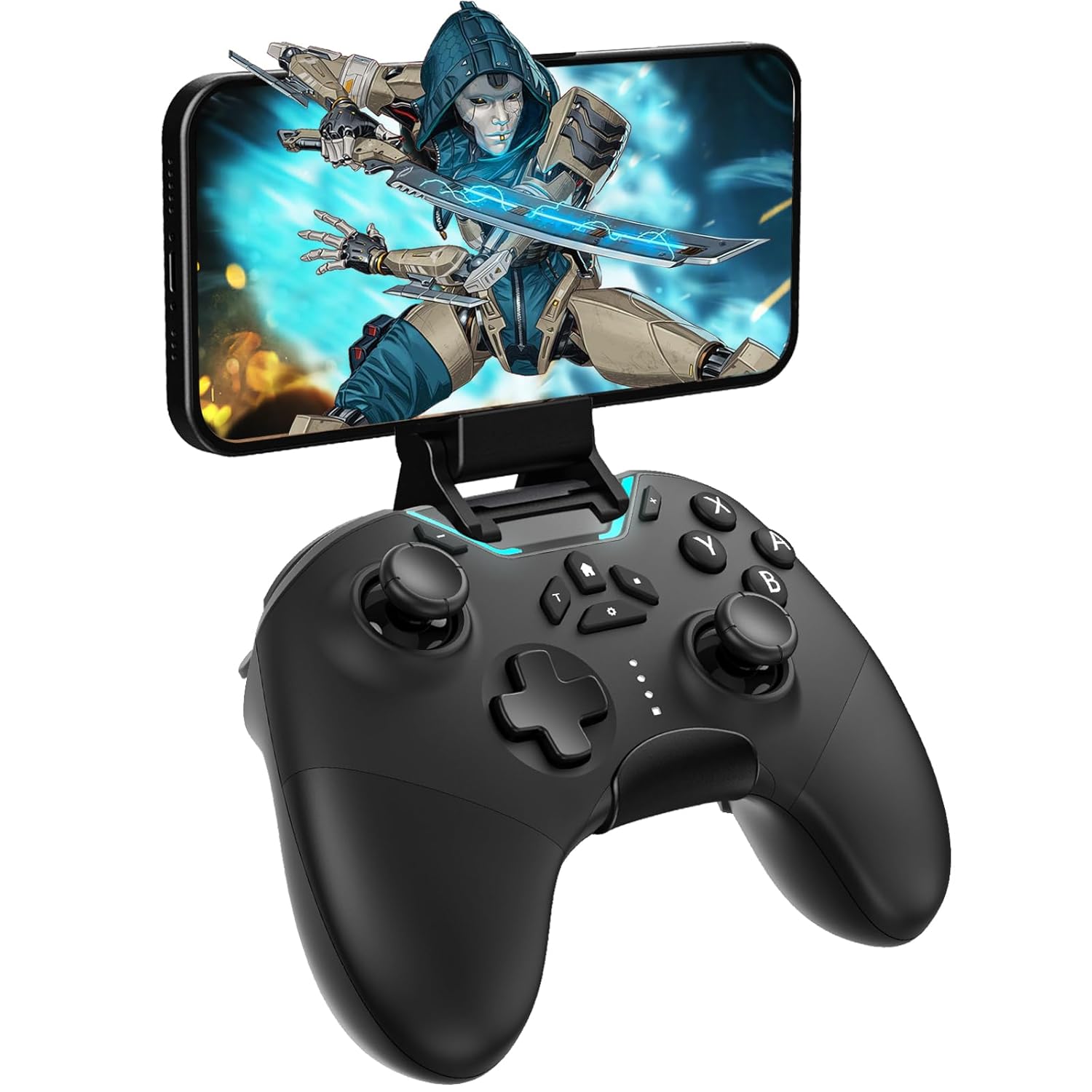
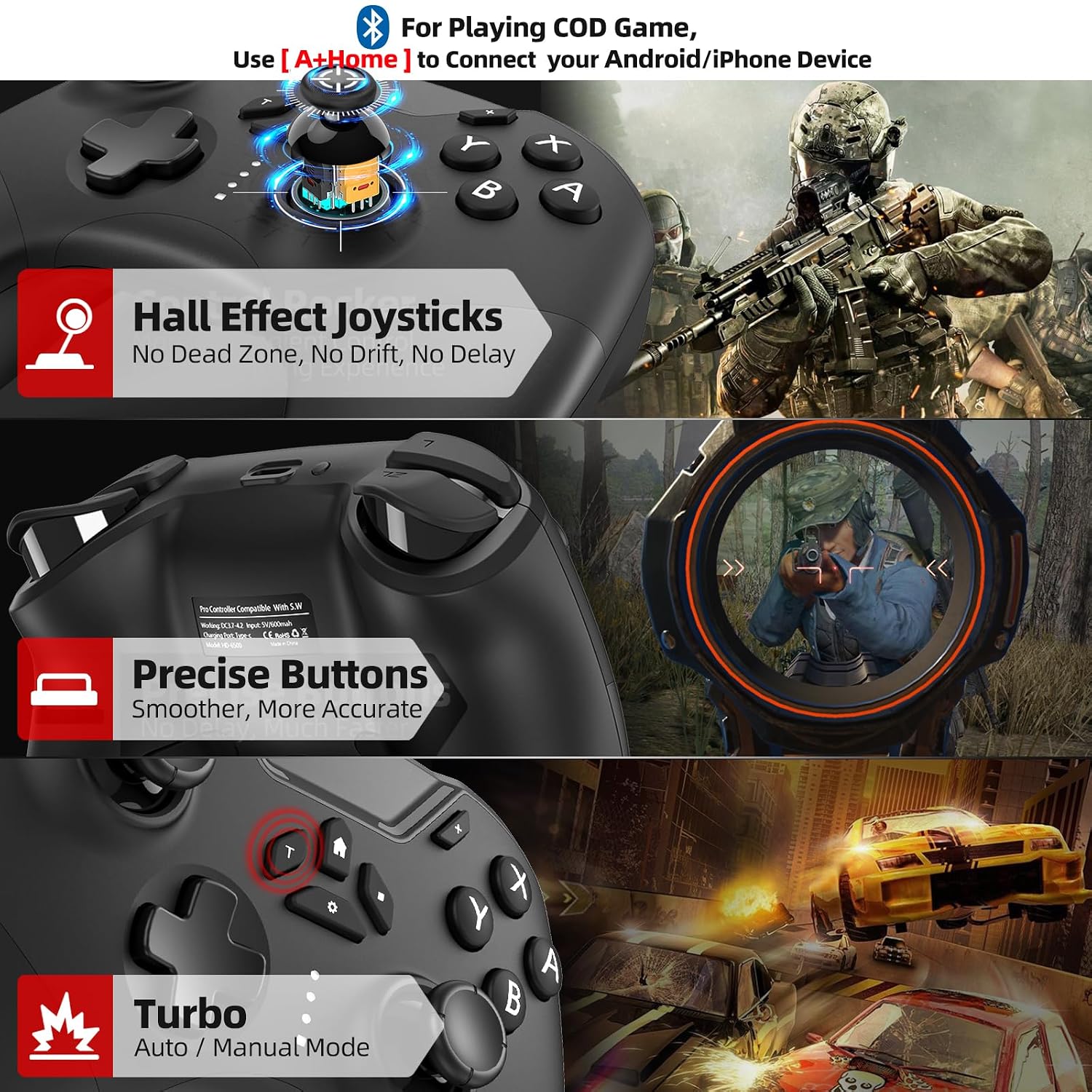
Two connection options are offered: Bluetooth 4.0 for quick pairing with Switch, mobile devices, and PC, and a wired USB link via a 59-inch cable for a more locked-in setup. The documentation notes compatibility with a wide array of platforms, including Nintendo Switch/Lite/OLED, Windows PCs, Android phones, iPhones/tablets, Apple Arcade/MFi games, TV, Steam, and even Tesla use cases. If you’re juggling multiple devices, this can simplify your gear lineup, but be aware some games on Android may require a specific pairing method (A + HOME) to function smoothly in certain titles.
Hall Effect joystick and lock speed
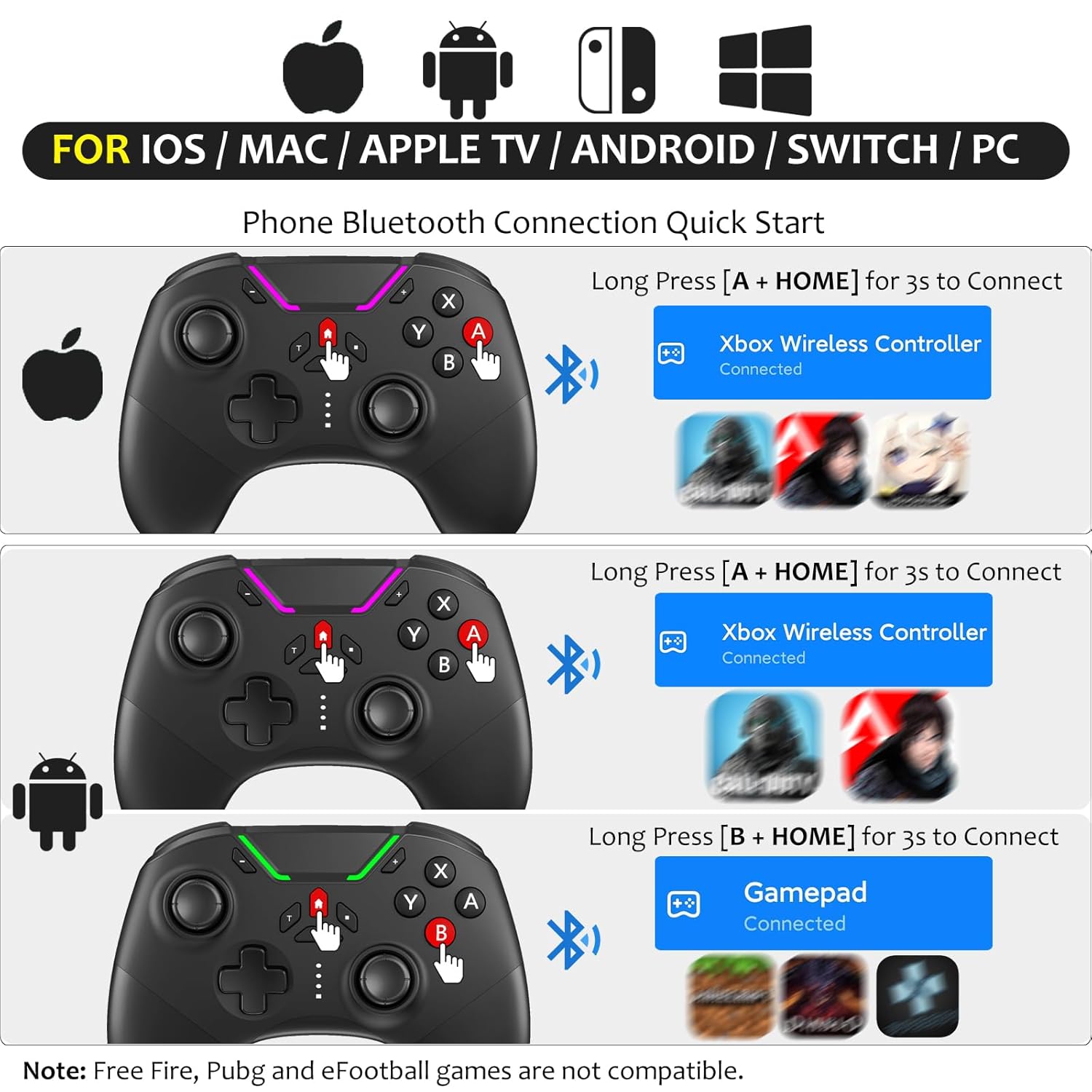
A standout claim is the use of Hall Effect joysticks to reduce drift and improve long-term precision. The controller also includes a lock speed feature to accelerate or stabilize movements, which can matter in fast-paced arcade and action titles. This design intends to deliver steadier input over time, though real-world results can vary by game and user technique.
Buttons, macros and programmability
The Android-focused variant includes a programmable button capable of recording up to 30 seconds of gameplay for later playback. This can be handy for rehearsing combos or showcasing quick routines without redoing steps mid-game. The presence of macro-like capabilities implies additional customization, though the extent of compatibility may depend on the game and platform you’re using.
Haptics, sensors and motion
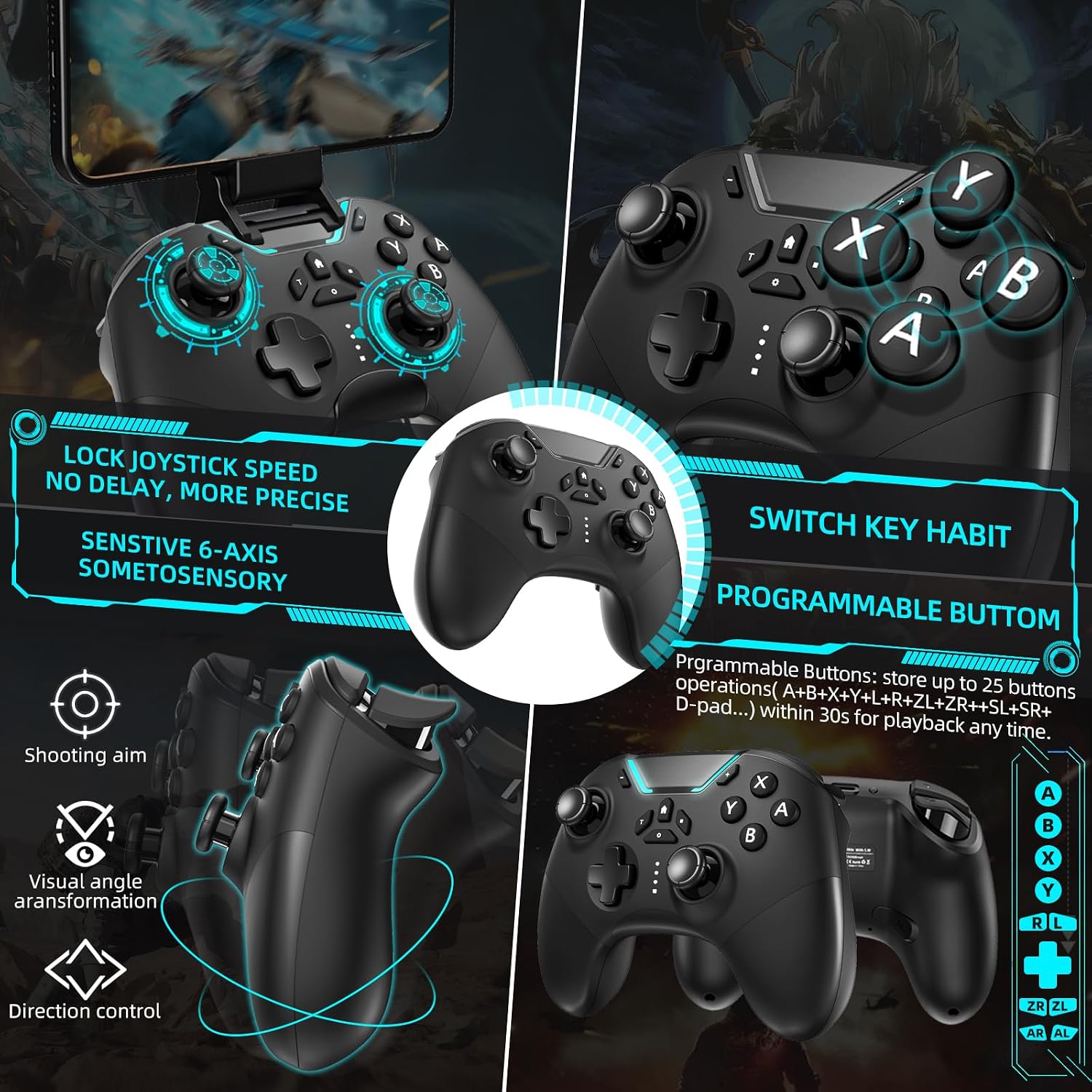
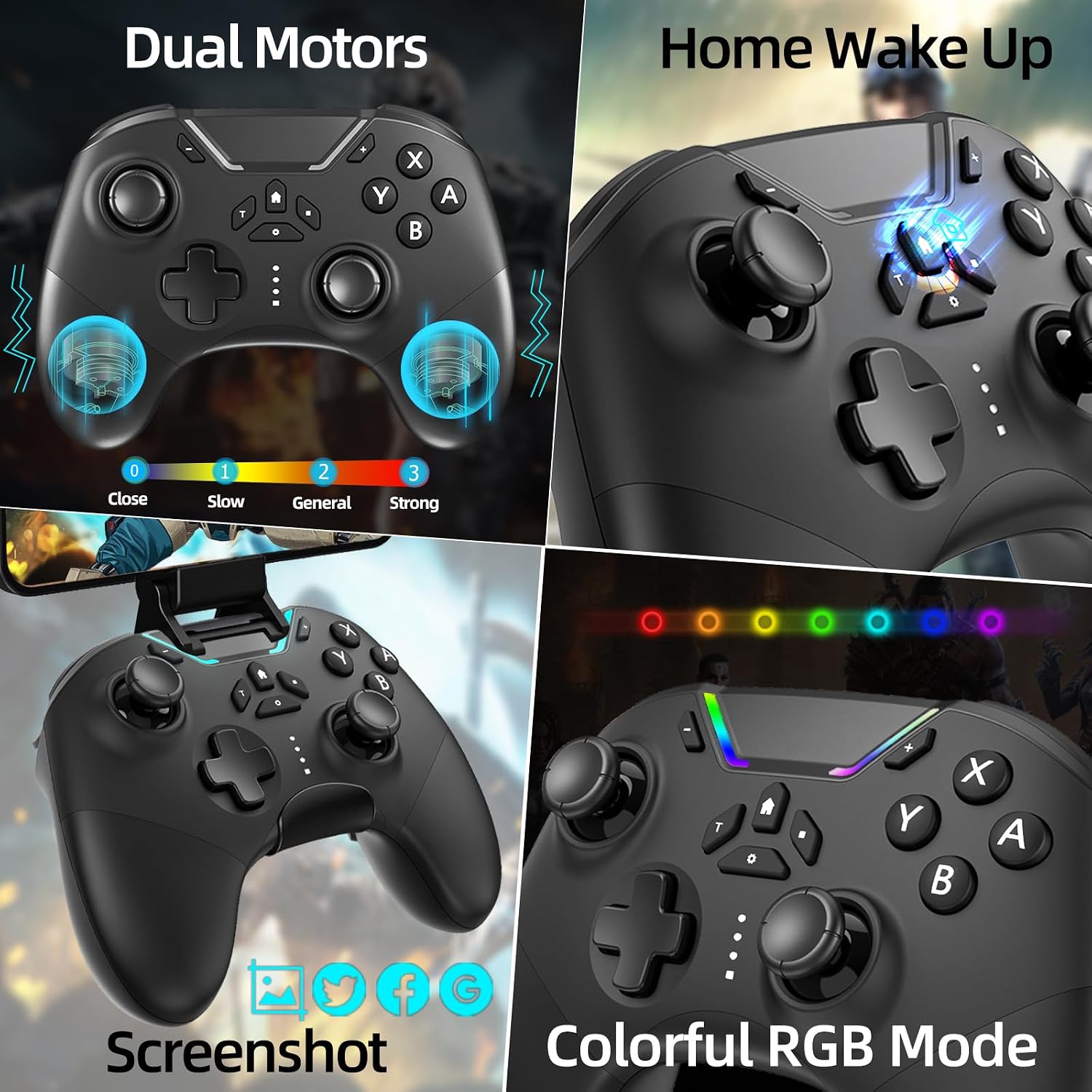
Dual vibration motors with four levels of intensity, plus a six-axis gyro, give you a more immersive sense of control. In practice, this combination can help you feel hits, collisions, and motion cues, which matters for racing, shooters, and action titles. It’s not a substitute for a premium haptics setup, but it provides tangible feedback for many games.
Battery life and charging
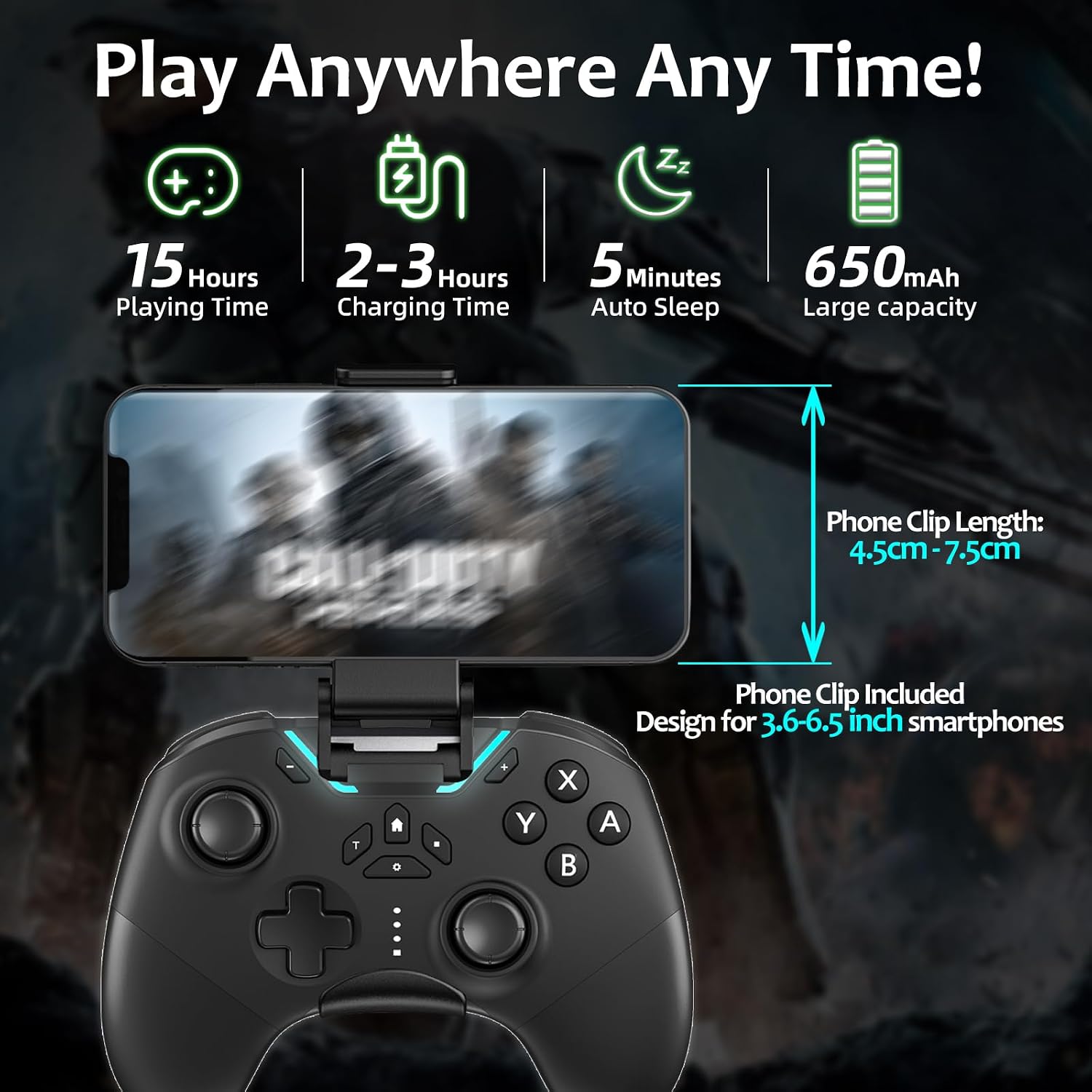
The built-in battery is listed at 650 mAh, with an expected runtime of roughly 10–15 hours depending on how you play and how often you use vibration. That’s a reasonable target for a wireless controller in this form factor, though intense vibration or bright LEDs can shorten the runtime. Recharging habits and idle power draw will impact real-world endurance.
Design and comfort notes
Beyond the Hall Effect joysticks, the controller includes a phone clip for portability and on-device gaming. The overall ergonomics will depend on hand size and grip style, but the emphasis on drift resistance and lockable stick speed is likely to be appealing to players who want consistent input across long sessions. If you prioritize compact layouts or extreme button customization, you’ll want to test fit and reach in your typical games.
What to watch out for
The manufacturer’s note about Android native compatibility suggests that some games may not recognize the controller by default. If you play popular titles like COD or Apex Legends on Android, you might need to use the A + HOME combination to connect. This is a reminder that compatibility can be game-specific, and not every title will feel perfectly native out of the box.
Everyday use and best matches
This controller seems best suited for players who want a single device across Switch, PC, and mobile ecosystems, and who value precision stick input, adjustable vibration, and macro capabilities. It can work well for arcade-style games, platformers, and shooters where quick reflexes and reliable inputs matter. If your setup is mostly-console oriented or you rarely switch between platforms, you may prefer a controller tailored to a single ecosystem.
What’s included and setup tips
The package includes a phone clip for on-the-go mounting. If you plan to use it on a PC or TV, ensure the USB cable is connected firmly and that Bluetooth pairing is completed for your devices. If you encounter pairing issues, a quick re-pair or reboot of the Bluetooth source device often resolves minor connectivity hiccups.
Is it worth it?
It makes sense if you’re after multi-platform flexibility, reduced stick drift, and the option to customize button behavior. You’ll appreciate the Hall Effect precision and the ability to adjust turbo and vibration to suit different games. It may not be the best fit if you primarily play high-end, console-optimized titles that demand industry-leading haptics or if you rely on flawless compatibility with every Android game without any pairing quirks.
FAQ
- How long does the battery last in practice? Expect around 10–15 hours depending on vibration use and LED activity.
- Will this work with all Switch games? It should pair across many titles, but some games may require special button combinations (A + HOME) on Android to establish a connection.
- Can I use the controller wired and Bluetooth at the same time? The setup lists both options, but typical use involves selecting one connection method per session.
Decision time
When it makes sense to buy, consider how often you game across multiple devices and how important drift-free input and macro capabilities are to your playstyle. If that sounds like you, this controller offers a flexible, feature-rich option. If you mostly stay within one platform or require the most seamless Android-native support, you might want to compare alternatives before committing.