

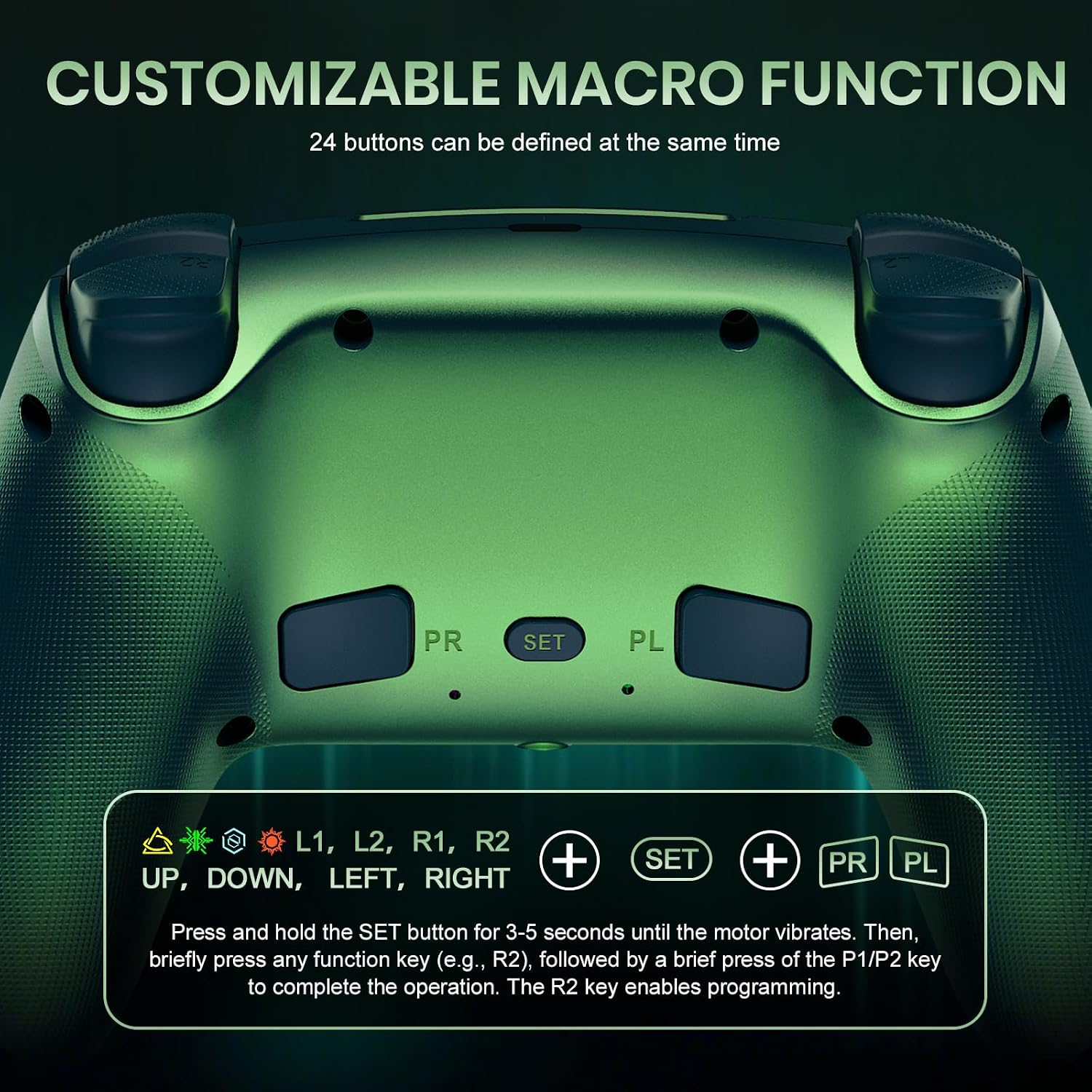
Gamrombo LED Wireless Controller for PS5 (Chromatic Teal) – Dual Vibration, 6-Axis Motion, 3.5mm Jack
Product description
What it is
The Gamrombo LED Wireless Controller is a PlayStation 5–or Windows PC–compatible gamepad designed to add color, vibration, and motion sensing to your gaming sessions. It’s marketed as a PS5-centric controller with a speaker, a 3.5mm audio jack, and customizable lighting to suit your mood or setup. On paper, it aims to be a drop-in option for players who want wireless play and extra features without sticking to the first-party ecosystem.
How it hooks you in
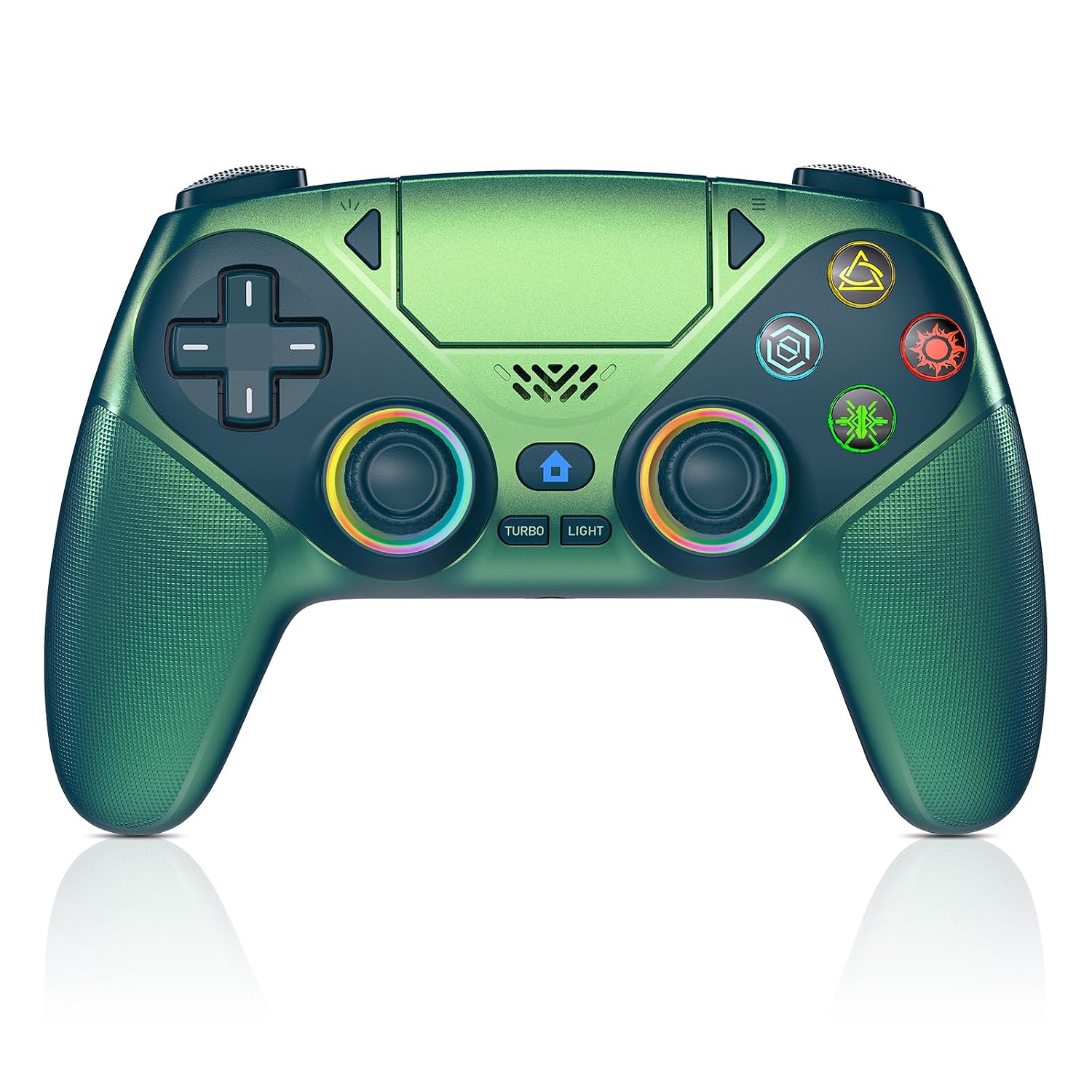
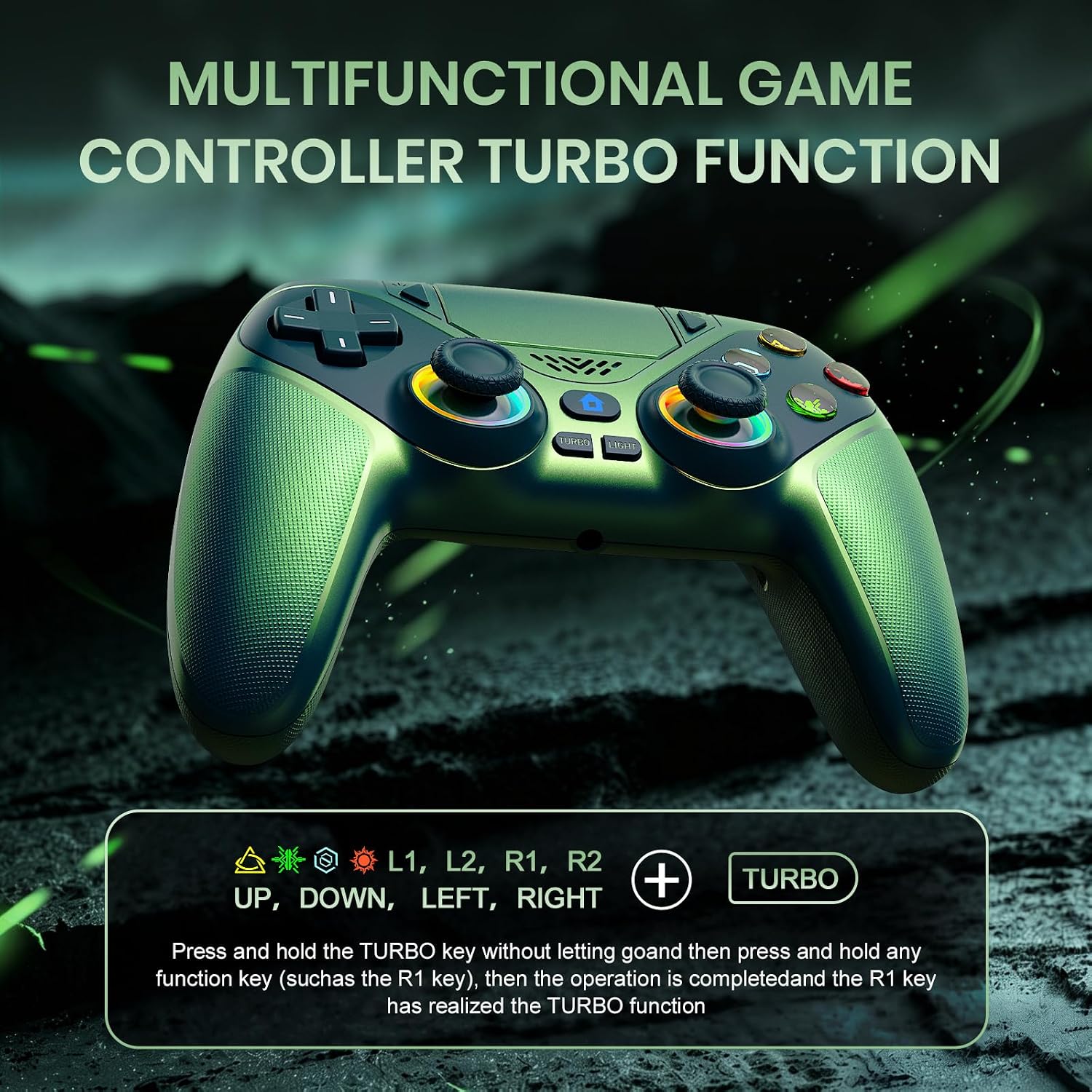
If you prioritize quick setup, the controller supports fast wake and connection with a single press of the HOME button after an initial USB-C pairing with the included data cable. This is handy for users who want to jump into games without wrestling with Bluetooth pairing prompts. The color-changing lighting is not just cosmetic, a color memory function tries to keep your preferred hue ready for the next session.
What stands out in use
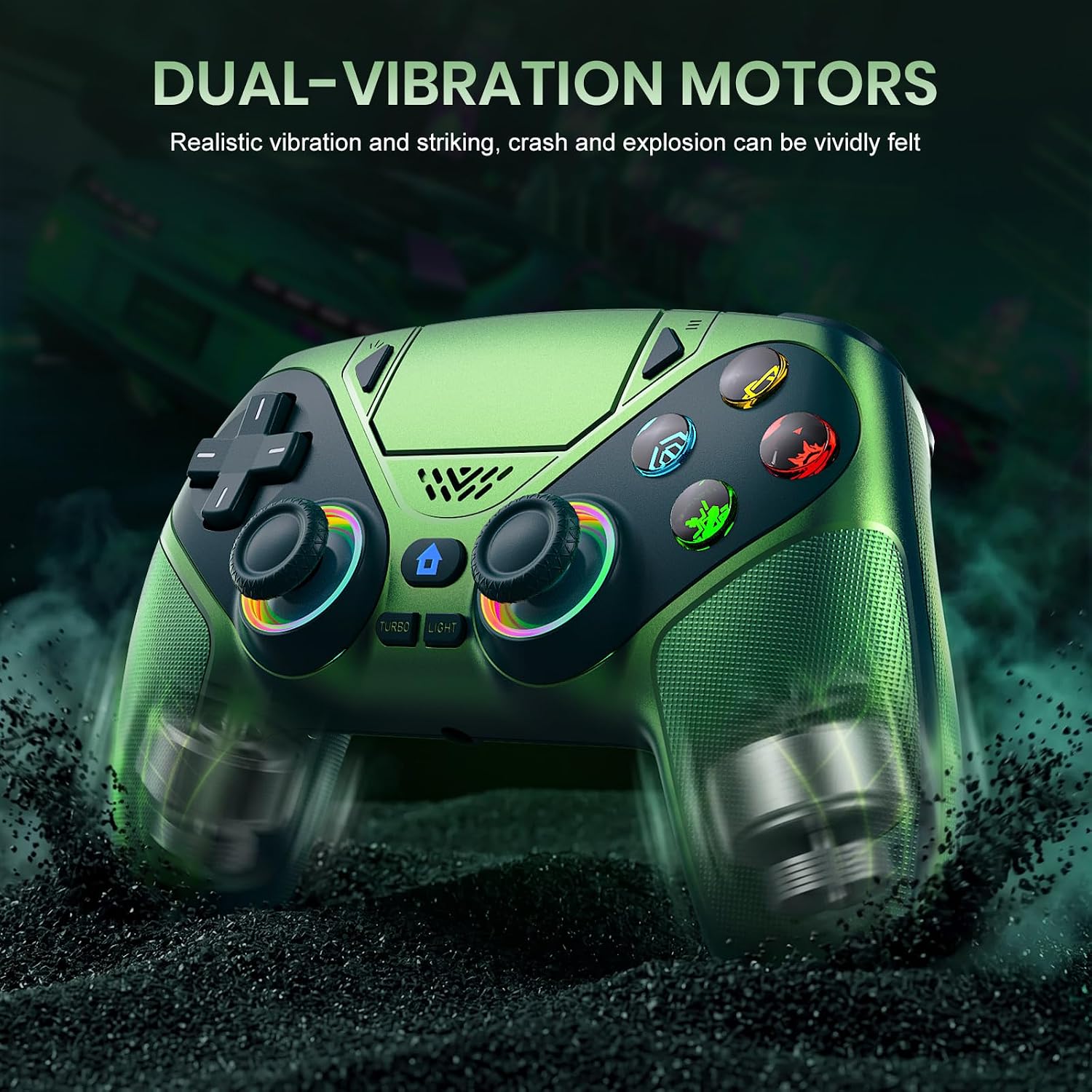
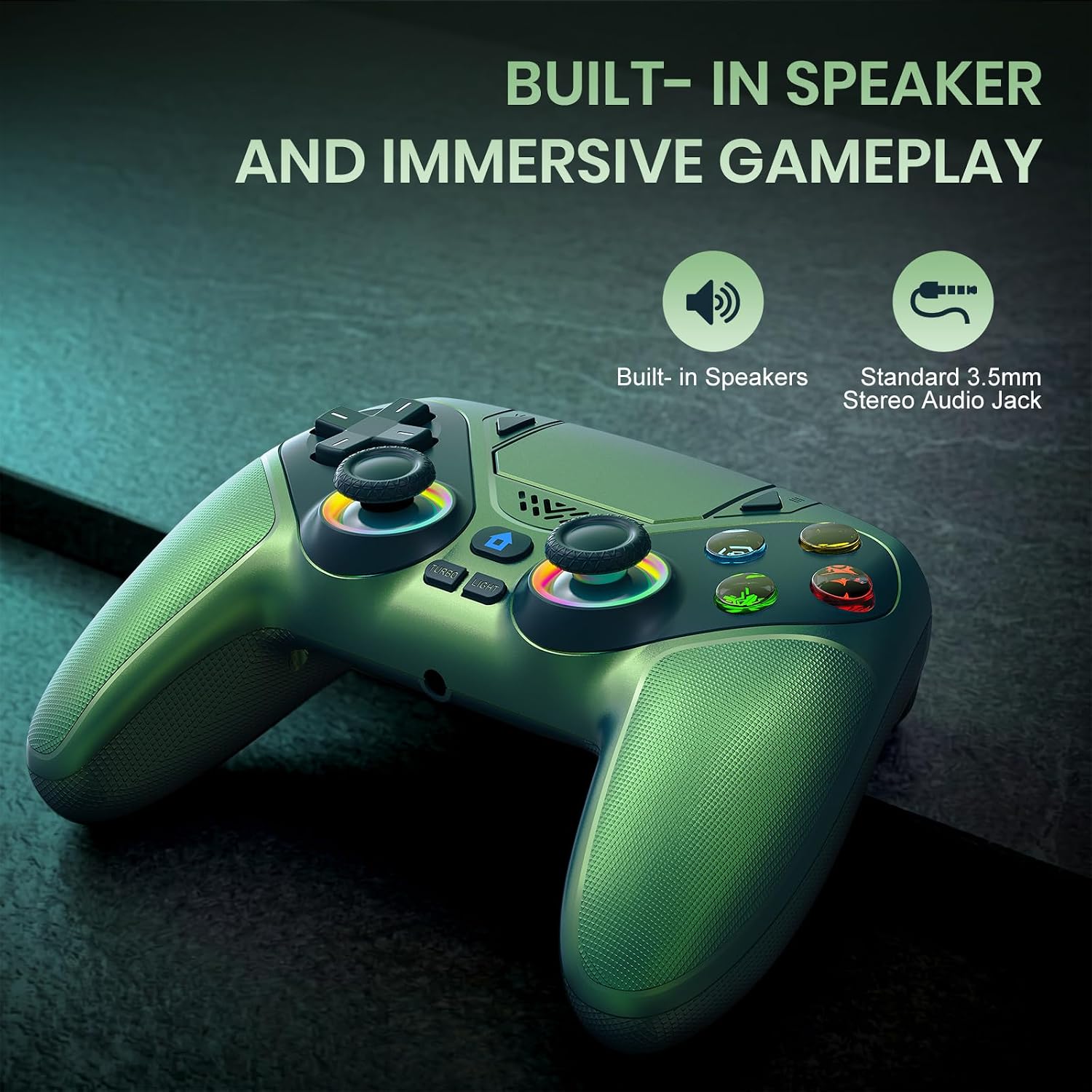
The dual vibration motors paired with a high-precision 6-axis motion sensor aims to deliver a more immersive feel in racing, shooters, and action titles. The upgraded joysticks claim to reduce dead zones, which can translate to more accurate aiming and smoother analog input. A built-in speaker adds a layer of sound immersion, although there’s no built-in microphone—the mic duties would still rely on an external headset if you need voice chat.
Notable limitations
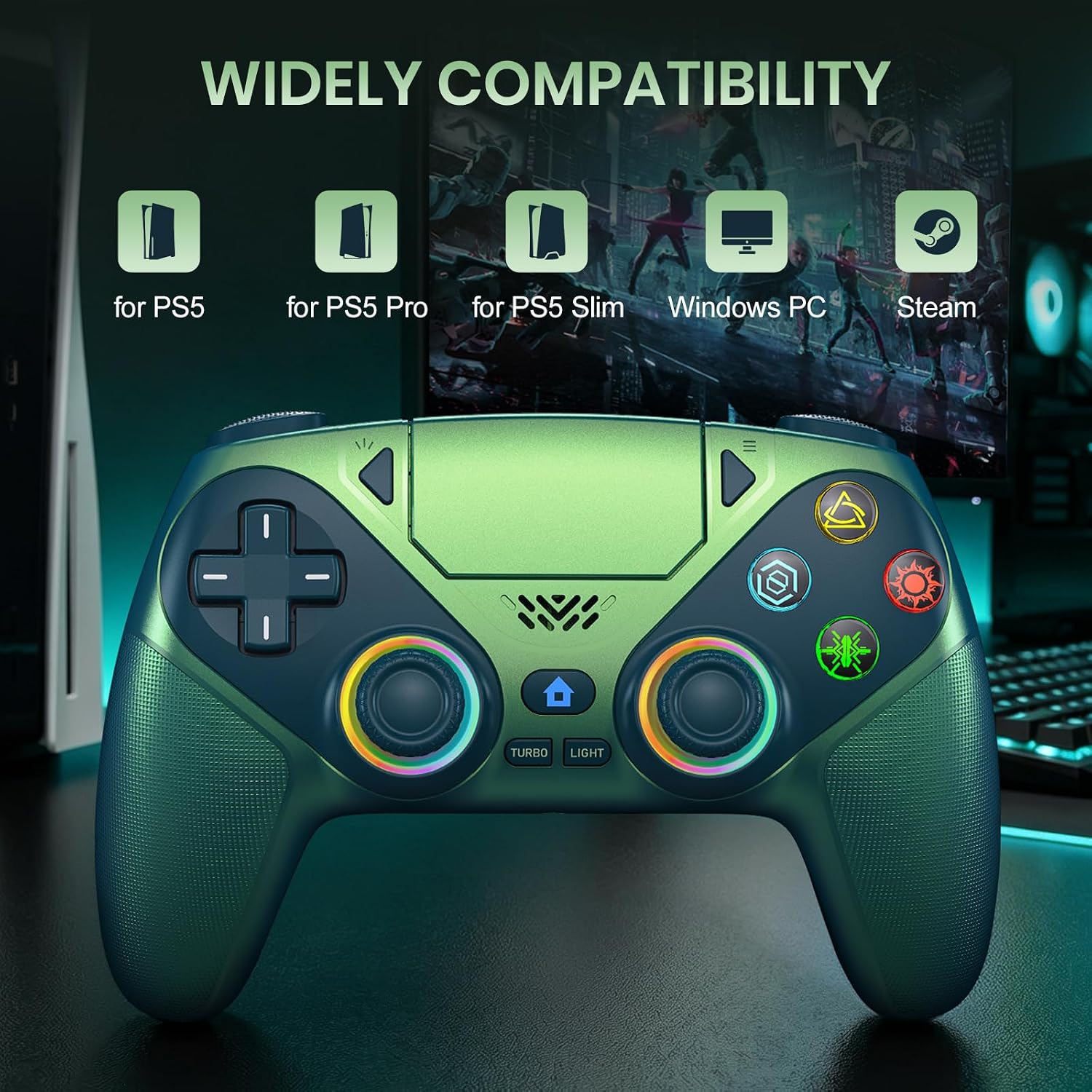
On first use, you must connect the pad to a PS5 console via the included data cable to activate it. It’s explicitly stated to work with PS5 series consoles and Windows PCs, but not with PS4. The 3.5mm audio jack is noted as not compatible with Apple headphones, and there’s no microphone onboard, which may limit setups that rely on a built-in mic.
The best fit for you
This controller could appeal to players who want a color-customizable, wireless option with additional features over standard adapters or basic third-party pads. It’s potentially a good fit if you’re mainly gaming on PS5 or PC, value a speaker for quirky audio cues in-game, and don’t mind using an external mic if you need voice communication.
When it may fall short
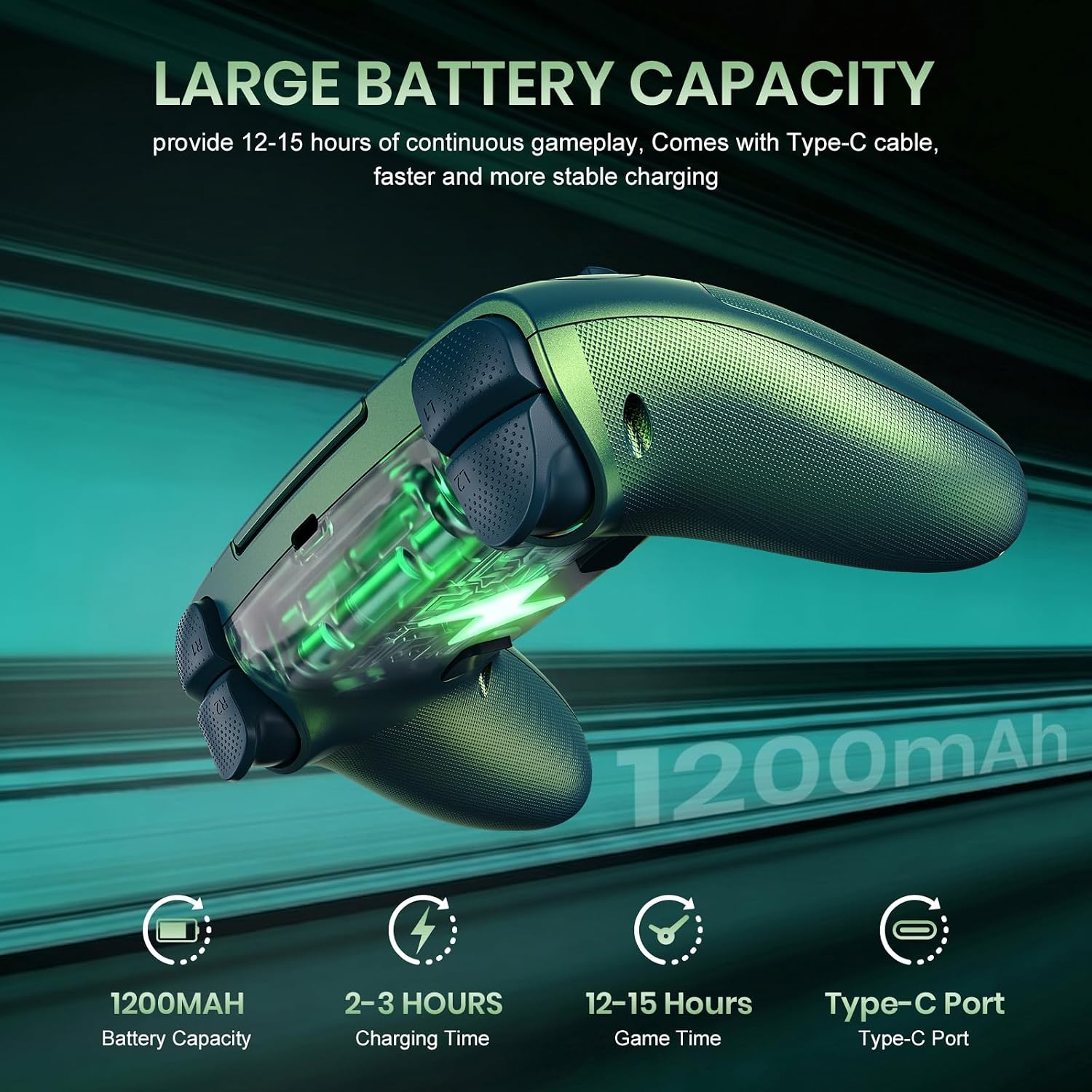
If you’re after a controller with broad microphone support, top-tier battery life, or a proven track record against first-party options, this model may not check all boxes. It’s positioned in a market where there are several competing third-party controllers, without independent performance tests in the data, you’ll want to temper expectations about durability and long-term reliability.
What to check before buying
- Confirm PS5 or Windows PC compatibility (PS4 is not supported).
- Understand the first-time setup requires the data cable for activation.
- Consider how important a built-in microphone is for you, this model relies on external headsets for mic use.
- If color aesthetics matter, explore the Lighting button features and whether the color memory aligns with your setup.
- Check for any firmware updates or software controls that may unlock additional features or fixes.
Practical use case
Imagine you’re streaming a racing title on PS5. You pick a teal hue to match your setup, enable the dual vibration and accurate sticks, and you enjoy a quick wake and pairing before the race starts. Mid-session, you go back to a PC game and appreciate the same controller’s responsiveness. The built-in speaker is fun for environmental cues, but you’ll probably rely on your headset for communication.
Final decision
Is it worth it? It depends on what you value most: color customization and wireless PS5/PC compatibility with extra input features at a competitive price point, versus the certainty and integration of first-party gear. If you prioritize a quick wake setup, tactile joysticks with lower dead zones, and a speaker for ambient sound cues, this model could be worth a closer look. If you need universal microphone support or flawless long-term durability, you might want to compare with other options.
FAQ
- Does it work with PS4? No, only PS5 series consoles and Windows PCs.
- Does it have a microphone? No built-in mic, external headset needed for voice chat.
- Can I use it wirelessly right away? Yes after the initial USB-C data cable pairing for activation.
- Is the 3.5mm jack compatible with all headsets? It’s not compatible with Apple headphones, use a compatible headset instead.
- What’s the benefit of the LED lighting? Color customization with memory so your preferred color stays on for next use.