

Phomemo Mini Sticker Printer M02
Product description
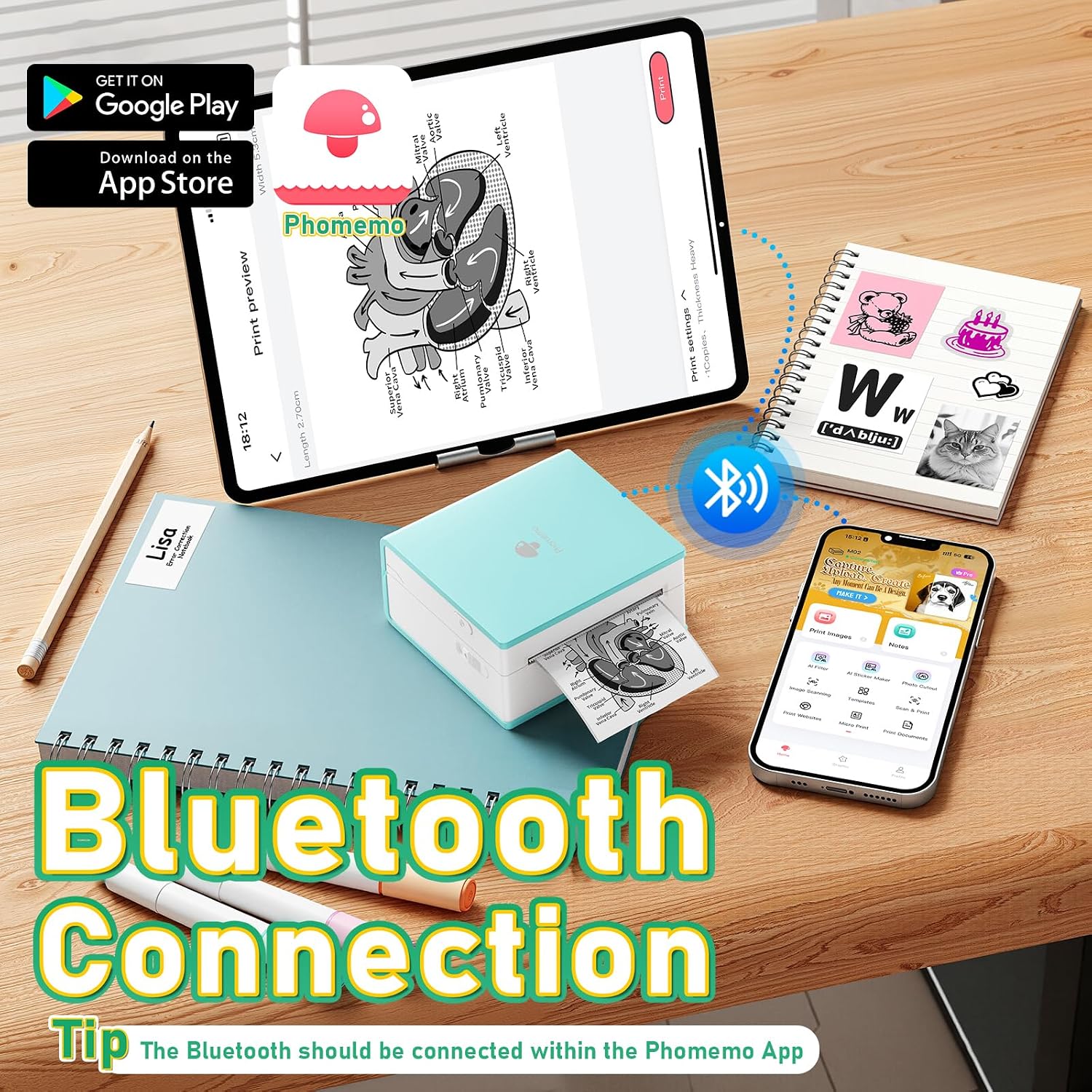
For students, journal keepers, and anyone who likes making labels or small black-and-white prints from a phone, the Phomemo M02 keeps the setup compact and ink-free. It connects to iOS or Android devices over Bluetooth and works through the Phomemo app, which includes text editing, templates, OCR, and image printing. The listing says three paper rolls are included, so you can start with more than a single roll on hand. If you prioritize quick notes and creative paper projects, its thermal format makes sense, if you prefer color prints, this isn’t the right printing approach.
Where it shines
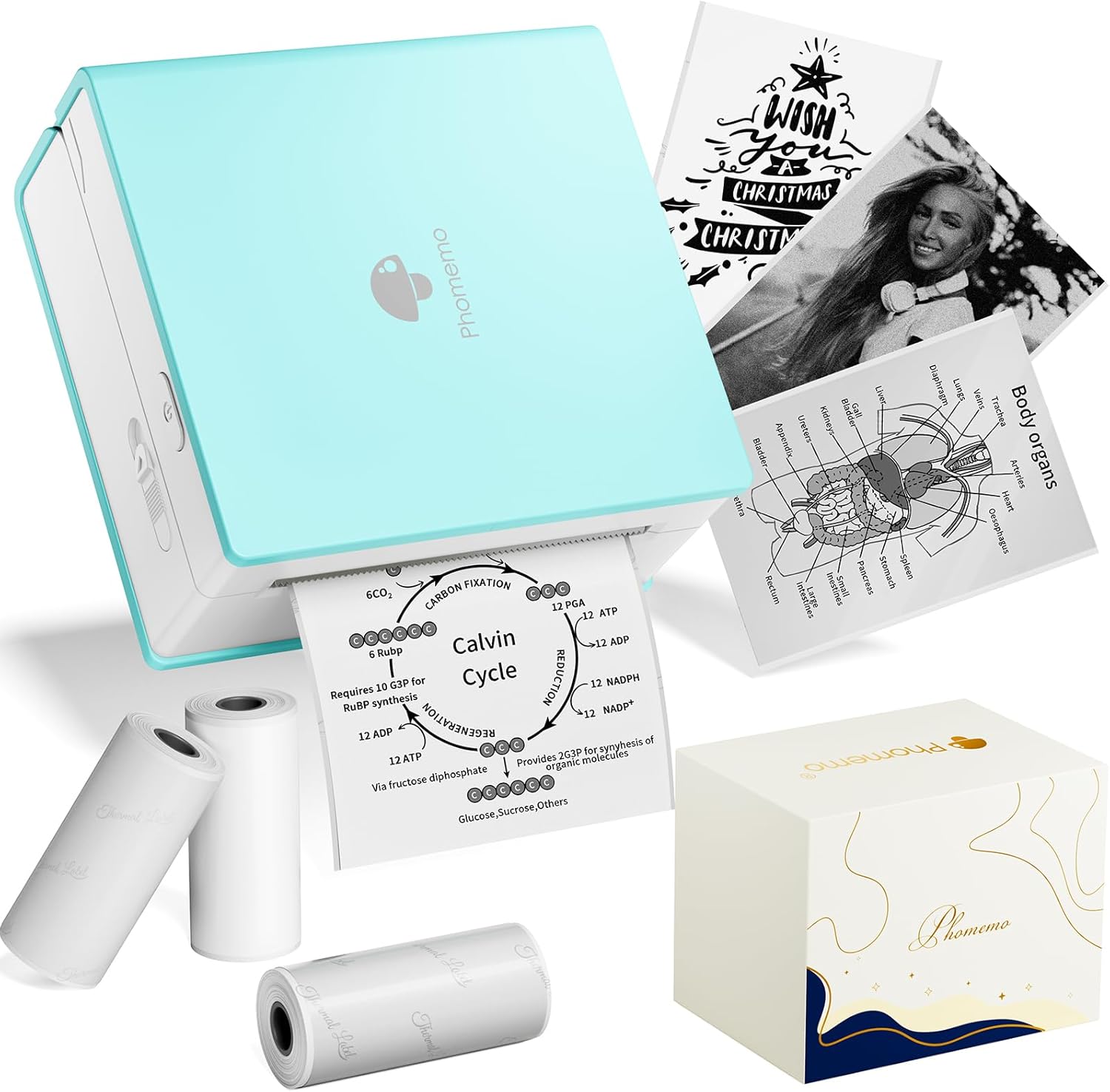
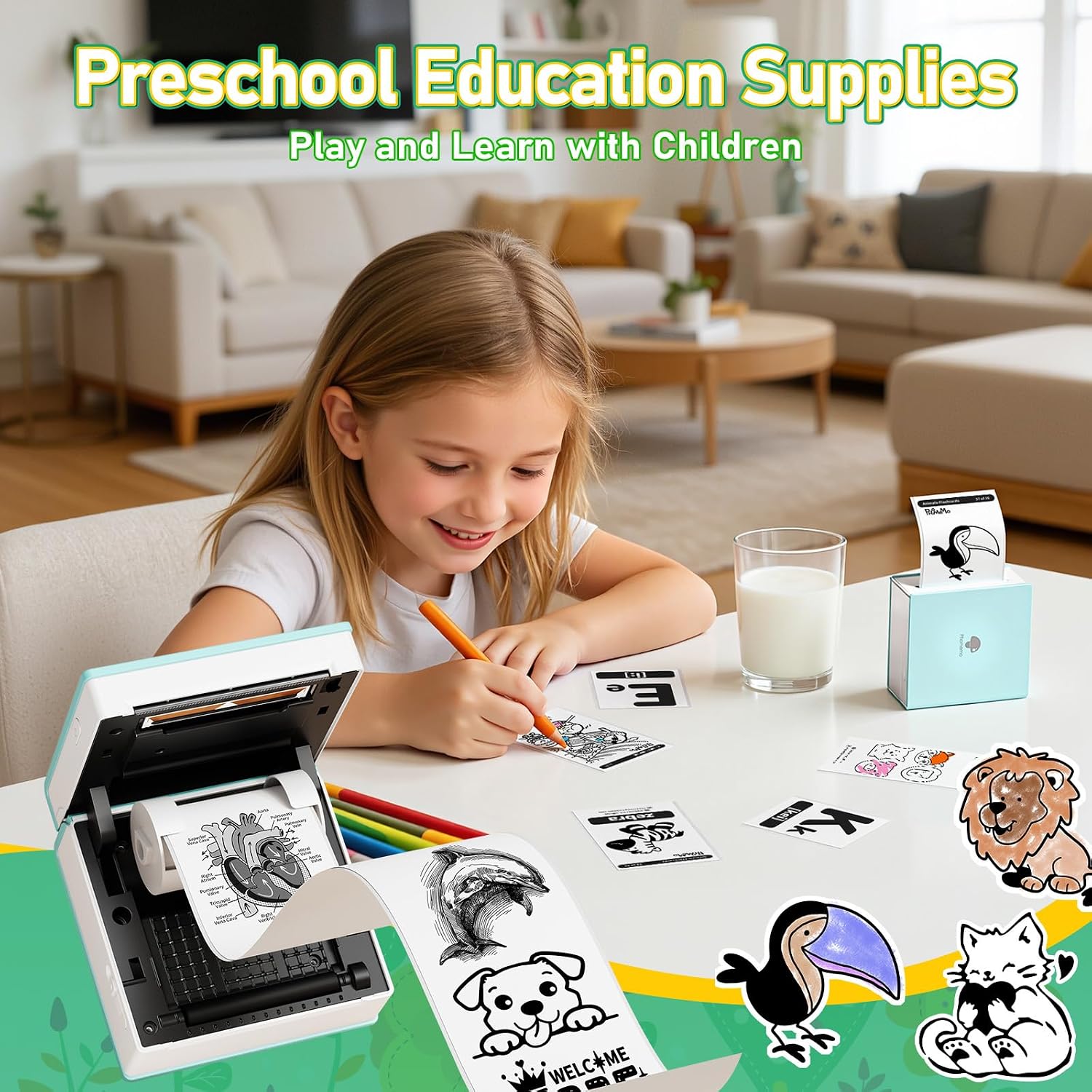
The M02 is built for small, useful prints rather than full-size documents. Picture printing a short study note or a diagram from your phone, then sticking it into a notebook, it can also make labels, to-do lists, journal details, and decorative pieces for scrapbooks or DIY cards. Self-adhesive paper, standard thermal paper, and color paper rolls are listed as compatible, though the printer itself produces black-and-white output. That distinction matters: colored paper can change the look of a project, but it doesn’t make the printed image color.
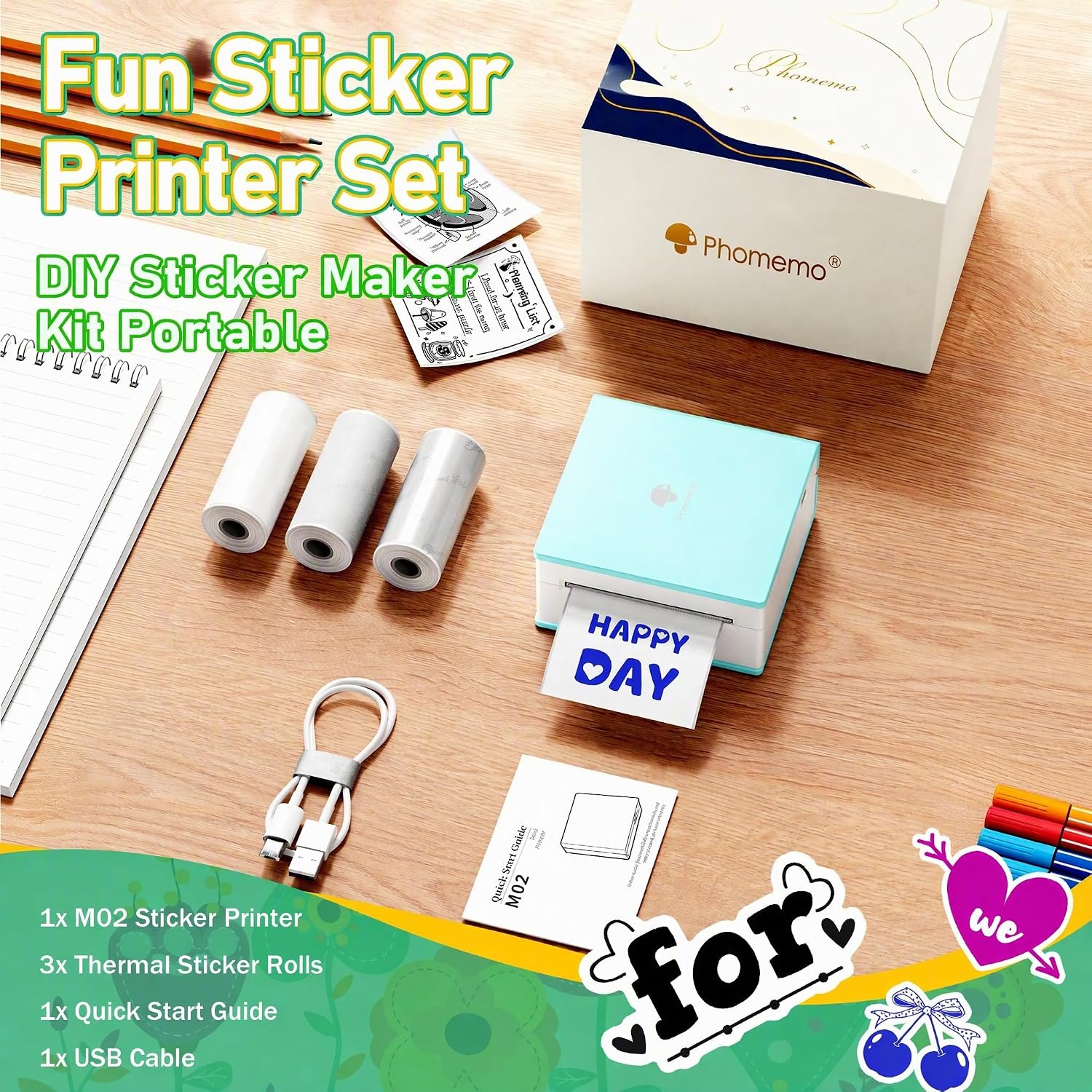
Its listed dimensions are 3.3” x 3.2” x 1.6”, a pocket-friendly size for a backpack, desk, or craft drawer. You’ll appreciate it if you want to add quick printed details to school notes or handmade projects without setting up a larger printer. The app’s OCR and editing tools may also help when turning text or images into something more compact, though the listing doesn’t explain how each feature handles every type of source material.
What to know
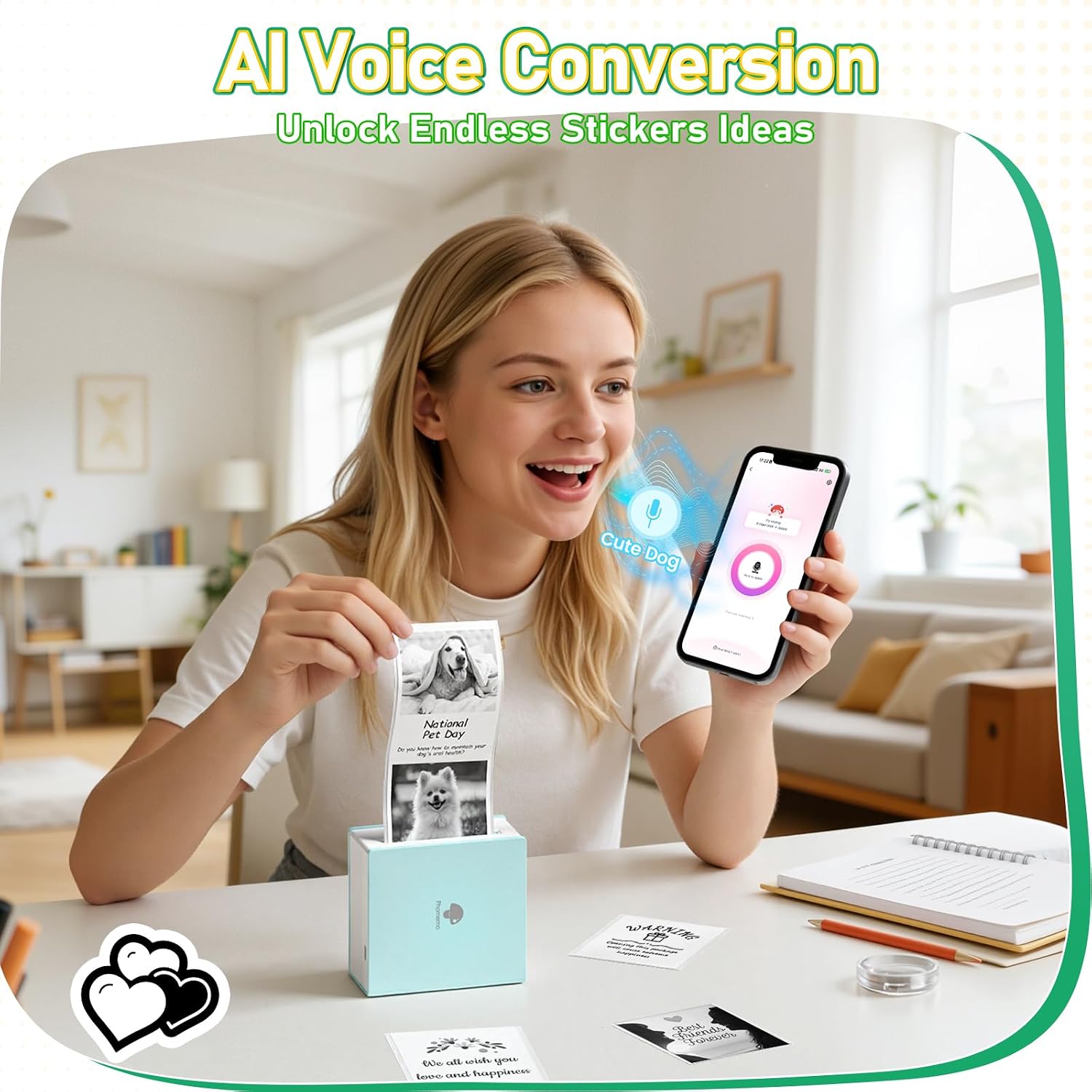
This is a Bluetooth-connected mini printer, not a standalone printer: you’ll need a compatible iOS or Android device and the Phomemo app to send content. The app includes AI tools for image matting, filters, blending, and voice-to-sticker creation, but those premium features require a subscription. Basic printing and subscription-based extras shouldn’t be treated as the same thing when weighing what you’ll use.
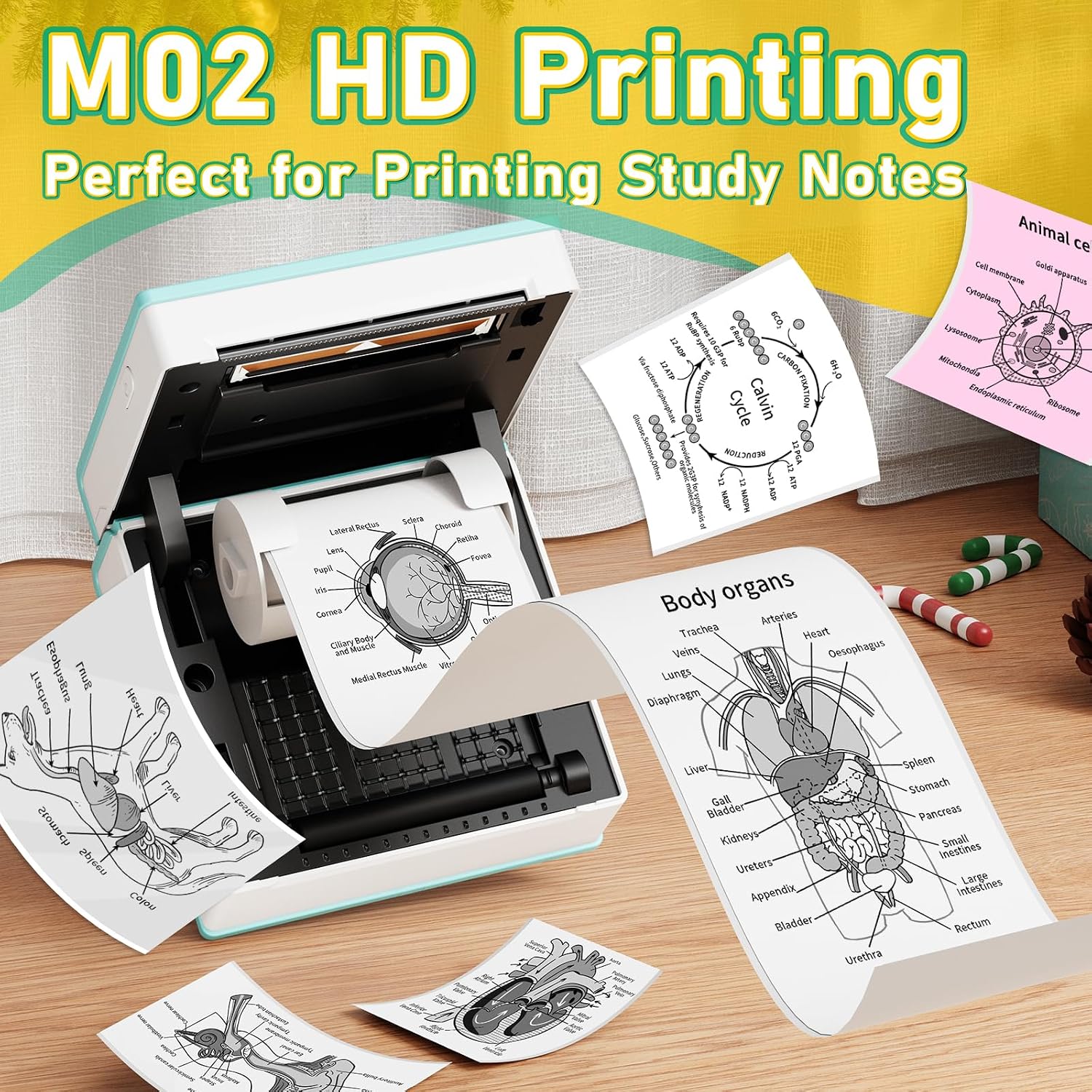
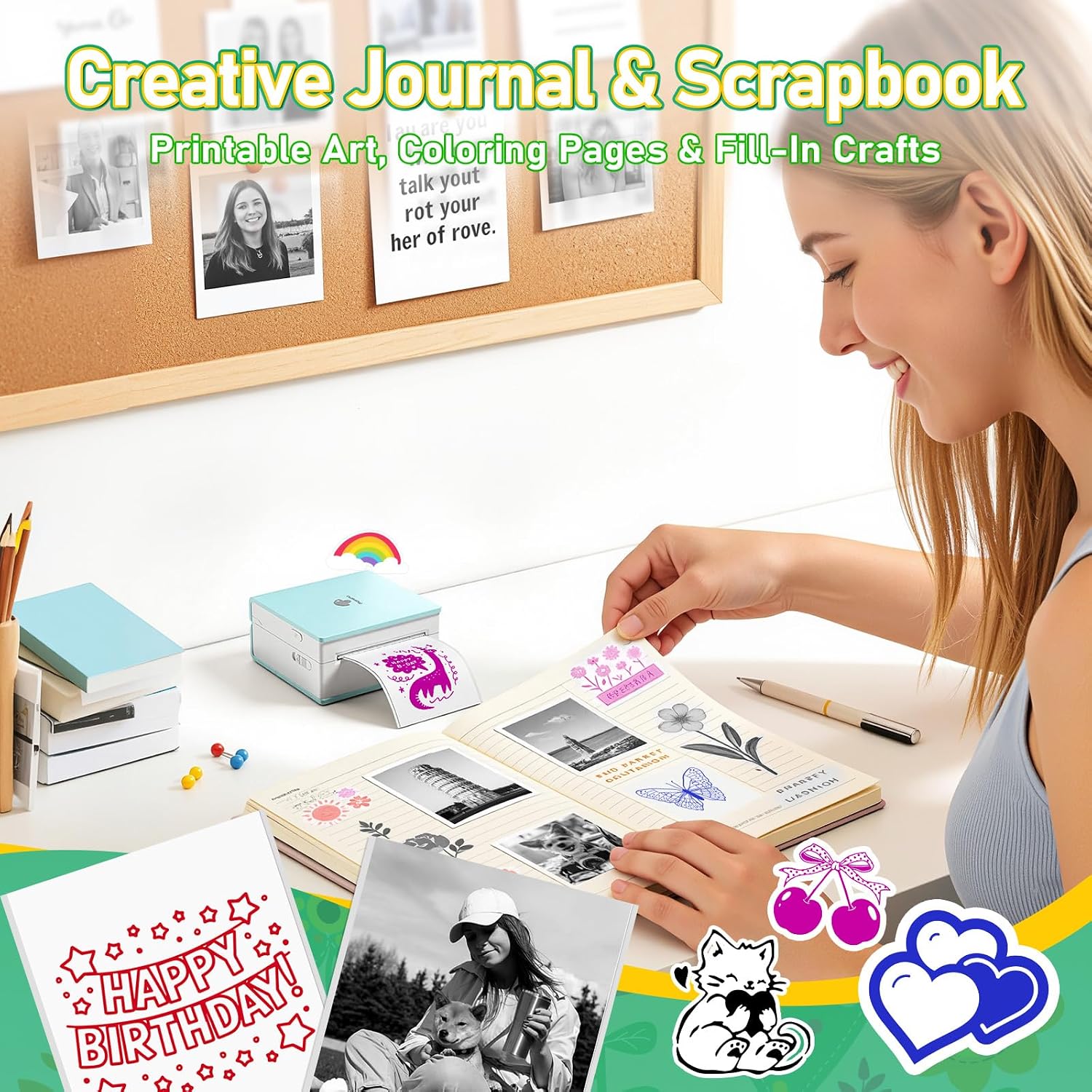
Thermal printing avoids ink, but it also means the output is monochrome. That makes the M02 a better fit for compact notes, simple diagrams, and labels than for anyone expecting color photos or large, polished prints. The listing does not provide print resolution or paper width, so it’s difficult to judge how much detail will fit in a given design without that measurement. Phomemo recommends its original M02 refill rolls for stable print quality, and says the paper products are BPA-free.
Care tips
Keep the rolls suited to the task: self-adhesive paper for stickers and labels, or standard thermal paper for general prints. If you want to make a journal page or label while away from your desk, check that you have the right roll loaded and your phone connected through the app before preparing the design. For ongoing use, factor in buying compatible paper rolls, the included rolls are a starting supply, not a reason to assume paper will never need replacing.
Is it worth it?
The M02 makes sense when portability and quick monochrome output matter more than color, large pages, or detailed photo printing. It brings phone-based printing and small craft projects together in a compact format, with three rolls included and an app that offers more than basic image transfer. It may not suit you if color is essential, if you want a printer that works without a phone, or if subscription-only AI features are central to your plans. Choose it for notes, labels, and hands-on paper projects, choose a different kind of printer if your main goal is full-color photo output.