

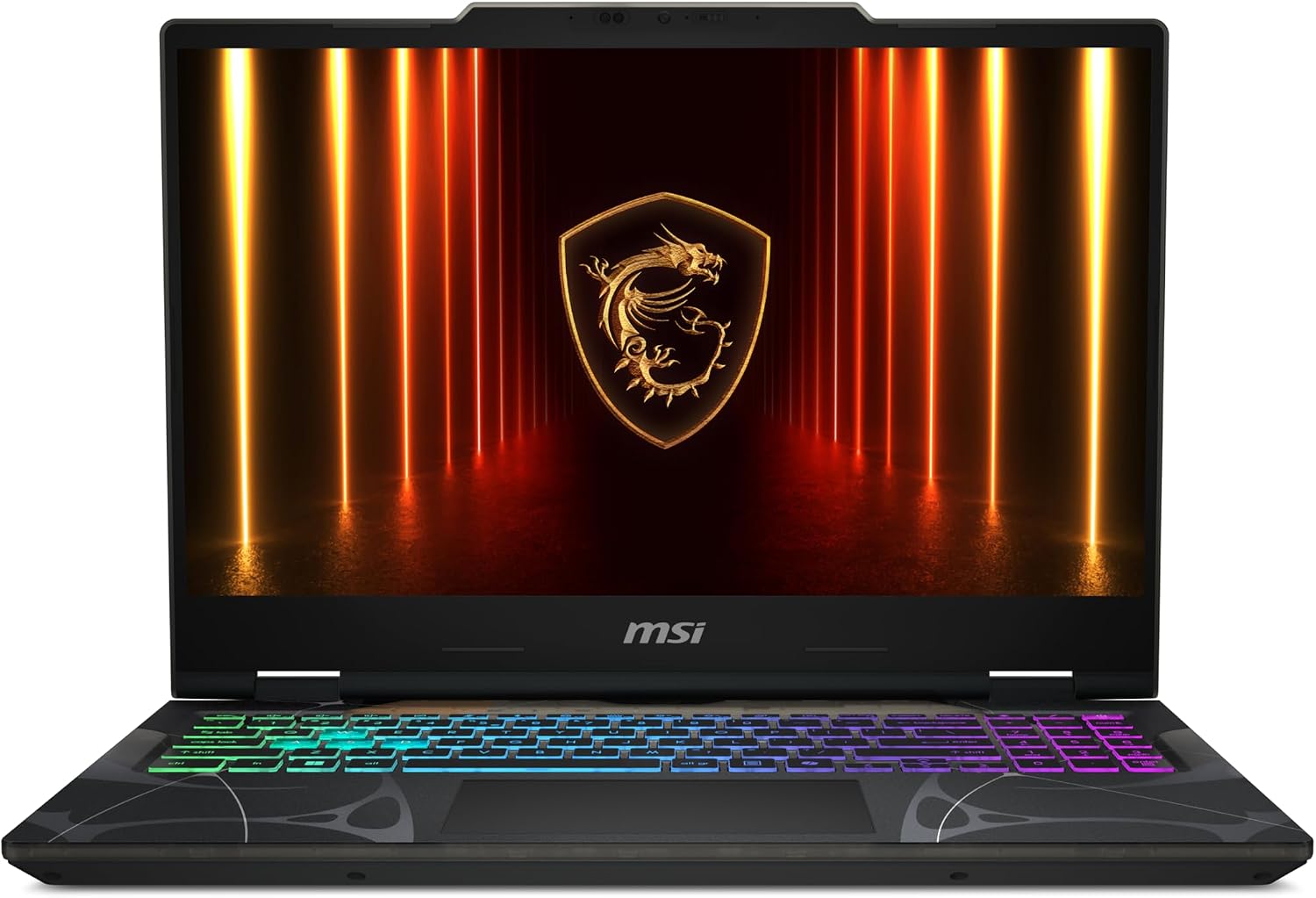
MSI Cyborg 17 Gaming Laptop (17.3-inch FHD 144Hz) with Intel Core 7-240H and RTX 5060, 16GB DDR5 / 1TB NVMe, Wi-Fi 6E, Windows 11 Home
Reviews
Price
Product description
What you’re really buying here
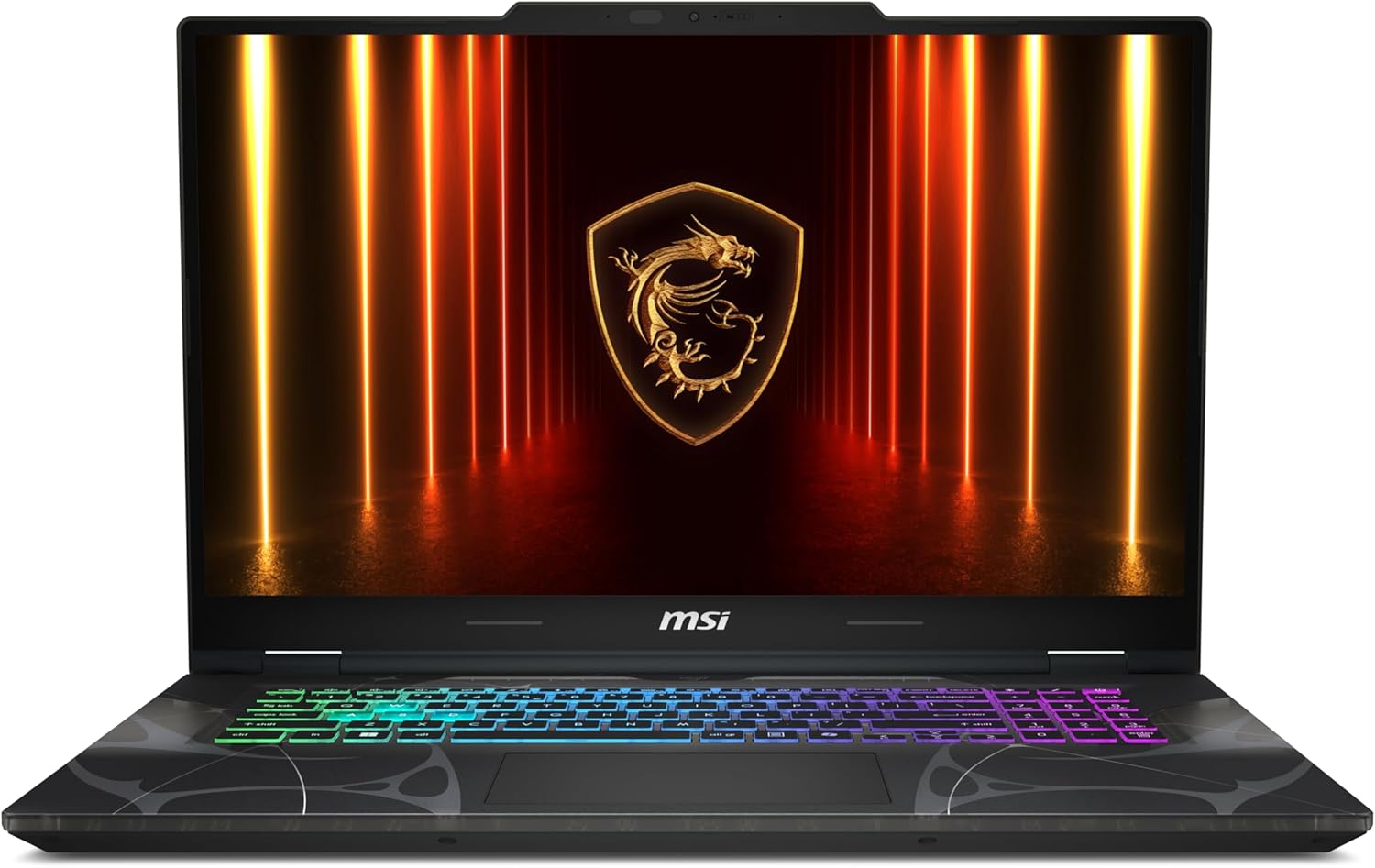
The MSI Cyborg 17 is built around a simple promise: get a big 17.3-inch 144Hz gaming display in a laptop design that’s meant to travel. On paper, that “thin and light for a 17.3” angle matters if you don’t want a desktop replacement that feels glued to one spot.
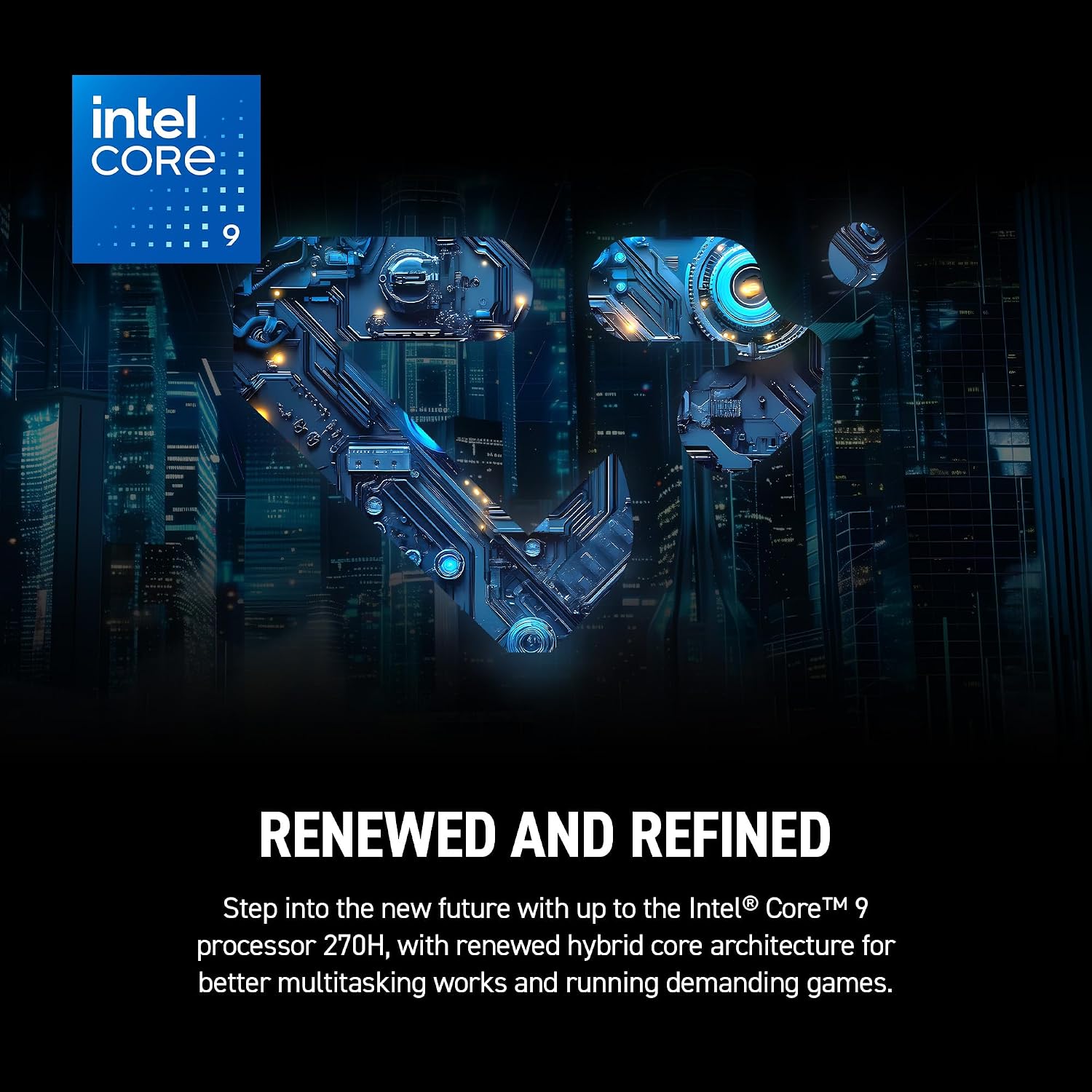
You’re also stepping into a newer performance mix: Intel Core 7-240H for fast responsiveness, plus an NVIDIA GeForce RTX 5060 for modern gaming features. It’s positioned more as a mainstream gaming laptop than a pure “maxed-out settings at all costs” machine—though it does bring ray tracing and DLSS 4 into the conversation.
Key features that affect daily gameplay and productivity
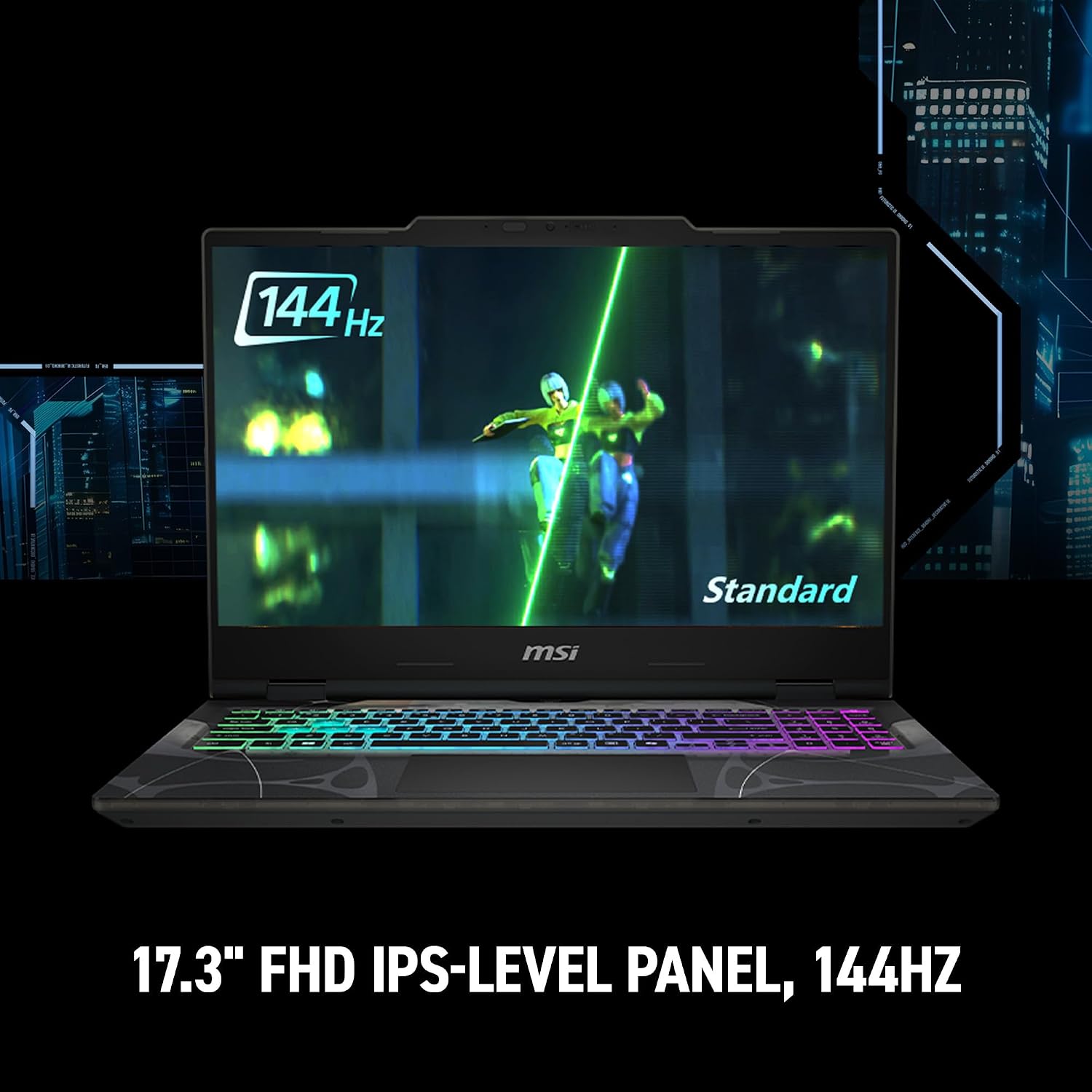
The headline display is a 17.3-inch FHD 144Hz panel. The refresh rate is the kind of spec you feel during fast movement—especially if you play competitive titles—because it can make motion look smoother. If you mainly watch videos or do casual browsing, you might not notice 144Hz as much, but for gaming sessions it’s a noticeable upgrade over standard 60Hz.
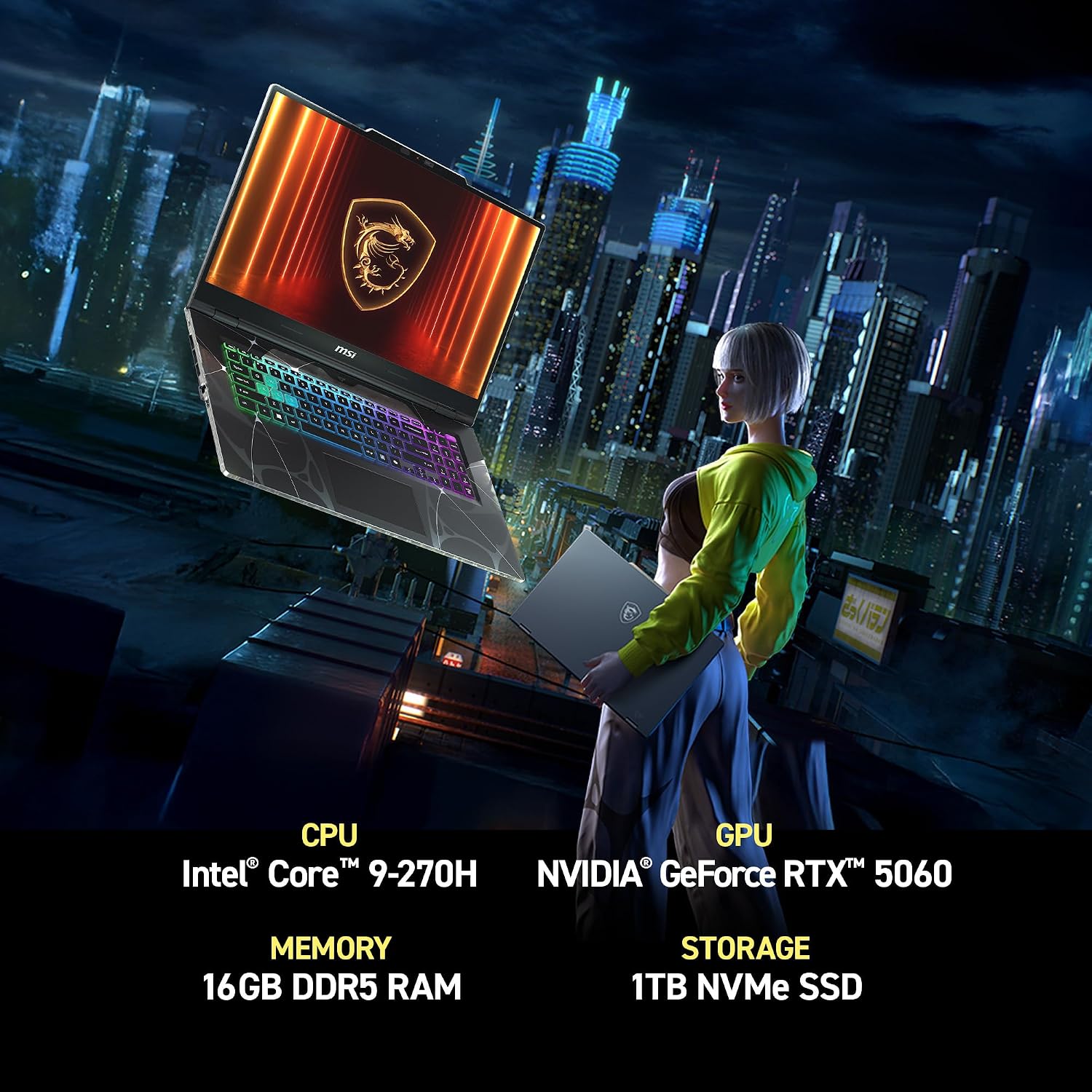
Under the hood, the Intel Core 7-240H is paired with 16GB DDR5 RAM and a 1TB NVMe SSD. That combination is meant to keep day-to-day tasks from stuttering: launching games, switching between apps, and handling background activity while you play or stream.
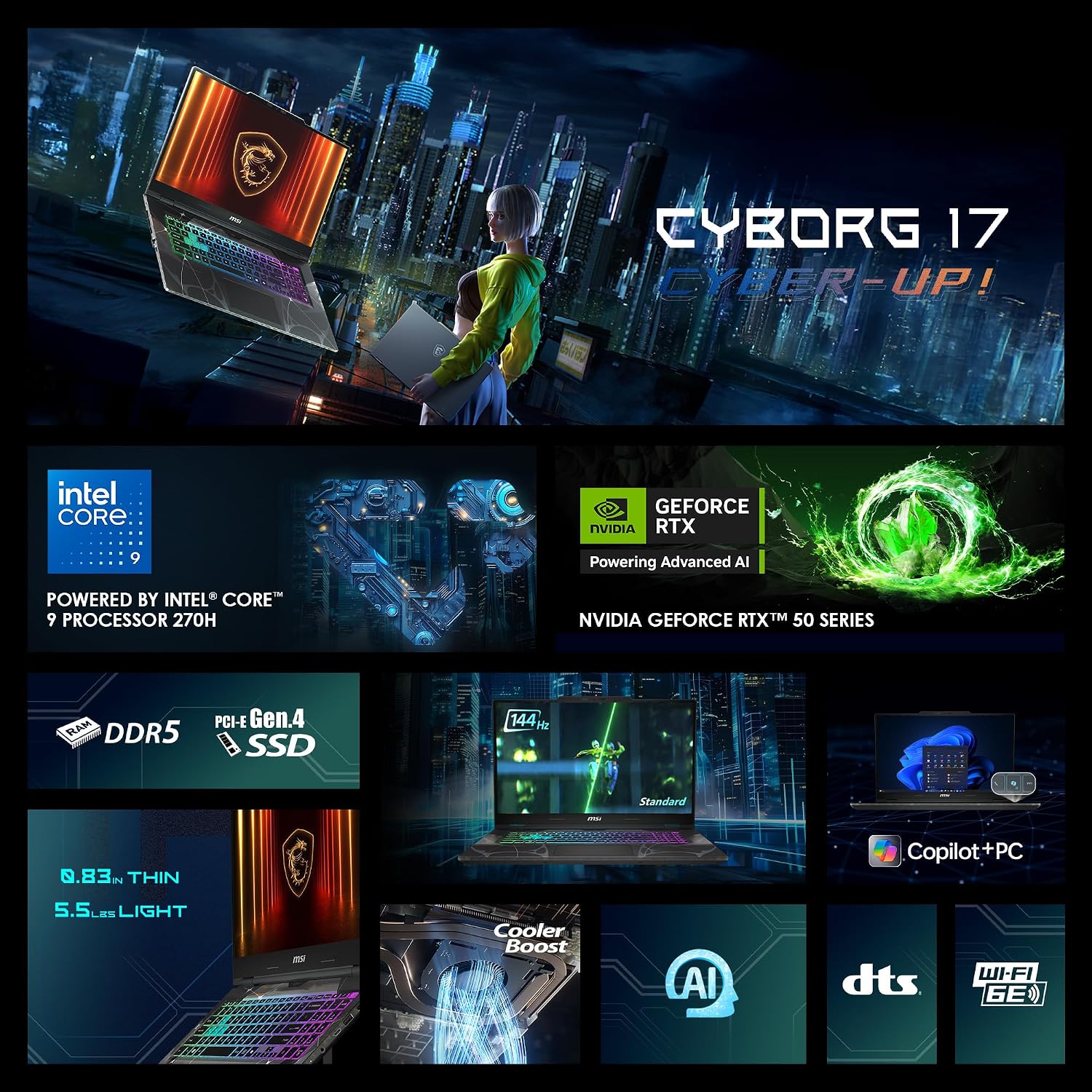
The RTX 5060 is where the “next-gen” story lives. MSI highlights real-time ray tracing, DLSS 4, and AI-accelerated visuals. Practically, that suggests the laptop is designed to lean on upscaling and AI features to keep frame rates steadier in heavier scenes—useful if you care about playable performance rather than chasing the absolute highest settings.
Port selection and connectivity you’ll use more than you think
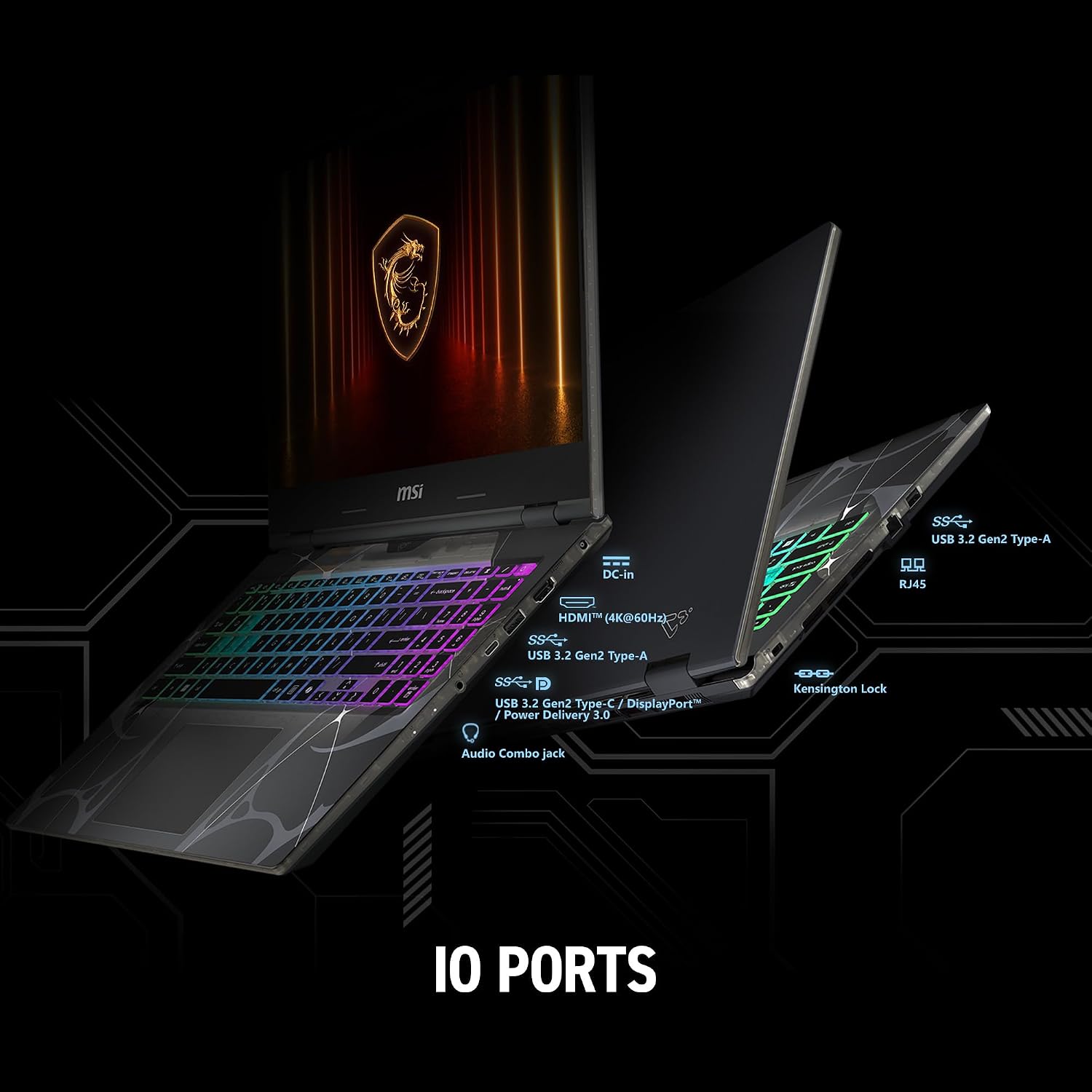
For a gaming laptop meant to move around, the ports matter. This Cyborg 17 includes USB-C, USB-A, HDMI, and RJ45, plus Wi‑Fi 6E.
That’s a solid spread for real-life setups: wired Ethernet for lower-latency gaming sessions, HDMI for a TV or monitor, and USB-C for flexible charging and accessories depending on what you already own. Wi‑Fi 6E is a good fit if you game online on a modern network, since it’s generally aimed at smoother wireless performance and less congestion.
Cooling and “thin-for-a-reason” tradeoffs
MSI mentions a Cooler Boost shared-pipe thermal design aimed at quieter, more efficient sessions. That’s encouraging because thin-and-light builds can struggle if cooling isn’t handled well.
Still, take it with the normal caution: without detailed fan curve/noise specs or thermal benchmarks, you can’t guarantee how loud it gets under sustained heavy loads. If you’re the type who runs long, demanding gaming marathons with everything maxed, you may want to look deeper into cooling performance reviews before committing.
Tech summary you can sanity-check
- Intel Core 7-240H processor
- NVIDIA GeForce RTX 5060 graphics
- 16GB DDR5 memory
- 1TB NVMe SSD
- 17.3-inch FHD 144Hz display
- Wi‑Fi 6E
- Windows 11 Home
The overall spec stack is coherent: a 144Hz screen plus an RTX GPU plus enough RAM and fast storage. It’s the kind of “ready out of the box” configuration that reduces the number of things you’d need to upgrade later.
Who it’s a good fit for (and who should pause)
It’s a strong match if you want a more portable 17.3-inch gaming laptop—something you can realistically carry while still getting a high-refresh screen. You’ll likely appreciate it if you play online games and care about smoother motion, or if you balance gaming with multitasking like switching between a game, chat, and streaming tools.
It may not be the best choice if you expect top-tier performance at max settings in the most demanding games for hours on end, or if you specifically need proven, detailed thermal/noise behavior. It’s also worth remembering that “portable” doesn’t automatically mean “cool and silent,” even with a designed cooling system.
You may want to skip it if your priority is only casual gaming (where 144Hz won’t matter as much) or if you already have a desktop and only need basic laptop tasks.
Best use cases (a micro example)
Imagine you’re commuting with your laptop and want to keep playing at home without swapping devices. With the 17.3-inch 144Hz FHD screen, your competitive game can feel smoother when you sit down at a desk. Then you can plug in via HDMI to a monitor, or use RJ45 for a more stable connection—no need to reinvent your setup each time.
That “carry big-screen gaming anywhere” concept is exactly what the spec sheet is trying to deliver.
FAQ
Is the 144Hz display mainly useful for competitive games?
It’s most noticeable when you play fast-moving titles or you’re sensitive to motion smoothness. For casual use, 144Hz is less obvious.
Does RTX 5060 on this laptop support modern gaming features?
MSI states it includes real-time ray tracing and DLSS 4, plus AI-accelerated visuals. The practical benefit is aiming for better performance in heavier graphics scenarios.
How much storage does it include?
It includes a 1TB NVMe SSD, which is generally enough for a decent game library plus day-to-day apps.
What ports do you get for connecting gear?
You get USB-C, USB-A, HDMI, RJ45, plus Wi‑Fi 6E for wireless gaming and connectivity.
Should you buy it if you care about portability?
If portability matters in your buying decision, the “thin and light for a 17.3-inch” concept is the reason this model exists. Just remember that performance and noise under heavy load can vary.
When it makes sense
Buy the MSI Cyborg 17 if you want a 17.3-inch FHD 144Hz gaming laptop with a modern Intel/Core 7-240H + RTX 5060 performance stack, and you also care about staying connected with Wi‑Fi 6E and flexible ports like USB-C, HDMI, and RJ45. It’s especially compelling for people who split time between gaming at home and using the laptop elsewhere.
Don’t buy it if your main goal is absolute peak performance under sustained maximum settings, or if you need confirmed details on thermals and fan behavior to feel confident. In that case, it may be smarter to compare against options that are explicitly aimed at heavier sustained workloads—or at least confirm cooling performance from independent testing.
If you’re shopping with a realistic mindset, though, this looks like a practical “big screen + high refresh + modern GPU features” setup that’s meant to be used, not babysat.