

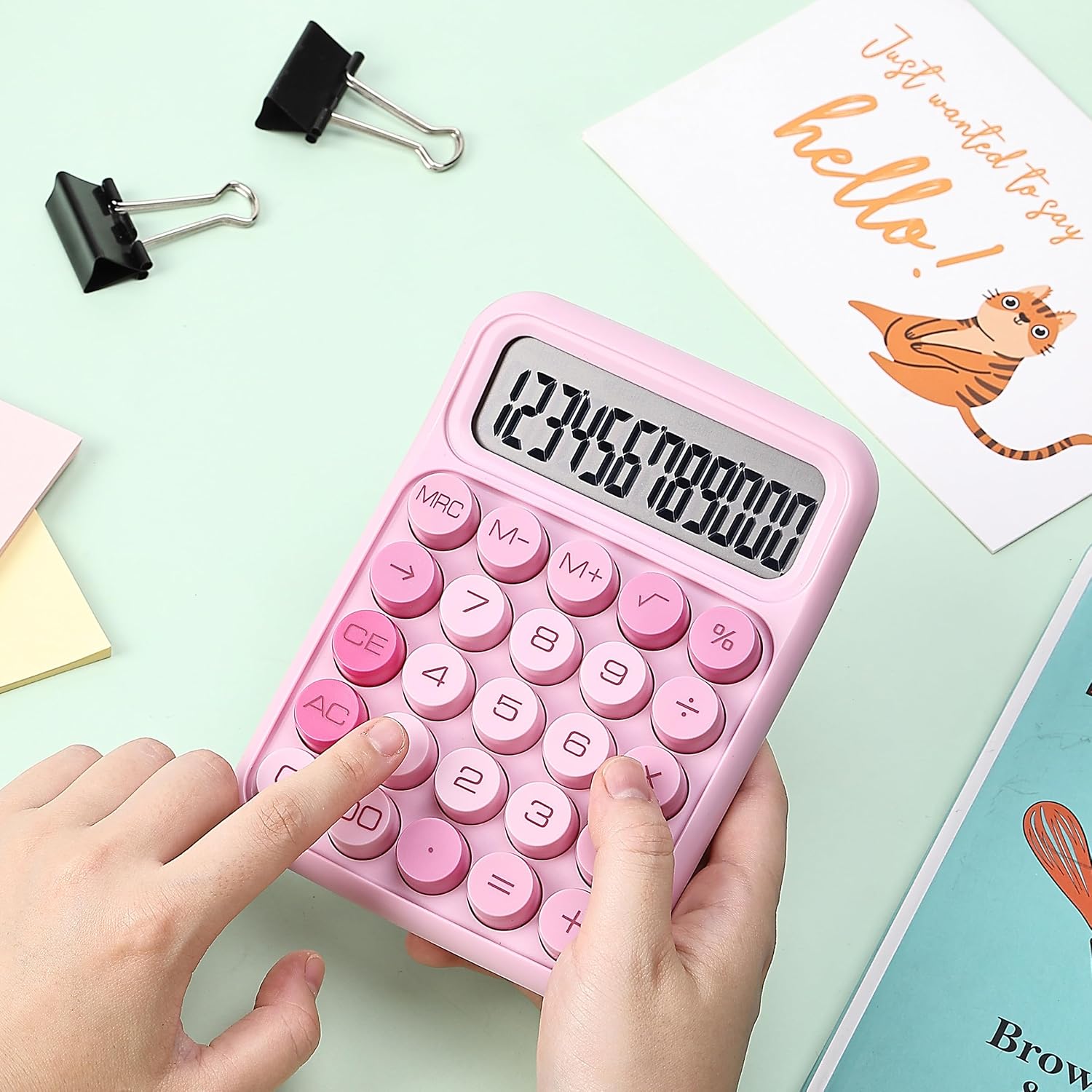
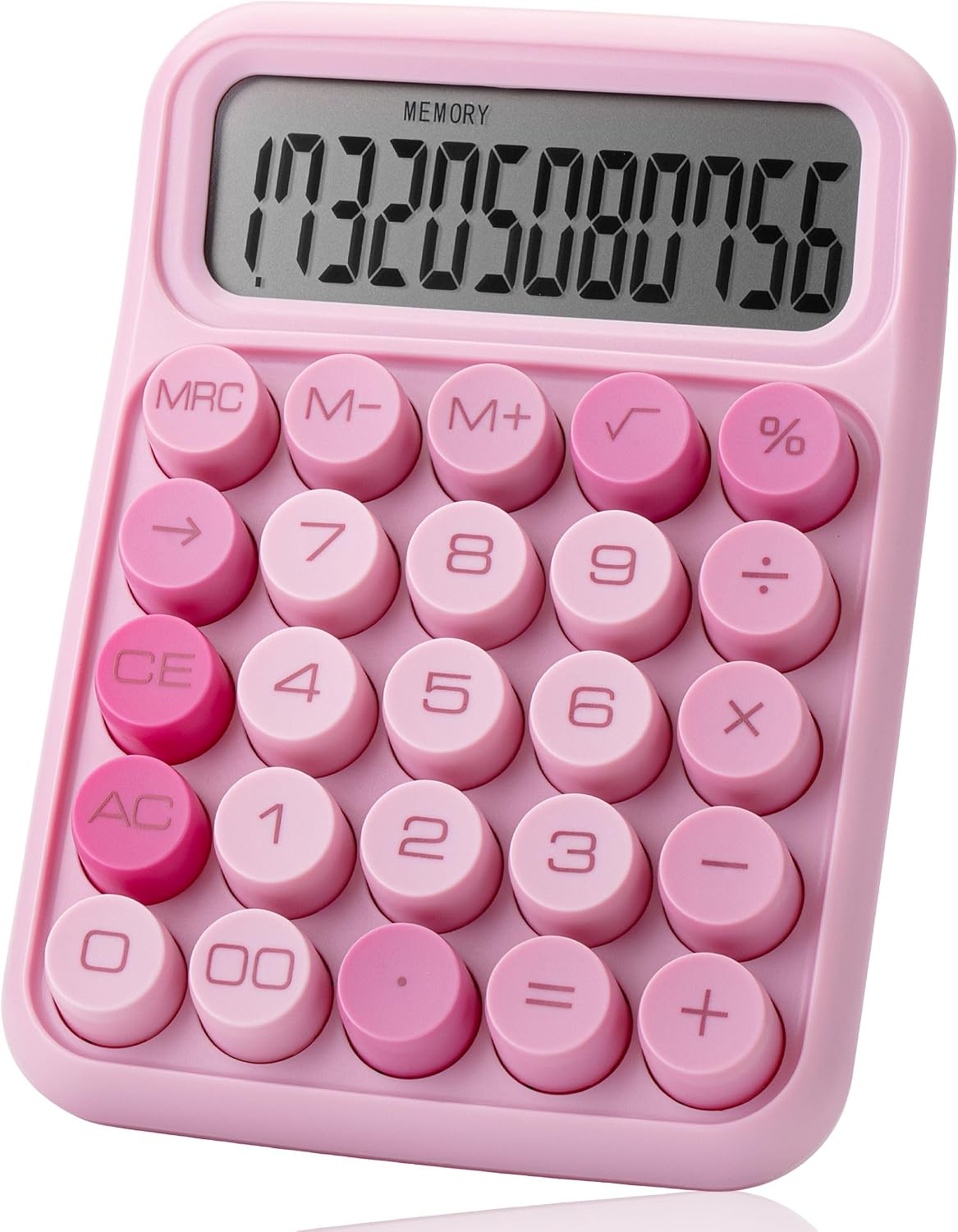
Mr. Pen Mechanical Switch Calculator (12-Digit LCD) in Pink with Big Buttons
Reviews
Price
Product description
The essentials
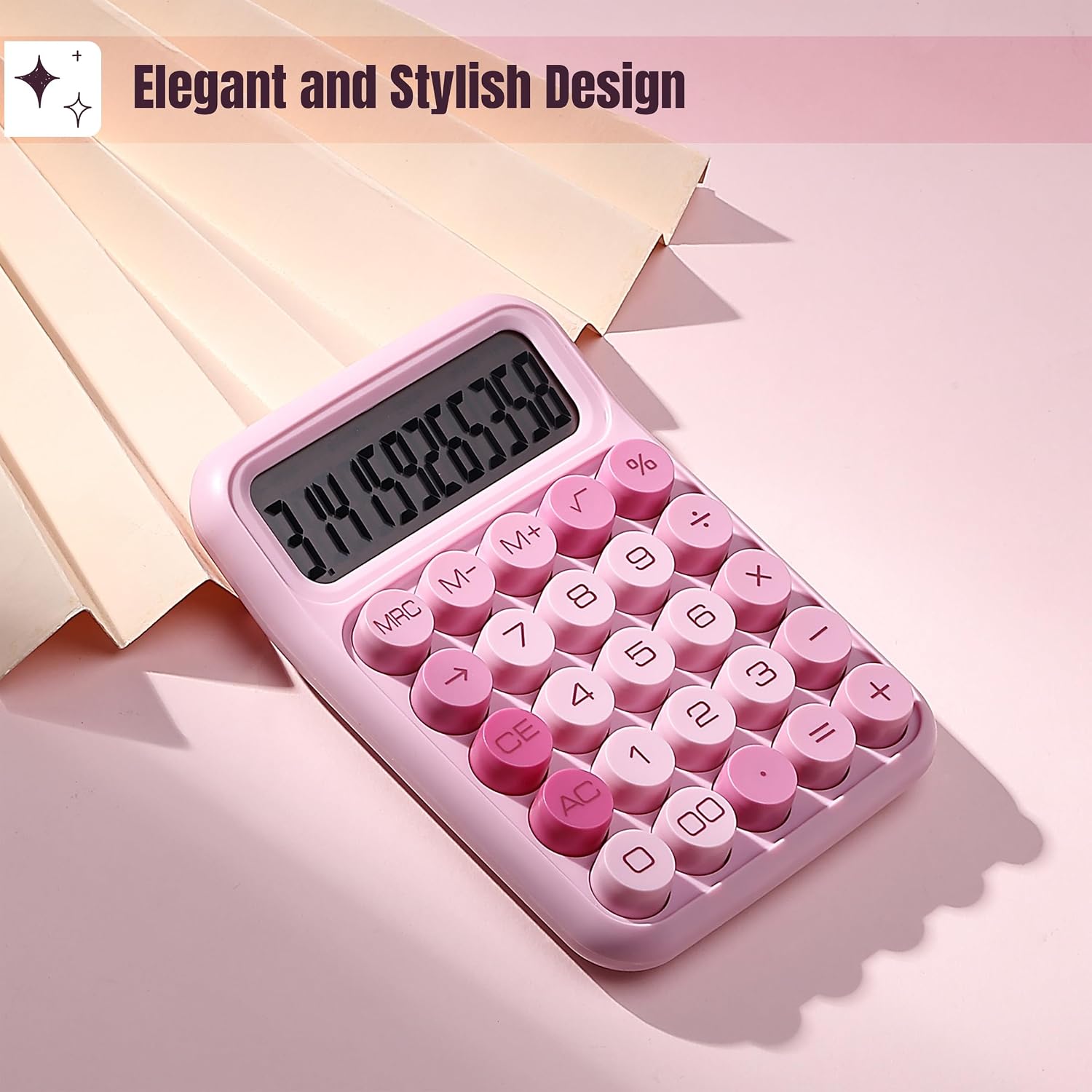
If you want a calculator that feels good to use and is easy to tap through quickly, the Mr. Pen Mechanical Switch Calculator is built for that. It brings a “mechanical keyboard-style” click with each press, plus a large 12-digit LCD meant to stay readable from different angles. On paper, it’s the kind of everyday tool that fits classroom work, desk math, and home budgeting—without demanding much space.
It’s not trying to be a graphing powerhouse. Instead, it focuses on basic calculations, fast input, and the everyday helpers you’d actually reach for during routine tasks.
What it’s like to use day to day
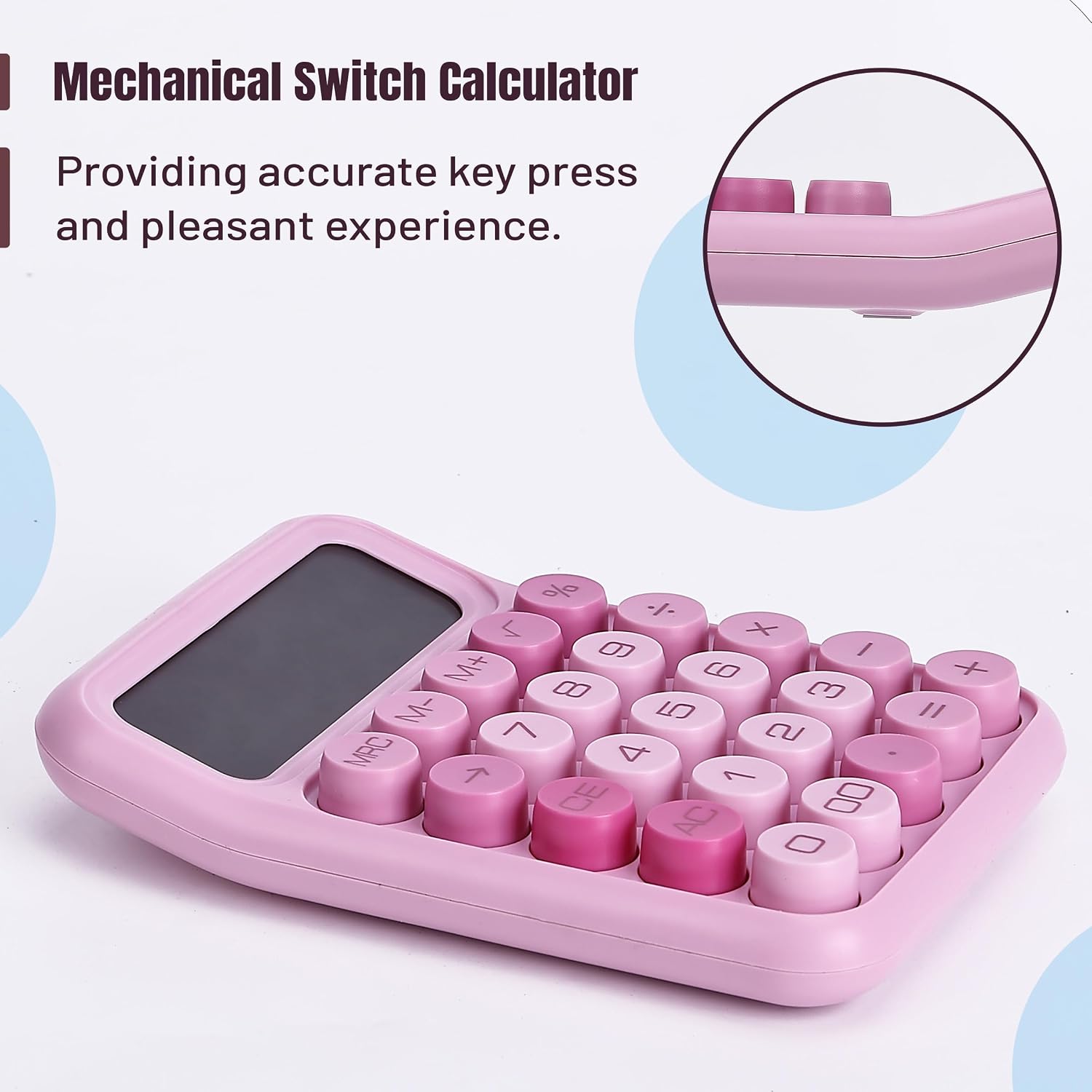
The biggest practical difference here is the button feel. The mechanical switch-style keys are designed to be sensitive and satisfying to press. If you’ve ever used a calculator with squishy buttons that make you second-guess whether you hit the key, this one aims to reduce that friction.
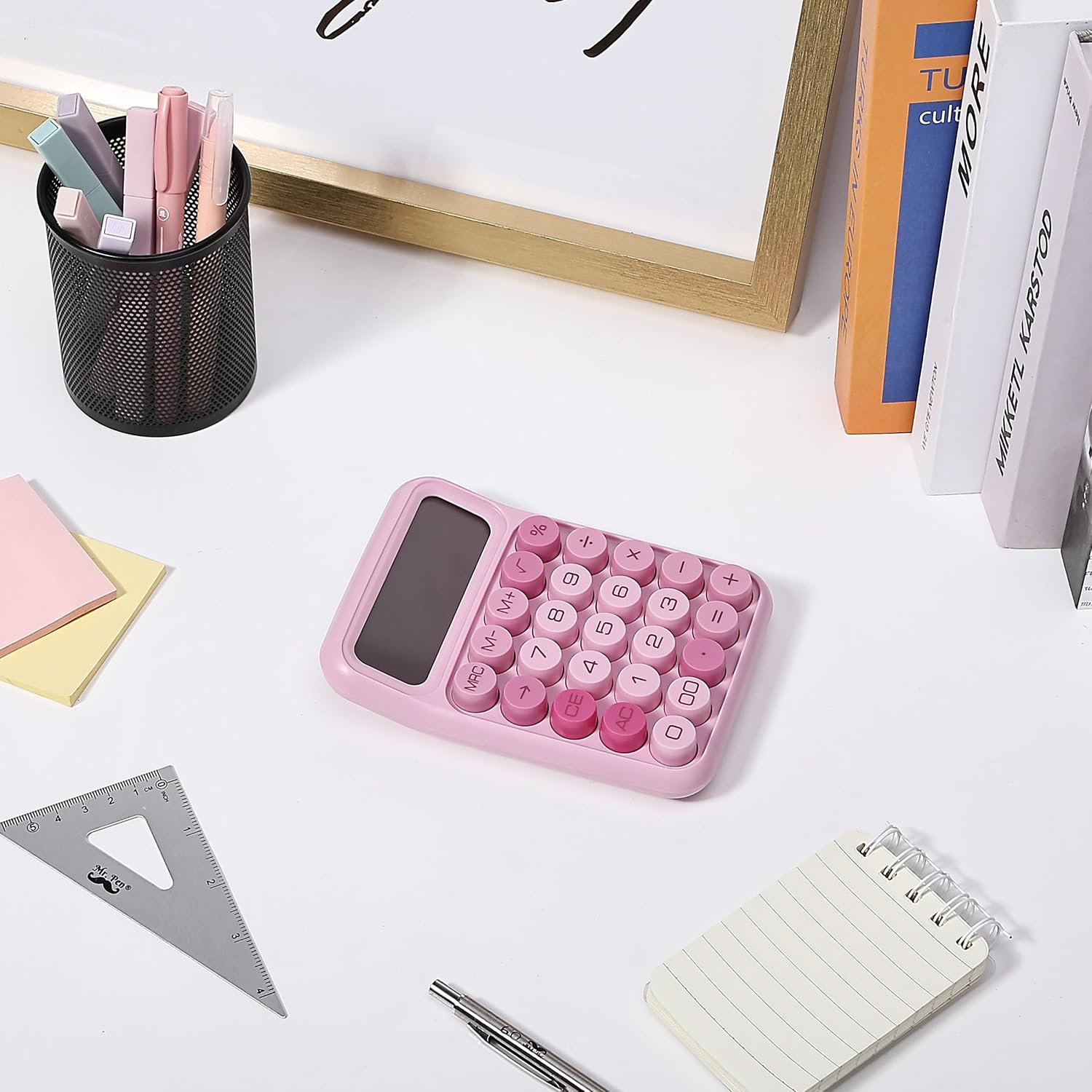
The large buttons also matter more than you’d think for busy environments—handwritten notes one second, numbers the next. The 12-digit display gives you room to see more at once, which can reduce the constant back-and-forth of rechecking what’s on screen. It’s a small, portable calculator too, so it won’t dominate your desk.
Key features that actually help
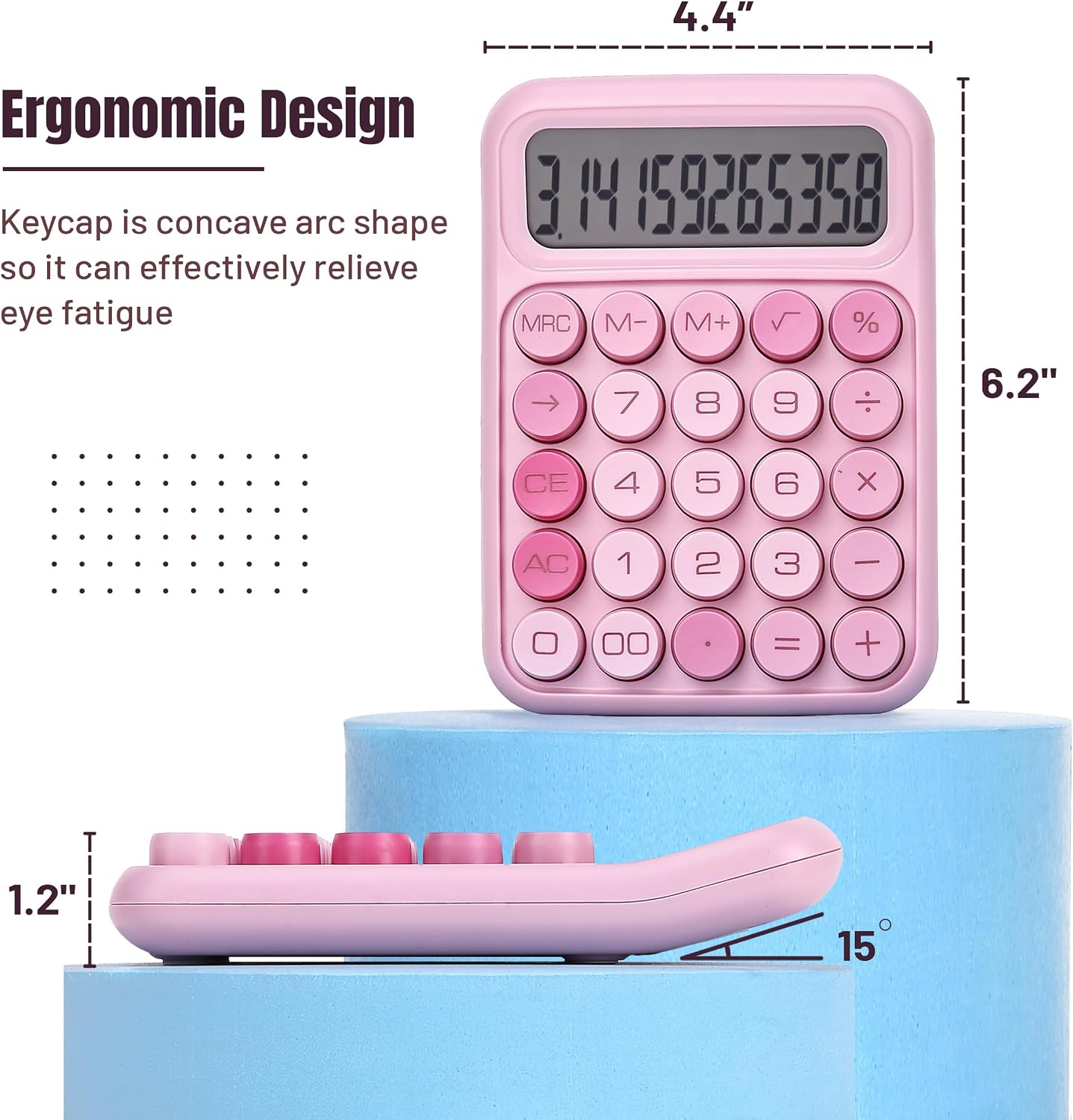
Beyond the pink case and big buttons, the features are geared toward basic, frequent use:
- A 12-digit large LCD display for improved visibility
- Mechanical switch buttons with a clear, clicky response per press
- Essential functions mentioned for everyday math workflows, including memory recall and percent calculations
- Auto shut-off after 10 minutes of inactivity to help conserve battery life
- Runs on a single AAA battery (not included), keeping it simple to power
One real limitation to consider: the description doesn’t position this for advanced functions beyond basics, so if you need heavy-duty workflows (complex finance tools, advanced math, etc.), you may find it doesn’t go far enough.
At a glance: who it suits (and who should skip it)
It’s a solid pick if you value readable numbers, tactile button feedback, and a compact calculator for frequent, straightforward tasks. It makes sense if you’re buying for a primary school setup, a home desk where you do quick calculations, or an office where lots of people share the same basic tool.
It may not suit you if you’re expecting a premium “office-grade” calculator experience with a broader feature set than basic functions. Since the provided details emphasize essential calculations, this is more in the dependable daily category than in a high-end, all-purpose category.
It might also be worth noting: you’ll need to plan for the AAA battery since it’s not included.
Things to check before you buy
Before you commit, it’s smart to confirm your expectations against the intended use. This calculator is described as focused on completing basic numeric calculations. If your work requires specialized functions not mentioned here, consider what you truly need to see on the screen and which features you can’t live without.
Also, double-check whether the battery requirement changes your setup. A AAA battery may be easy to find, but it’s one more thing to handle on day one.
Final verdict
Worth considering if you want a straightforward 12-digit calculator with big, easy-to-press buttons and a tactile mechanical switch feel, especially for home, school, or an office desk. The large LCD visibility and auto shut-off after inactivity are practical touches that support everyday use.
You may want to skip it if you’re shopping for advanced calculation capabilities beyond basic math, or if you prefer a more traditional button layout. For most people doing daily calculations, it should feel like a comfortable, efficient upgrade from the “bare minimum” calculators—just not the kind of tool meant to replace an advanced math workstation.

Mini FAQ
Does it work with a single battery?
Yes, it’s designed to run on one AAA battery (not included).
Is the screen easy to read?
The 12-digit large LCD display is specifically described to improve visibility from different angles.
What kind of calculations is it meant for?
It’s positioned for basic numeric calculations, with mentioned functions like memory recall and percent calculation.
Will it turn off automatically?
Yes. Auto shut-off is described as activating after 10 minutes of inactivity.
Are the buttons easy to press?
The keys use mechanical switch buttons that are described as sensitive and easy to press, with a click response per key press.