

MobiPDF Lifetime - Professional PDF Editor for Windows
Product description
What it is and who it’s for
MobiPDF Lifetime from MobiSystems is a Windows-based PDF editor with a lifetime license. It aims to replace a subscription mindset by offering editing, signing, and conversion capabilities in one package. If you frequently work with PDFs and want to avoid recurring fees, this could fit a steady, task-driven workflow.
How it works and key capabilities
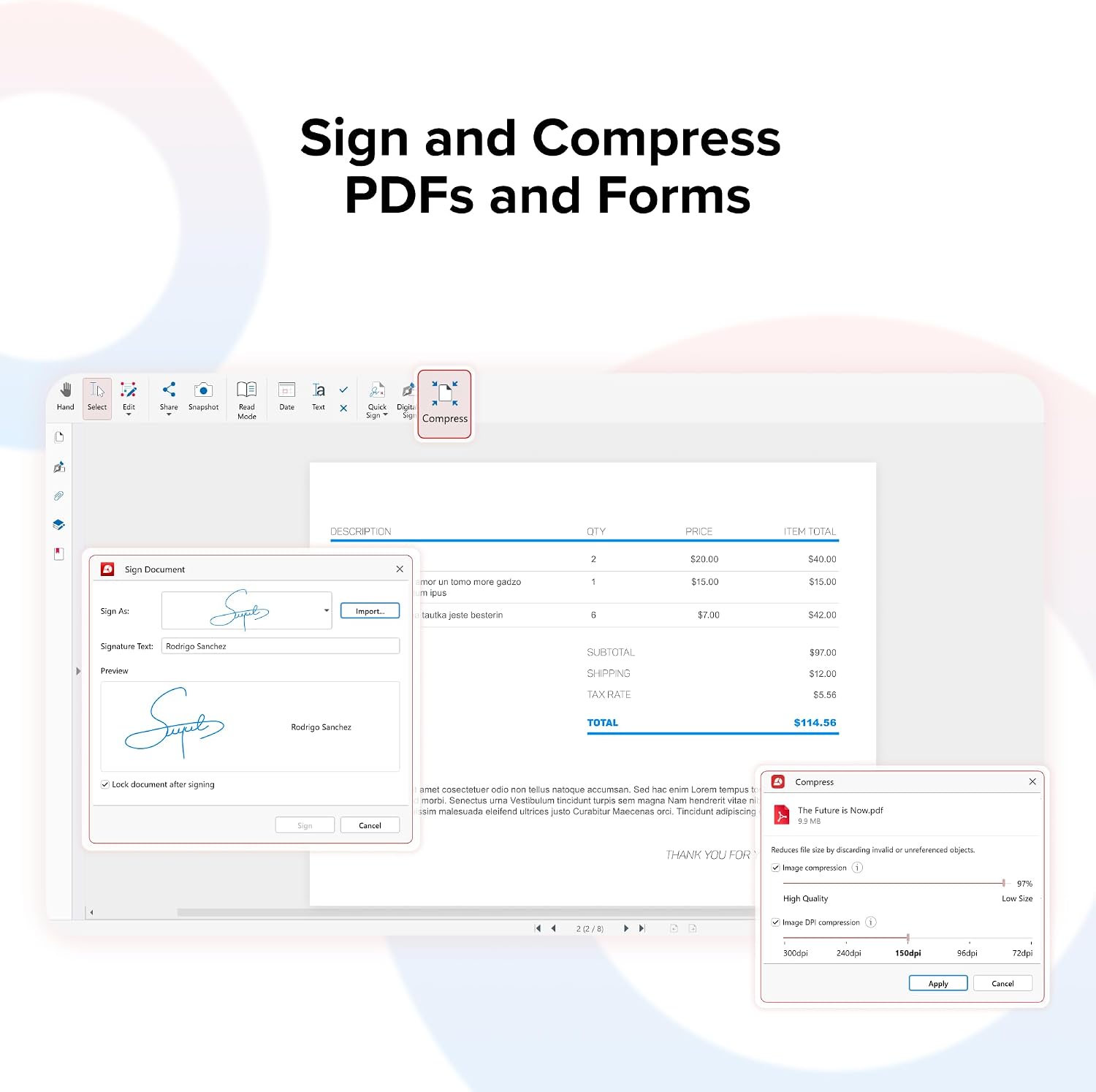
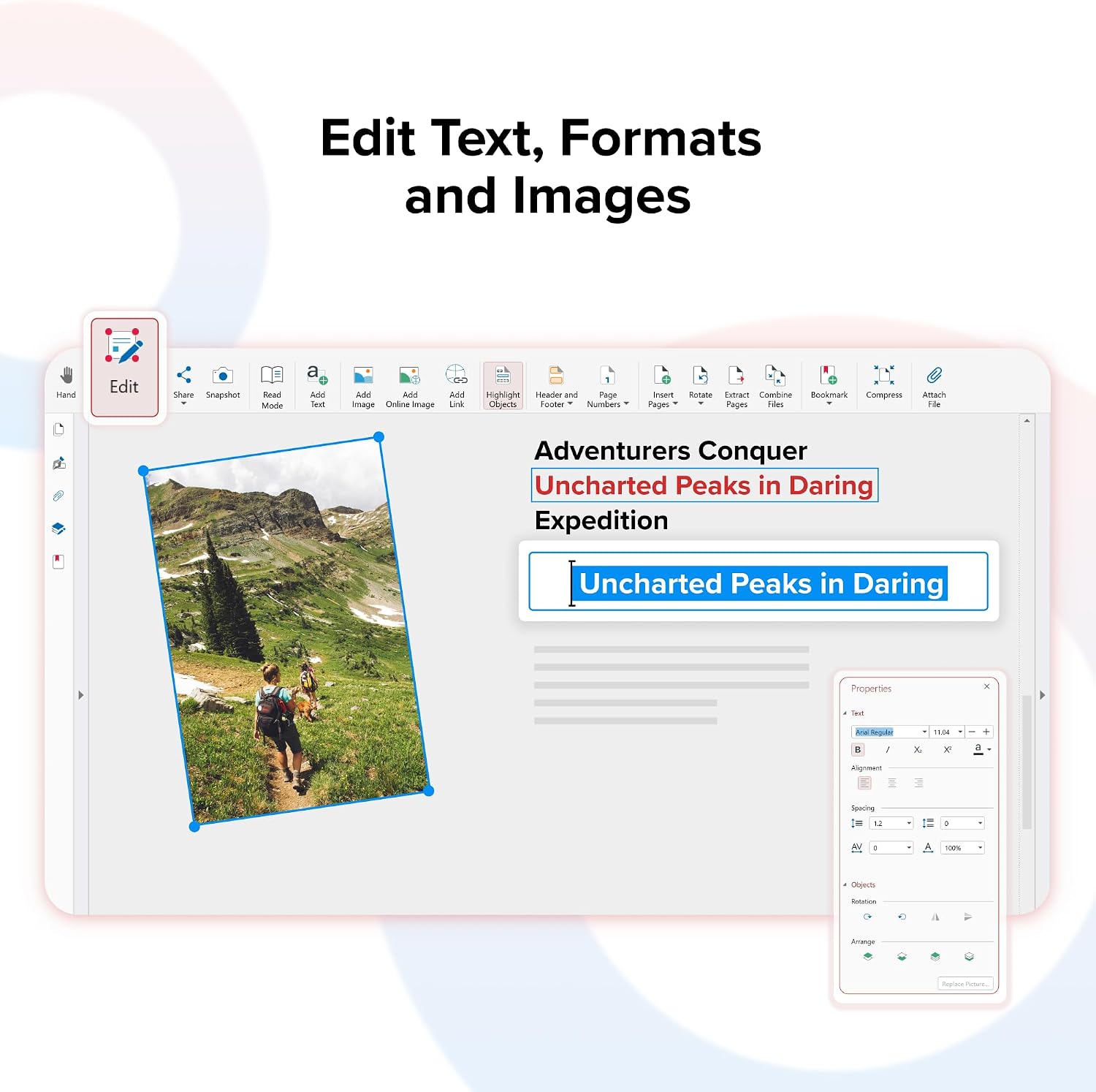
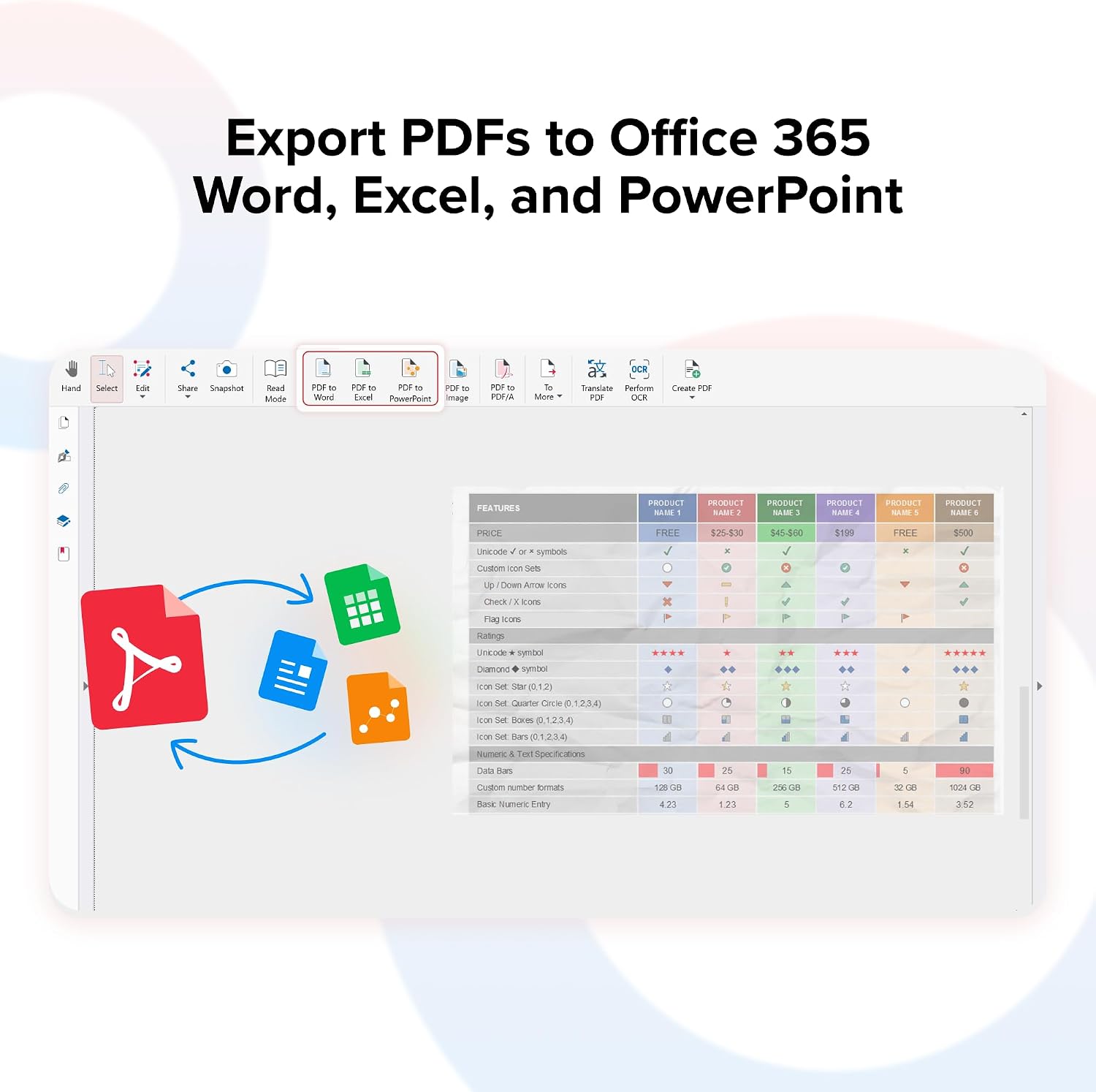
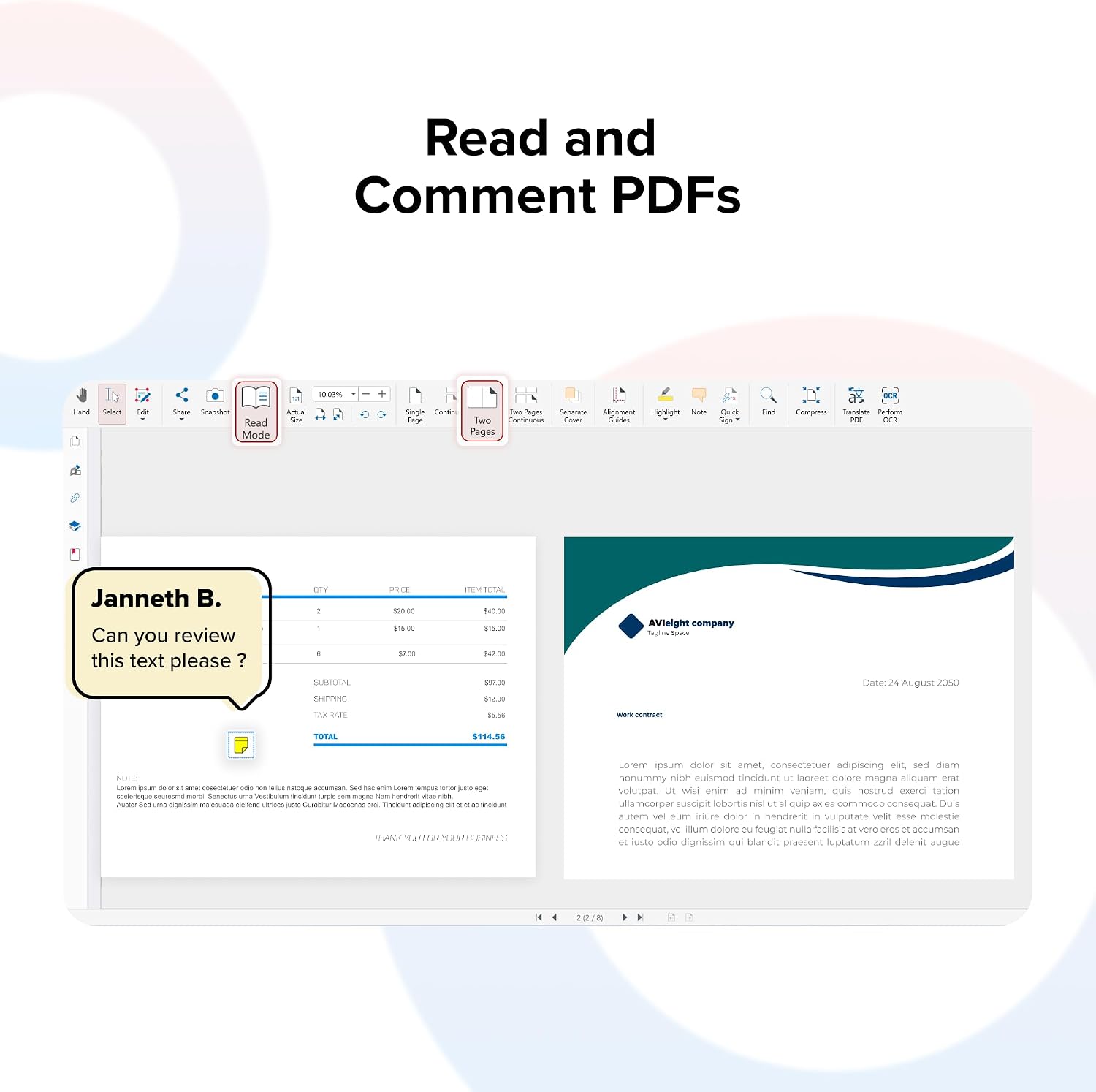
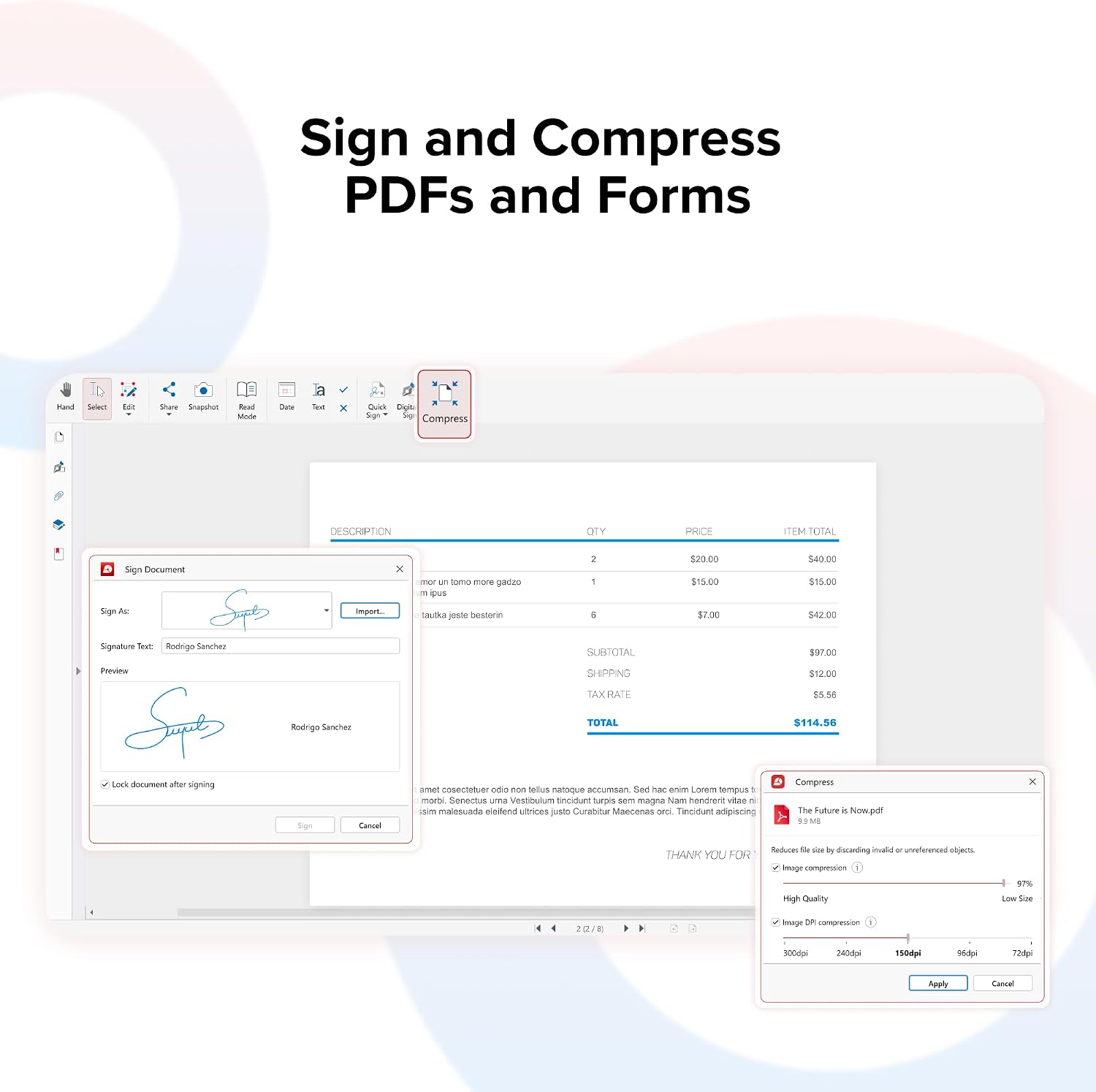
The software focuses on editing text and images directly inside PDFs, signing digitally, and converting PDFs to Word, Excel, or ePub formats. It also supports creating, merging, scanning, compressing, and organizing PDFs, plus tools for annotating and commenting. The lifetime license implies ongoing access without annual renewals, which can be appealing for long-term planning.
What stands out in use
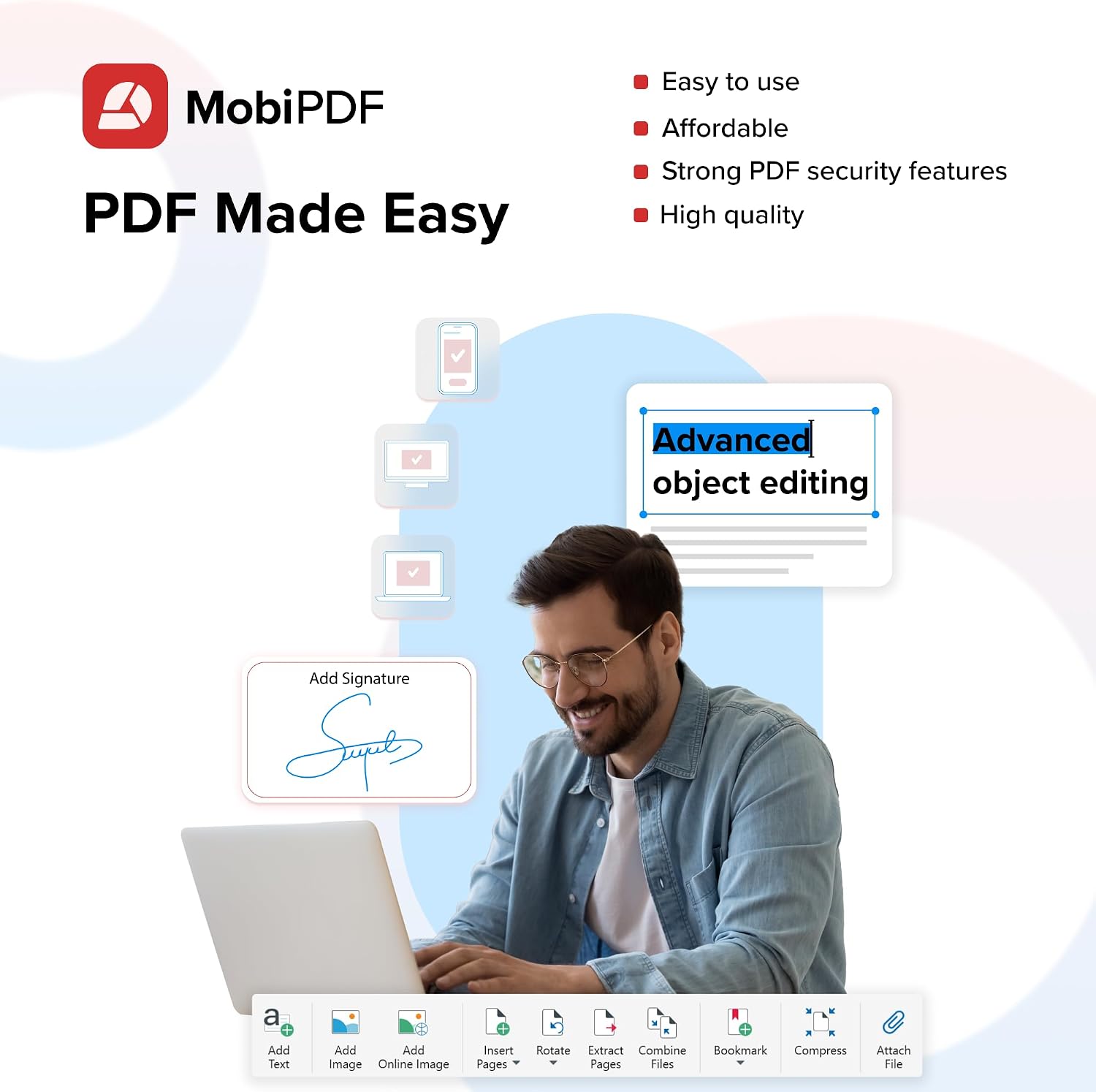
On the surface, the appeal is consolidation: you edit, sign, and convert in one app rather than juggling separate tools. The ability to export to common formats can streamline downstream editing or reporting workflows. For those prioritizing a one-time purchase over a subscription, the lifetime license aspect is a notable differentiator.
Potential limitations to consider
Details about performance, advanced features, and compatibility are not specified beyond the basic capabilities. It’s not clear how feature-rich the PDF editing is compared to top-tier desktop editors or how well it handles complex layouts, forms, or high-volume workflows. If you rely on extremely nuanced typography, forms, or automation, you may want to verify those specifics before committing.
Target audience: who should consider it
This product may suit freelancers, small teams, or individuals who want a practical, all-in-one PDF tool without ongoing costs. If your day-to-day tasks include editing PDFs, filling and signing forms, and converting files for collaboration, it could align with your needs. It’s less clear how it competes in heavy-duty enterprise settings where specialized tooling and support are priorities.
When it makes sense to buy
- You value a perpetual license with a one-time investment rather than renewing a subscription.
- Your workflow includes frequent editing, signing, and converting PDFs to other formats.
- You want an all-in-one solution that reduces tool sprawl and simplifies file management.
What to check before buying
- Actual editing quality on complex PDFs (text reflow, image handling, and layout preservation).
- How robust the e-signature tool is for legally binding documents.
- The fidelity of exported formats (Word, Excel, ePub) and any required formatting adjustments post-export.
- System requirements and compatibility with your current Windows setup.
Practical usage example
Imagine preparing a contract pack: you edit the form text directly, drop in signatures, and export a draft in Word for a colleague to review. If you later need to share a portable version, you can compress and combine related PDFs into a single file for easy distribution.
FAQ
- Does it support batch processing of multiple PDFs at once? Details aren’t specified here.
- Can I rely on the e-signature for legally binding documents? The base info mentions secure e-signatures, but you should verify compliance for your jurisdiction.
- How does the conversion quality compare to dedicated document editors? Not defined in the provided data, test or trial would help.
Final verdict
Final verdict: It makes sense if you’re after a one-time purchase that covers editing, signing, and converting in a single Windows app and you’re comfortable validating the specifics of editing fidelity and form handling for your use case. If your needs include ultra-advanced typography, forms automation, or enterprise-grade support, you may want to compare more feature-dense or professionally supported options before committing.