

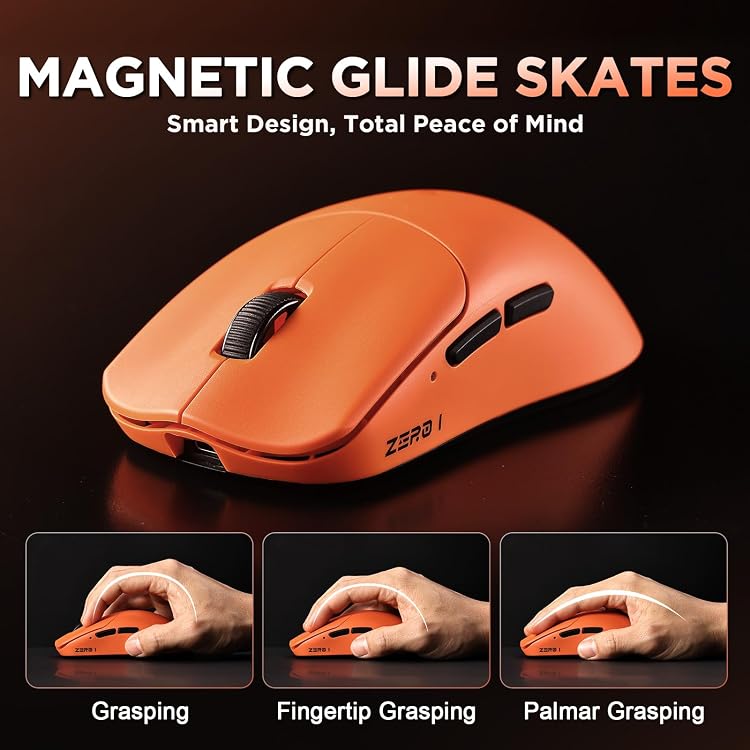
MIKIBY Zero1 Pro Wireless Gaming Mouse, 55g, 24,000 DPI, Tri-Mode
Product description
Technical overview
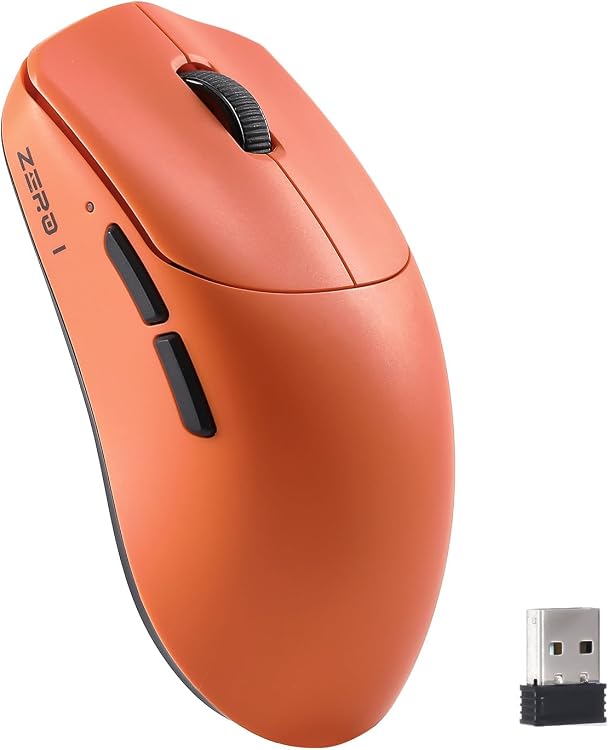
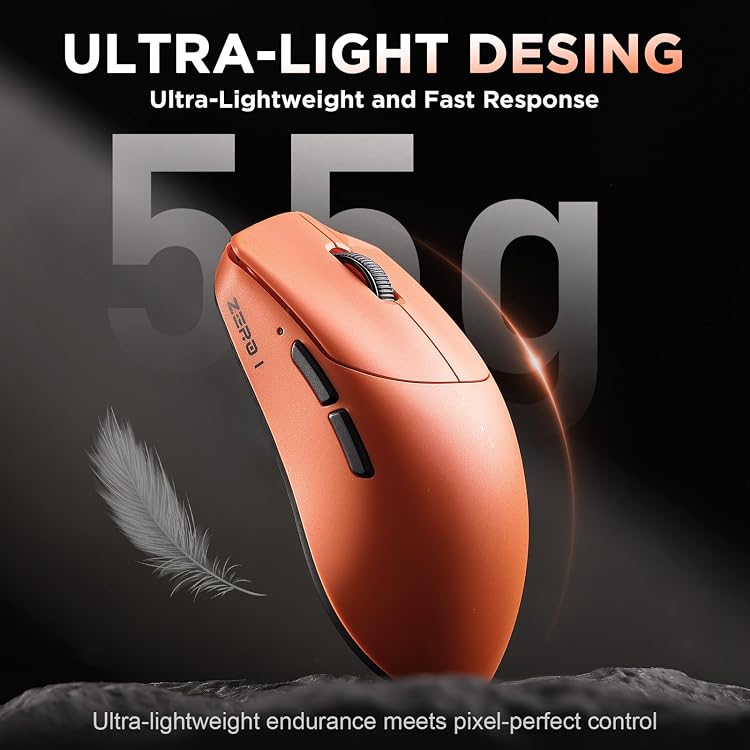
Move between everyday computer tasks and gaming with a mouse that offers three connection modes and adjustable sensitivity. The MIKIBY Zero1 Pro weighs 55g and has an ambidextrous design. Its compact shape is designed for small to medium hands.
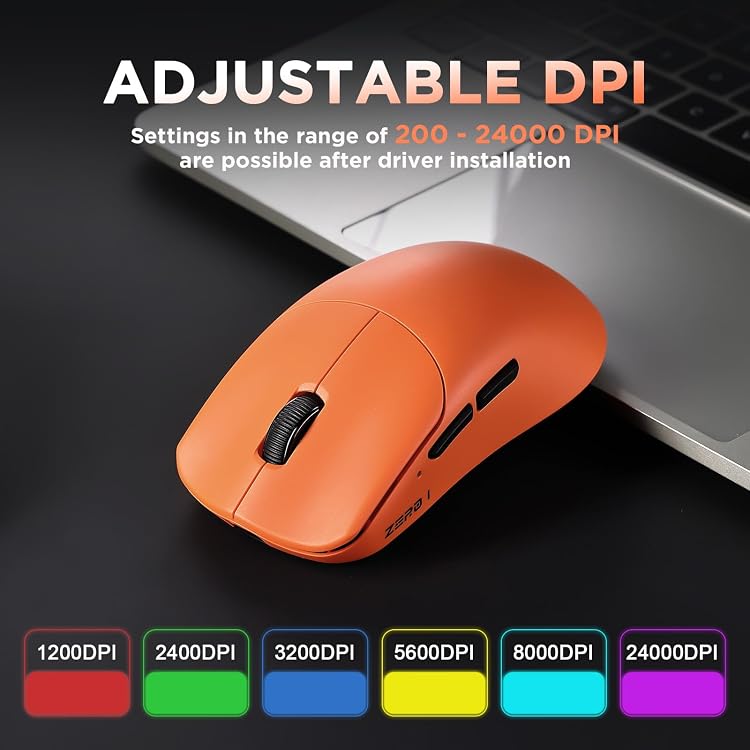
An optical PAW3311 sensor supports sensitivity up to 24,000 DPI. A button on the base cycles through six presets: 1,200, 2,400, 3,200, 5,600, 8,000, and 24,000 DPI. For more tailored control, the web-based driver can adjust sensitivity from 200 to 24,000 DPI. This range makes it possible to select a setting for precise cursor work or faster movement in games, rather than relying on a single fixed sensitivity.
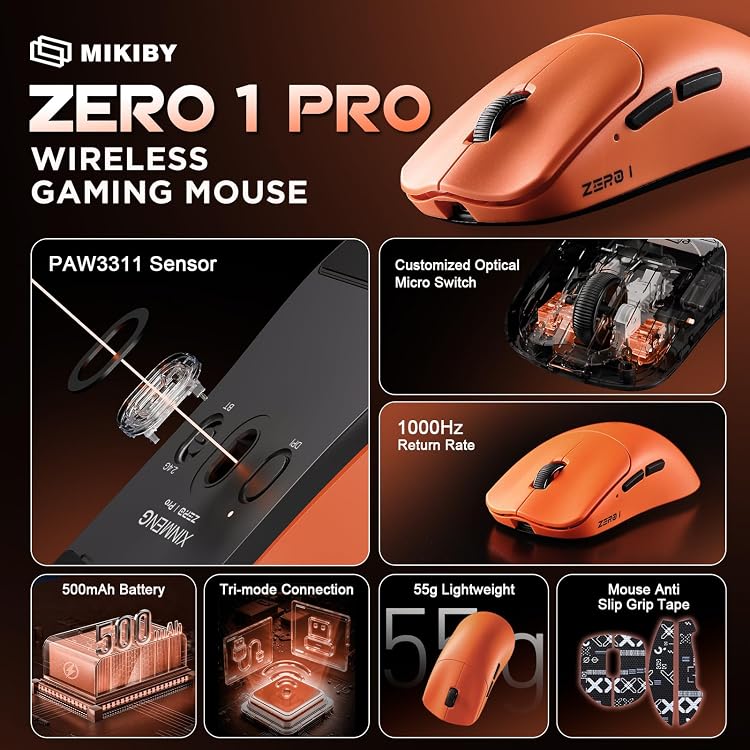
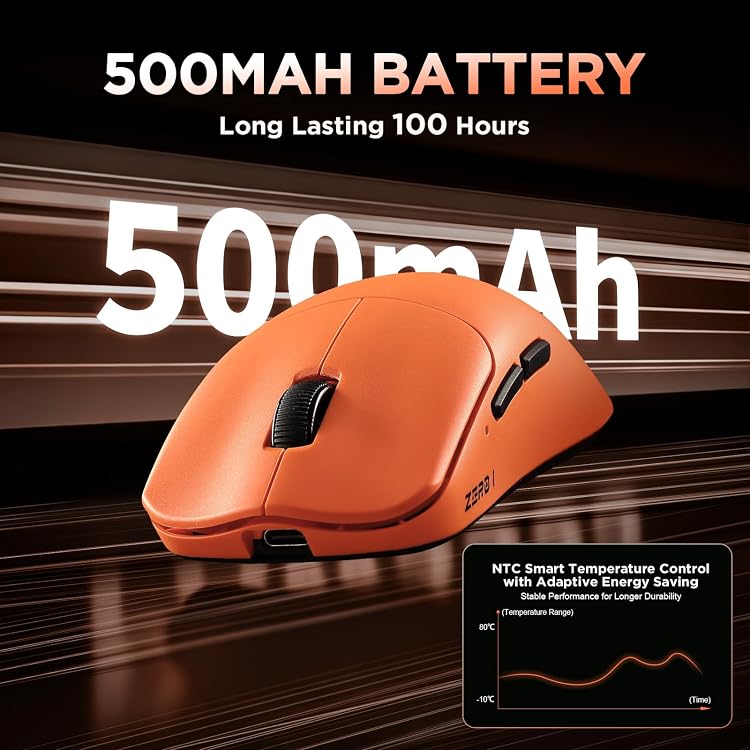
Choose 2.4GHz wireless, Bluetooth 5.3, or a wired USB-C connection to suit your setup. The mouse has six programmable buttons, and the web driver supports button remapping, polling-rate adjustments, and custom profiles. Its 500mAh battery is rated for up to 100 hours of use. A smooth, ice-cool coating adds a distinct surface feel, while the lightweight build supports easy movement across a desk.
Practical tips
Use the base button to move through the six preset DPI levels when you want a quick change without opening the driver. For a more specific sensitivity or button layout, configure the mouse through its web-based driver. Custom profiles can help keep separate controls for different games or workflows.
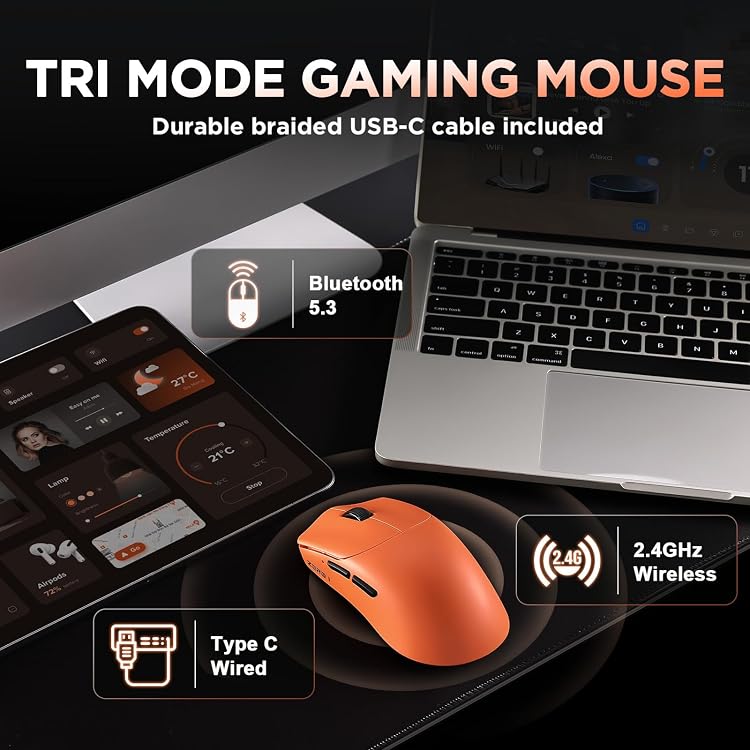
Choose Bluetooth 5.3 for a wireless connection or 2.4GHz for another wireless setup, use USB-C when you prefer a wired connection. This flexibility is useful when moving between a laptop and a desktop or changing how the mouse is connected at your workstation. The mouse is listed for PC, laptop, and Mac use.
Box contents
The box contains the gaming mouse, a gaming mouse cable, anti-slip grip tape, and a user manual. The grip tape offers an additional surface option for holding the mouse during use.
What to clarify
How can I change the sensitivity? Use the button on the base to cycle through the six preset DPI levels. The web-based driver also allows sensitivity adjustments from 200 to 24,000 DPI.
Which connection modes are available? The mouse supports 2.4GHz wireless, Bluetooth 5.3, and wired USB-C, so you can choose a connection to suit your setup.
How long is the battery rated to last? Its 500mAh battery is rated for up to 100 hours of use.
Buying verdict
The Zero1 Pro brings lightweight handling, three connection options, and adjustable controls together in one mouse. Its 55g design and shape for small to medium hands make it a practical fit for gaming and everyday computer use, while programmable buttons and customizable profiles give you more control over how it works for each task.