

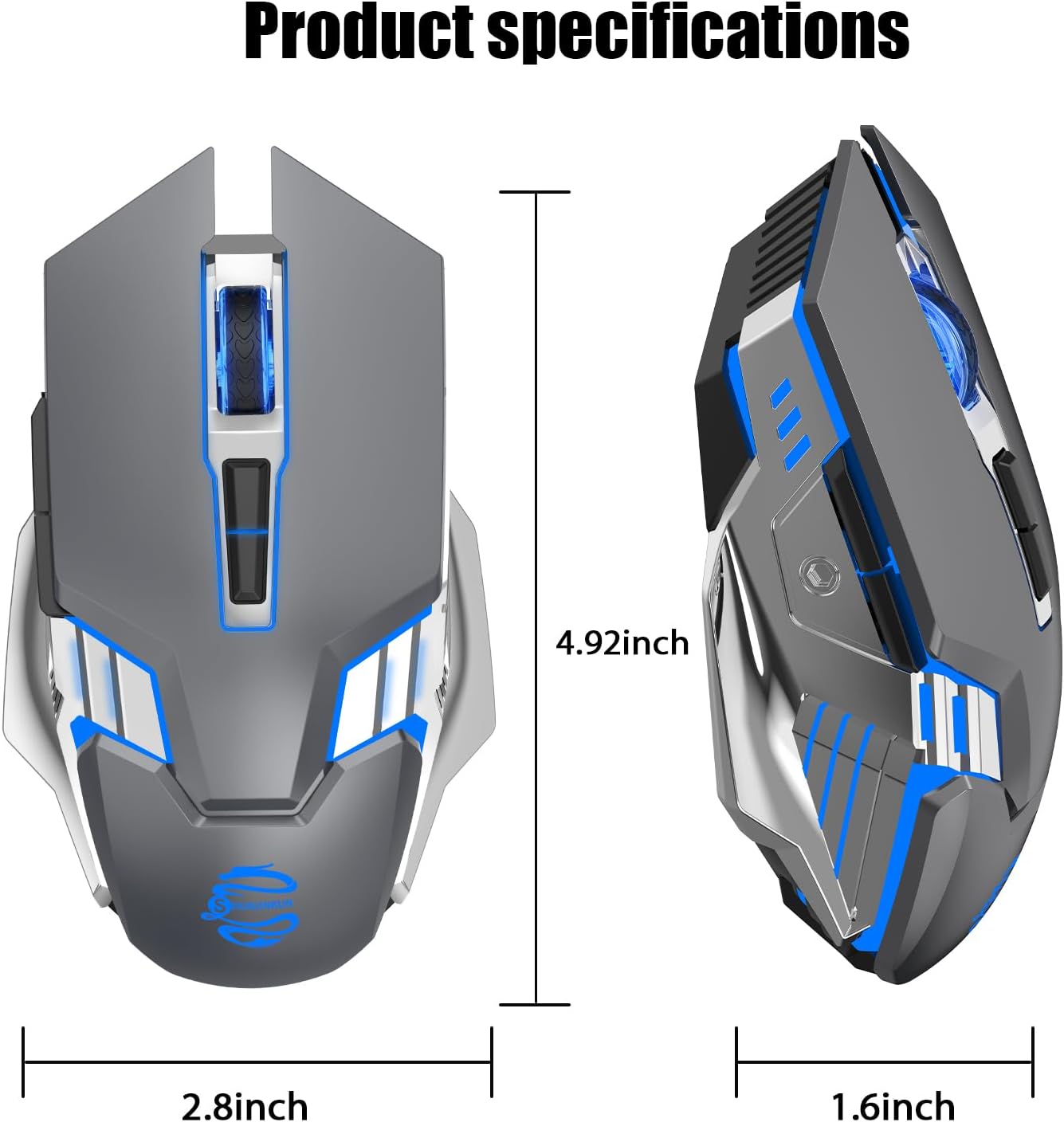
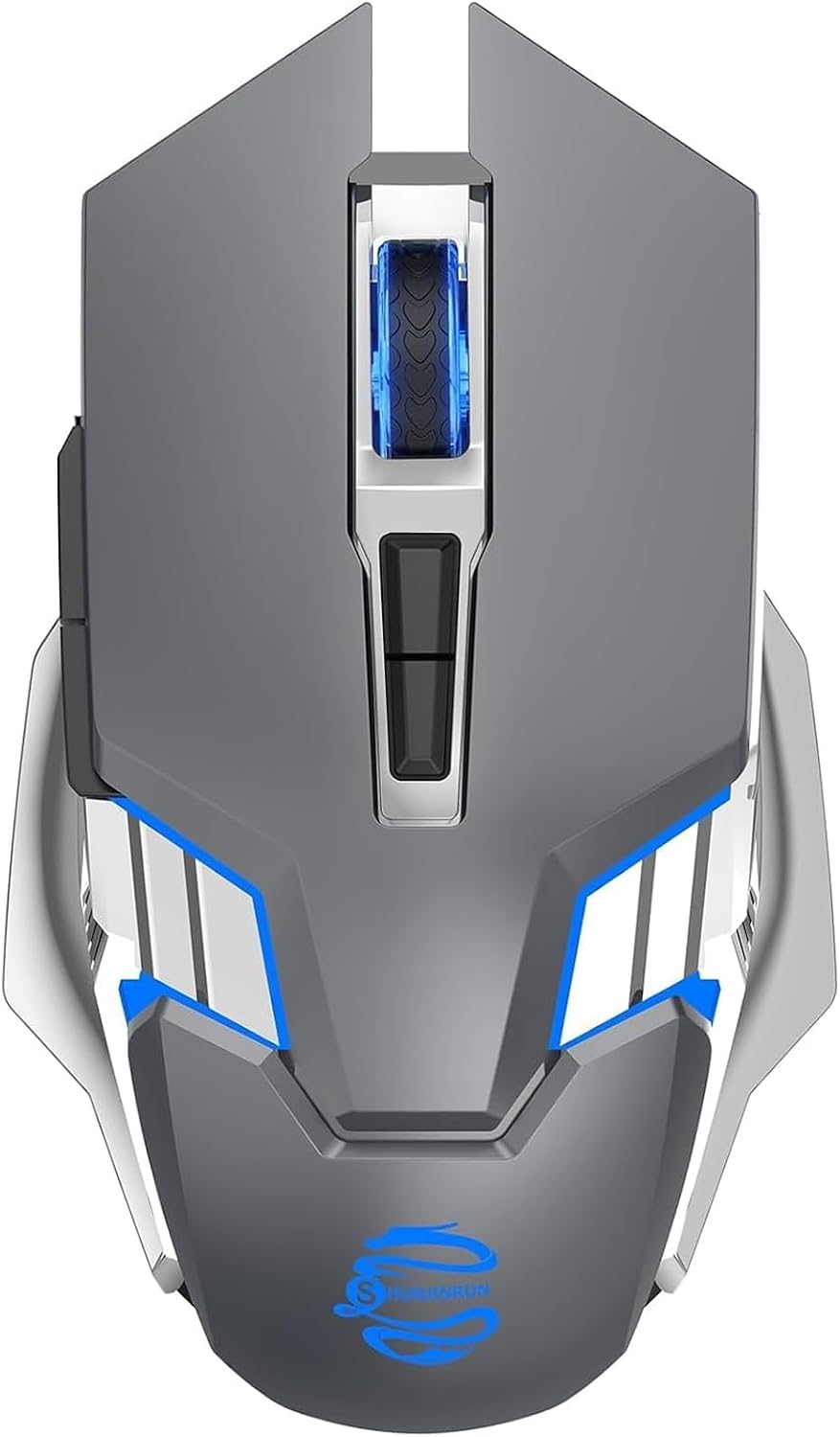
ACOZYKITTEN Tri-Mode Wireless Gaming Mouse, Silent Click, 7-Color Backlight
Product description
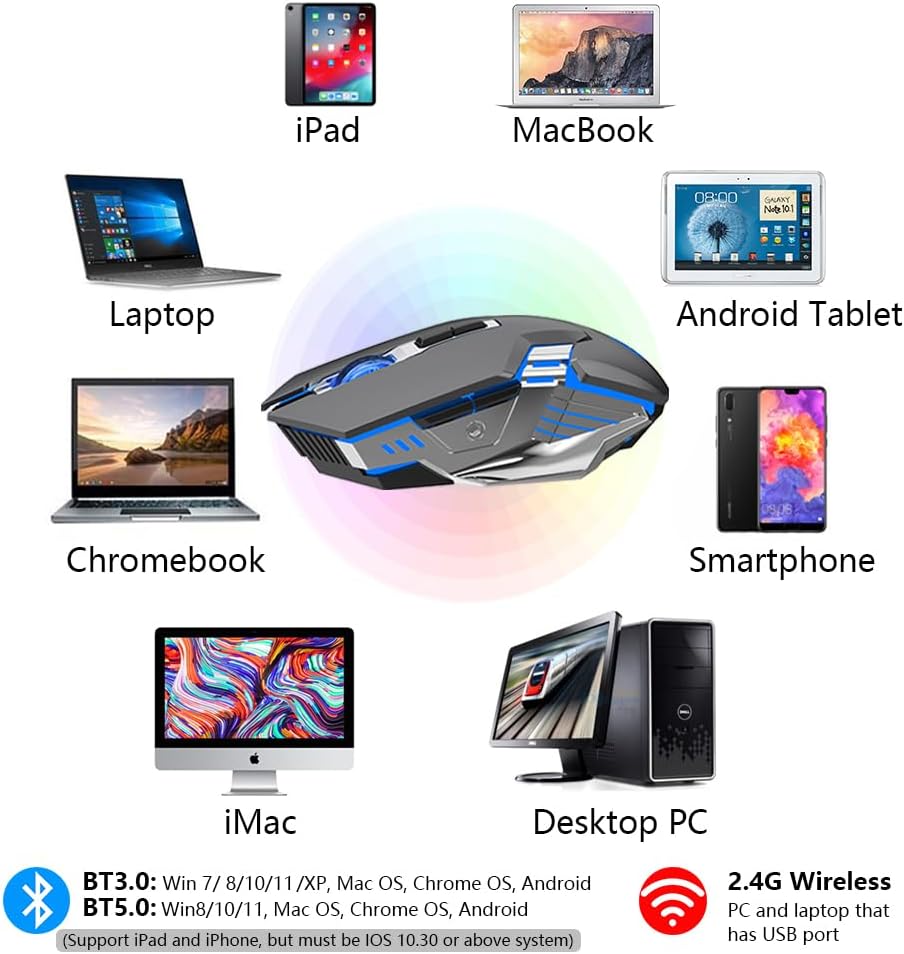
If you move between a desktop, laptop, and tablet, this mouse offers three wireless connection modes: 2.4G, Bluetooth 3.0, and Bluetooth 5.0. Its quiet-click buttons keep everyday clicking low-key, while adjustable DPI lets you choose among three listed sensitivity levels. A seven-color backlight adds changing ambient color as you work or play.
What matters most
The tri-mode connection gives you options for setting up the mouse with different devices, rather than relying on a single wireless connection type. For Bluetooth pairing, select BT3.0 or BT5.0 with the Mode button, then choose the matching M343-BT3.0 or M343-BT5.0 name in your device’s Bluetooth settings. The scroll wheel flashes green for BT3.0 and blue for BT5.0, making the selected mode easier to identify.
Choose from 1000, 1600, or 2400 DPI to suit the task at hand, whether you prefer controlled pointer movement for detailed work or a more responsive feel for general navigation. Six buttons include forward and back controls on the side, handy for moving through browser pages and other supported navigation. Quiet clicks are useful in shared spaces, and the right-hand ergonomic shape provides a formed grip for regular use.
Everyday use
At 68 g with a matte finish, the mouse is easy to incorporate into a laptop setup or a desktop workspace. Its optical movement detection supports everyday pointer control, while the side buttons put forward and back actions within reach of your thumb. Use the DPI settings to tailor pointer sensitivity to what you are doing, then select the wireless mode that suits your device connection.


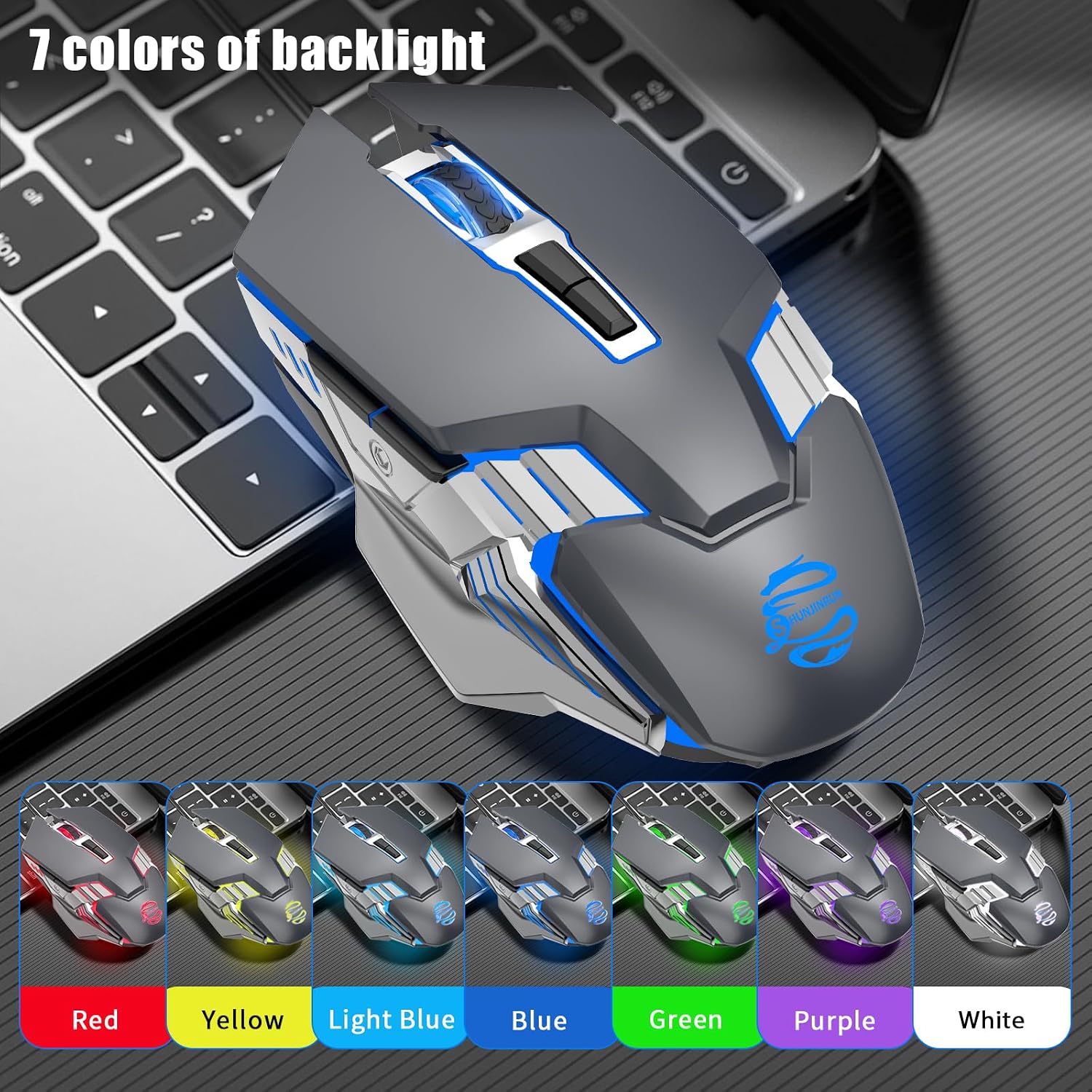
The backlight cycles automatically through seven LED colors while in use. It is designed to change color rather than be programmed, so it provides shifting ambient light without requiring you to set a preferred color. For operating system support, the listed platforms include Android, Chrome OS, Linux, macOS, and Windows.
Tips for day-to-day use
For Bluetooth, turn the mouse on and use the Mode button to select BT3.0 or BT5.0 before pairing from your device’s Bluetooth menu. Match the device name to the mode shown by the scroll wheel. When changing tasks, try the three DPI settings and keep the one that feels most comfortable for that activity. The forward and back side buttons can help with browser navigation, while the quiet-click design suits work areas where keeping button sounds subtle is useful.

Before you decide
How do I connect it over Bluetooth? Turn on the mouse, press the Mode button to choose BT3.0 or BT5.0, then select the corresponding M343-BT3.0 or M343-BT5.0 entry in your device’s Bluetooth settings. The scroll wheel flashes green for BT3.0 and blue for BT5.0.
Which DPI settings can I use? The listed settings are 1000, 1600, and 2400 DPI, allowing you to choose a pointer sensitivity for your preferred style of use.
Can I set the backlight to one color? The seven LED colors change automatically while the mouse is in use, the lighting is not programmable.
When it makes sense
A solid pick if you want wireless connection options, quiet clicks, and simple sensitivity adjustments in one mouse. Its tri-mode connectivity is useful for a setup that includes different devices, while the side navigation buttons, right-hand ergonomic design, and cycling backlight make it well suited to everyday browsing, computer work, and gaming.