

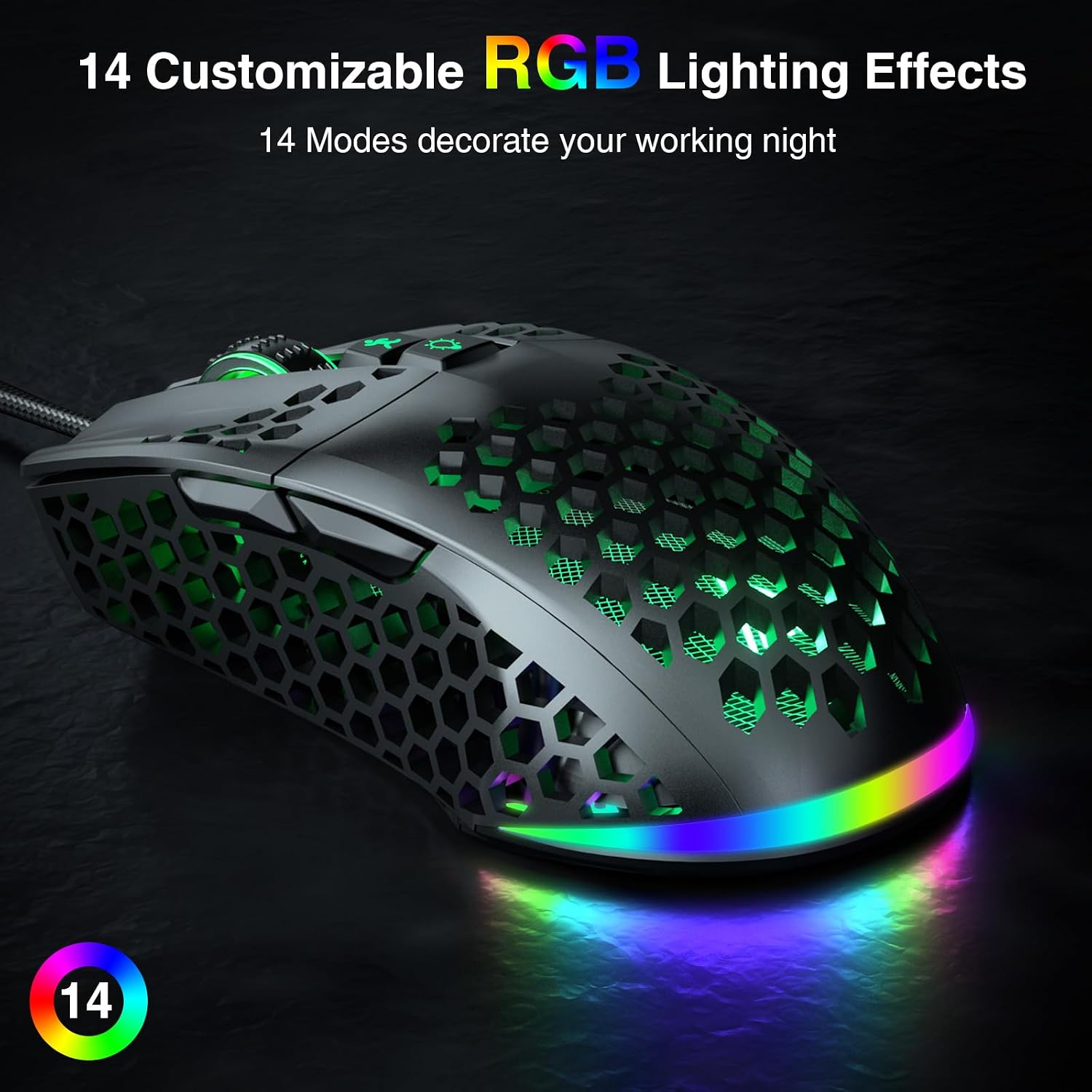
SOLAKAKA SM900 Wired Gaming Mouse, 12800 DPI, RGB, Honeycomb Shell
Reviews
Price
Product description
Some setups call for a straightforward mouse for everyday computer use, gaming sessions may benefit from adjustable sensitivity and customizable controls. The SOLAKAKA SM900 brings both needs together in a wired USB design.
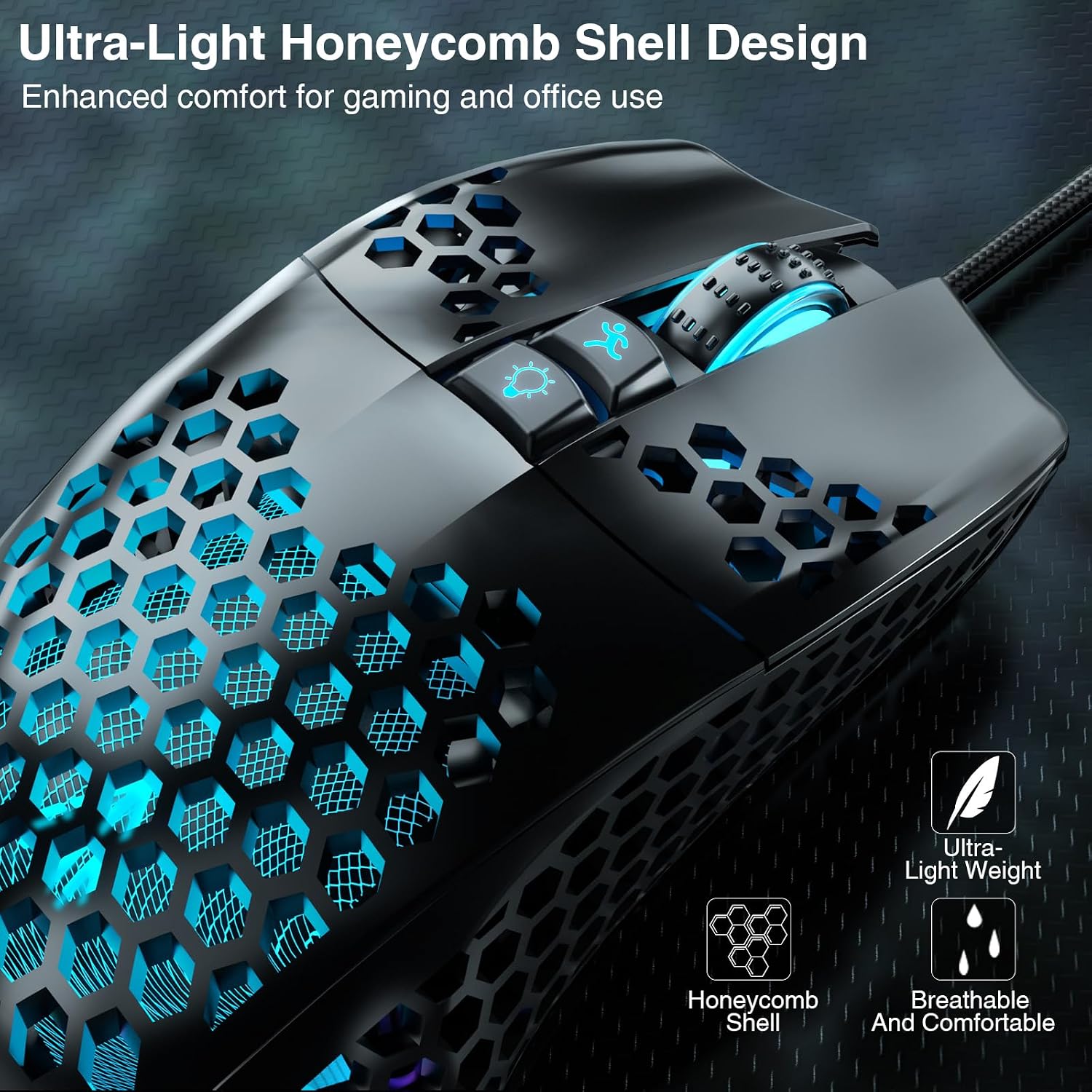
Its honeycomb shell and 70 g weight keep the mouse lightweight, while the right-handed shape is designed for a comfortable grip. RGB lighting adds a colorful touch to a desk setup.
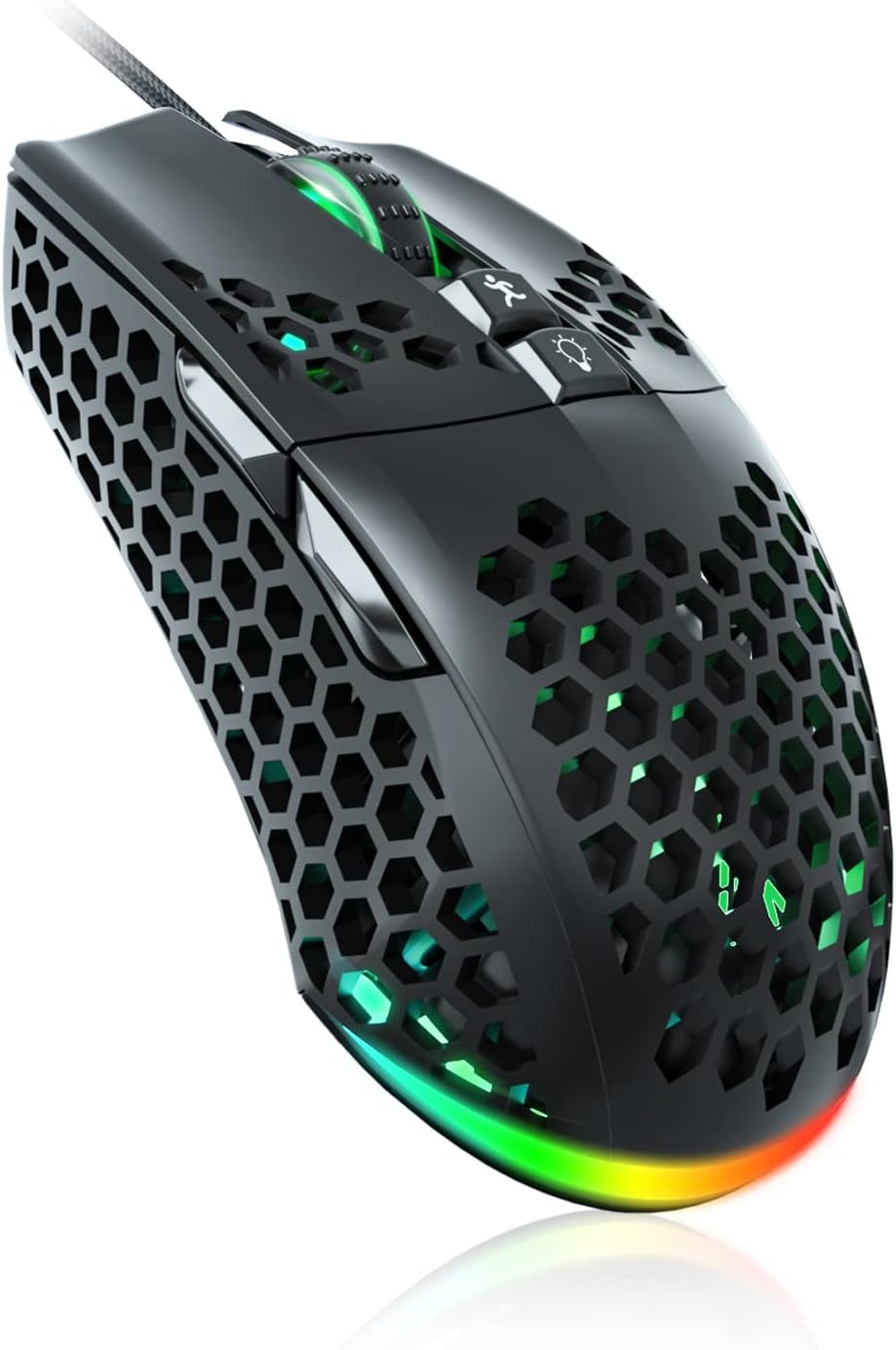
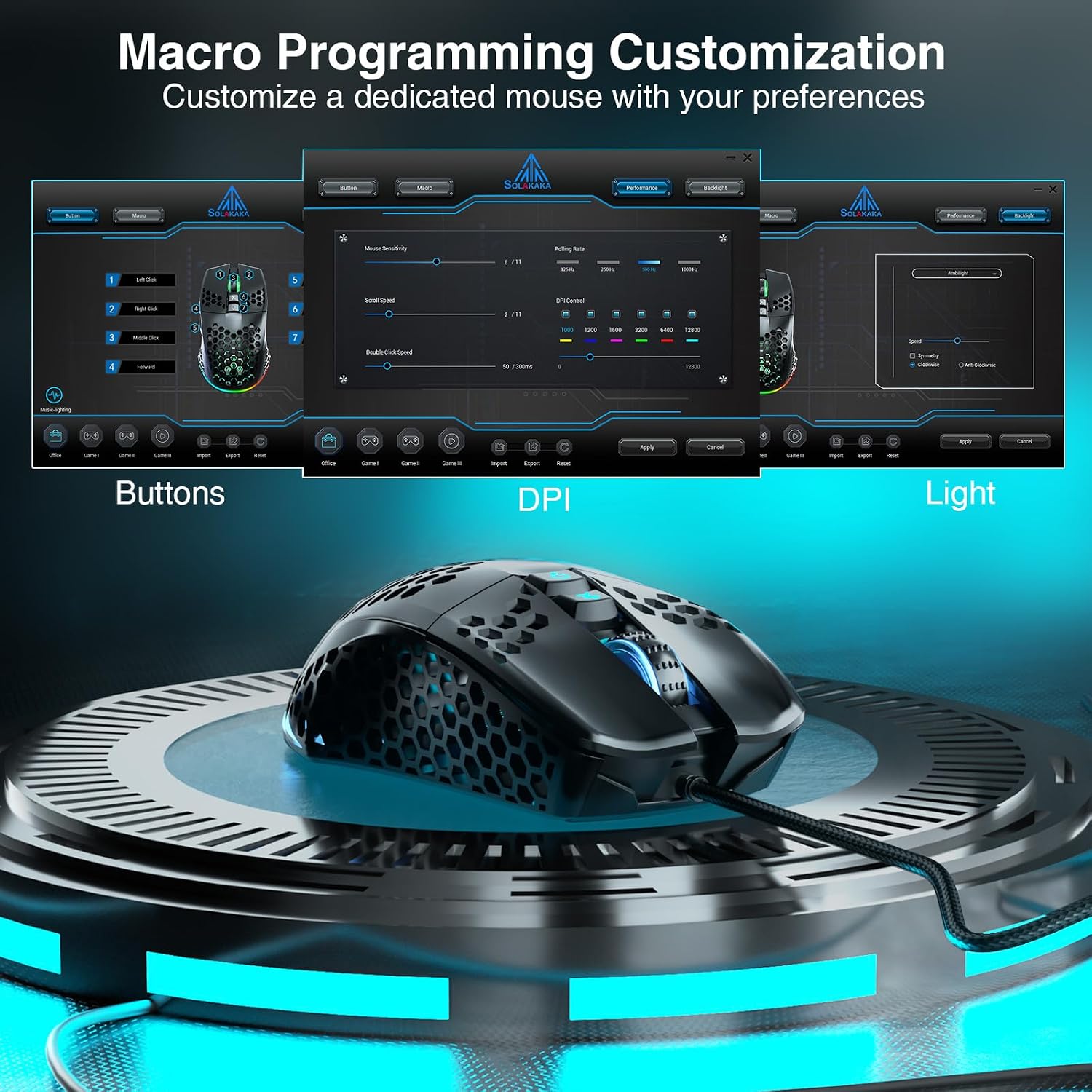
Choose among six DPI levels, up to 12800 DPI, to tailor cursor sensitivity to different tasks. With seven programmable buttons and software-supported macros, the SM900 also lets you set up controls around your preferred games and applications.
Tech specs
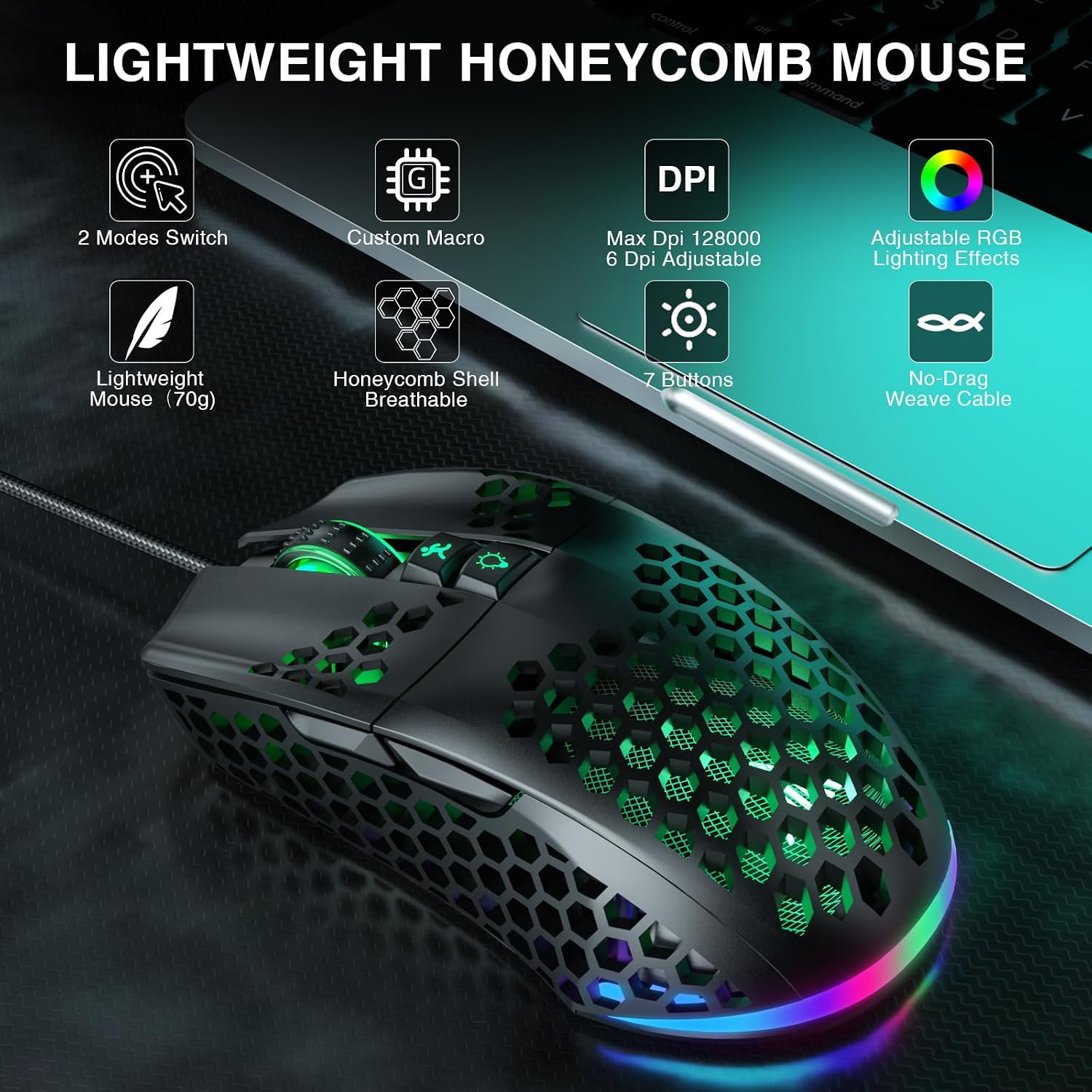
- Type: Wired optical gaming mouse
- Connectivity: USB
- Maximum sensitivity: 12800 DPI, with six adjustable levels
- Buttons: Seven programmable buttons
- Polling rate: Up to 1000 Hz
- Design: Right-handed, honeycomb shell
- Weight: 70 g
- Lighting: Adjustable RGB effects
- Compatibility: PC and laptop
Practical tips
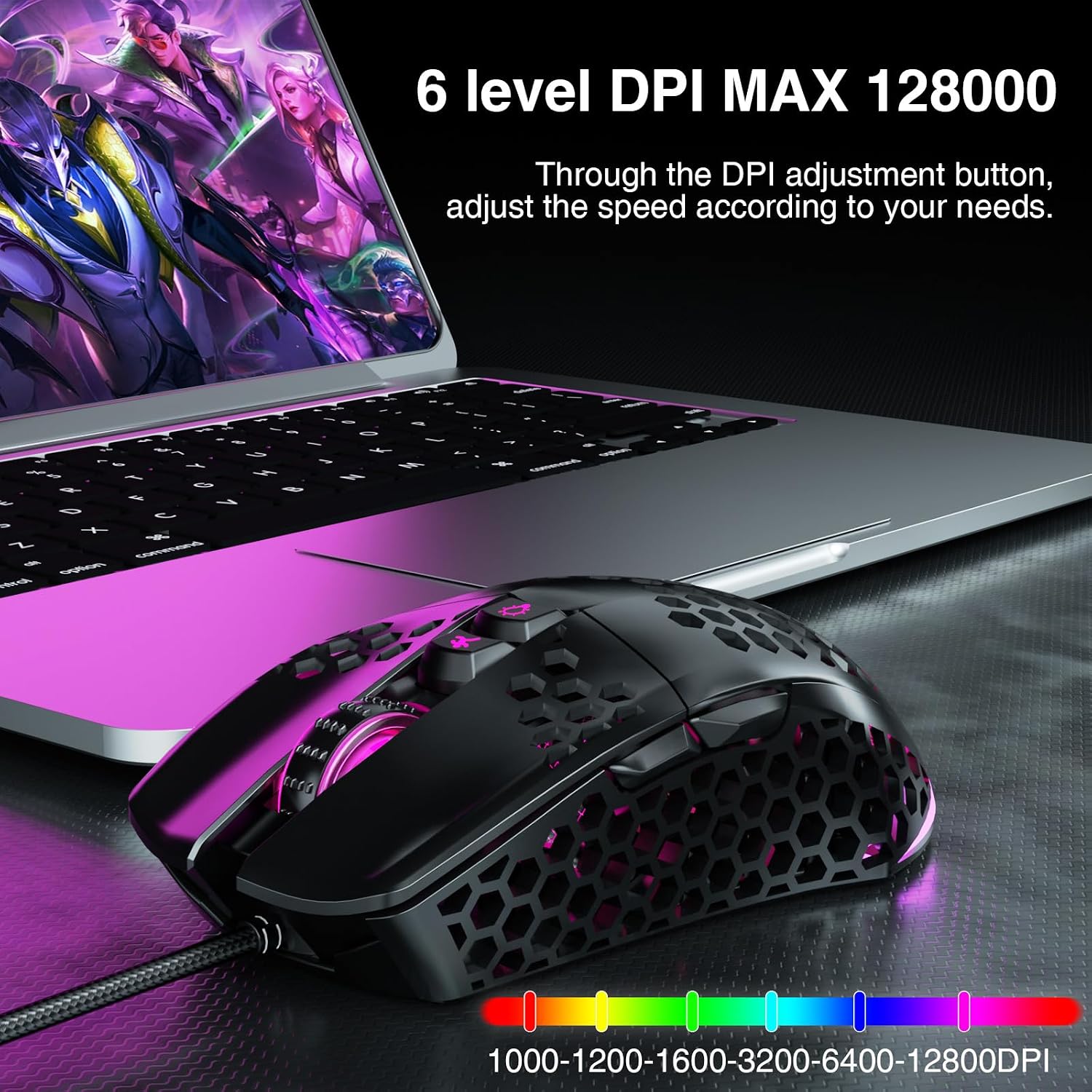
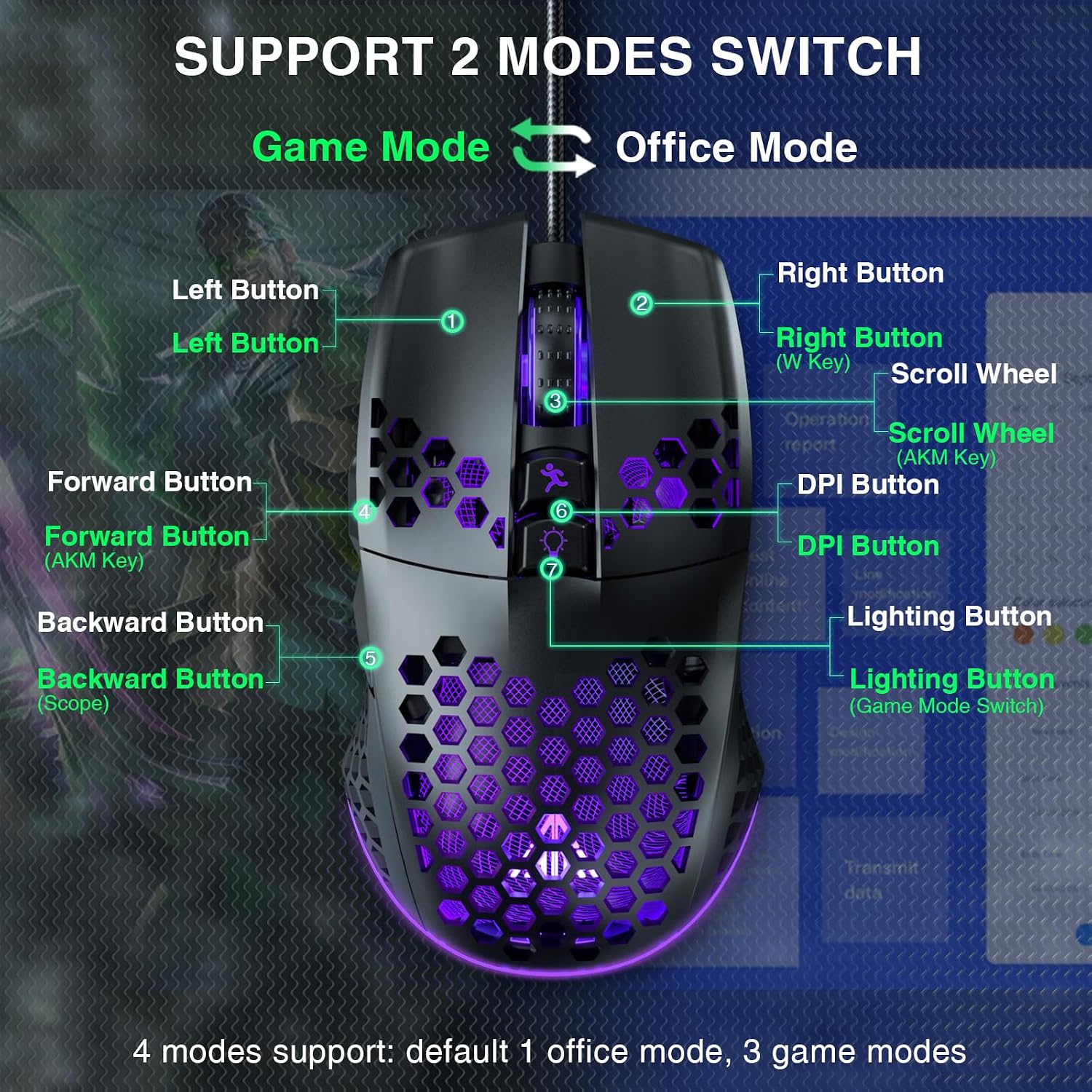
Use the DPI button to switch sensitivity levels for different activities, such as moving through menus or making more deliberate cursor adjustments. The mouse offers an office mode by default and three gaming modes, configure the gaming modes through macro software to assign functions and tailor settings. Its USB connection is plug and play, while the software provides options for buttons, DPI, modes, macros, and lighting.
The lightweight, perforated shell is designed to support airflow around the hand during use, and its 70 g weight makes it easy to reposition. The RGB effects can be adjusted to suit the look of your workspace. Buyer feedback often appreciates the appearance, comfortable feel, and color options, while opinions on responsiveness, lighting preferences, and glide vary. These personal impressions can help set expectations for choosing a mouse, but the adjustable controls and wired connection are the practical features to focus on.
For a typical setup, connect the mouse to a computer’s USB port and use the DPI button to choose a starting sensitivity. If you want a different button layout for a game, use the software to configure the available controls and gaming modes. This approach suits users who want one mouse for everyday tasks and configurable game controls, rather than a basic mouse with fixed button functions.
What’s included
The package contains the SM900 mouse and a manual. The USB wired connection keeps setup simple, and the software-supported options let you personalize the mouse after connecting it.
Questions before you buy
Can I change the cursor sensitivity? Yes. The mouse has six adjustable DPI levels, with sensitivity up to 12800 DPI, and a DPI button for switching levels.
Can I customize the buttons and gaming modes? Yes. Seven buttons are programmable, and macro software supports custom button assignments and settings. The mouse has one default office mode and three gaming modes, which can be set up through the software.
How does the mouse connect to a computer? It uses a wired USB connection and is described as plug and play for PC and laptop use.
Final verdict
The SOLAKAKA SM900 is suited to right-handed PC and laptop users who want a lightweight wired mouse with adjustable sensitivity, programmable controls, and customizable RGB lighting. Its combination of simple USB setup and software-based configuration makes it useful for switching between everyday computer tasks and personalized gaming controls.