

YUNZII M1 Wireless Gaming Mouse, PAW3311 Sensor, Pink, 60g, 10,000 DPI
Product description
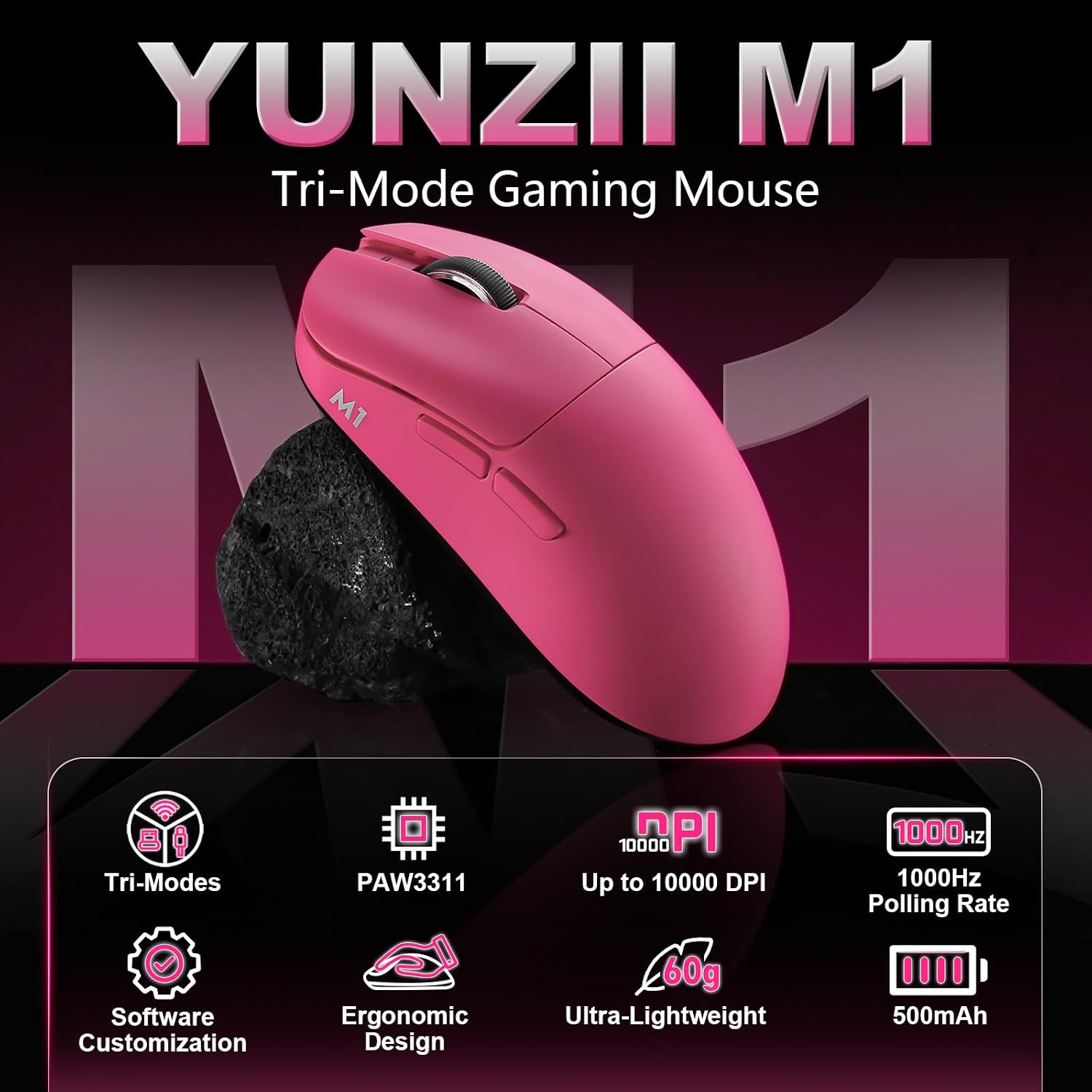
For players who want adjustable tracking and flexible connectivity, the YUNZII M1 brings a PAW3311 optical sensor and three ways to connect.
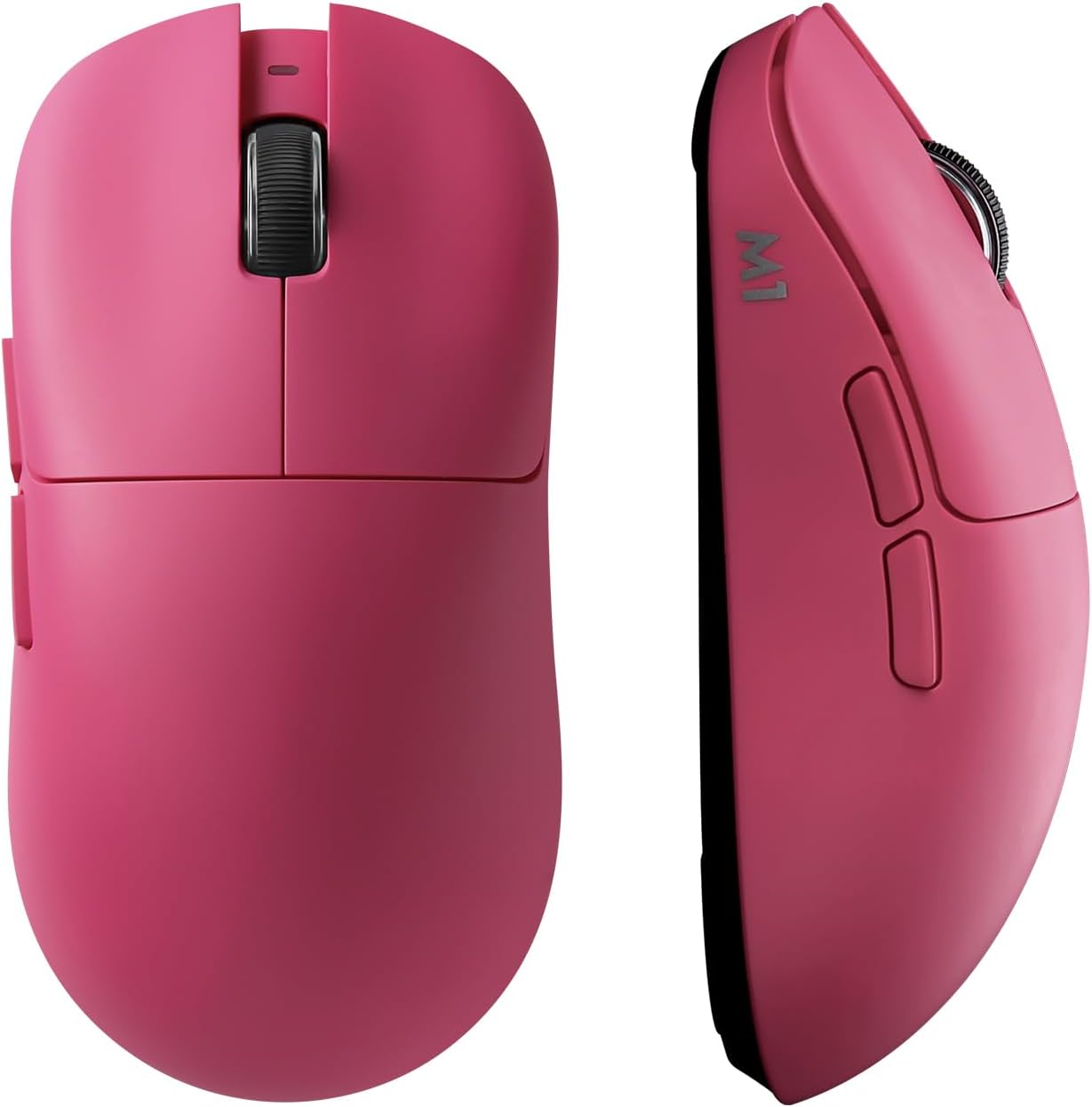
Its pink, 60g design has five buttons and a contoured shape for gaming, office tasks, or travel.
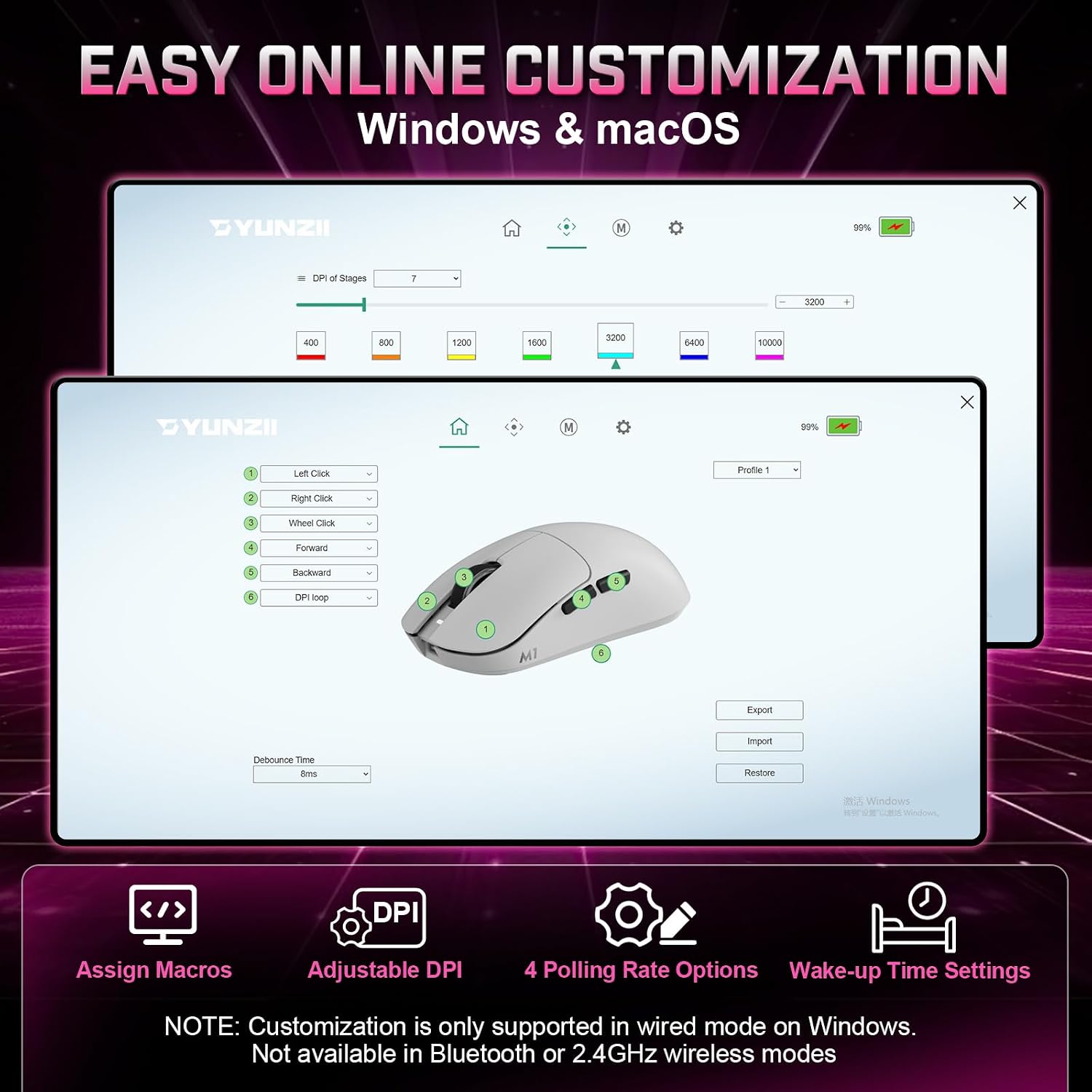
Choose among seven DPI presets up to 10,000, then customize settings through the software or web interface. The 2.4GHz receiver and Type-C cable are included.
Worth noting
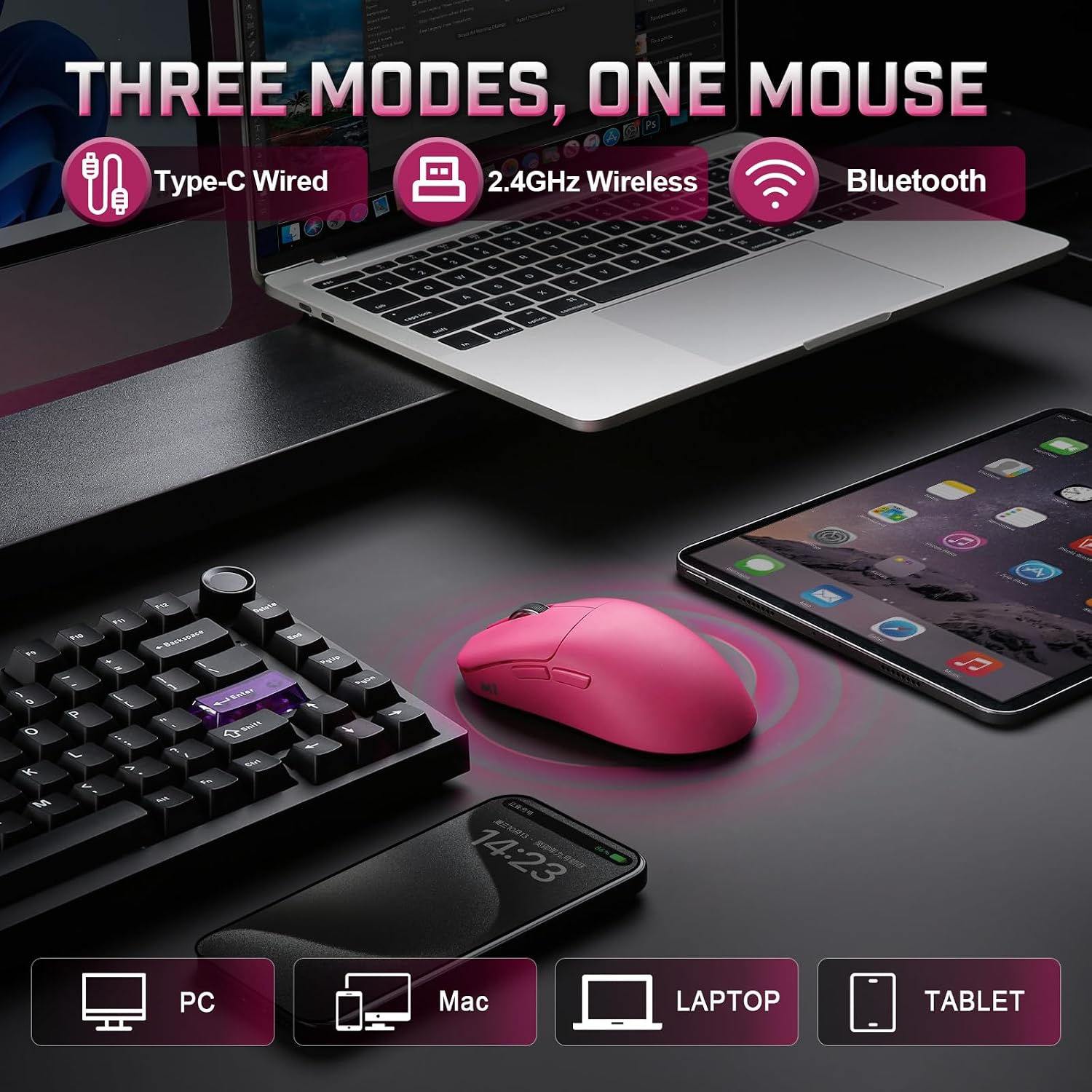
The M1 supports 2.4GHz wireless, Bluetooth, and USB-C wired connectivity, so you can choose a connection to suit your setup. A 2.4G receiver is included for wireless use, and the Type-C cable supports wired mode. Compared with a mouse built around a single connection method, these options make it easier to move between a gaming setup and other compatible devices.
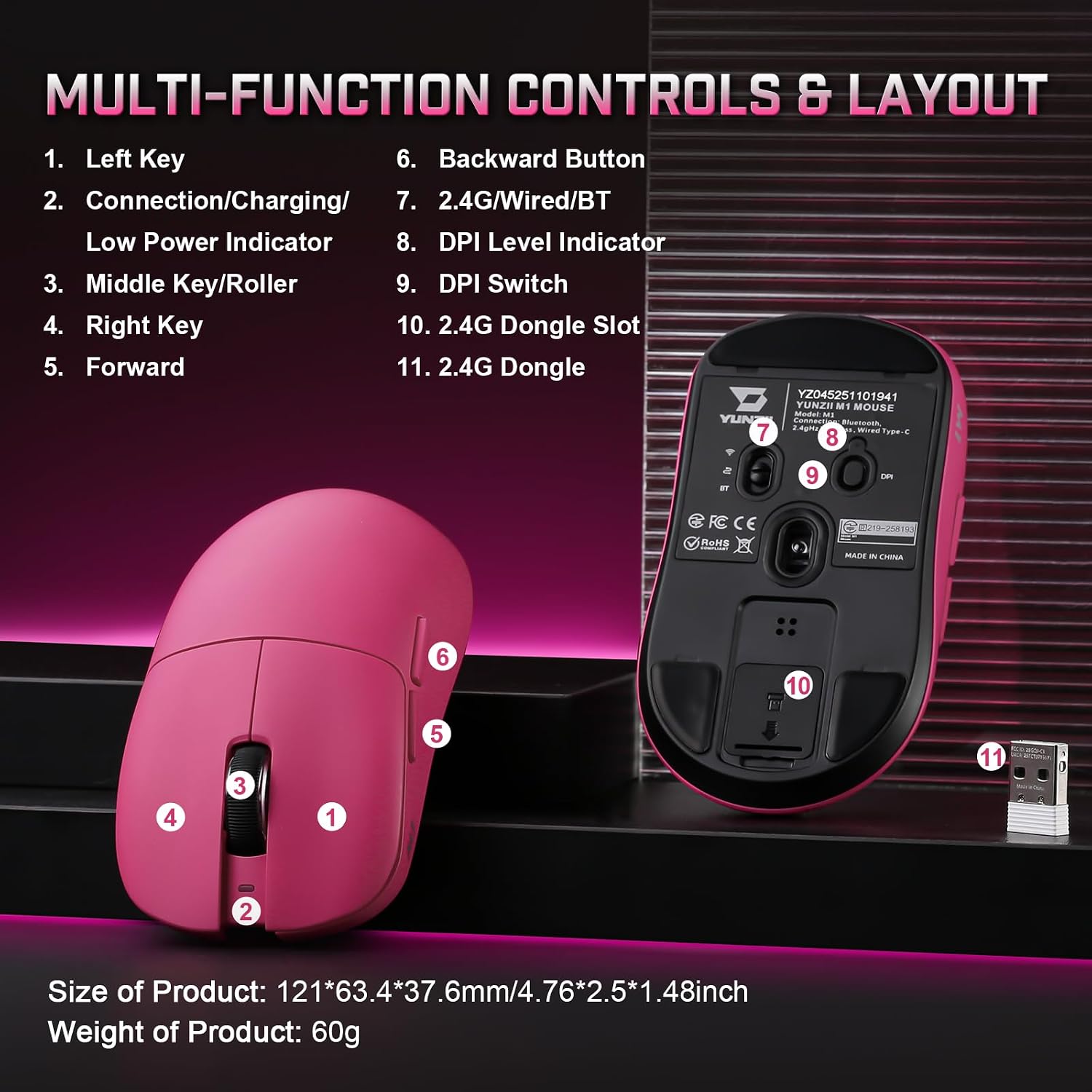
The PAW3311 optical sensor offers seven preset DPI levels: 400, 800, 1,200, 1,600, 3,200, 6,400, and 10,000. Cycle through them with the button on the bottom of the mouse, distinct LED colors identify each setting. The polling rate is adjustable among 125Hz, 250Hz, 500Hz, and 1,000Hz, giving you control over how the mouse is configured for different tasks.
At 60g, the M1 is designed to feel light in hand. Its contoured shape follows the hand’s natural curves, while five responsive buttons and a tactile scroll wheel provide input for both games and everyday computer use. Button functions and settings can also be customized with the software or web interface.
Getting the most from it

Select a DPI preset for the task at hand: a lower setting can suit careful cursor movements, while a higher one provides a quicker response to hand movement. Use the bottom button to switch presets, or configure the settings through the software or web interface. The color indicators make it easier to see which preset is selected.
Choose Bluetooth, 2.4GHz wireless, or USB-C wired mode according to the device and setup you’re using. For a desk setup, the included receiver provides the 2.4GHz connection, for wired use, connect the mouse with the included Type-C cable. The M1 is listed for Windows and macOS and is compatible with PCs, smartphones, and tablets.
Usage tips
For gaming, adjust DPI and polling rate to suit your preferred cursor feel and the game you’re playing. For office work or image editing, choose a DPI level that gives you comfortable control over small movements. You can also customize button functions, polling rate, and DPI settings through the available configuration options, making it easier to keep a preferred setup for different activities.
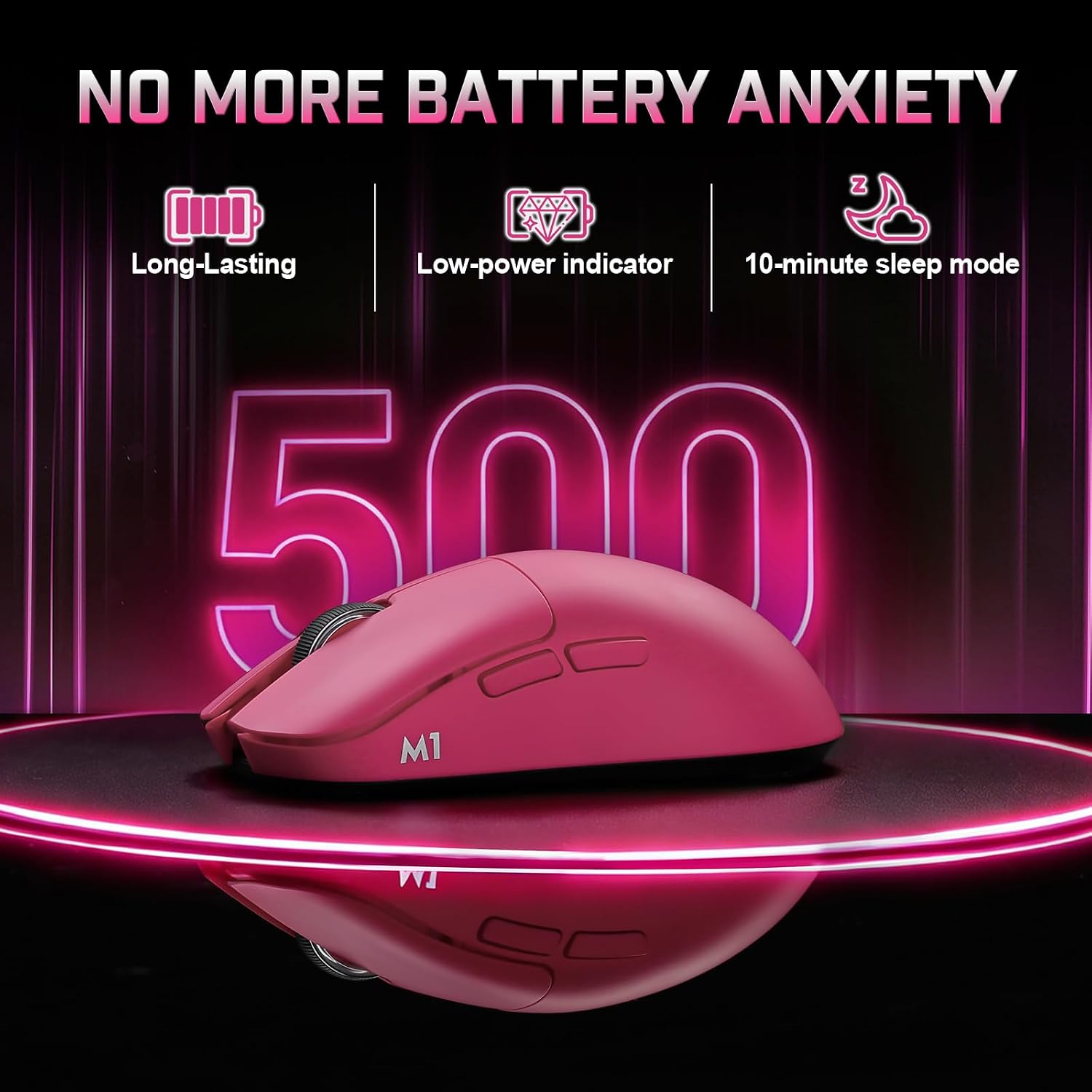
The mouse’s compact, lightweight design and multiple connection modes also suit a travel setup: choose a compatible connection for your device, then use the included receiver or cable when that mode is more convenient. Its five buttons and scroll wheel support everyday navigation as well as game controls.
Questions before you buy
What connection options does the YUNZII M1 support? It supports 2.4GHz wireless, Bluetooth, and USB-C wired mode. A 2.4G receiver and Type-C cable are included.
How do you change the DPI? Use the button on the bottom to cycle through seven presets from 400 to 10,000 DPI. The selected level is indicated by a distinct LED color, and settings can also be customized through the software or web interface.
Which operating systems is it listed for? The M1 is listed as compatible with Windows and macOS. It is also described as compatible with PCs, smartphones, and tablets.
Final verdict
The YUNZII M1 suits players and everyday users who want a lightweight mouse with configurable tracking, five buttons, and a choice of wired or wireless connections. Its preset DPI levels make quick adjustments straightforward, while its three connection modes help it adapt to gaming, desk work, and travel.