

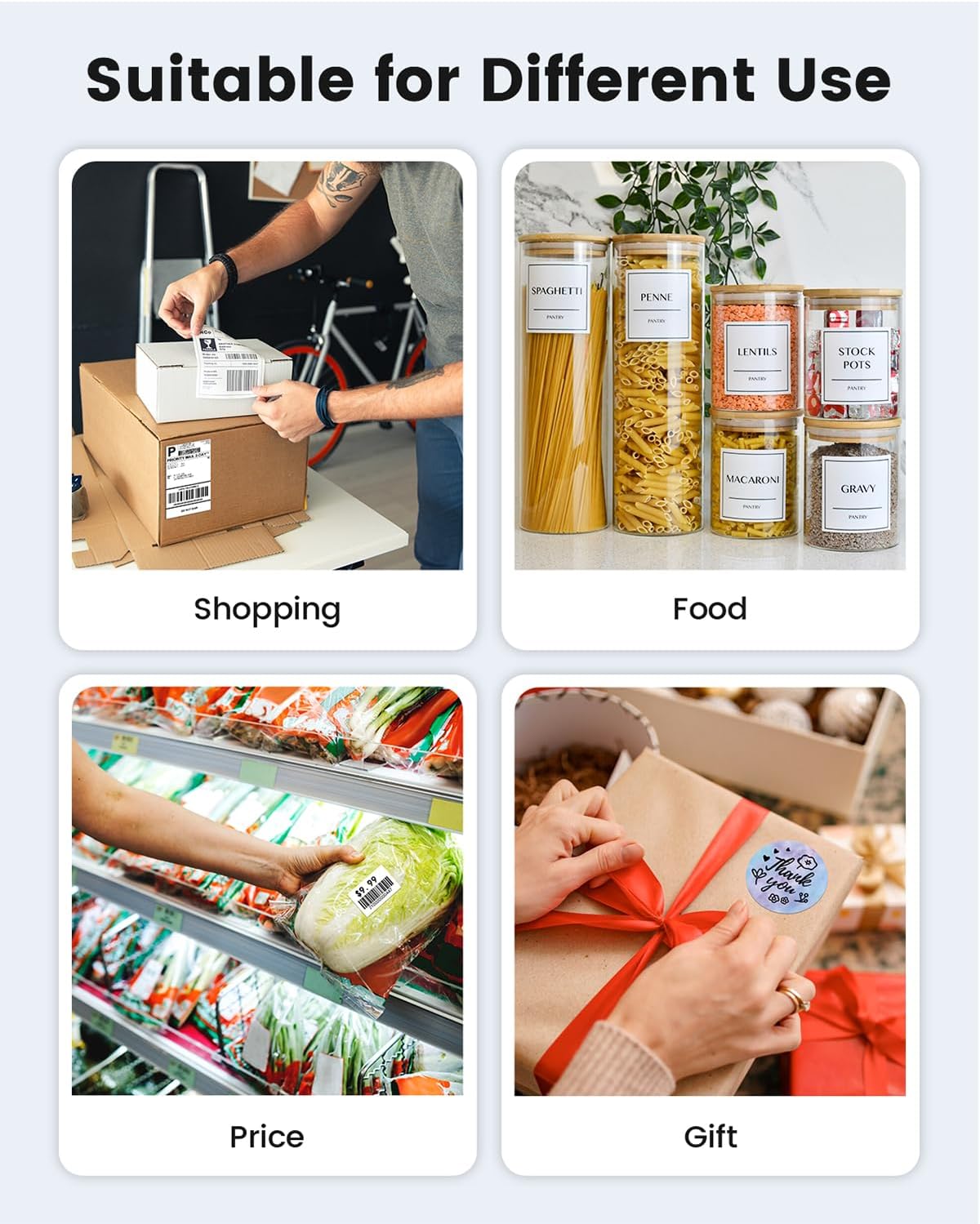
Phomemo 241BT Bluetooth 4x6 Wireless Thermal Shipping Label Printer for Small Business (Black)
Product description
What it is and what problem it solves
If you ship packages regularly, printing labels can turn into a time sink—especially when you have to keep switching devices or deal with cables every single time. The Phomemo 241BT is a wireless thermal label printer built specifically for shipping labels like the common 4x6 format. It’s designed so you can print directly from a phone/tablet over Bluetooth (using the Labelife app) or from a computer via a driver and USB.
On paper, it’s a practical “get labels out fast” setup for small business workflows where speed, label consistency, and not having to buy toner or ink matter. That said, it’s not perfect for everyone: it’s black-and-white printing only, and “direct Bluetooth” is not how it works for every device—you’ll rely on the app connection.
Key features that actually matter in day-to-day use
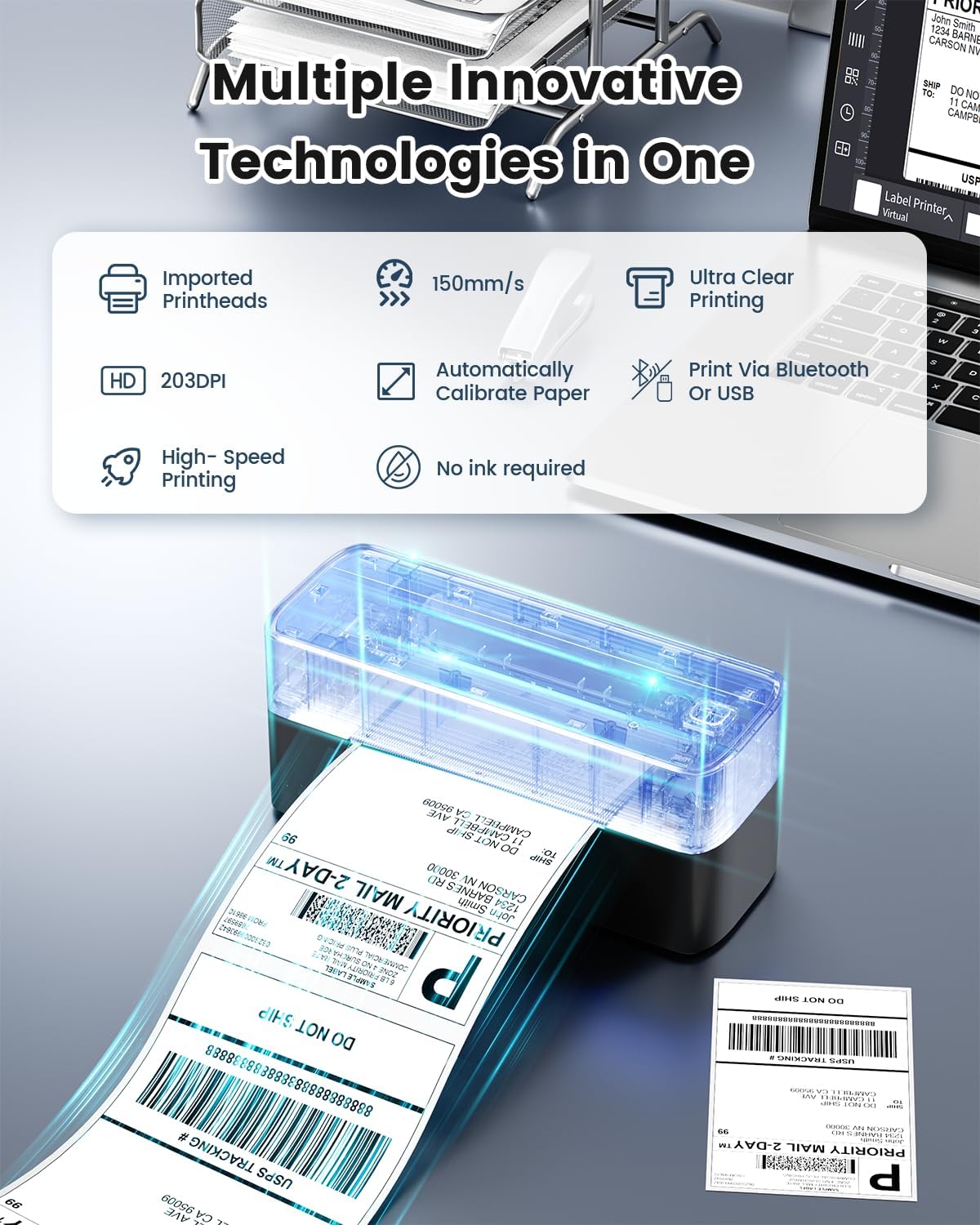
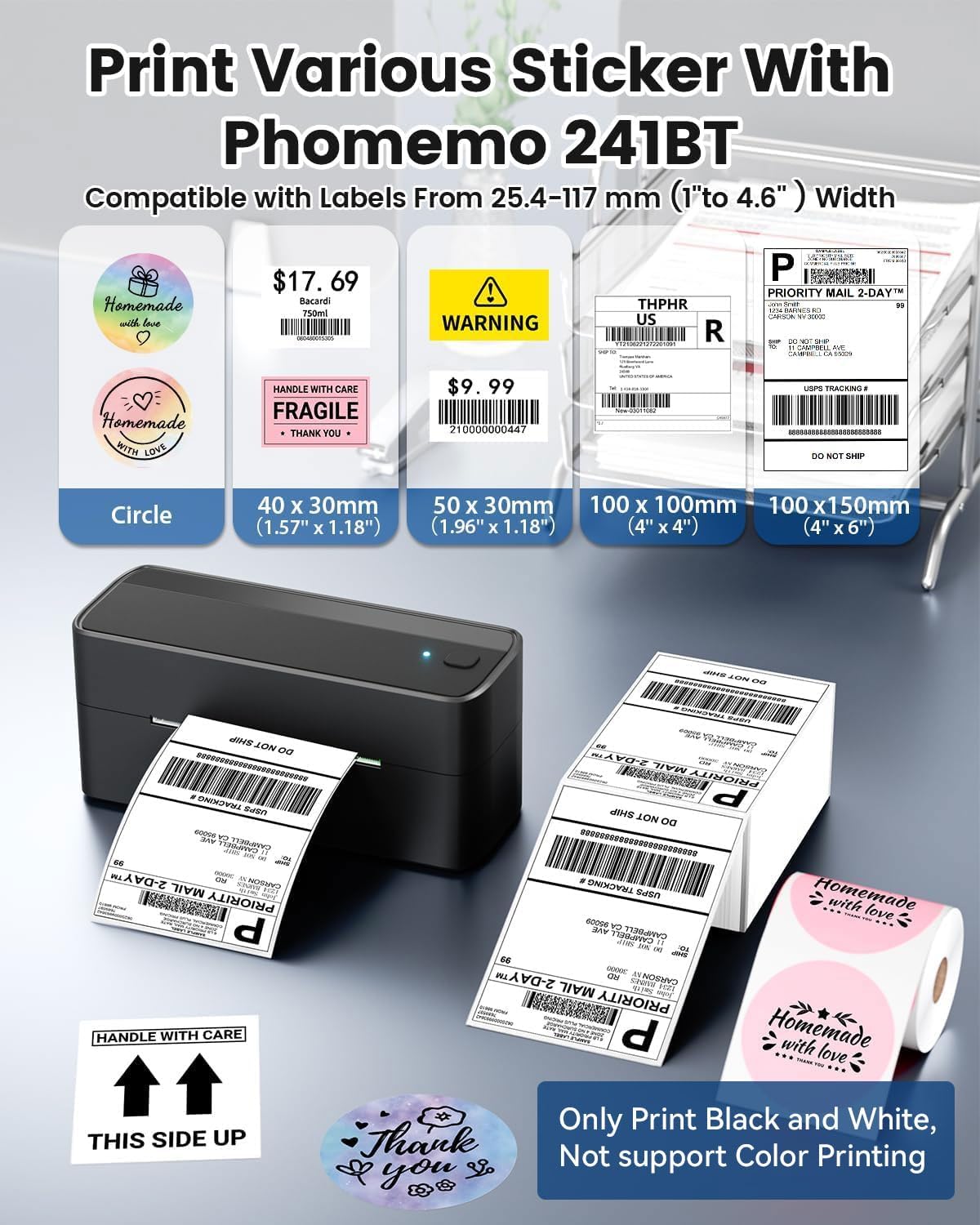
The 241BT uses thermal direct technology, which means no toner or ink is needed—use compatible thermal label paper and print. The printer is positioned for common shipping label widths from 1 to 4.6 inches, so it can cover a lot of label sizes you’ll run into for marketplaces and carriers.
For performance, the base specs listed include a printing speed of 150 mm/s and 203 DPI resolution. In normal small-business use, that combination is meant to help you produce text, barcodes, and QR codes that look clean enough for scanning—without you babysitting the process.
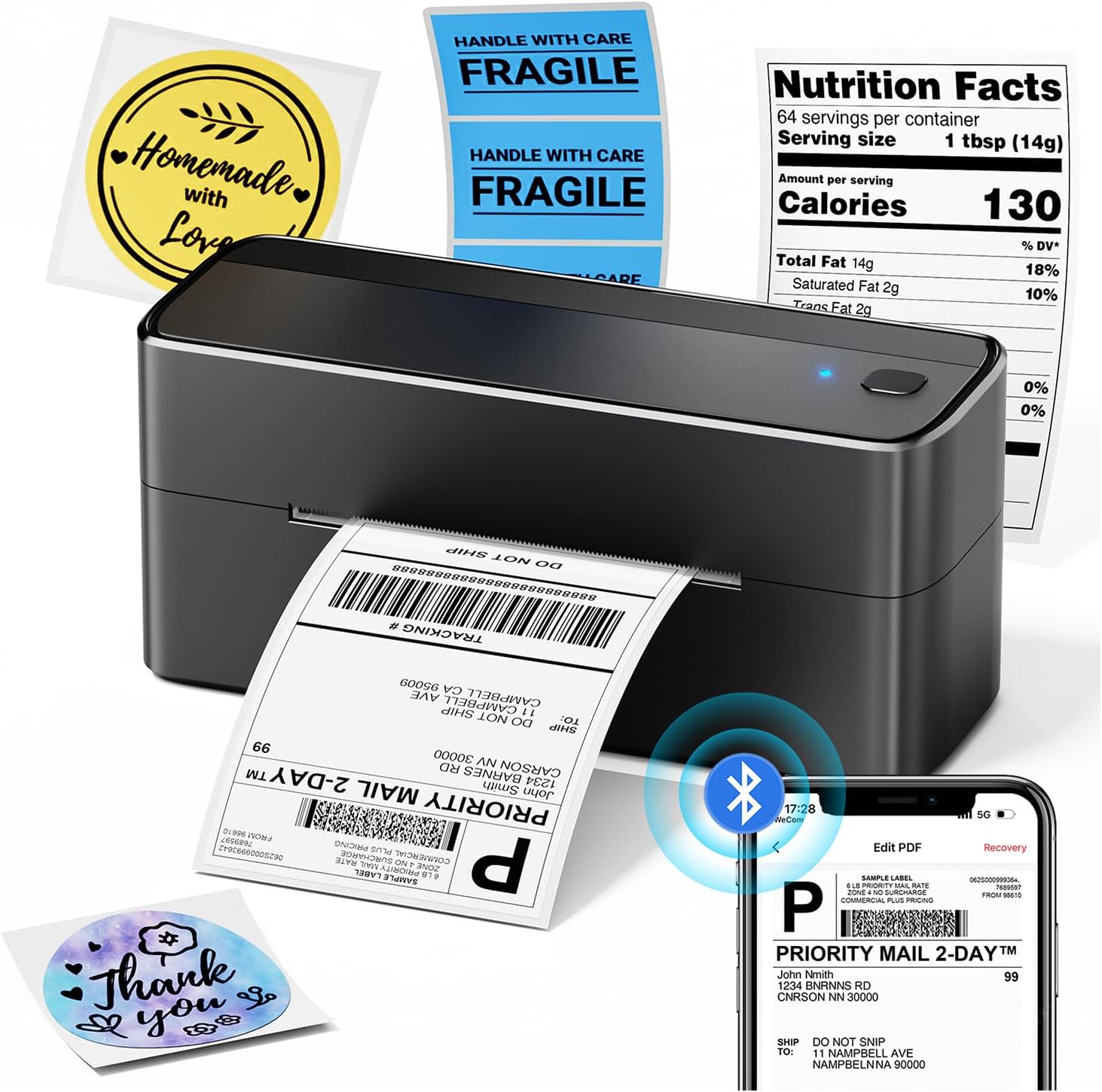
Wireless printing is handled through Bluetooth, but the workflow depends on the app. For iOS and Android, the instruction is to download the “Labelife” app and connect through it. For computers, the process is different: you’ll install a driver and connect via USB.
There’s also template support mentioned, including pre-made templates for home or business use. That’s the kind of feature that saves clicks when you’re repeatedly generating the same style of label.
Compatibility and workflow: phone, tablet, and computer
This printer supports multi-platform use, but the “how” differs by device.
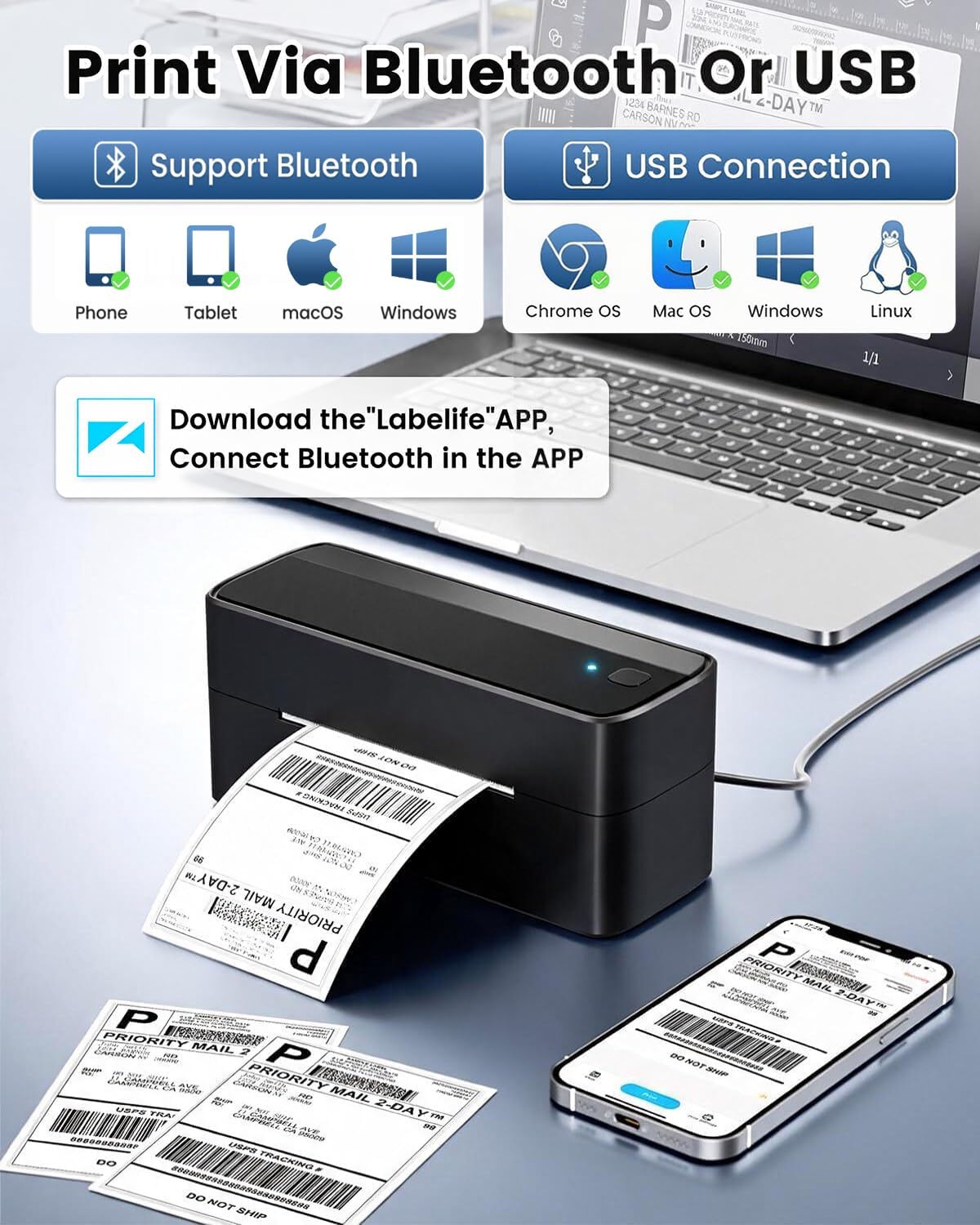
If you’re mostly printing from your phone or tablet, you’ll want to be comfortable using the Labelife app. The provided steps are straightforward: power on the printer, enable Bluetooth on the device, then use the app’s Printer icon to search, connect, and start printing while selecting paper size and file type.
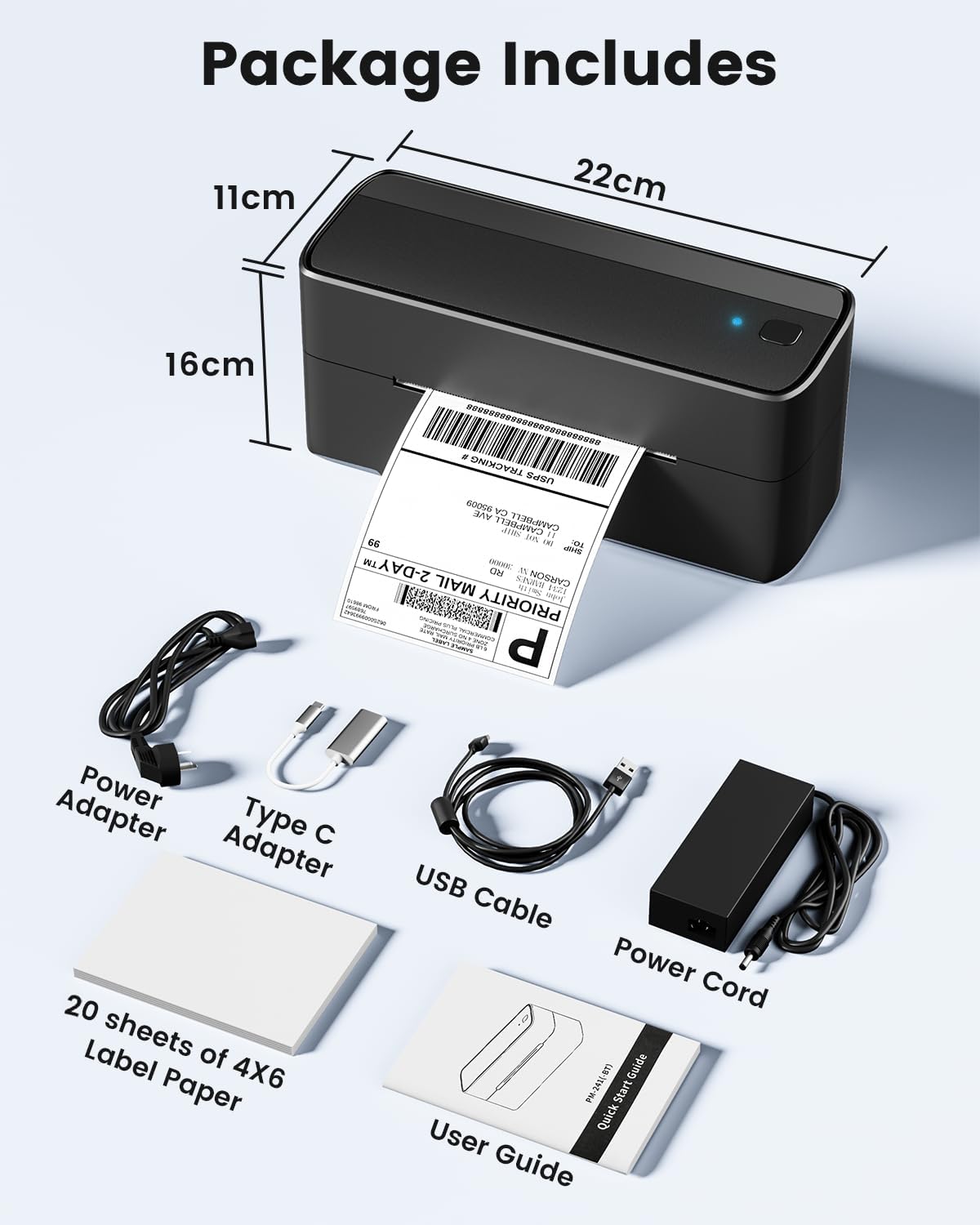
If you prefer printing from a laptop/PC, the setup is more classic. You’ll check your system (Windows, Mac OS, Chrome OS, Linux are mentioned), install the correct driver, and use a USB data cable connection. For Chrome OS specifically, the notes say you need the Labelife extension from the Chrome web store.
Important limitation to keep in mind: the entry notes that “all devices cannot be directly connected to Bluetooth” and must be used through the app. So if your current device Bluetooth setup is picky, you’ll be relying on that app workflow.
Pros and potential downsides before you buy
What stands out
- Wireless printing through Bluetooth via the Labelife app for iPhone and Android.
- Thermal direct approach—no toner/ink mentioned as required.
- Designed for common shipping label use with support for label widths from 1 to 4.6 inches.
- Creates barcodes, QR codes, and supports text/form output with templates.
- Clear print-targeted specs listed: 150 mm/s speed and 203 DPI resolution.
- Support options are described as fairly hands-on, including live chat, phone calls, emails, and even remote desktop operation.
What may be less convincing
- Black-and-white printing only. If you want color labels, the note says you’ll need compatible thermal color label paper purchased separately.
- Bluetooth isn’t always “direct to the printer” depending on the device—expect to use the Labelife app connection.
- For PC printing, you’re still doing a driver install and using USB, so it’s not fully wireless across every setup.
It’s a pretty sensible small-business label printer, but it stays in the practical/workman category—not the “set it and forget it for every device with zero setup” category.
Best use cases (and who should avoid it)
This fits best if your daily shipping routine is either:
- You generate labels on an iPhone/Android and want to print via Bluetooth without running back and forth to a computer.
- You ship often enough that you value templates, barcode/QR output, and speed, and you don’t want to keep buying toner or ink.
- You need support for label widths in that 1 to 4.6 inch range for shipping workflows tied to marketplaces and carriers.
You may want to skip it if you:
- Need color labels as a requirement for your packaging process (since the printer is black-and-white only).
- Expect true direct Bluetooth printing from every device without using an app.
- Want a fully wireless end-to-end setup from a computer, because PC use is described via USB and a driver.
Tech specs (the essentials)
- Printing method: Thermal direct technology
- Print width support: 1 to 4.6 inches
- Print speed: 150 mm/s
- Resolution: 203 DPI
- Printing color: Black-and-white only (color requires compatible thermal color label paper separately)
- Connectivity: Bluetooth (via Labelife app) and USB for PC printing (driver required)
When it makes sense to choose the 241BT (decision guide)
Worth considering if you want a shipping label printer that’s built for small business use, supports common label widths (including 4x6), and you plan to print labels from a phone or tablet using the Labelife app. The thermal direct approach and the listed speed/resolution are geared toward getting labels out quickly without ongoing ink/toner costs.
It might not suit you if color labels matter, or if you want the simplest possible setup where every device connects to Bluetooth directly with no app involvement. Also, if your workflow is mainly PC-based and you hate driver installs or USB connections, you’ll likely feel the workflow is more “computer-assisted” than “fully wireless.”
Mini FAQ
Do I need the Labelife app to use Bluetooth printing?
Yes—based on the instructions, iOS and Android Bluetooth printing requires the Labelife app. The steps describe connecting the printer through the app.
Can I print directly from a computer over Bluetooth?
The provided setup for PC printing is via a driver and a USB data cable connection. Bluetooth printing is described for iOS/Android through the app.
Is it limited to 4x6 labels?
It’s described as supporting label widths from 1 to 4.6 inches, so it’s not limited to only 4x6 as long as your labels fall within that width range.
What about color labels?
The entry states it supports black-and-white printing only. For color labels, you’d need compatible thermal color label paper purchased separately.
Is it compatible with marketplaces and carriers like Shopify and USPS?
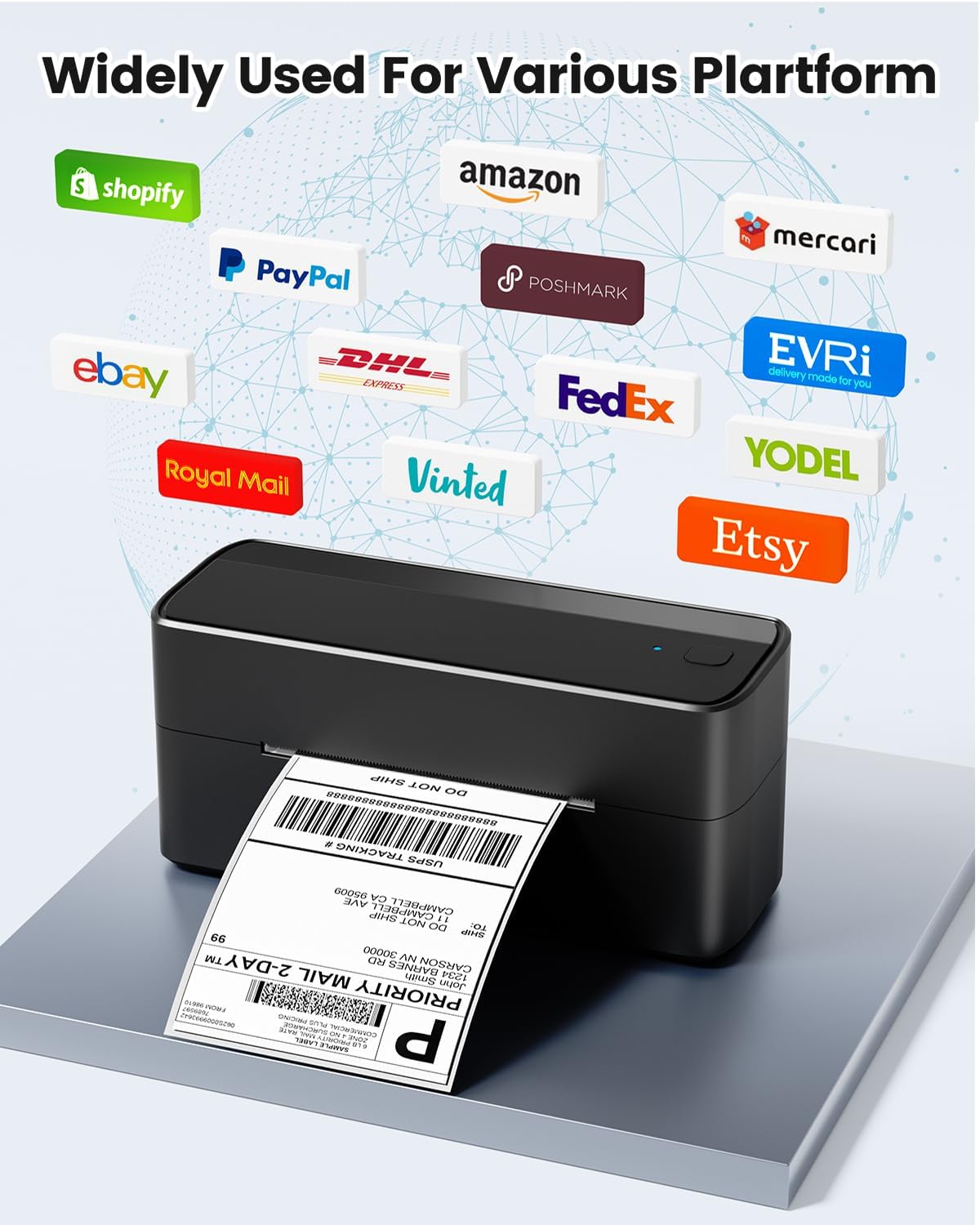
The description says it supports printing labels compatible with eBay, Shopify, amazon, Etsy, UPS, USPS, FedEx, and more. The exact label format support is something you should confirm with your label generation source, but the intended use is clear.
Is it worth it?
Buy the Phomemo 241BT if your shipping labels are mostly generated through mobile workflows and you want Bluetooth printing handled through a dedicated app, plus thermal direct printing without toner/ink. If you need black-and-white shipping labels with barcodes and QR codes, the listed speed and 203 DPI resolution make it a reasonable small-business candidate.
Skip it if you must have color labels, or if your setup depends on “direct Bluetooth without app involvement.” In that case, the workflow differences between phone/tablet and PC could be more hassle than it’s worth.