

Lenovo Yoga 7a 2-in-1 Laptop
Product description
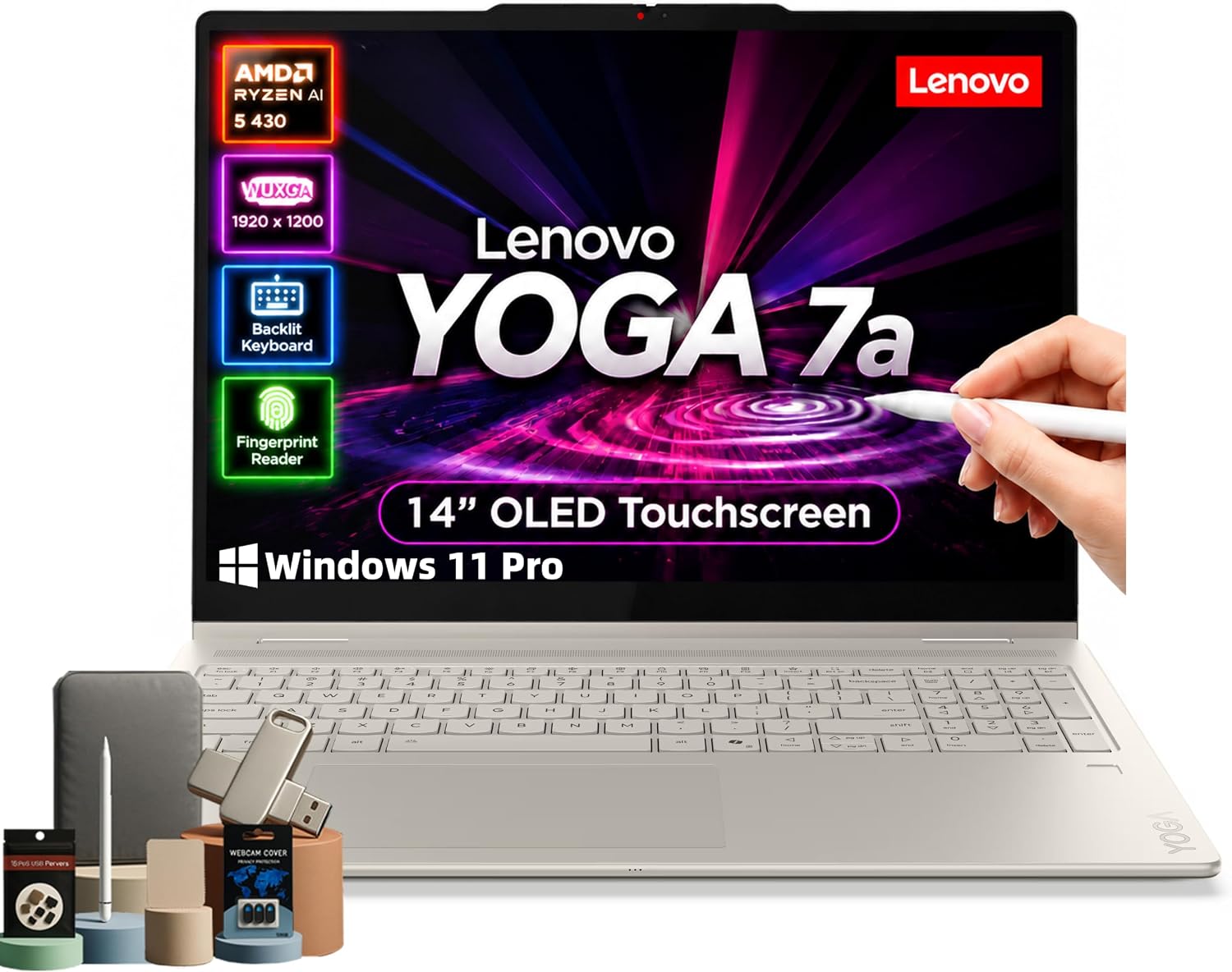
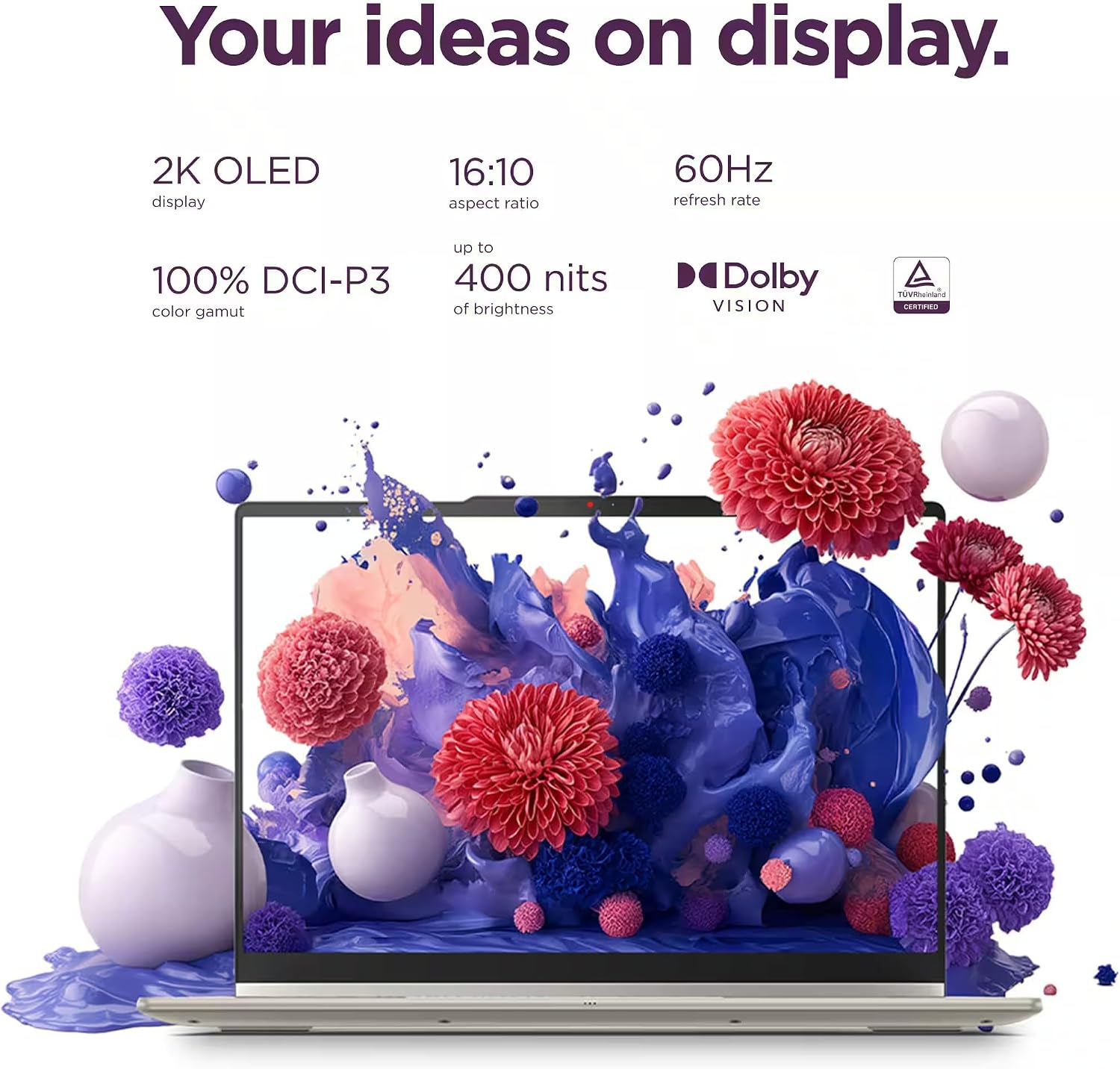
The 14-inch WUXGA OLED touchscreen gives the Lenovo Yoga 7a a vivid display for notes, browsing, and photo work, while its 360-degree hinge lets you switch from laptop to tablet, tent, or stand mode. That flexibility is useful when one device needs to handle both keyboard work and touch-first tasks.
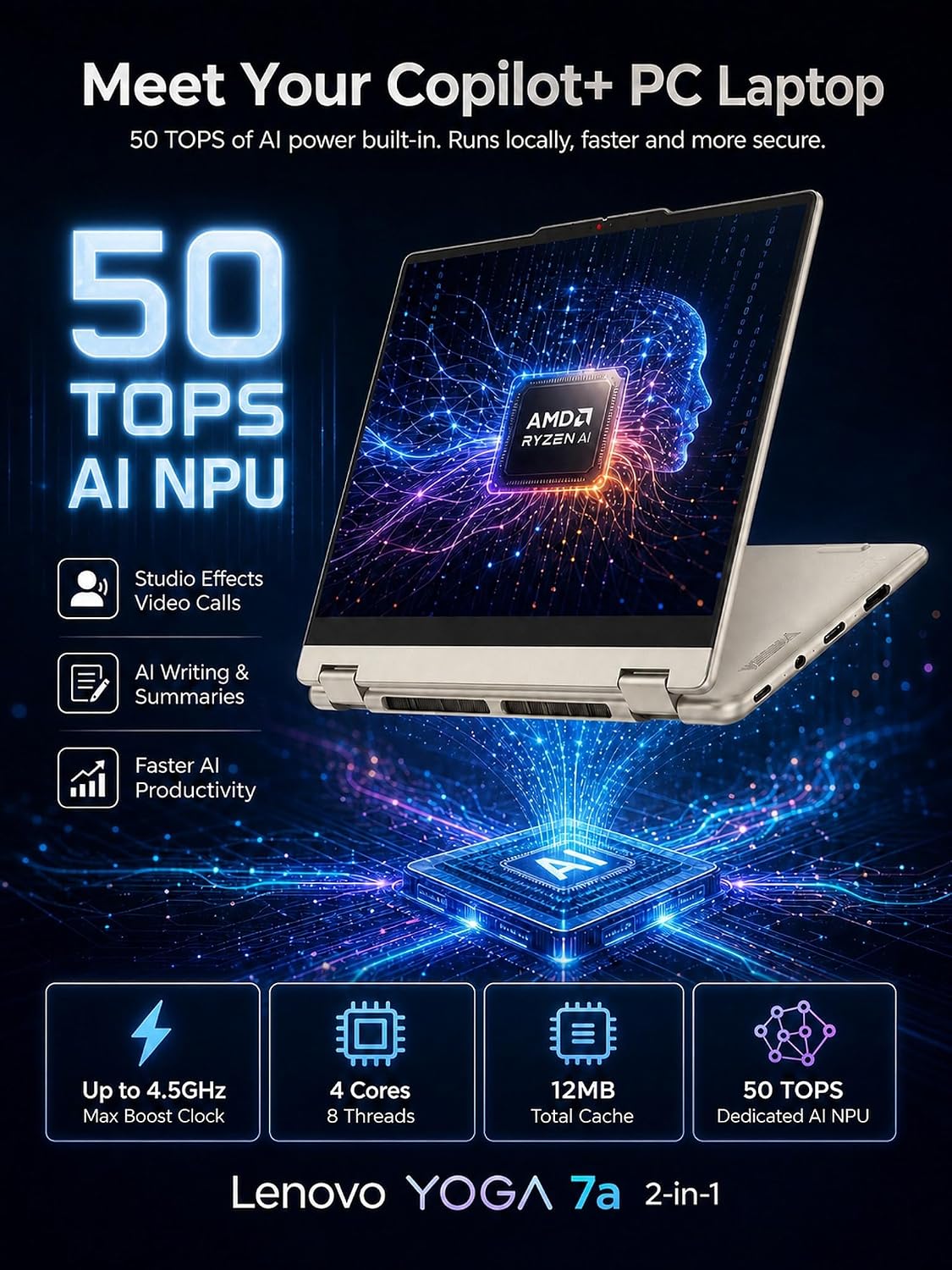
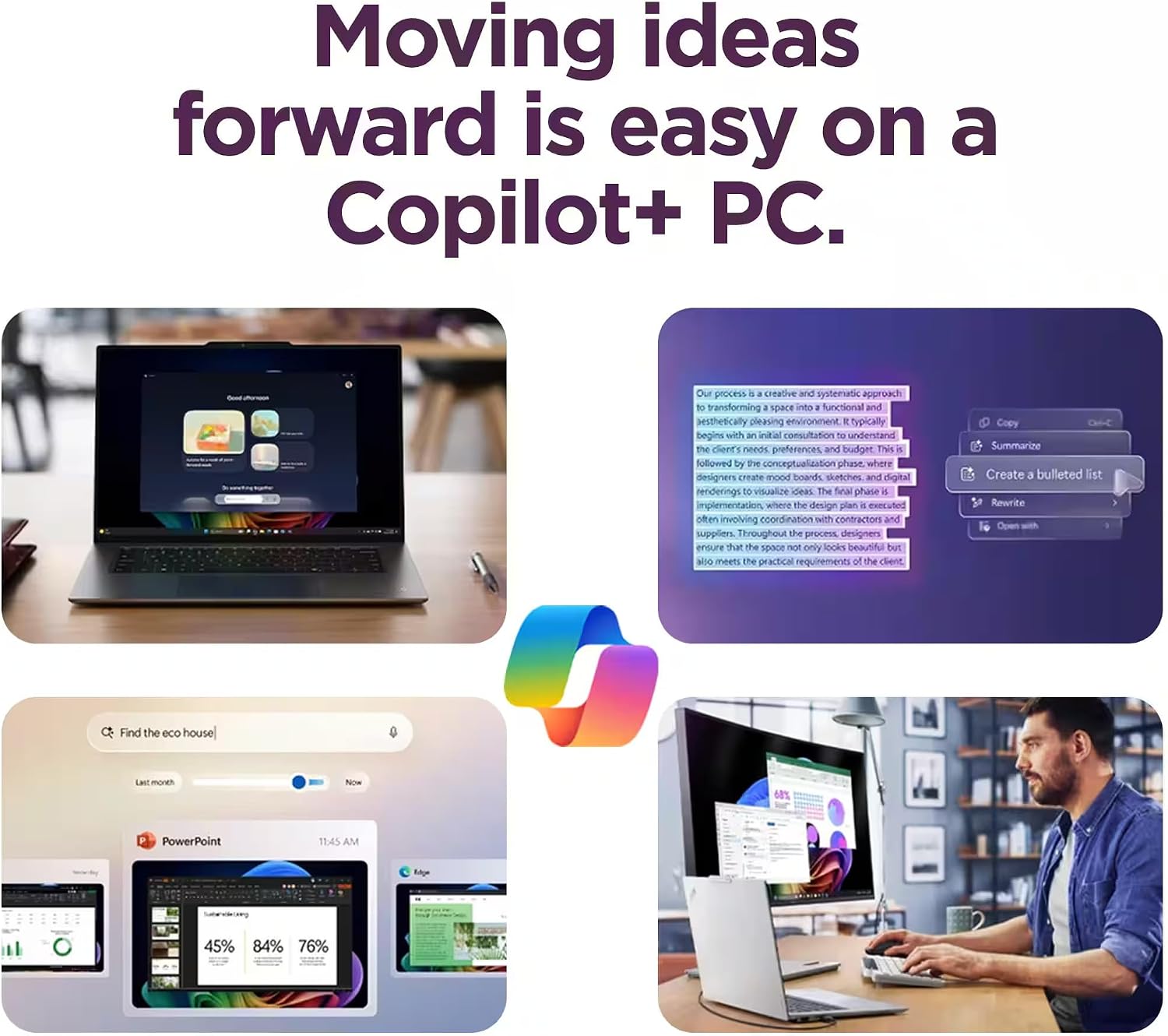
It also pairs an AMD Ryzen AI 5 430 processor with a dedicated NPU rated for up to 50 TOPS, plus 16GB of memory and a 1TB SSD in the listed configuration.
What to know
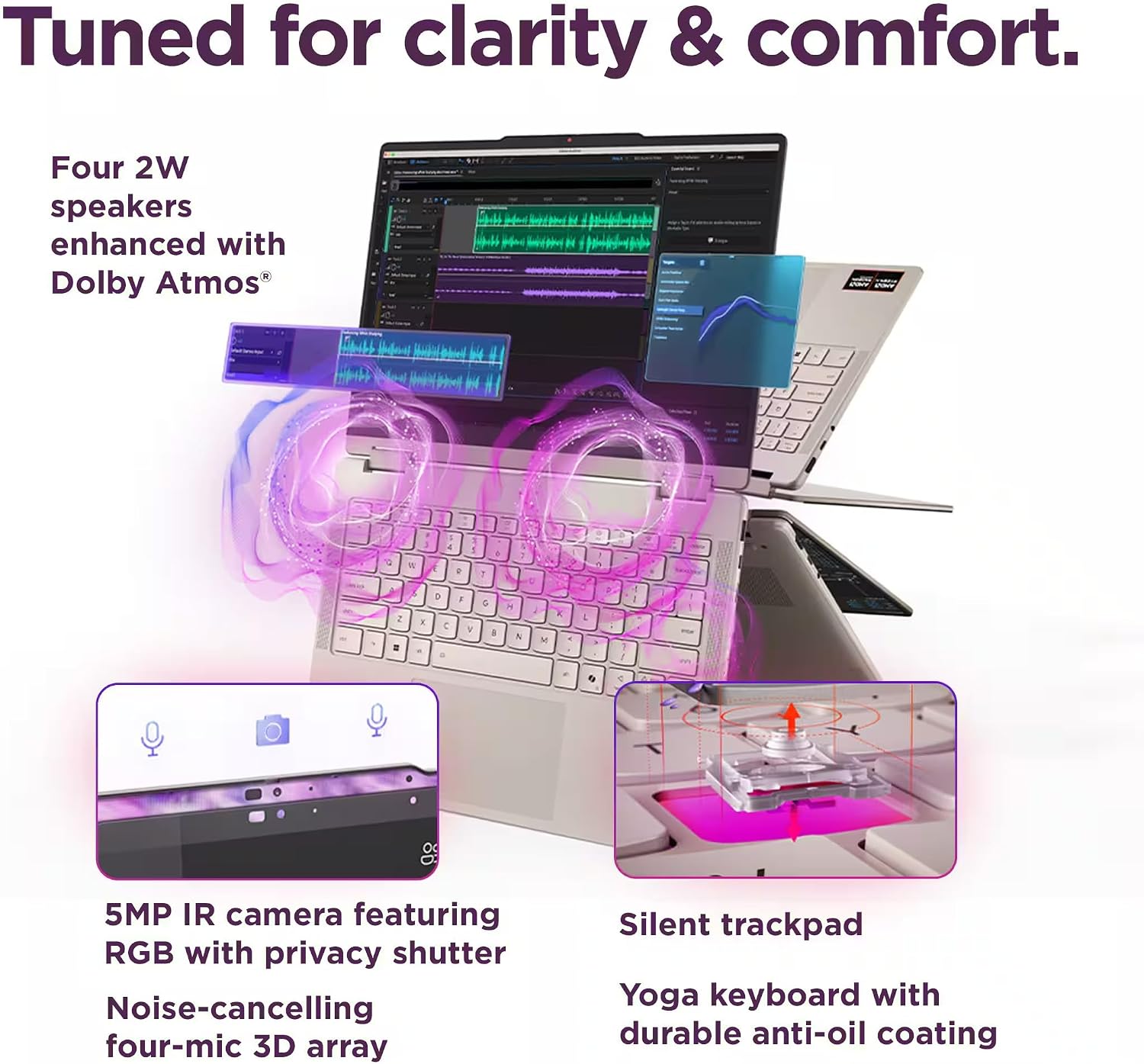
This is a Windows 11 Pro 2-in-1 built around a 14-inch, 1920 x 1200 OLED touchscreen with 400 nits of brightness. The display and hinge are the main reasons to consider it over a conventional laptop: you can type at a desk, then fold it into tent mode to watch a video or use touch controls without a separate tablet. The backlit keyboard, fingerprint reader, privacy camera, and Dolby Atmos speakers add practical everyday features, though the product details don’t specify the keyboard layout or speaker configuration.
Wi-Fi 7, Bluetooth, USB-C, USB-A, HDMI 2.1, DisplayPort 2.1, and a microSD card reader cover a range of connection needs. Keep in mind that the product description mentions both 512GB and 1TB SSD options, this listing names 1TB, so check that the selected configuration matches what you want before ordering. Battery life is stated as up to 15 hours, which is a claim rather than a guarantee for every workload.
How it fits
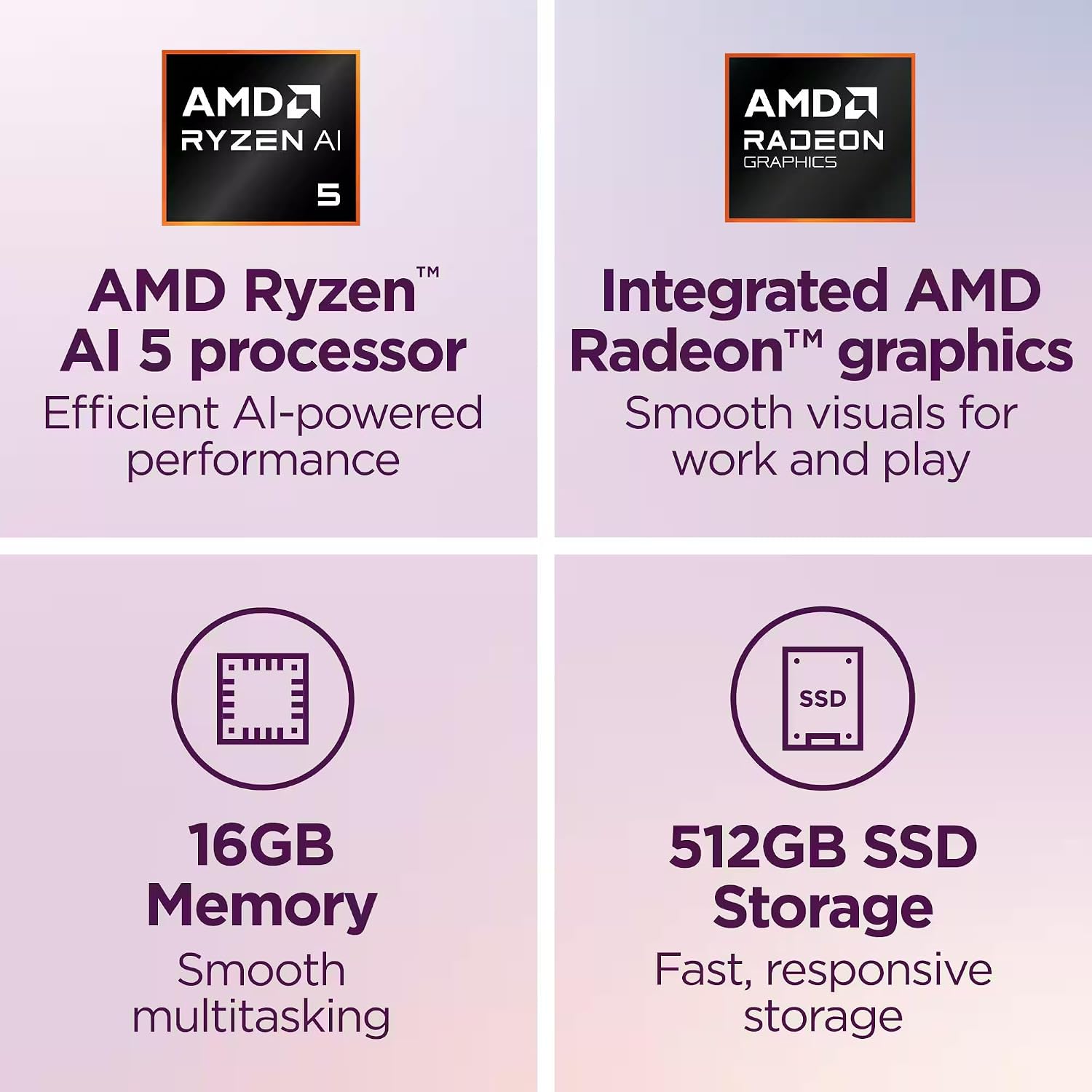
It suits you if you want a work or study laptop that can also serve as a touchscreen device for reading, handwritten-style touch navigation, or casual photo editing. For example, you could draft a report with the keyboard, fold the screen into tent mode for a video call, then use the touchscreen to browse notes. The listed 16GB of LPDDR5X memory and 1TB SSD give you a clear starting point for multitasking and local file storage, while the AI-focused processor is intended to support productivity and Copilot+ PC features.
Compared with a simpler clamshell laptop, the Yoga’s convertible hinge and touch display provide more ways to use it. A dedicated tablet or a more specialized creative workstation may be a better match if your priority is a device designed for just one of those roles. You may want to skip it if you don’t expect to use the touchscreen or folding modes and would rather choose a conventional laptop.
Tips for day-to-day use
Use laptop mode for typing and desk work, and switch to tent or stand mode when you want the screen closer to eye level for viewing. Tablet mode makes sense for touch-based browsing, but the product details don’t mention a stylus, so don’t assume one is included. For external displays or accessories, the listed HDMI, USB-C, and USB-A connections offer several routes, check the specific port requirements of your equipment before relying on a particular connection.

The OLED panel is also a consideration if you spend long stretches reading or editing: its 1920 x 1200 resolution and 400-nit brightness are specified, but the listing doesn’t provide more detail about color coverage or refresh rate. If those are deciding factors for your work, the available information may not be enough to compare it with a more specialized display.
Practical doubts
Does it have a touchscreen? Yes. The 14-inch WUXGA OLED display is described as a touchscreen.
Can it be used as a tablet? Its 360-degree hinge supports tablet, laptop, tent, and stand modes. The product details don’t state that a stylus is included.
Which SSD capacity is listed? The product name specifies 1TB, while the description also refers to a 512GB option. Confirm the chosen configuration before purchase.
Is it worth it?
The Yoga 7a makes sense when you’ll actually use its OLED touch display and convertible design, not just its laptop mode. Its listed 16GB memory, 1TB SSD, Windows 11 Pro, and multiple connection types make it a practical fit for mixed work, study, and everyday creative tasks. The key trade-offs are that battery life is given only as an “up to” figure and the product details leave some display and accessory questions unanswered. Choose it for the flexibility, if you only need a standard typing-and-browsing laptop, a basic clamshell design may be a more direct fit.