

iPad Pencil (2018–2026) Magnetic Charging Stylus with Tilt & Palm Rejection for Pencil 2nd/1st Gen-Compatible iPads
Product description
The essentials
If you want an iPad stylus that feels responsive for notes and sketches, this Pencil 2nd/1st generation–style option is built around that exact idea: pick it up and start writing, without Bluetooth or an app.
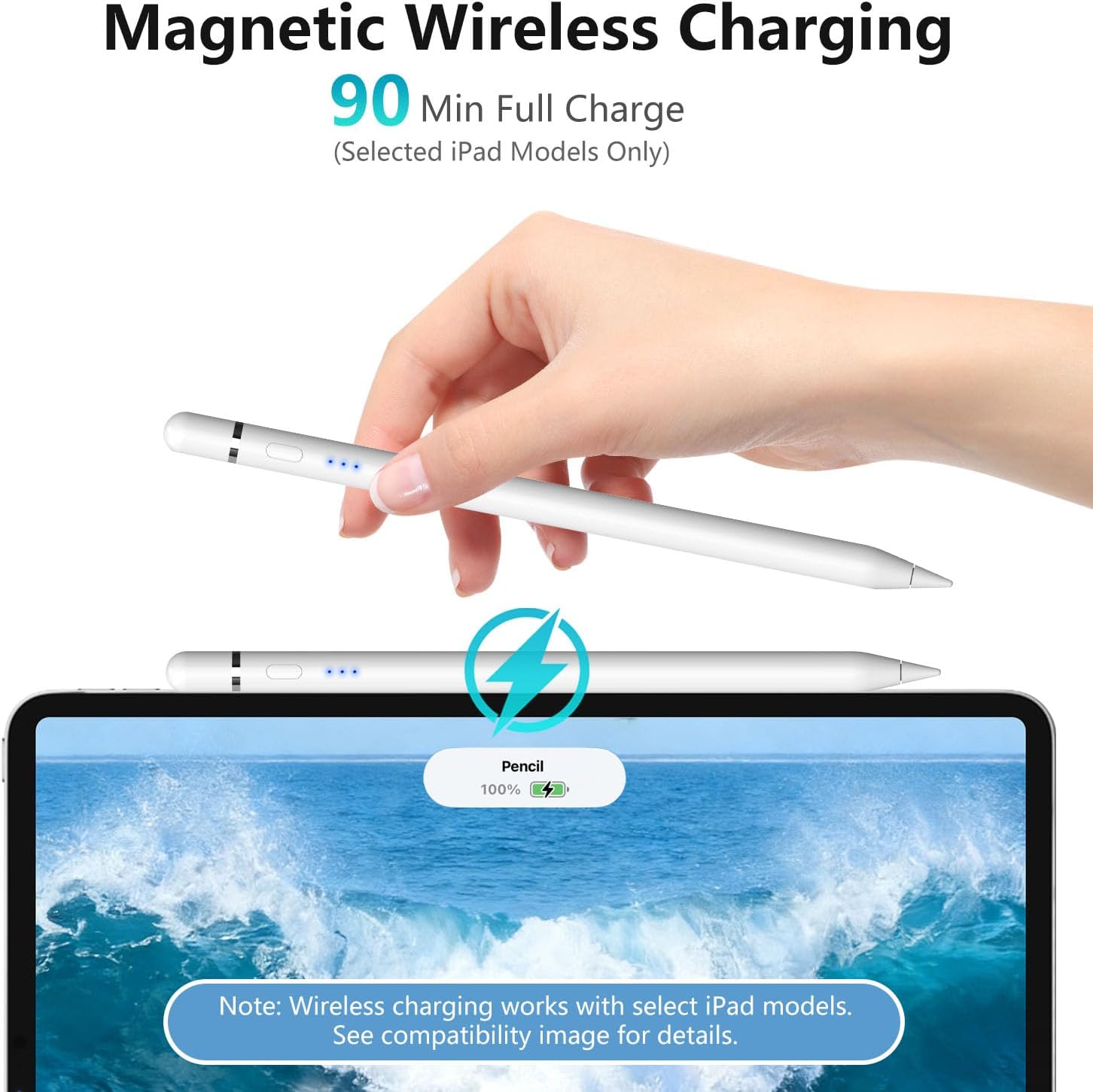
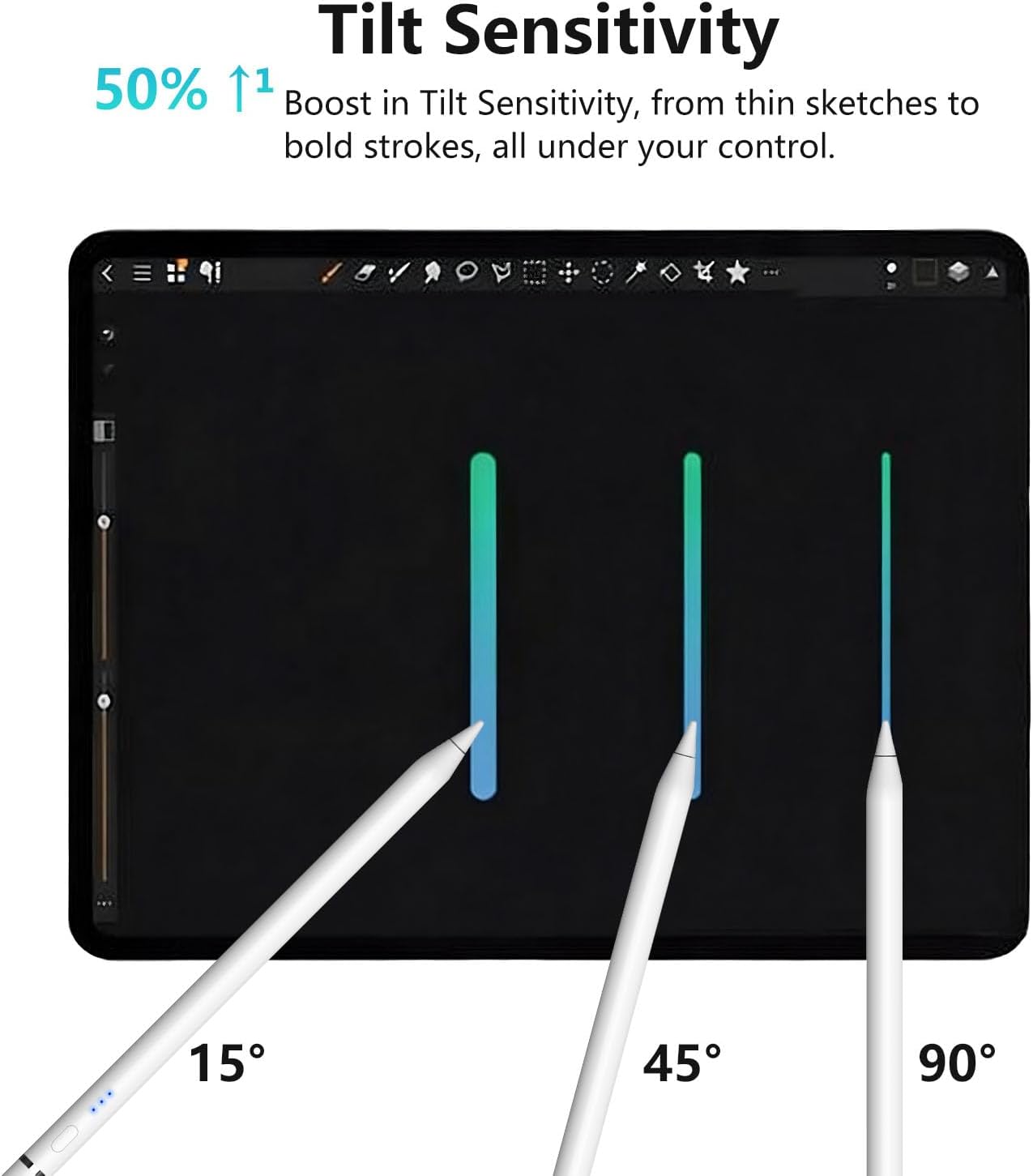
On paper, the big selling points are compatibility across many iPad models released from 2018 to 2026, plus tilt sensitivity for more natural shading and line weight changes. It also includes palm rejection, which matters when you’re resting your hand while working. The pen uses a magnetic attachment for charging on supported models, and it can also charge through USB-C direct charging on selected iPads—though that part is model-dependent.
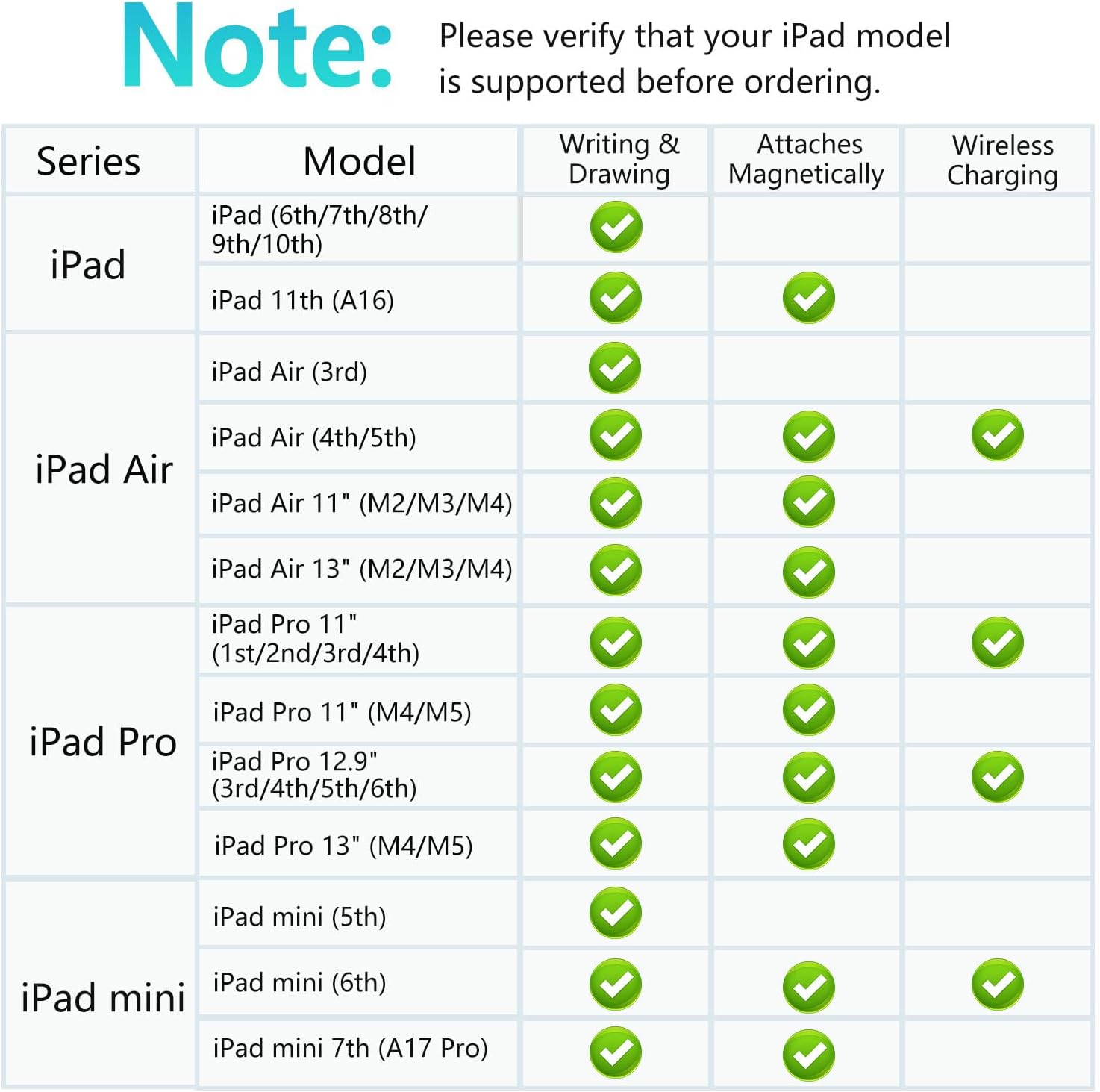
Still, there’s one catch you should not ignore: not every iPad supports magnetic charging or direct plug charging, and the listing itself asks you to confirm your specific model before buying. It’s one of those products that can be a great daily driver when the compatibility lines up, but a headache if you’re on the wrong iPad generation.
Key points
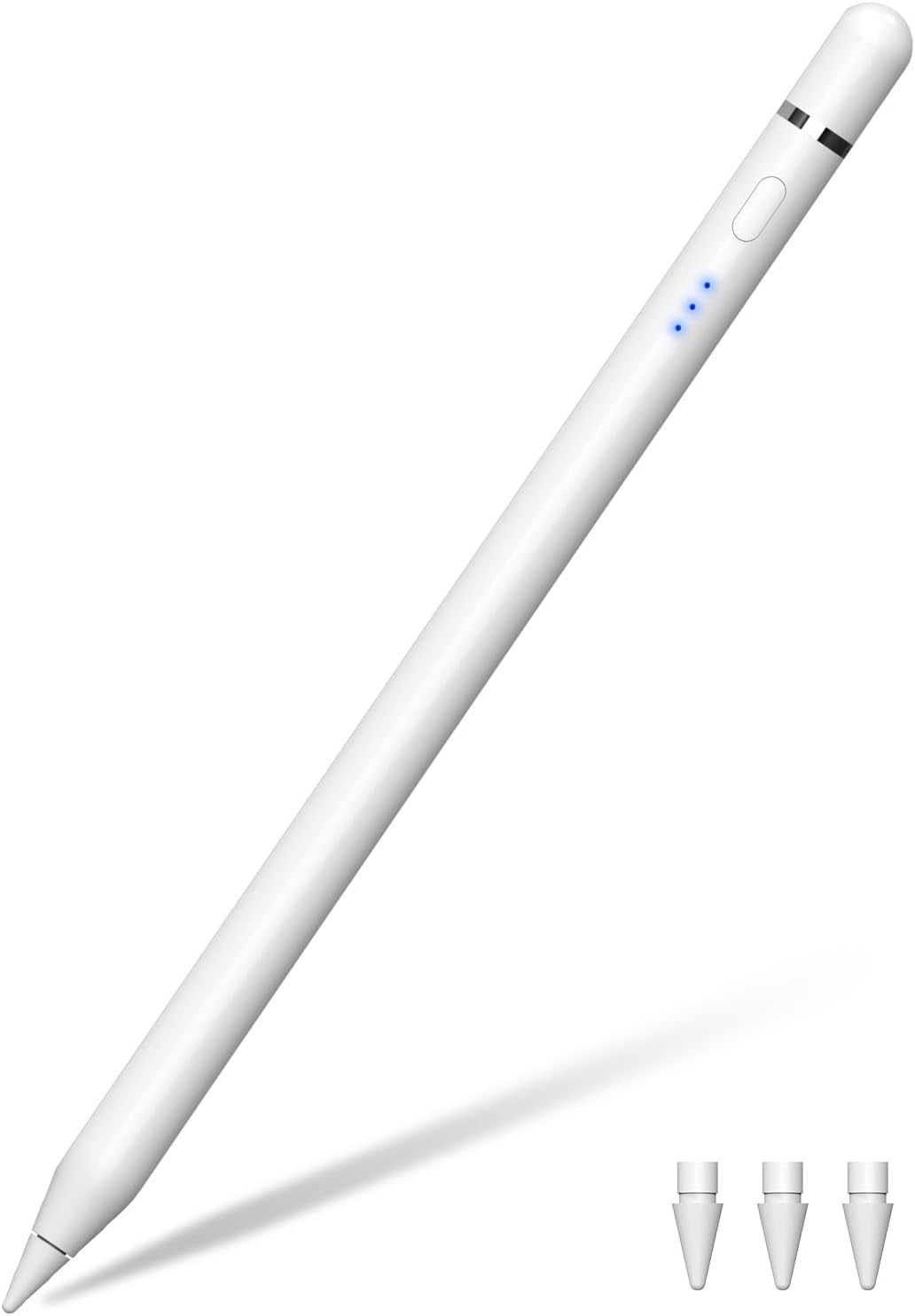
This stylus is intended as a Pencil-style replacement for users who draw, annotate, or take notes all day. Tilt sensitivity is meant to deliver smoother shading and varied line thickness, while pixel-level precision is the promise behind “no lag, no skipping, and no breakpoints” performance claims.
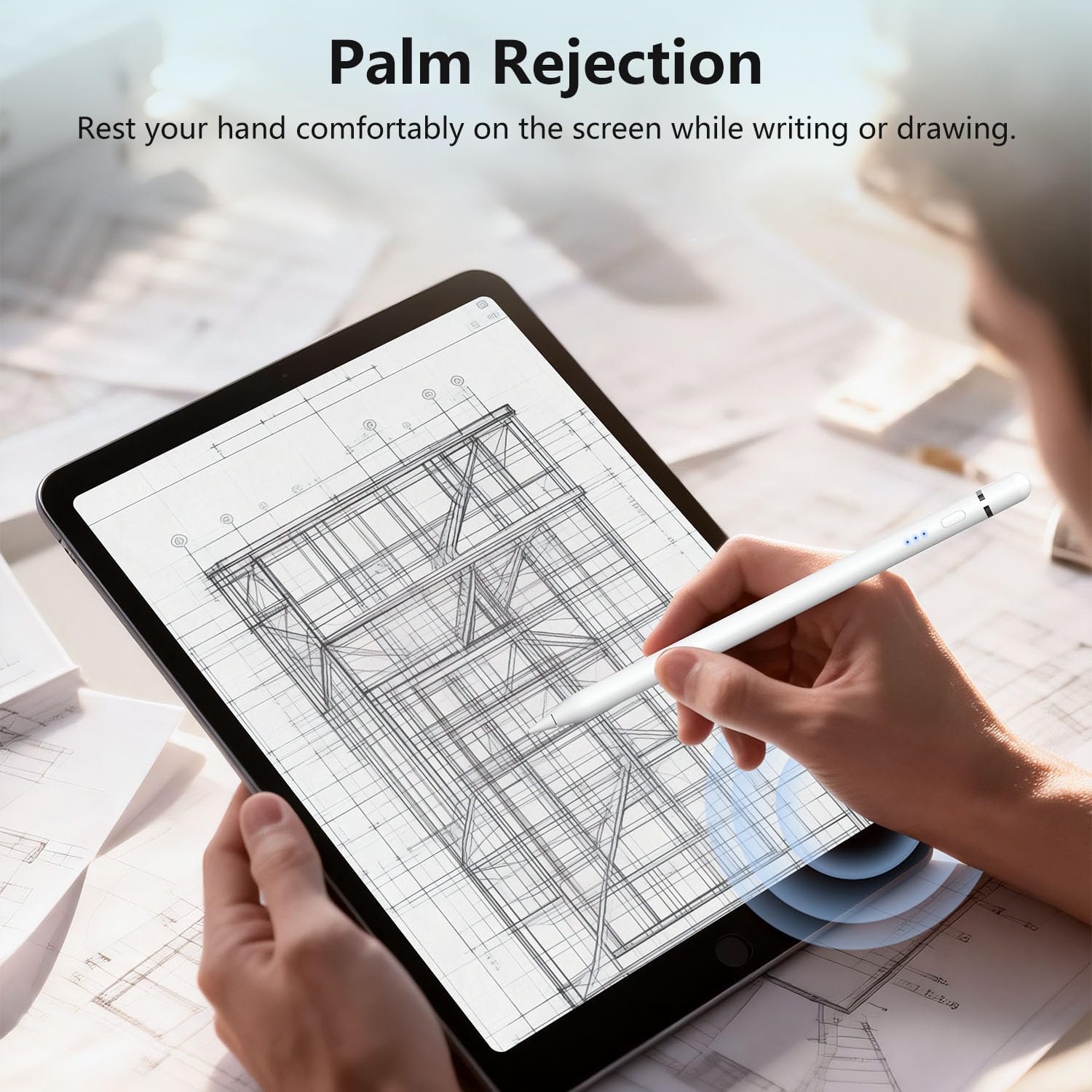
It also leans into practical daily use: palm rejection helps you keep a natural hand position, and the built-in magnets are meant to make it easier to attach and charge where your iPad supports it.
Another detail that adds up over time is the included set of replaceable tips. Instead of treating the stylus like it’s only for a short phase, you’re getting a small supply (three 1.0mm replaceable tips) designed to hold up for longer sessions of writing and drawing.
What you’ll notice in everyday use
For studying, this is the kind of stylus that can make your workflow feel closer to handwriting. The palm rejection feature is there so you can set your hand down naturally while writing, which typically reduces accidental marks.
For work and markup, the tilt support is aimed at more control—think thicker lines when you press harder, and more gradual strokes when you want lighter shading. For example, when you’re annotating a document or outlining ideas in a notes app, tilt sensitivity is what can help you avoid the “flat line” look that some basic styluses give.
For creators, it’s positioned as useful for sketching, drawing, and other creative tasks that benefit from consistent response. That said, if you’re extremely sensitive to stylus feel differences between brands, it may not match your expectations perfectly—especially if you were comparing it directly against a specific “premium” Pencil experience.
Tech specs
- Type: stylus pen for compatible Apple iPads (Pencil 2nd/1st gen–style support)
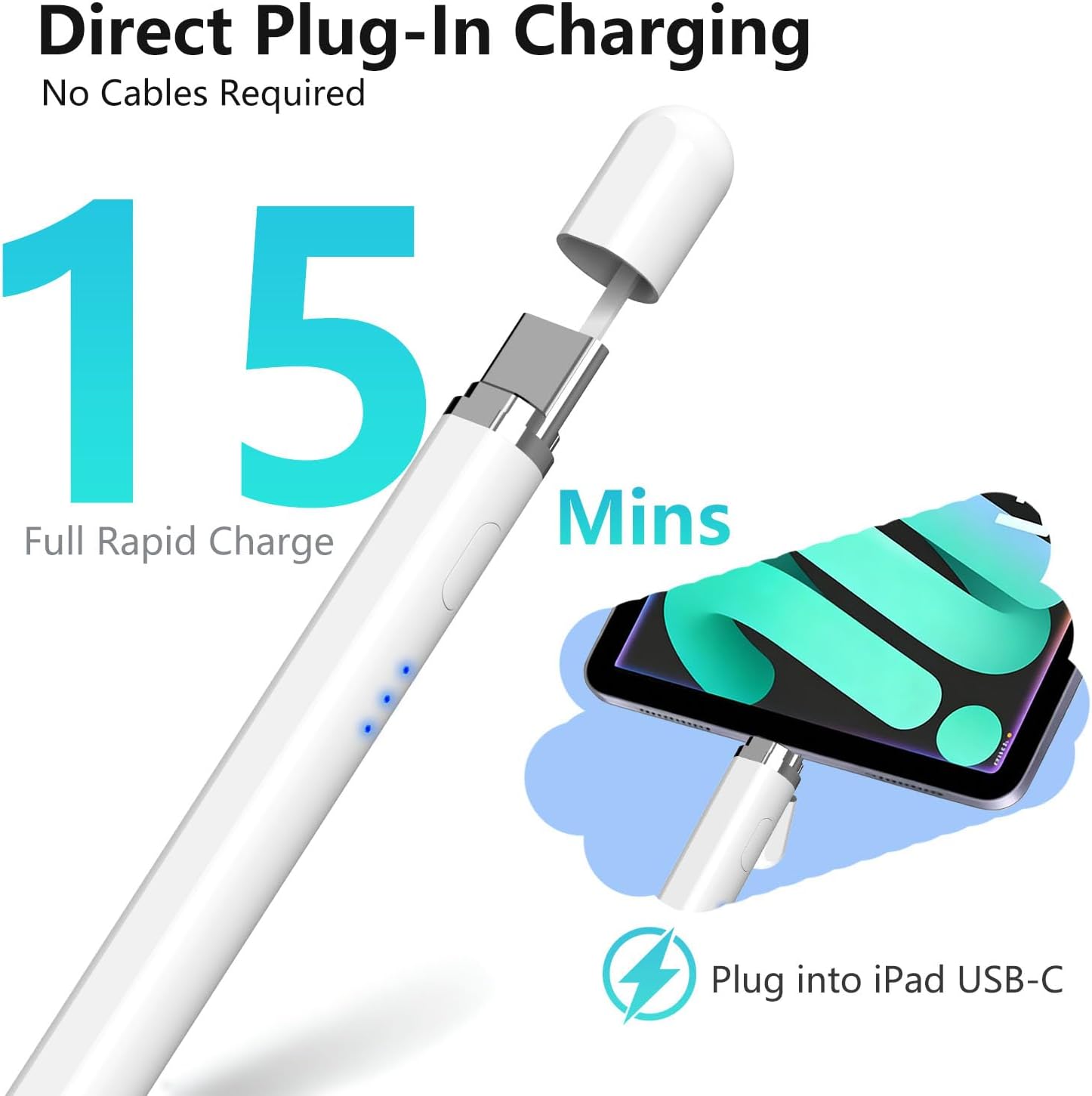
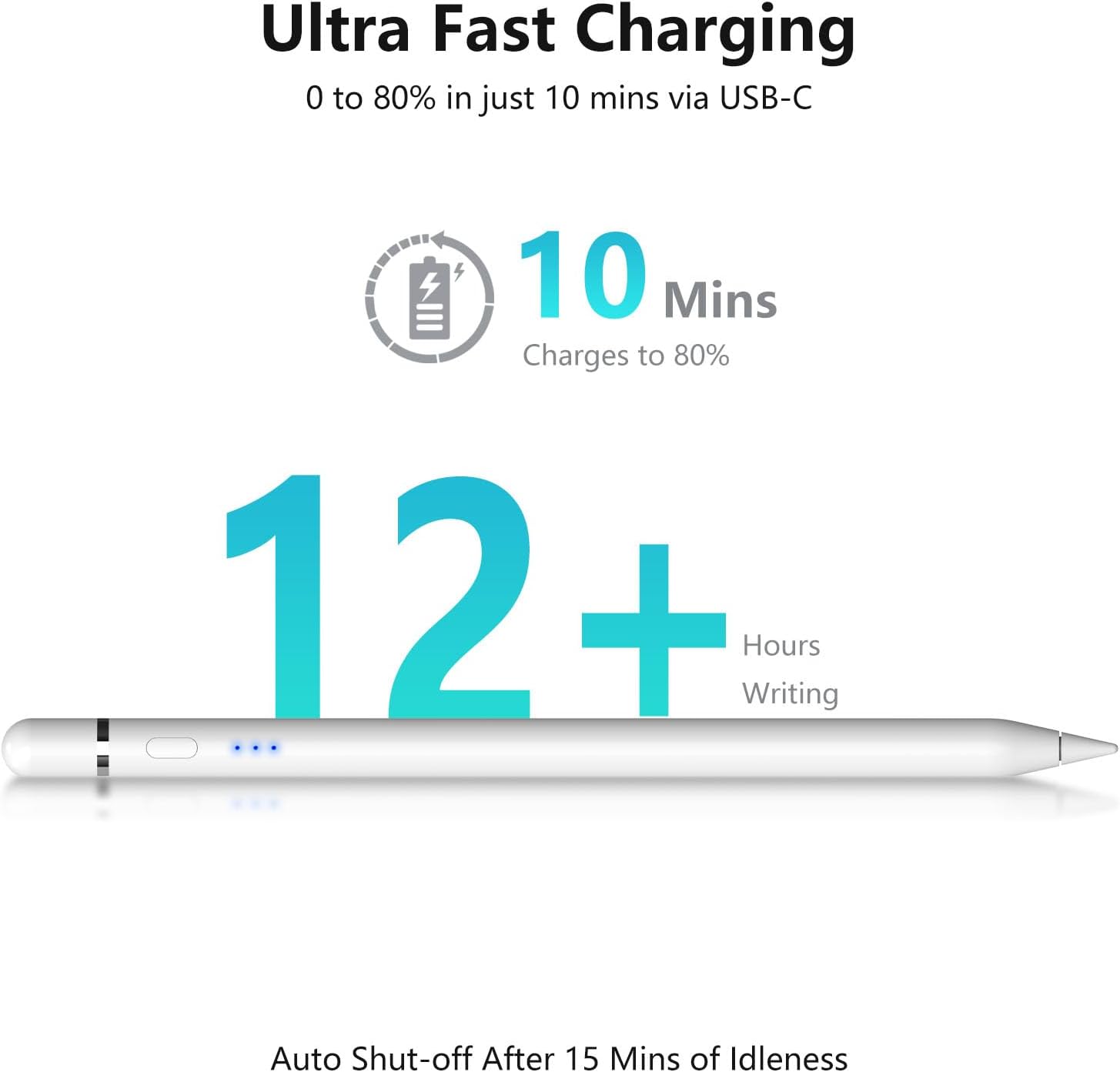
- Charging: magnetic charging and USB-C direct charging (only on selected iPad models, confirm your model)
- Tilt sensitivity: yes
- Palm rejection: yes
- Tips included: 3 replaceable 1.0mm tips
- Connection requirement: no Bluetooth or app connection required
- Compatibility timeframe listed: compatible with iPads released 2018–2026
Where it shines (and where it might fall short)
It makes sense if you want a dedicated iPad stylus for notes, document markup, and everyday sketching—and you’re buying for an iPad that the listing says supports Pencil 2nd generation features.
It may not be the best match if your iPad is outside the 2018–2026 range, or if your specific model doesn’t support magnetic charging or direct USB-C charging. The product description is clear that you should check the model image before ordering, which is a strong hint that compatibility is the real decision factor here.
Also, while it’s described as “pixel-perfect” and responsive, any stylus is still a bit of a trade-off versus the original ecosystem you might already be used to. If your priority is maximum stylus experience consistency above all else, you’ll want to double-check compatibility and expectations carefully.
Compatibility checklist before you buy
Before you spend, verify two things from your iPad model details:
1) That your iPad falls within the 2018–2026 compatibility range stated in the listing. 2) That your iPad supports the charging method you want—magnetic attachment charging and/or direct USB-C charging are only available on selected models.
It’s worth taking this step seriously because this product also notes it’s not compatible with iPads released before 2018 or other devices, and it points you to confirm compatibility via the model image.
Is it worth it?
This iPad Pencil is worth considering if you have a compatible iPad (2018–2026 range) and you want a Pencil-style stylus with tilt sensitivity, palm rejection, and replaceable 1.0mm tips for day-to-day writing, markup, and sketching.
Skip it (or at least pause) if you’re not sure your model supports the magnetic or direct USB-C charging options, or if your iPad falls outside the stated compatibility window. When compatibility lines up, it’s the type of stylus that can make your iPad feel more “ready to write” the moment you pick it up—just don’t treat charging support as universal.
Mini FAQ
Does this stylus need Bluetooth or an app?
No. The description states there’s no Bluetooth or app connection required—just pick it up and start writing or drawing.
What iPads is it compatible with?
The listing says it’s compatible with iPads released from 2018–2026, including several iPad generations in the iPad, iPad Pro, iPad Air, and iPad Mini lines. It also says to check the model image before ordering.
Does it support tilt sensitivity?
Yes, tilt sensitivity is included, aimed at smoother shading and varied line thickness.
Is palm rejection included?
Yes. It’s designed to reduce accidental marks while you rest your hand on the screen.
How does charging work?
It supports magnetic charging and USB-C direct charging, but only on selected iPad models. Confirm your specific iPad’s charging support before buying.