

metapen A11 Stylus for iPad 10h Battery
Reviews
Price
Product description
The metapen A11 stylus brings app control and programmable shortcuts to your iPad experience while offering palm rejection and tilt shading for drawing and note taking. It works as an alternative to the Apple Pencil and aims to speed up common tasks with a multifunction button and Bluetooth pairing.
Key points
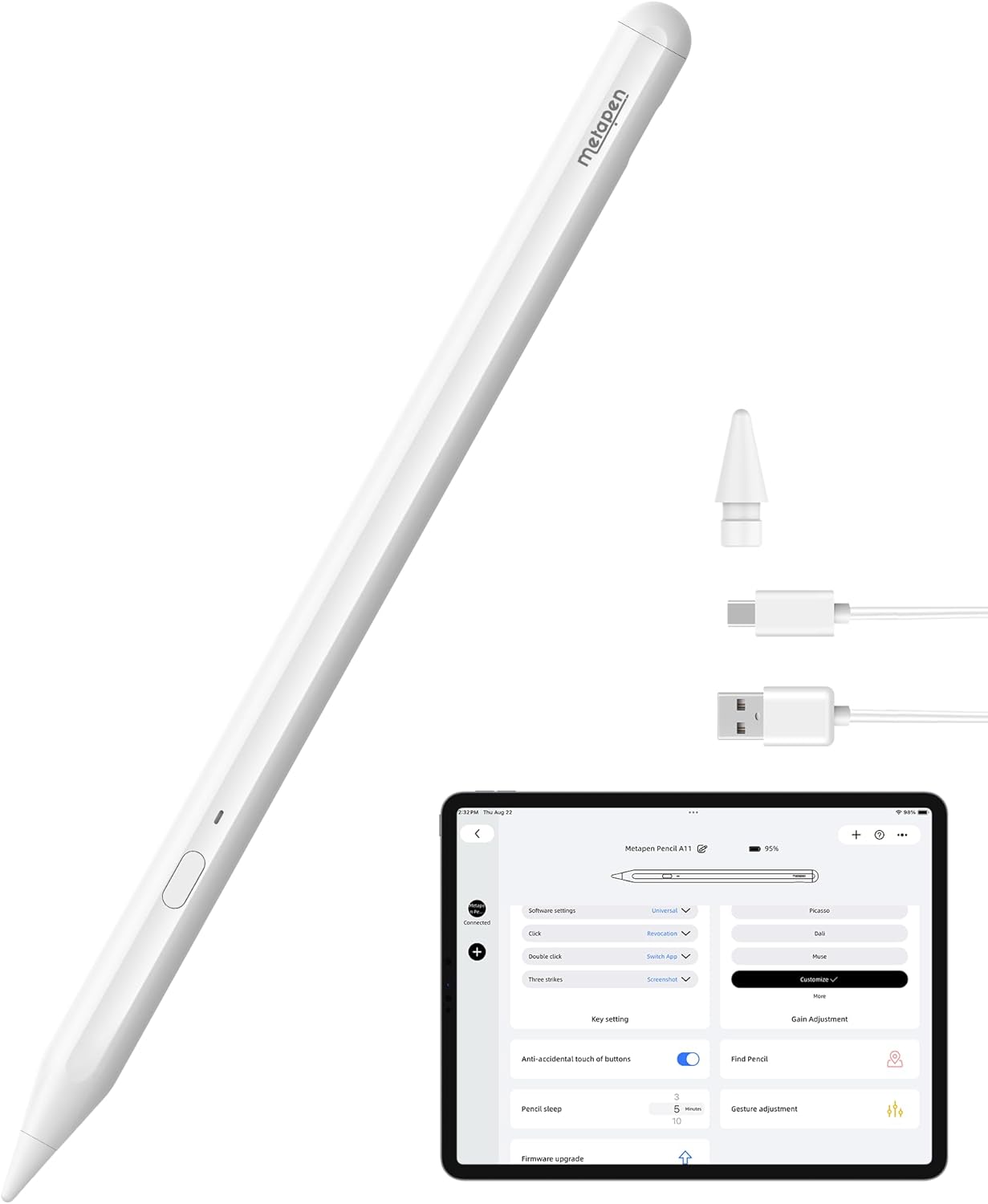
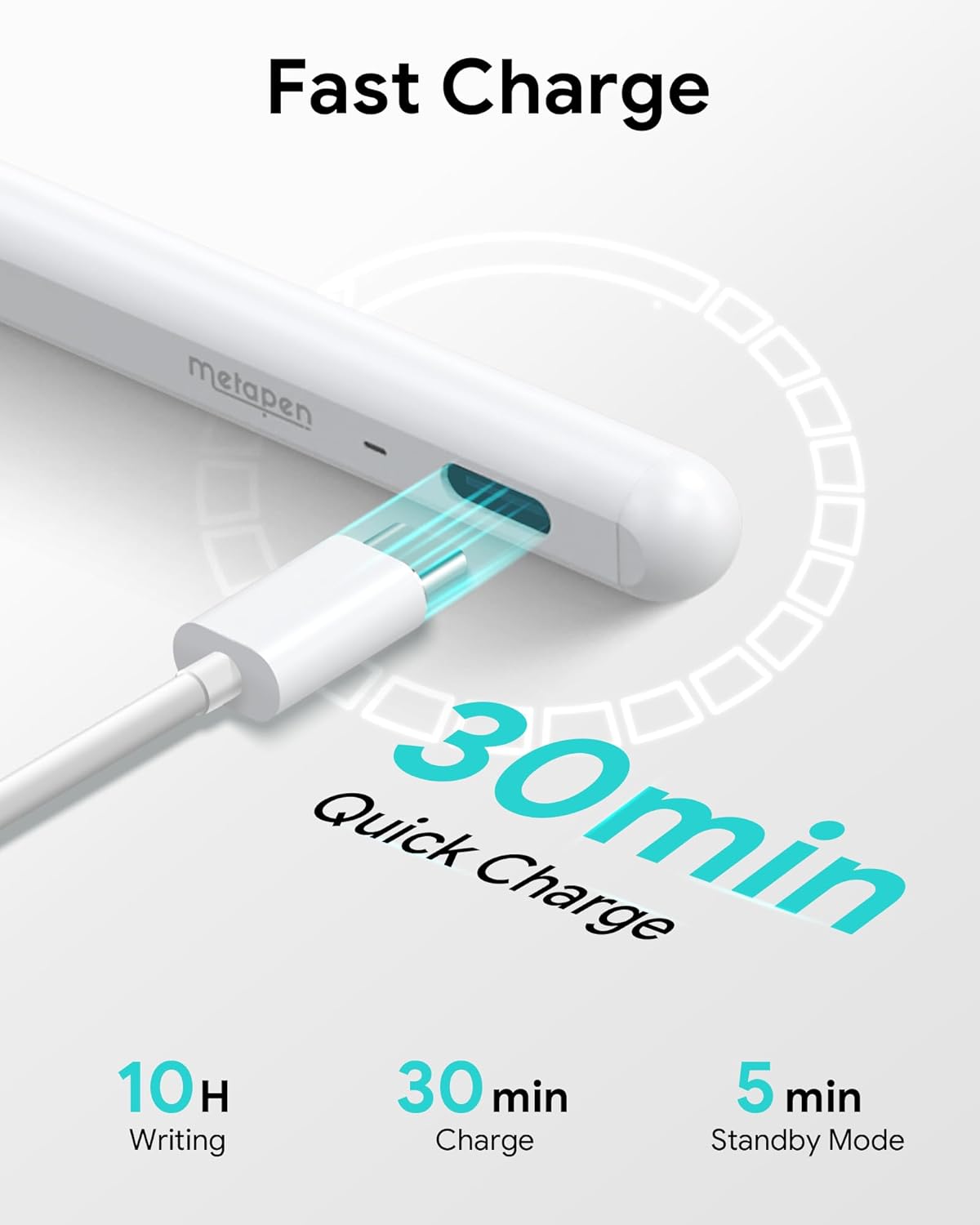
The A11 promises fast charging and long runtime, claiming a full charge in 30 minutes and up to 10 hours of use according to the manufacturer. One minute of charging reportedly gives about 50 minutes of use, and four minutes delivers about two hours. The stylus supports tilt sensitivity so you can shade with natural strokes, and palm rejection lets you rest your hand on the screen while drawing without extra gloves. The pen ships with two extra POM tips and a dual magnet design to keep it attached to compatible iPad edges.
Technical details
- Name: metapen A11 Stylus
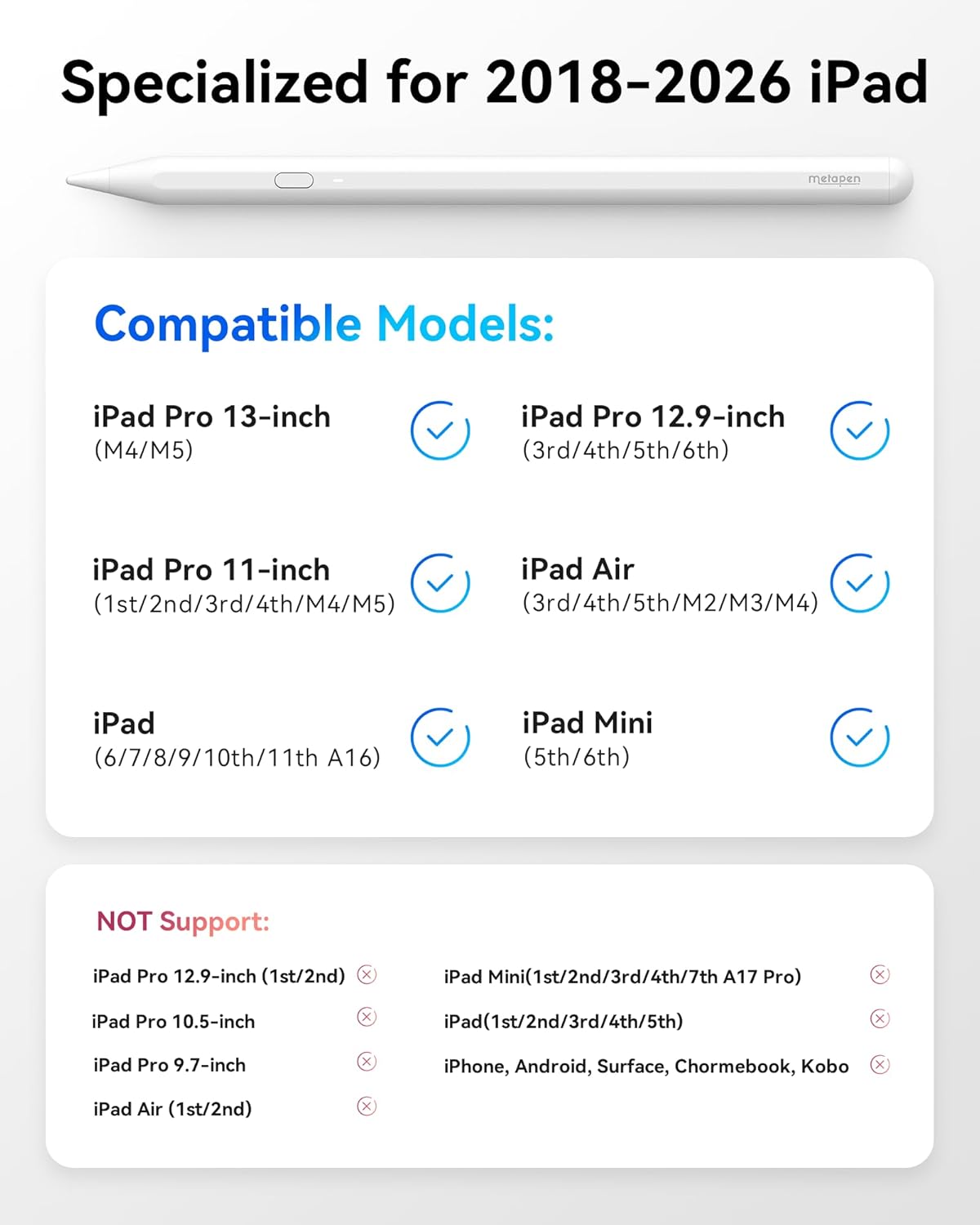
- Compatibility: iPad models from 2018 to 2025 including iPad 11 Gen and numbered iPad Pro and Air models listed by the manufacturer
- Capacity: up to 10 hours runtime
- Charging: USB-C fast charge, full in 30 minutes
- Material: POM tips
Why it’s worth it
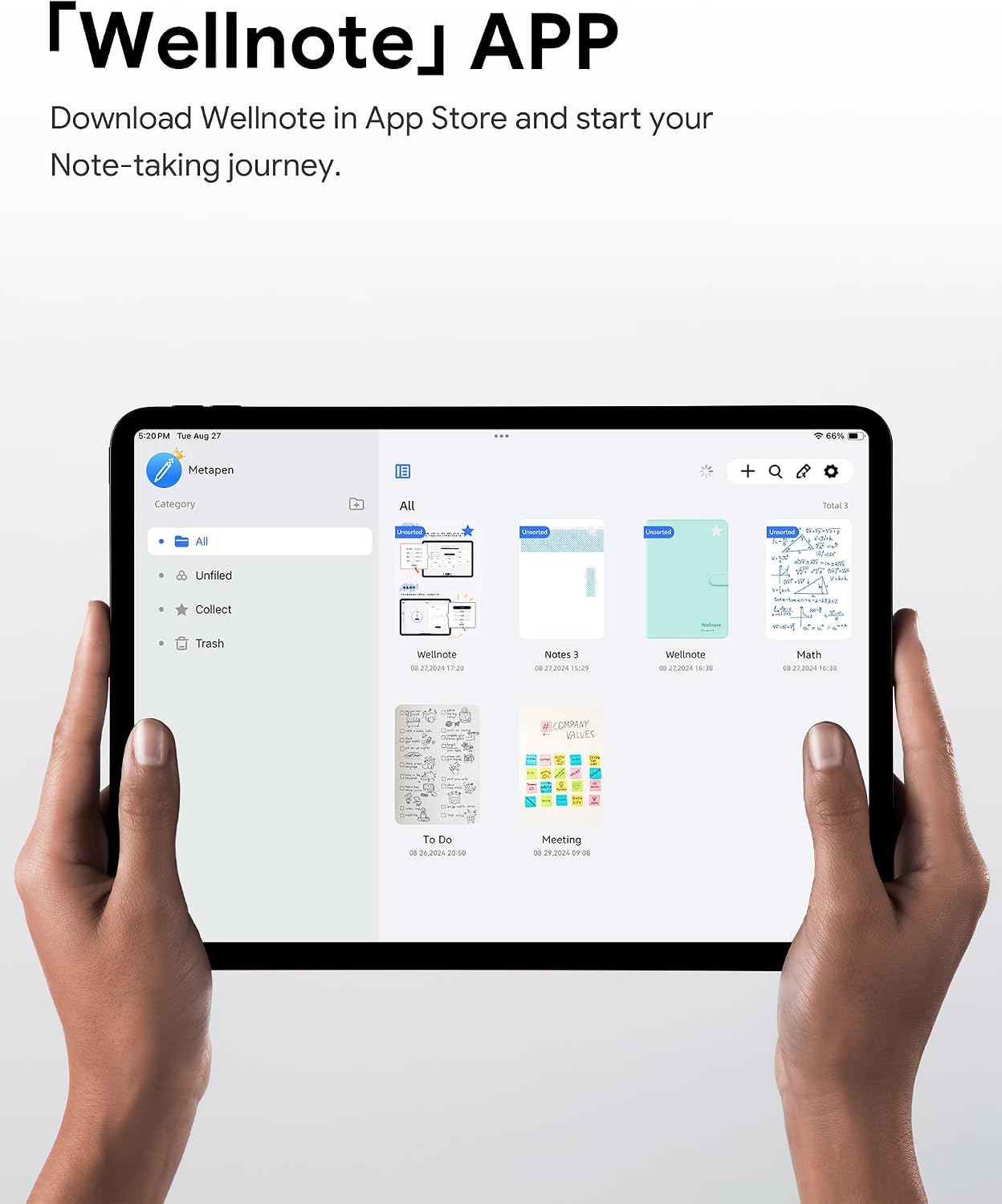
If you want quick access to shortcuts the A11’s default three app commands speed routine actions like undo, go home, and take photos. You can expand functions via the Wellnote app for custom shortcuts, which can help streamline creative workflows or note taking. Pixel precision of 0.1 mm is highlighted by the maker as reducing lag and improving handwriting clarity, though the device does not support pressure sensitivity.
Best use cases
It’s a great fit if you frequently annotate documents, sketch or take longhand notes and value battery life and fast charging. It makes sense if you need a lower cost alternative to the original pencil yet want tilt shading and palm rejection. Ten minutes of casual drawing or intensive notetaking are both covered thanks to rapid charging and the sleep timeout after five minutes of inactivity.
Getting the most from it
Pair via Bluetooth and set shortcuts in Wellnote to match your favorite apps. Replace tips when worn to keep stroke feel consistent. Note that the A11 is not compatible with pre‑2018 iPads, iPhone, Android or Microsoft devices so verify your model before purchase.