

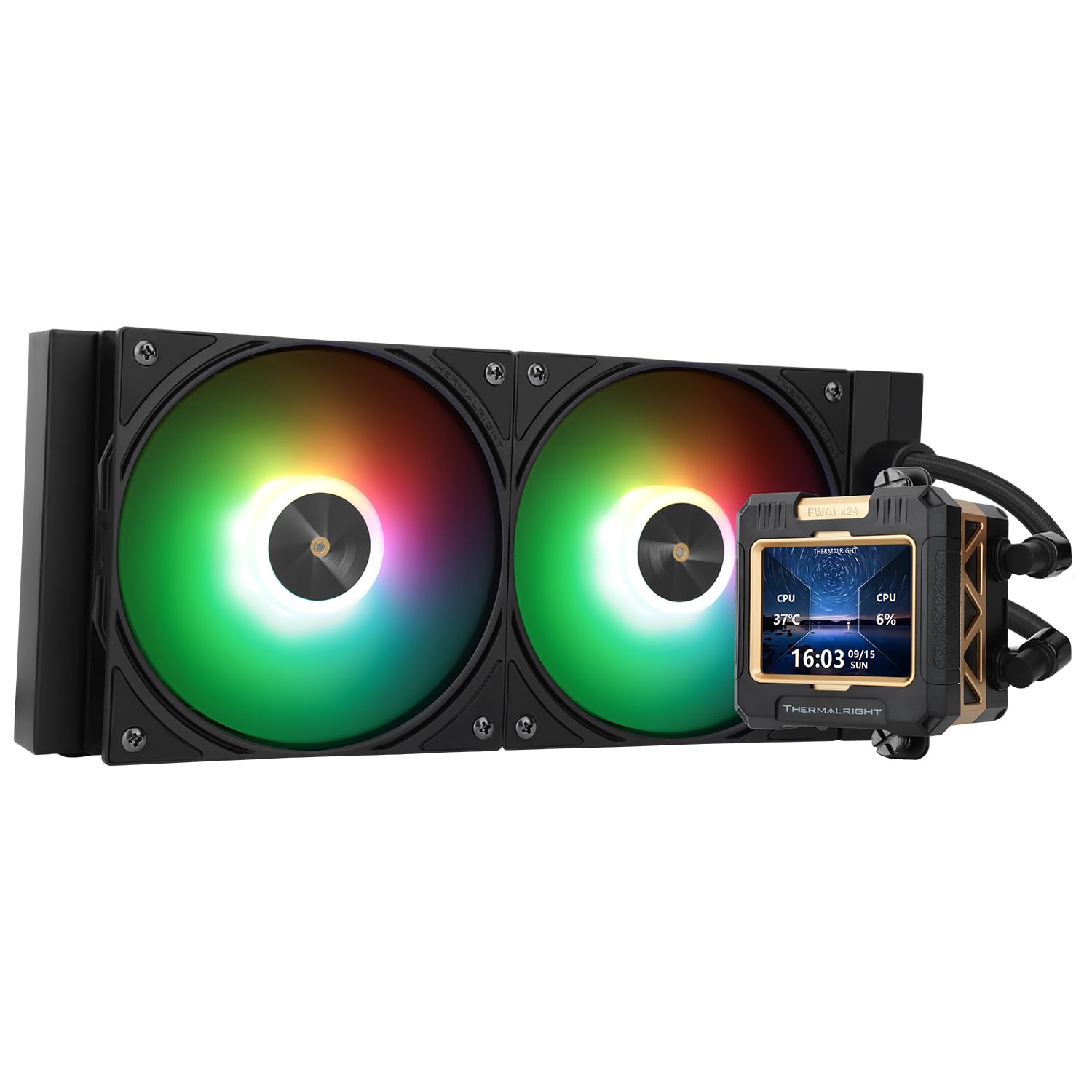
Thermalright CPU Water Cooler FW240
Product description
Technical details
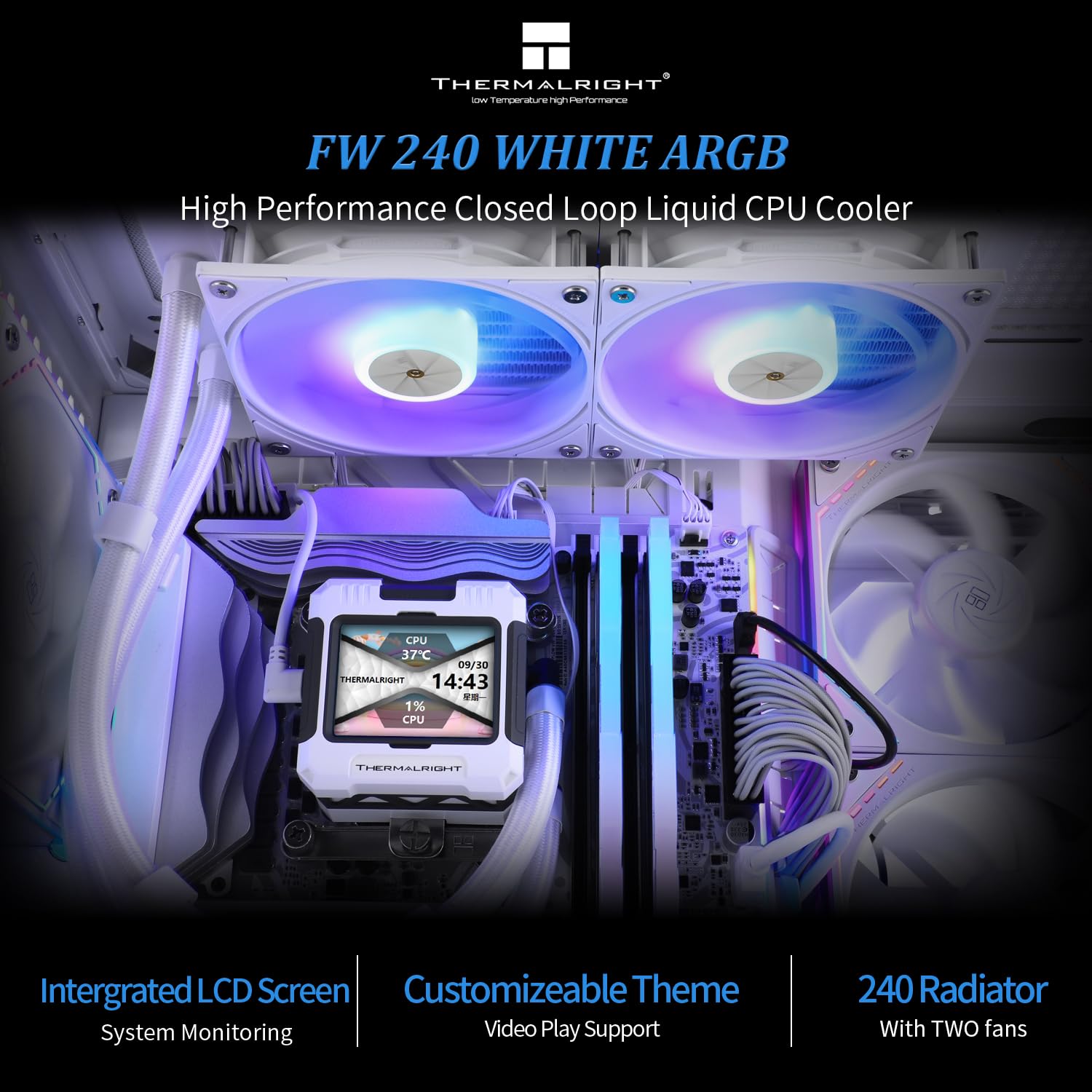
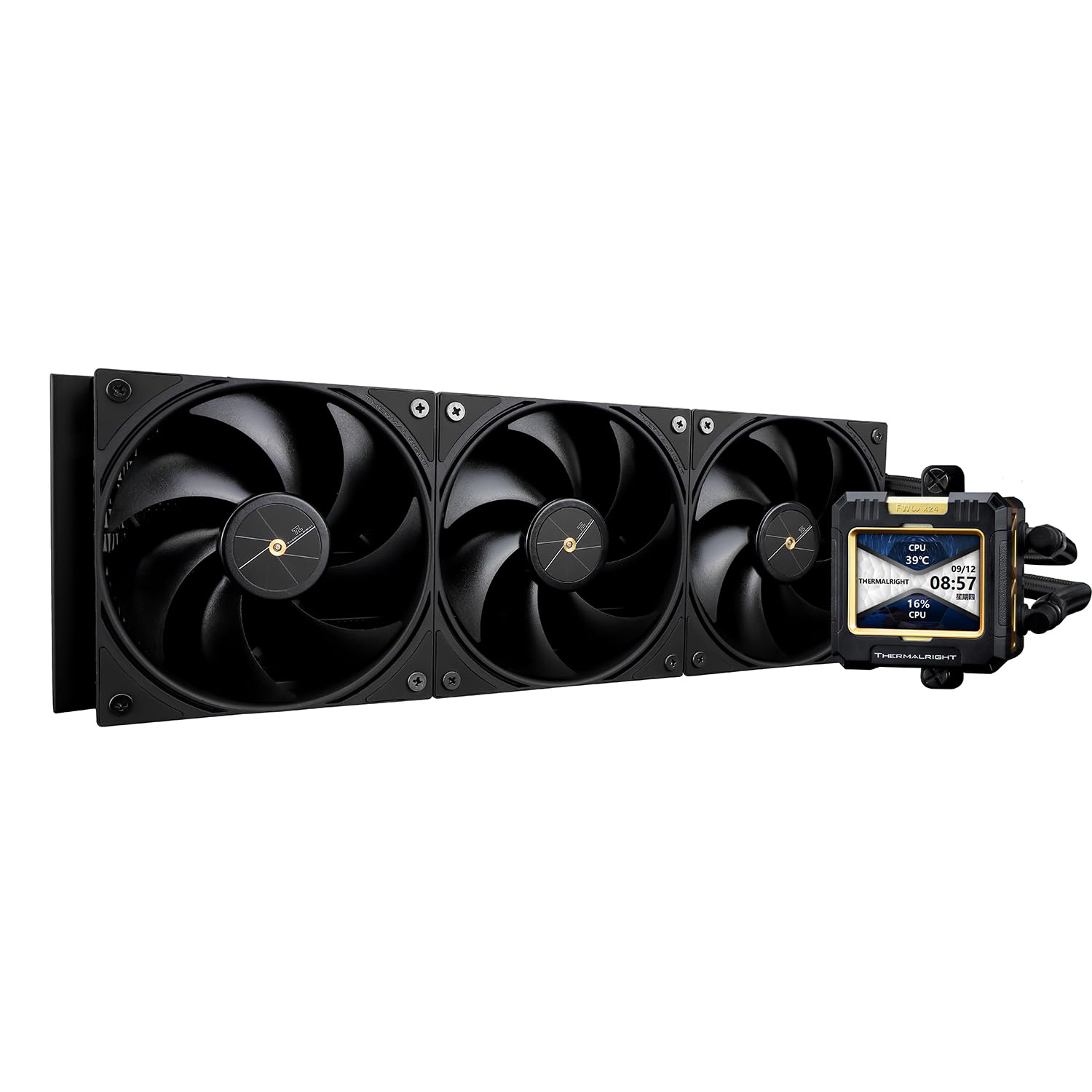
A hot-running CPU can make a build louder and harder to keep under control. The Thermalright FW240 pairs a 240-class radiator with two PWM fans and a water block topped by a detachable, customizable IPS LCD screen, giving you cooling hardware and a visual feature in one setup. Its all-white finish also suits a build where matching components matters.
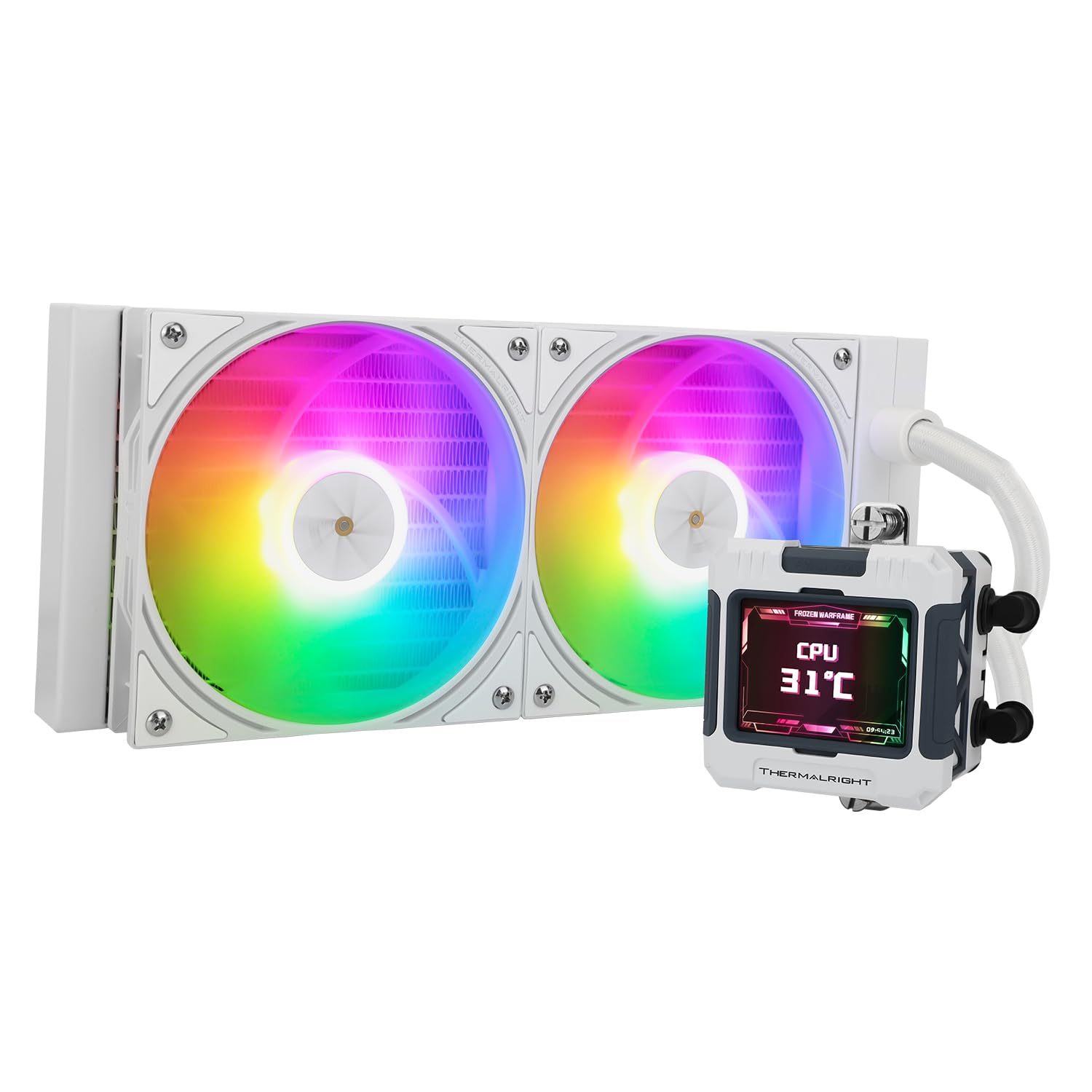
The radiator measures 277 × 120 × 52 mm, and the cold plate assembly measures 69.2 × 69.2 × 60 mm. The pump is rated at 3,000 RPM ±10%, the fans reach 2,000 RPM. The LCD resolution is 320 × 240, and the stated pump operating noise is no more than 23 dBA. That noise figure is for the pump, not a guarantee of total system noise.
Requirements
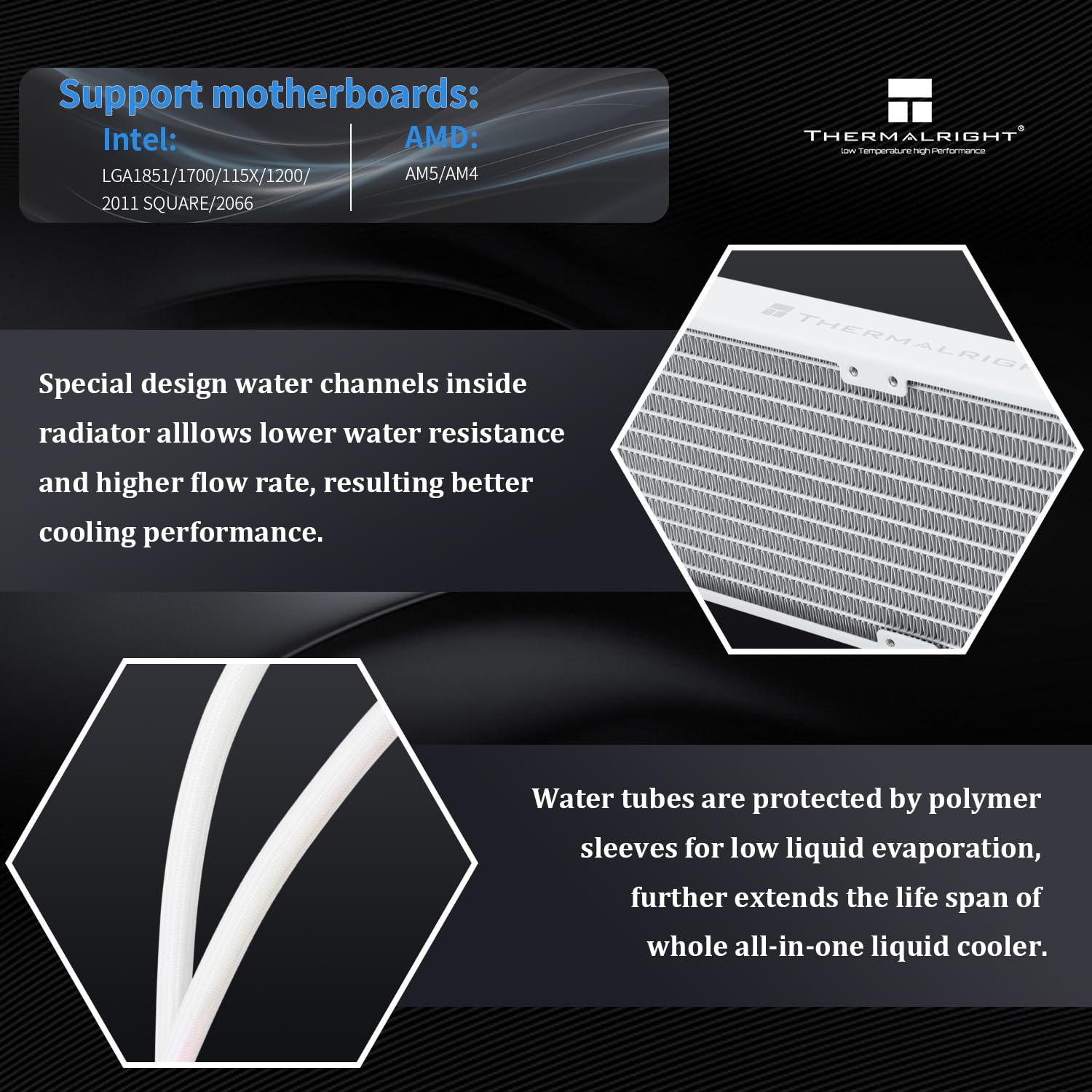
Compatibility is listed for AMD AM4 and AM5, plus Intel LGA1150, LGA1151, LGA1155, LGA1156, LGA1200, LGA1700, LGA2011, and LGA2066. The package is described as including the mounting hardware for the supported platforms. Match your processor socket to that list before buying, the product information does not establish compatibility with other sockets.
The radiator’s dimensions matter, too. For a practical desk-side example, measure the space where your case can take a radiator before planning an all-white build around it. A conventional air cooler is a simpler route if you want to avoid placing a radiator and tubing inside the case, this AIO is aimed at builders who want liquid cooling and a screen as part of the setup.
Usage tips
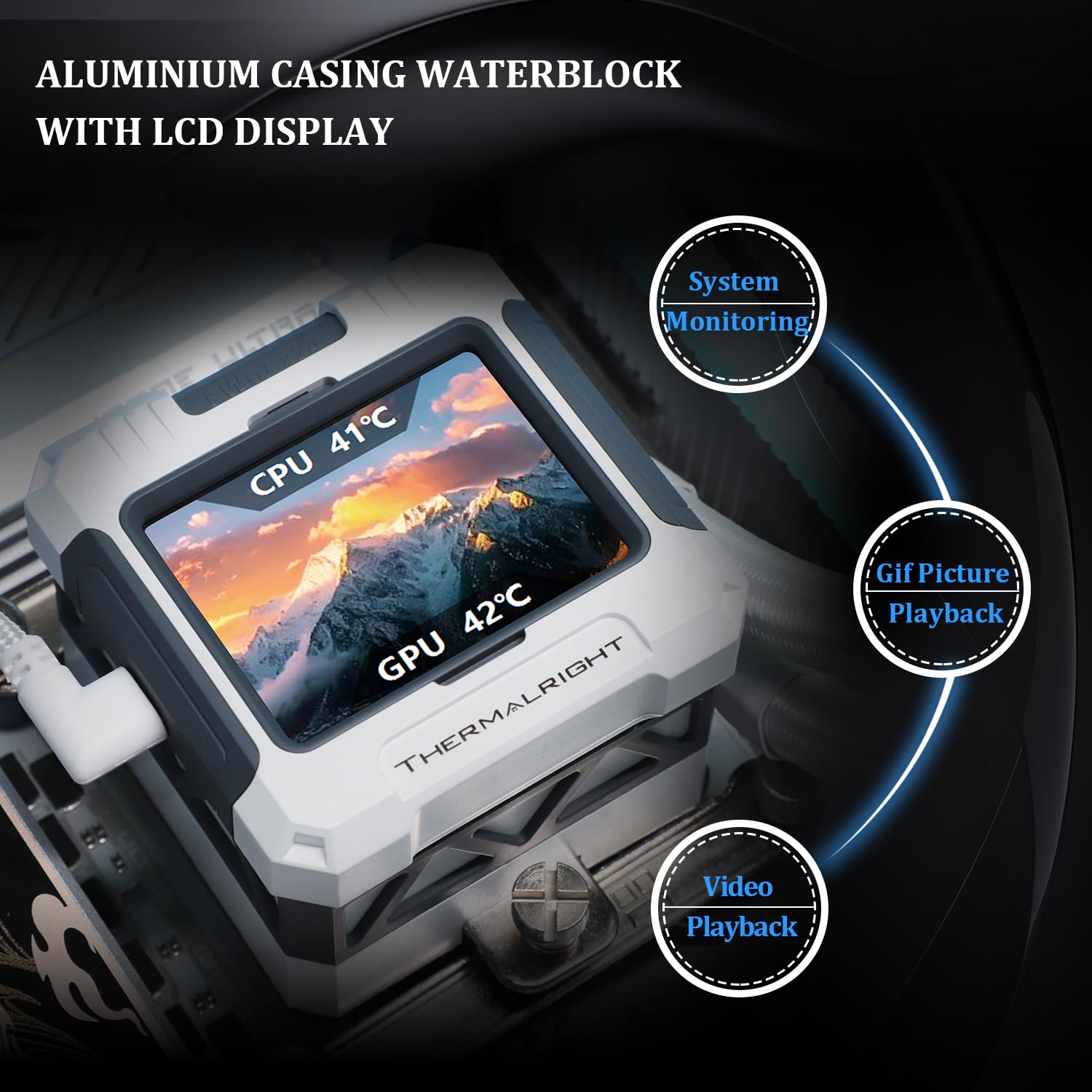
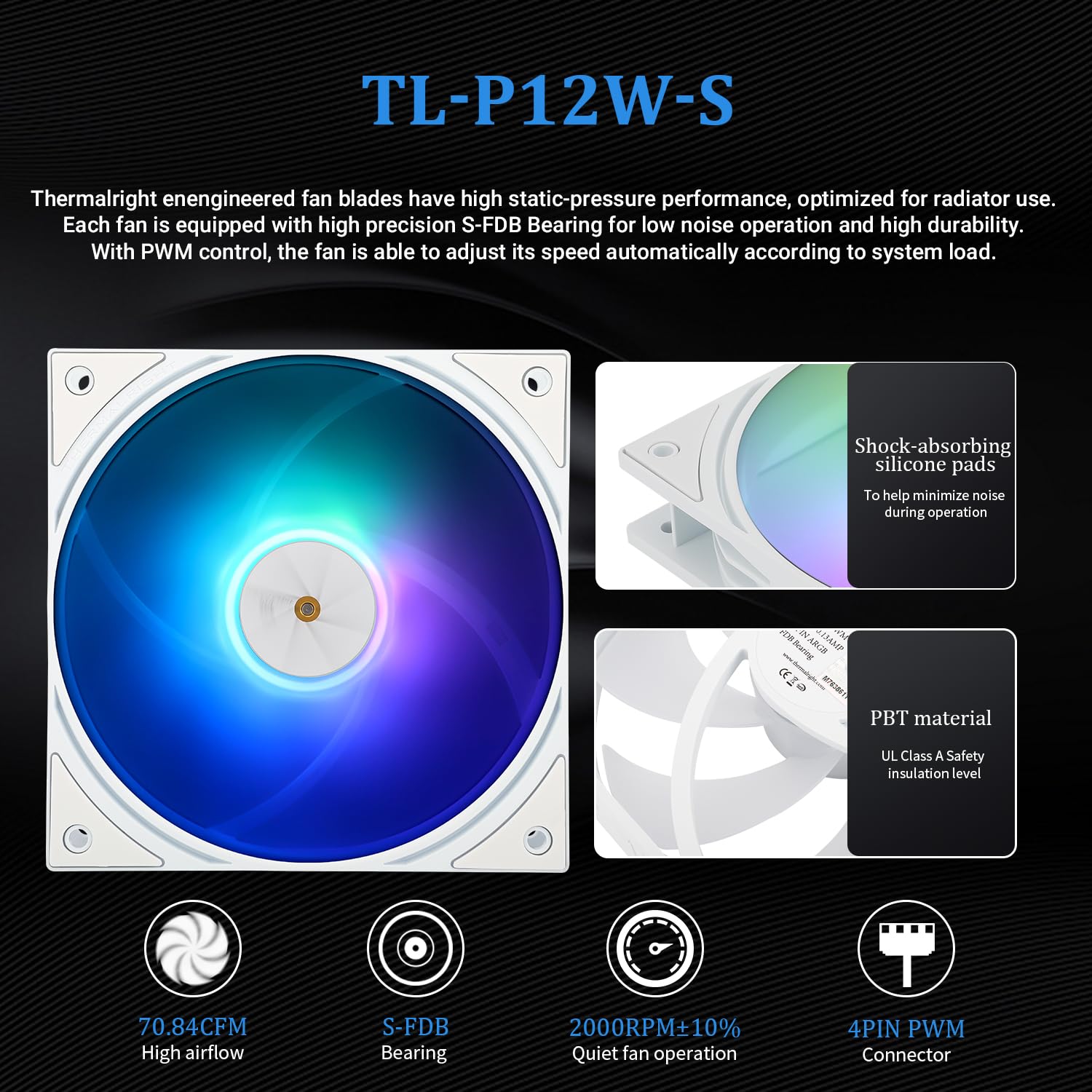
Use the supplied instructions or installation video when fitting the cooler, and choose the mounting hardware for your CPU platform. The radiator fans are preinstalled, and the included water guide clip is intended to help with installation. PWM temperature control lets the fans adjust with cooling demand, while the LCD can be customized to suit the look of the build. The listed information doesn’t explain what display layouts or readings are available, so don’t assume a particular monitoring feature.
It makes sense if you want a 240-class liquid cooler with a customizable display and your processor is on the compatibility list. Not the best choice if you need a cooler for an unlisted socket, or if your case cannot accommodate the stated radiator size. The two-fan radiator setup also means more components to fit than a basic air cooler.
Practical doubts
Can the LCD be customized? Yes. The product information says the IPS screen can be freely customized, but does not specify the available layouts or how customization works.
Which CPU sockets are supported? AMD AM4 and AM5, and the listed Intel LGA sockets from LGA1150 through LGA2066, including LGA1700. Check the exact socket rather than relying on the processor brand alone.
Does the noise rating cover the whole cooler? No. The stated figure of no more than 23 dBA is specified for the pump. Fan and overall system noise are not given.
Is it worth it?
The FW240 is worth considering when you want liquid cooling, two PWM fans, and a customizable LCD in a white build, and you have room for its radiator. Its screen and AIO format make it a more feature-focused purchase than a basic air cooler, but the extra hardware and case-fit requirement are real tradeoffs. Choose it for those specific features, skip it if your priority is a simpler cooler or your socket and available radiator space do not match the listing.