

HyperX gaming headset Cloud Stinger 2 Core
Product description
What to know
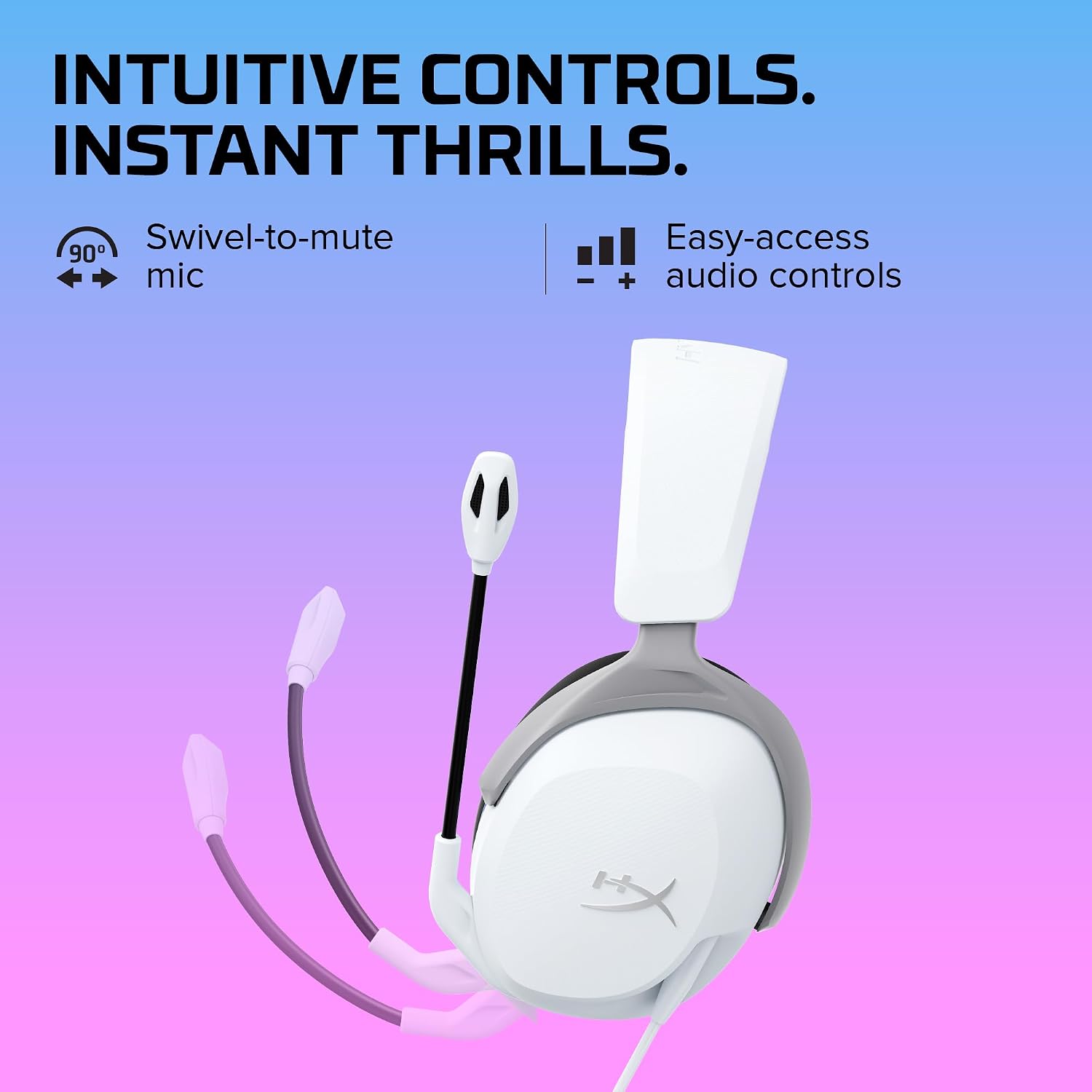
When game audio and voice chat both matter, switching between menus just to make a quick adjustment can interrupt the moment. The HyperX Cloud Stinger 2 Core puts volume controls on the headset, so you can reach them without digging through settings.
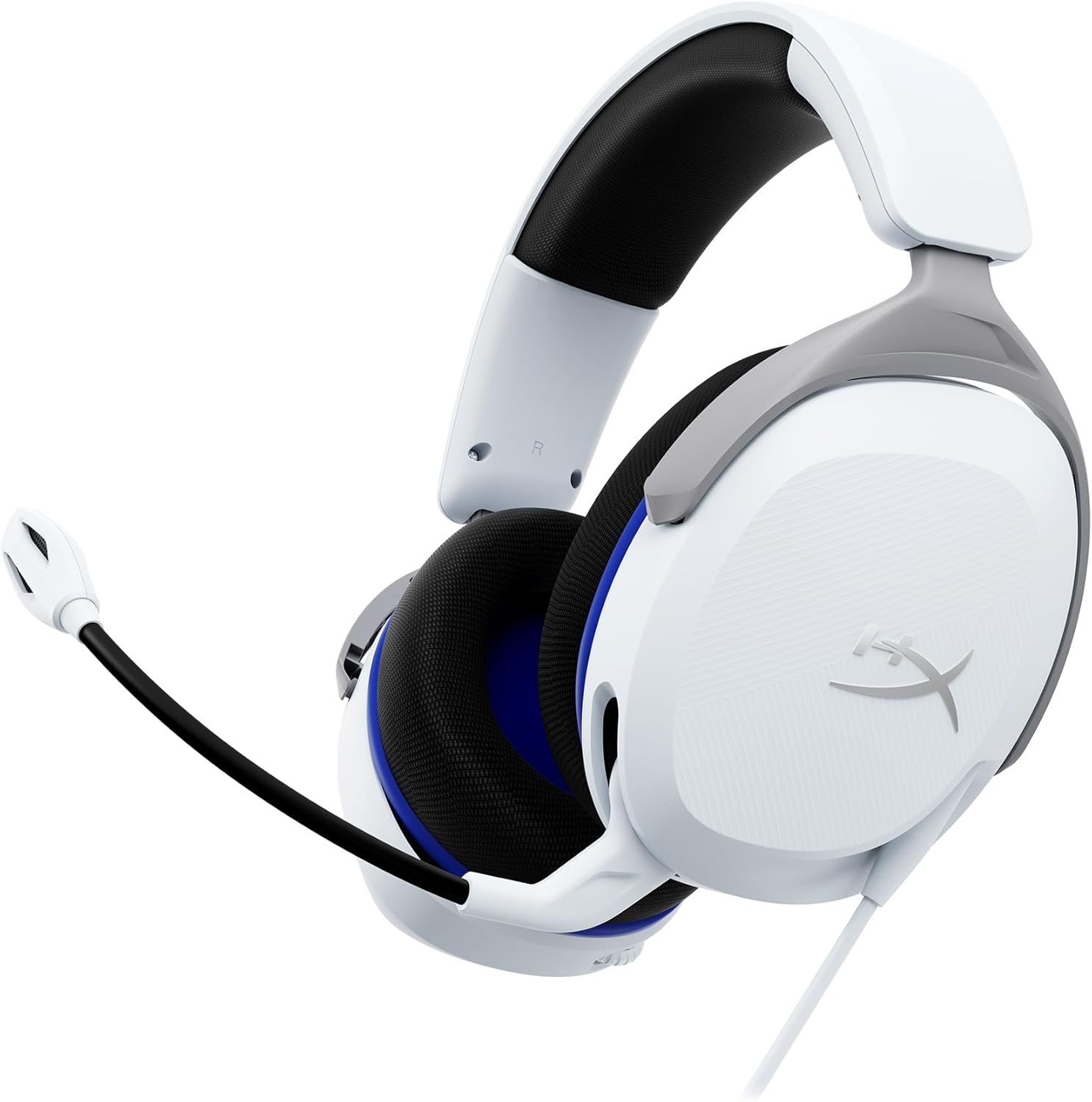
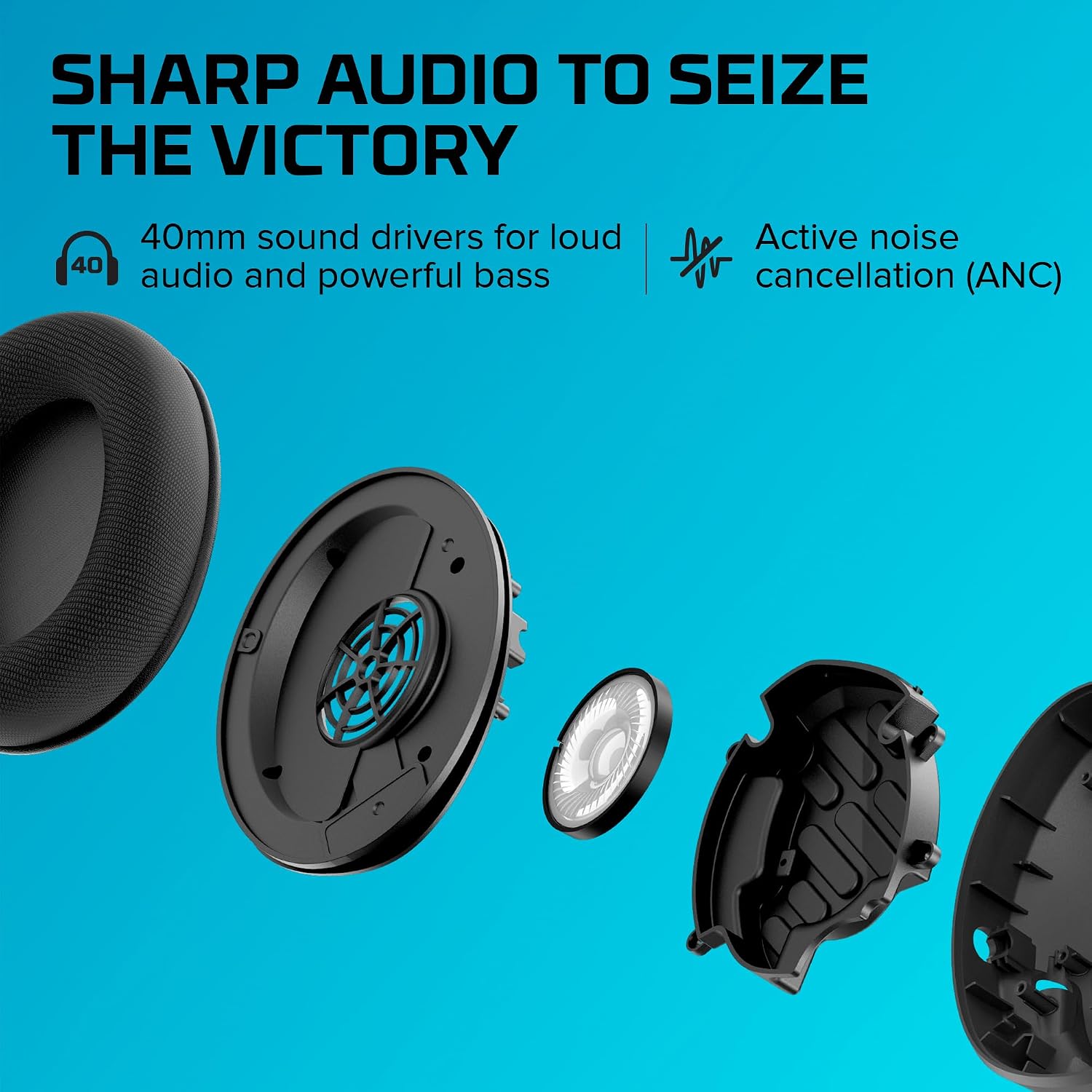
Its 40mm directional drivers are tuned for enhanced bass, giving game audio a more impactful, immersive character. The flexible microphone can be positioned as needed and flips up to mute, a straightforward way to silence chat when you step away or want a quiet moment.
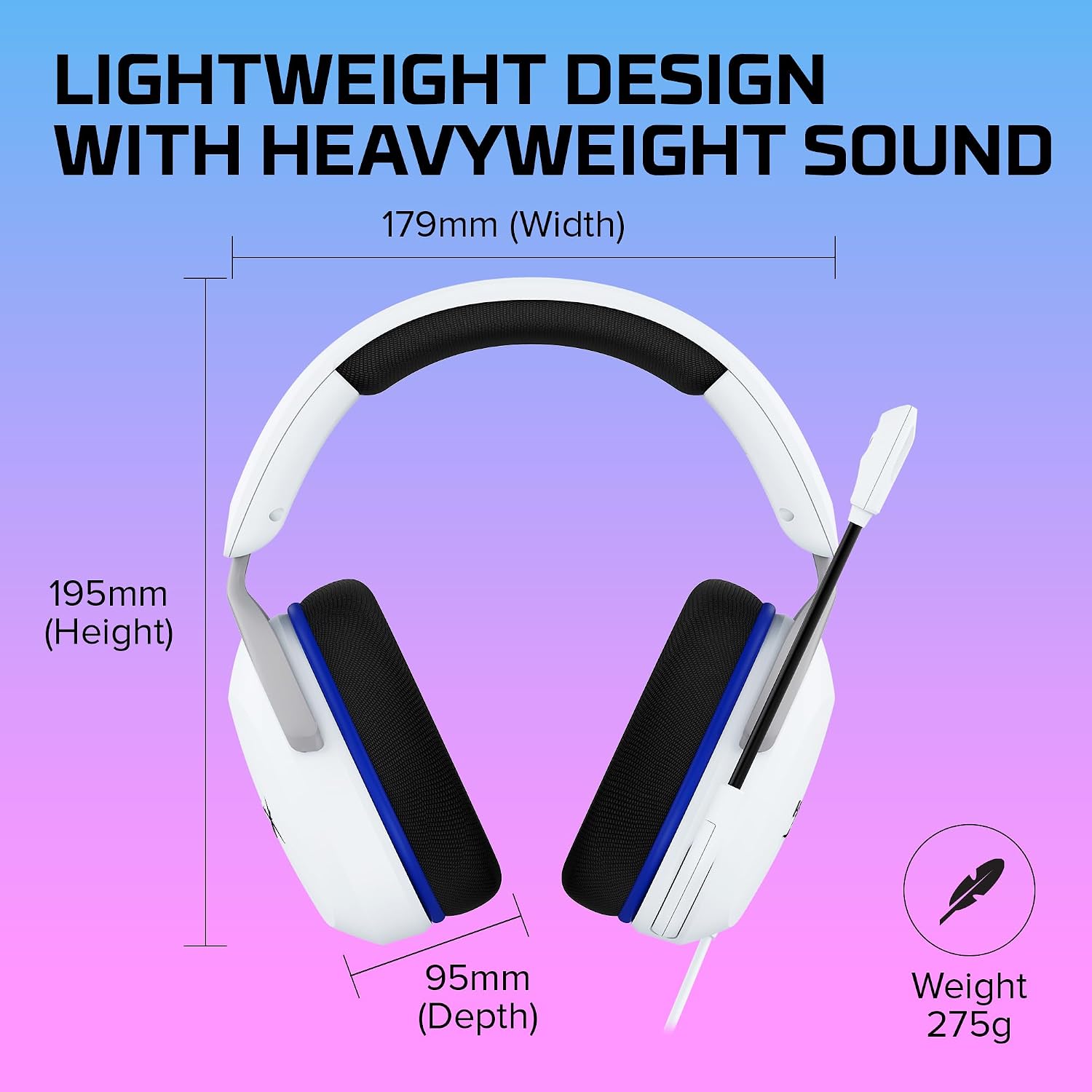
Soft ear cushions and a lightweight over-ear design are aimed at comfortable gaming sessions. From the way it is set up, this headset focuses on the essentials: game sound, voice chat, and controls close at hand, rather than a long list of features.
Keep in mind that the listed details don’t specify the connection type or compatibility beyond the PlayStation focus in the product name. If you need to use one headset across several devices, those details matter before you choose.
How to use it
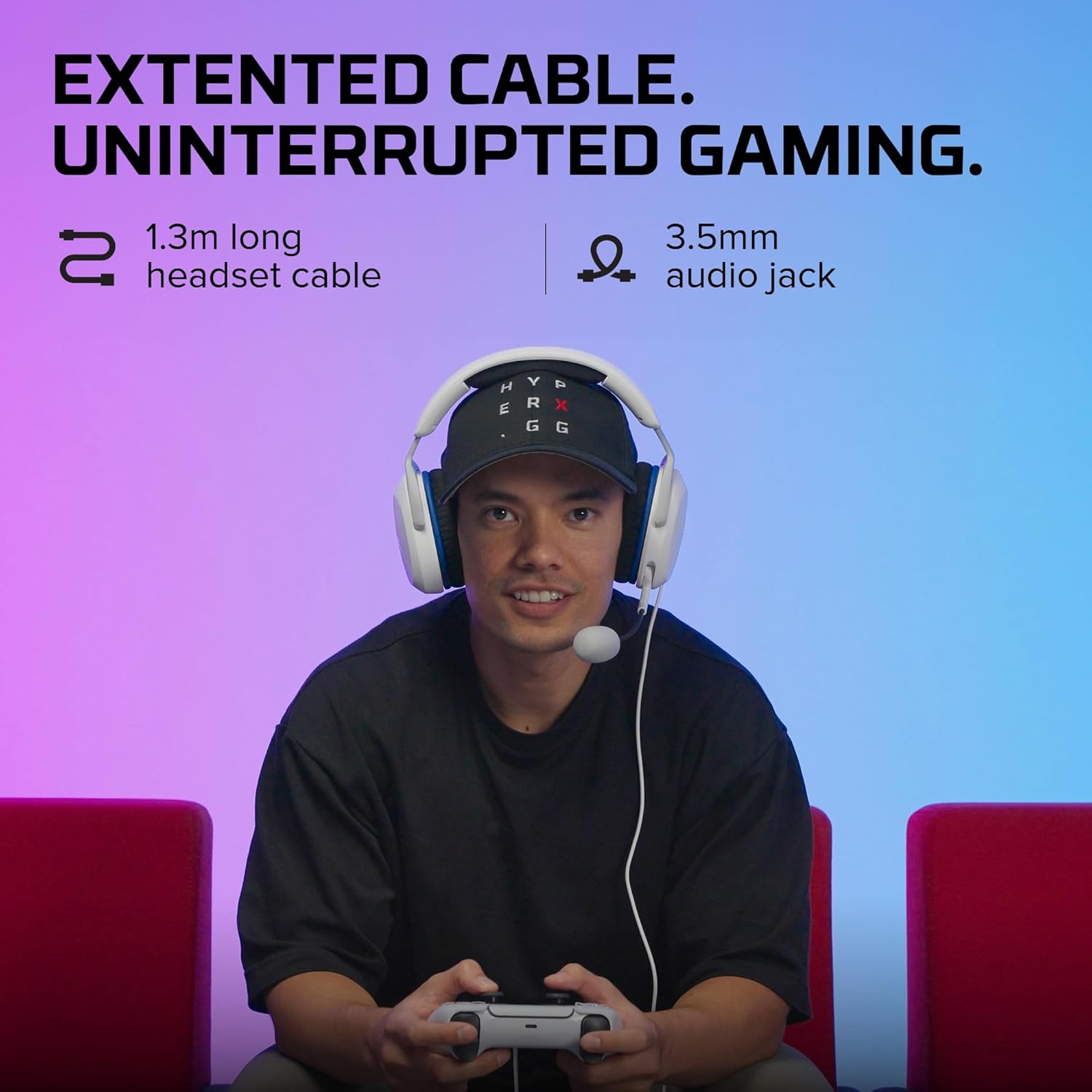
Position the flexible mic where it feels natural for chat, then flip it up when you want to mute. The swivel-to-mute action is useful when a conversation at home starts mid-match: lift the mic out of the way instead of searching for a software control. When you return to the game, lower it again.
Volume controls are built into the headset, which suits players who want a quick adjustment during play. The 40mm directional drivers are described as tuned for enhanced bass, that emphasis may appeal if you like weightier game audio, though the product details don’t describe sound customization options.
Practical tips
Think about your usual setup before buying. If your main use is PlayStation gaming with occasional voice chat, the combination of an adjustable mic and on-headset volume control addresses common day-to-day needs. For example, you can lower the audio between rounds or lift the mic when you need to speak to someone nearby, without navigating a menu.
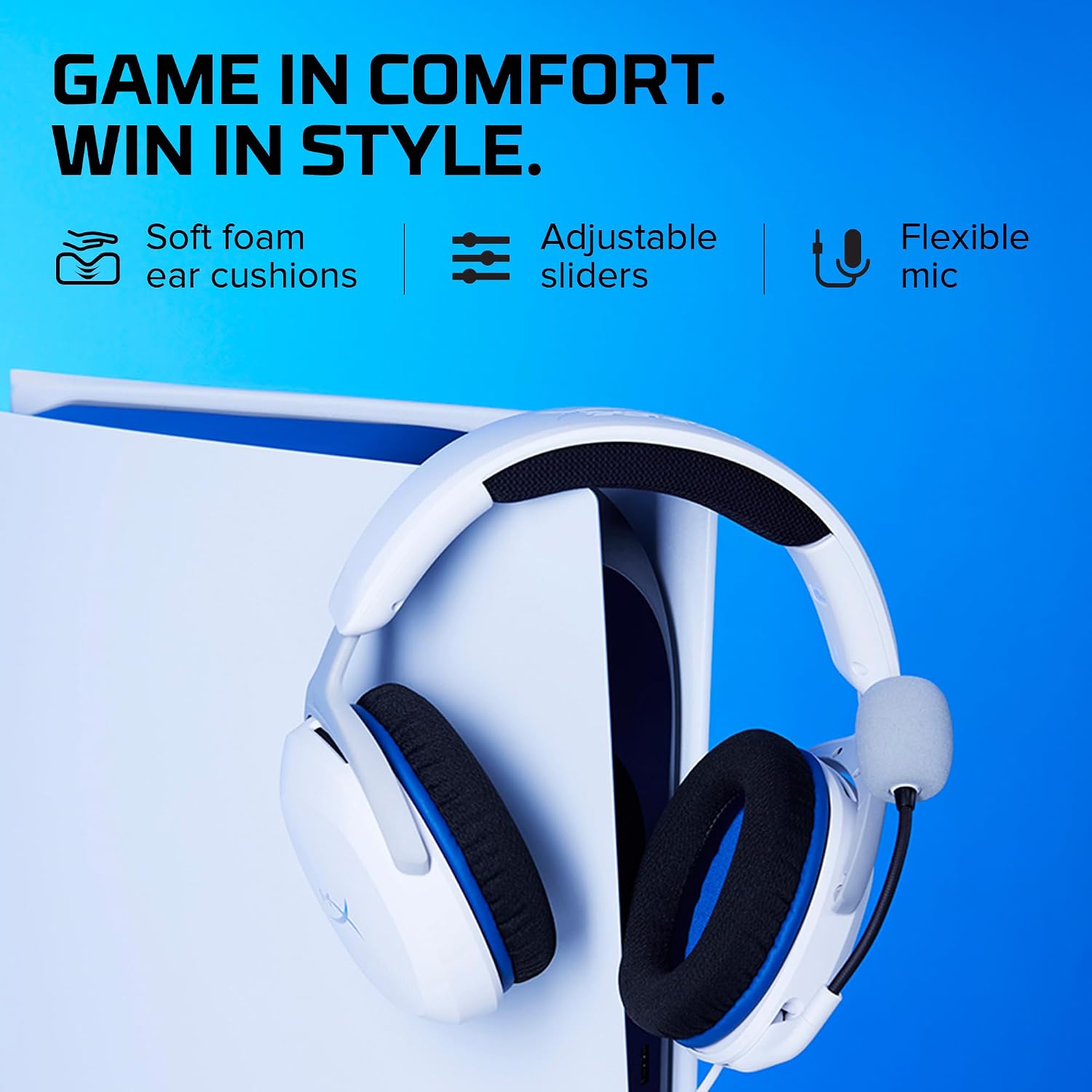
A solid pick if you want an over-ear headset with soft cushions, a flexible mic, and a quick physical mute. It might not be a great match if you need confirmed compatibility with devices beyond PlayStation, or if connection details are a deciding factor, those aren’t included in the available specifications. Buyers comparing it with a more feature-heavy headset should also note that no additional customization features are listed here.
Practical doubts
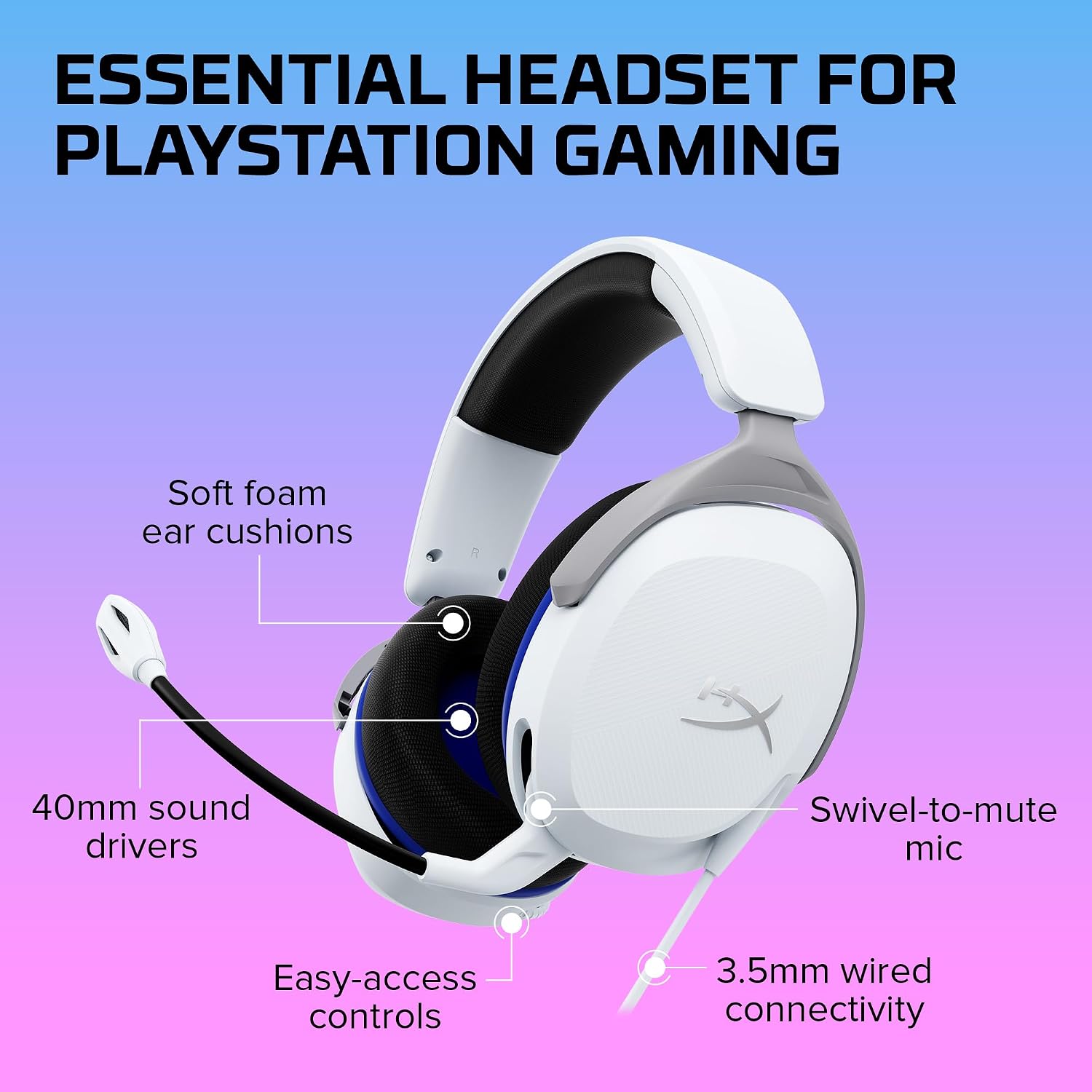
How do you mute the microphone? Flip the swivel microphone up and out of the way to mute it.
Can you adjust volume on the headset? Yes. The description says audio controls are located on the headset itself.
What is the sound profile intended to emphasize? The 40mm directional drivers are tuned for enhanced bass and immersive in-game sound. No further audio settings are specified.
Should you buy it?
Choose the Cloud Stinger 2 Core if you want a simple PlayStation-focused gaming headset with soft ear cushions, a flexible mic, and physical controls for volume and muting. Its clearest practical benefit is convenience during play, especially when you switch between chat and listening without wanting to open menus. If your decision depends on connection type, detailed platform support, or sound controls beyond the stated bass tuning, get those specifics first, the available information doesn’t settle them.