

NEWDERY DualSense Edge Charger Station, Fast Dock
Product description
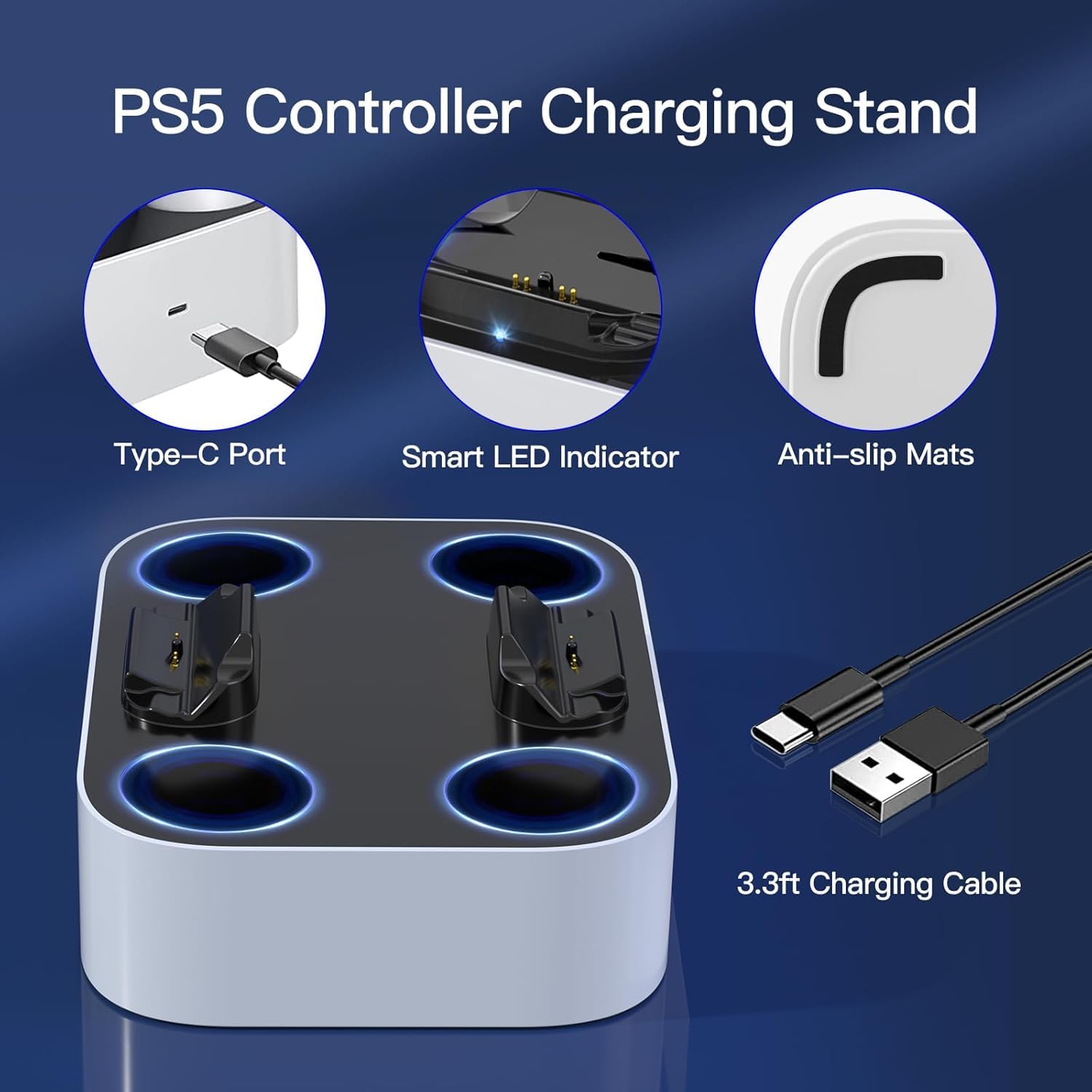
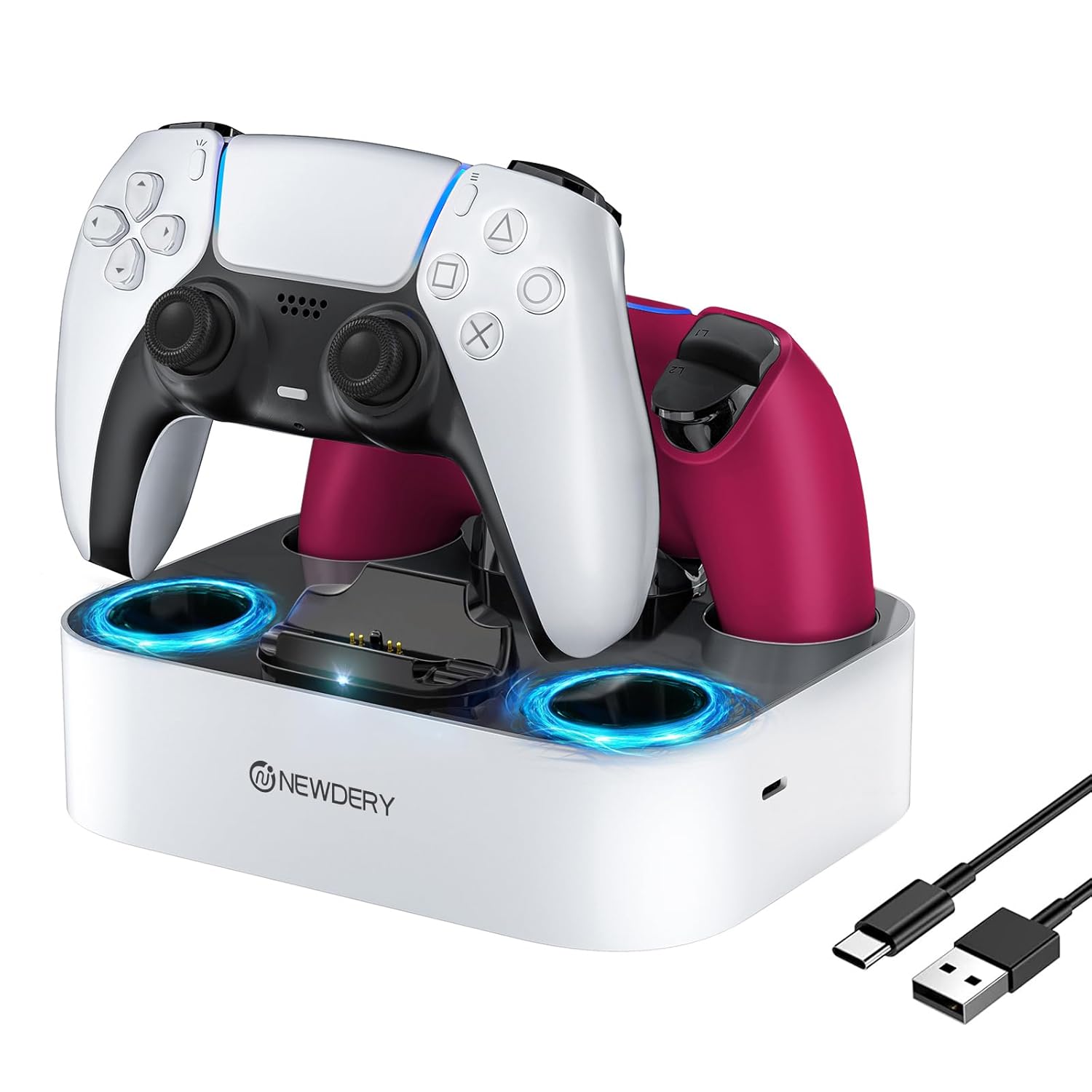
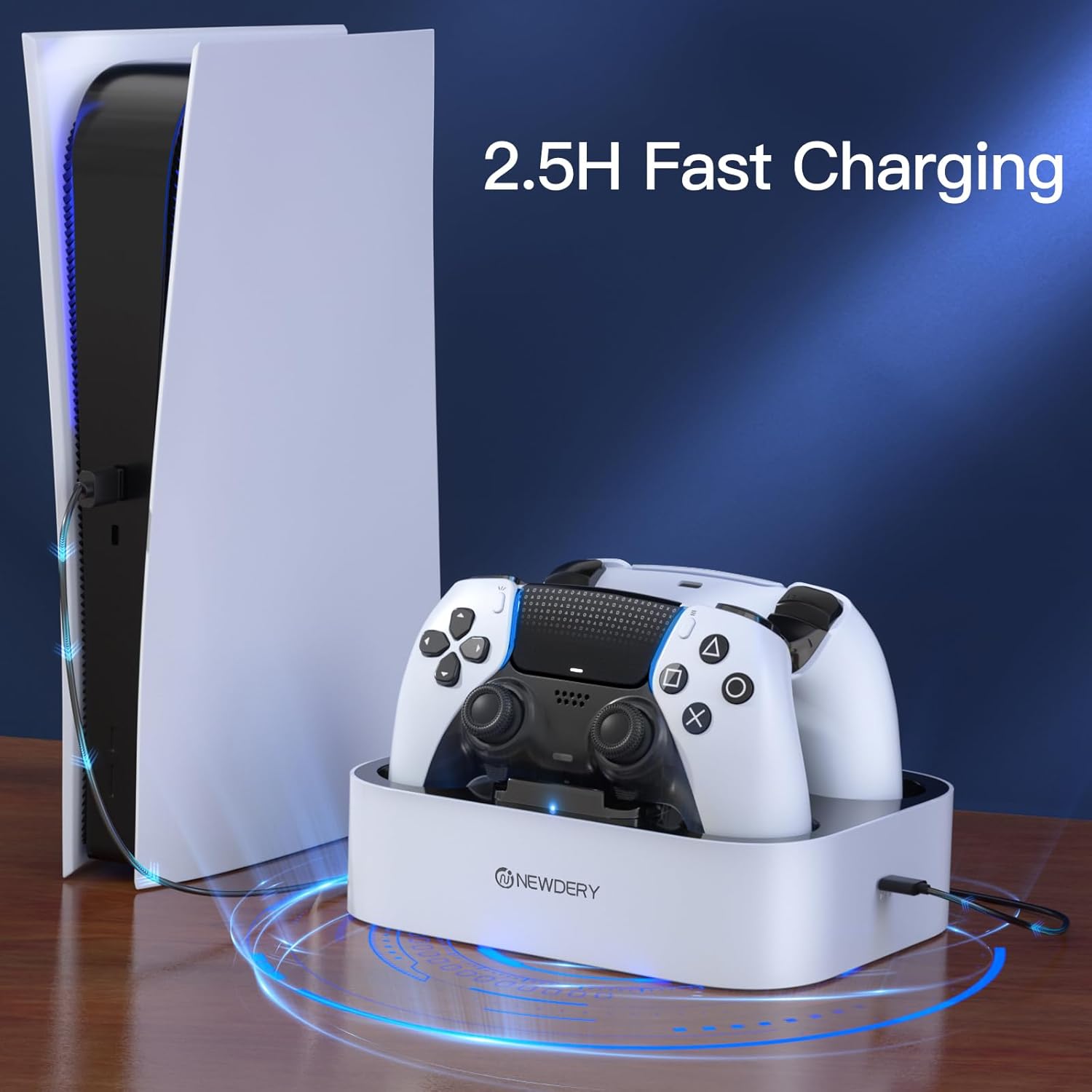
This four-slot charging station keeps PlayStation 5 wireless controllers powered and neatly arranged so you can jump back into games with minimal downtime. It supports both standard DualSense controllers and the DualSense Edge, and it uses fast charging to refill a controller in about three hours according to the manufacturer. The dock also includes LED status lights and anti-slip mats to keep controllers secure during charging.
Key Points
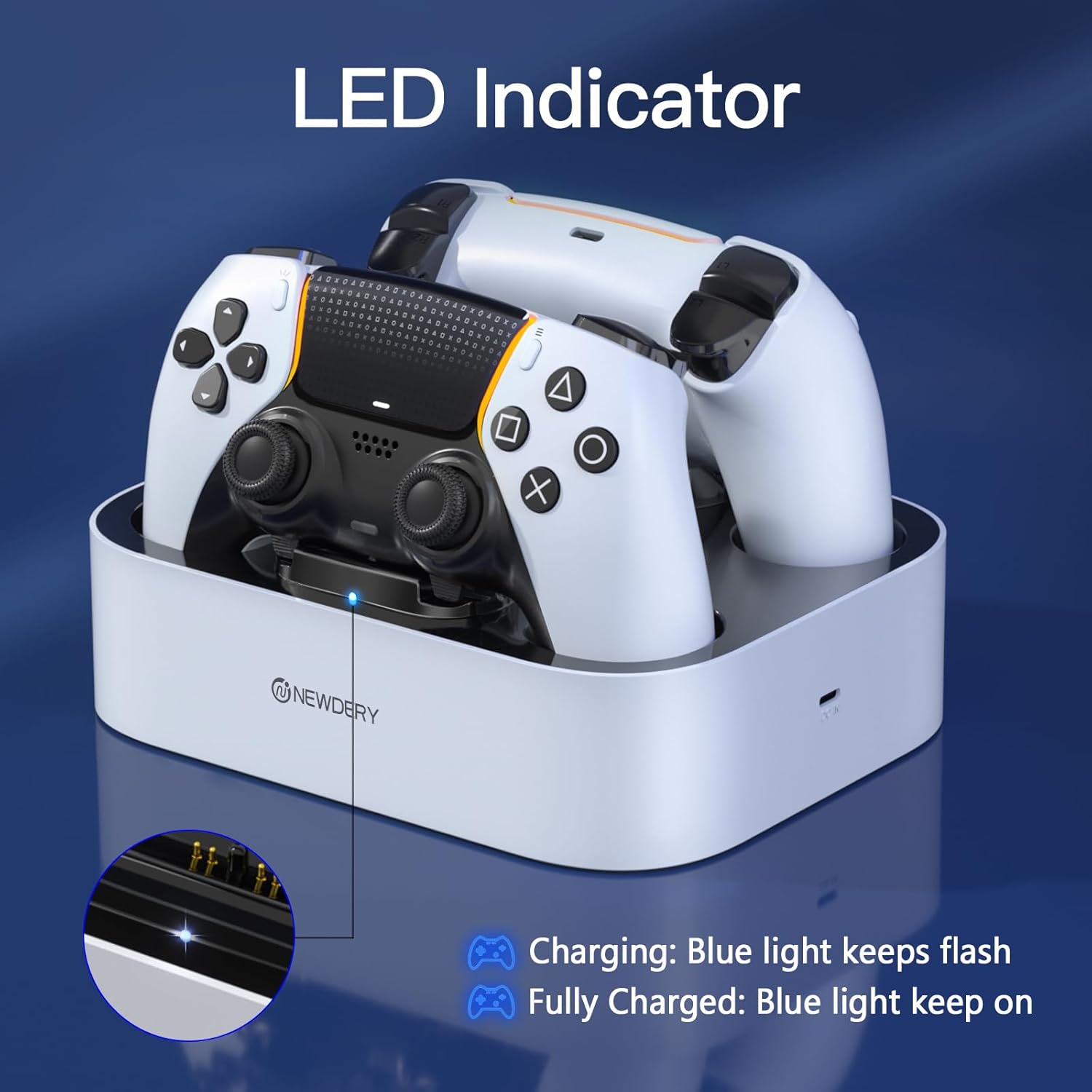
The charger accepts up to four controllers at once, making it useful for households with multiple players or for collectors who want a tidy setup. LED lights show charging status with a flashing blue light while charging and a steady blue light when fully charged or on standby. Built-in anti-slip mats on each slot prevent controllers from shifting on the dock, helping maintain an organized gaming area. For best results remove any controller skins or cases before charging.
Technical Specifications
- Name: NEWDERY PS5 Controller Charger Station
- Compatibility: DualSense and DualSense Edge controllers, up to four controllers simultaneously.
- Charging time: Full charge in approximately 3 hours (according to the manufacturer).
- Cable included: 3.3 ft Type-C charging cable.
- Power requirement: Use a 5V/3A adapter (adapter not included).
Benefits
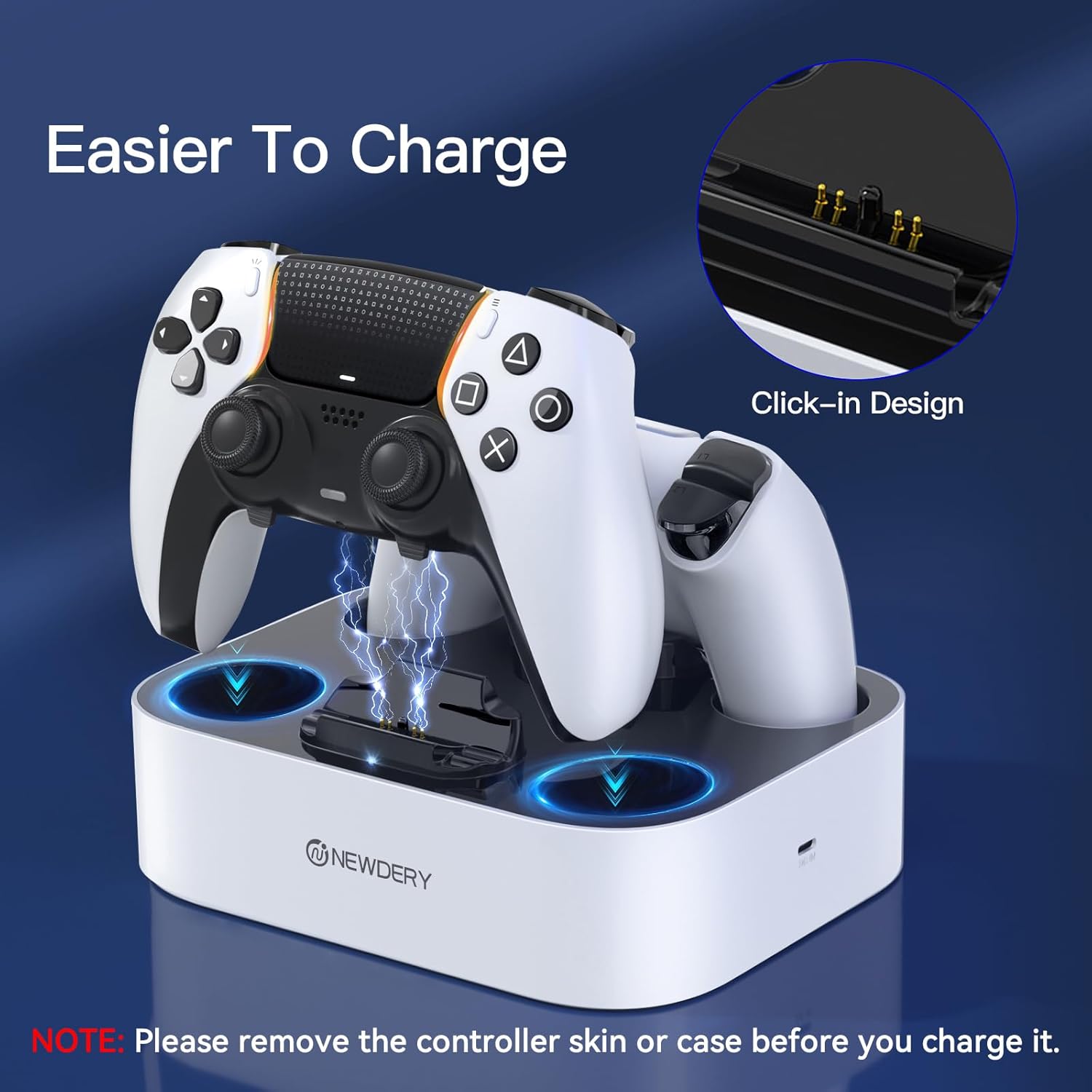
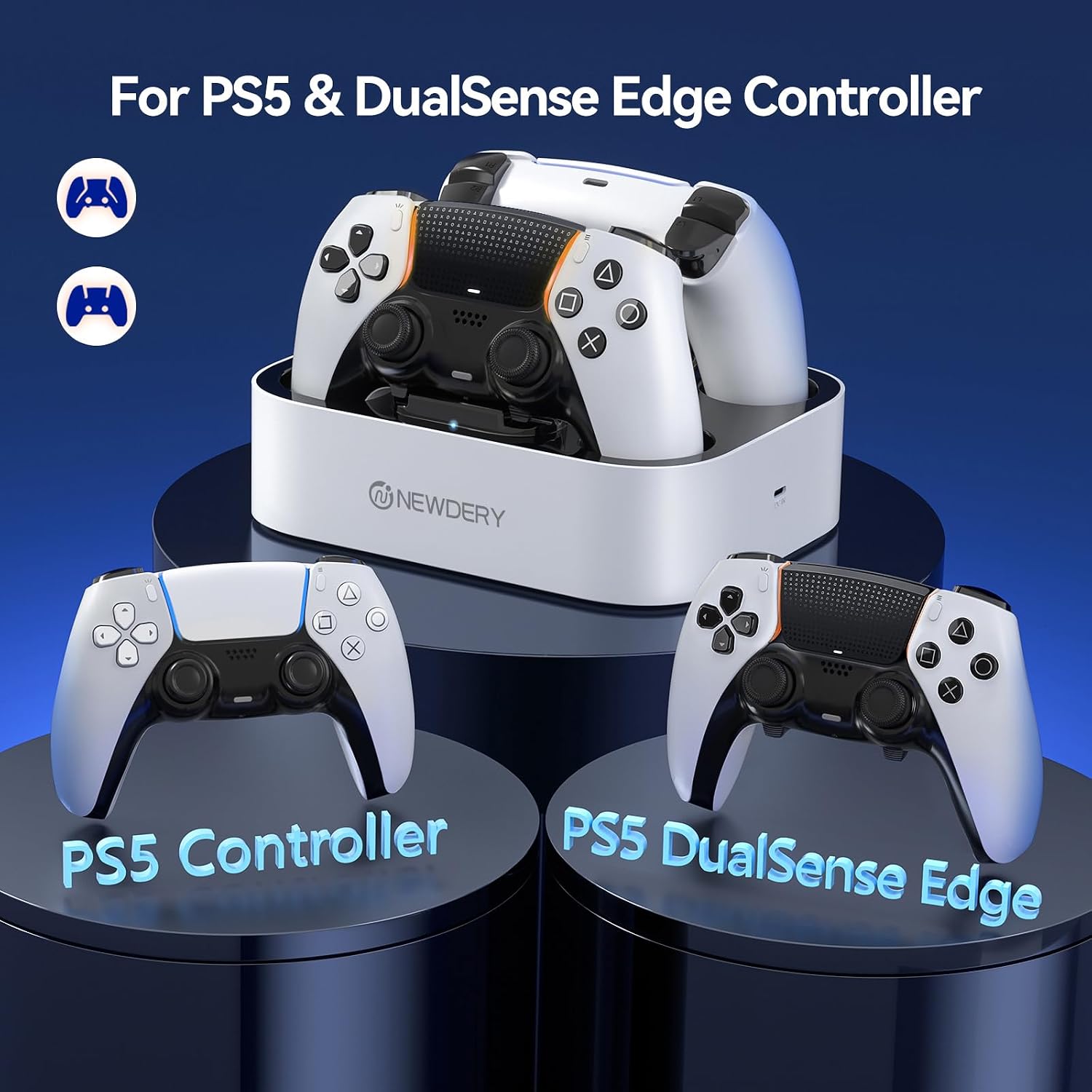
This model focuses on convenience and space management. With its four-slot layout you can store and charge multiple controllers without separate cables cluttering the console area. The visible LED indicators make it easy to check which controllers are ready at a glance. Additionally, the dock’s anti-slip mats and stable base help reduce the risk of accidental knocks during a gaming session. Consider that the dock requires removal of controller covers to ensure proper contact during charging.
Usage Recommendations
Place the charger on a flat surface near your console or entertainment center and connect the included Type-C cable to a compatible 5V/3A adapter. When charging, ensure each controller is seated firmly in its slot so the contacts align properly. The LED system guides you through charge status, and unplugging controllers only after the light shows steady blue helps preserve battery cycles. If you use third-party covers, test fit one controller first to confirm reliable connection before charging multiple units. 🎮⚡