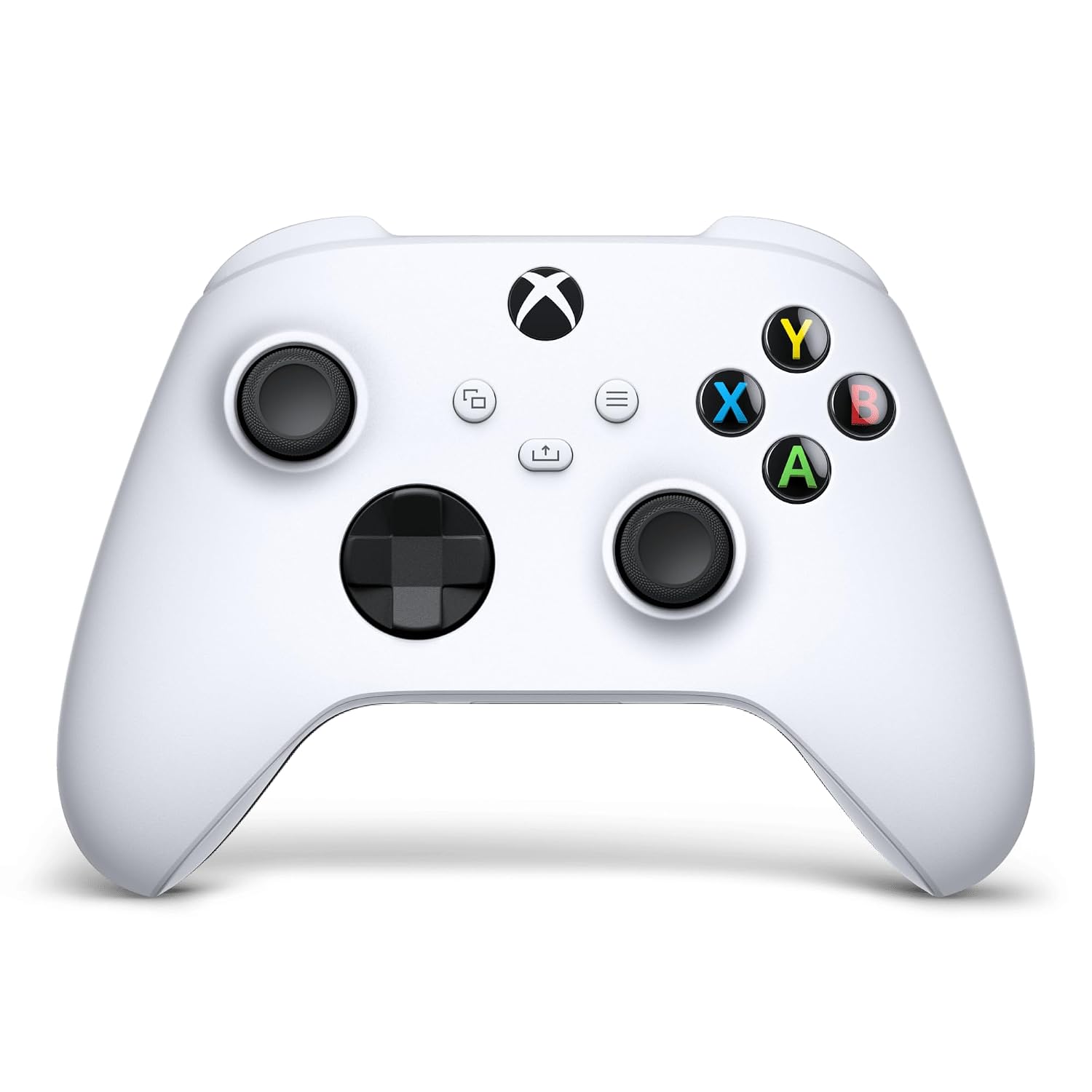
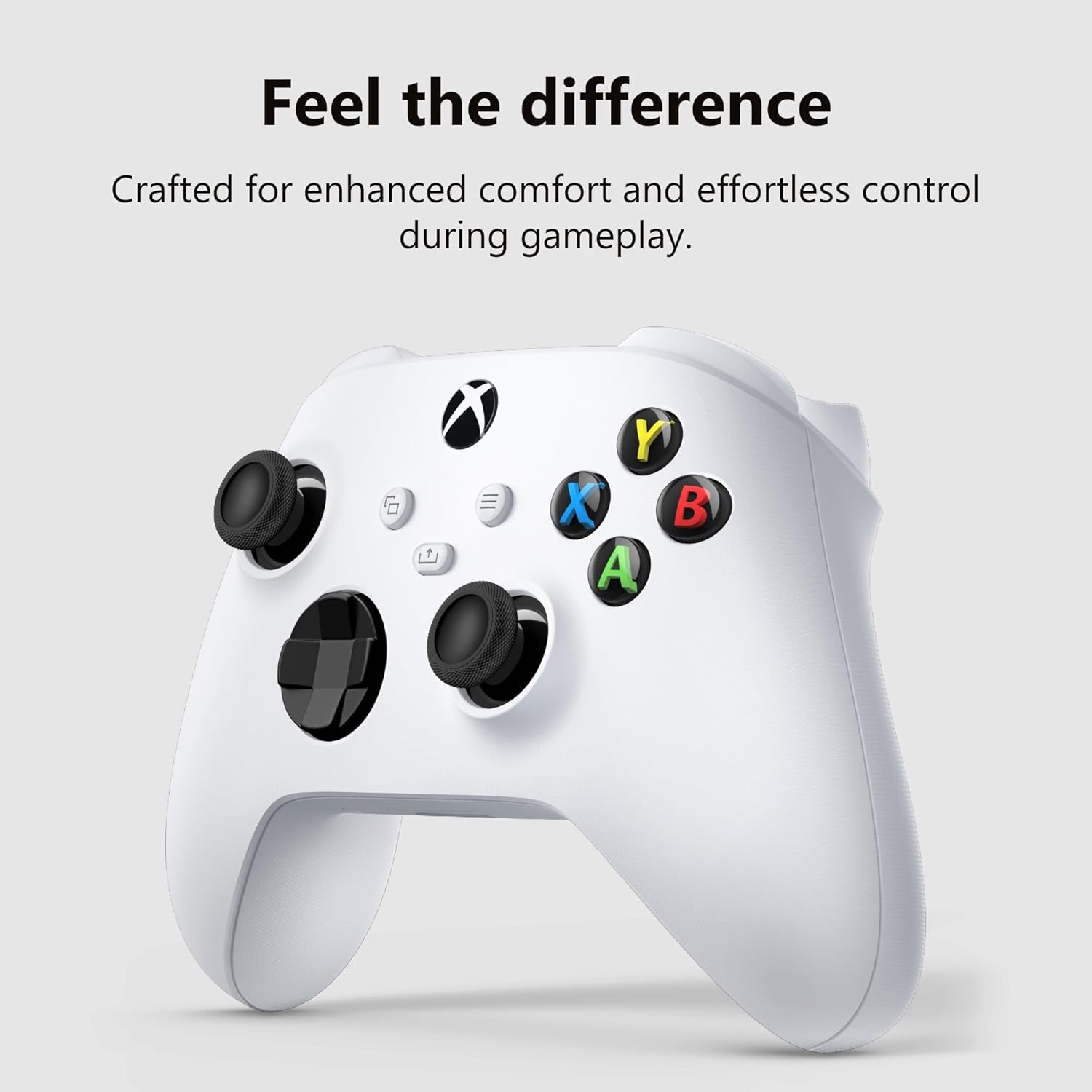
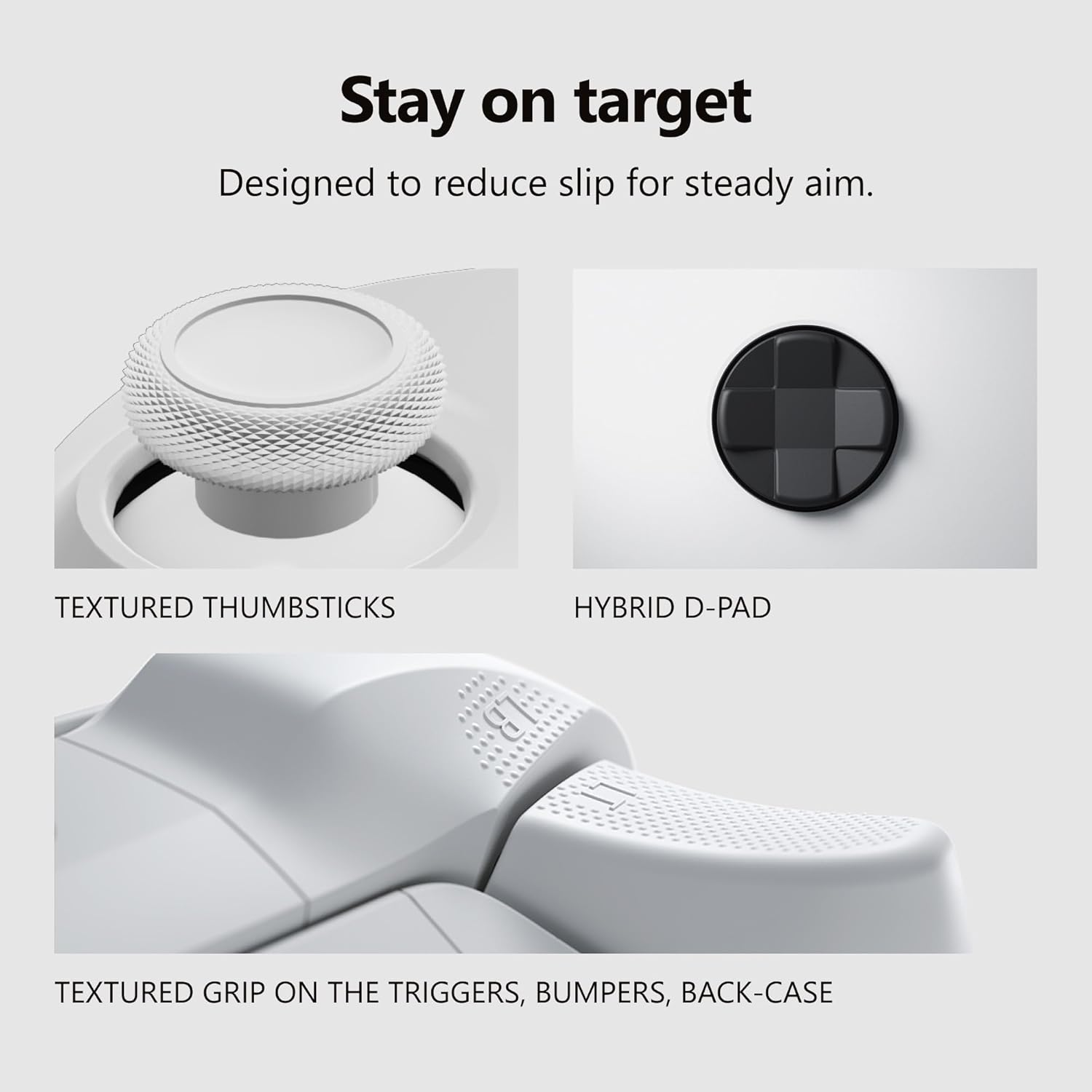
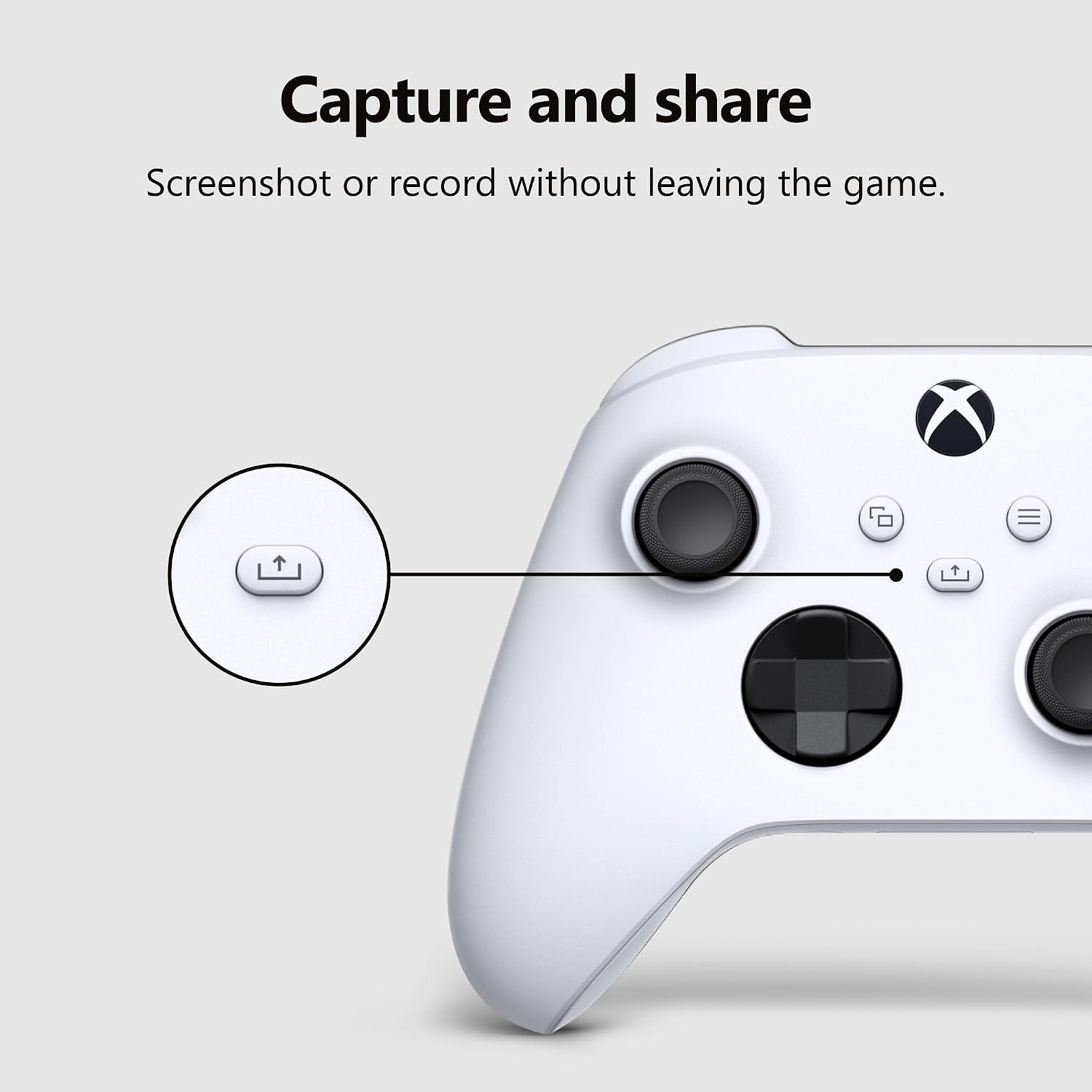
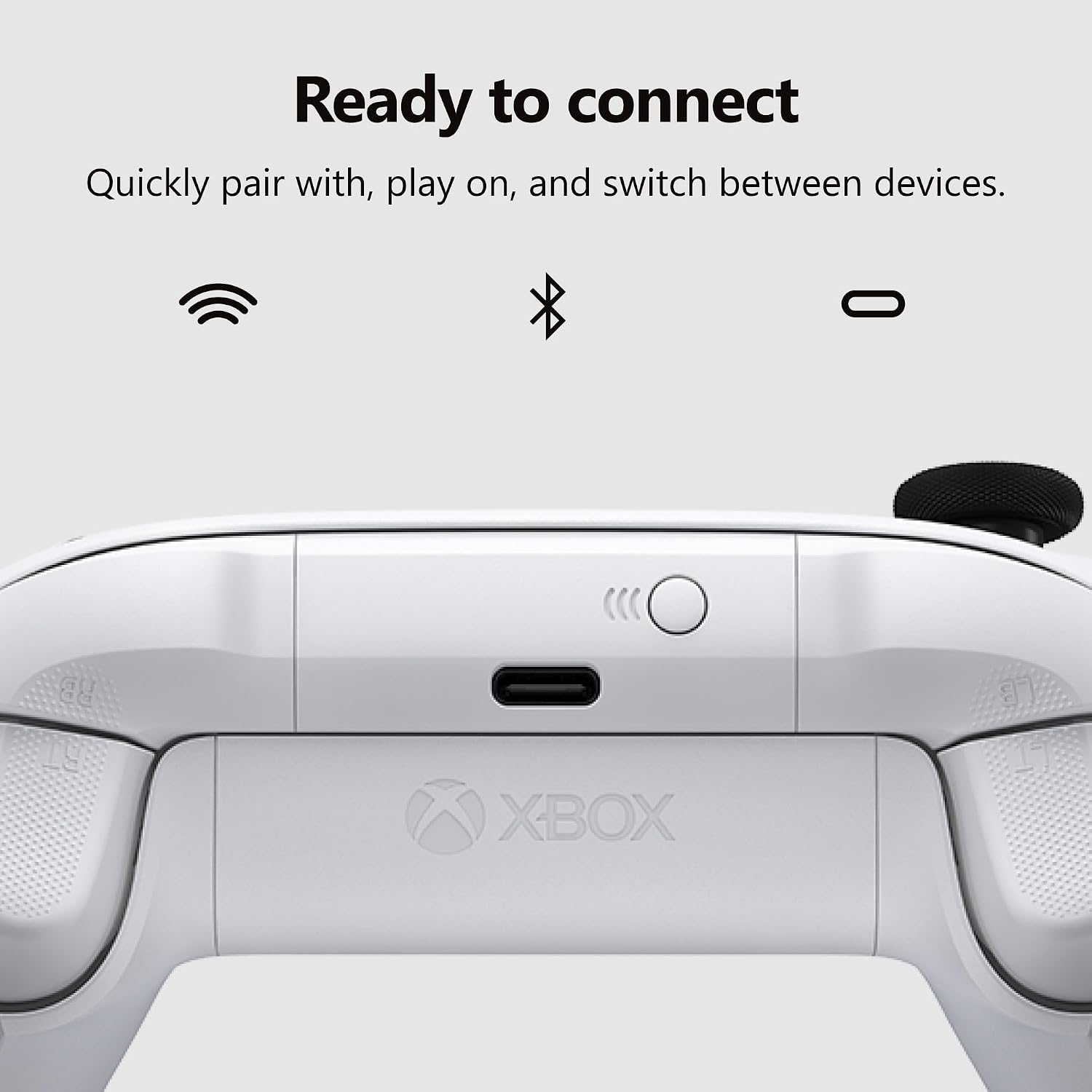
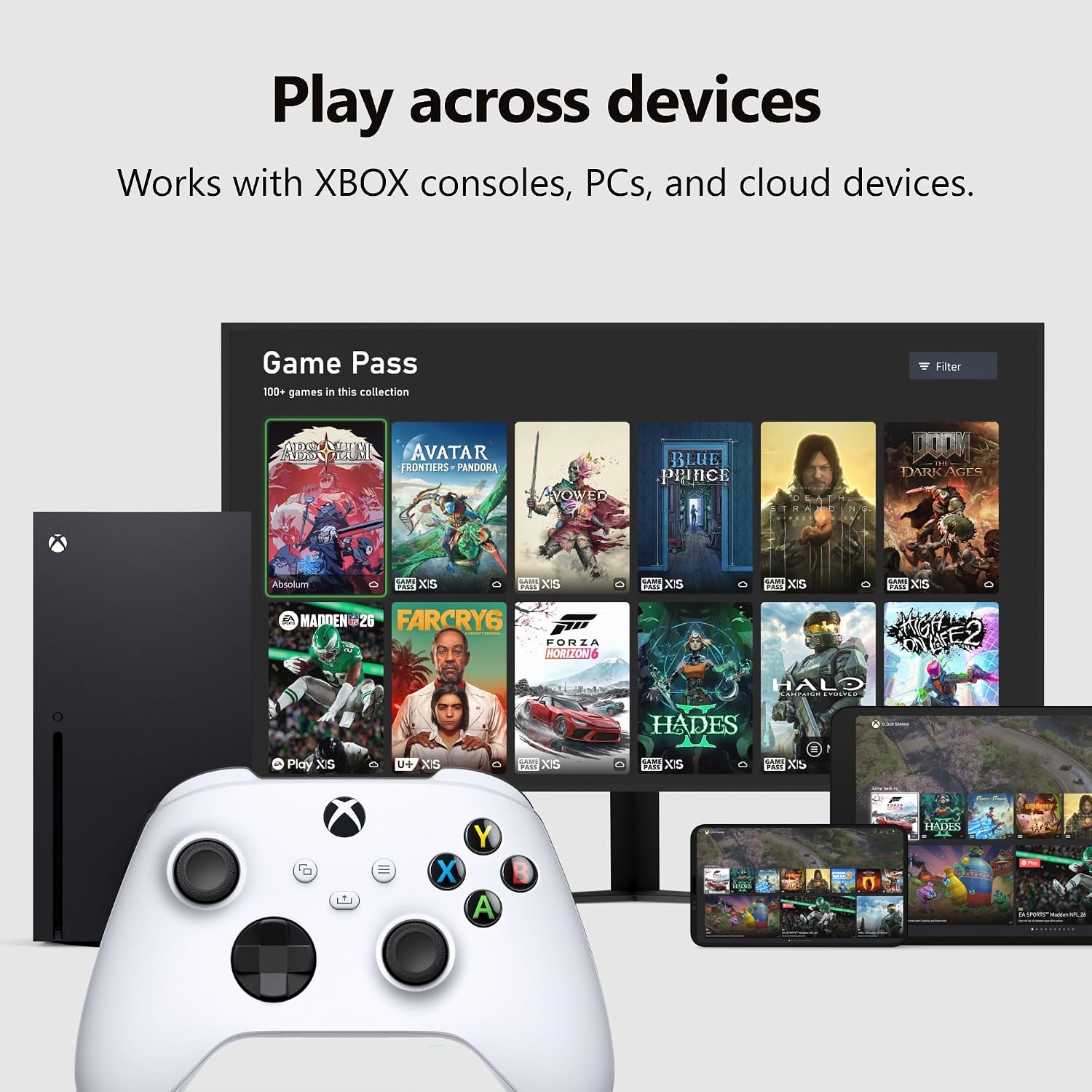
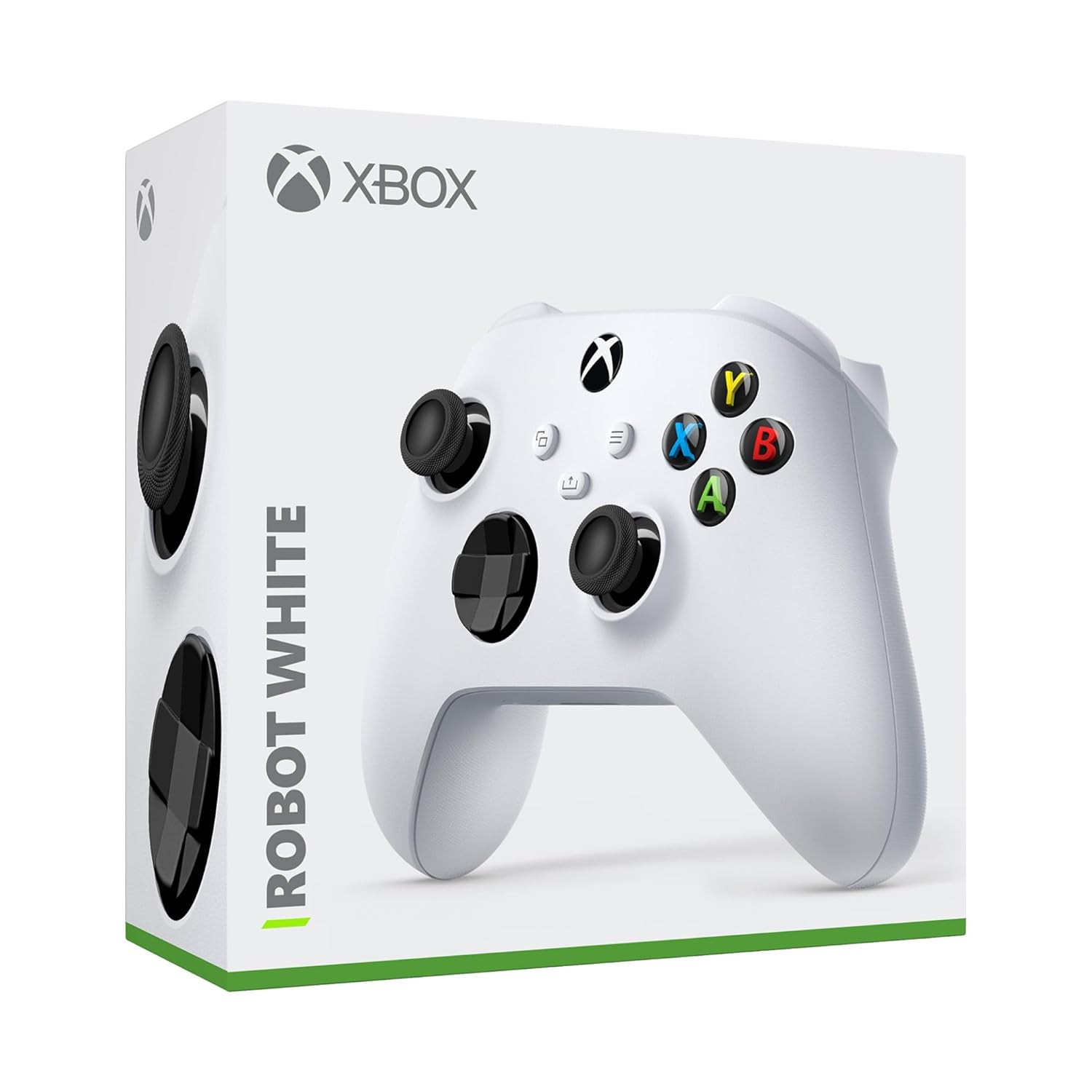
What this is and what problem it solves\nThe Xbox Wireless Gaming Controller in Robot White is a modernized gamepad designed to improve comfort and precision across consoles, PCs, TVs, and mobile devices. If you’re building a versatile setup and want a single controller that adapts to multiple screens and playstyles, this option centers on comfort through sculpted surfaces and textured grips. It’s not a complete overhaul of a controller you already know, but a refinement focused on longer sessions and smoother transitions between devices.\n\n## How it feels in practice\nOn the hands, the updated geometry and textured grips on triggers, bumpers, and the back panel contribute to steadier control during intense moments. The hybrid D-pad is intended to balance precision for fighters and shooters with ease of use for general navigation. If you tend to drift toward long gaming marathons, these touches aim to reduce fatigue and keep your finger placement predictable. No device changes required mid-session—just pair and play.\n\n## Connectivity: options that adapt to your setup\nThis controller supports USB-C for plug-and-play on both consoles and PCs, and it also offers Xbox Wireless and Bluetooth for quick pairing across compatible devices. That means you can switch between a console, a PC, or a mobile device without swapping hardware. The combination of wired stability and wireless flexibility can be a real convenience if you frequently switch environments.\n\n## Audio and chat ready\nFor voice chat and immersive sound, a 3.5mm audio jack is built in to accommodate compatible headsets. If you use a headset regularly, this avoids chasing a separate adapter and keeps communication straightforward in the middle of a game.\n\n## Customization options\nWith the Xbox Accessories app, you can remap buttons and create profiles tailored to your favorite games or playstyle. This is useful if you have a preferred control scheme for racing, shooters, or platformers, and want those tweaks to travel with you across devices.\n\n## What to consider before buying\nIt isn’t a perfect fit for everyone. If you prioritize ultra-lightweight designs or absolutely minimal latency in competitive settings, you might notice differences depending on your exact setup and wireless interference. Also, the feature set is tied to supported devices and software updates, if your ecosystem isn’t fully compatible, some capabilities may feel limited.\n\n## Who it’s for\nThis controller fits players who want a single, adaptable controller that works across consoles, PC, and mobile, while valuing comfort, a modern form factor, and easy customization. It’s a sensible choice if you value a balanced approach to control, comfort, and device compatibility over niche, single-platform specialists.\n\n## What to check before purchasing\n- Ensure your devices support Xbox Wireless or Bluetooth pairing and USB-C connectivity for the intended setup.\n- If you rely heavily on mic chat, confirm your headset’s compatibility with the 3.5mm jack on this model.\n- Consider whether customization profiles in the Xbox Accessories app will meaningfully improve your typical game rotations.\n\n## Practice use: a quick scenario\nImagine finishing a long gaming night on the couch with a tablet and a TV. You’d pair the controller to the TV app, swap to a PC in the study later, and then jump to a quick mobile session—all without reconfiguring buttons or hunting new cables. This kind of fluidity is what the design aims to enable.\n\n## Final thoughts (practical decision)\nIs it worth it? If you want a flexible, comfortable, and customizable controller that covers multiple devices with a single setup, this Xbox model makes a solid case for itself. It leans toward users who value seamless switching and a refined grip over niche or single-task devices. It may not be the best option if your priority is minimal latency for high-end esports or if you prefer a lighter, more compact profile for handheld play.\n\n## FAQ (practical answers)\n- Does it work with both PC and console? Yes, via USB-C, Xbox Wireless, or Bluetooth on supported devices.\n- Can I remap controls? Yes, through the Xbox Accessories app.\n- Is the 3.5mm jack still standard? Yes, for compatible headsets.\n- Will it feel the same on a mobile device? It supports mobile pairing, but you may notice different ergonomics depending on your grip and screen size.\n