

HP Laptop 14-inch
Product description
Key specifications
For everyday schoolwork and basic home tasks, this HP laptop keeps the setup straightforward. It pairs an Intel Celeron N4500 dual-core processor with 4GB of DDR4 memory, a combination aimed at browsing, email, document editing, and streaming rather than demanding workloads.
The 14-inch anti-glare display has a 1366 x 768 resolution and a stated 250-nit brightness. Storage is 64GB eMMC, and the operating system is Windows 11 Home in S Mode. Those details matter more to the buying decision than the product’s “business” or “AI” labels: memory and storage are modest, so plan around lighter use and files kept online or on removable media.
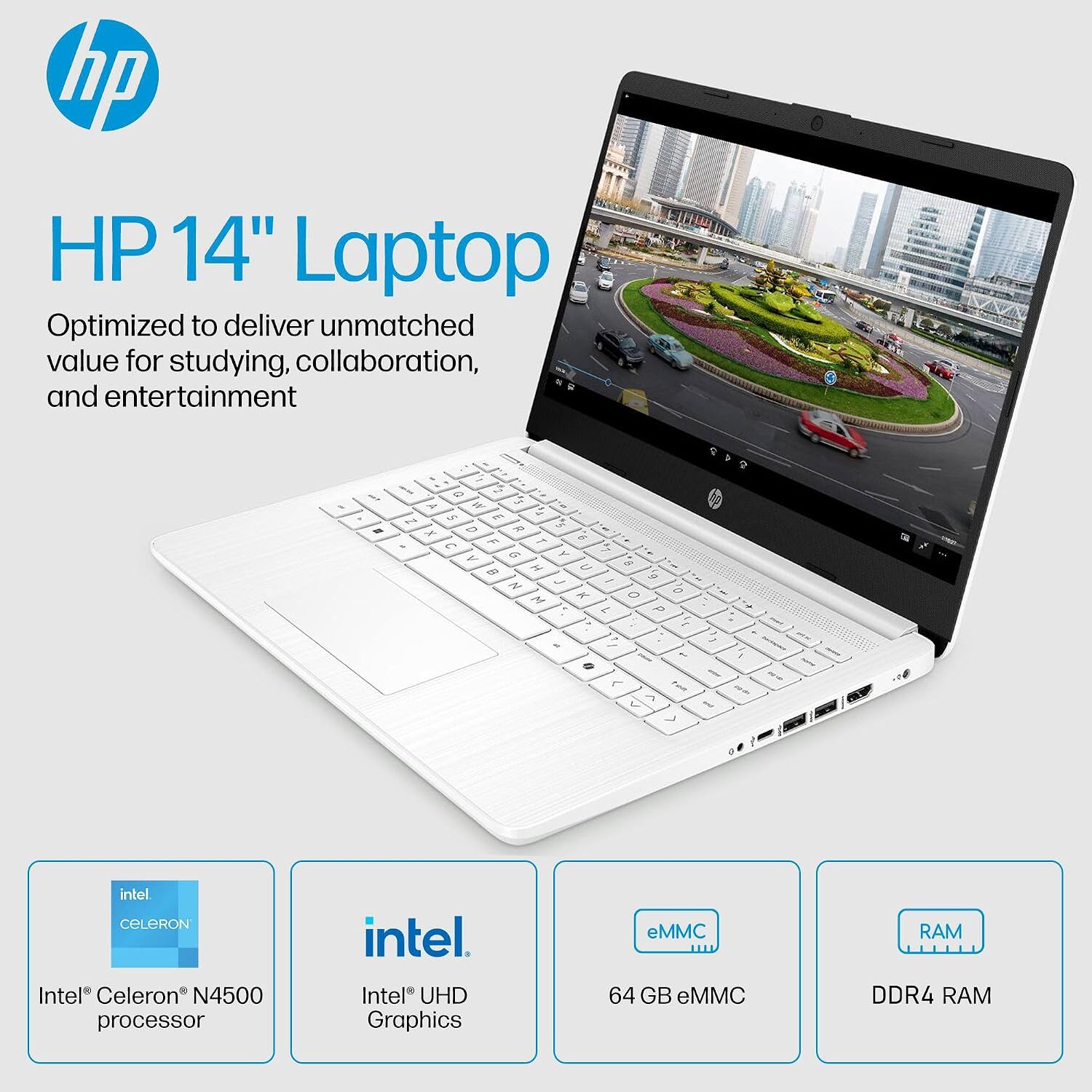
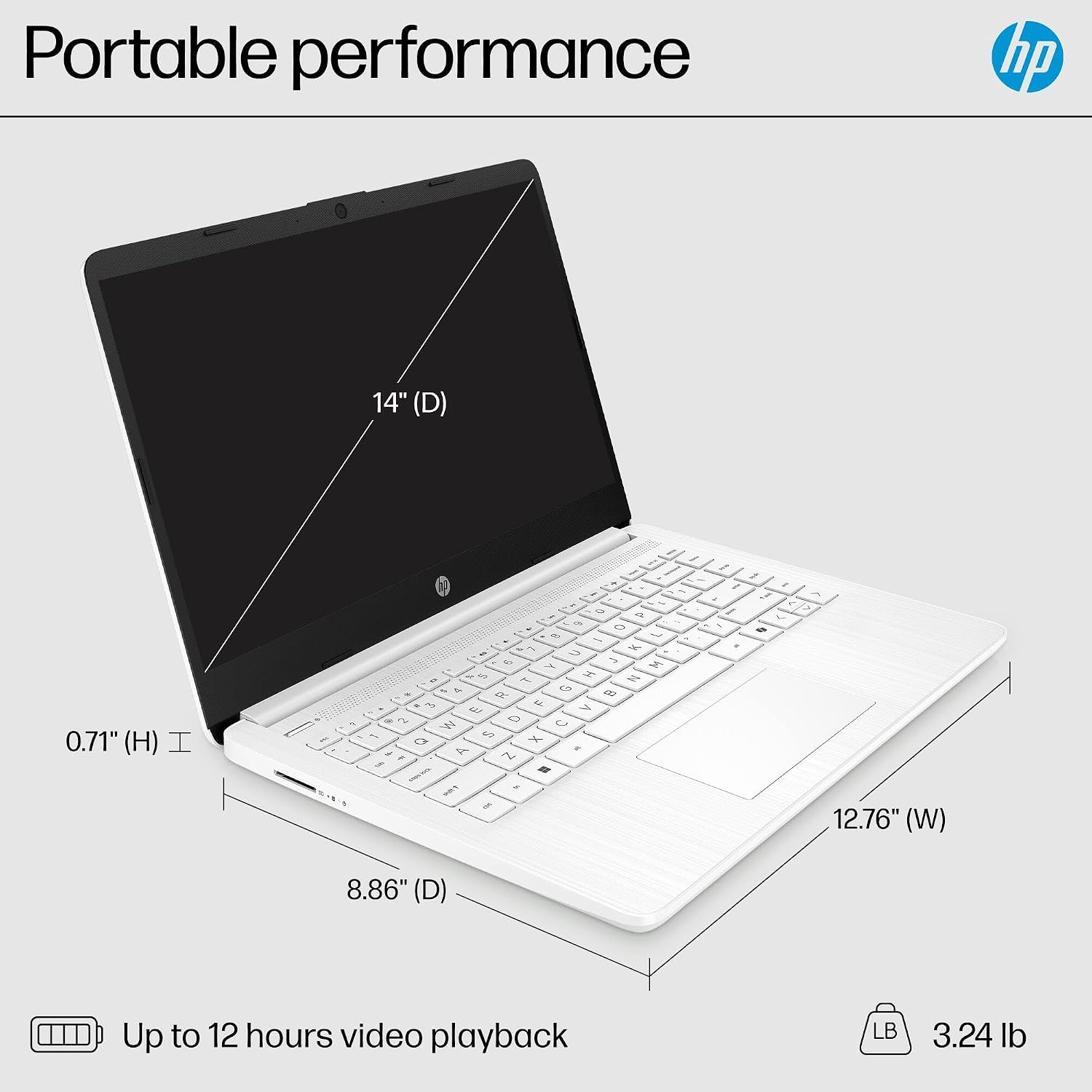
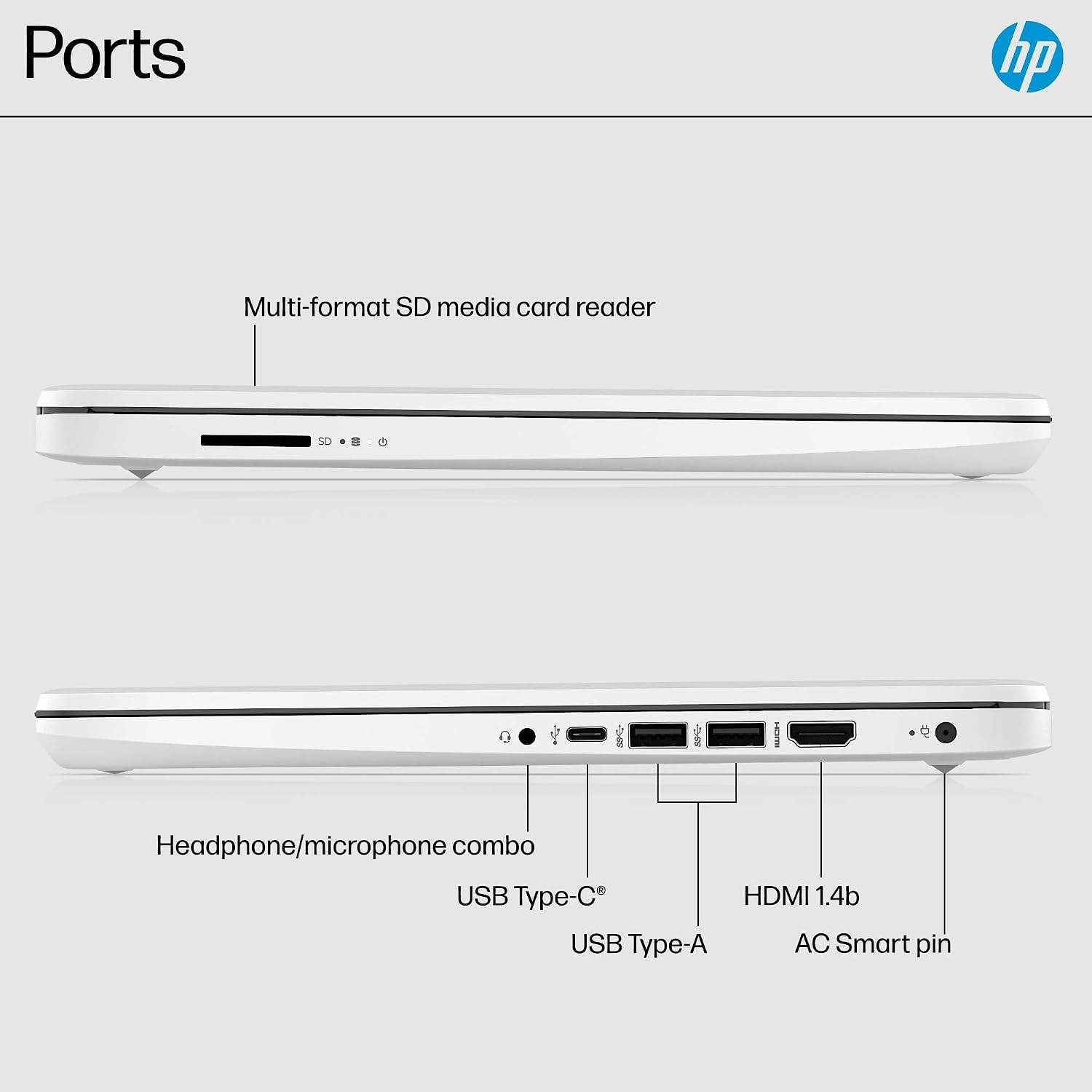
Wi-Fi 6, Bluetooth 5.4, a 720p camera, and dual-array microphones cover common remote-learning and video-call needs. The listed ports include USB-C, two USB-A ports, HDMI, a headphone/microphone jack, and an SD card reader. HP lists the weight as 3.24 lbs and the profile as 0.71 inches.
Who it’s for
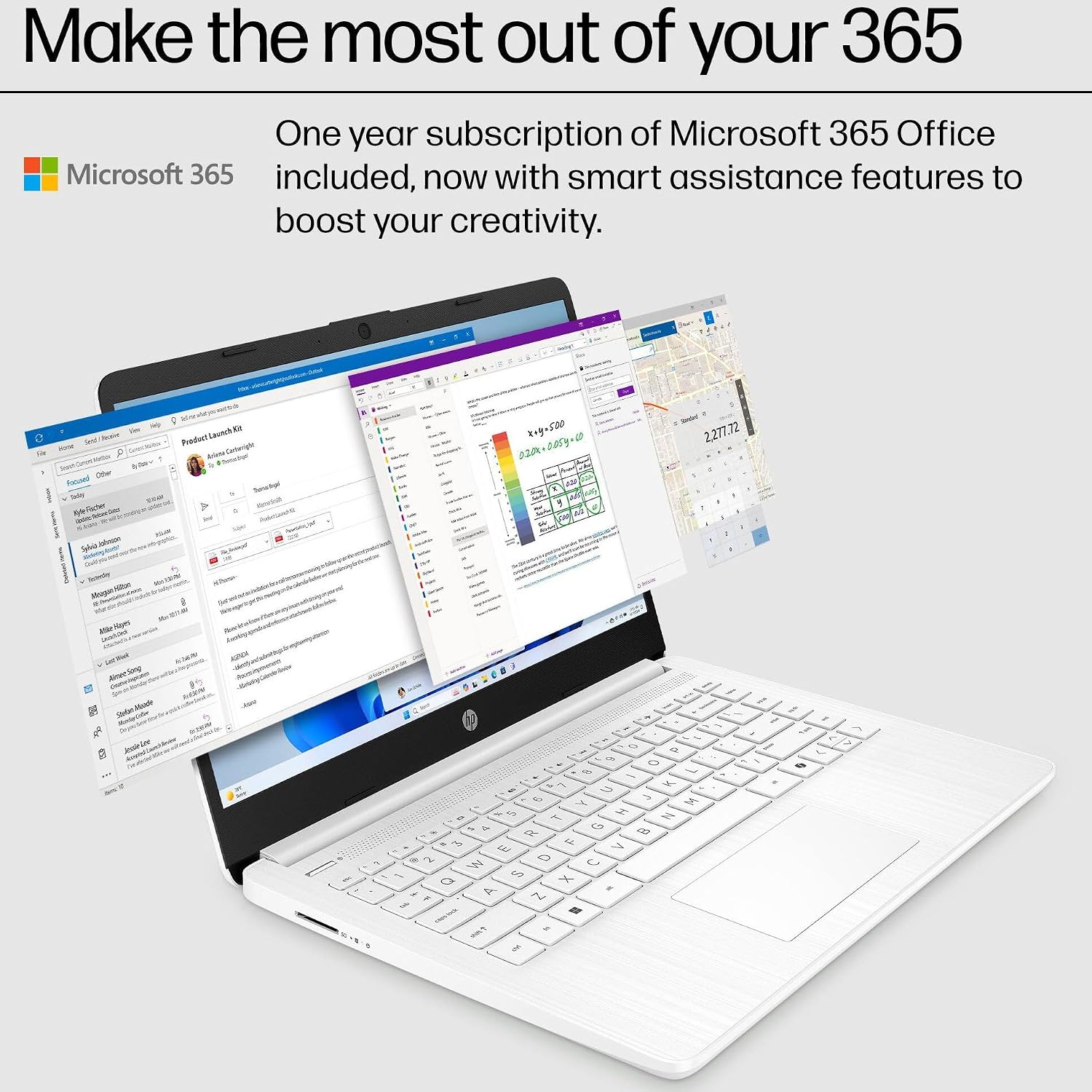
It suits you if you need a portable Windows laptop for class notes, online research, email, video calls, and basic documents. Picture a student carrying it to campus, opening a few browser tabs to research an assignment, then typing in a document and joining a video lesson. The included one-year Microsoft 365 subscription is relevant if Word, Excel, and PowerPoint are part of that routine.
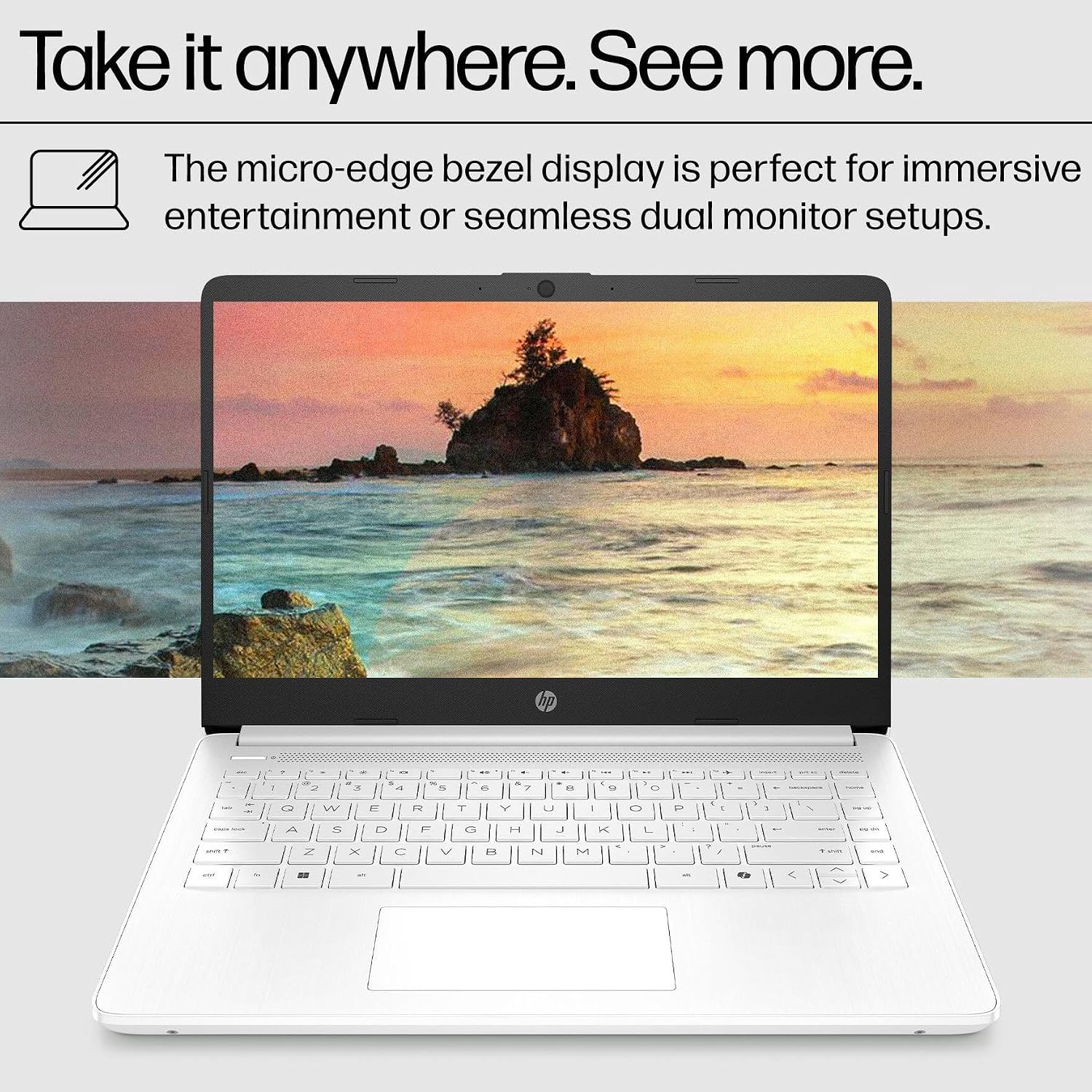
Not the best choice if your work depends on heavy multitasking, demanding games, or keeping a large media library on the device. The 4GB of memory and 64GB eMMC storage are the practical constraints here, shoppers expecting room for lots of installed apps and local files may prefer a laptop with more of both. The processor and Intel UHD Graphics are described for everyday computing and casual gaming, not high-performance creative work.
What you get
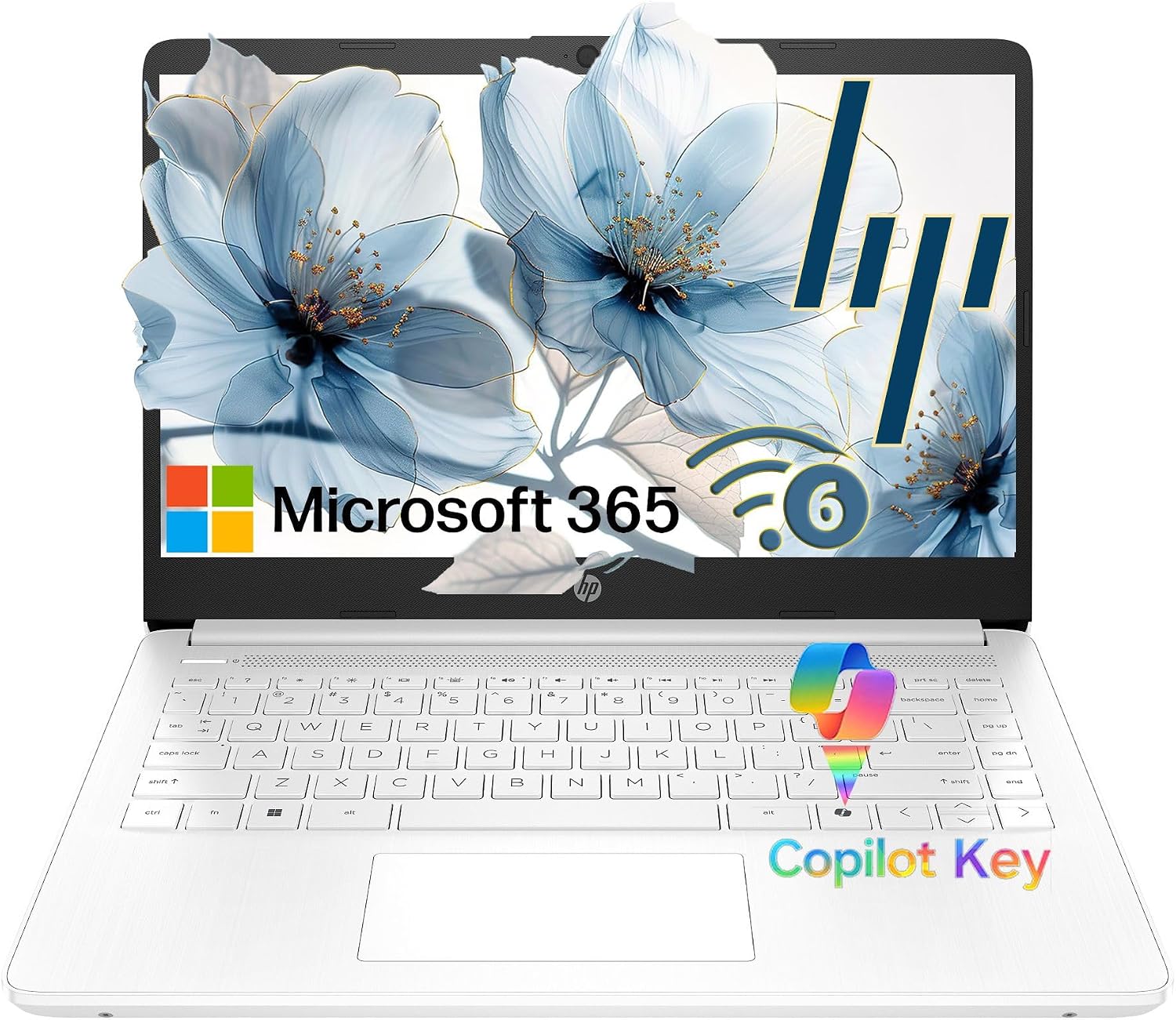
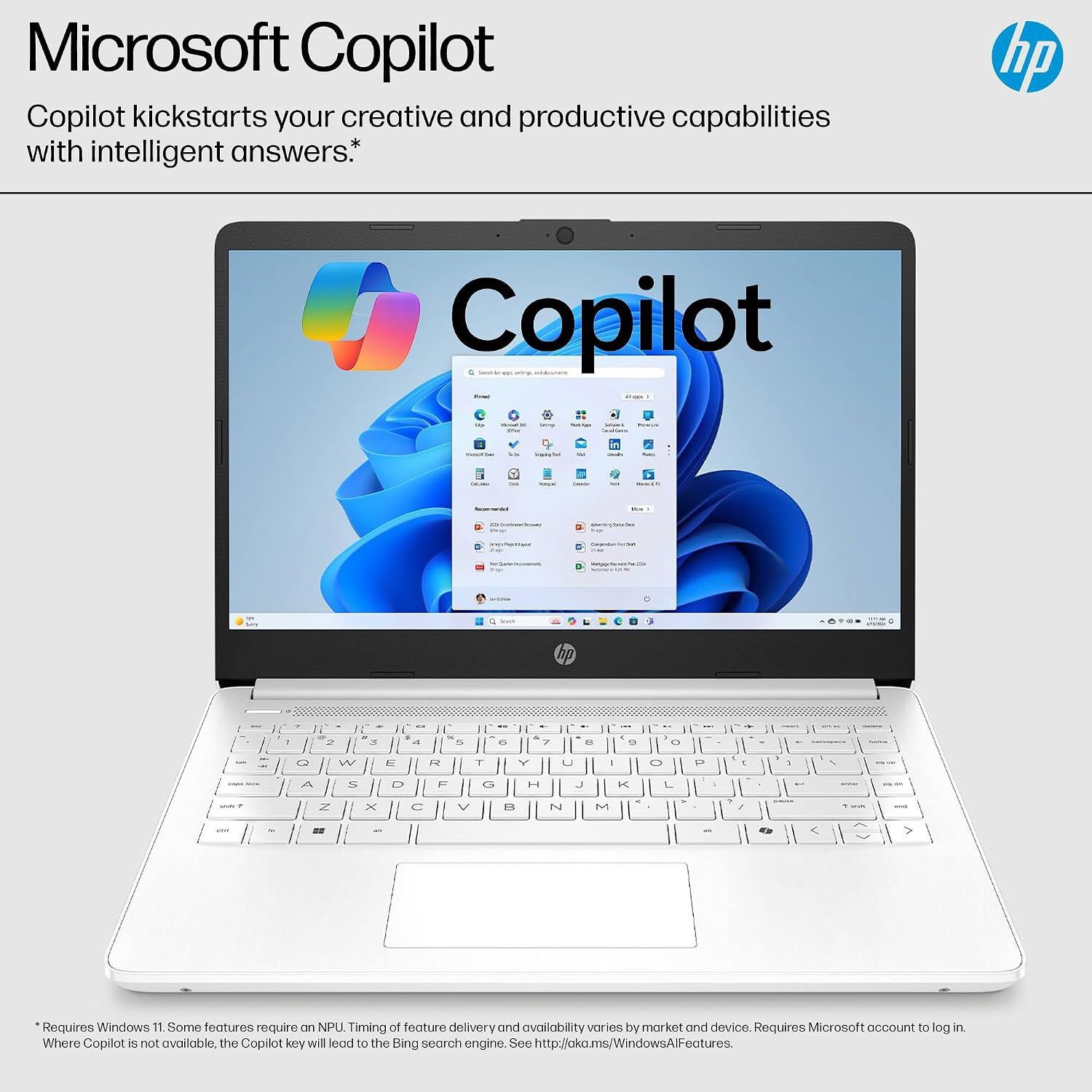
Along with the laptop, the listing specifies a 45W AC adapter and a one-year Microsoft 365 subscription. It also describes Microsoft Copilot integration with a dedicated Copilot key. Treat those extras as convenience features, not a substitute for stronger hardware if your workload is intensive. Windows 11 Home in S Mode is the specified edition, so make sure that setup fits the apps and software you intend to use before choosing it.
For moving between home and class, the slim profile and listed battery estimates are useful context: up to 12 hours of video playback or 7 hours 45 minutes of wireless streaming. Actual results can vary with use, and those figures are estimates rather than a promise for every school day. The micro-edge bezel design also keeps the display in a compact chassis, though the screen remains HD rather than a higher-resolution panel.
Before you decide
- Is Microsoft Office included? The listing specifies a one-year Microsoft 365 subscription with Word, Excel, and PowerPoint.
- Can it connect to an external display? HDMI 1.4b is listed, along with USB-C and USB-A ports.
- Does it have a built-in webcam? Yes. The described camera is HP True Vision 720p HD, with dual-array digital microphones.
Is it worth it?
On the spec sheet, this HP makes most sense as a light-duty student or everyday laptop where portability, a webcam, familiar productivity apps, and a useful range of ports come first. Compared with choosing a more demanding machine for heavier software or extensive local storage, this configuration prioritizes basic tasks and a compact design. Its clearest trade-off is limited memory and eMMC capacity, so buy it for browsing, documents, streaming, and online coursework—not as a flexible workstation for workloads that may grow.