

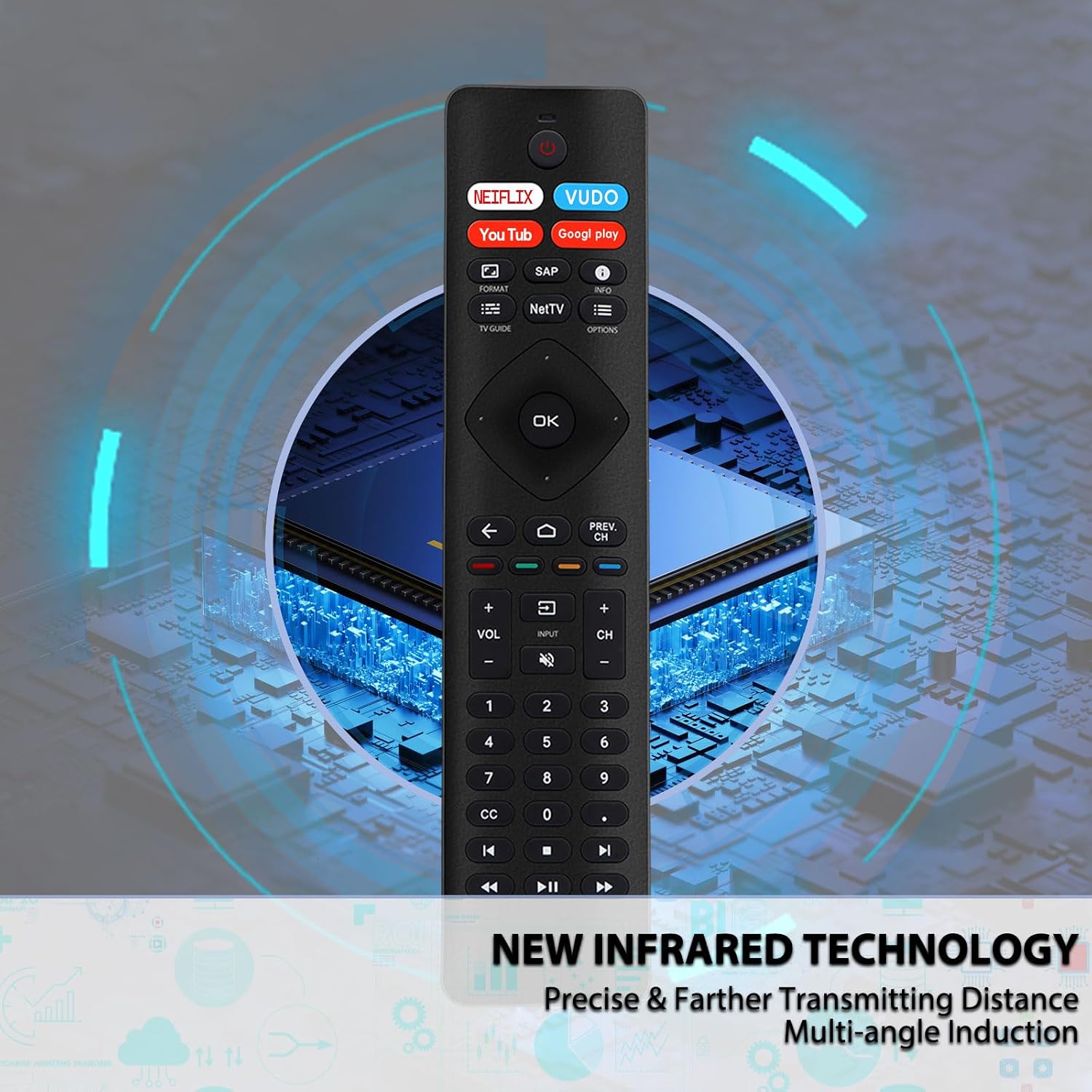
Gvirtue RF402A-V14 Philips TV Remote Replacement with 4 App Shortcuts
Product description
Key takeaways
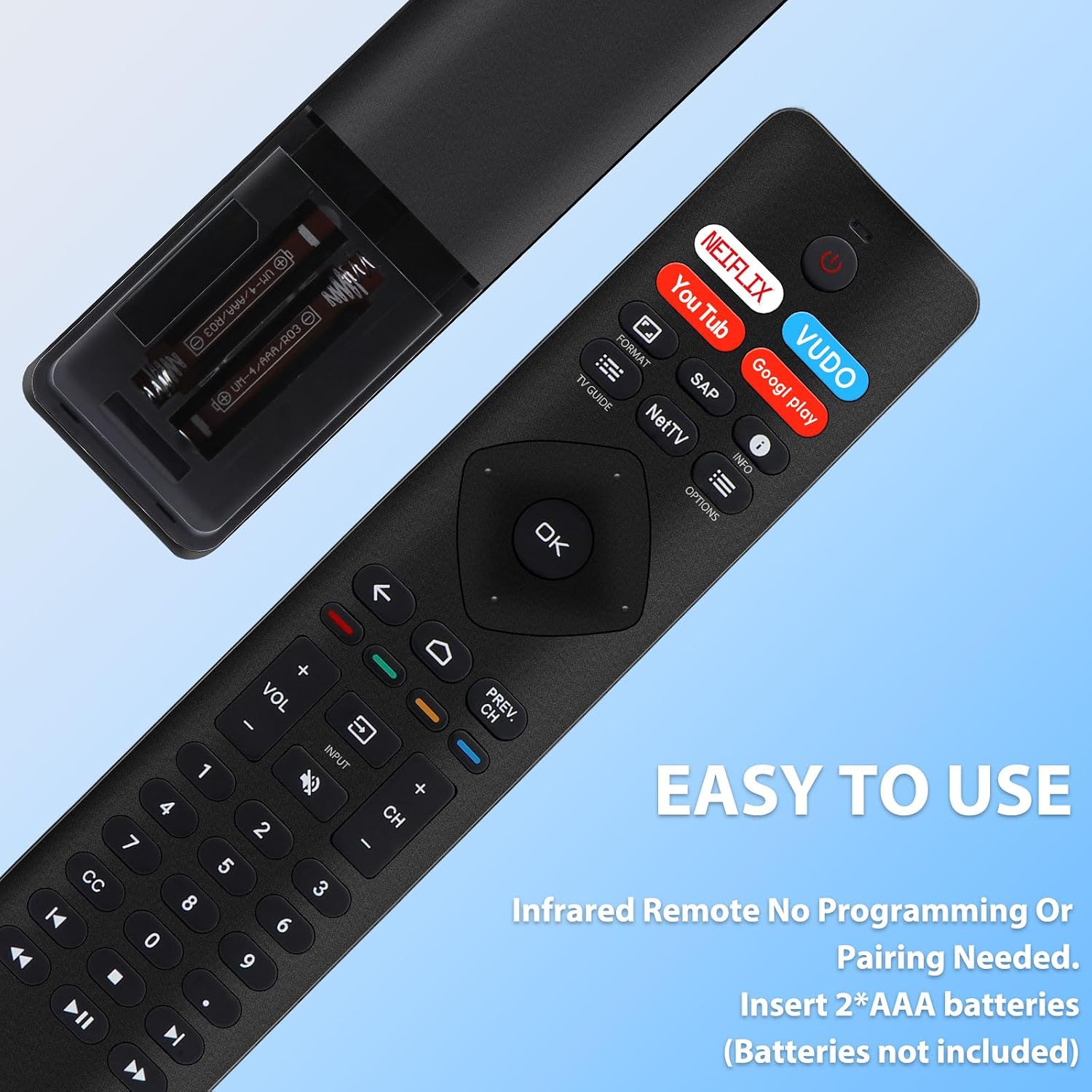
Replacing a Philips TV remote is straightforward with the Gvirtue RF402A-V14: its infrared control is designed for Philips TVs and requires no pairing or programming. Insert two AAA batteries and use the button layout to navigate the TV.
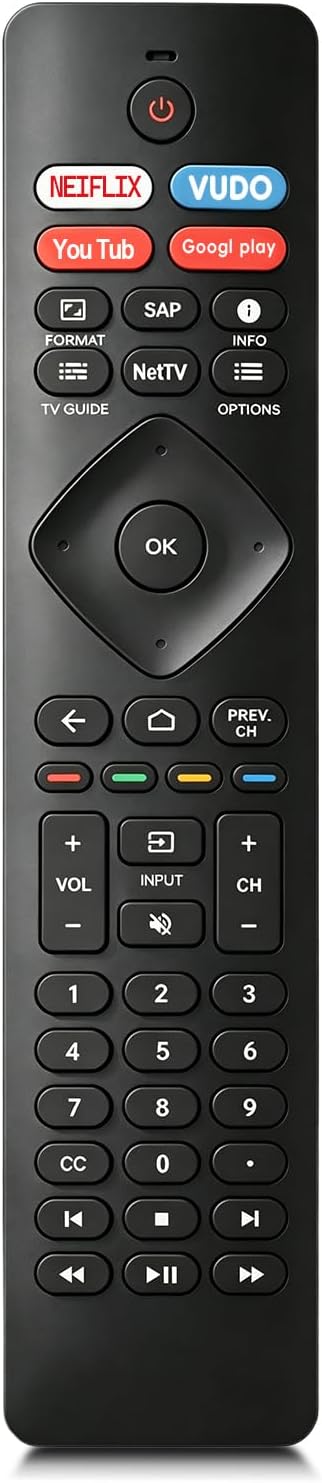
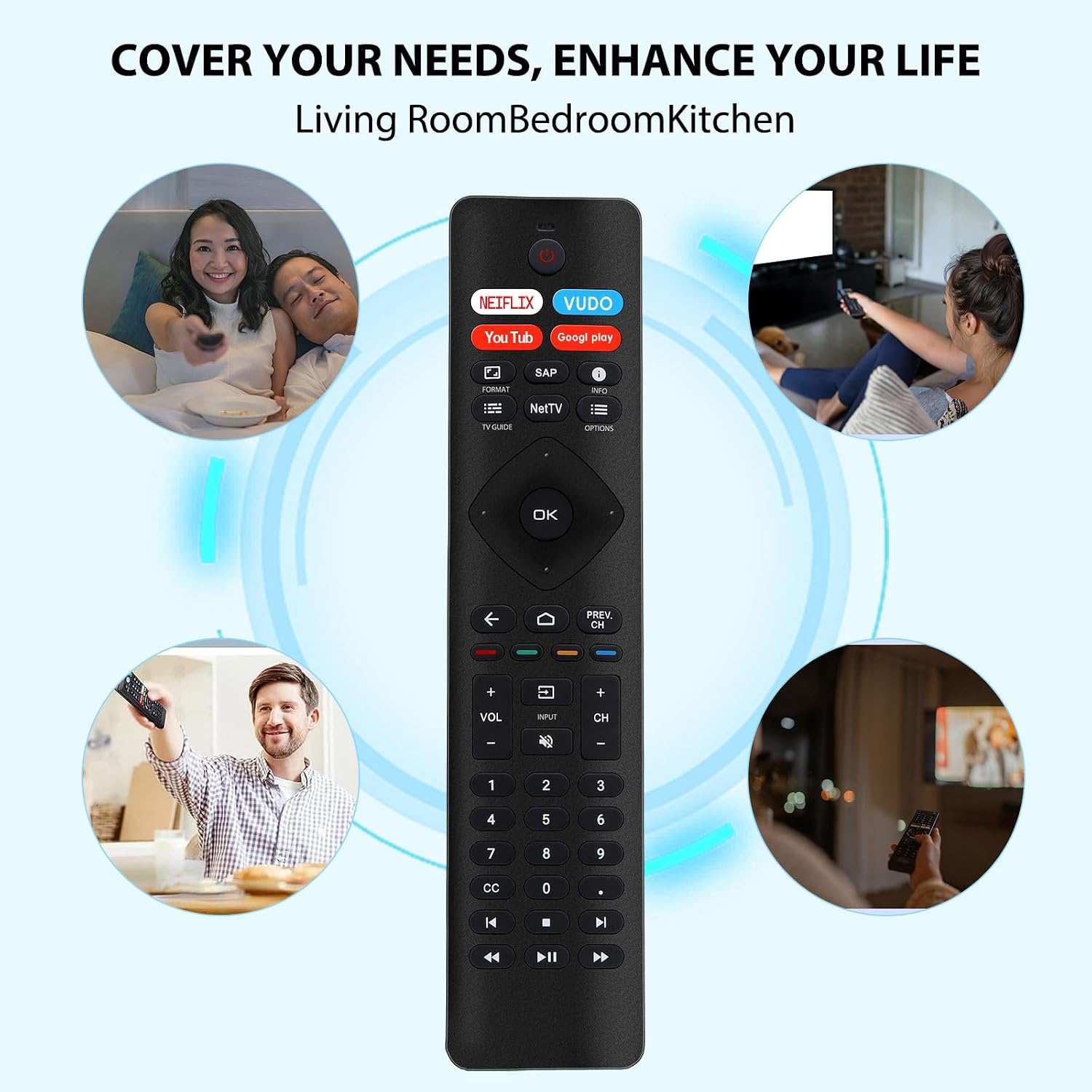
Four dedicated shortcuts provide direct access to Netflix, Vudu, YouTube, and Google Play. That makes the remote useful for viewers who regularly open those apps and want their controls in one place.
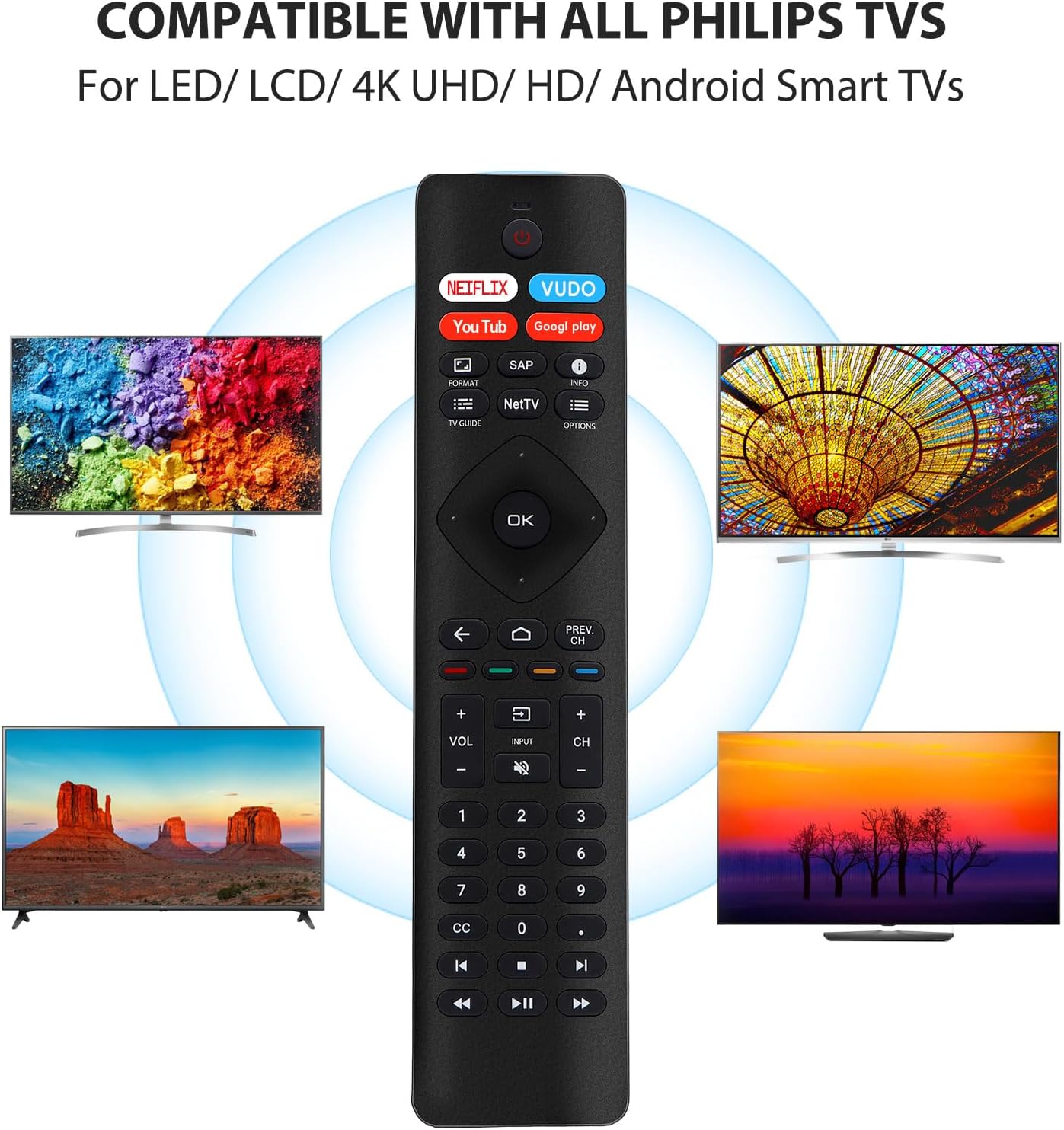
Its listed compatibility covers Philips Smart TVs as well as LED, LCD, HDTV, 3D, and 4K UHD models, including Philips Android and Google TV series. The remote supports one device, making it a focused replacement for controlling a Philips television rather than a multi-device controller.
How it fits
This Philips-specific remote combines infrared operation with an ergonomic, lightweight design and an intuitive button layout. Its stated effective range is up to 40 feet, giving you room to control the TV from across a typical viewing area. Since it does not require programming, setup is limited to inserting two AAA batteries, the batteries are sold separately.
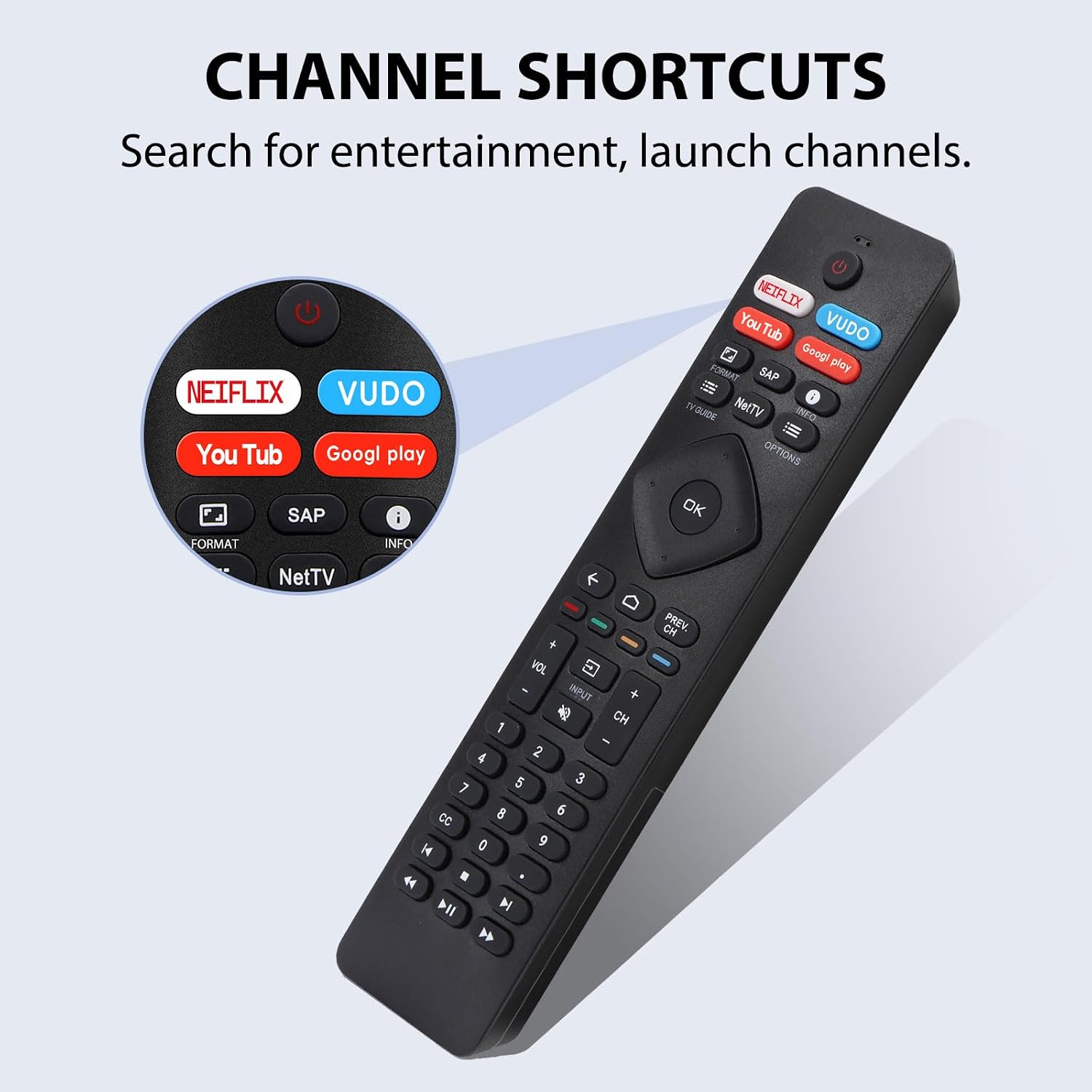
Compared with a general-purpose universal remote that may be chosen to manage several kinds of equipment, the RF402A-V14 is centered on Philips TV control. Its four app shortcuts are a practical distinction if Netflix, Vudu, YouTube, or Google Play are part of your regular viewing routine. The controls are designed for navigation as well as direct access, so the remote can serve as an everyday replacement rather than only as a backup.
Buyer feedback often describes the remote as easy to set up and use, and some customers appreciate its similarity to the original. Feedback on button response is mixed, however, and some buyers raise concerns about durability. These impressions can help set expectations while the documented features—Philips TV compatibility, infrared control, and app shortcuts—show how the remote is intended to be used.
Tips for day-to-day use
Install two AAA batteries before using the remote, then point it toward the TV for infrared control. Keep the remote within its stated 40-foot effective range and use the dedicated buttons for the listed streaming apps when you want to open them directly. The shortcut buttons cover Netflix, Vudu, YouTube, and Google Play, they are the key convenience feature for viewers who use those services on a compatible Philips TV.
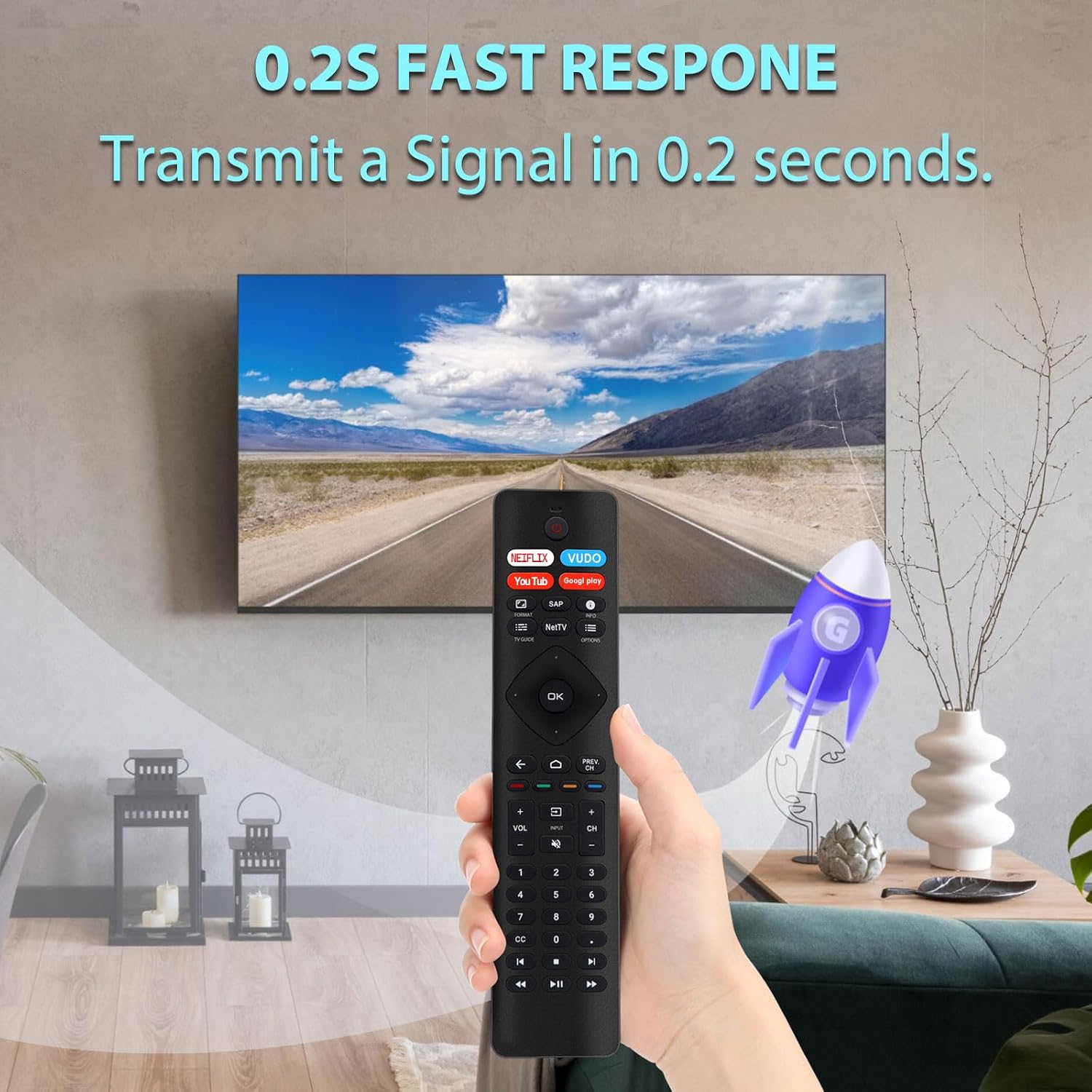
For a replacement purchase, match the remote to a Philips television and consider whether the supported app shortcuts align with your viewing habits. The model is intended for one device, so it suits a setup where the main goal is simple control of a single Philips TV.
Practical questions
Does this remote work with Philips Android and Google TVs? It is listed as compatible with all Philips Android and Google TV series, along with Philips Smart TVs and several other Philips TV types, including LED, LCD, HDTV, 3D, and 4K UHD models.
Does it need to be paired or programmed? No. The remote is described as requiring no pairing or programming, insert two AAA batteries to use it.
Which apps have dedicated shortcut buttons? The four shortcuts are for Netflix, Vudu, YouTube, and Google Play.
Is it worth it?
The Gvirtue RF402A-V14 is a practical choice when you need a Philips TV replacement remote with straightforward infrared operation and direct buttons for four popular streaming apps. Its no-programming setup keeps the changeover simple, while the stated compatibility across Philips TV series makes it a useful fit for everyday television control.