

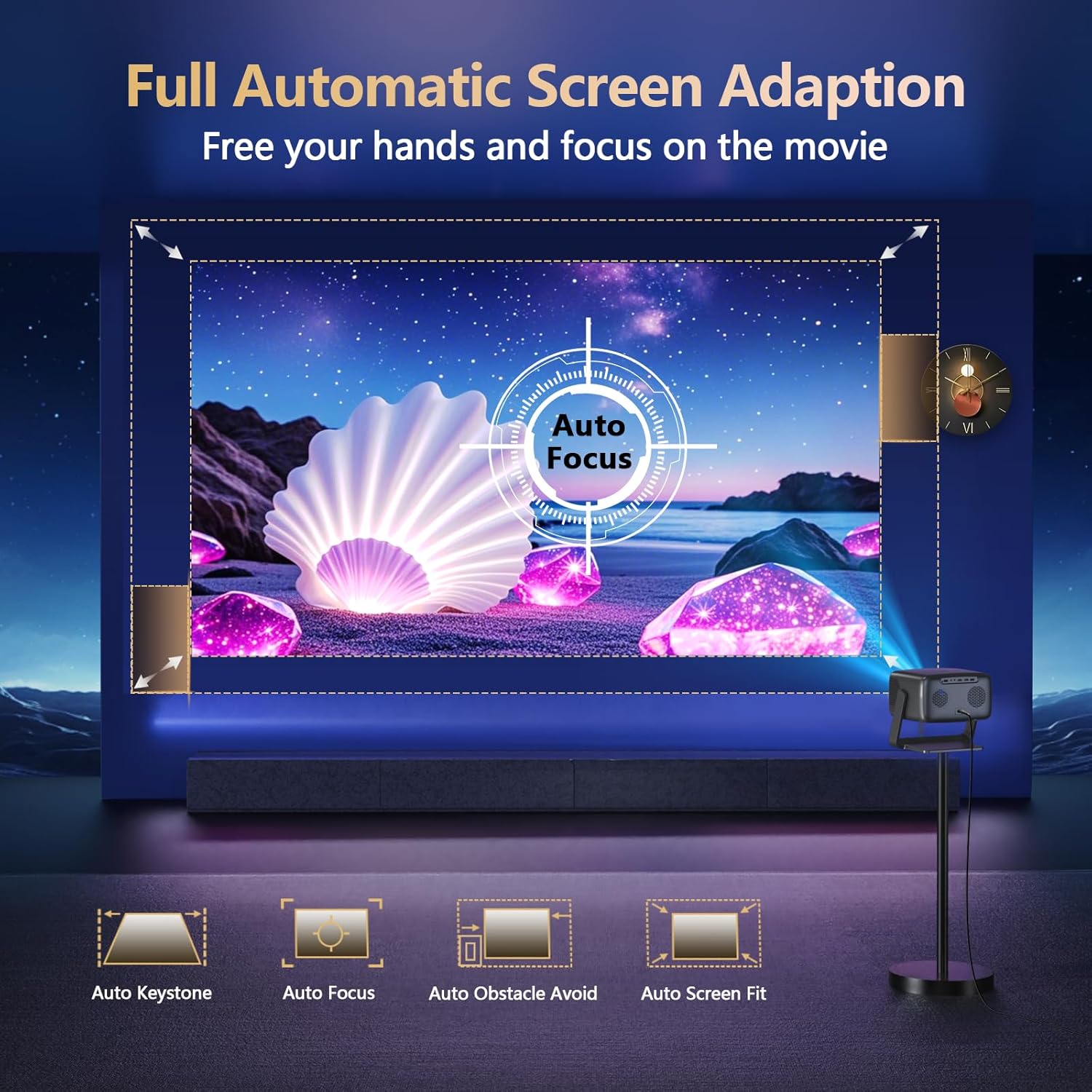
GO2 4K Projector
Product description
What to know
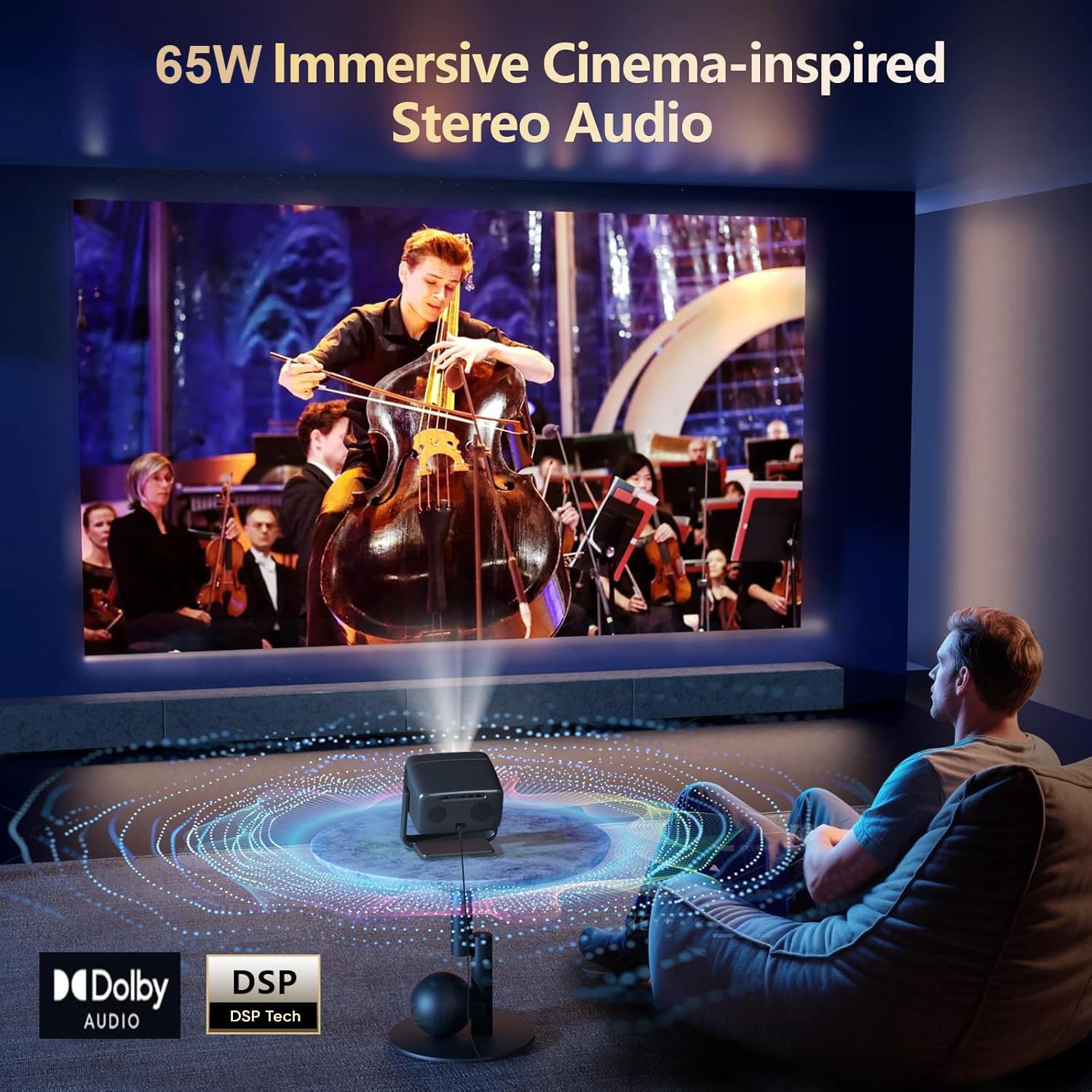
The GO2 pairs a claimed 5000 ANSI brightness rating with 65W Dolby-supported stereo audio, aiming to make movie nights less dependent on separate speakers. Its VIDAA system also puts streaming apps, live TV channels, and built-in games on the projector, so a living room or backyard setup can work without adding a streaming box for those functions.
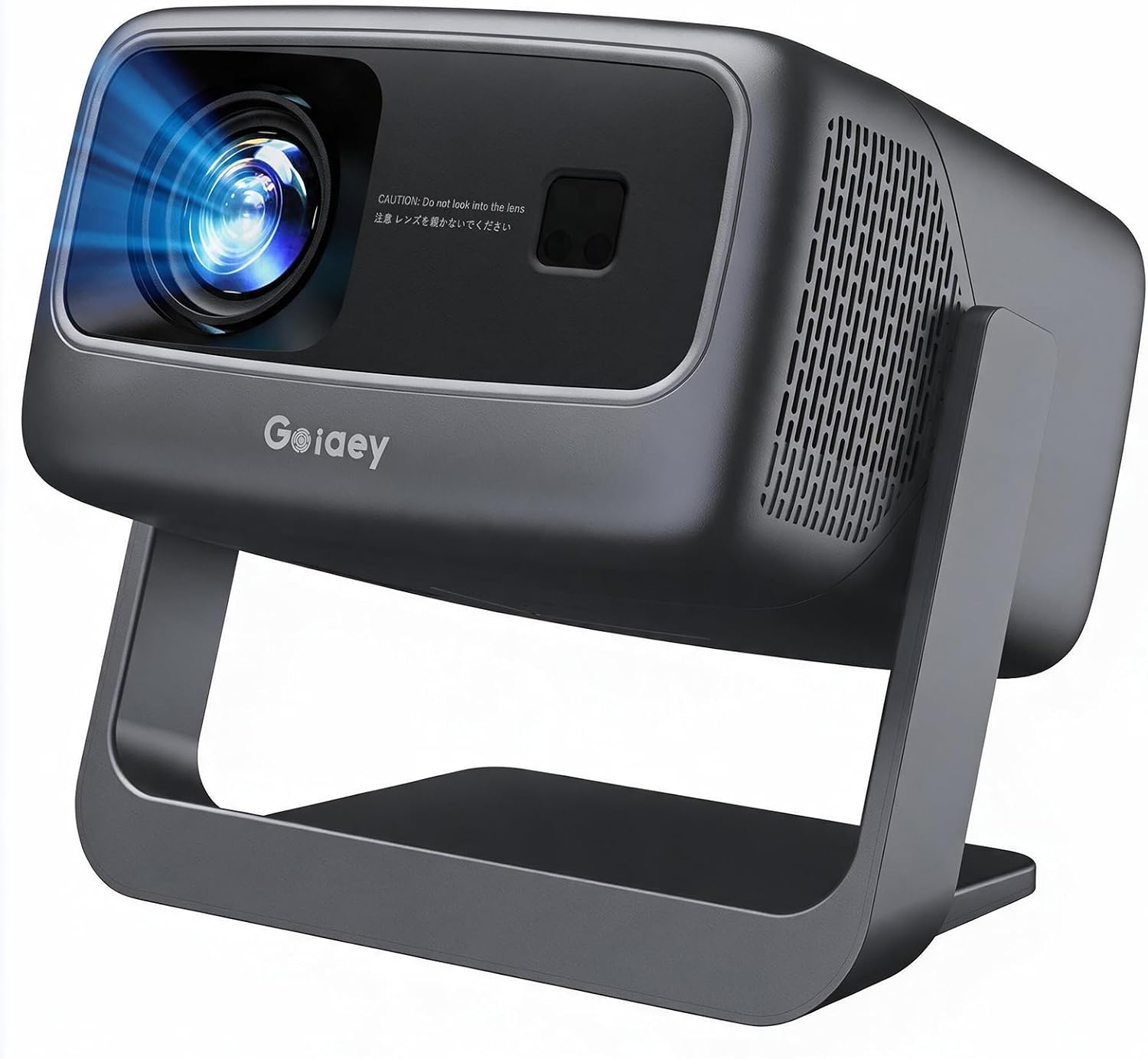
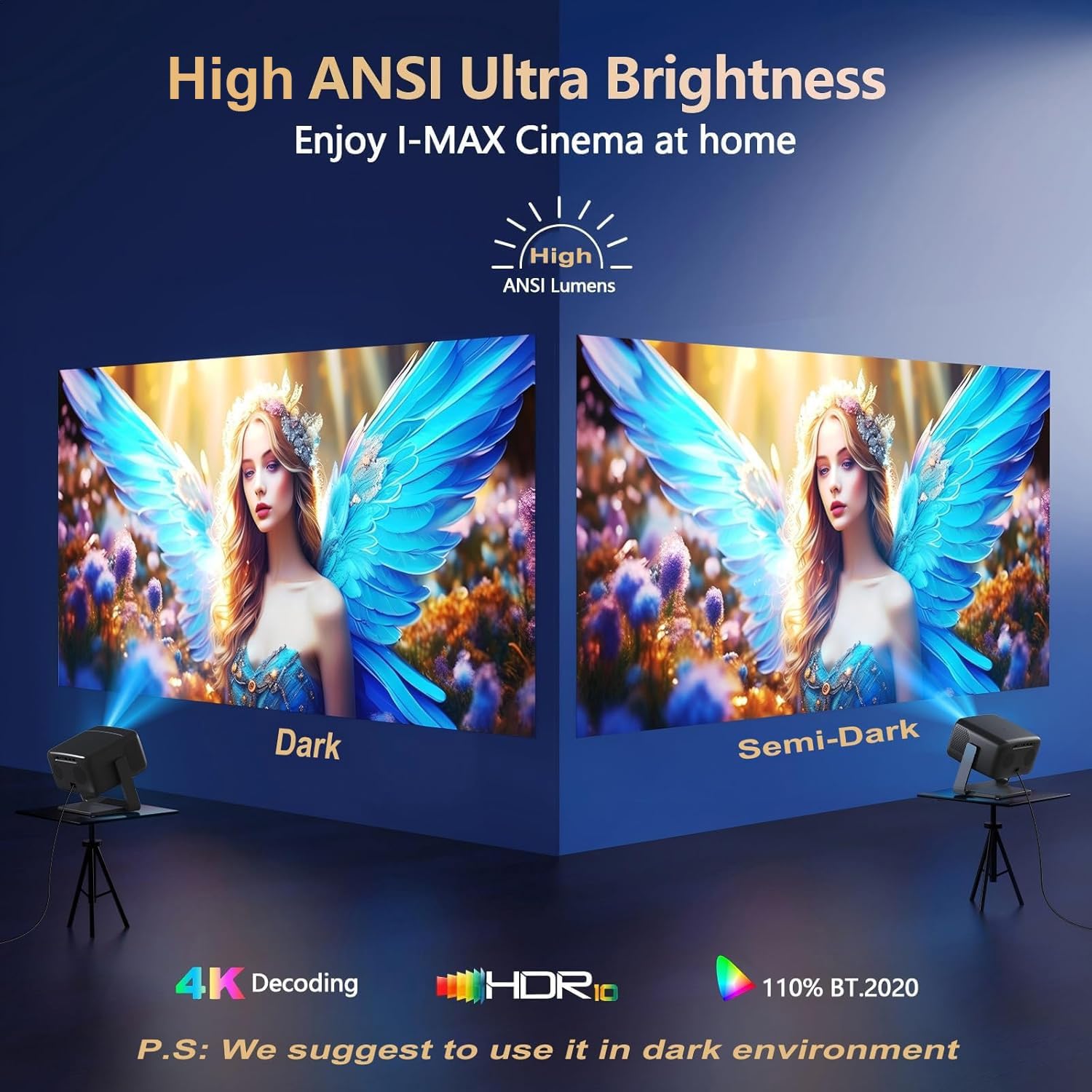
Keep in mind that the listing says it is not suitable for a bright room. From the way it is set up, it makes more sense for dim interiors or outdoor viewing after dark than for daytime presentations. The 4K wording is provided, but the product details here do not specify native resolution.
How to use it
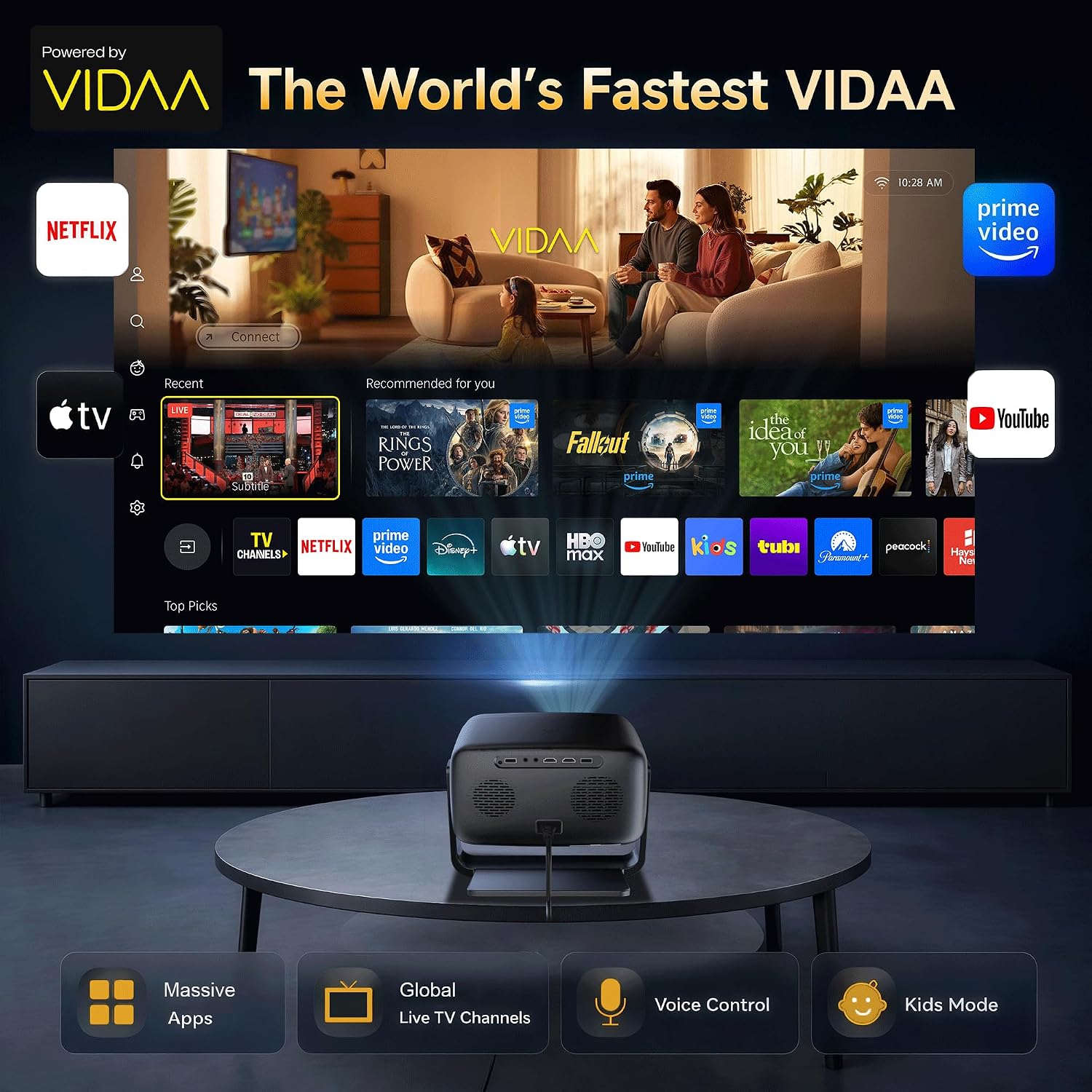
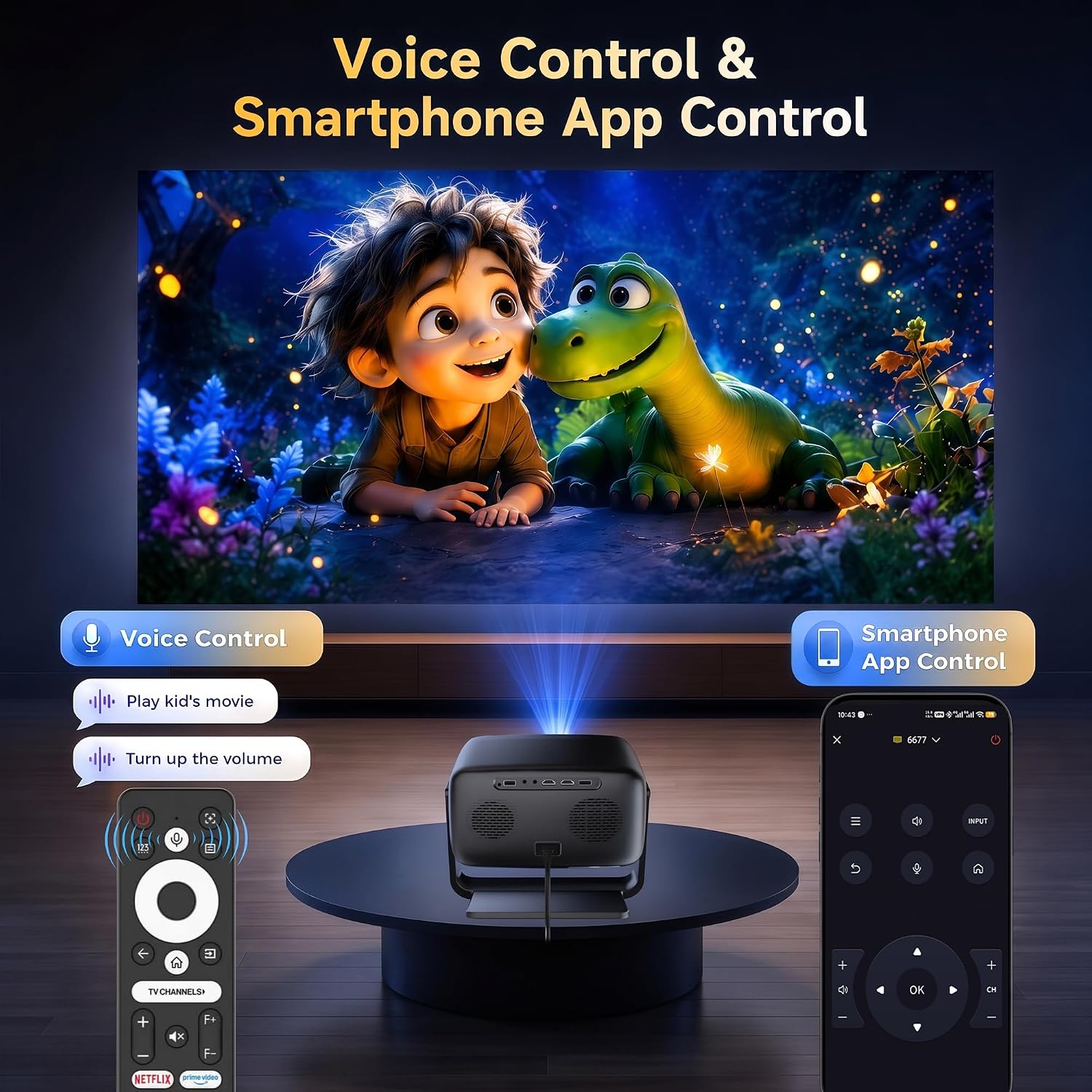
Treat it as a projection and streaming hub: choose content through VIDAA, use voice control or the smartphone app, and send compatible iOS screen content through Apple AirPlay. The listing names apps including Netflix, YouTube, Disney+, Apple TV+, and HBO Max, along with more than 1,000 global TV channels and built-in games. App availability and channel selection may depend on the service and region, the description does not spell out those conditions.
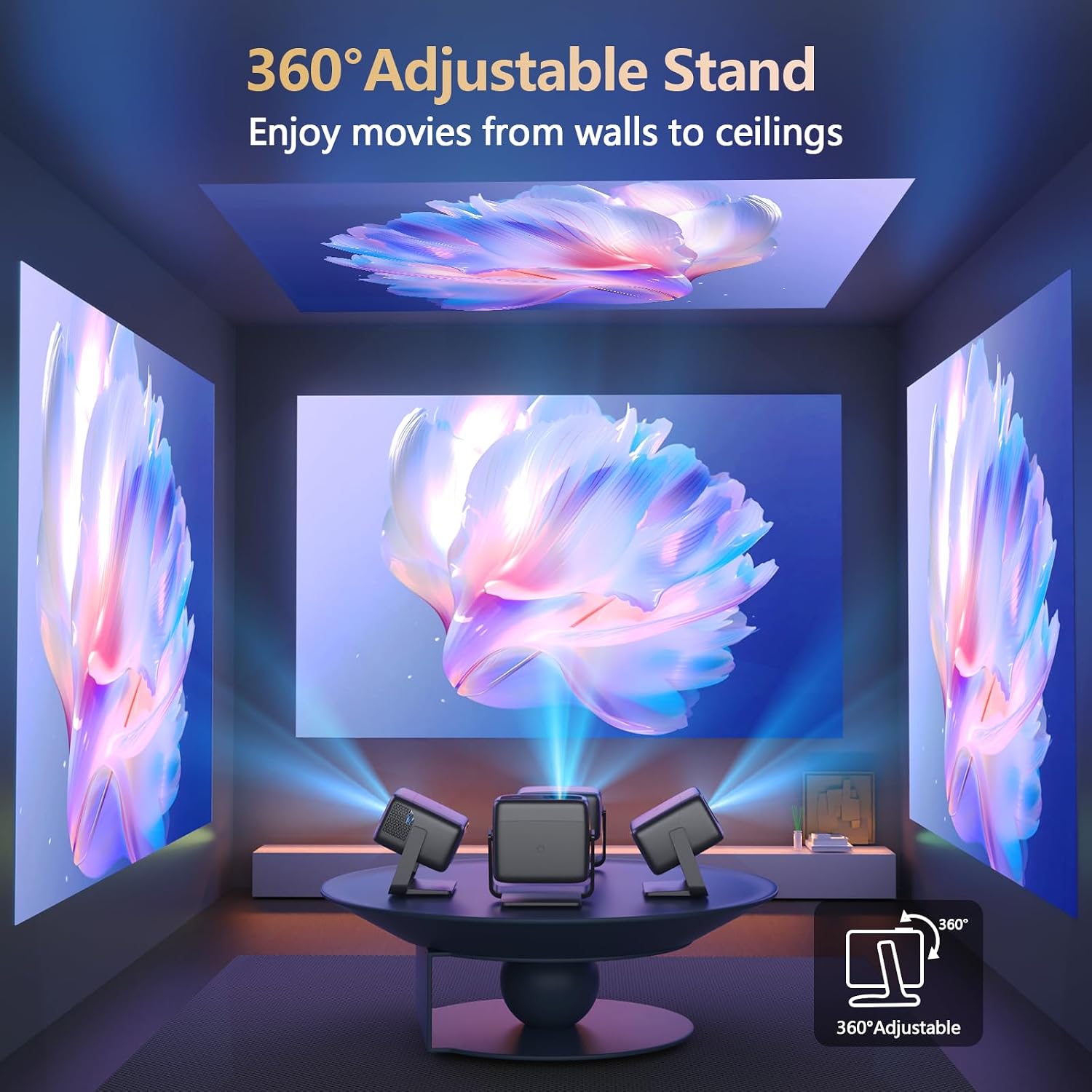
For a large image, the stated short-throw example is 100 inches from 8 feet. That gives you a concrete starting point when deciding whether a bedroom wall or outdoor screen has enough space. It is a useful distinction from a standard-throw setup that needs more distance, though the provided details do not give a full range of image sizes or placement adjustments.
Practical tips
Before choosing a spot, measure the distance from the projector to the surface: the 100-inch example still calls for 8 feet. For a backyard movie, plan around nighttime use rather than assuming the image will remain clear under strong ambient light. Indoors, the built-in 65W speakers may reduce the need for an external audio system, while the voice and phone controls offer alternatives to navigating everything with a remote.
The parental control mode and dedicated kids’ channel may be useful in a family room, especially when children use the projector without an adult selecting each title. If you mainly want a simple picture source and already own a streaming device and speakers, those built-in features may matter less than image placement and room lighting.
Before you decide
Does it need a separate streaming device? The description lists VIDAA apps, live TV channels, and built-in games, so those functions are presented as built in. It does not provide details about subscriptions or regional availability.
Can it be used outdoors? Outdoor night movies are a stated use. Its brightness is not described as suitable for bright rooms, so ambient light is an important constraint.
Can a phone control it? Yes. Smartphone app control is listed, alongside voice control and Apple AirPlay support for iOS devices.
When it makes sense
It suits you if you want one device for streaming, live channels, and occasional big-screen gaming, and you can use it in a dim room or after dark outdoors. The short-throw example is especially relevant when you want a 100-inch picture without placing the projector as far back as a longer-throw design might require.
Not the best choice if you need a dependable image in a bright room, or if you require confirmed native-resolution details before buying. The sensible call is to choose the GO2 for its built-in entertainment and audio features when the room and viewing distance fit, choose a more basic projector instead if you do not need the smart-TV functions, or look for a model with clearly stated resolution details if that is a deciding factor.