

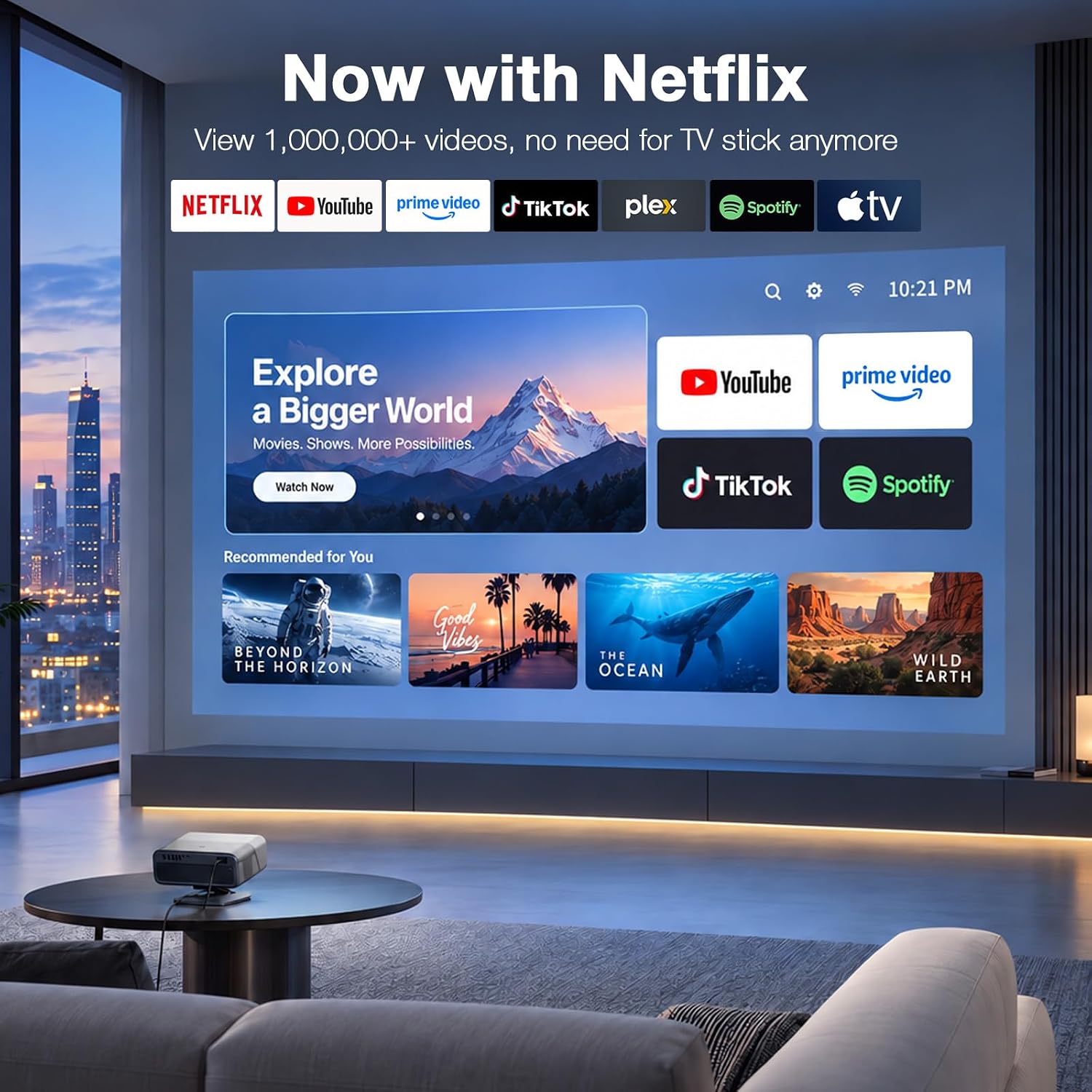
VISSPL Smart Projector with 4K Support
Product description
Quick overview
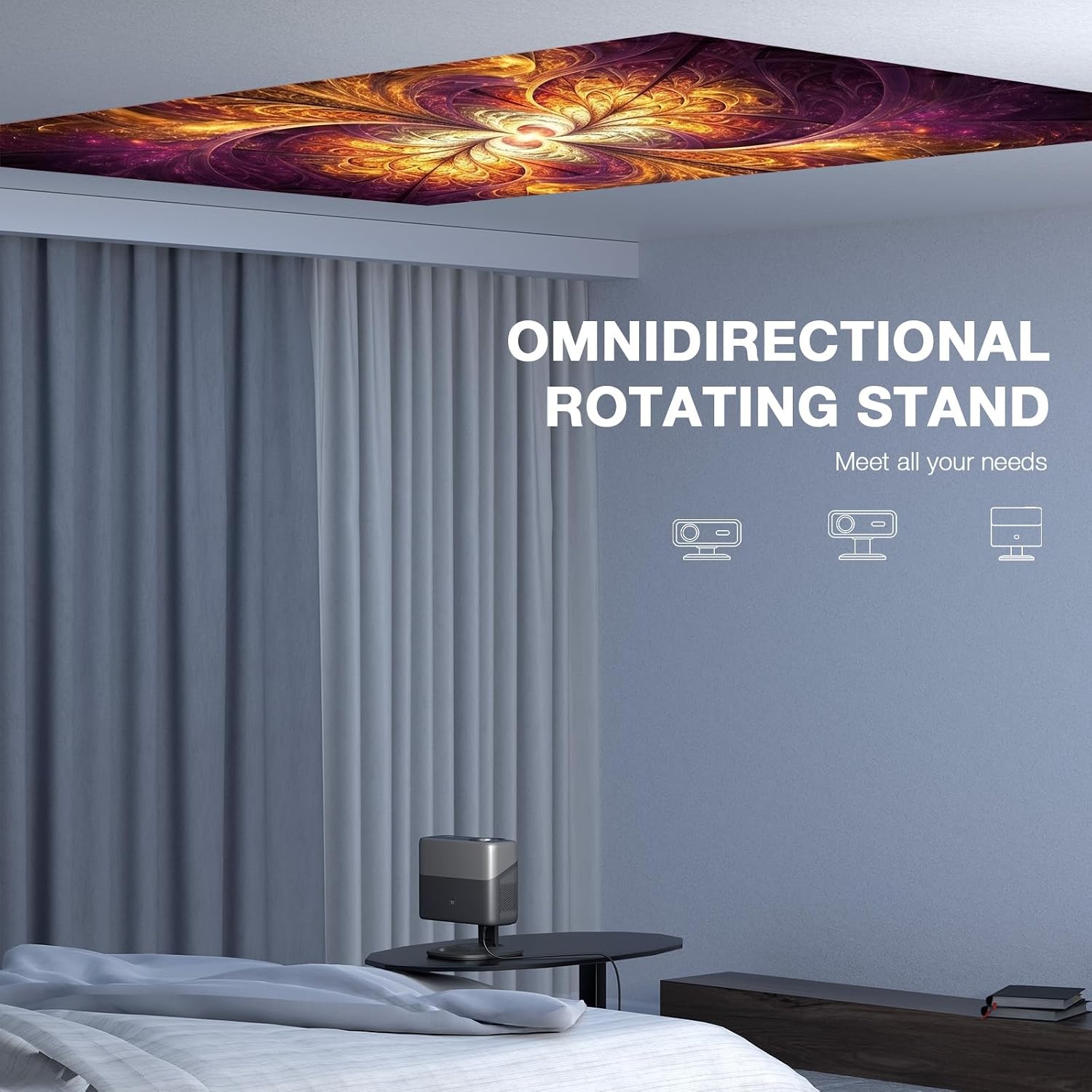
The 360° rotatable stand gives this VISSPL projector more placement flexibility than a fixed-foot design, whether you’re aiming at a wall or adjusting the picture for a different room setup.
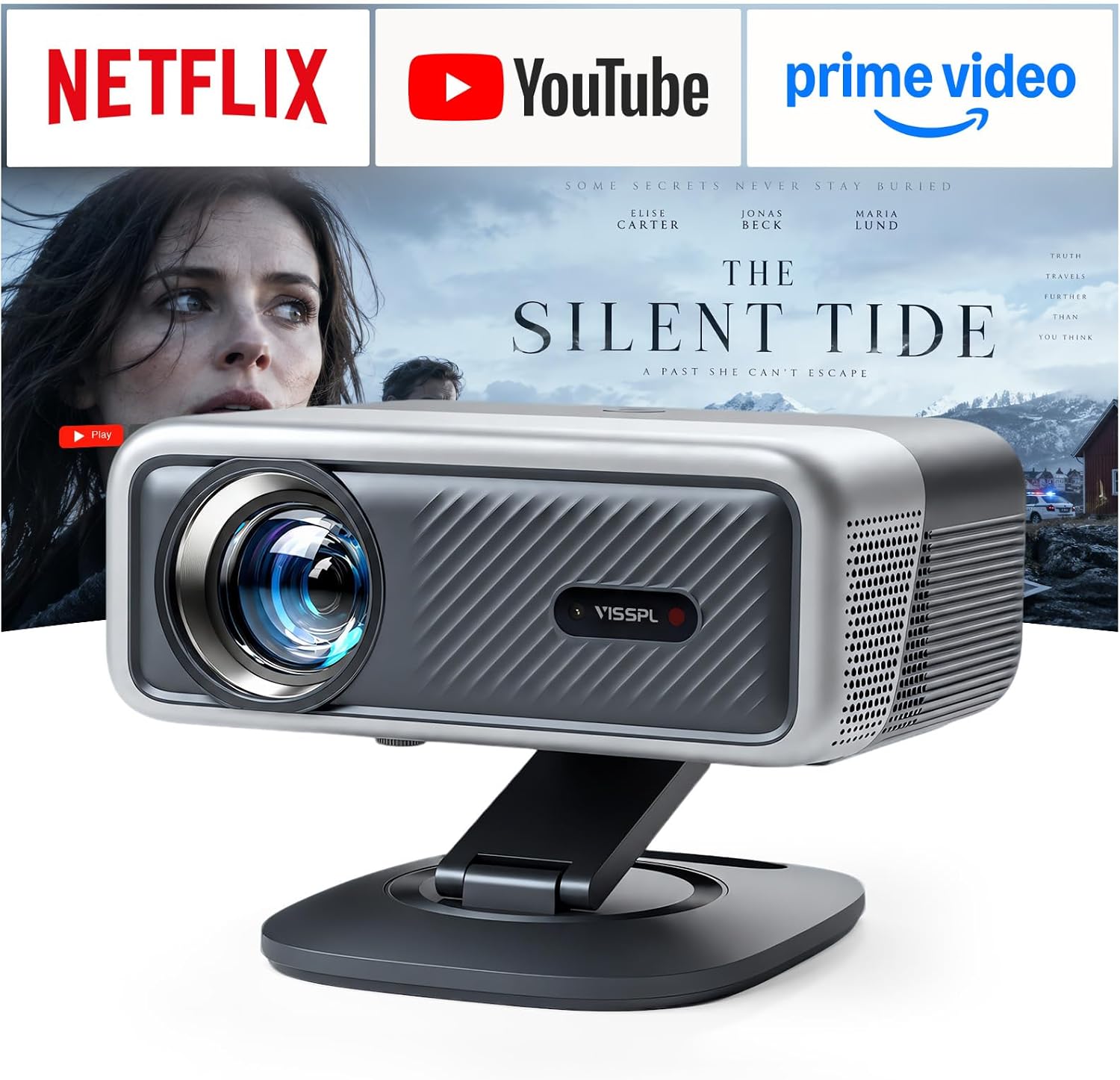
It combines built-in streaming apps, Wi-Fi 6, Bluetooth 5.2, and Dolby Audio, so there are fewer separate pieces to arrange for a movie night. Netflix is named in the product title, and the listing also mentions Prime Video and YouTube.
One important distinction: this is a native 1080p projector that accepts 4K signals and downscales them. Its 4K compatibility doesn’t mean it displays native 4K resolution.

How to use it
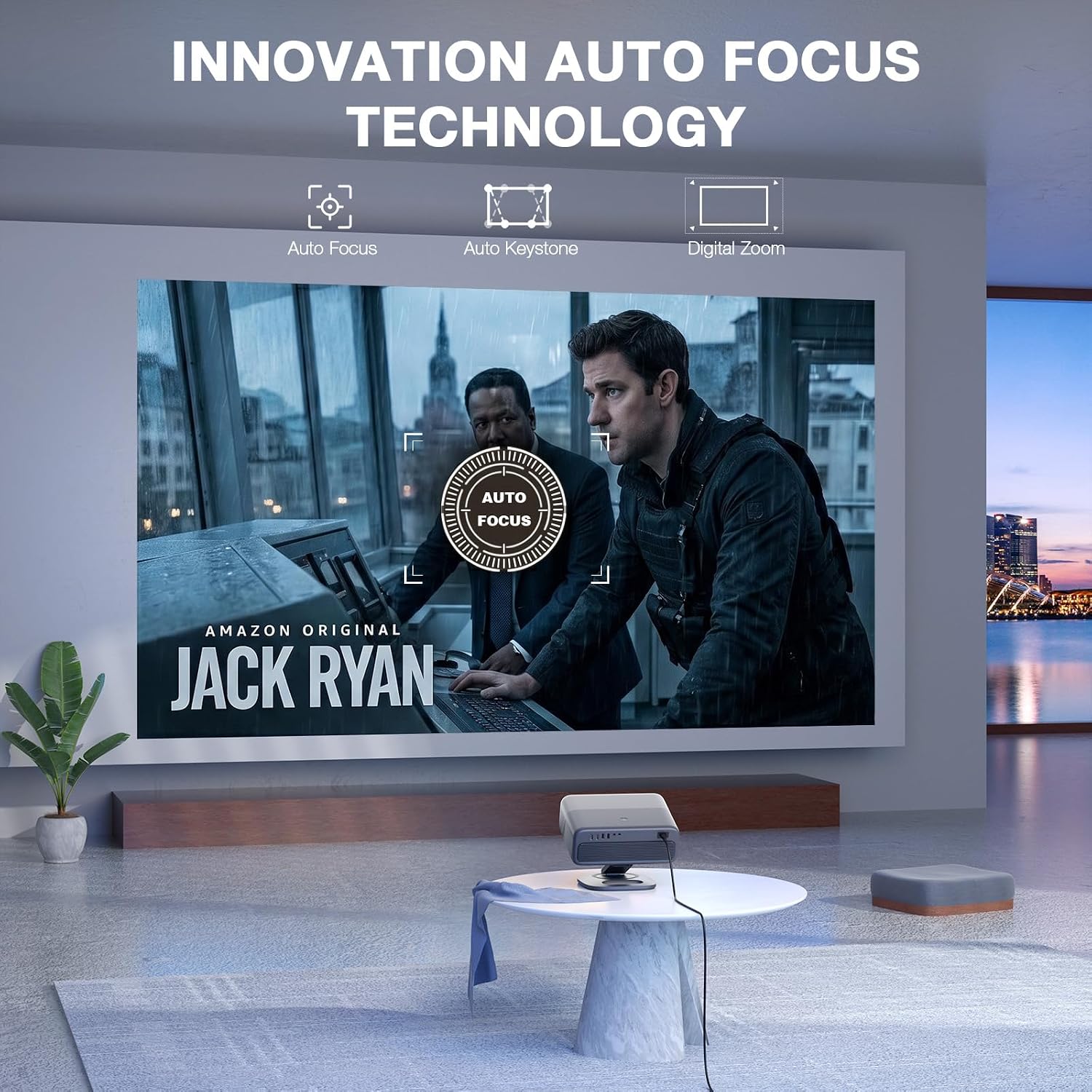
For a living-room movie, set the projector on a stable surface, rotate or tilt the stand toward your screen or wall, then use the automatic focus and keystone correction to help shape the image. The listing describes TOF autofocus and automatic keystone correction, which should reduce the amount of manual adjustment during setup.
You can stream through the built-in apps or connect a device through HDMI or USB. Wi-Fi 6 and Bluetooth 5.2 are listed for wireless connections, while AirPlay, Miracast, and DLNA are named for screen mirroring. Keep in mind that the advertised 5000 ANSI lumens don’t tell you the image size or throw distance, those details aren’t provided, so placement may take some experimenting.
Practical tips
For an outdoor gathering, try a dark spot after sunset and aim at a flat, light-colored surface. That gives the projected image a better chance of standing out than a brightly lit yard or an uneven wall. For example, you could set the projector on a patio table, tilt the stand toward a blank wall, and use the autofocus before guests settle in.
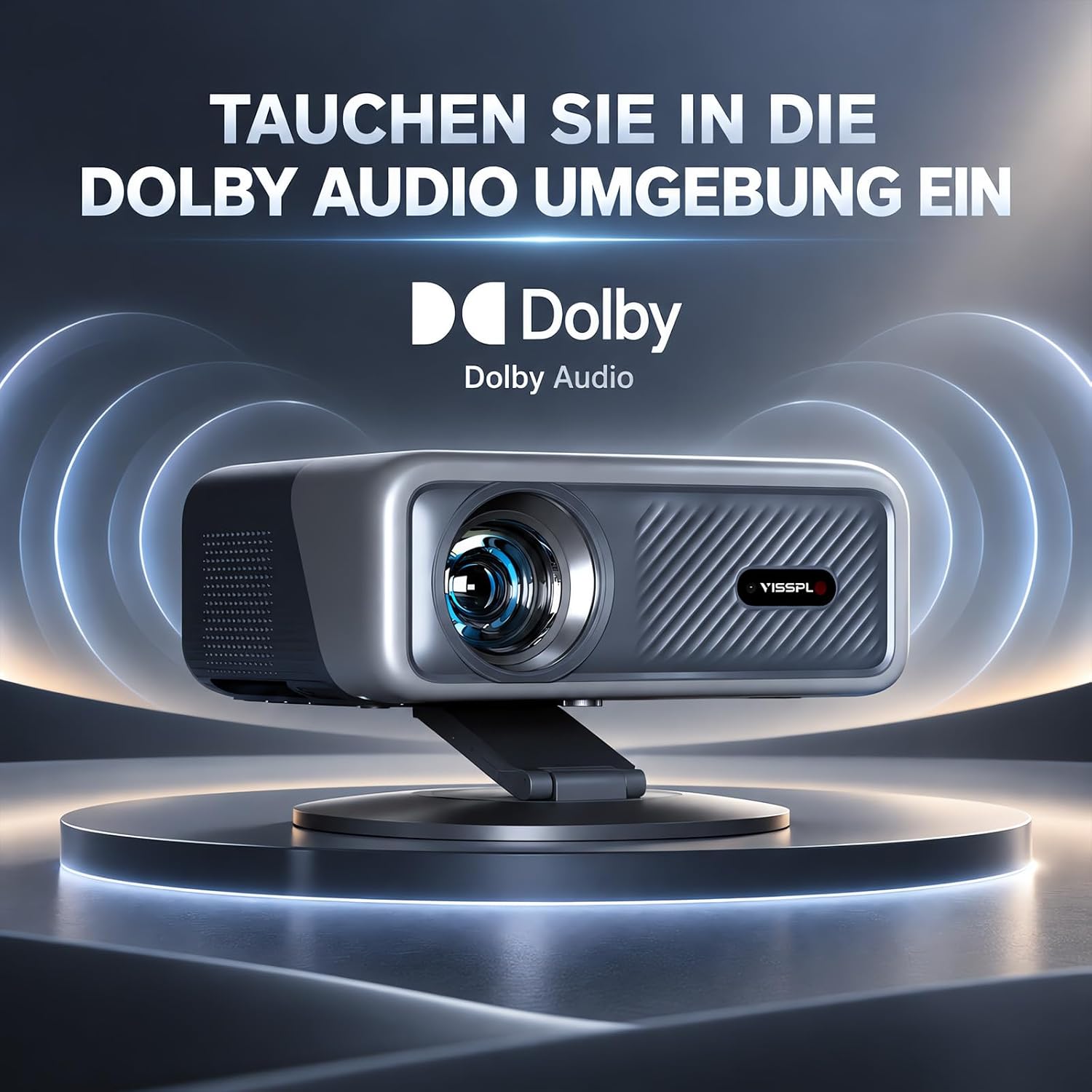
The rotating, removable stand may suit people who move a projector between rooms or want to avoid setting up a separate tripod. If you mostly watch from one fixed position, a simpler projector with a basic stand may be enough. The built-in Dolby Audio also offers a way to start watching without first connecting a separate speaker, though the listing doesn’t provide detailed speaker specifications for comparing sound output.
Before you decide
Does it show native 4K? No. The listed native resolution is 1080p, it accepts 4K input and scales it down.
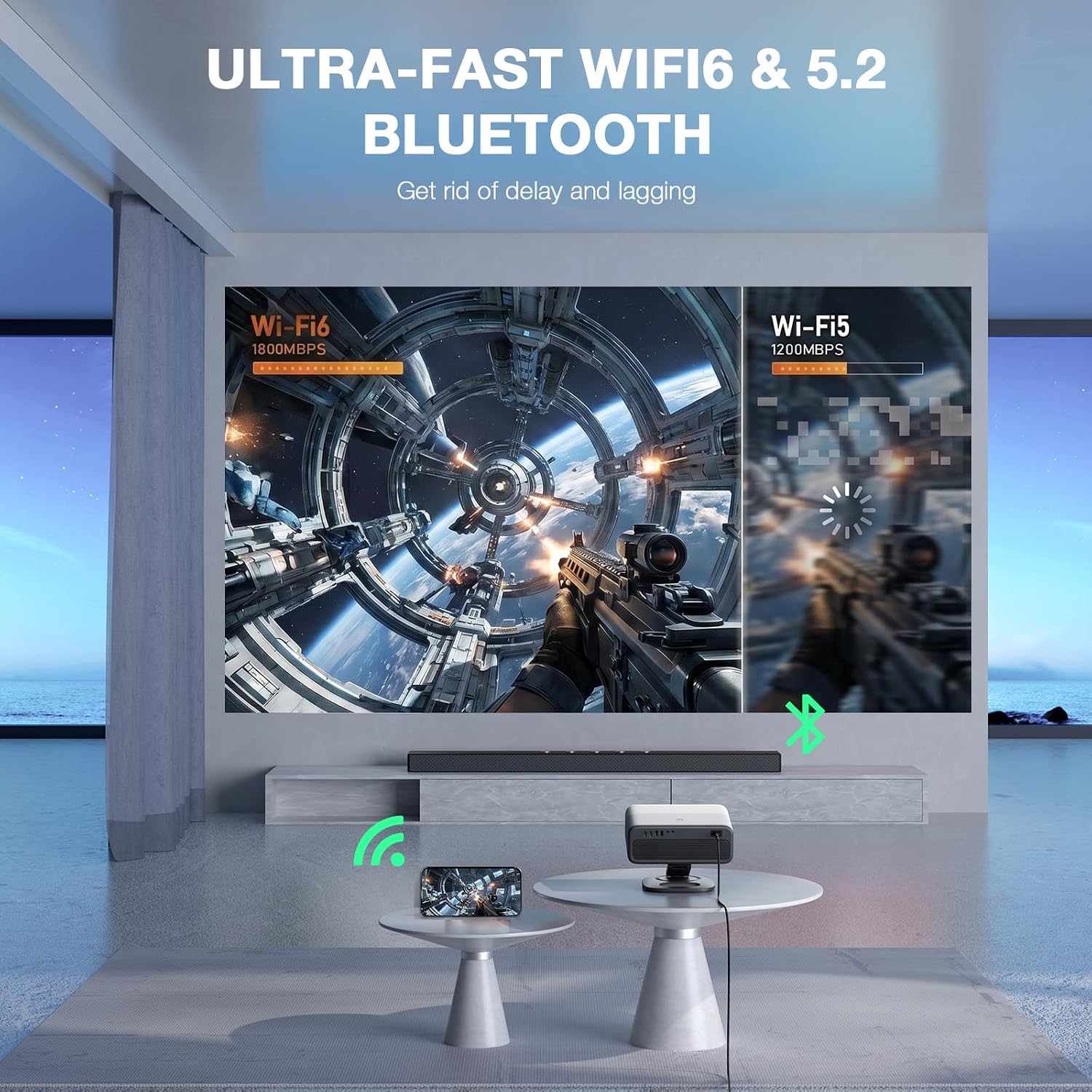
Can you use streaming apps without a separate stick? The product description lists built-in apps, including Prime Video and YouTube, and the product title mentions Netflix. App availability or updates can change, so check that your preferred service is included.
Can it project at different angles? The stand is described as rotating 360° horizontally and tilting 180° vertically, with automatic keystone correction to help square the image.
Should you buy it?
A solid pick if you want a flexible setup with built-in streaming, wireless connections, and a stand that can point in more than one direction. It’s also worth considering for casual movie nights when native 1080p is sufficient and you’d rather not assemble a separate streaming setup.
Not the best choice if native 4K detail is a priority, or if you need confirmed screen-size and throw-distance guidance before choosing a spot. Those specifications aren’t included here, so buyers planning a precise installation will need more placement information. For an occasional bedroom or backyard screening, the feature mix is more relevant than a fixed theater installation where exact image dimensions matter.