

GL.iNet Comet GL-RM1 Remote KVM 4K
Product description
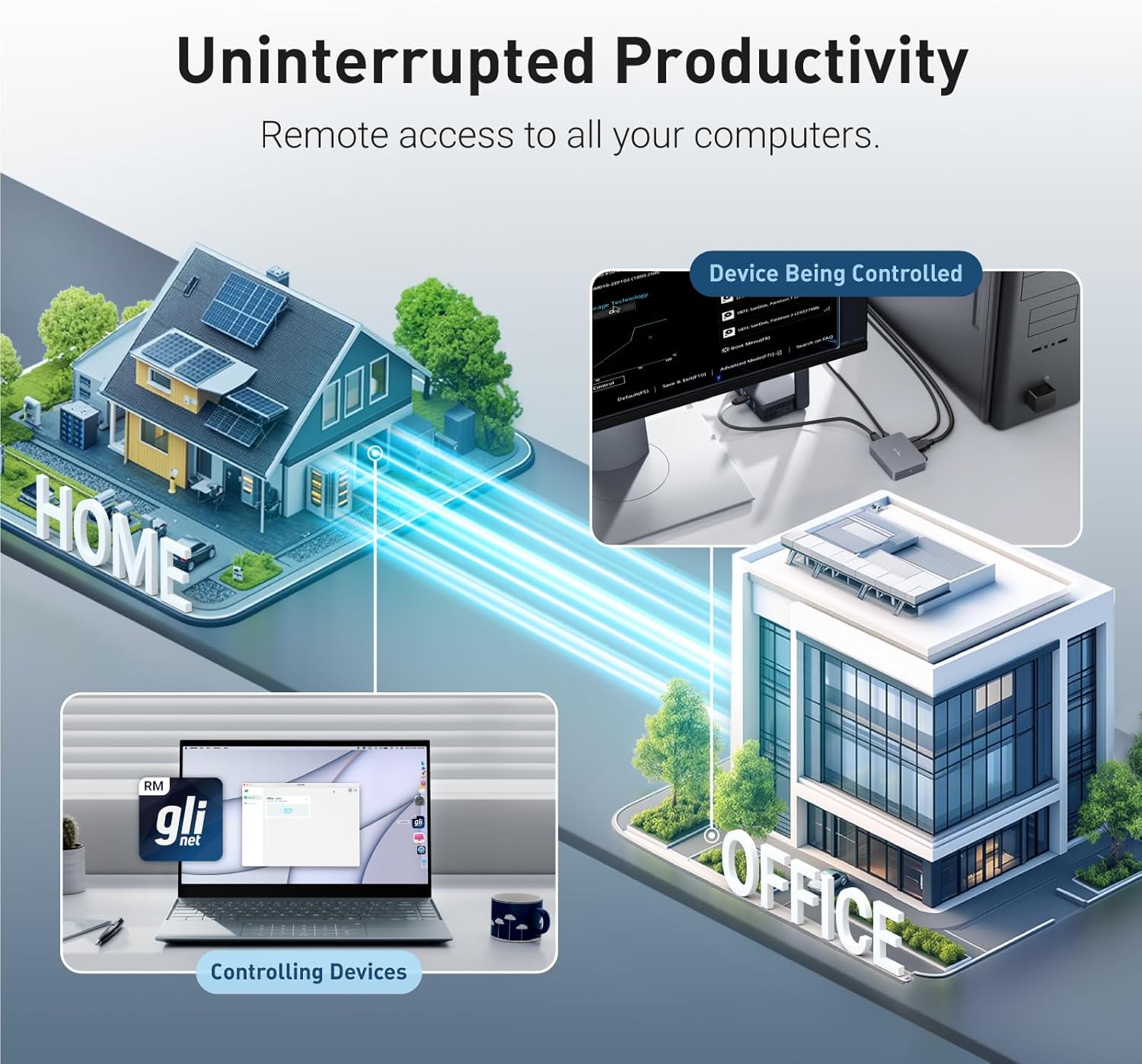
For IT pros and savvy home users who need hands-off access, the GL.iNet Comet GL-RM1 brings remote control of desktops and servers with practical features for real tasks. This Remote KVM over Internet solution lets you reboot machines, install operating systems through BIOS, and power systems on without physical presence, offering clear 4K remote visuals and straightforward setup. If you require remote BIOS access and file transfers, this unit supports those workflows and keeps a simple connection model.
Key takeaways
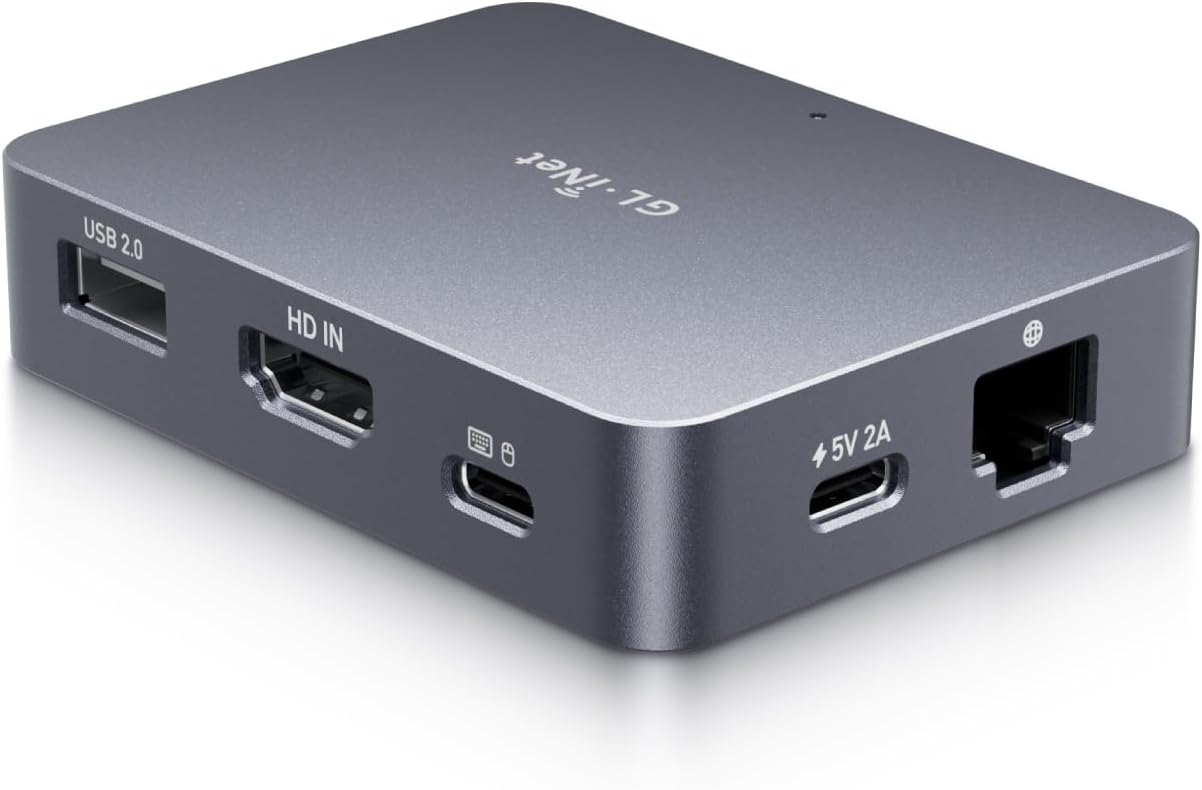
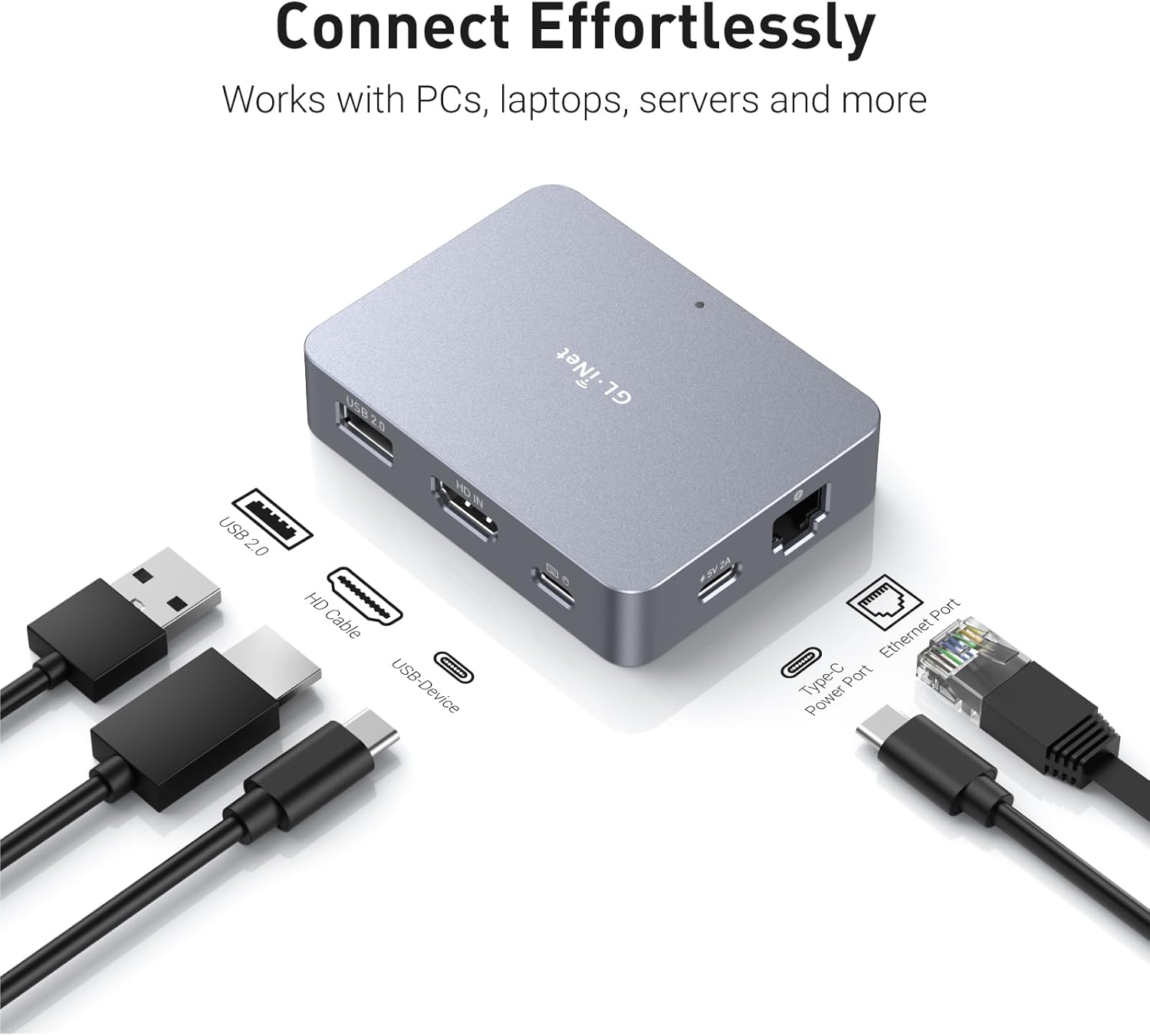
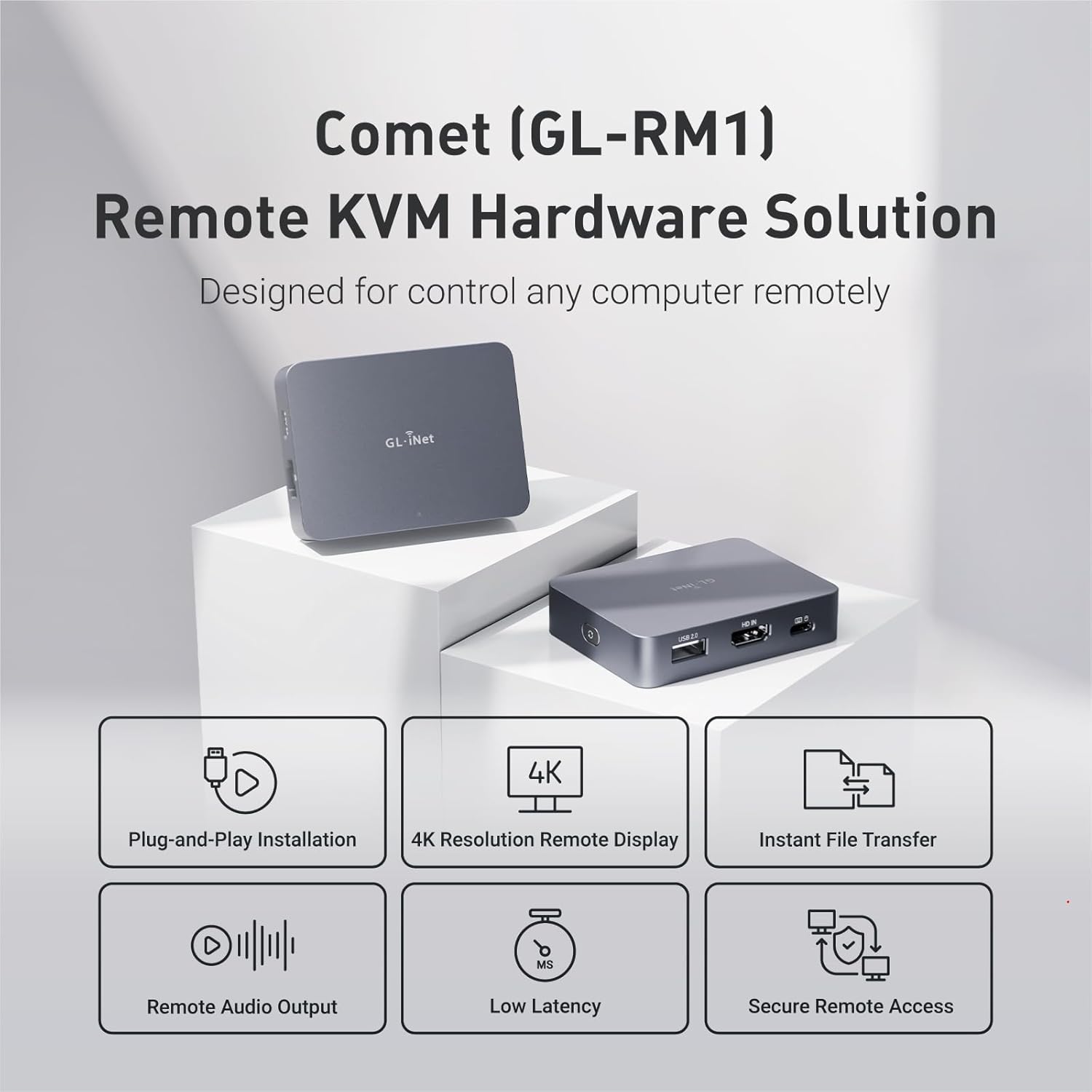
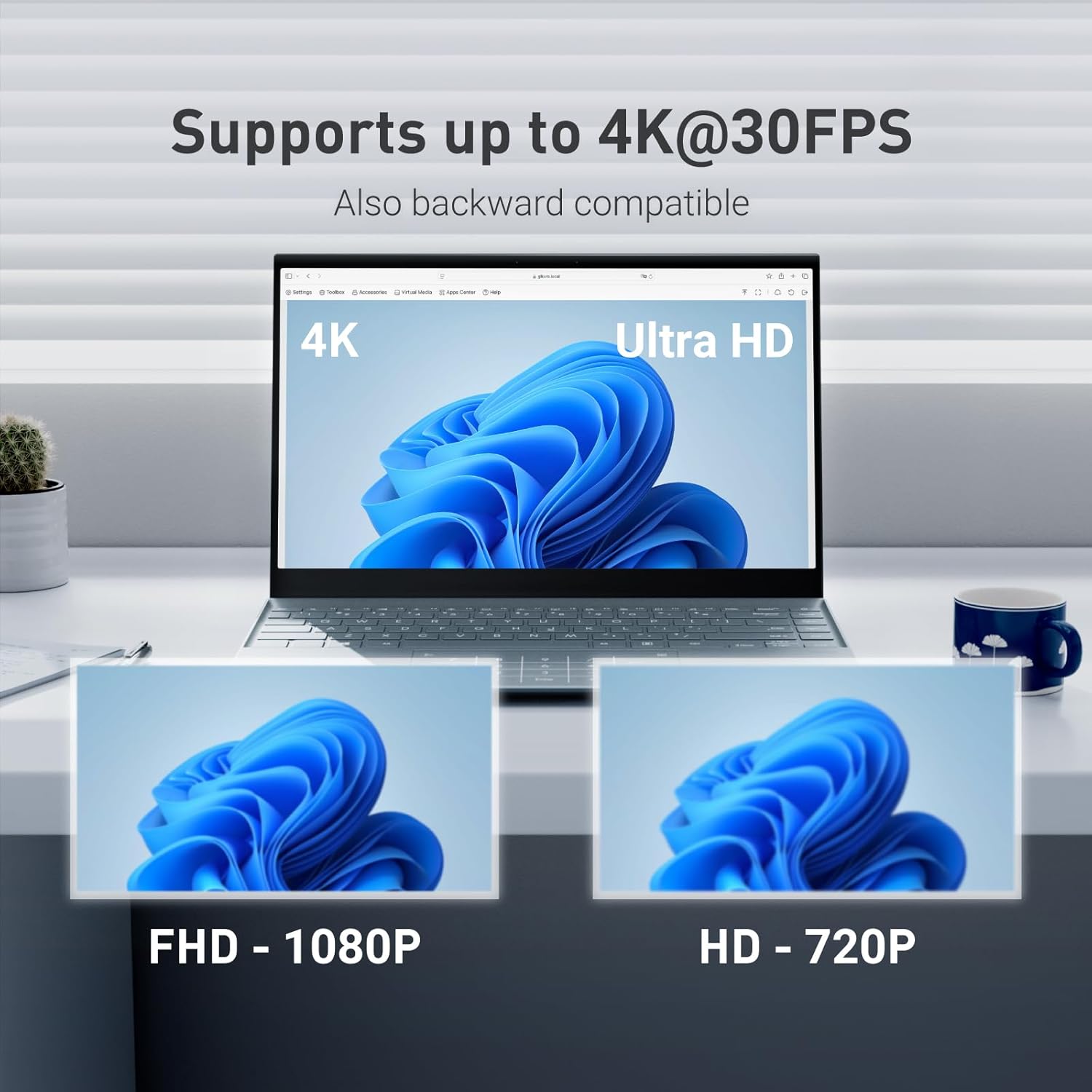
The Comet focuses on dependable remote management with a compact hardware approach. It uses H.264 encoding to deliver a low latency desktop-like session and supports desktop video at 4K@30Hz for clearer remote screens. The device also includes remote audio output and instant file transfer, which reduces friction when you need logs, installers or quick documents moved between machines. Keep in mind that PD adapters cannot be used with this model, so power planning matters for some setups. 🔌
Specifications
- Name: GL.iNet Comet (GL-RM1)
- Resolution: 3840x2160@30Hz
- Type: Remote KVM over Internet
- Encoding: H.264 Hardware Encoding
- Compatibility: Laptops, desktops, servers
What stands out
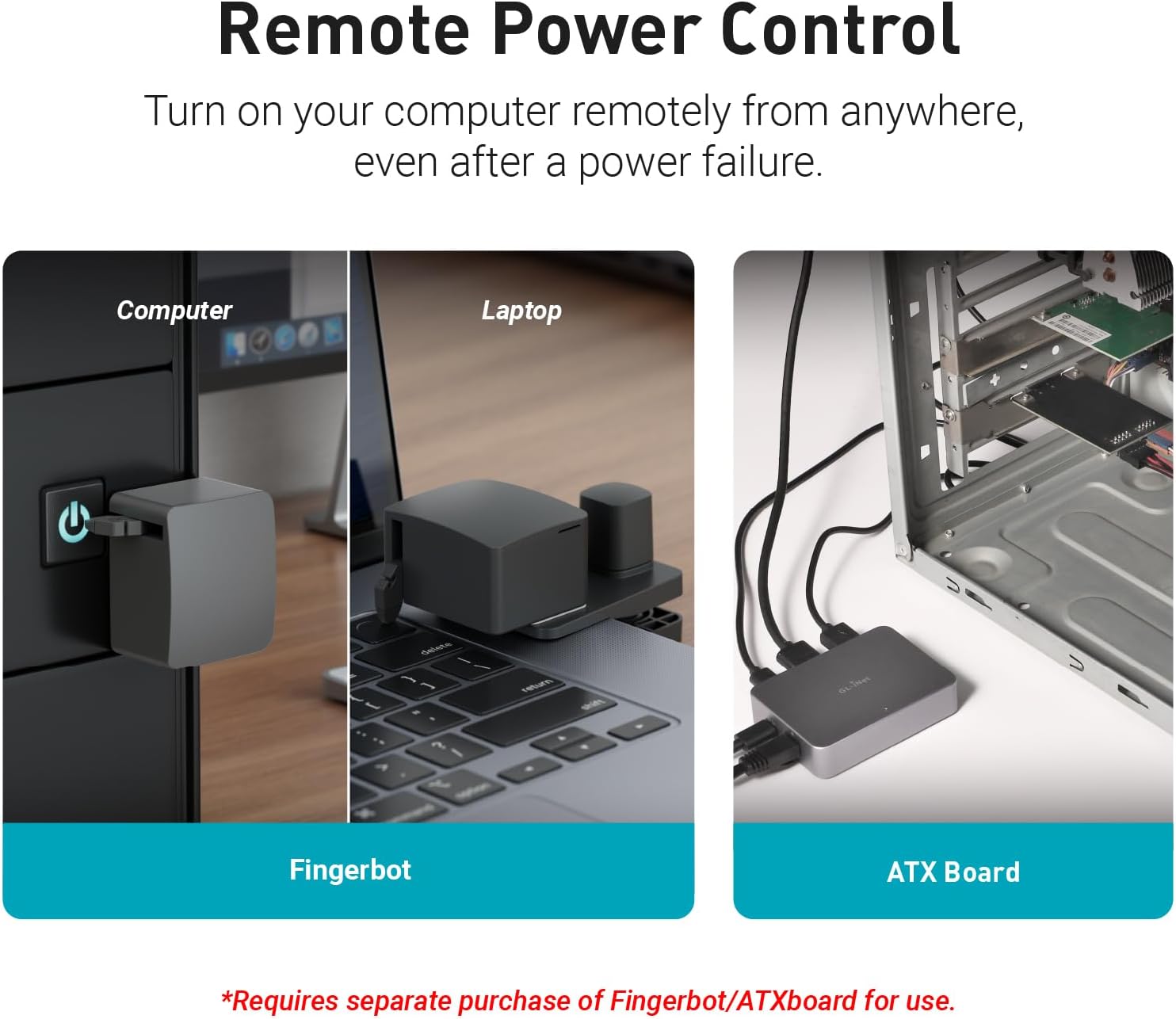
One practical advantage is that the controlled computer needs no extra software, making deployment easier across mixed environments. The Comet offers a one-click connection via app and supports Tailscale, which simplifies secure remote links. For teams that manage multiple machines, the ability to access BIOS and install OS images remotely saves travel time and cut downtime during maintenance windows. 🔧
Who it’s for
It suits you if you manage distributed servers, maintain lab machines, or need remote hands for testing and recovery, and you value direct BIOS-level control and file transfer in the same box. It might not be a great match if you rely on USB Power Delivery adapters for power or need higher frame rates than 30Hz for fast motion video.
How to use it
Set the device near the target machine, connect video and USB for keyboard and mouse, and follow the app prompts to establish a secure session. Once linked you can reboot, mount media via BIOS and move files between endpoints with the integrated transfer feature. 🎯