

GHome Smart Fingerprint Door Knob KD03 PRO
Product description
Quick overview
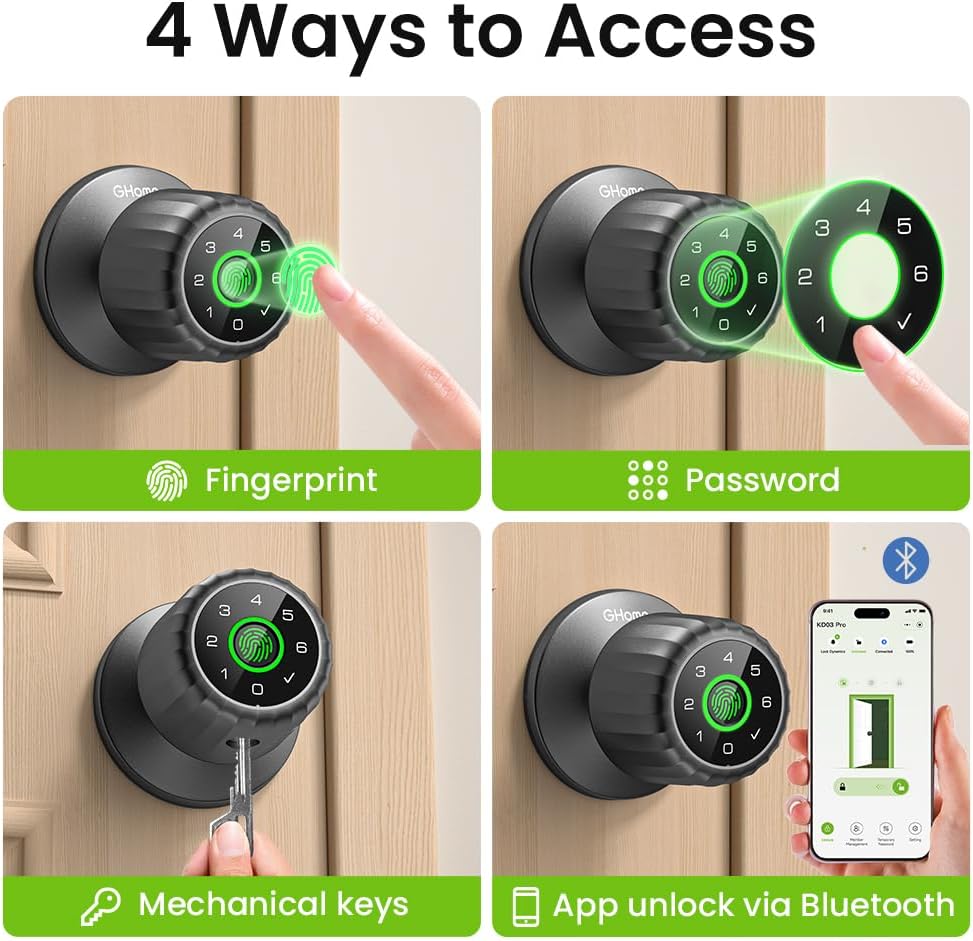
For a bedroom or home office where you want keyless entry without changing the whole access routine, the GHome KD03 PRO offers several ways to unlock a door.
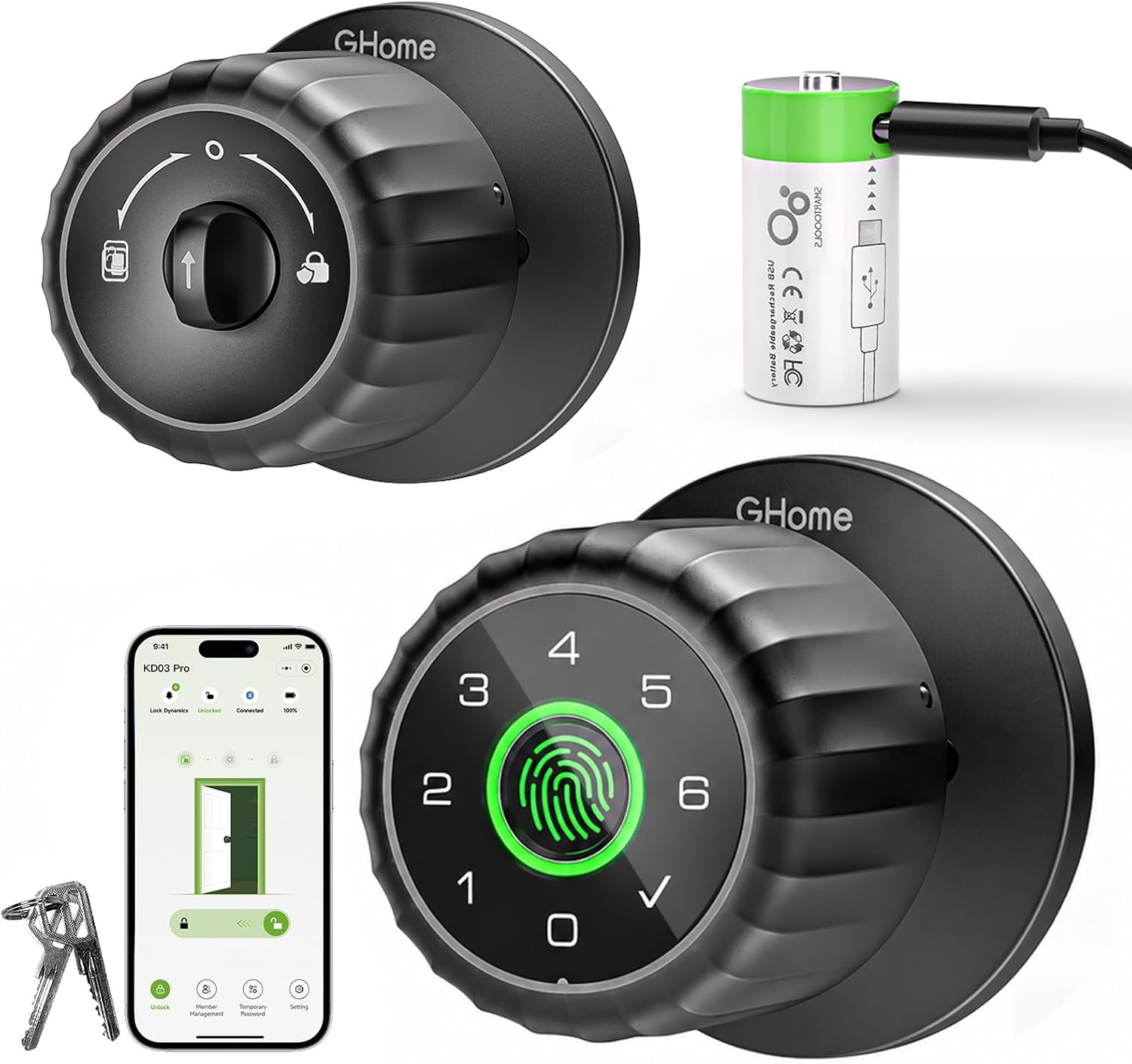
Use a fingerprint, keypad passcode, Bluetooth app, or one of the backup keys. That mix is useful in a shared room where not everyone wants to rely on the same method.
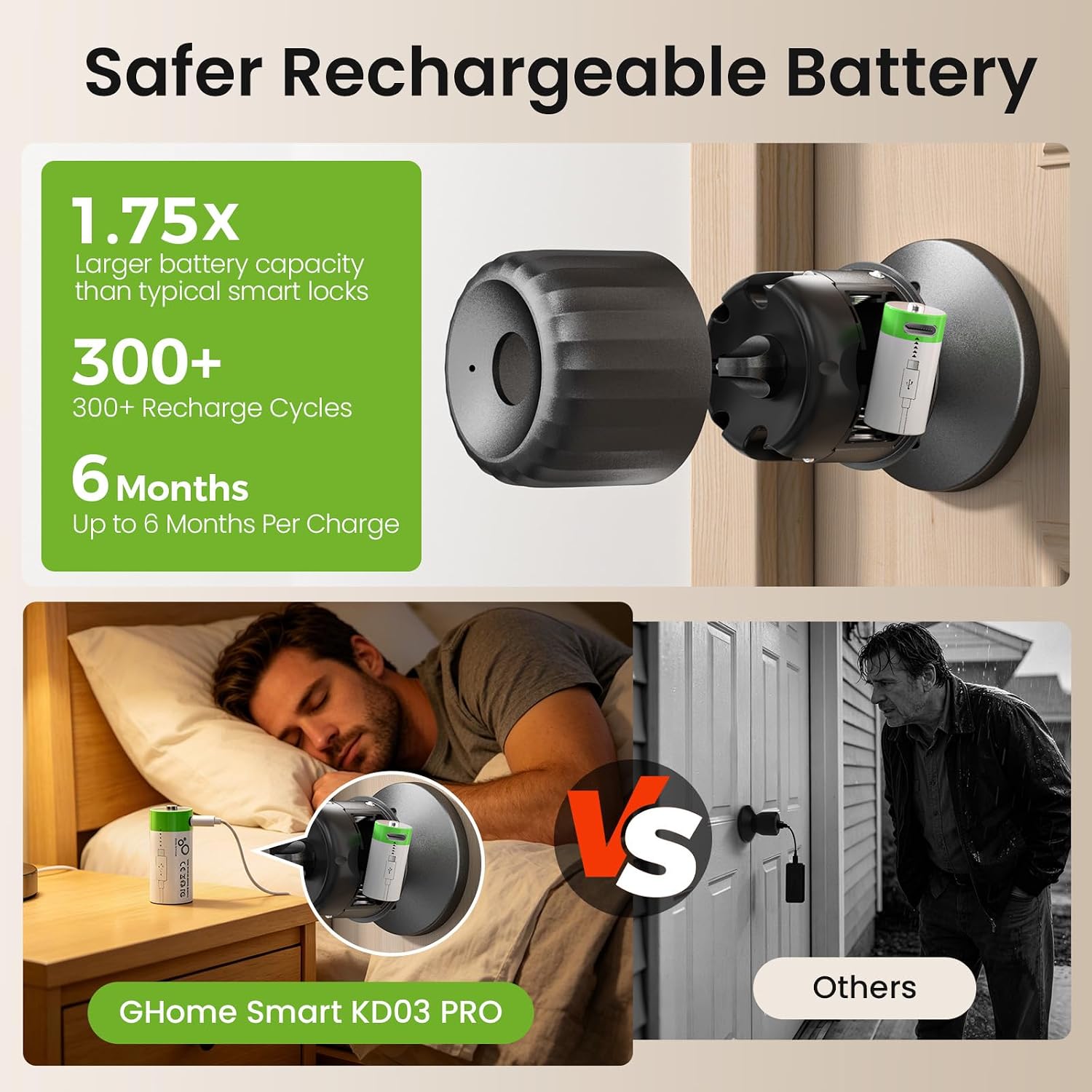
The removable rechargeable battery is the standout detail: take it off the inside knob to charge it indoors, rather than bringing a charger to the door. The lock is designed for indoor spaces such as bedrooms and offices.
Maintenance
The 700mAh battery charges through USB-C and the listing says a full charge takes 2 hours. It also claims up to over 300 days of everyday use, though actual battery life will depend on use. A light flashes during charging and stays green when the battery is full, the instructions say to charge it fully before first use.
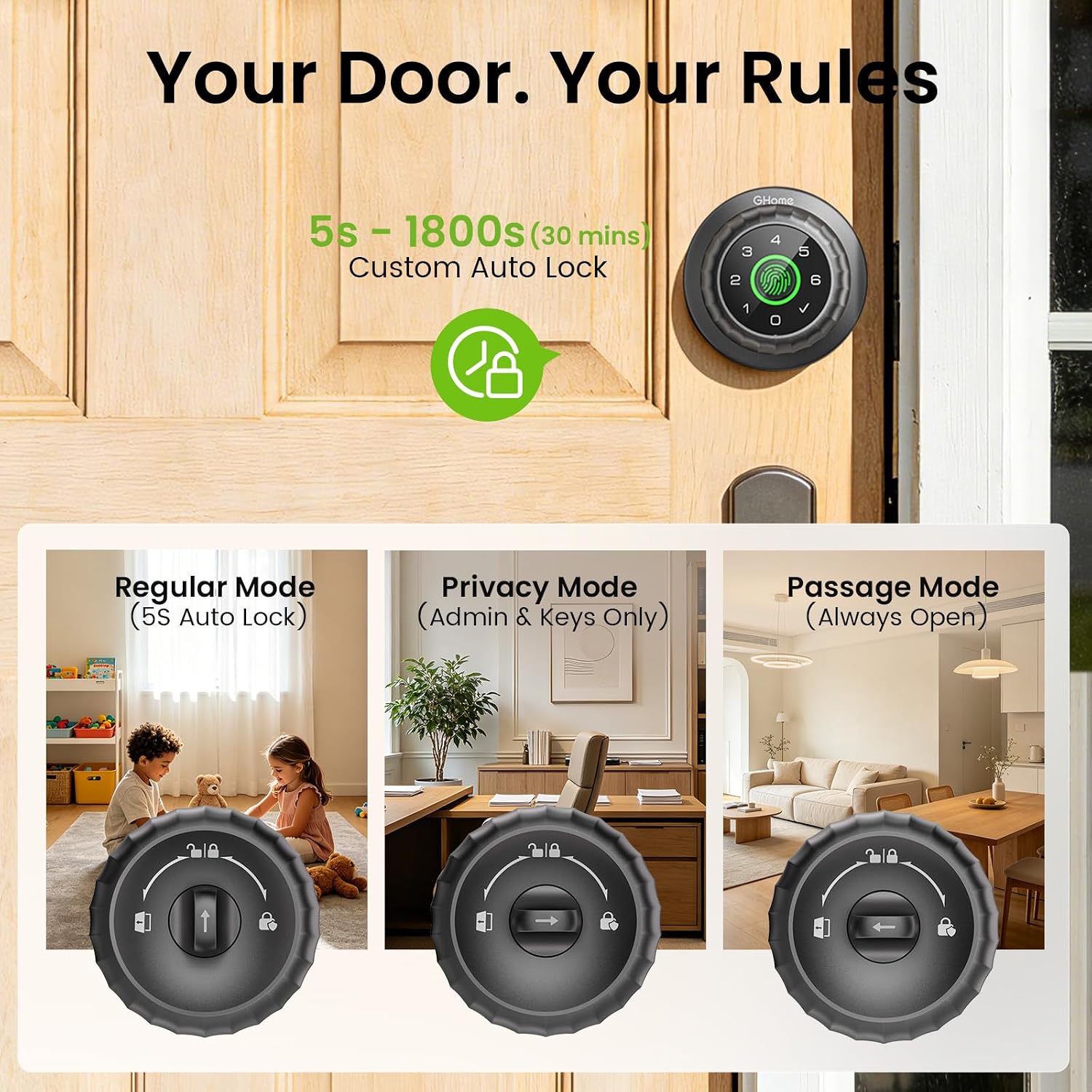
You can set the auto-lock delay from 5 to 1,800 seconds. The lock also provides low-battery alerts and Type-C emergency power, while two backup keys offer another way in. Set an admin before using the lock, as specified in the product information.
Practical tips
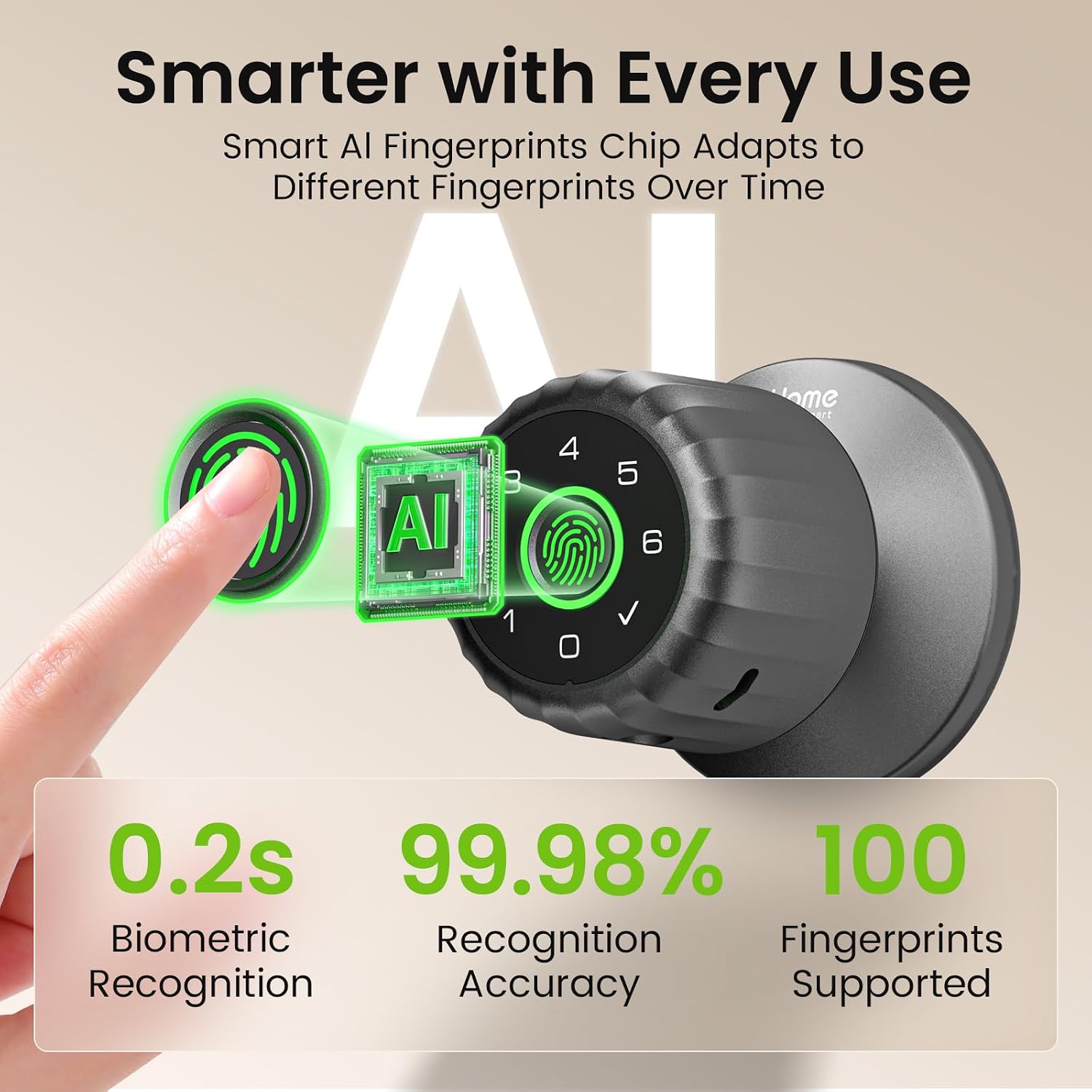
Fingerprint access is intended to be quick: the listing gives a recognition time of 0.2 seconds and says the sensor reads from different angles. For a household, the capacity for up to 100 fingerprints and 100 passcodes may help when access needs to be shared without passing around a physical key.
The app works over Bluetooth within 50 feet for locking and unlocking, managing users, setting permanent or temporary passcodes, and checking entry history. Keep in mind that remote access and Alexa or Google voice control require a G2 or G2B Gateway, sold separately. Without that add-on, this is a local Bluetooth setup, not a way to control the lock from anywhere.
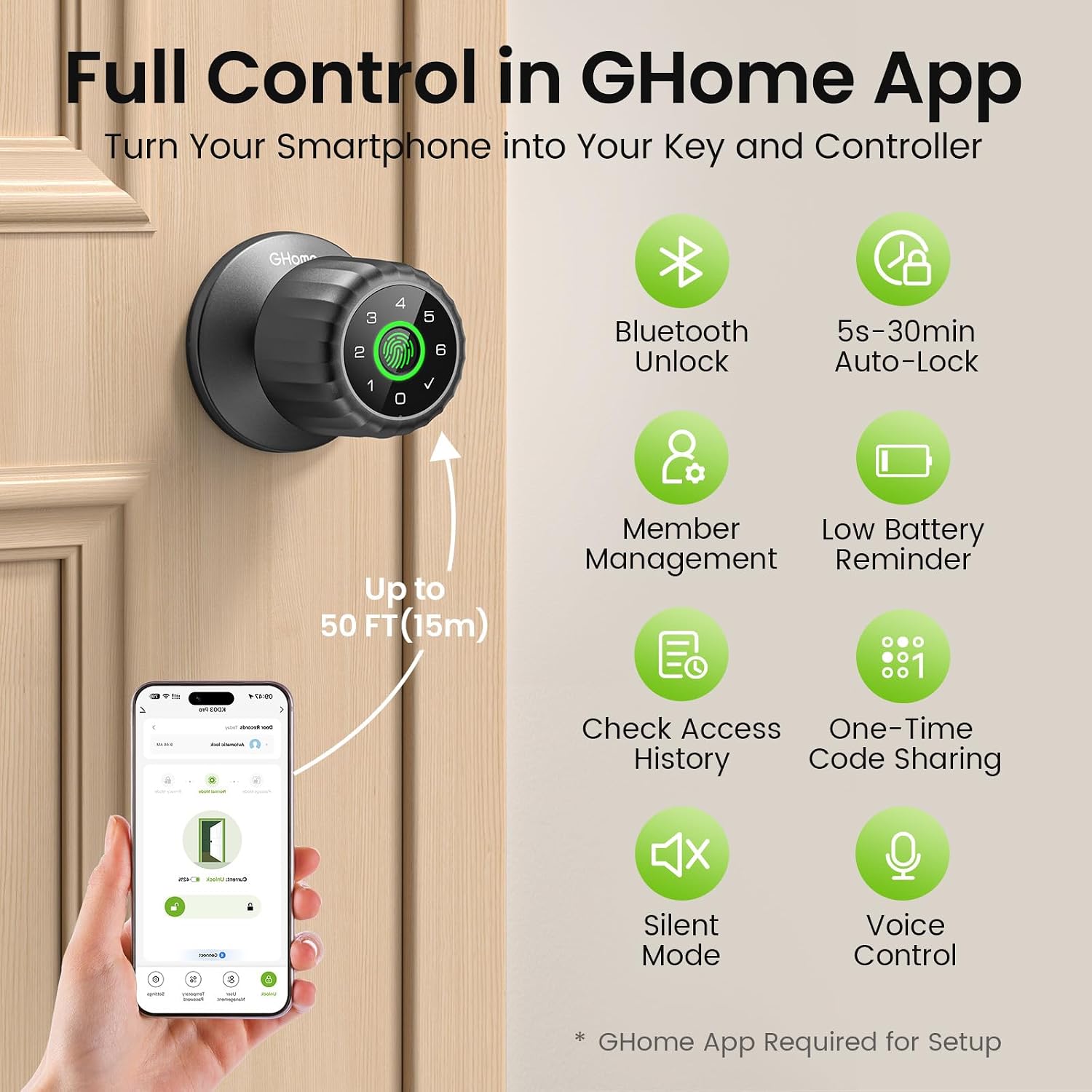
A practical use case: set a temporary code for a guest or service provider, then remove it when access is no longer needed. A solid pick if you want multiple entry methods and indoor battery charging. It might not be a great match if you need remote app control without buying additional hardware.
Is it worth it?
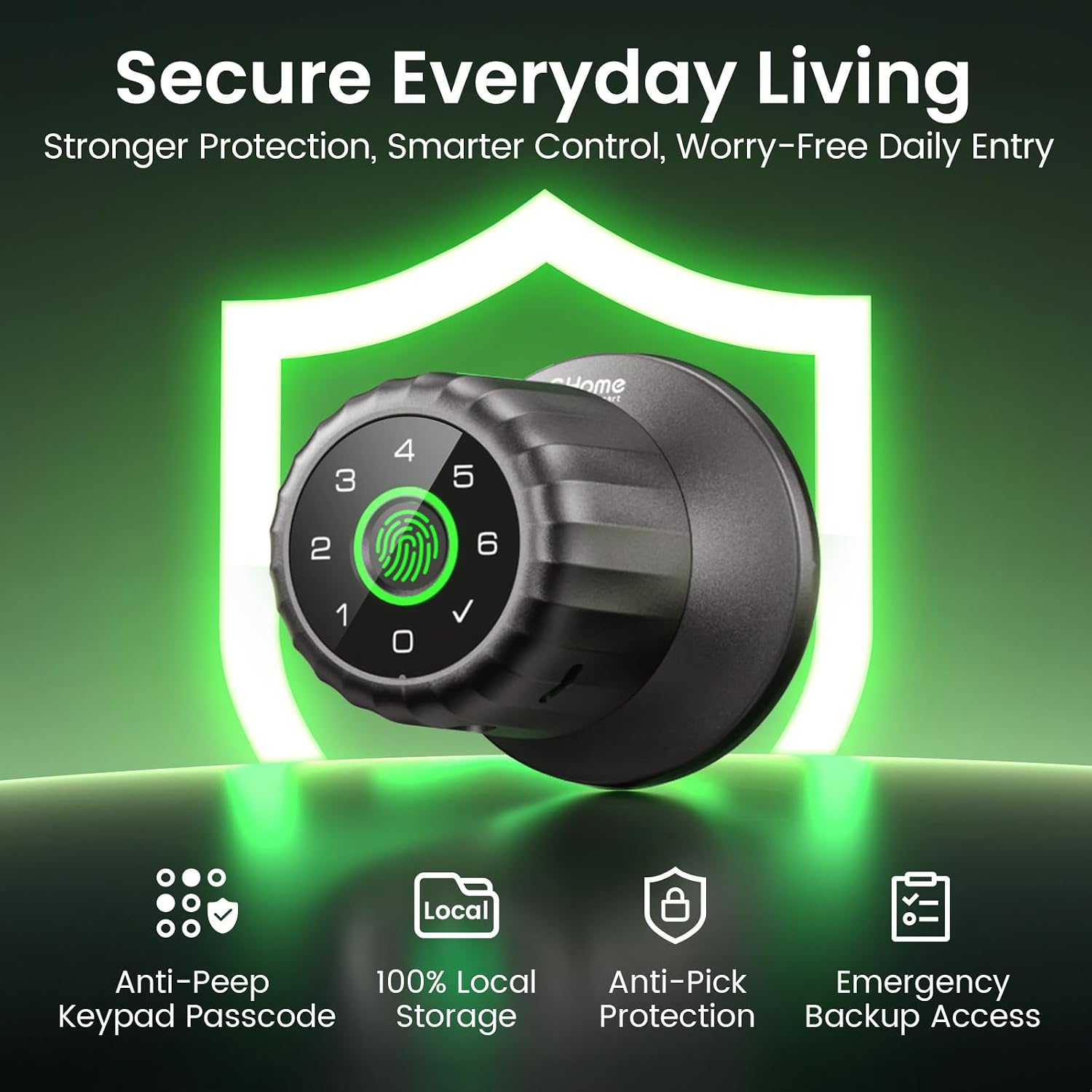
This lock’s appeal is convenience rather than a promise to replace every part of a home security setup. Fingerprint and keypad access can be easier than carrying or handing out keys, while the removable battery avoids taking the entire lock off the door just to recharge it. The backup keys and emergency power option also give you alternatives if the battery needs attention.
Compared with a basic keyed knob, it adds app-based user management and timed auto-locking, but those features bring setup choices and charging to keep track of. If you only need a simple lock and do not care about shared codes or fingerprints, a standard knob may be the more straightforward purchase. The product information does not establish compatibility with every door, so check the fit requirements before choosing it for a specific door.
Before you decide
Can you unlock it without the app? Yes. Fingerprint, keypad, and backup keys are listed as other entry methods.
Can you control it from outside the Bluetooth range? The listing says remote access requires the separately sold G2 or G2B Gateway.
Does the battery have to be charged at the door? No. The battery is removable and charges indoors through USB-C.