

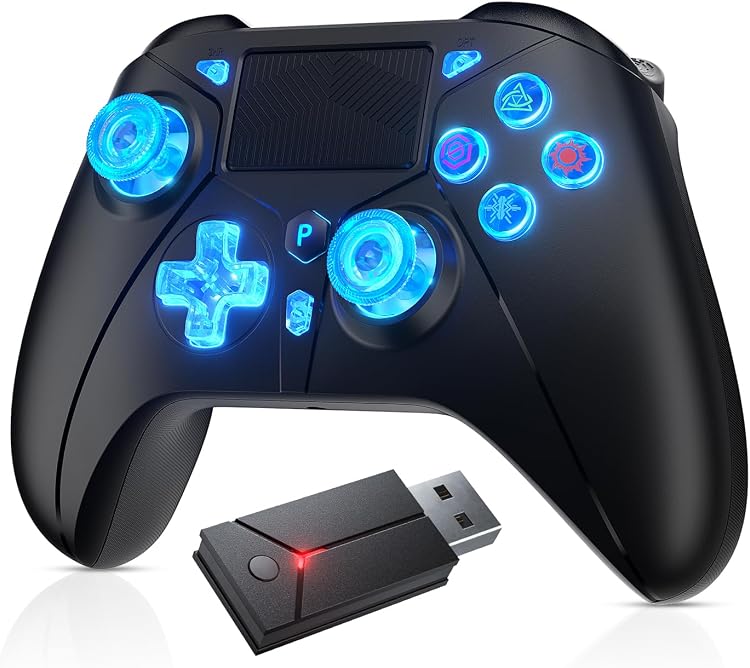
Dinosoo RGB Wireless Game Controller with Remappable Back Buttons and Turbo
Product description
Getting the most from it
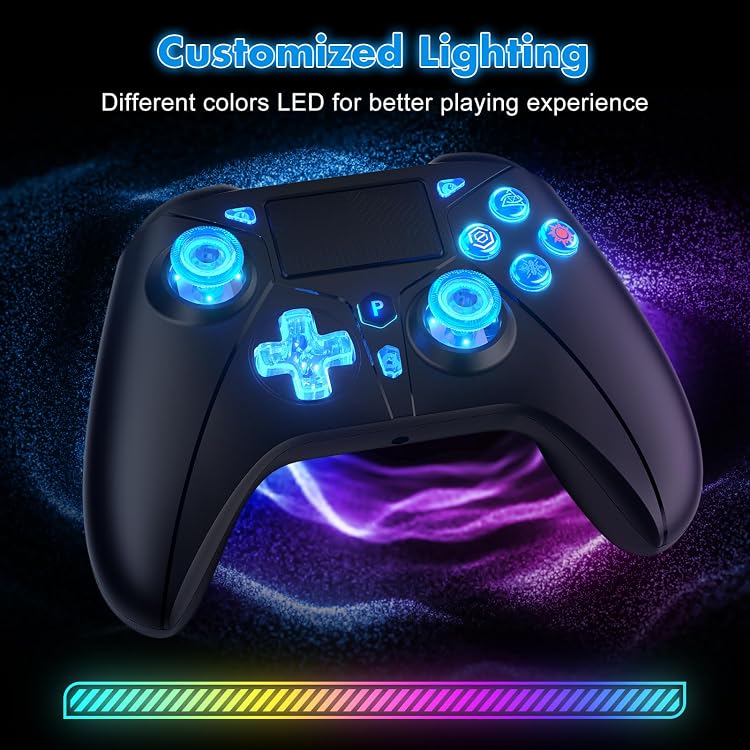
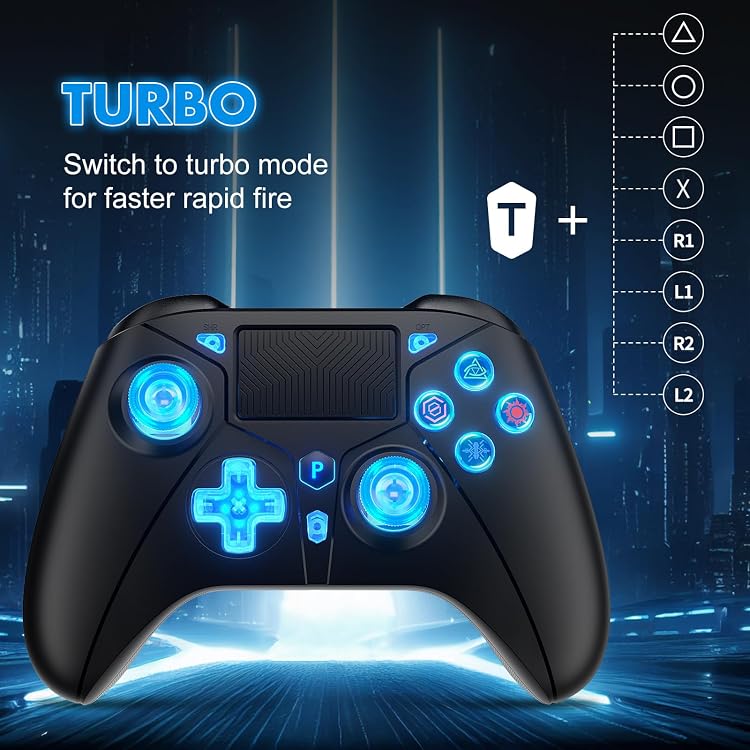
Seven adjustable RGB lighting options let you change the controller’s look to suit your setup, while wireless play through a 2.4G USB adapter keeps the gamepad free of a direct cable connection during play. Remappable back buttons and adjustable Turbo add control options for games where you want frequently used inputs close at hand.
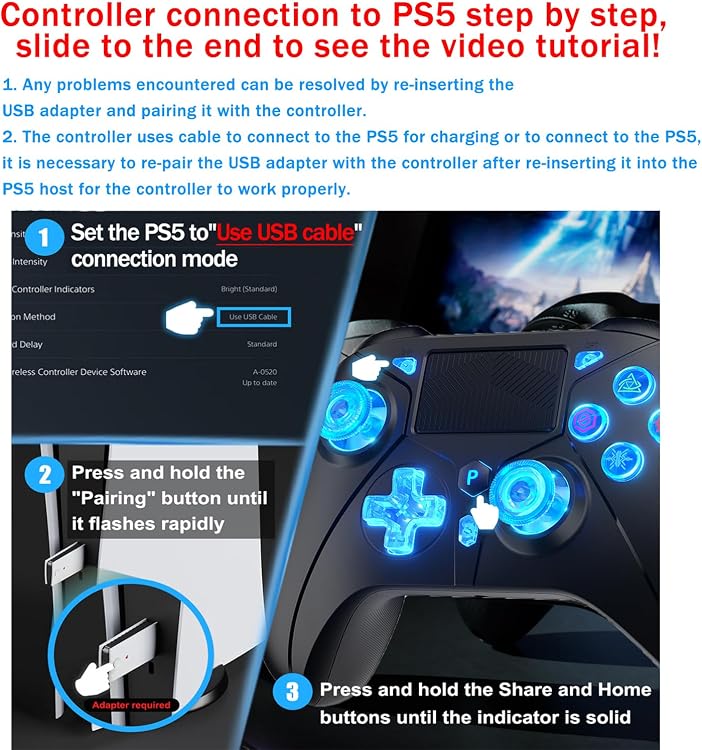
For PS5 connection, set the console’s communication method to “Use USB Cable” in Settings > Accessories > Controller (General), then connect and pair the controller through its adapter. This setup step helps the console recognize the controller for wireless use.
Pros
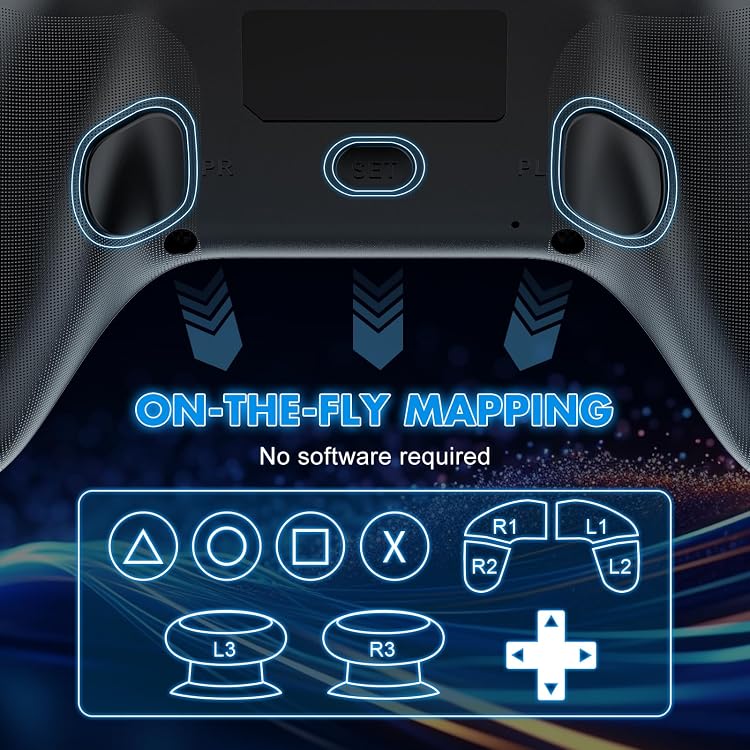
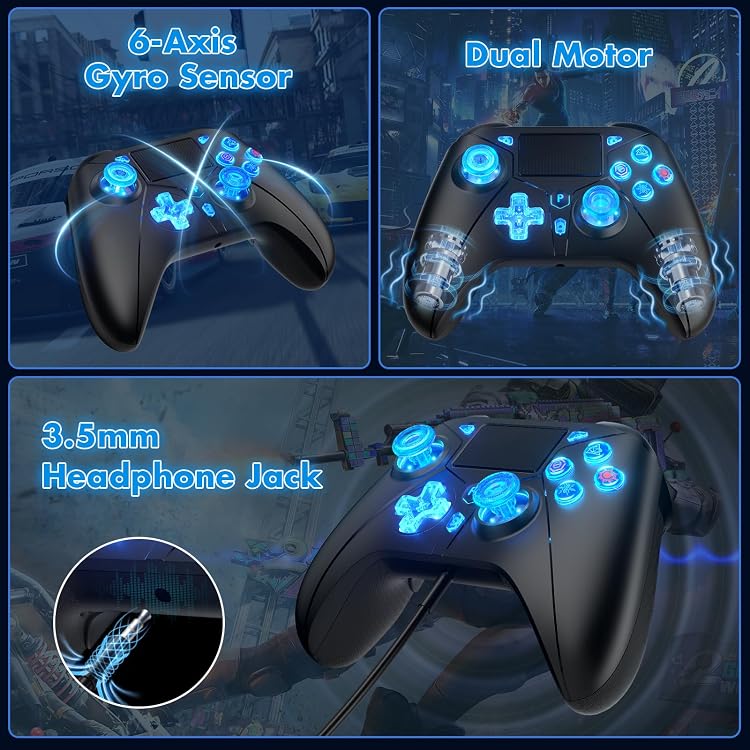
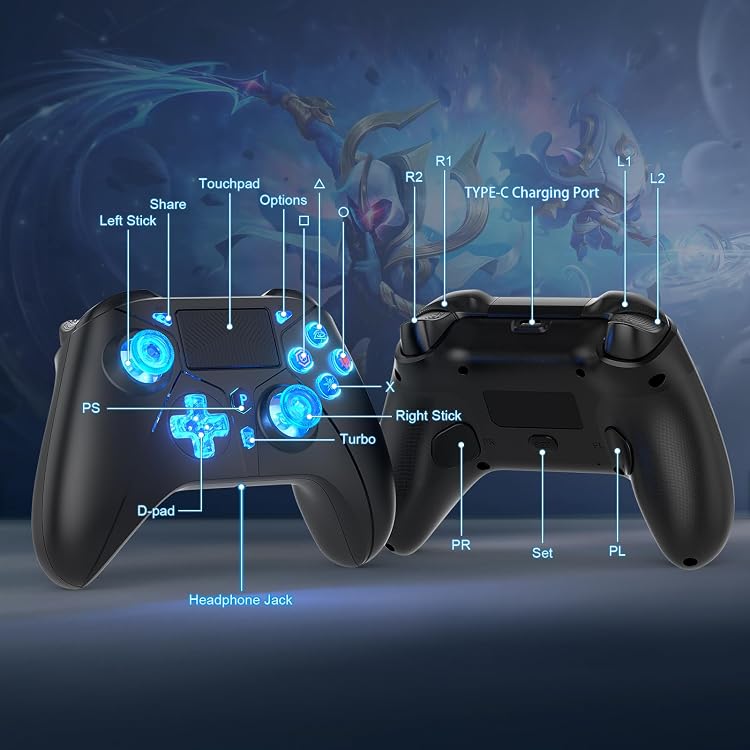
The back buttons can be remapped, so you can place selected inputs within easier reach. Adjustable Turbo provides another way to handle repeated button presses in supported games, including shooting and fighting titles. The controller also has six-axis motion sensing, dual vibration motors, a touchpad, an integrated light bar, a speaker, a Share button, and a 3.5 mm stereo headphone jack.
A wireless gamepad offers a different setup from a wired controller: it connects through its USB adapter rather than relying on a direct cable connection during play. That makes it a practical choice for players who want wireless controls across supported devices and additional onboard features in one controller. It’s a great fit if you want configurable lighting and back-button controls for your gaming setup.
Technical overview
- Type: Wireless gamepad
- Connectivity: 2.4G USB adapter, USB wireless connection supports Windows
- Compatible platforms: PS5, PS4, PC, iOS, and Android
- Color: Black
- Lighting: Seven adjustable RGB color options
- Controls and features: Remappable back buttons, adjustable Turbo, six-axis sensors, dual vibration motors, touchpad, light bar, speaker, Share button, and 3.5 mm stereo headphone jack
Questions before you buy
Which devices can I use it with? The product is described as compatible with PS5, PS4, PC, iOS, and Android. Its USB wireless connection supports Windows, and the listed compatible console models are Sony PlayStation 4 and PlayStation 5.
How do I connect it to a PS5? On the console, go to Settings > Accessories > Controller (General) > Communication Method and select “Use USB Cable.” Then connect the console through the USB adapter and pair the controller with it for wireless use.
What can I customize during play? You can choose among seven RGB lighting options, remap the back buttons, and adjust Turbo. The six-axis sensors and dual vibration motors add motion sensing and vibration feedback to the controller’s other built-in controls.
Is it worth it?
This Dinosoo gamepad brings wireless adapter connectivity together with configurable back buttons, adjustable Turbo, and customizable RGB lighting. Those features make it a practical choice for players looking for one controller for supported console and personal-device gaming, with extra control options for action-oriented play. Its PS5 setup uses the console’s communication setting and the USB adapter, while the onboard touchpad, speaker, and headphone jack add more ways to interact with games and audio.