

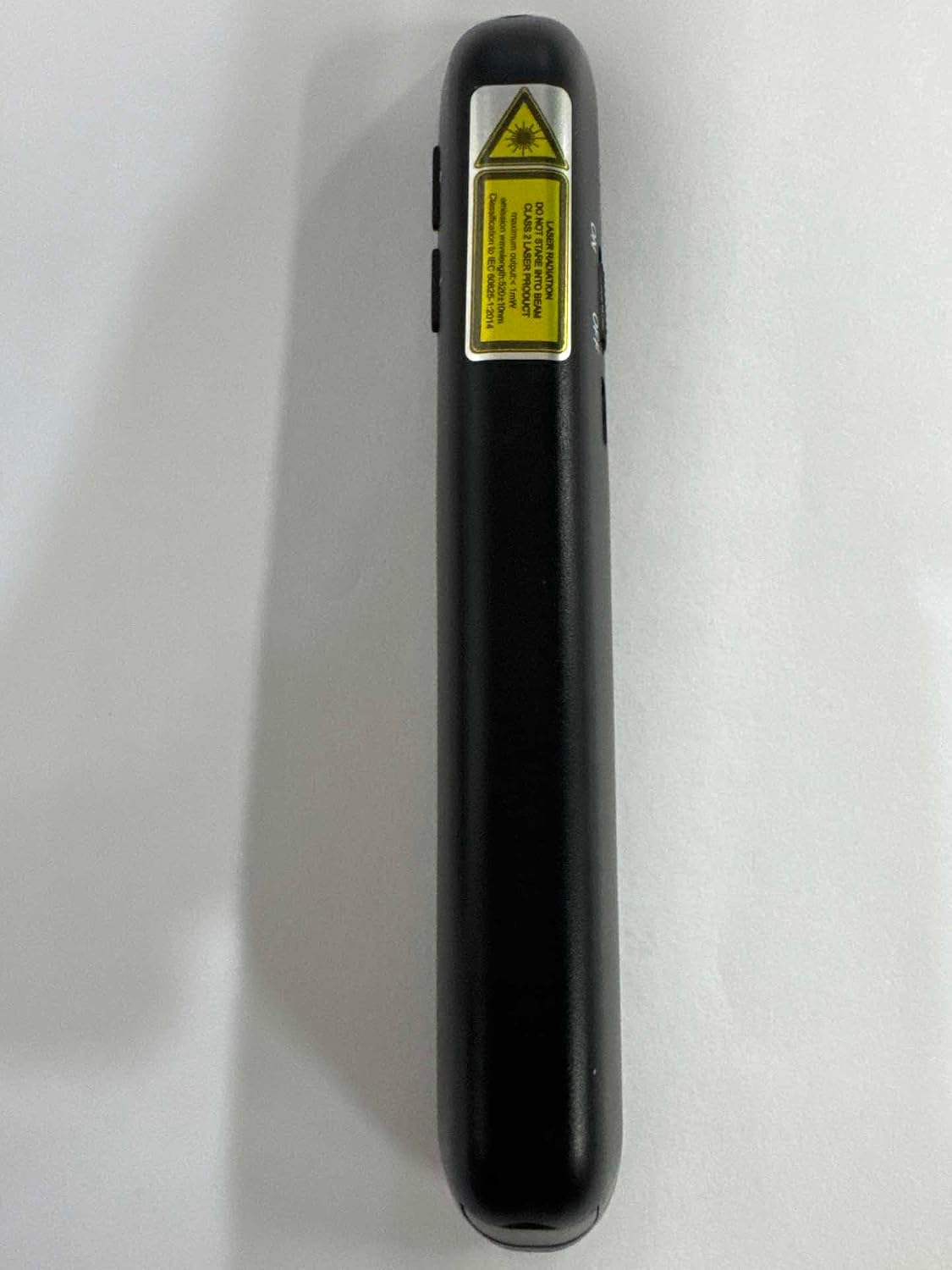
DinoFire DM102-4 Presentation Clicker with Green Light and Rechargeable Battery
Product description
For presenters who need to advance slides and adjust volume away from the computer, the DinoFire DM102-4 puts key presentation controls in a handheld remote. Its green light pointer and wireless control help you move around while presenting. A rechargeable battery and receiver that stores in the remote make it easy to bring along.
At a glance
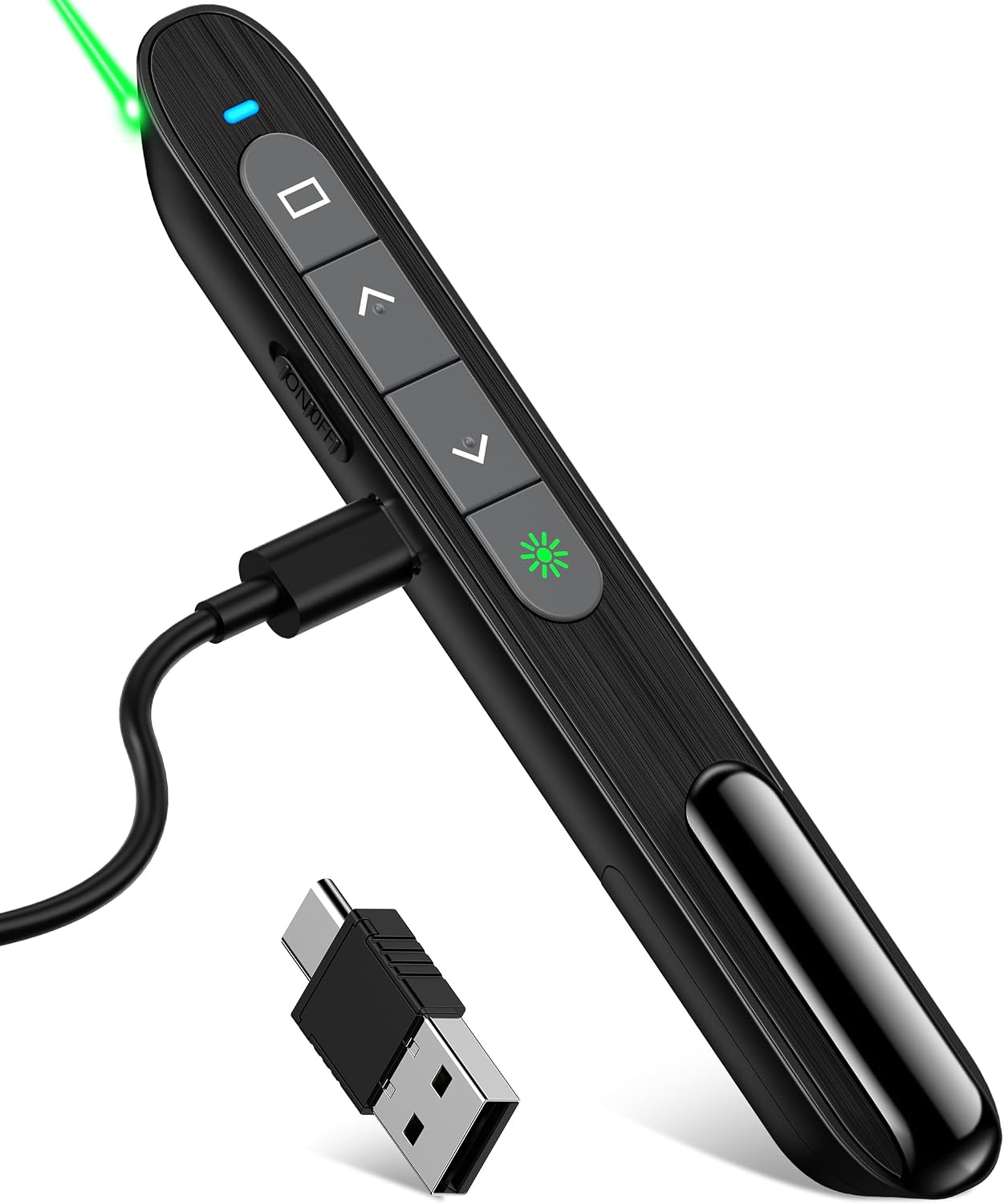
The five-button clicker combines slide navigation with volume control, window switching, full-screen and black-screen controls, and hyperlink access. That range of functions helps keep common presentation actions close at hand, whether you are teaching a class or leading a meeting. The wireless connection uses radio frequency, with a listed control range of 98–164 feet.
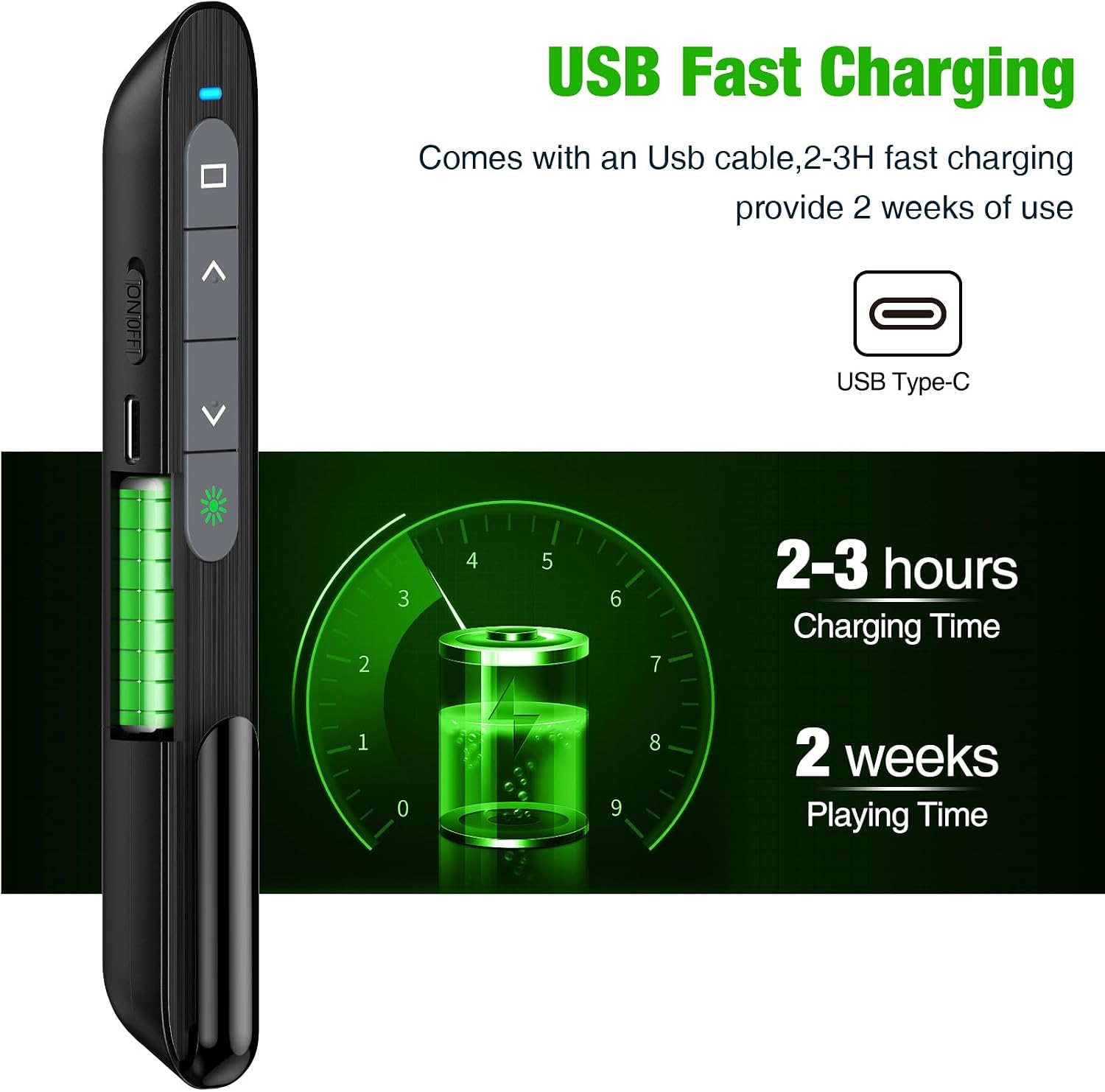
The presenter has a built-in 360mAh lithium battery. The product description states that a two-hour charge can provide weeks of use, while customer feedback on battery life is mixed. Buyers praise the click feel and accessible buttons, comments on overall functionality also vary. The USB receiver fits into the back of the remote and is held in place magnetically, so it can stay with the clicker between sessions.
Usage tips
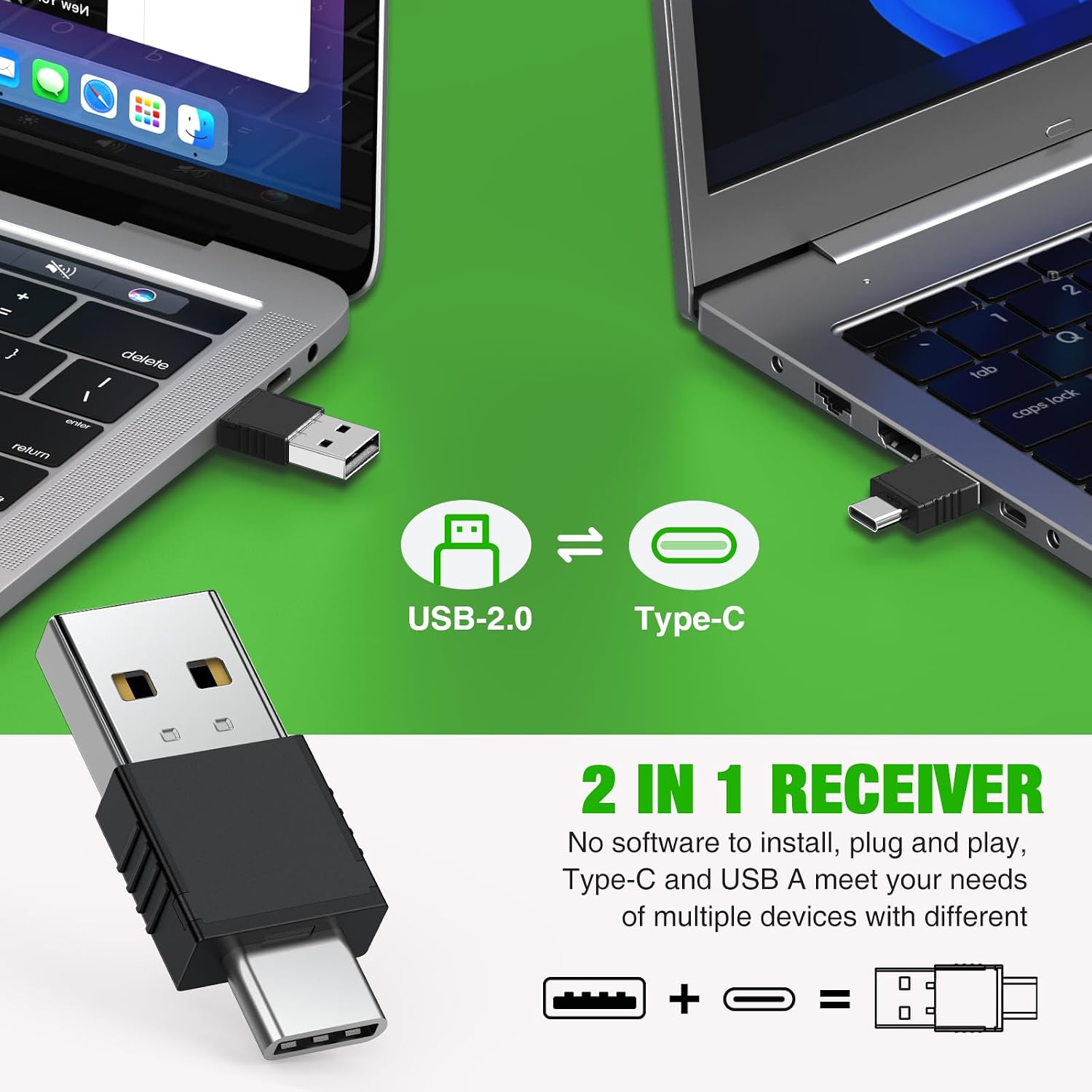
The receiver combines USB-A and USB-C connections in one presenter. Plug the appropriate connector into a compatible laptop or computer, then use the remote’s buttons to move through slides and manage the listed presentation controls. Its compact form is designed to clip onto a pocket, making it practical to carry between classrooms, conference rooms, and other presentation spaces.
For software and system compatibility, the product lists Windows 2003, XP, Vista, 7, 8, and 10, Mac OS, Linux, and Android. Supported software includes Keynote, Prezi, PDF, MS Word, and ACDSee. Compatibility can depend on the computer, operating system, and presentation setup, so match those details to your intended use before presenting.
Best use cases
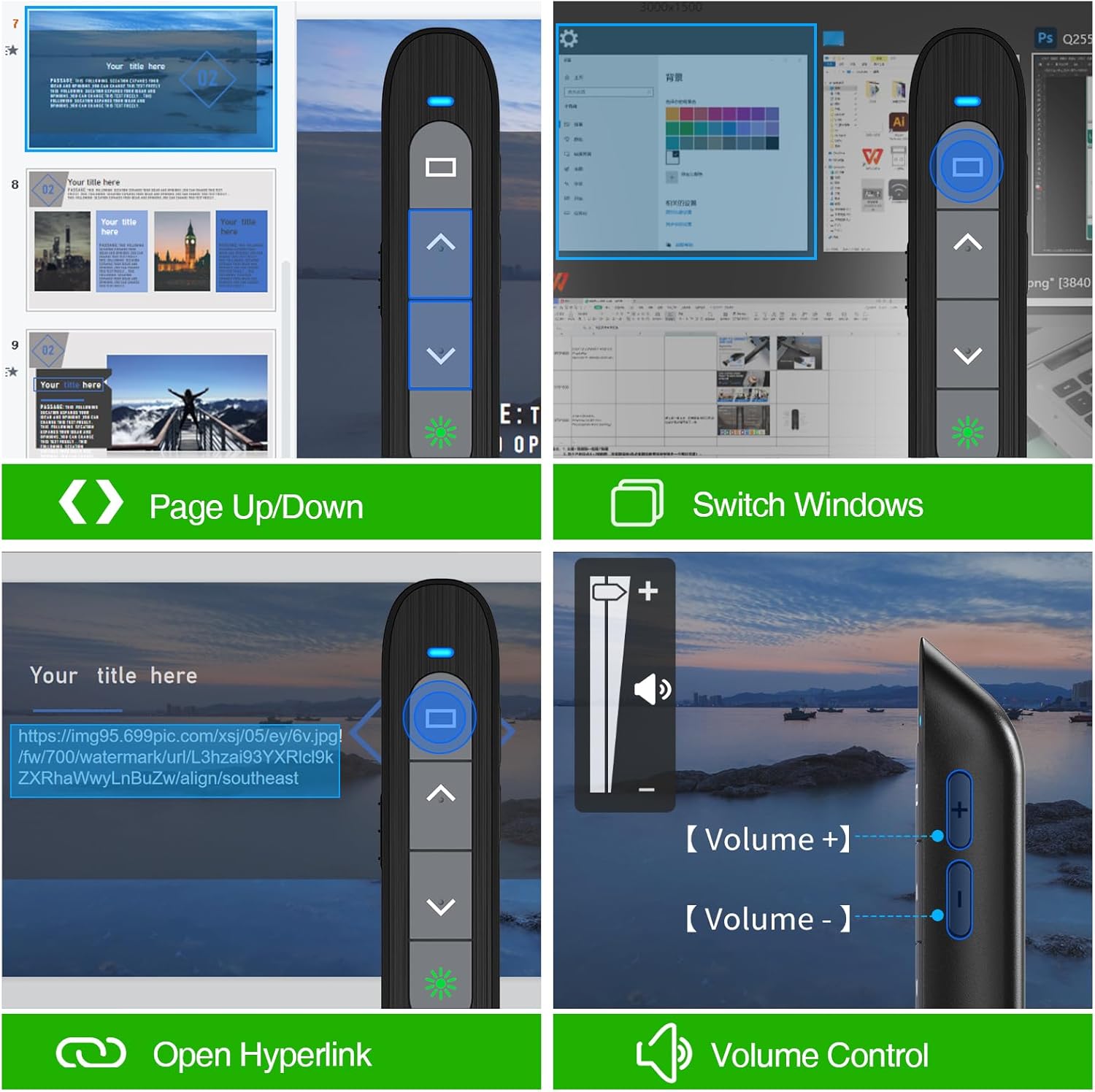
This clicker is suited to slide-led talks where the presenter wants to move away from the computer rather than stay beside its keyboard. In a classroom, the slide-forward and back controls let an instructor move through material while addressing the room. In a conference presentation, the volume and screen controls provide additional ways to manage content from the same handheld remote.
The green light pointer adds a visual cue when directing attention to an item on a presentation. For buyers comparing a basic slide advancer with a remote that also handles volume and screen functions, the DM102-4 brings those controls together with a rechargeable design and a receiver that stores onboard.
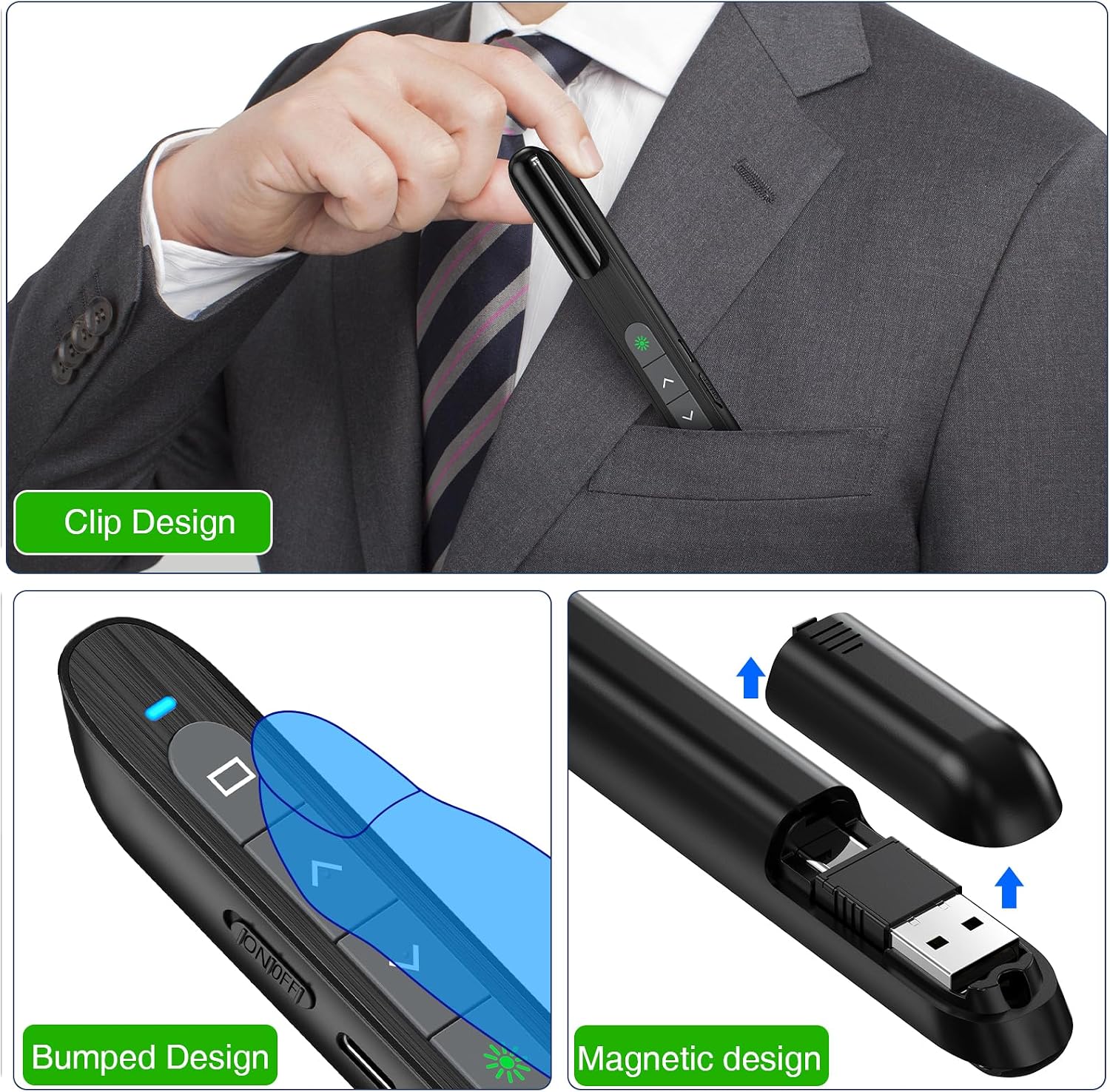
Before you decide
Which devices and software does it support? The listed compatible devices are laptops and personal computers. Supported systems include Windows 2003, XP, Vista, 7, 8, and 10, Mac OS, Linux, and Android, listed software includes Keynote, Prezi, PDF, MS Word, and ACDSee.
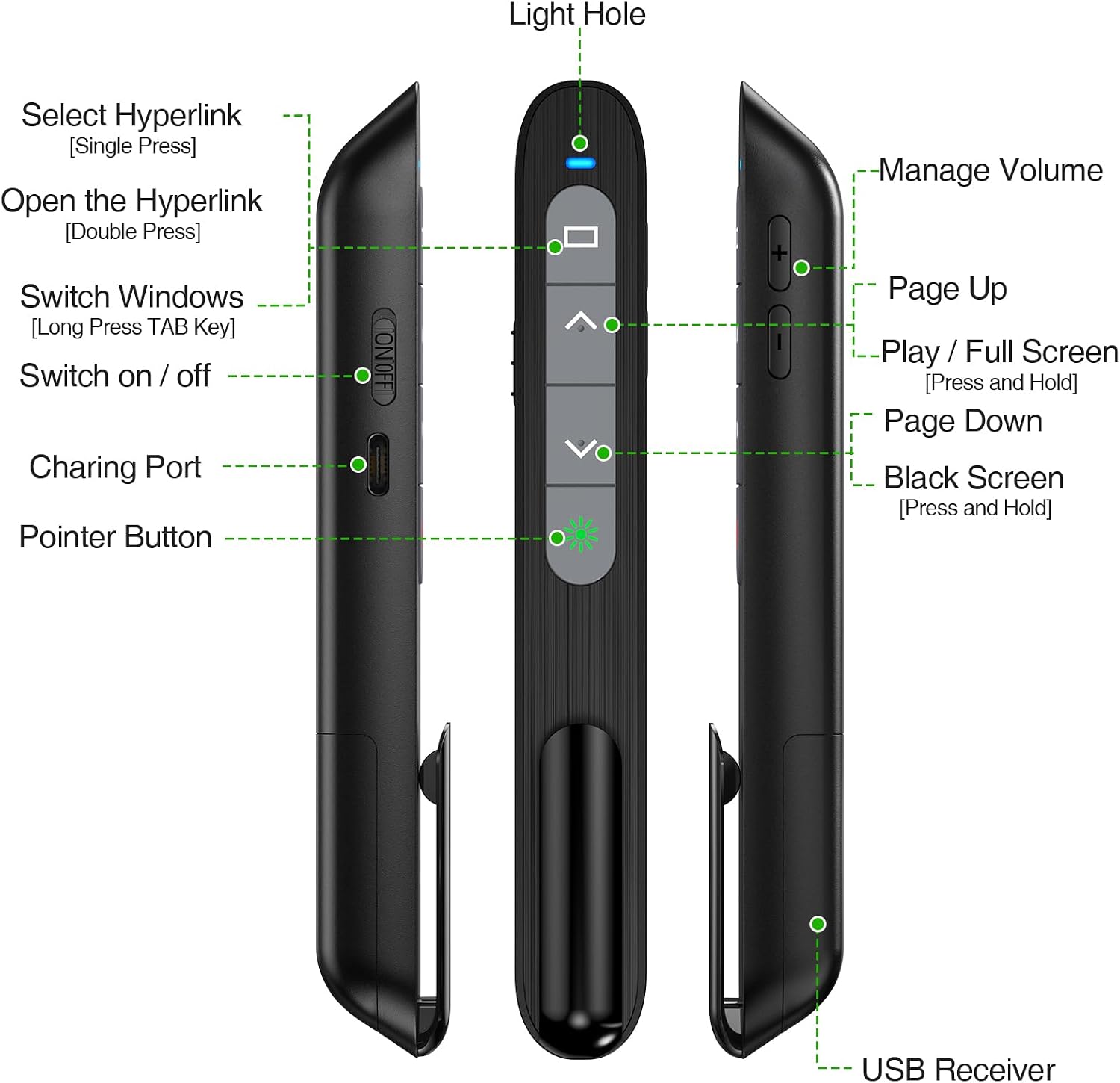
What can the buttons control? The remote supports previous and next slides, volume, window switching, full or black screen, and hyperlink access. These functions make it useful for managing presentation content without returning to the computer for each action.
How far can I move from the computer? The listed wireless control range is 98–164 feet. The rechargeable 360mAh battery is described as taking two hours to charge, with weeks of use stated by the product description, customer reports on battery life vary.
Buying verdict
Choose the DinoFire DM102-4 when your presentations call for more than basic slide-forward control. Its green light pointer, volume and screen functions, rechargeable battery, and stowable USB-A/USB-C receiver make it a practical fit for instructors and presenters who want to manage slides while moving around the room.