

ELISWEEN Wireless Presentation Clicker with USB-A/USB-C Receiver, Red Pointer
Product description
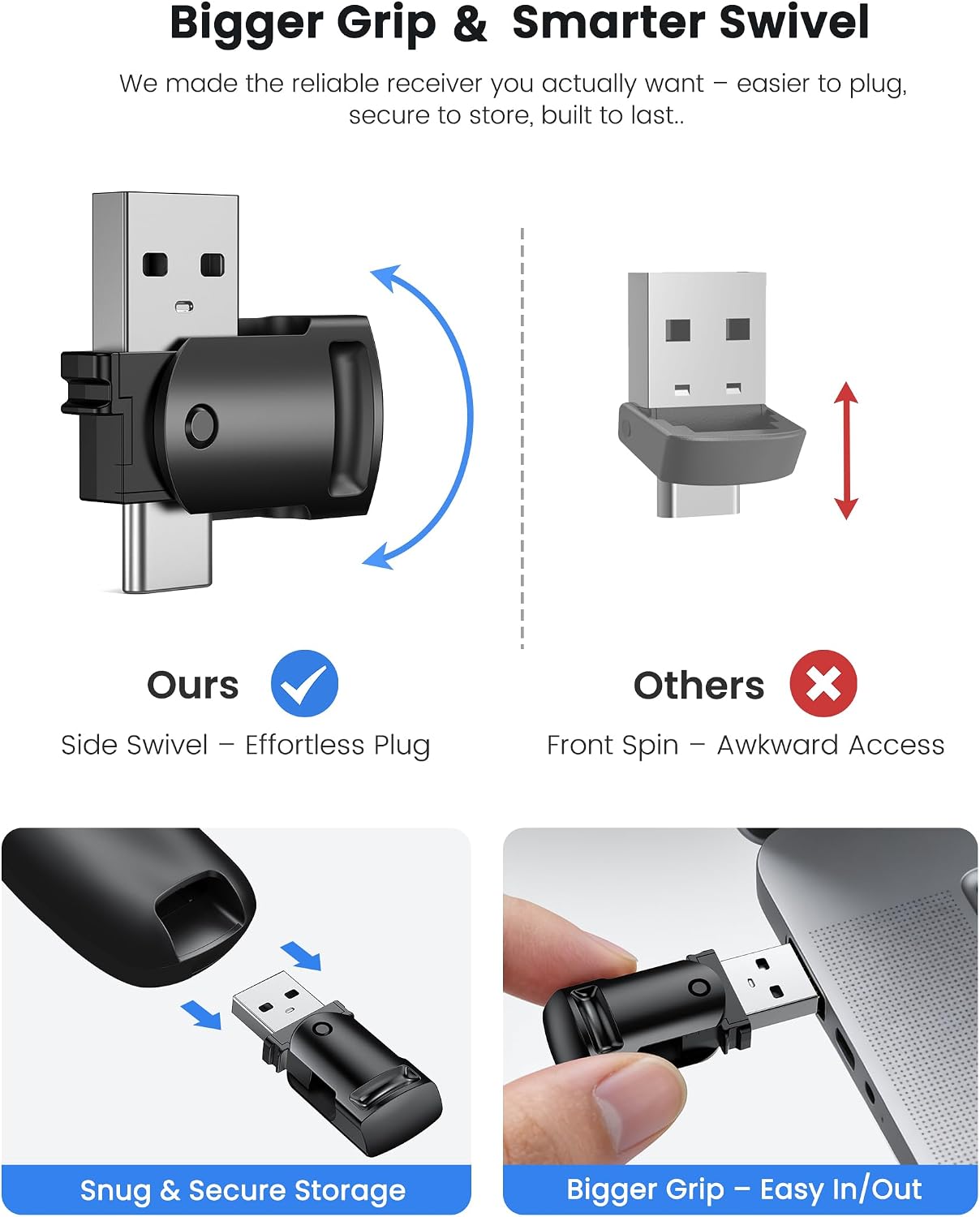
A built-in USB-A and USB-C receiver lets this ELISWEEN presentation clicker connect to computers with either port, so you can advance slides without searching for an adapter. Its 2.4GHz wireless connection supports moving around while presenting. Page controls, volume buttons, and a red light pointer add useful functions beyond basic slide advancing. Two AAA batteries are required and are not included.
Benefits
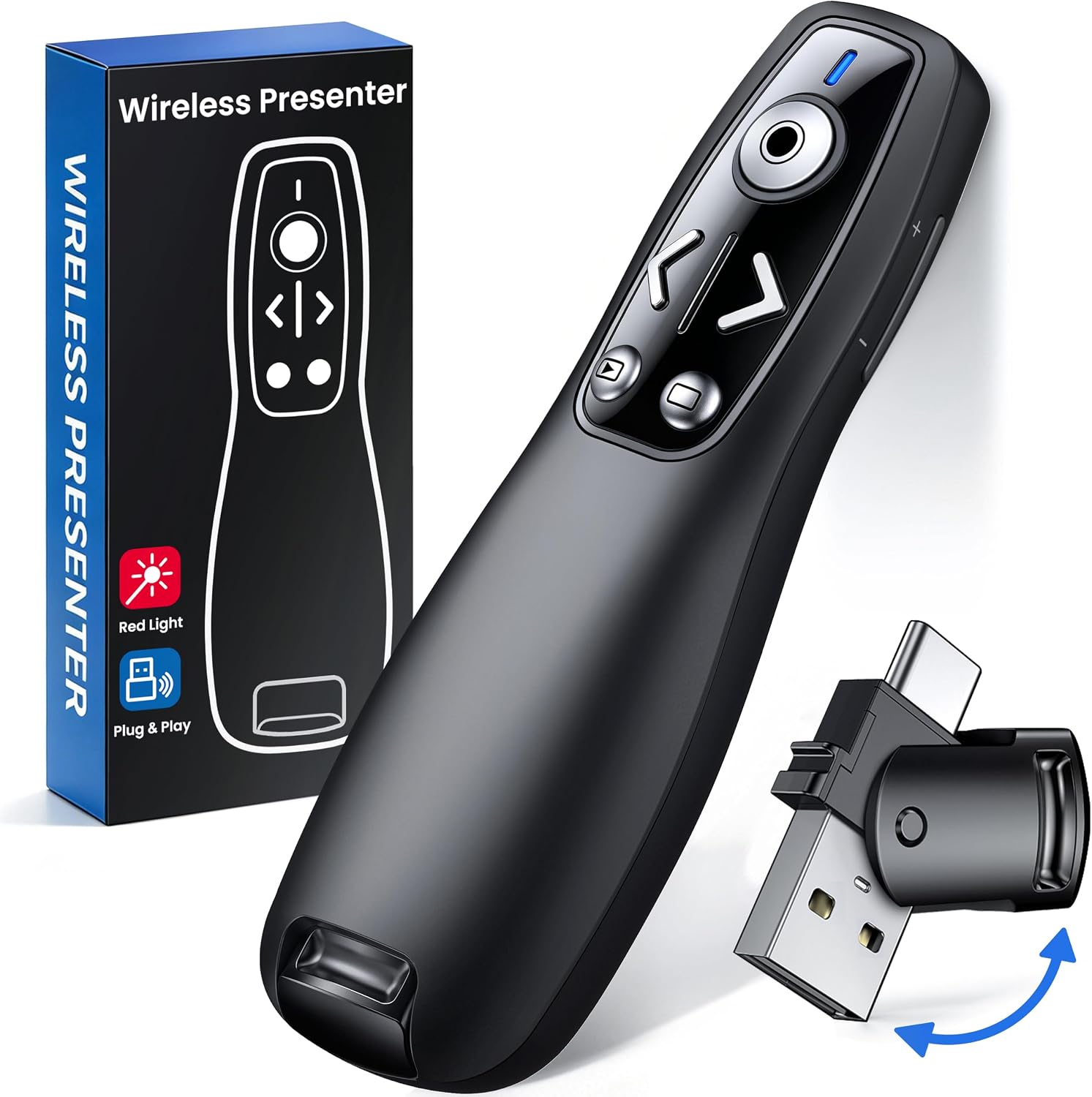
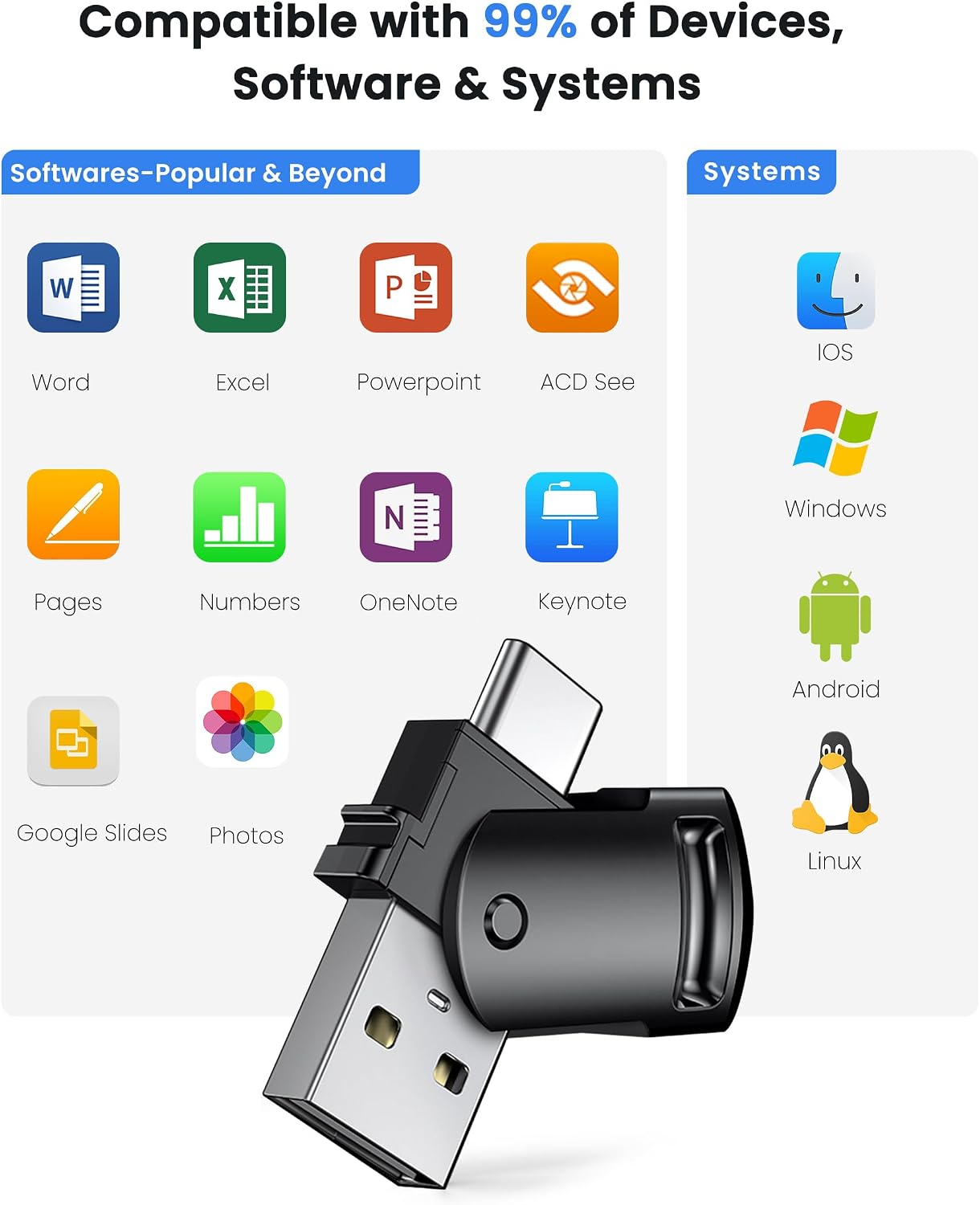
The receiver’s two connector types make this remote a practical fit for presentations on computers with USB-A or USB-C ports. It is designed to work without driver or software installation, and the listed compatible systems and apps include Mac OS, Windows, Linux, PowerPoint, Keynote, Google Slides, and Prezi. Compatibility is stated for computers, an iPad is not listed.
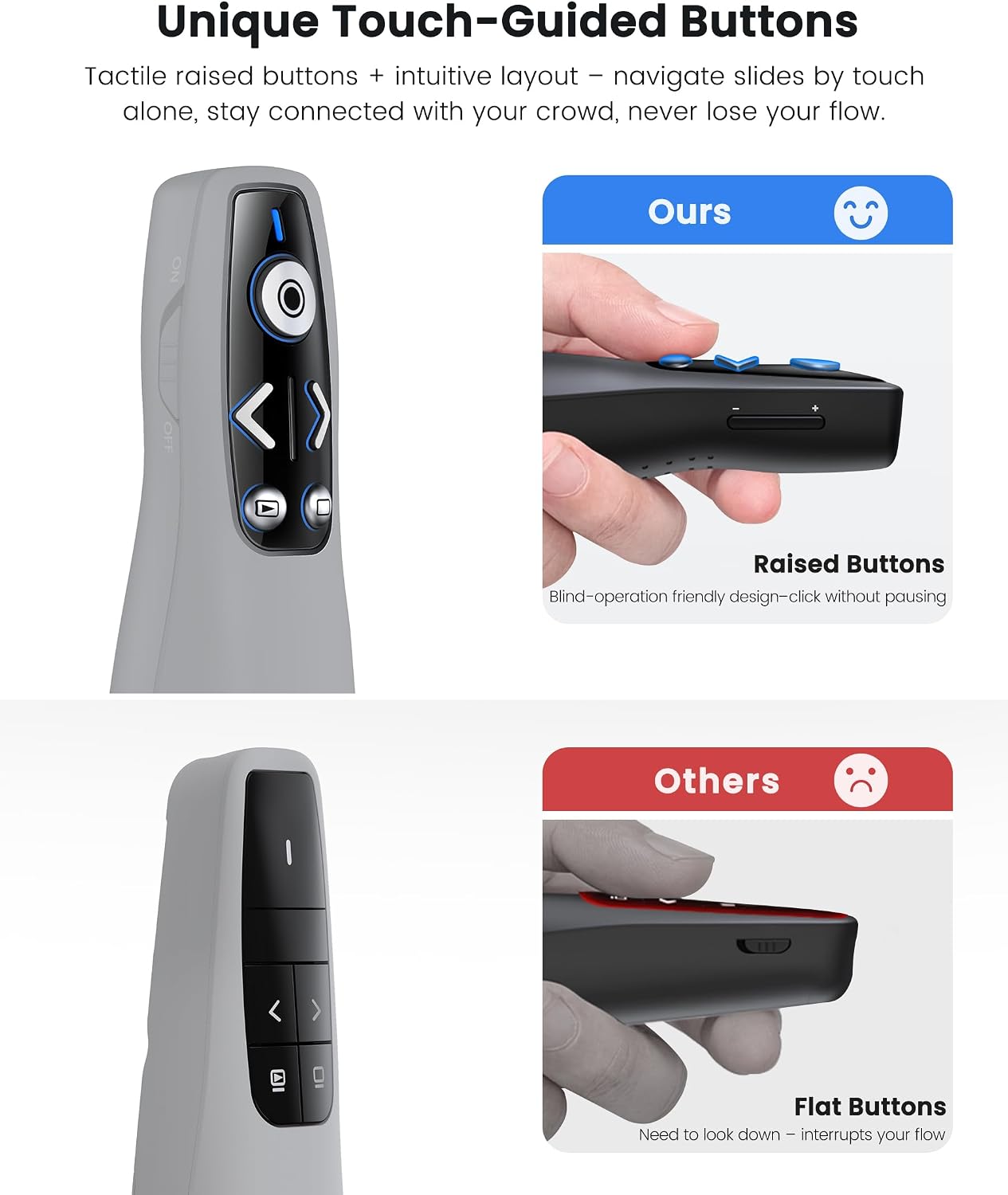
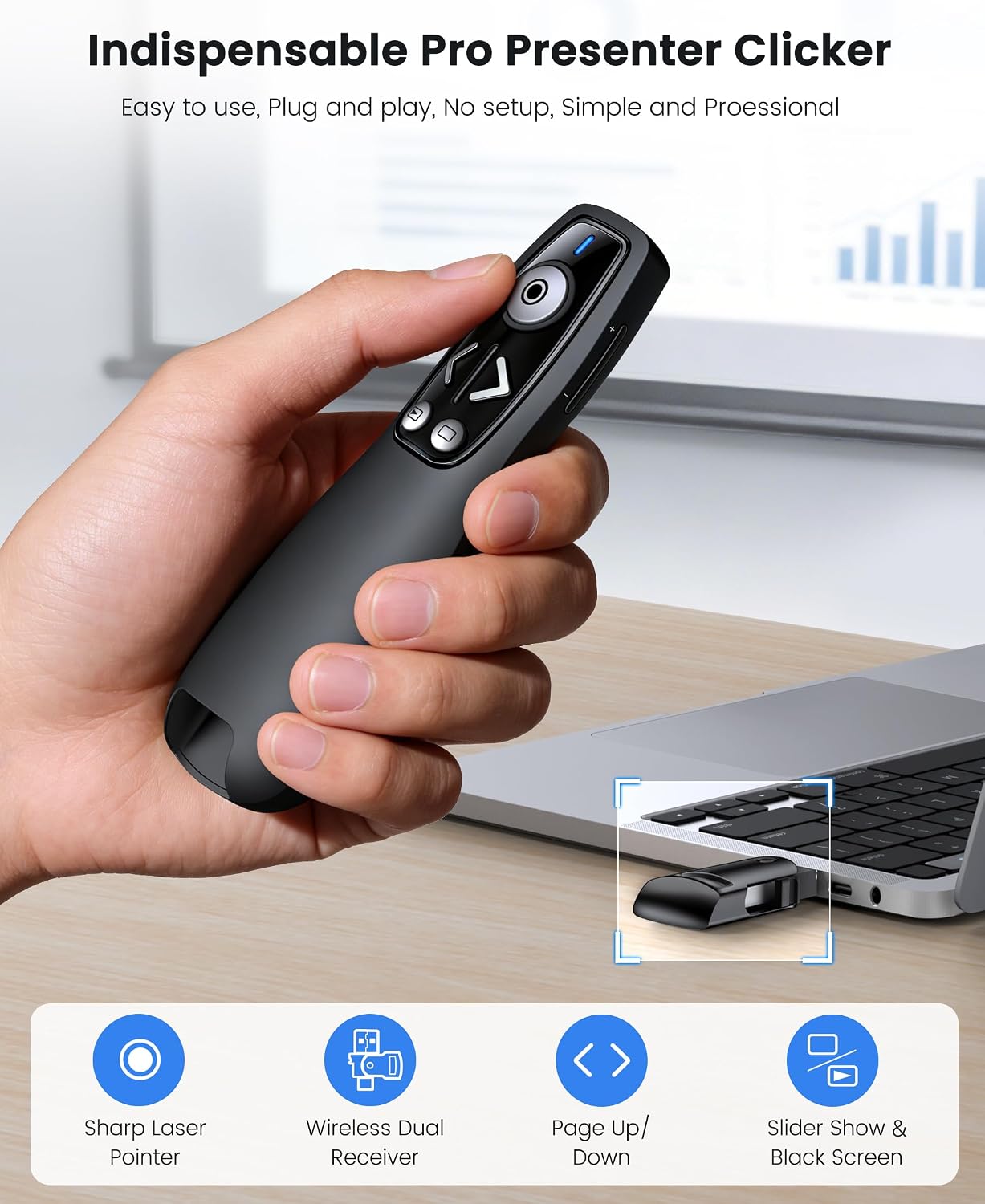
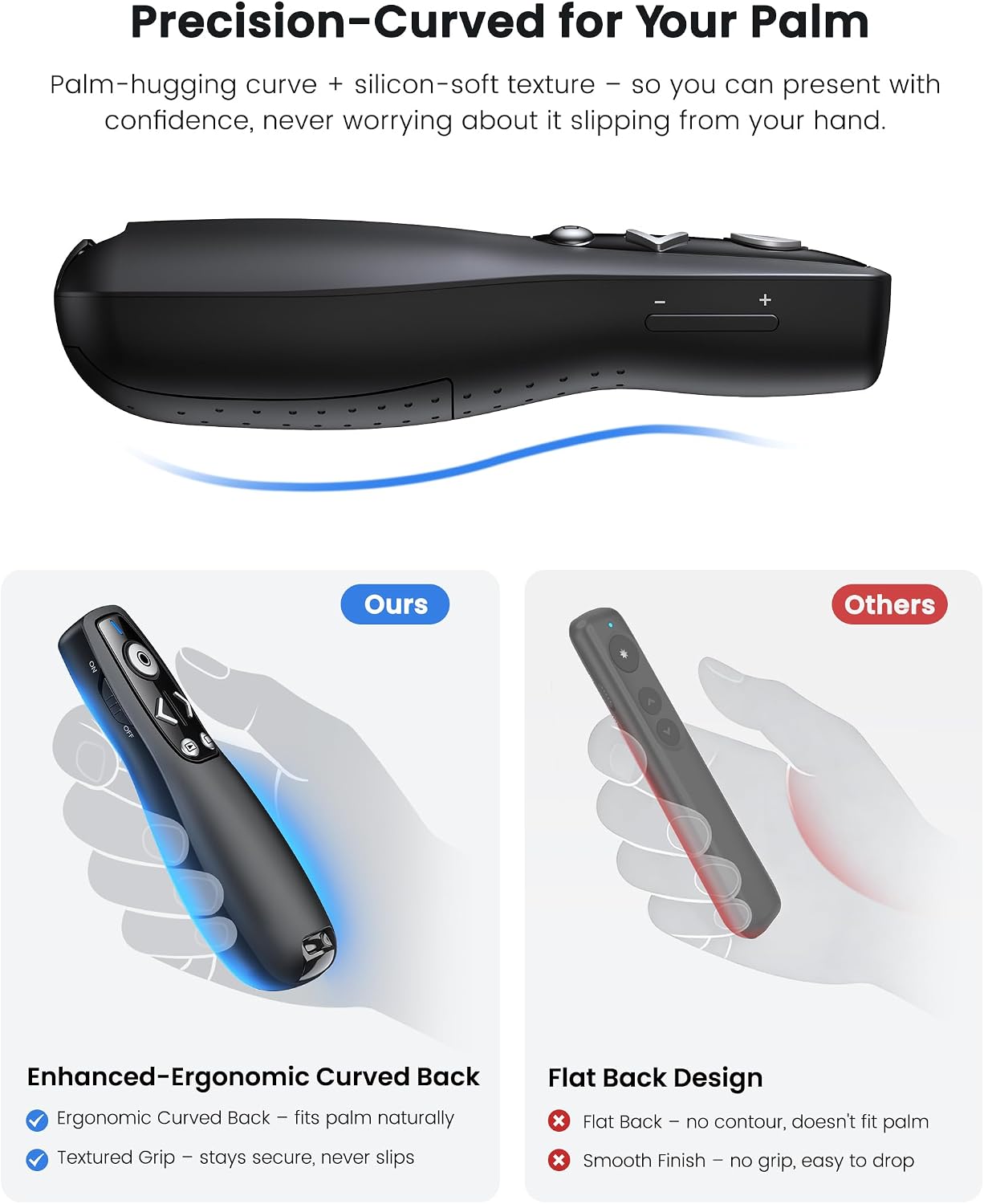
Controls cover Page Up/Down, full screen, black screen, volume up/down, and switching windows. That range can help during a class or meeting when you want to move through slides, adjust audio, or change windows without returning to the computer. The red pointer is intended to highlight slide content, while the remote’s ergonomic shape and contoured keys are designed for handheld use. A magnetic slot stores the receiver in the clicker when it is not plugged in.
What matters most
This is more than a basic next-and-previous remote, but its appeal depends on whether you will use the extra controls. If your presentations mainly involve advancing slides, a simpler clicker may cover the same need. The built-in dual connector and volume controls are more relevant if you switch between computers with different USB ports or handle audio from the remote.
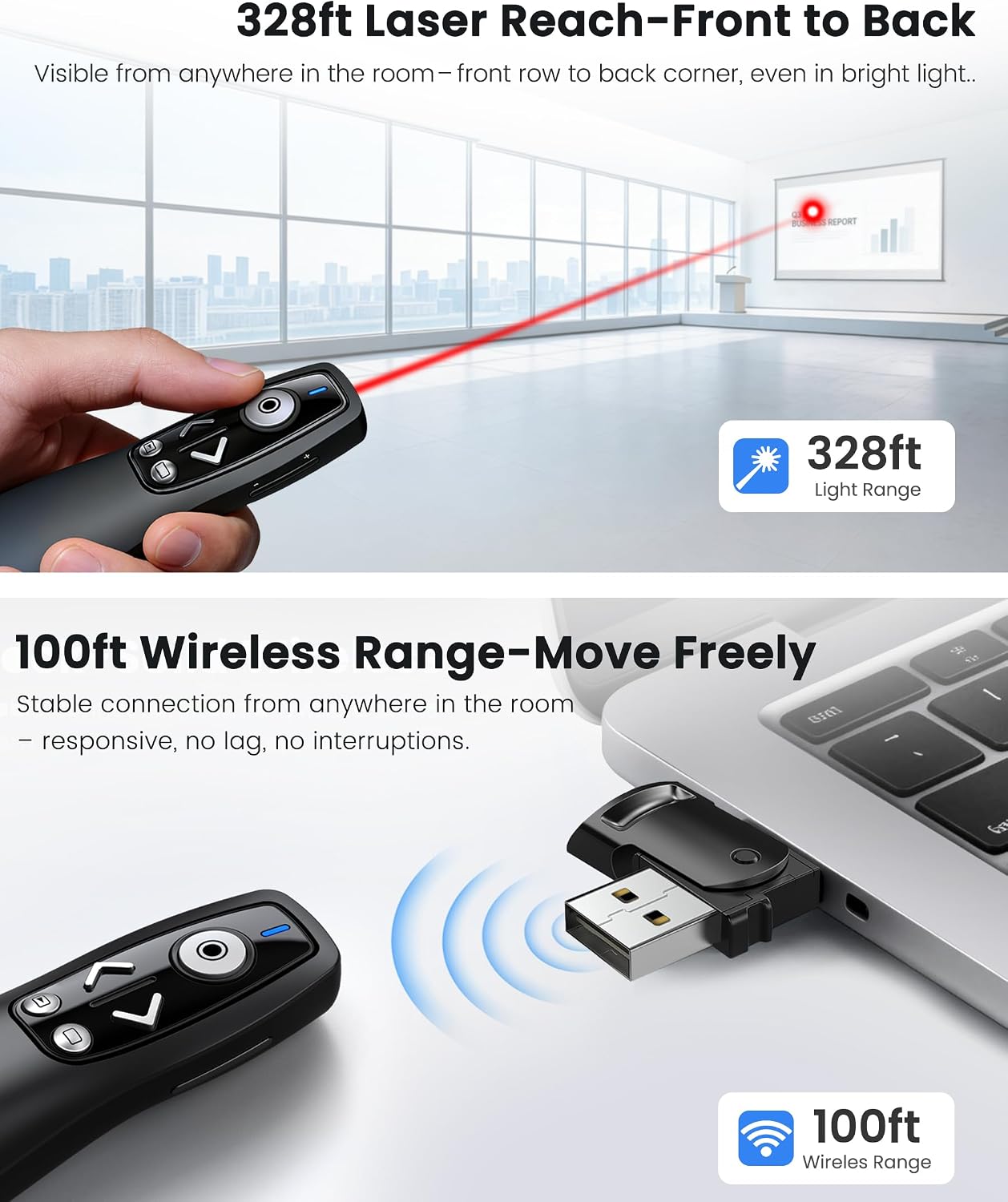
The listed wireless control range is up to 100ft, and the red pointer distance is stated as up to 100M. Those are separate functions, not interchangeable range figures. Buyer feedback is mixed on wireless reach, and some report less dependable performance than the stated distance suggests. Customers also describe setup as straightforward and the remote as comfortable to hold, while compatibility reports are not uniform. Treat the stated computer and software support as the clearest guide to fit.
How to use it
Insert two AAA batteries, connect the receiver to a computer’s USB-A or USB-C port, and use the remote’s buttons to control the presentation. The receiver stores magnetically in a slot on the bottom of the clicker, which may help keep the small component with the remote between sessions. The listing describes automatic sleep and more than 30 days of standby on a set of batteries, actual battery life in use is not specified.
A solid pick if you present from a computer and want both slide controls and a pointer in one handheld remote. It’s not for you if you need confirmed iPad support: the product information lists computers, and customer reports about iPad compatibility are mixed.
What to clarify
Does it work with an iPad? The listed compatibility covers computers, not iPads. Some buyers also report that it does not work with iPads, so support for that setup is not established.
Are batteries included? No. The clicker uses two AAA batteries, which are not included.
Can you rely on the full wireless range? The listing states up to 100ft for remote control, but buyer reports on range vary. Consider the room and your setup rather than assuming the maximum will be reached.
Is it worth it?
For computer-based presentations, the combination of USB-A and USB-C connections, slide and volume controls, and a red pointer gives this remote a broader role than a basic slide advancer. The receiver storage and no-software setup also suit presenters who want a compact tool to carry between meetings or classes. Choose it when those specific controls match your routine, look for a different solution if iPad compatibility is essential or if you need more certainty about wireless performance.