

DigitPro VHS to Digital Converter 1080P 5”
Product description
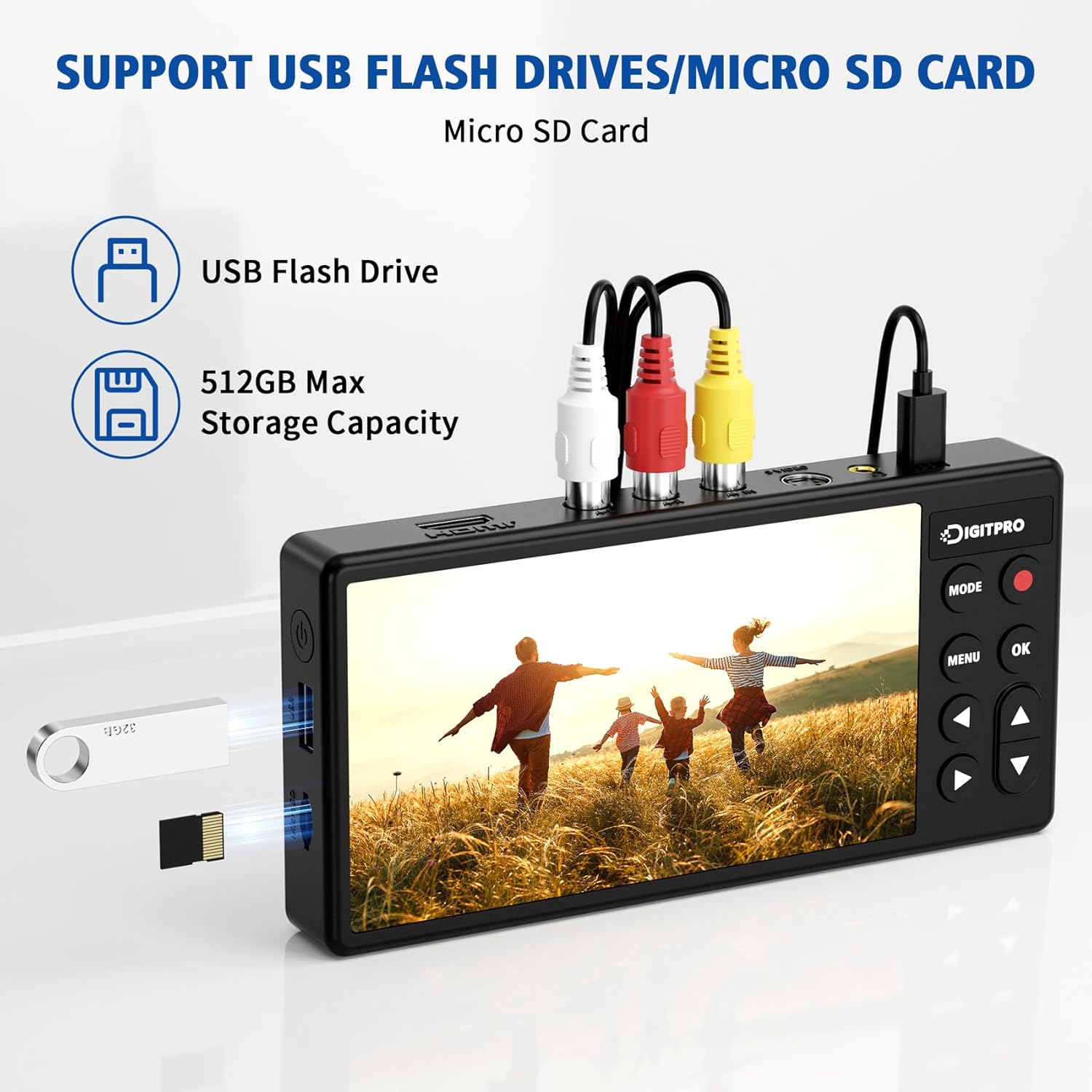
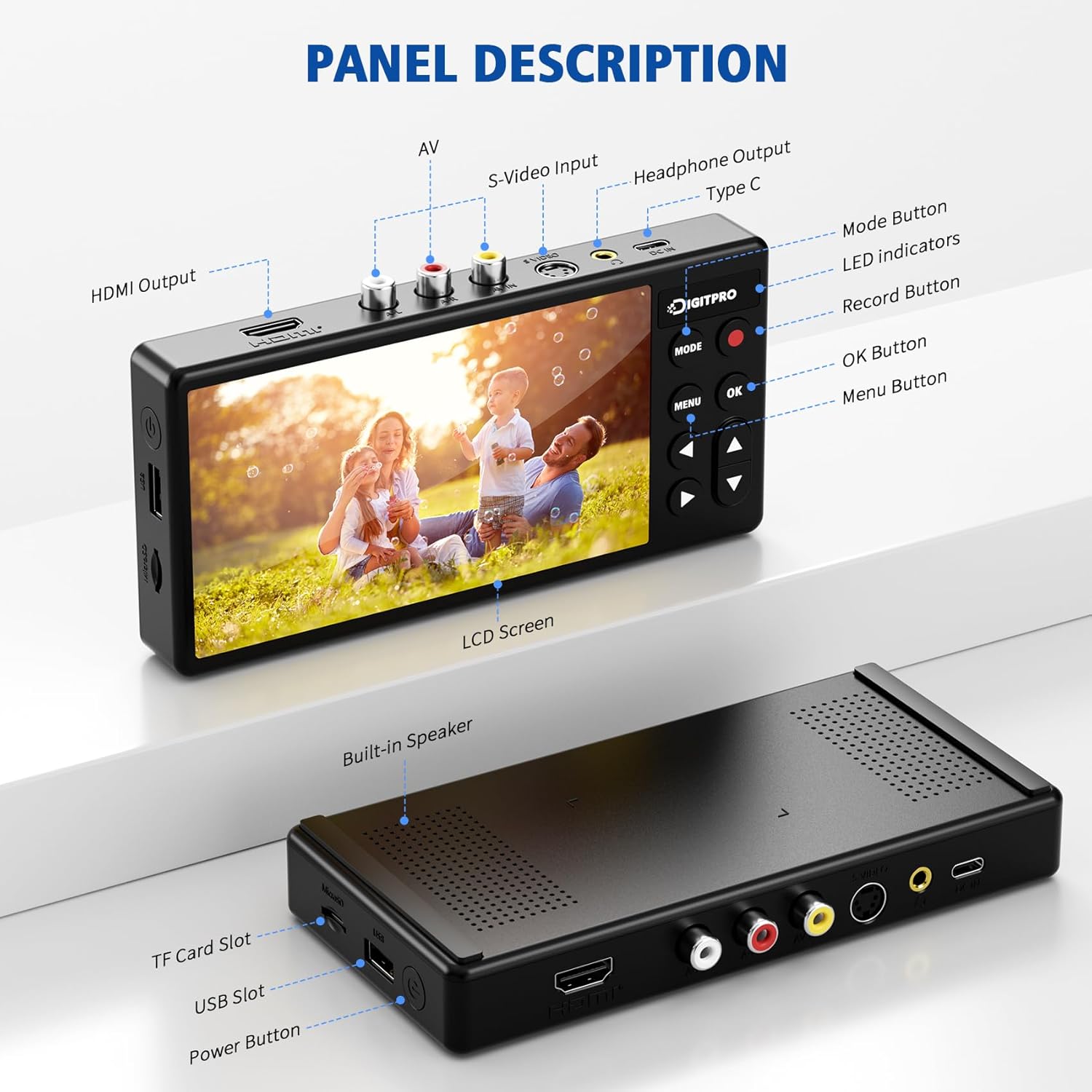
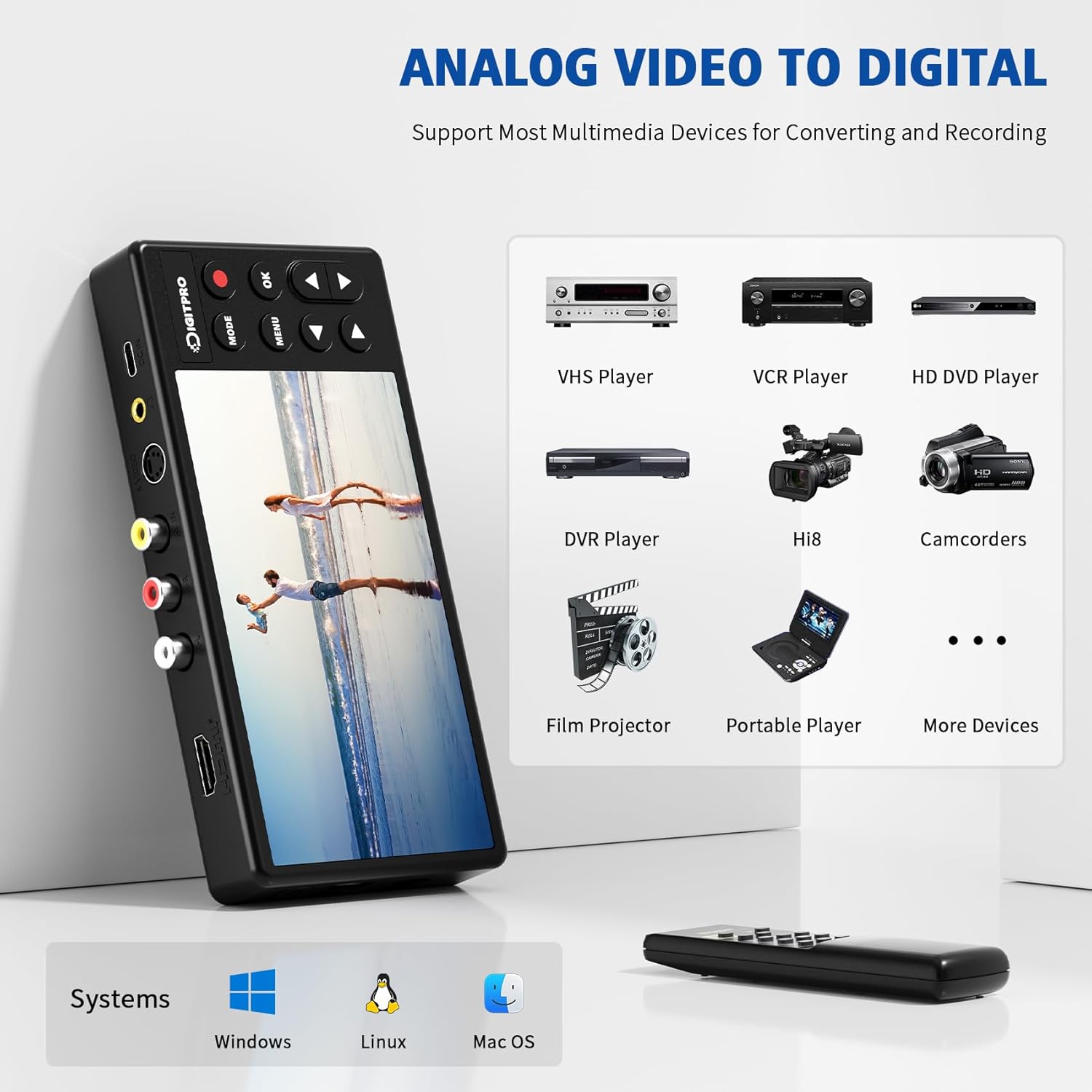
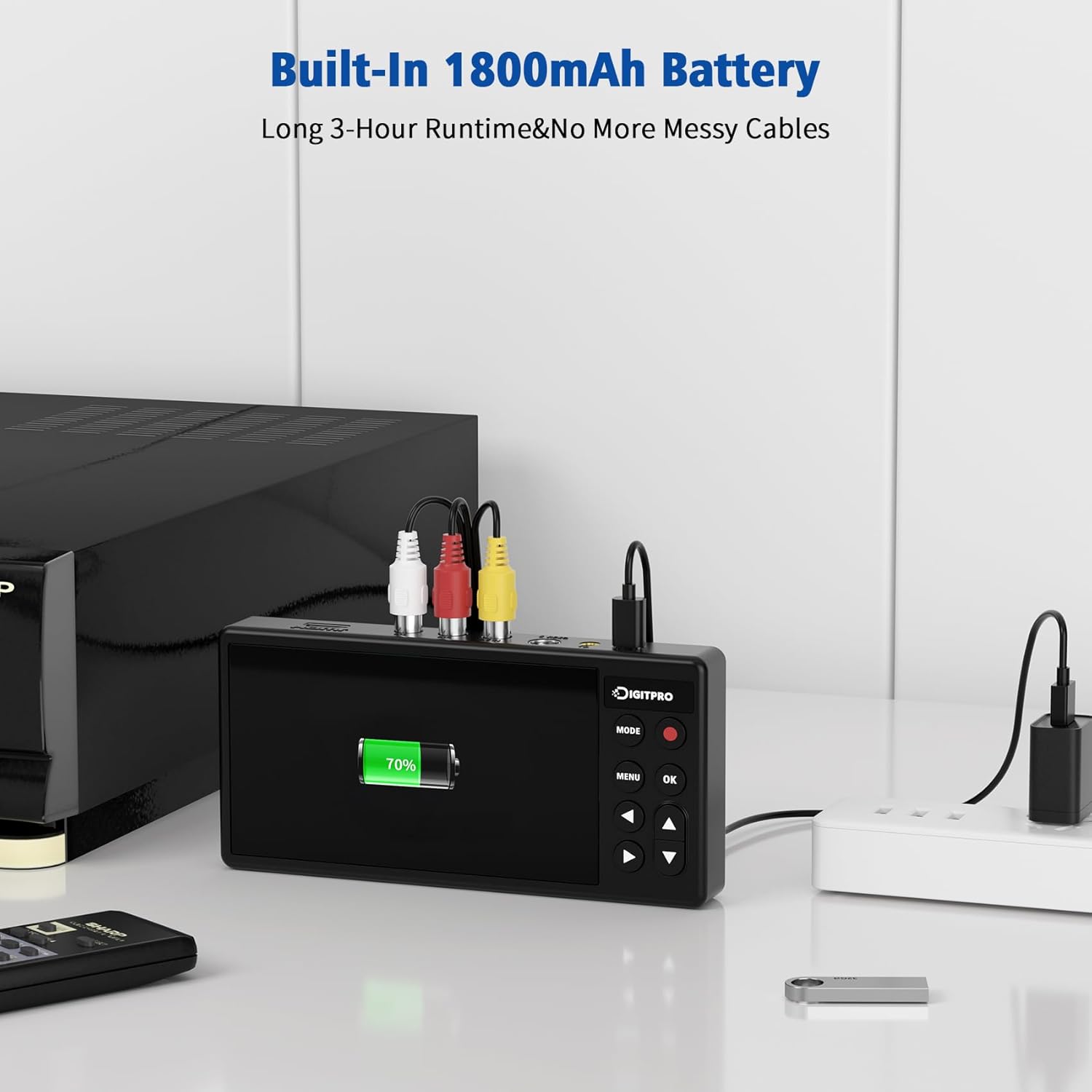
This portable DigitPro VHS to Digital Converter 3.0 records analog tapes to digital files and helps preserve old footage with minimal fuss. It features a 5 inch preview screen and a built in 1800 mAh battery for short portable sessions, and records up to 1080P 60Hz according to the manufacturer. The unit accepts AV and S video inputs so you can connect VCRs, Hi8 decks, Mini DV players and camcorders without a computer. Use a USB drive or TF card to store MP4 video or MP3 audio directly, or plug in an external hard drive for larger projects. 🎞️
Key takeaways
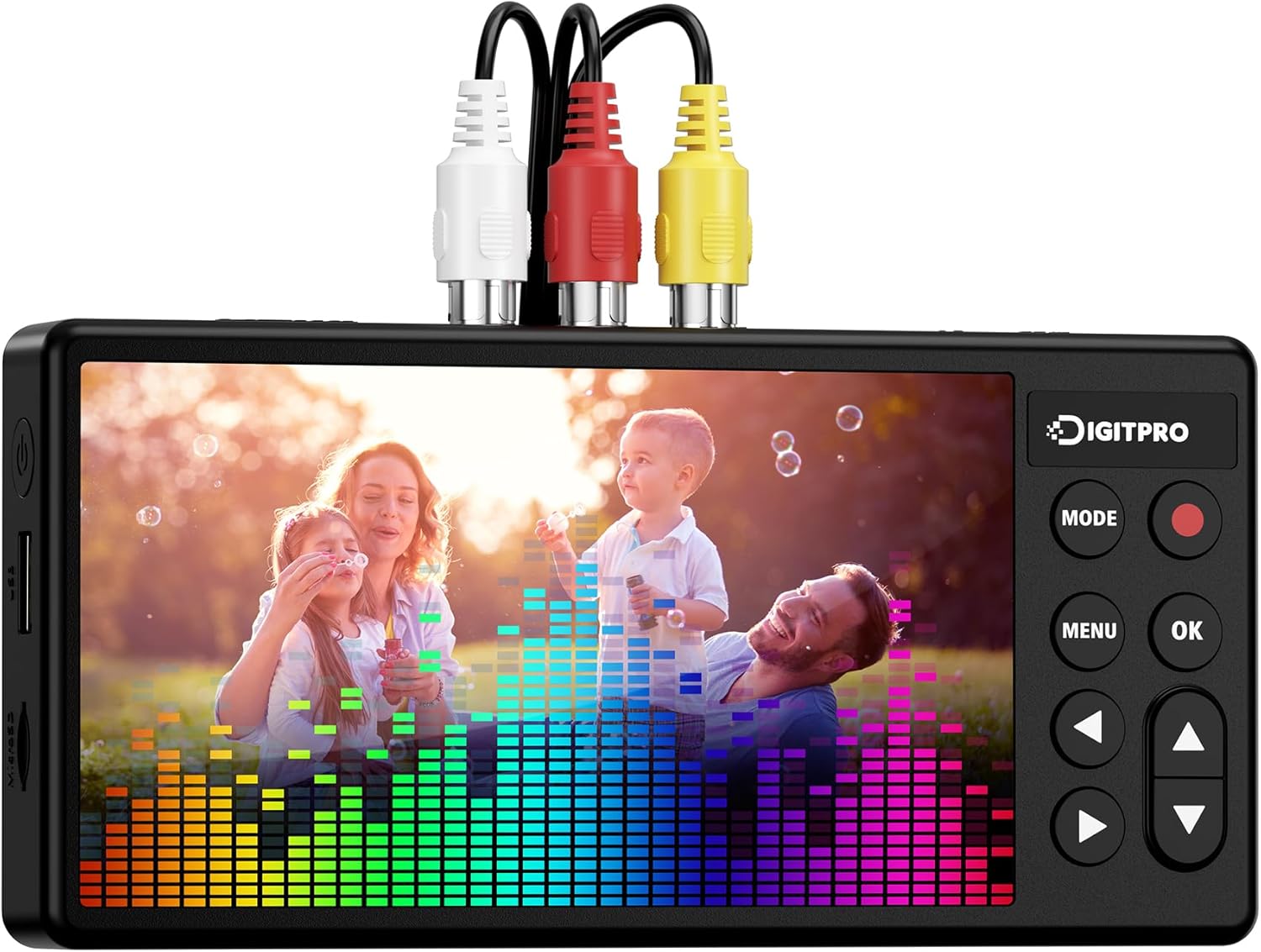
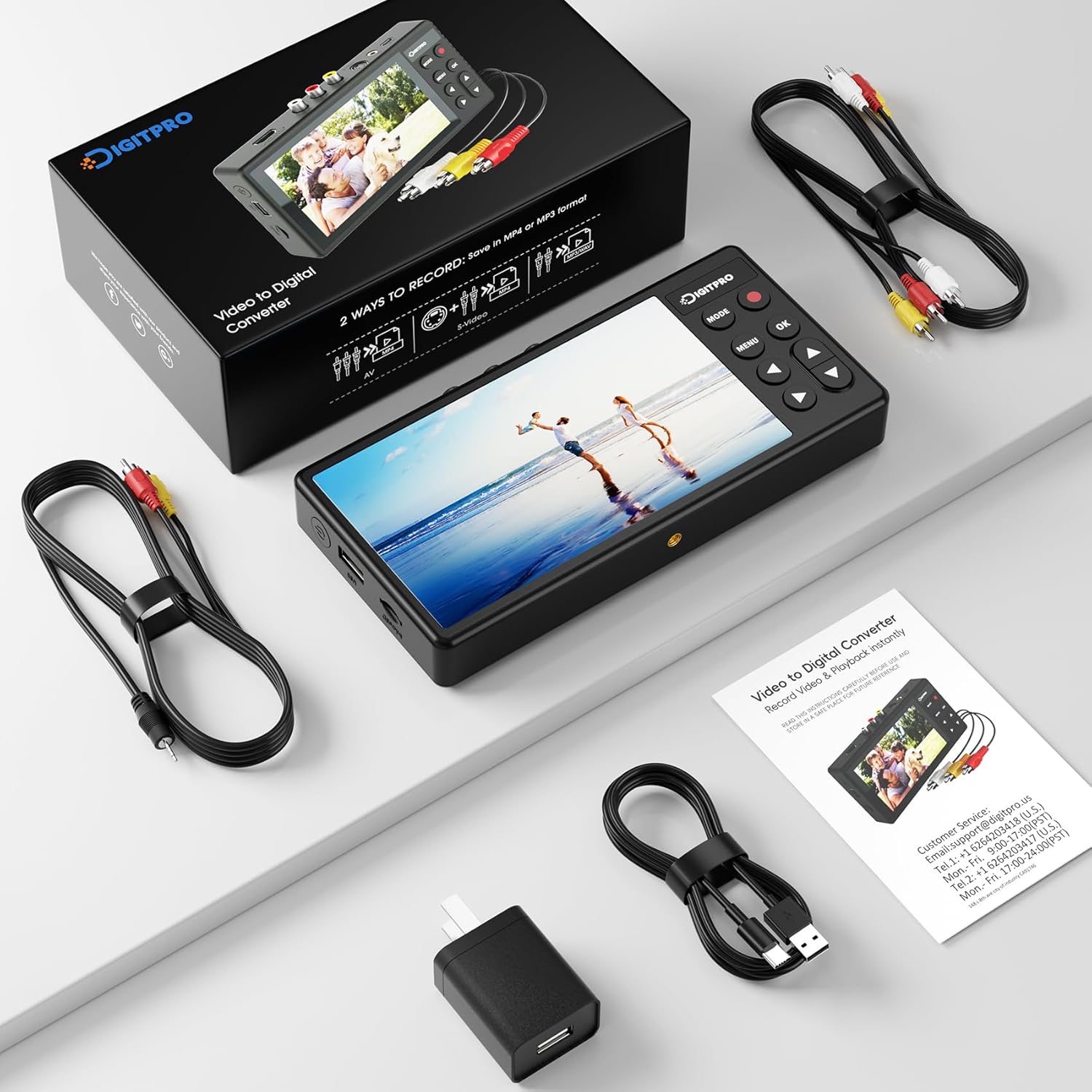
The DigitPro device streamlines tape digitization by combining capture, preview and storage in one handheld recorder. It is plug and play with no PC or software required, which makes it convenient for quick transfers and for users who want a simple workflow. Note that the converter does not play tapes on its own, tape player hardware is needed to supply the signal. It includes a Type C cable, AV and audio cable, power adapter and a manual so you get started right away. 🔌
Technical overview
- Name: DigitPro VHS to Digital Converter 3.0
- Resolution: 1080P 60Hz
- Battery: 1800 mAh
- Display: 5" preview screen
- What’s included: Converter unit, Power adapter, Type C cable, AV and audio cable, Manual
Pros
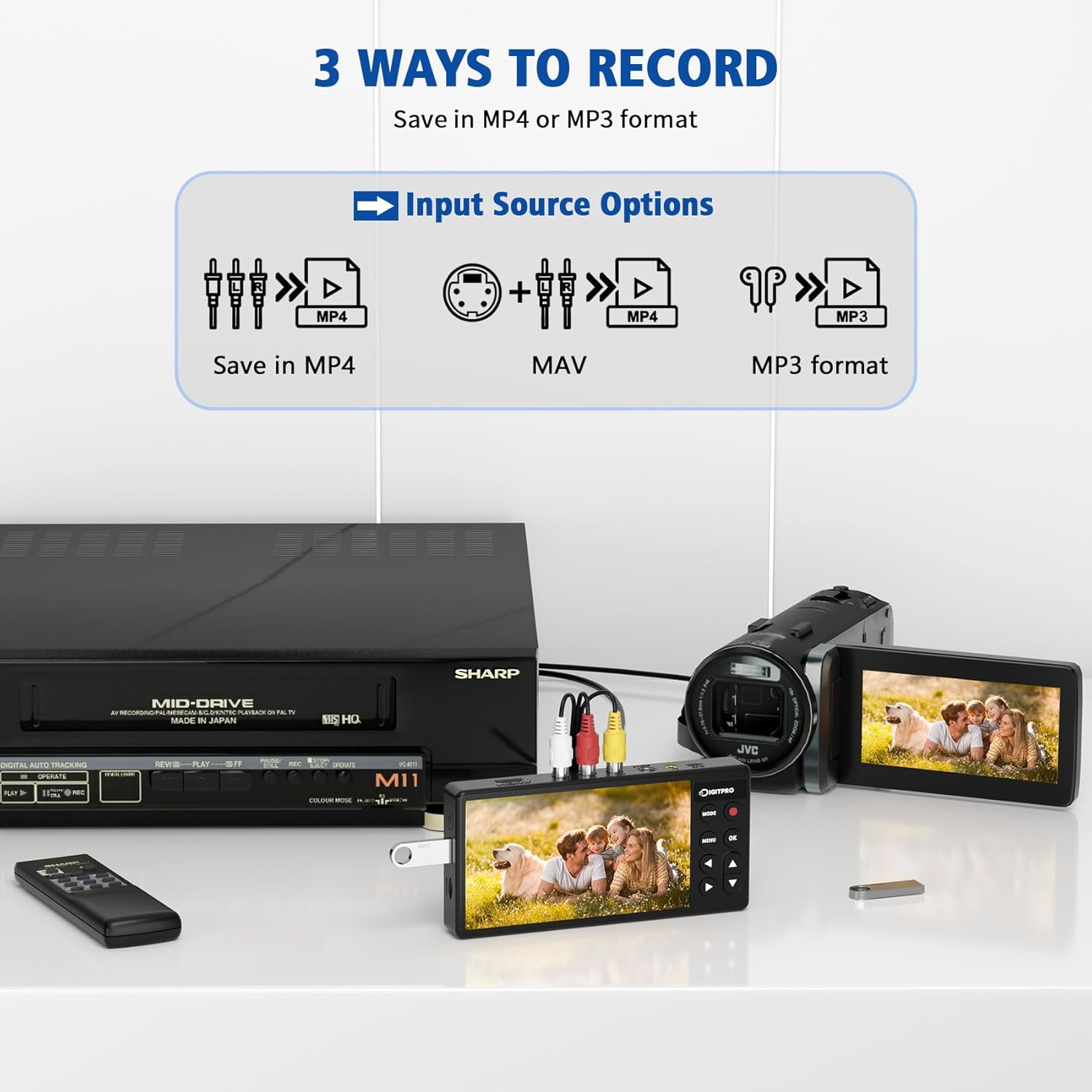
The built in screen gives immediate visual feedback so you can check framing and playback before saving files. Recording directly to USB or TF card avoids intermediate steps and reduces the chance of file loss. Smart features such as signal loss detection, automatic stop, pause and schedule help manage long capture sessions and reduce manual oversight. The package also comes with a two year warranty according to the seller.
Best use cases
This converter is practical for anyone digitizing family tapes with minimal setup and without a PC. It’s also useful for small archiving projects where portability matters, for instance when working at a friend or relative’s home. It might not be the best match if you need advanced editing workflows or frame by frame restoration, since it focuses on straightforward capture rather than post processing.