

Rongta F81 Portable Wireless Thermal Printer (Bluetooth, Inkless) for Travel, School & Office
Product description
Key takeaways on this portable thermal printer
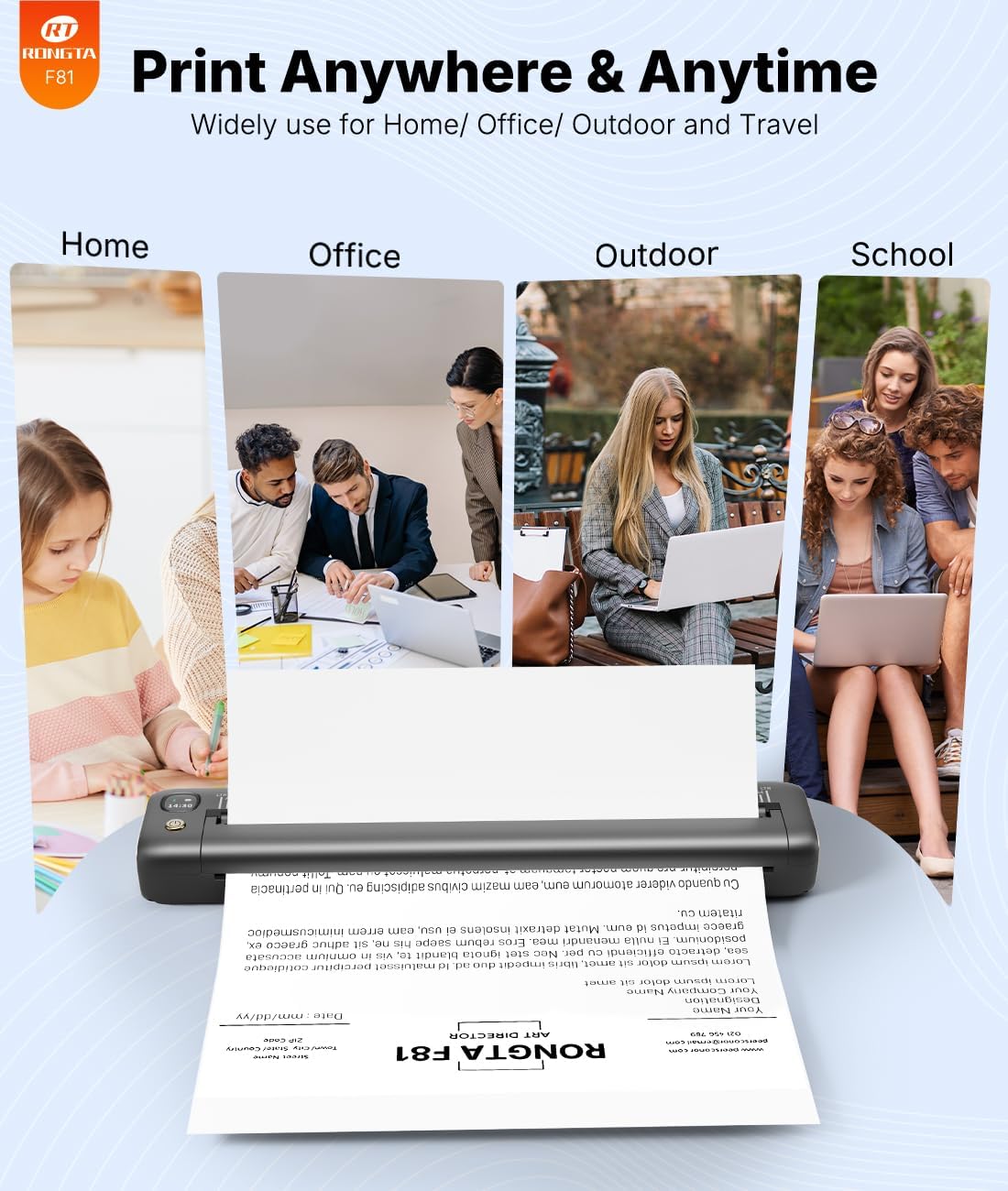
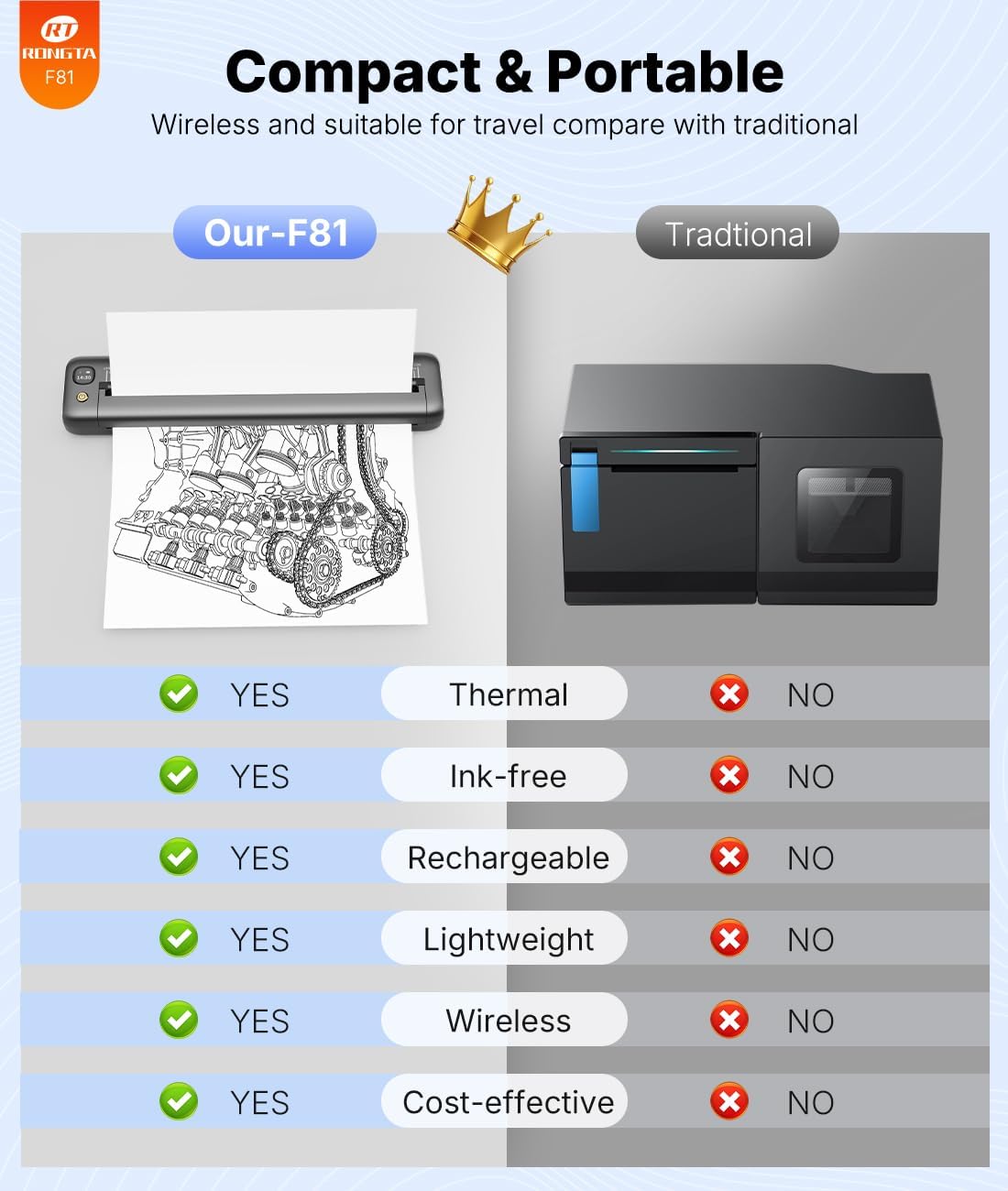
If you need to print while you’re away from a traditional printer, the Rongta F81 is built for that kind of workflow. It’s a compact inkless thermal printer that connects over Bluetooth for mobile printing, and it’s designed for tasks like printouts for school, office forms, study materials, and travel-related documents. The “no ink” approach is a big part of the pitch: you’re not managing cartridges or ribbon replacements, which can simplify ownership.
That said, it’s not a universal replacement for everything. The instructions provided make it clear it uses thermal paper (not normal paper) and it also has an app-based pairing requirement. If you want simple plug-and-print printing from a browser or from Chrome, you’ll likely be disappointed.
What it’s for (and what it feels like in real use)
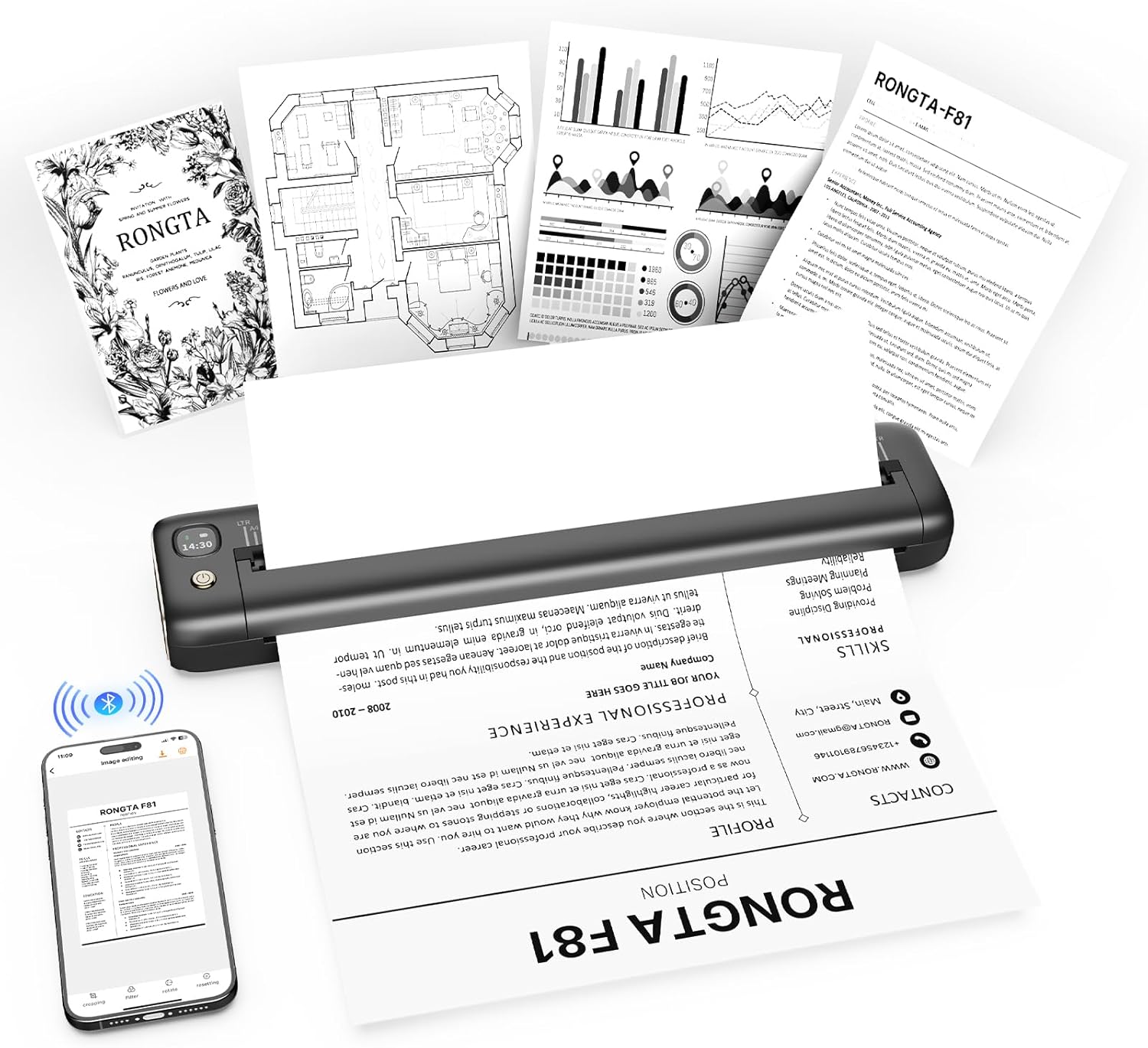
On paper, this is the kind of printer you keep in a backpack or tote for quick, practical print needs. In use, the flow is pretty straightforward: install the “SoPrint” app, connect the printer via Bluetooth inside the app, select the F81 there, and then print from an iPhone/iPad or Android phone/tablet. For laptop printing, there’s also a USB cable connection option for compatible Windows and Mac devices.
A common scenario: you’re at a library or a meeting room and you need a hard copy of an assignment, form, or a short document. This model is described as operating under 60dB, so it’s positioned as quieter than many typical printers—helpful if you’re printing in more noise-sensitive spaces.
Ease of setup and connectivity details
Setup is mostly app-driven. The product notes that you should download the “SoPrint” app (from Google Play or the iOS App Store) and perform Bluetooth pairing through that app. There’s also an explicit warning: it does not support pairing Bluetooth directly via phone or tablet, you need to pair in the SoPrint app.
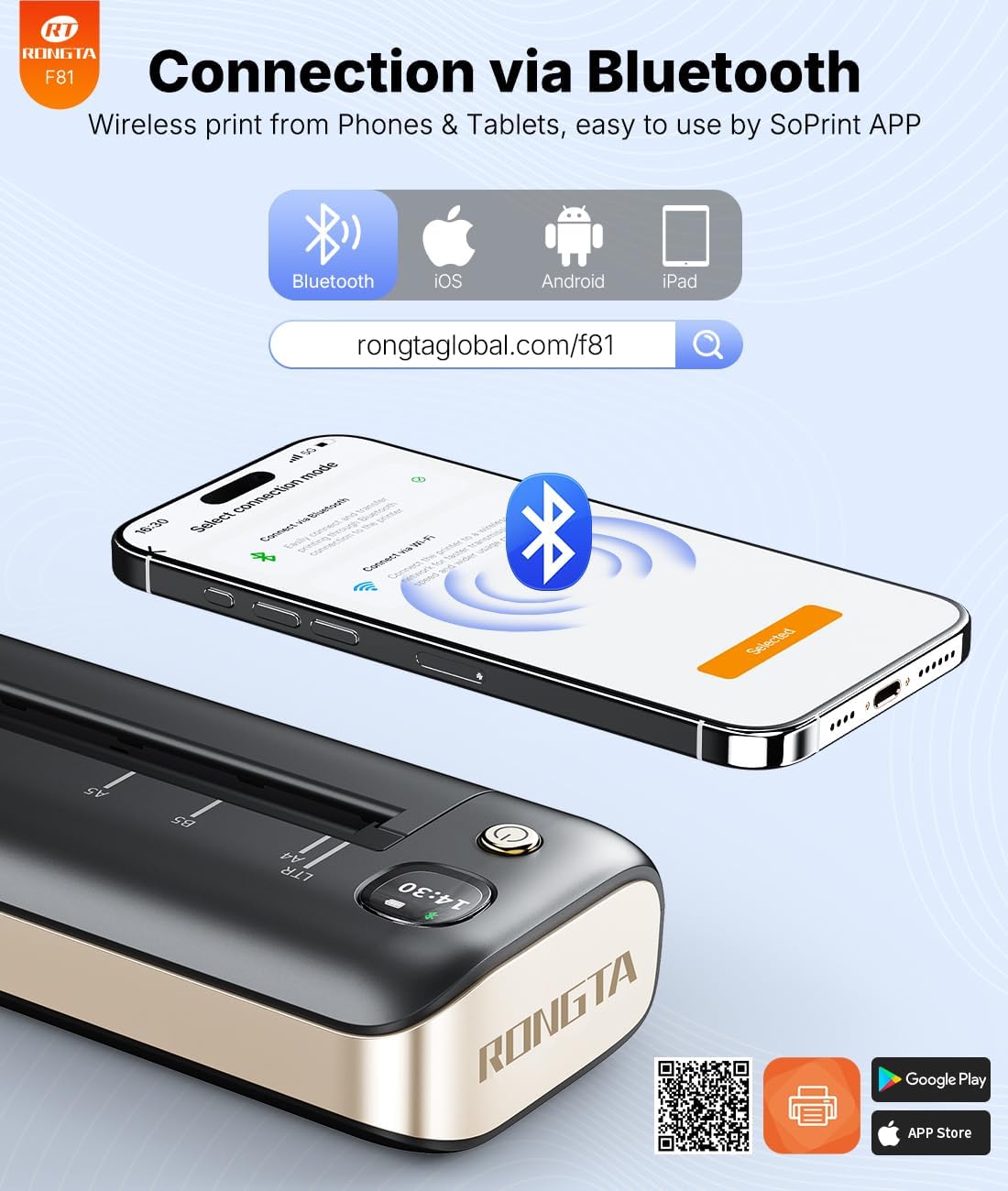
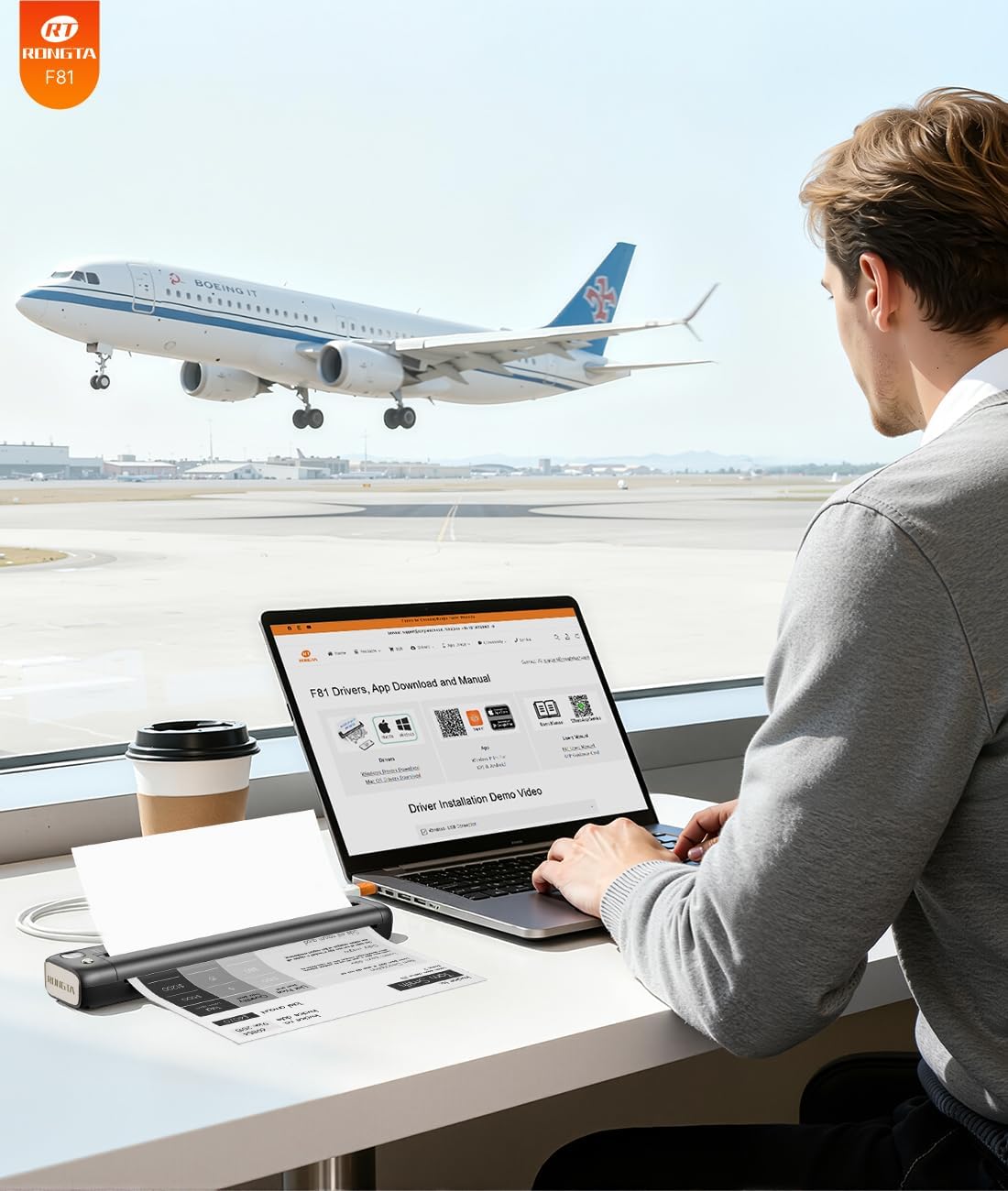
There’s a second connectivity path for laptops: it supports USB cable connection for Windows 7–11 and MacOS for PC (as stated in the provided info). That’s useful if your mobile workflow is limited or if you prefer printing from a computer.
One more limitation worth keeping in mind: it does not support Chrome.
Print experience: resolution, size support, and inkless thermal tech
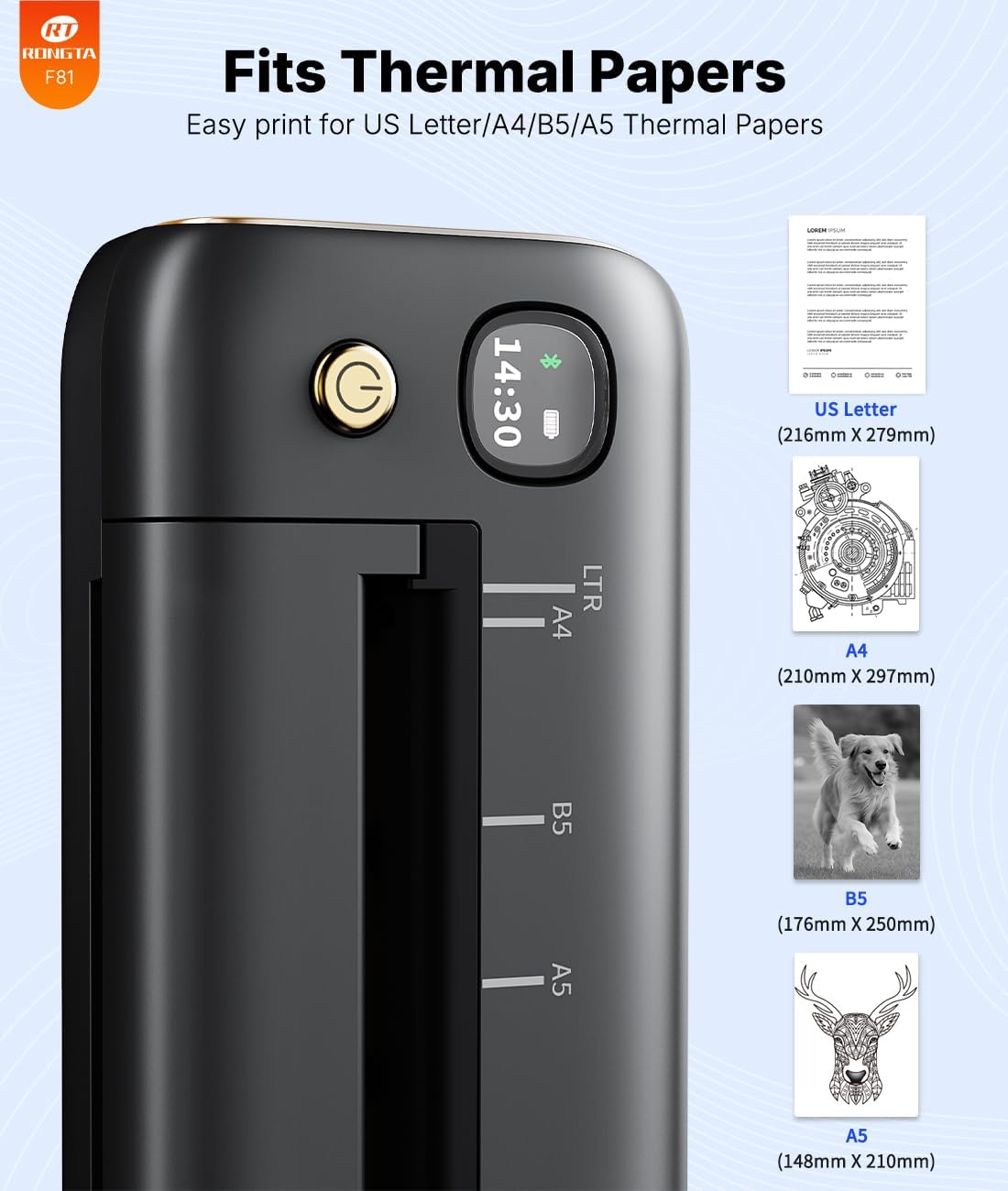
The F81 is described as a 203DPI thermal printer, with a design for up to 8.5 inches wide paper. The thermal approach means it requires no ink cartridges or ribbons, which is a clear advantage for ongoing cost and maintenance.
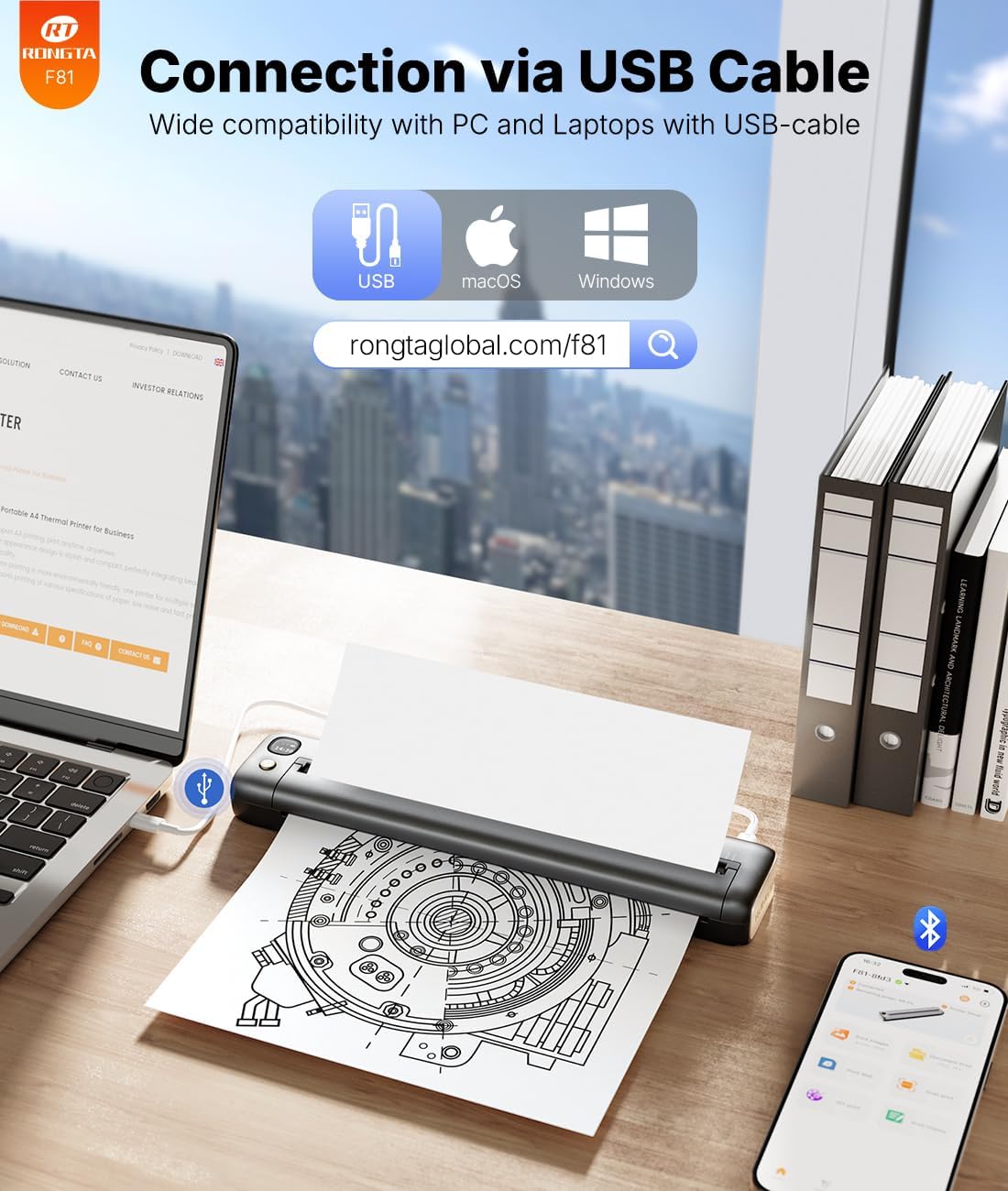
In terms of paper compatibility, the information says it supports a flexible print width range of 4 to 8.5 inches and works with US Letter, Legal, A4, and 4-inch thermal paper. It also specifies you should use thermal paper and not normal paper—this is crucial. If you already have “regular” printer paper habits, you’ll need to adjust.
Also, the unit is measured at 10.43L × 2.17W × 1.06H inches and weighs 0.99 lb (465g). For travel and small-office setups, that’s the kind of weight class that usually feels manageable.
Noise and day-to-day practicality
If you’ve ever had to print quietly in a shared workspace, noise matters. This printer is described as operating under 60dB, which is why it’s presented as suitable for quiet places like libraries, meeting offices, or home. It’s not positioned as a “speed monster,” but for occasional documents, forms, and assignments, the quieter operation can be a meaningful advantage.
Tech specs you’ll likely care about
- Name: Rongta F81 portable thermal printer
- Type: Portable wireless Bluetooth thermal printer (inkless)
- Resolution: 203DPI
- Print width range: 4 to 8.5 inches
- Supported paper types/sizes (as stated): US Letter, Legal, A4, and 4-inch thermal paper
- Compatibility (as stated): Android, iOS, and laptops via USB (Windows 7-11 and MacOS)
- Noise level (as stated): under 60dB
- Size: 10.43 × 2.17 × 1.06 inches
- Weight: 0.99 lb (465g)
Is it worth it?
Worth buying if you want a portable, inkless thermal printer for travel and occasional print jobs—especially for school or office documents like forms, assignments, study materials, or travel-related paperwork. It makes the most sense if you’re comfortable using the SoPrint app as part of the workflow, and you plan to use thermal paper.
You may want to skip it if you need direct printing support in Chrome, if you expect to pair Bluetooth “normally” from a phone or tablet without using the SoPrint app, or if you want to print on normal paper. Also, if you’re looking for a one-device replacement for heavy day-to-day printing, this stays more in the portable/occasional lane than the all-in-one workhorse lane.
Mini FAQ
What app does the Rongta F81 use for Bluetooth printing?
The provided info says you should download the “SoPrint” app for Android and iOS, and pair the printer via Bluetooth inside that app.
Does it print with normal paper?
No. The guidance provided says it requires thermal paper and does not support normal paper.
Can I pair it with Bluetooth directly from my phone or tablet?
The product notes that it can’t support pairing Bluetooth directly via phone or tablet, you must pair in the SoPrint app.
Does it work with Chrome?
The included “Warm Tips” explicitly say it does not support Chrome.
Can I connect it to a laptop?
Yes, it supports a USB cable connection for laptops, with compatibility listed for Windows 7-11 and MacOS (as stated).