

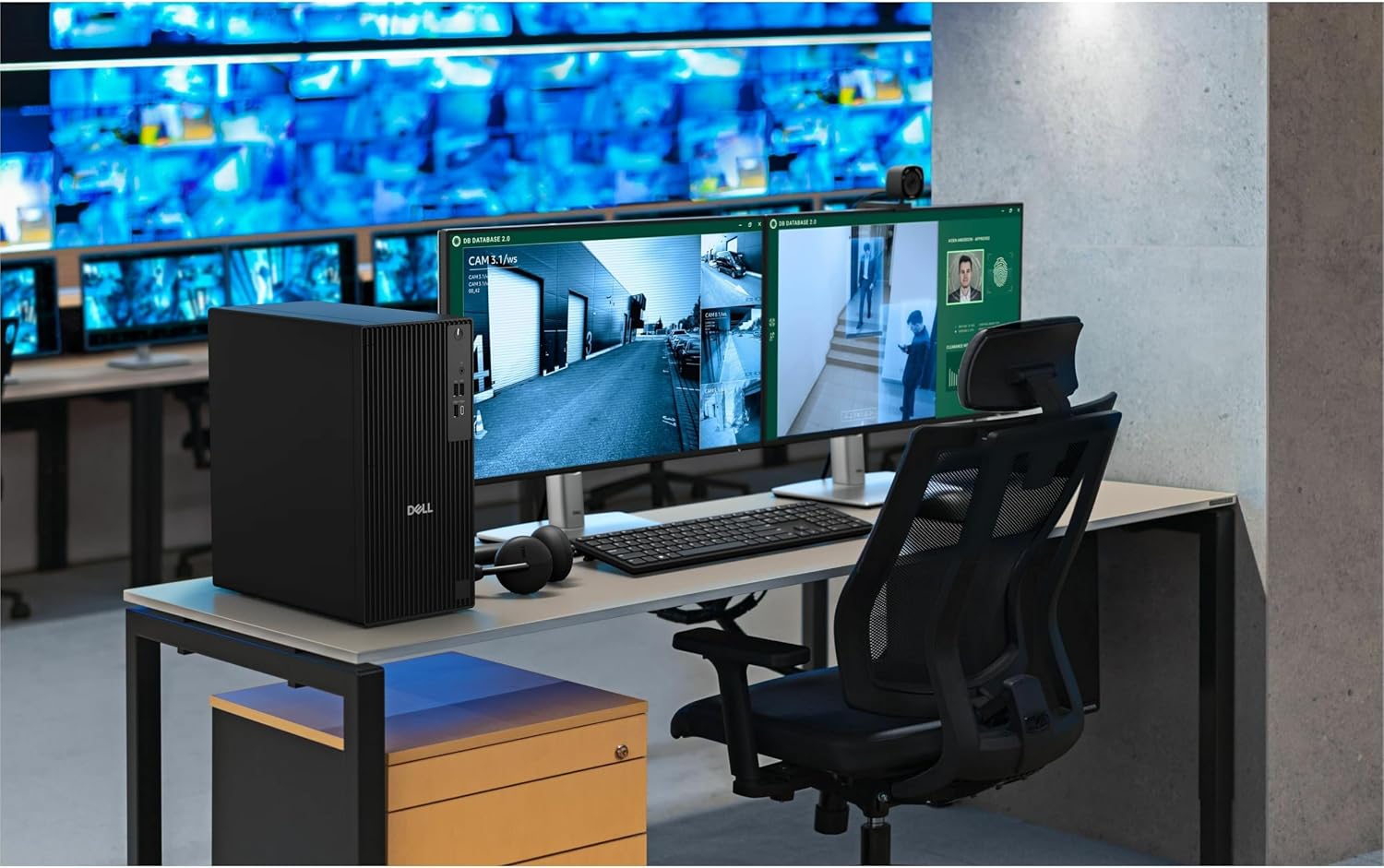
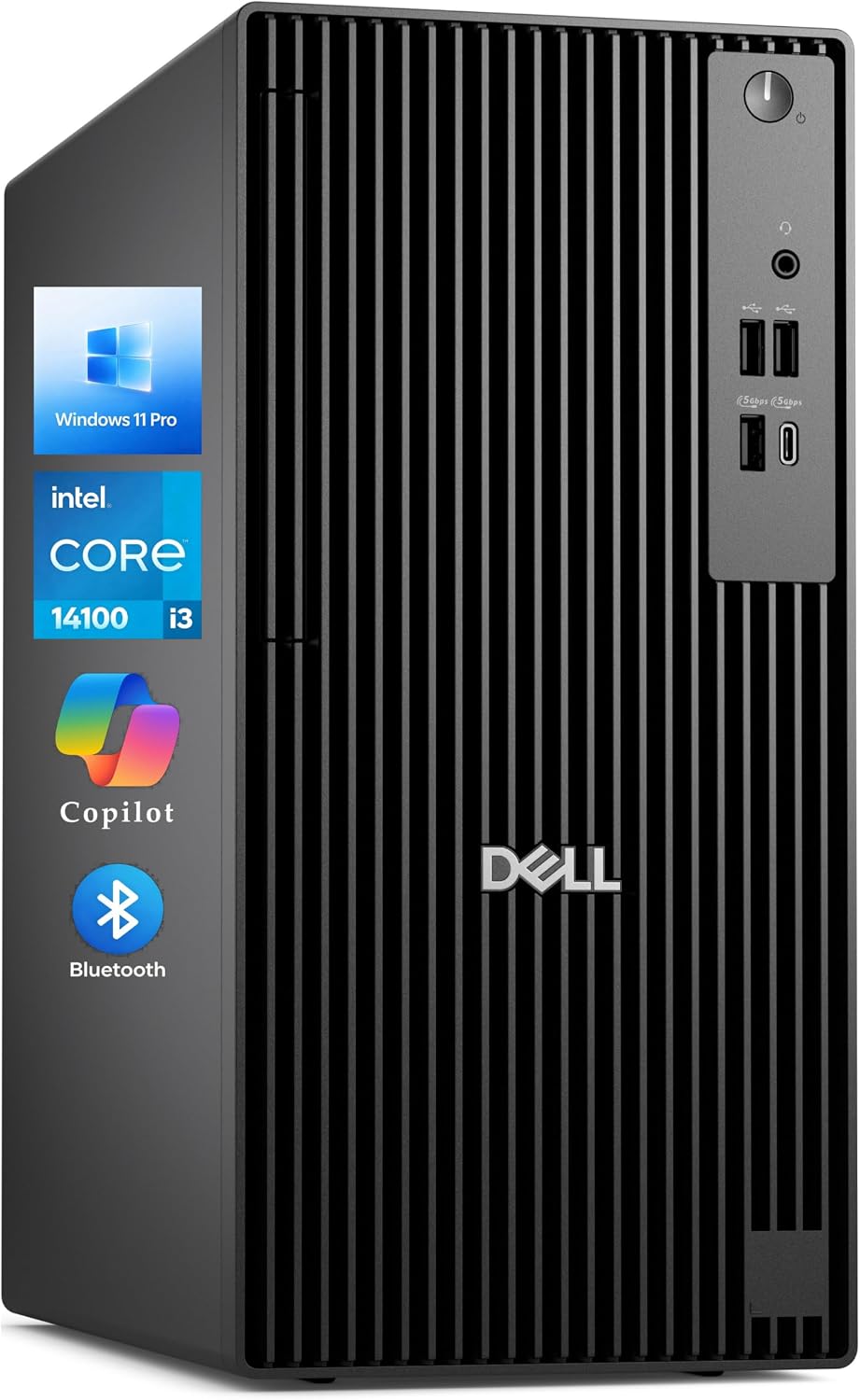
Dell Pro Tower Desktop with Intel Core i3-14100
Product description
For a desk centered on documents, spreadsheets, browser-based tools, and routine multitasking, this Dell Pro Tower pairs a 14th Gen Intel Core i3-14100 with 16GB of DDR5 memory and a 512GB PCIe SSD. Its mix of HDMI, DisplayPort, USB-C, USB-A, and wired networking gives an office setup several ways to connect without relying on adapters for every accessory. It also includes a wired keyboard and mouse, which is useful when setting up a basic workstation. The main question is whether everyday office performance and these connections match your workload, the listing does not provide details about graphics hardware or upgrade options.
Technical details
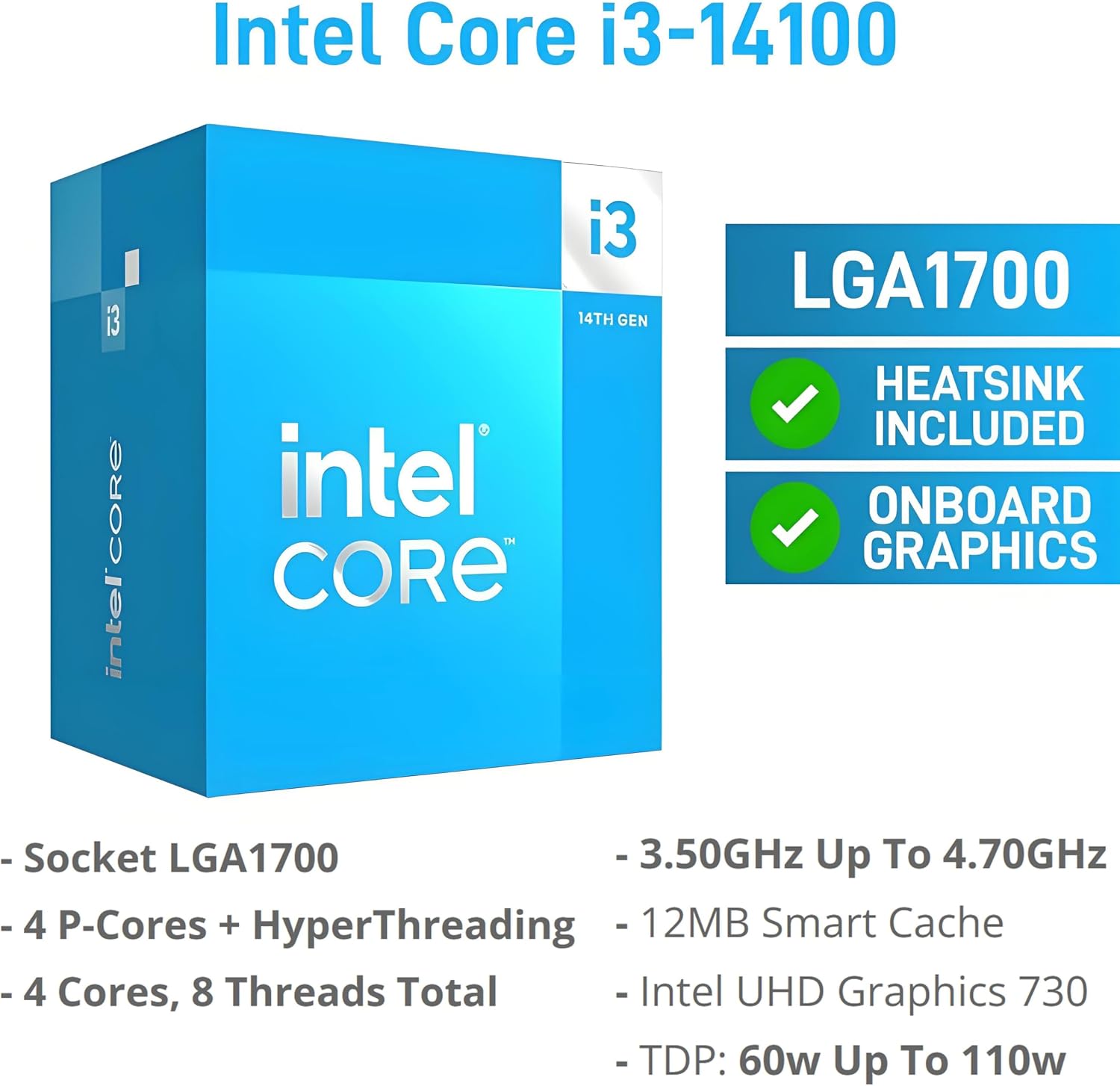
The Core i3-14100 is specified with four cores and speeds up to 4.7GHz. That points to a system aimed at everyday productivity rather than workloads that depend on substantial processing or graphics resources. The 16GB DDR5 RAM is suited to keeping typical office applications and browser work in play, while the 512GB PCIe SSD provides storage for software and work files with responsive access.
For displays, HDMI 2.1 and DisplayPort 1.4a are each specified for output up to 4096 × 2160 at 60Hz. The product also lists Wi-Fi 6, Bluetooth, a front USB-C port, multiple USB-A ports, and RJ-45 Ethernet. A discrete TPM and chassis intrusion switch are included for workplace-oriented security and chassis monitoring. It suits you if you want a tower for regular office tasks, wired peripherals, and a dual-display desk. On the spec sheet, the display outputs are the clearest differentiator, there is no stated graphics configuration to assess for demanding visual work.
Compatibility & requirements
The available display connections are HDMI and DisplayPort, so check that your monitors accept one of those inputs or that you have an appropriate connection solution. The listing identifies dual 4K display support and gives an output limit of 4096 × 2160 at 60Hz for each port, actual setup depends on the displays and their connections. For a simple example, a desk with two compatible monitors can use the tower’s separate video outputs to spread a spreadsheet and reference documents across screens.
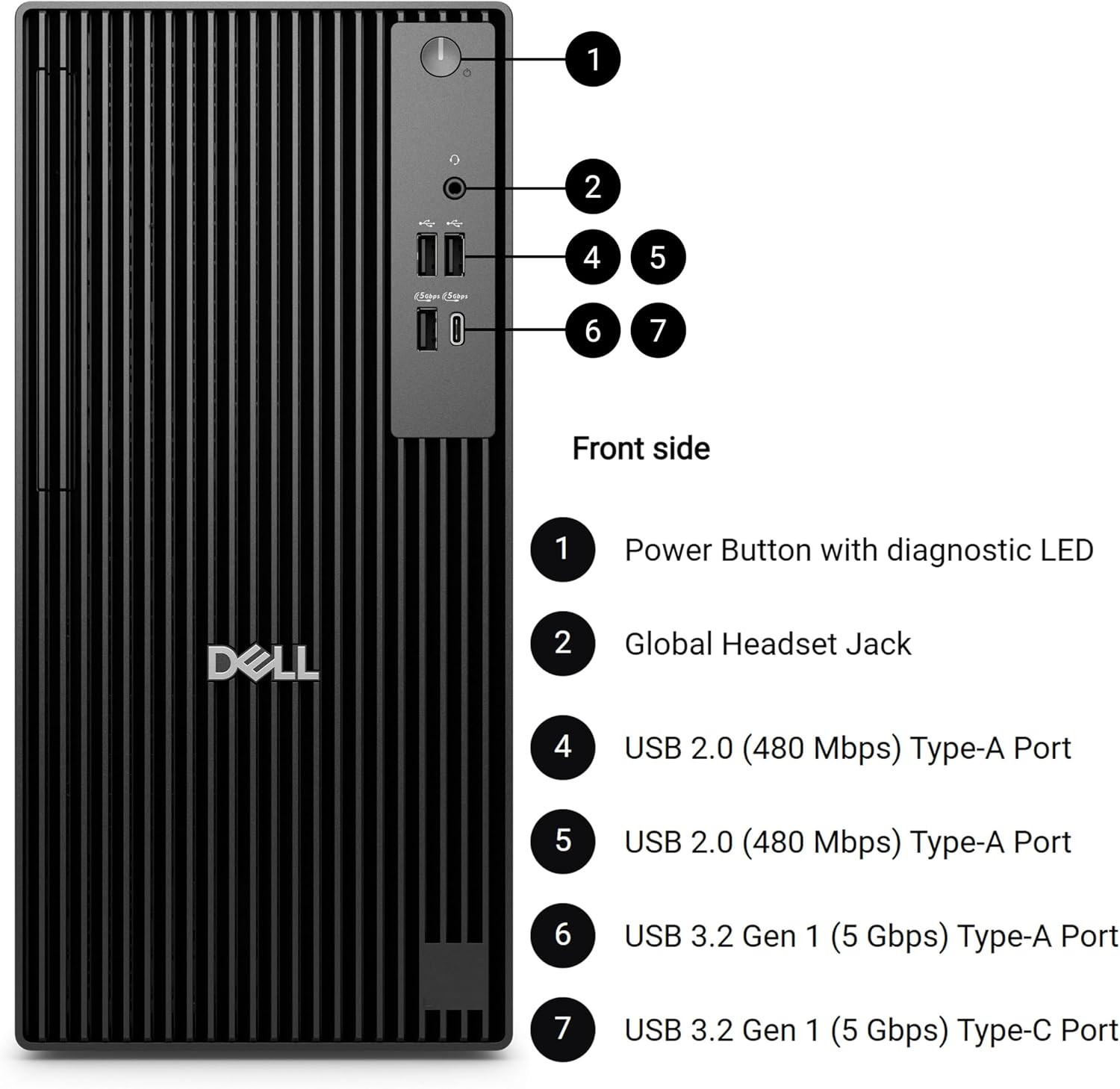
Wi-Fi 6 and Bluetooth provide wireless connection options, while RJ-45 supports a wired network. USB-C and USB-A cover listed peripheral connections, and the included keyboard and mouse can get a basic workstation started. It might not be a great match if your priority is a specified graphics card, high-end creative workloads, or detailed upgrade information—the supplied product details do not establish those capabilities.
Usage tips
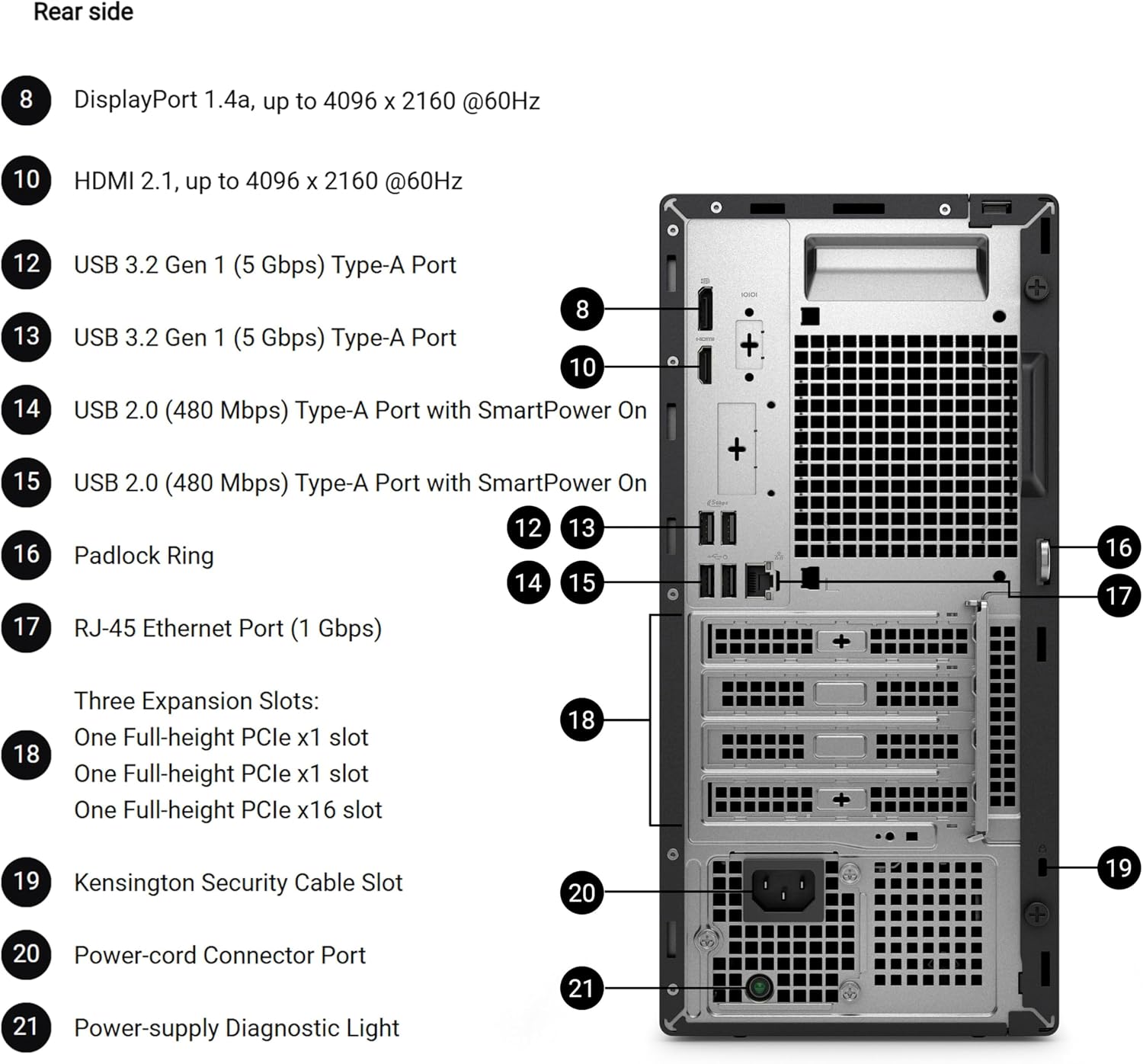
For everyday work, keep frequently used documents and applications on the SSD and use the available display outputs to organize windows across compatible monitors. A wired network connection may suit a fixed desk that already has Ethernet available, Wi-Fi 6 is another listed option when the setup uses wireless networking. The USB ports also make it straightforward to connect common peripherals or external storage, though the listing does not detail port counts beyond multiple USB-A ports.
Before choosing this tower for more than office productivity, compare your applications’ graphics and performance requirements with the specifications provided. The four-core processor and listed memory describe the basics, but the available information does not say how the system handles specialized software or whether components can be upgraded.
Before you decide
Does it include a keyboard and mouse? Yes. The product description lists a Dell wired keyboard and mouse.

Can it connect to a wired network? Yes. RJ-45 Ethernet is listed alongside Wi-Fi 6 and Bluetooth.
What display connections are specified? HDMI 2.1 and DisplayPort 1.4a are listed, with dual 4K display support and output up to 4096 × 2160 at 60Hz per port.
Final verdict
Choose this Dell if you need a Windows 11 Pro tower for everyday office work and value the stated memory, SSD, dual-display outputs, and a useful spread of wired and wireless connections. Its included keyboard and mouse make it a practical starting point for a standard desk. Look elsewhere if your decision depends on confirmed graphics hardware, upgradeability, or performance details for demanding applications, since those are not provided here.