

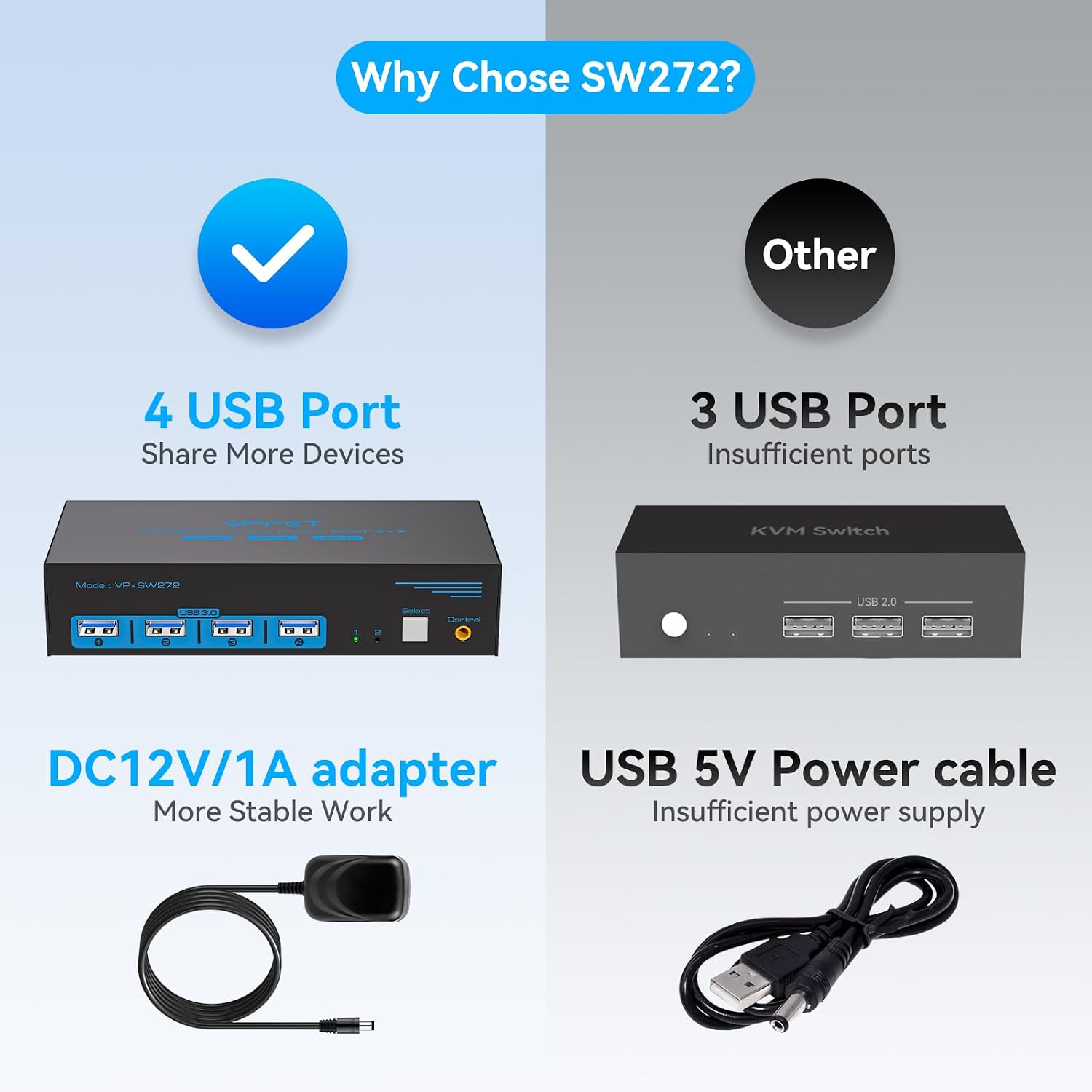
CMSTEDCD GMXUS-SW272-Deep Blue Dual-Monitor KVM Switch, 4K 60Hz, 4 USB 3.0
Reviews
Price
Product description
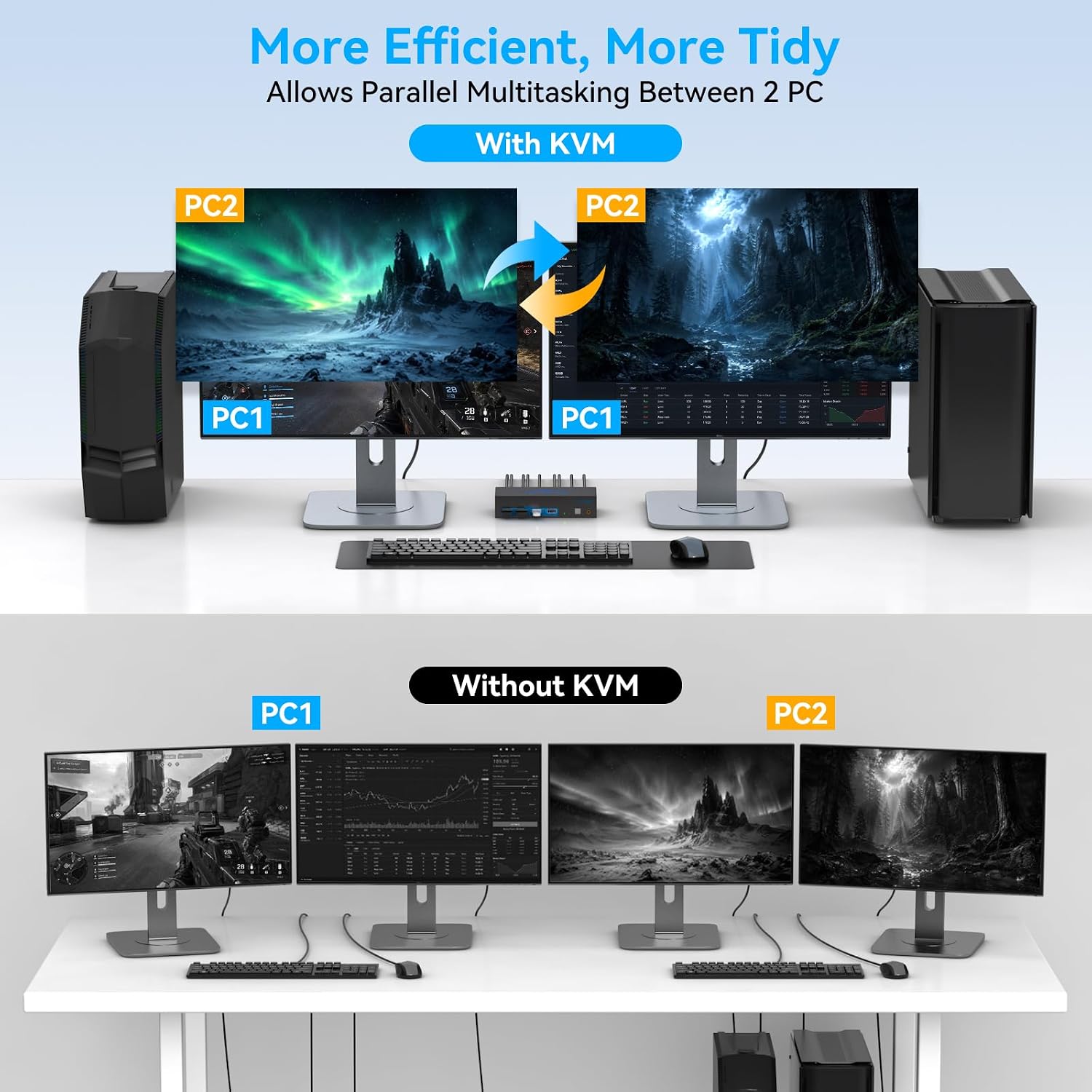
At 2.56 x 1.42 x 5.91 inches, this metal KVM switch is designed for a dual-monitor desk. It connects two computers to one keyboard, mouse, and pair of displays. Would a single-button switch make your shared workstation easier to manage?
Who it’s for
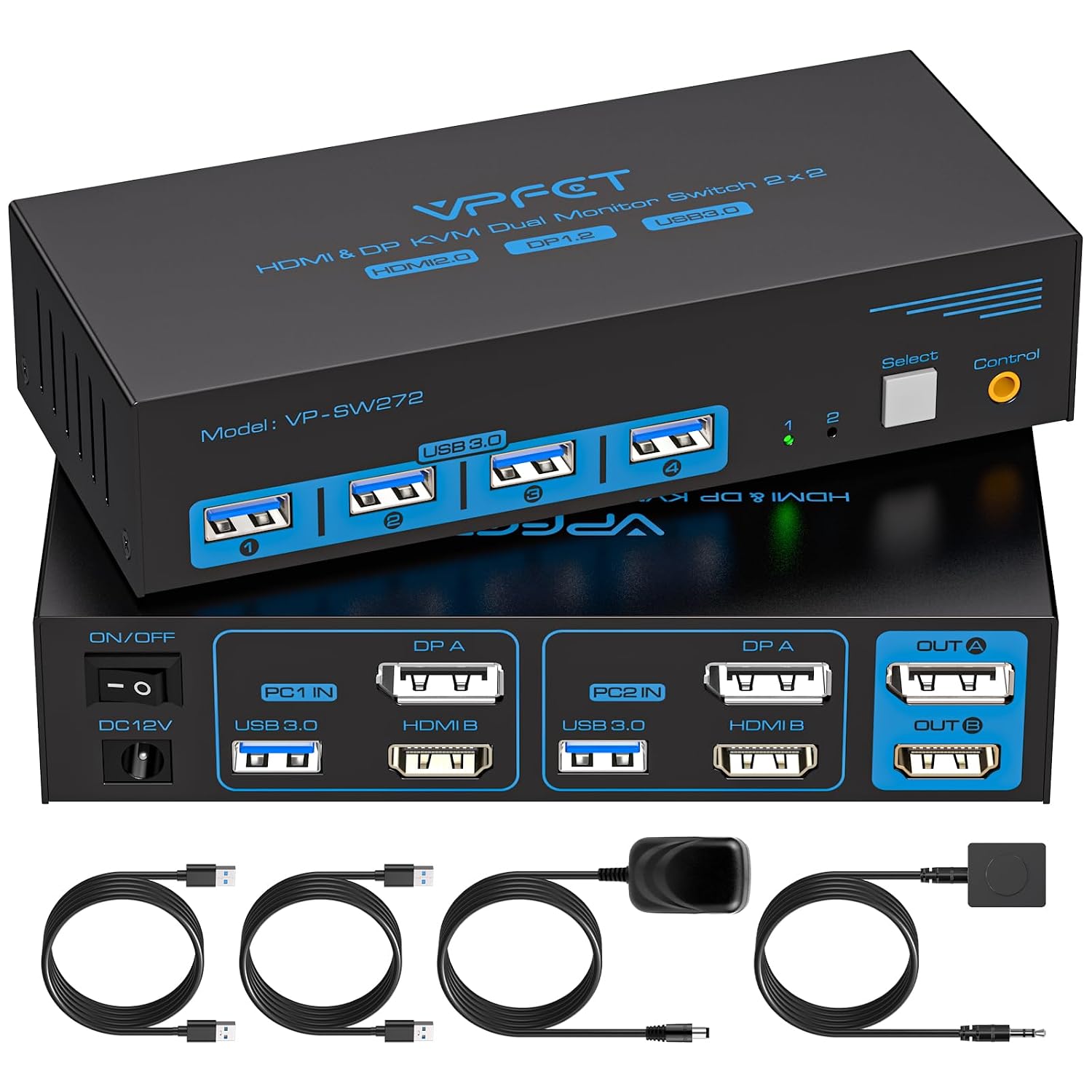
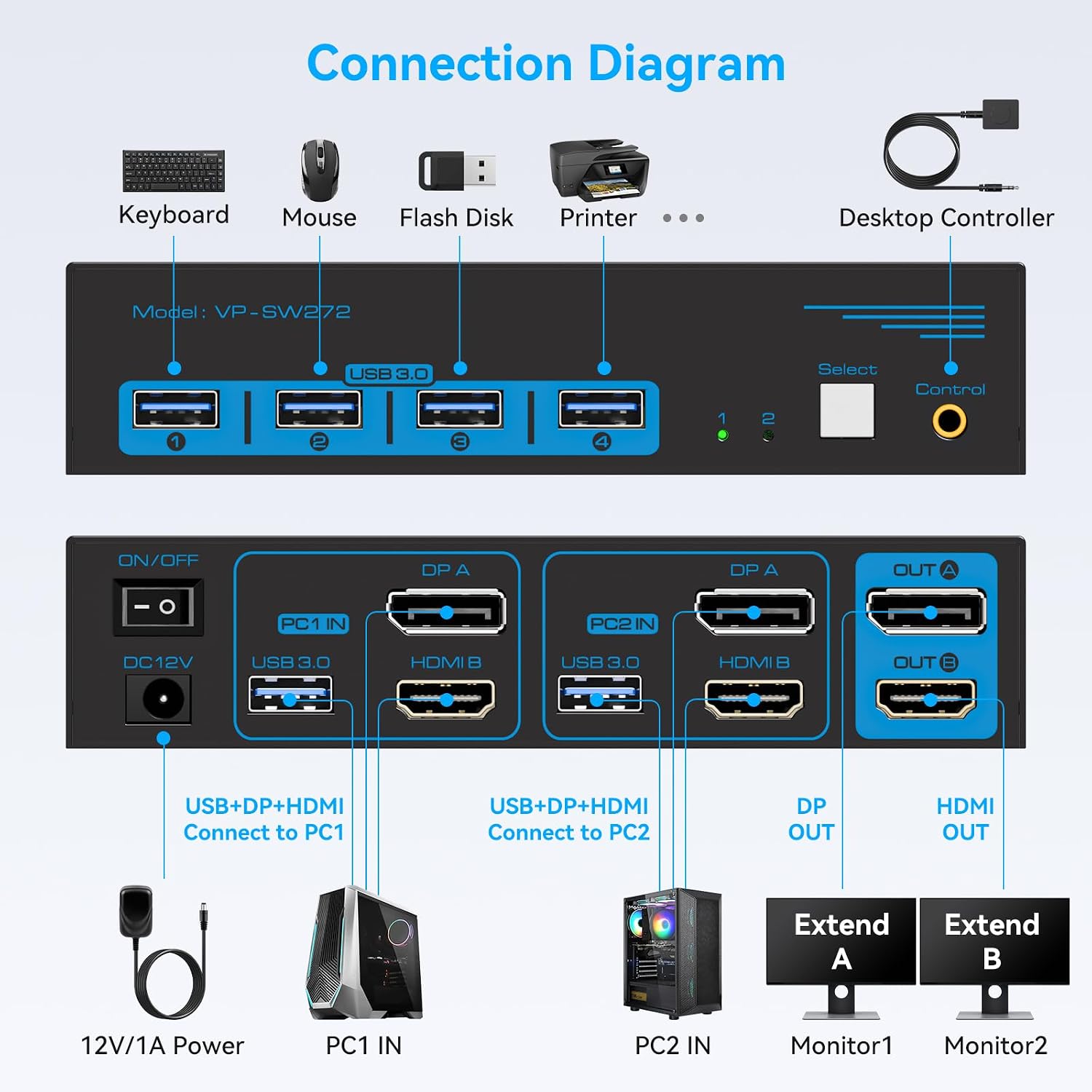
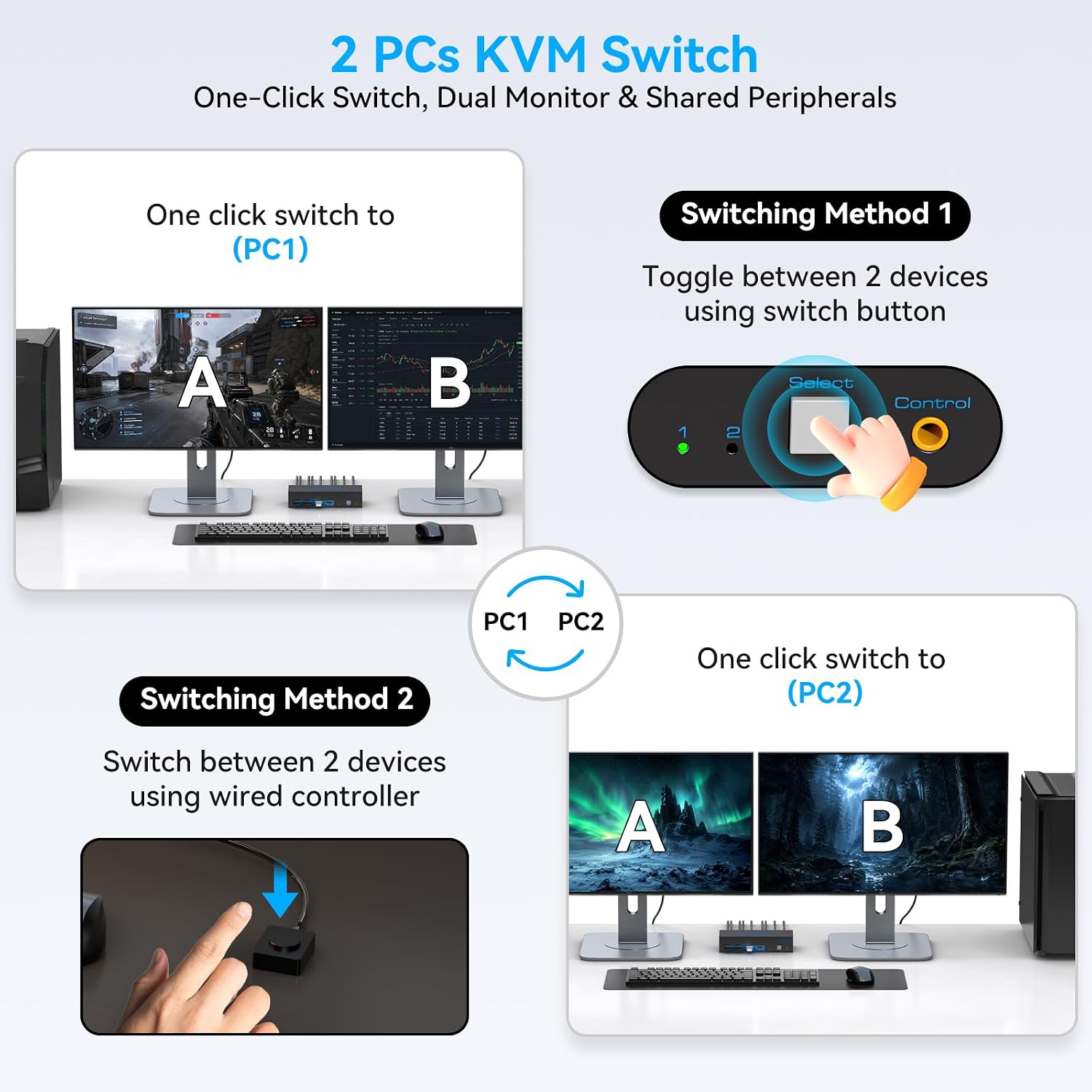
This switch suits people who use two computers at the same desk, such as a work system and a personal PC, and want to share their displays and USB peripherals. Instead of moving each connection between computers, connect the setup to the KVM and select the computer you want to use with the front-panel button or wired desktop controller. That keeps the switching method straightforward while preserving a two-screen workspace.
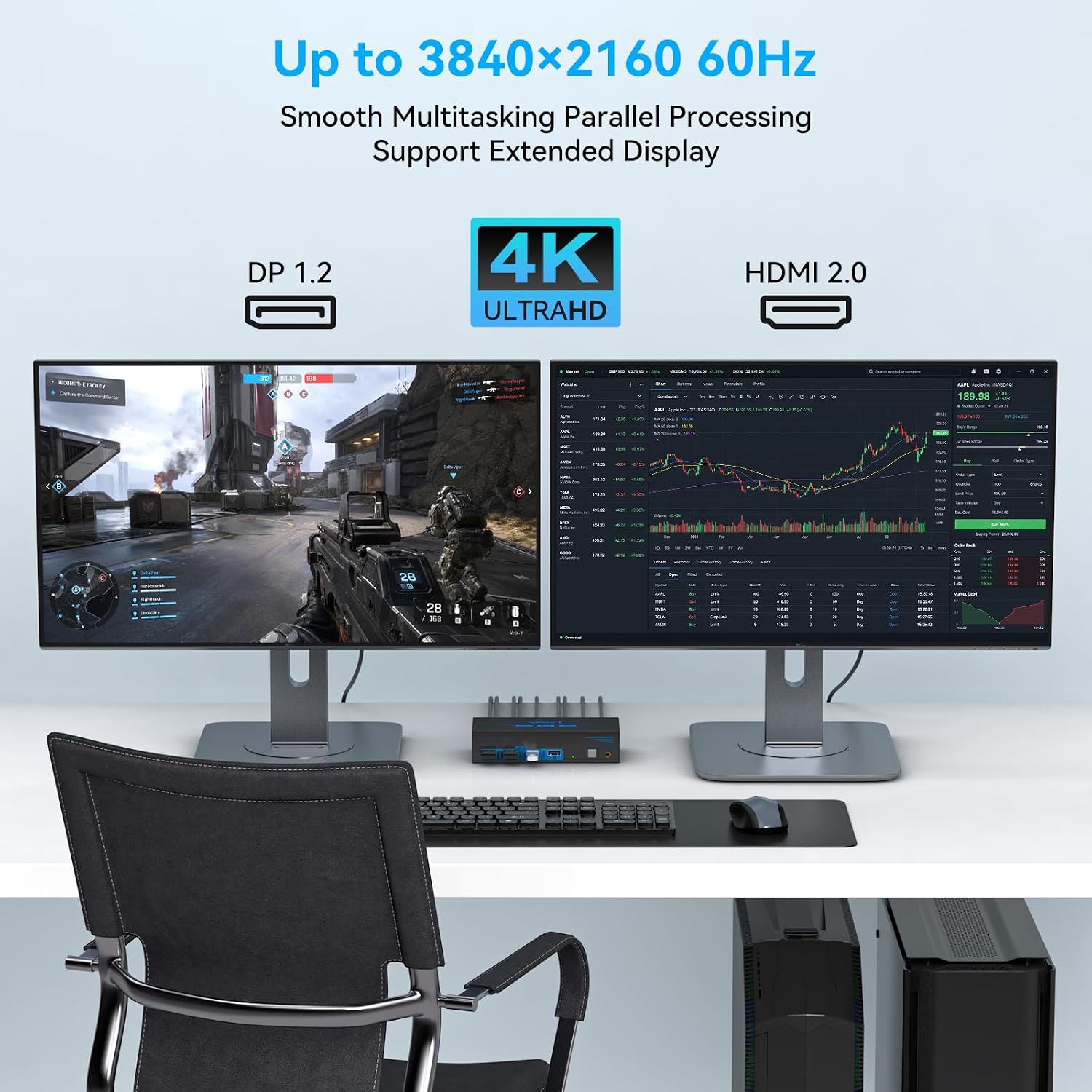
It supports mirrored and extended display modes, so you can choose whether the monitors show the same image or provide an extended desktop. That flexibility is useful when you want a consistent presentation across both screens or need separate screen space for different tasks. It works with compatible devices featuring HDMI or DisplayPort and supports Windows, Mac OS, Linux, and Unix.
Product specs
- Name: CMSTEDCD GMXUS-SW272-Deep Blue
- Type: Dual-monitor KVM switch for two computers
- Resolution: Up to 3840 × 2160 at 60Hz (4K@60Hz)
- Connectivity: HDMI and DisplayPort video, four USB 3.0 ports
- Data transfer rate: Up to 5 Gbps through USB 3.0
- Control: Front-panel buttons or wired desktop controller, physical button switching only
- Material: Metal
- Color: Deep Blue
- Dimensions: 2.56 x 1.42 x 5.91 inches
- Power: Included 12V DC adapter, connect it for operation
- What’s included: Two USB 3.0 cables, desktop controller, power adapter, and user manual
For video connections, use compatible HDMI and DisplayPort ports on the computers and displays. HDMI-to-DisplayPort and DisplayPort-to-HDMI adapters are not supported. The switch is plug and play, with the connected computer selected using its physical controls rather than keyboard hotkeys.
Where it shines
A practical setup is a home office where a laptop or desktop used for work shares two monitors, a keyboard, and a mouse with a second computer. Press the switch’s button or use the wired controller to change the active system, while the USB ports keep other peripherals connected at the desk. The supported 4K resolution at 60Hz and the option of extended or mirrored displays make it useful for both everyday desktop work and entertainment on a compatible dual-screen setup.
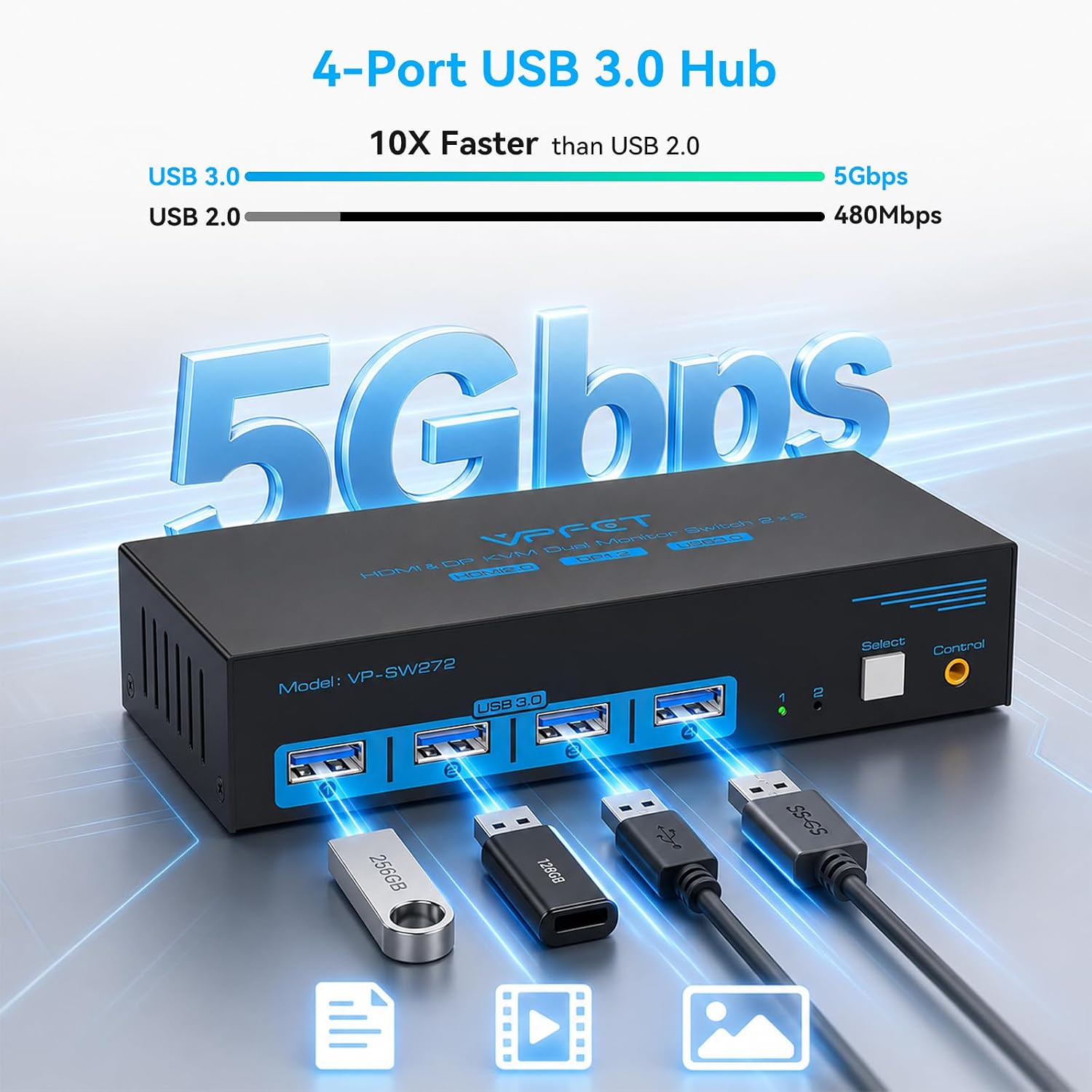
Compared with switching individual cables by hand, a KVM brings the shared connections together in one control point. Its four USB 3.0 ports also provide space for additional USB peripherals, with data transfer rates up to 5 Gbps. A solid pick if two compatible computers need to share a dual-monitor workstation and common USB devices.
Buying verdict
Choose the CMSTEDCD GMXUS-SW272-Deep Blue when your priority is controlling two computers from one dual-monitor desk without repeatedly moving the shared keyboard, mouse, and USB connections. Its 4K@60Hz support, display-mode choice, four USB 3.0 ports, and physical switching controls bring the key parts of that setup into one device. It is especially well suited to a home office or entertainment space where both computers use compatible HDMI and DisplayPort connections.