

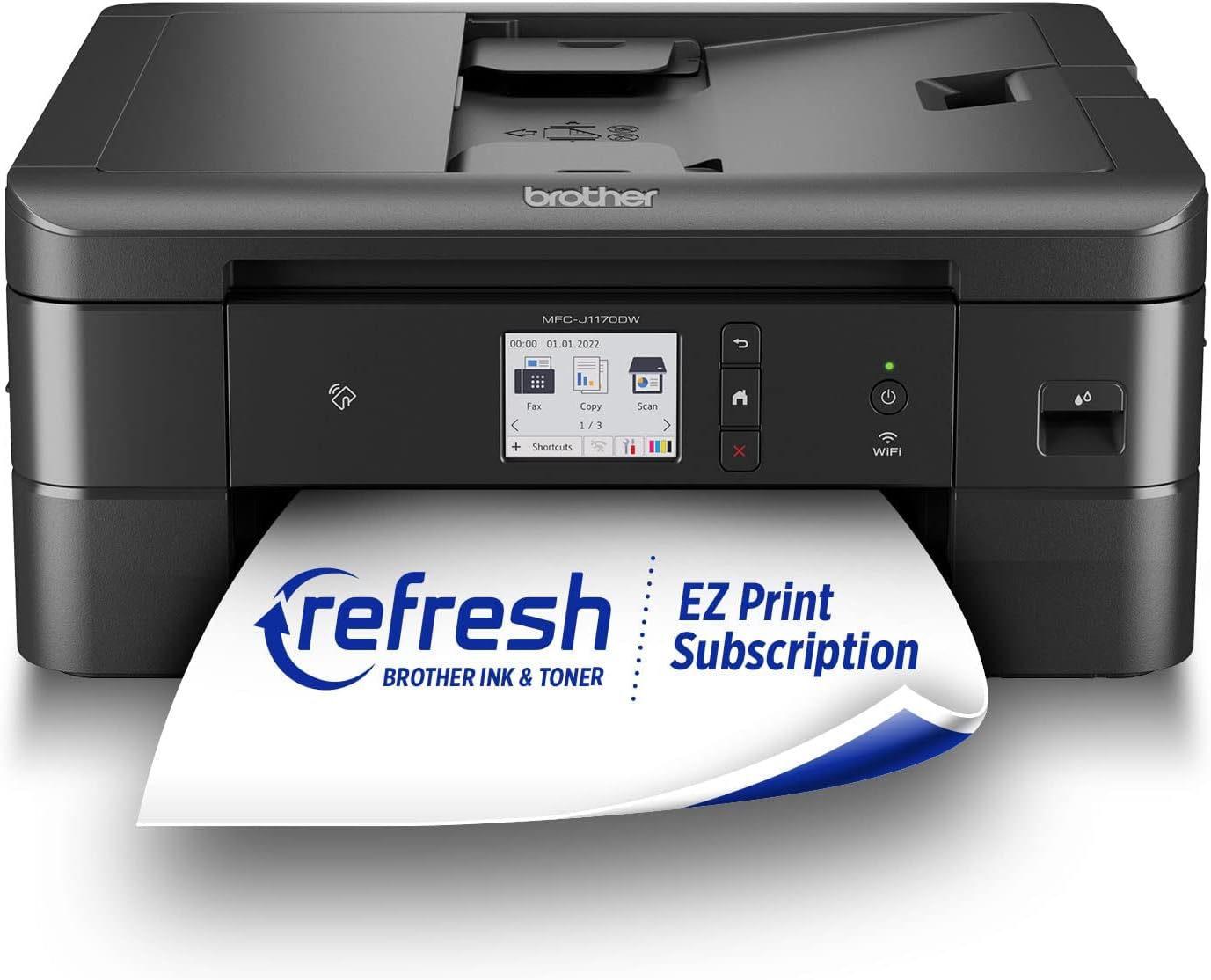
Brother wireless color inkjet all-in-one printer MFC-J1410DW
Product description
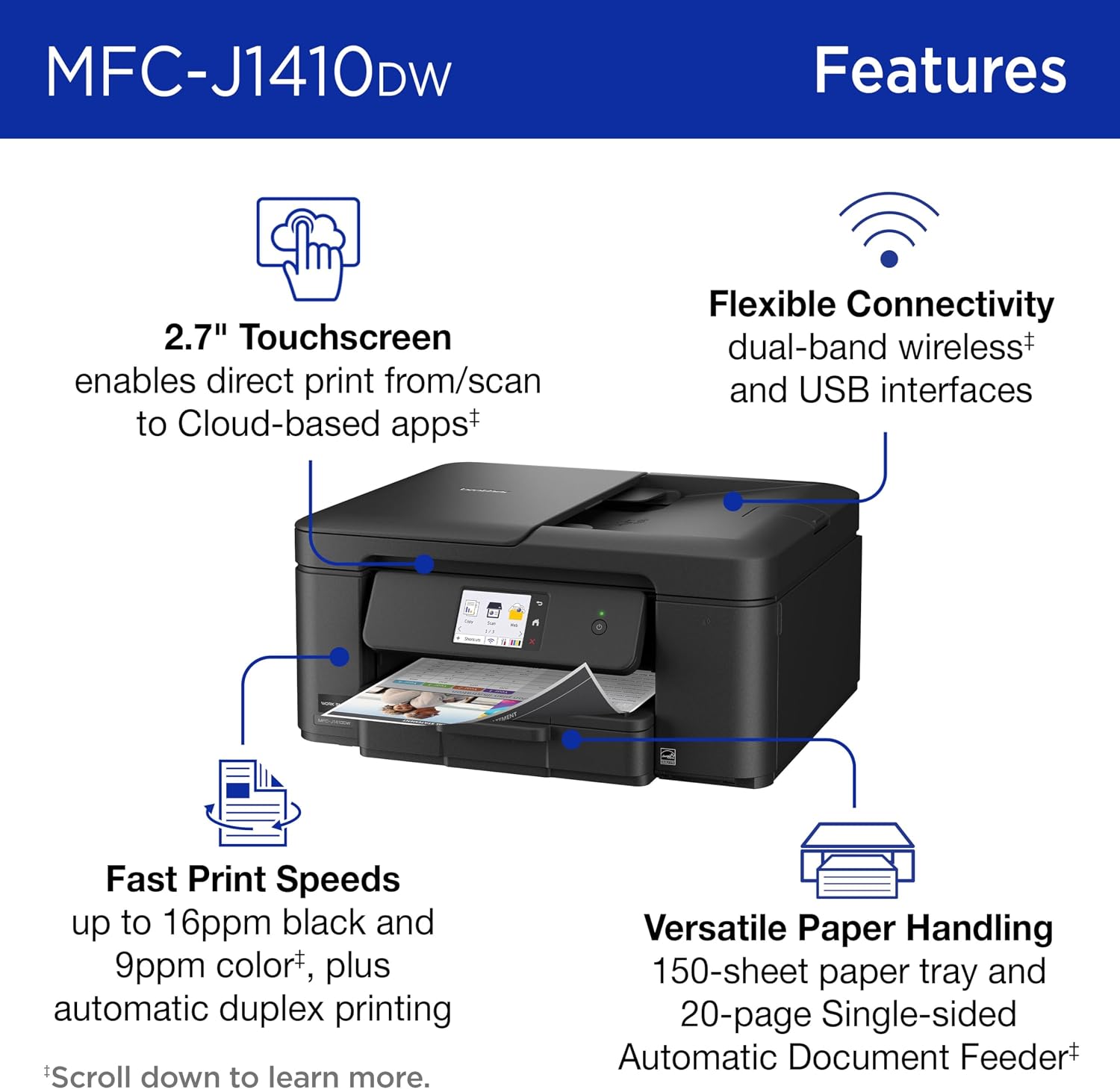
When a home office needs one device for routine paperwork, occasional color pages, and scanning, a multifunction printer can save desk space and reduce device juggling. The Brother Work Smart MFC-J1410DW prints, copies, and scans, with wireless and USB connections for different setups. Its 2.7-inch color touchscreen and cloud app access put common tasks within reach at the printer, while automatic duplex printing can cut down on paper for two-sided documents. The feature set is aimed at everyday home or small-office work, rather than a dedicated high-volume print room.
Best use cases
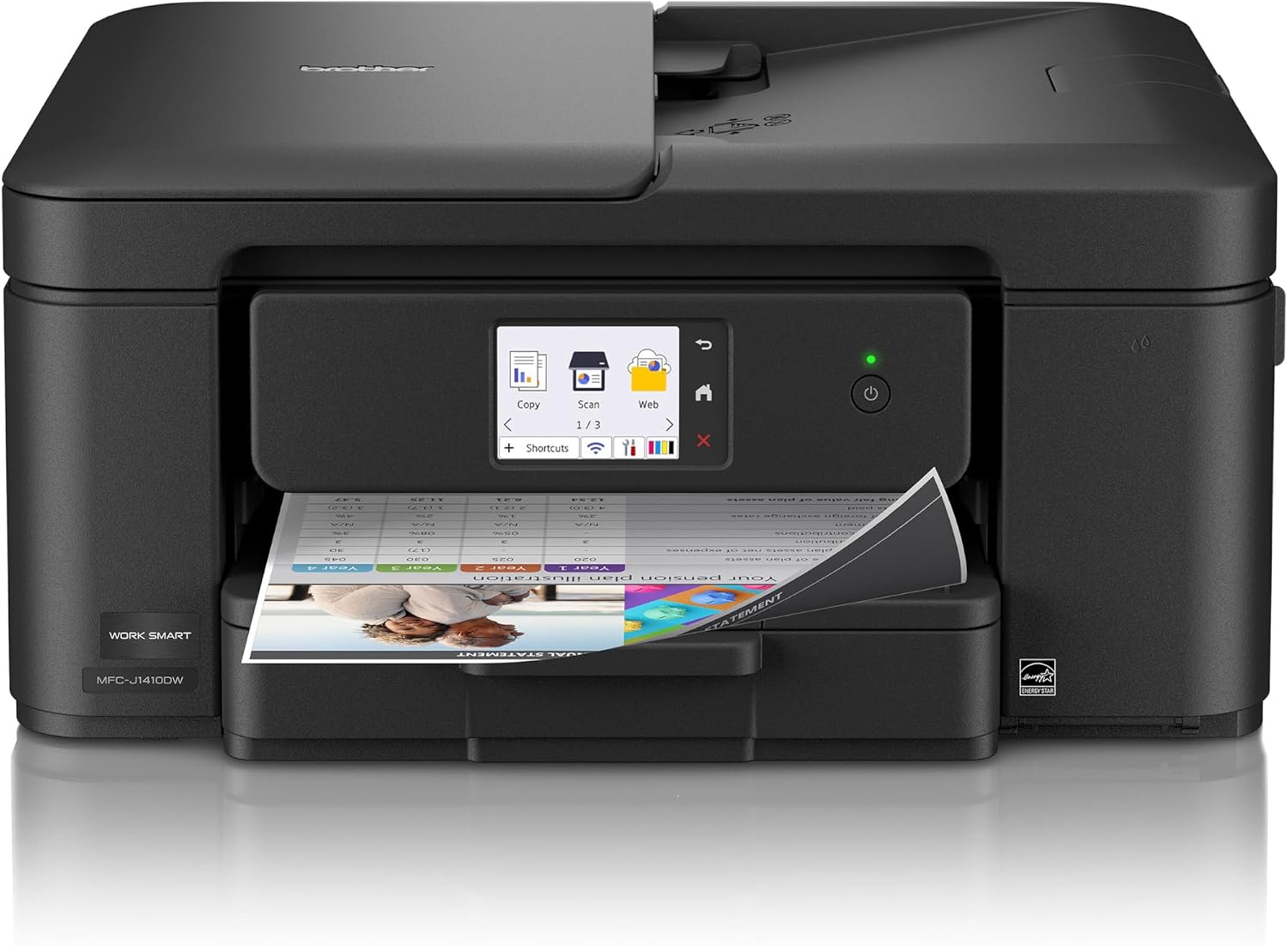
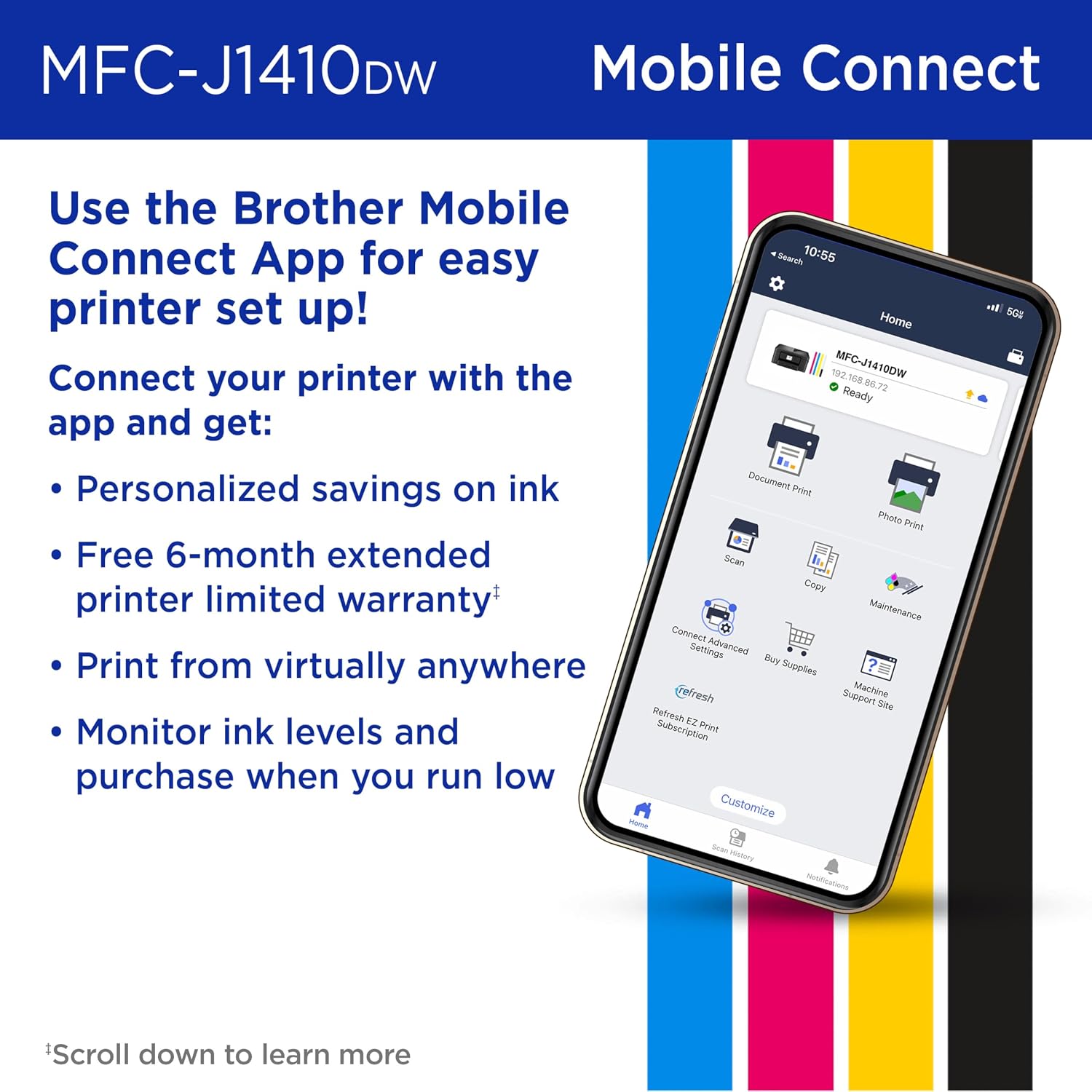
This model makes sense for a household or small office that prints forms, work documents, and some color material, then needs to copy or scan paperwork now and then. For example, you could print a two-sided meeting handout, copy a signed form, and scan a receipt to a cloud account without moving between separate machines. It supports printing from and scanning to services including Google Drive, Dropbox, Box, and OneDrive, the touchscreen is the on-device route, while the Brother Mobile Connect app adds phone-based printing, scanning, copying, and device management.
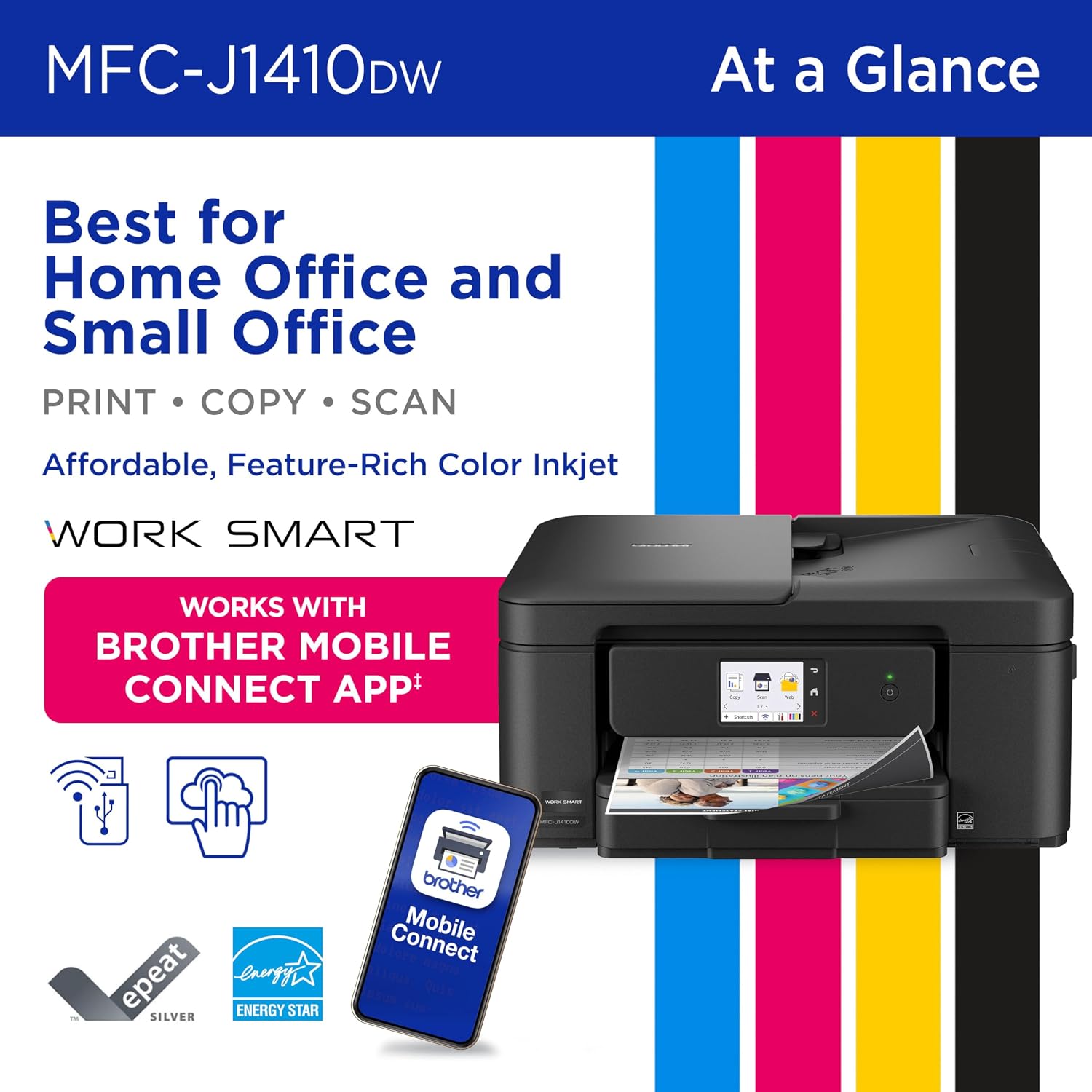
It’s a great fit if you want routine print, copy, and scan functions in one compact unit and value wireless access or app controls. The listed speeds are up to 16 pages per minute in black and 9 in color, so occasional office batches are part of the intended use. Those figures are maximums, not a promise that every job will finish at that pace. If most of your work is monochrome, a simpler black-and-white printer may be a better match, if your workflow is mostly two-sided originals, the feeder design matters more.
Product specs
The MFC-J1410DW is a wireless color inkjet all-in-one printer with a 2.7-inch color touchscreen. It offers print, copy, and scan functions, automatic two-sided printing, wireless networking, and USB connectivity. The paper tray holds 150 sheets, and the automatic document feeder holds 20 sheets for single-sided originals. That distinction is worth noting: the supplied details describe automatic duplex printing, but only a single-sided ADF, so double-sided originals may require manual handling when scanning or copying.
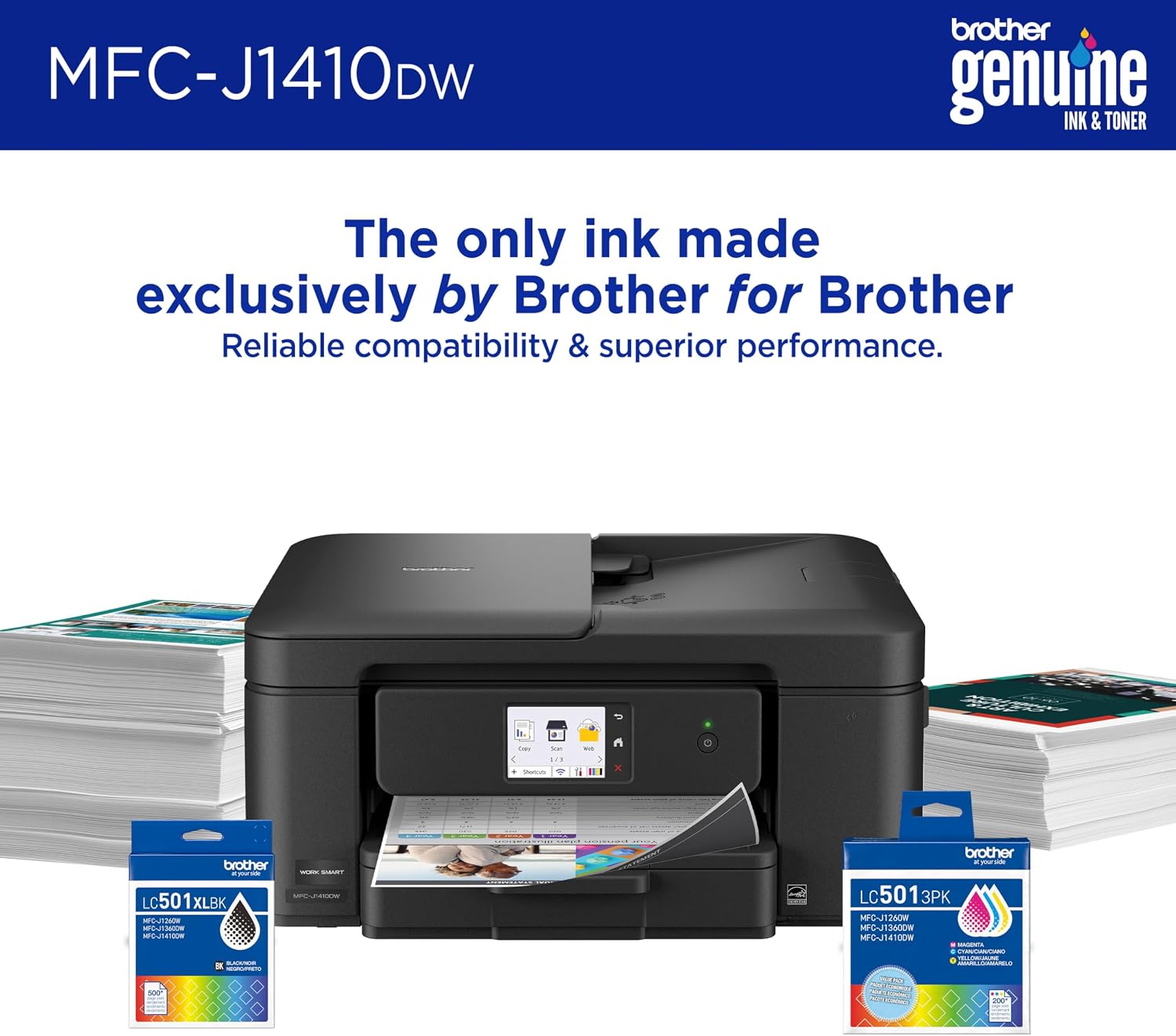
The printer works with Brother Genuine LC501 ink cartridges, and the product listing includes a Refresh subscription trial. The trial’s terms and duration aren’t provided here, so don’t assume it changes the ongoing ink cost. Without having tried it, the practical buying question is whether its combination of paper handling and connected features matches your workload, rather than whether the spec list looks full.
Where it shines
The useful combination is not just wireless printing, it is having a touchscreen, cloud app connections, and mobile controls alongside everyday copying and scanning. That gives you several ways to start a task: from the printer itself, a computer connection over USB or Wi-Fi, or a phone using Brother Mobile Connect. The app can also monitor ink usage, which may help you keep an eye on supplies, though it cannot remove the need to buy replacement cartridges.
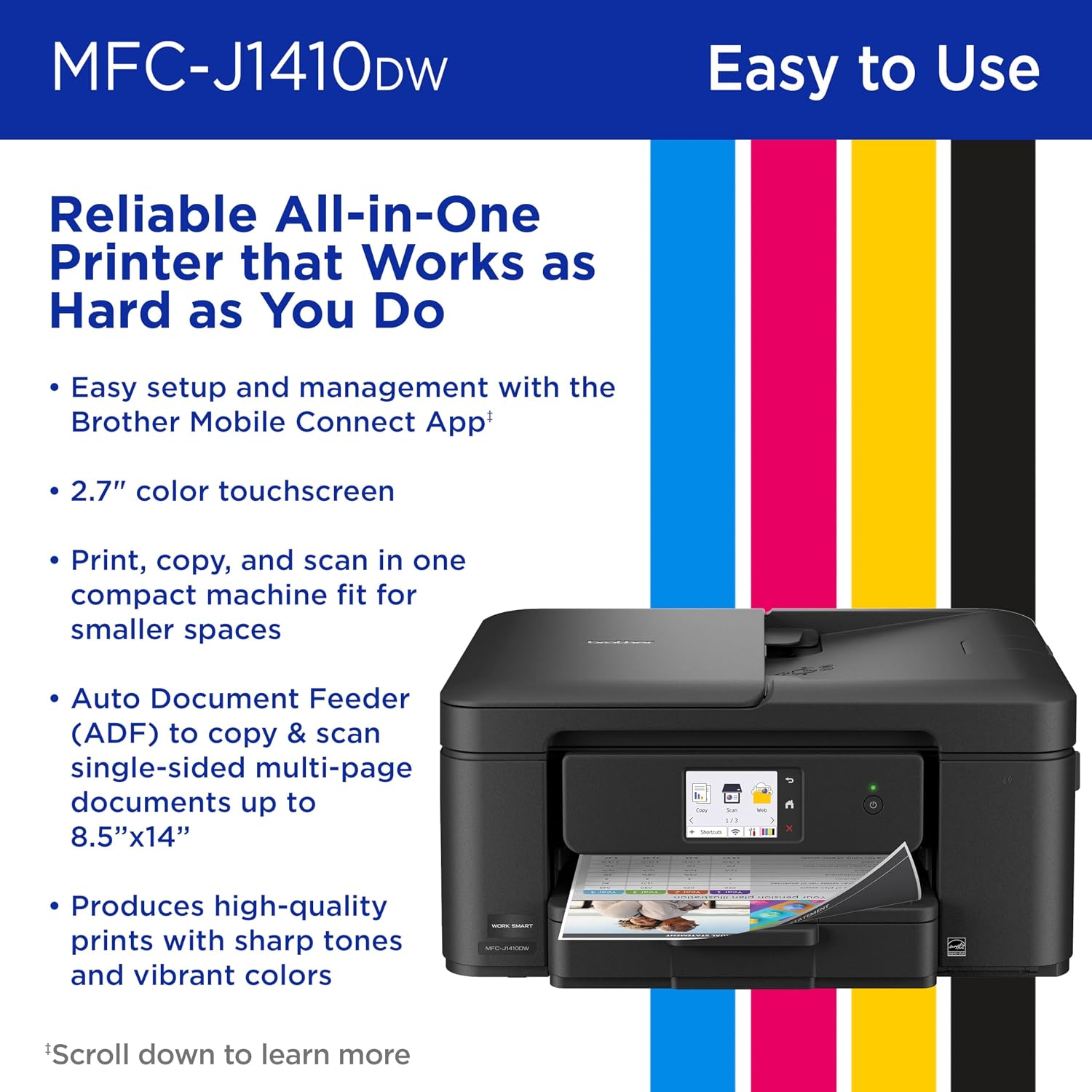
Automatic duplex printing is handy for multi-page documents when you want to use both sides of the page. The 150-sheet tray and 20-sheet feeder also offer a practical buffer for routine jobs, but neither points to a machine built for sustained, demanding production. Better avoided if you need a feeder that automatically scans both sides of originals or expect heavy daily output, the supplied details don’t establish those capabilities.
Buying verdict
Choose the MFC-J1410DW if you want one connected inkjet for mixed home-office tasks, use cloud storage, and will benefit from automatic two-sided printing. Its touch controls and mobile app offer more ways to manage jobs than a basic printer with only a simple control panel. If your priority is high-volume printing, fast handling of two-sided originals, or a clearly specified low-cost ink plan, this listing leaves important questions unanswered. Compare those needs with the single-sided feeder and the subscription trial details before deciding whether its convenience is worth the fit.