

Brother DS-640 Compact Mobile Scanner 1.5"x2"x11.9"
Product description
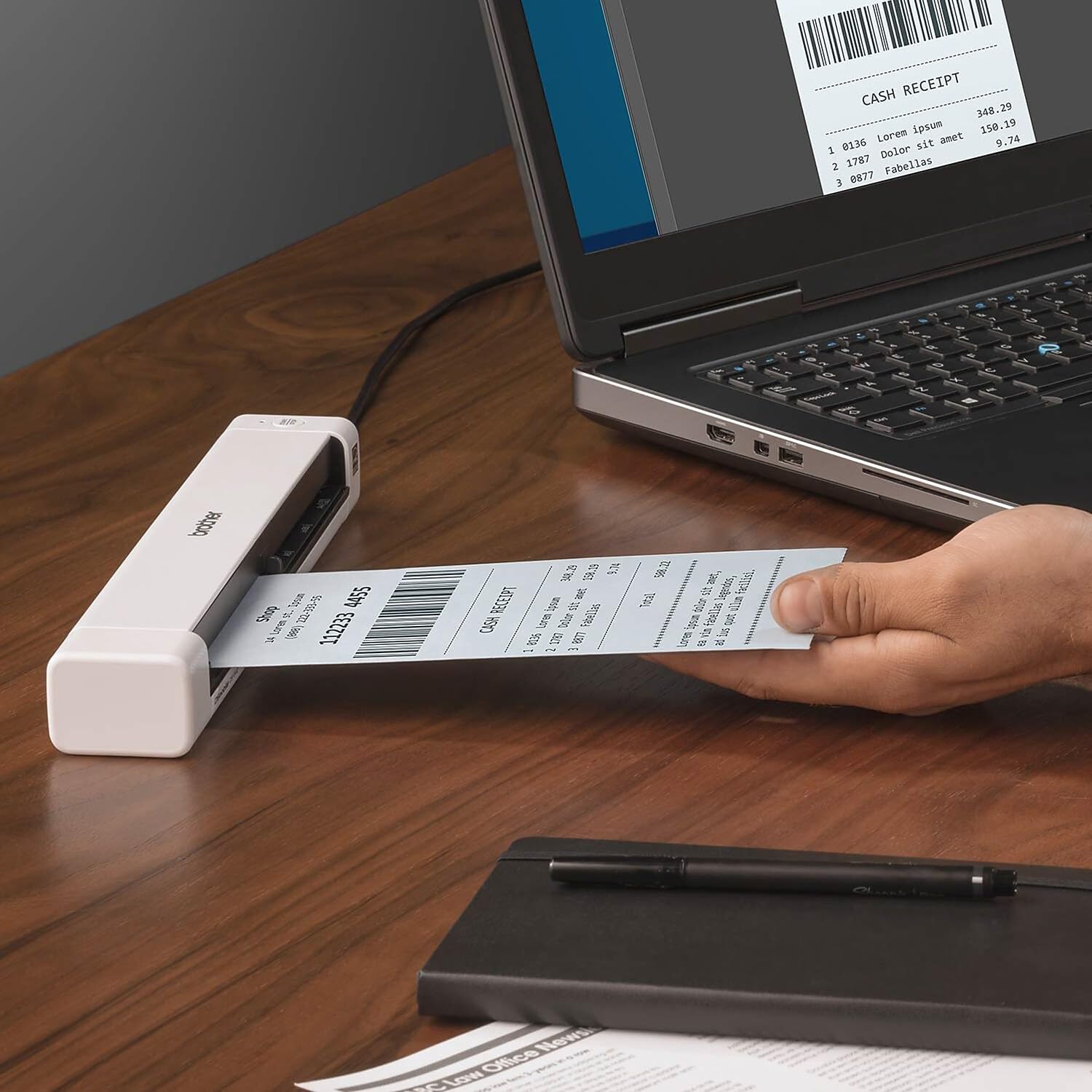
This compact mobile document scanner is designed for professionals who need quick digitization on the go. This portable mobile document scanner delivers fast color and black and white scans up to 16 ppm, making it useful for receipts, invoices and ID cards while traveling or working remotely. 📄
Key Points
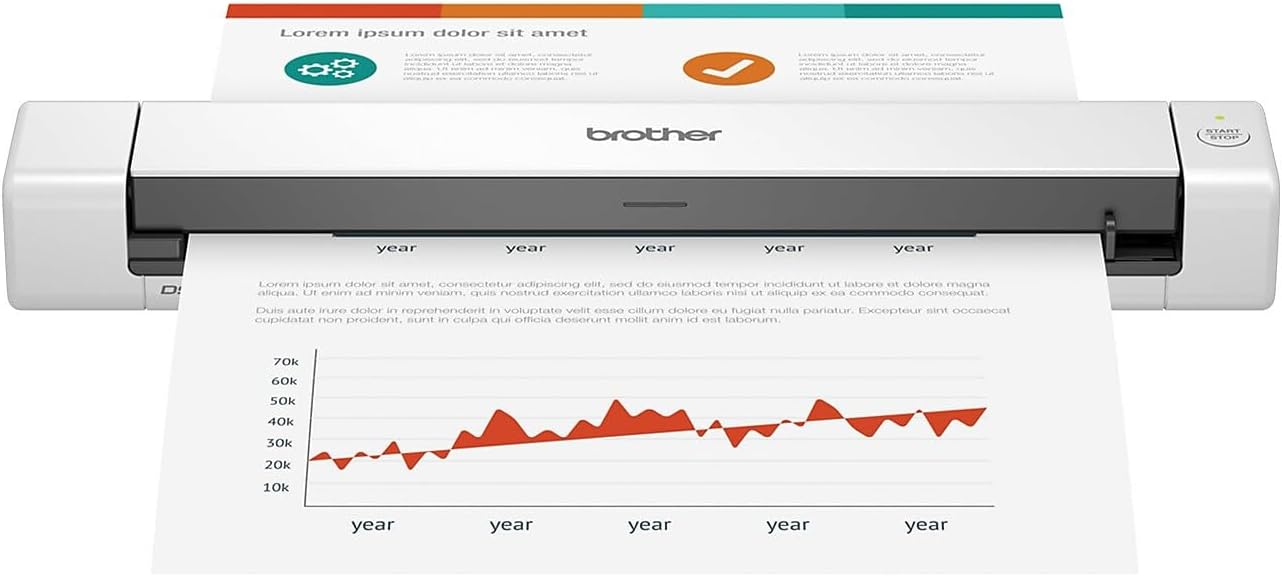
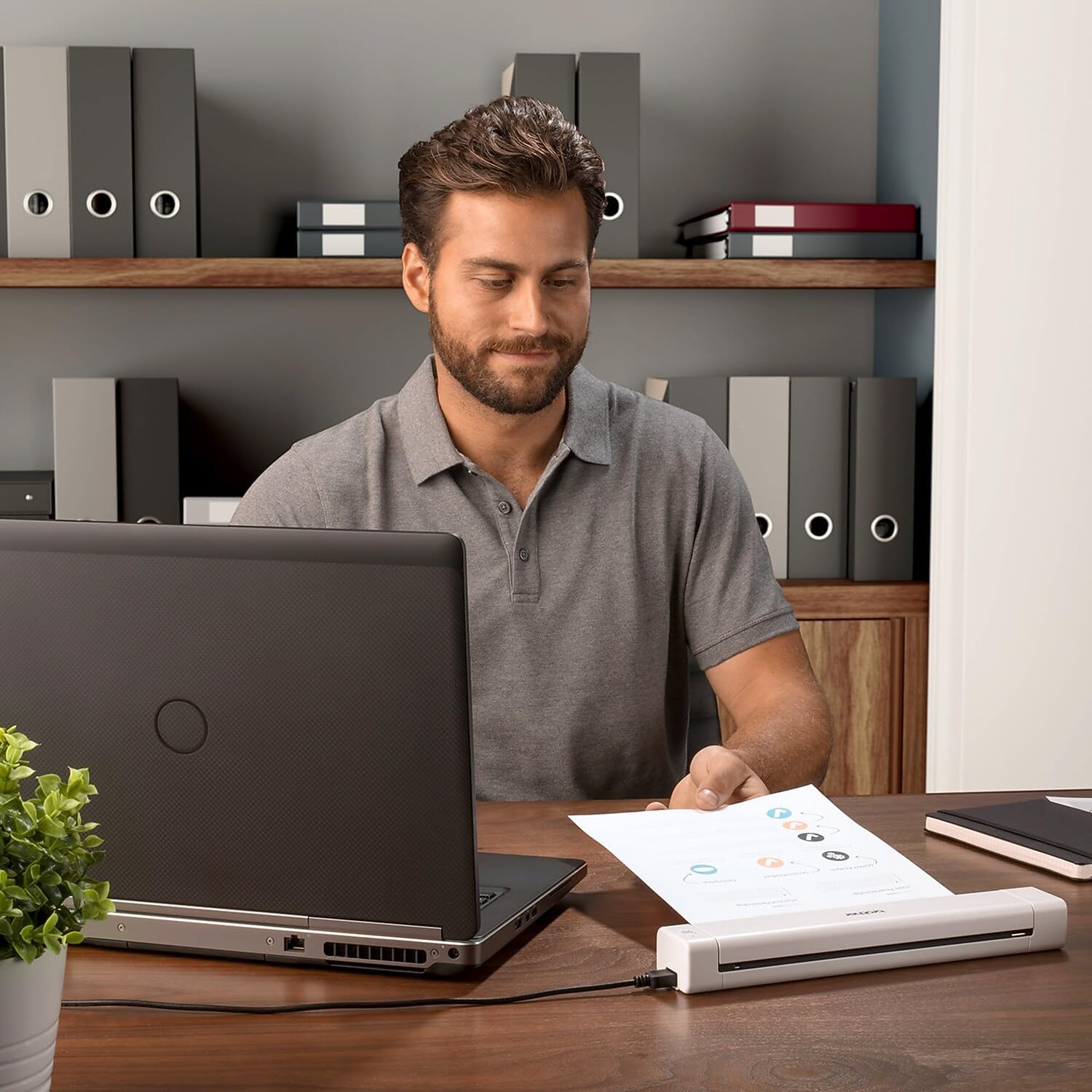
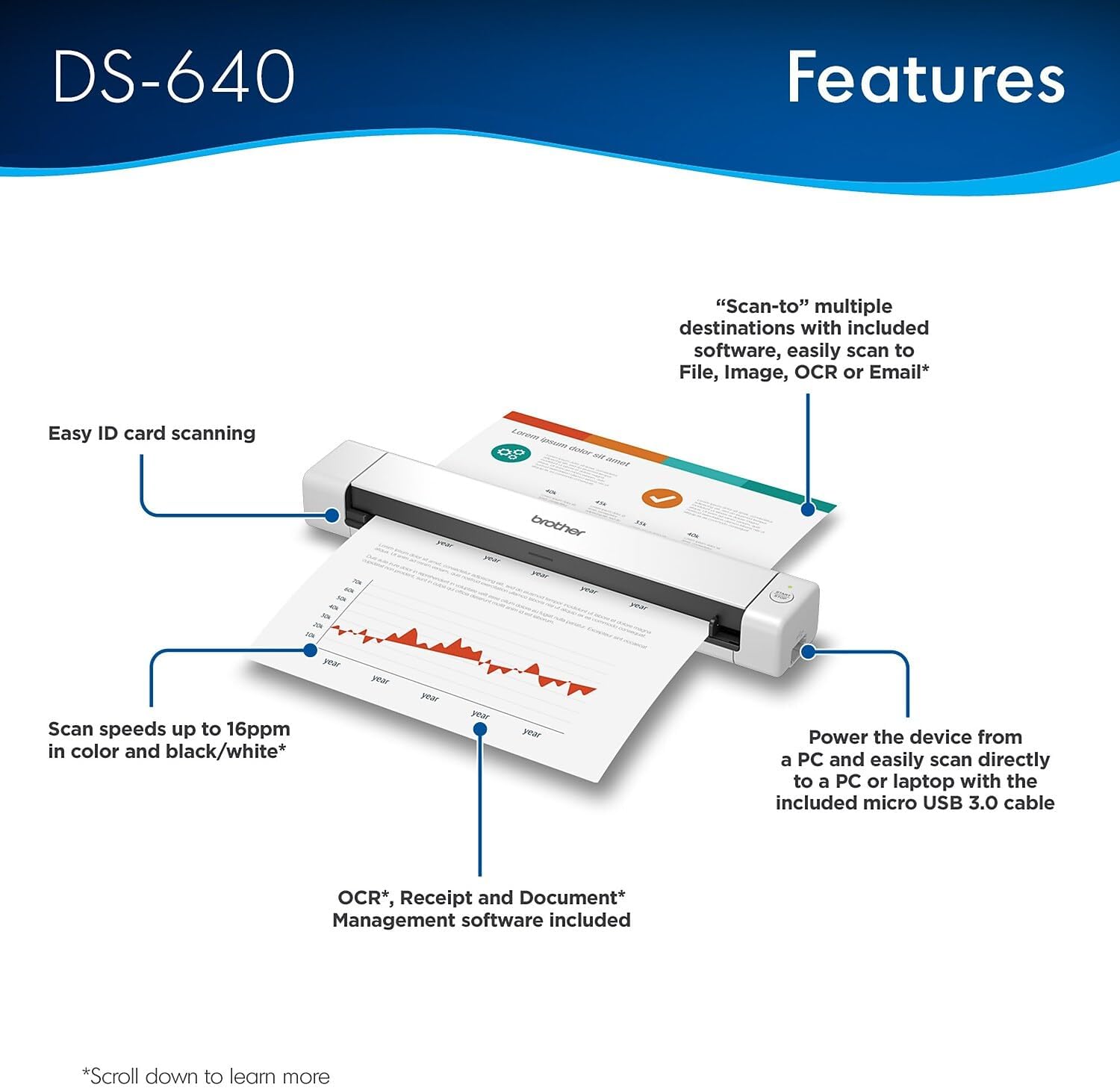
The DS-640 is easy to power from a laptop or PC using the included micro USB 3.0 cable, so you can scan virtually anywhere there is a connected computer. It handles a variety of paper sizes and weights, from small receipts and business cards to long documents up to 72 inches and paper up to 72 lb. bond. The unit is notably compact and lightweight, measuring less than 11.8 inches in length and weighing about 1.5 pounds, which simplifies transport between meetings or sites. 🔌
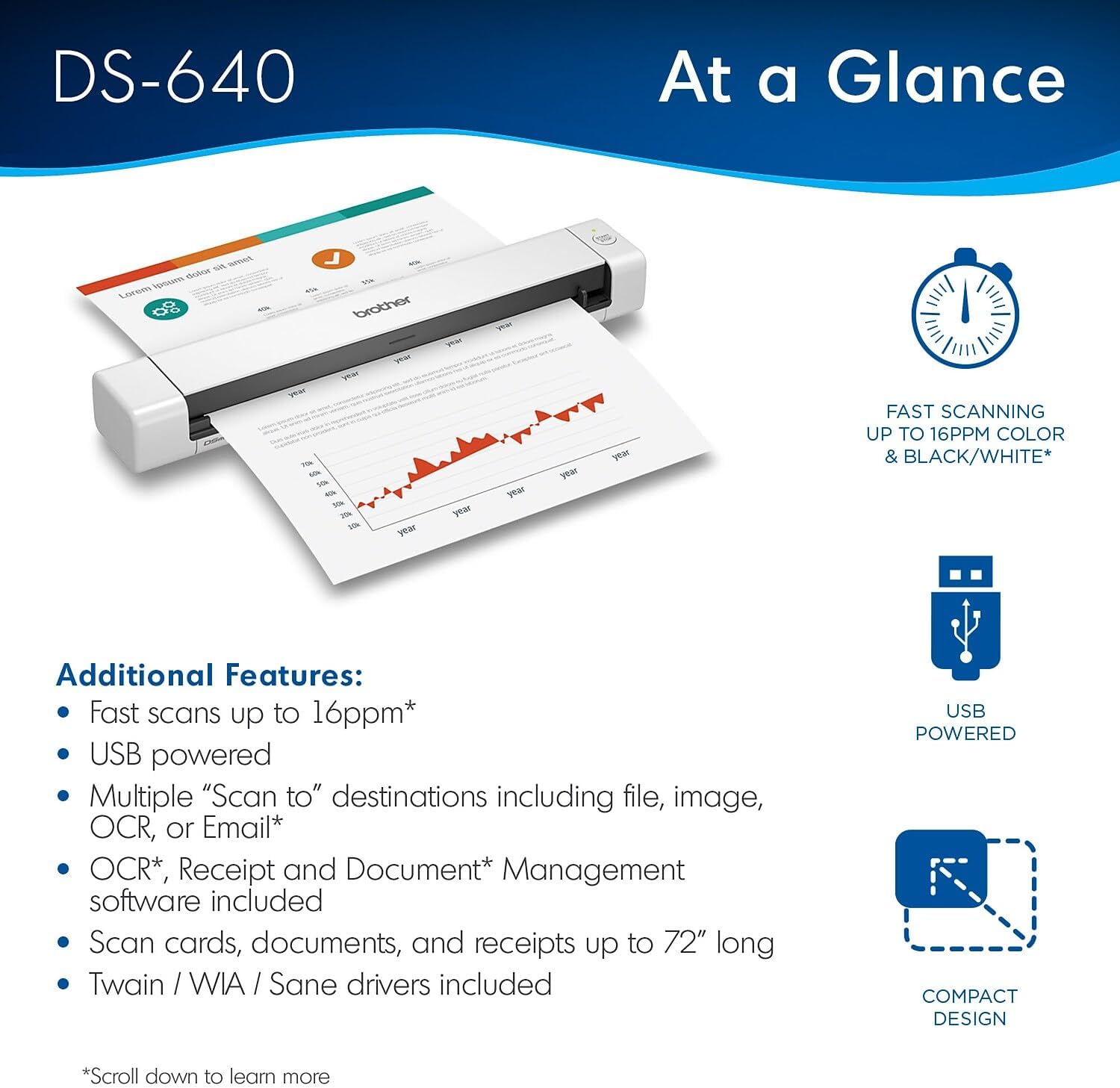
Image optimization tools in the bundled software help reduce background noise, remove color bleed through, and enhance text legibility for better archiving and OCR conversion. According to the manufacturer, scanned output can be routed to files, images, OCR, email, and cloud services when connected to a PC with the applicable drivers and software.
Benefits
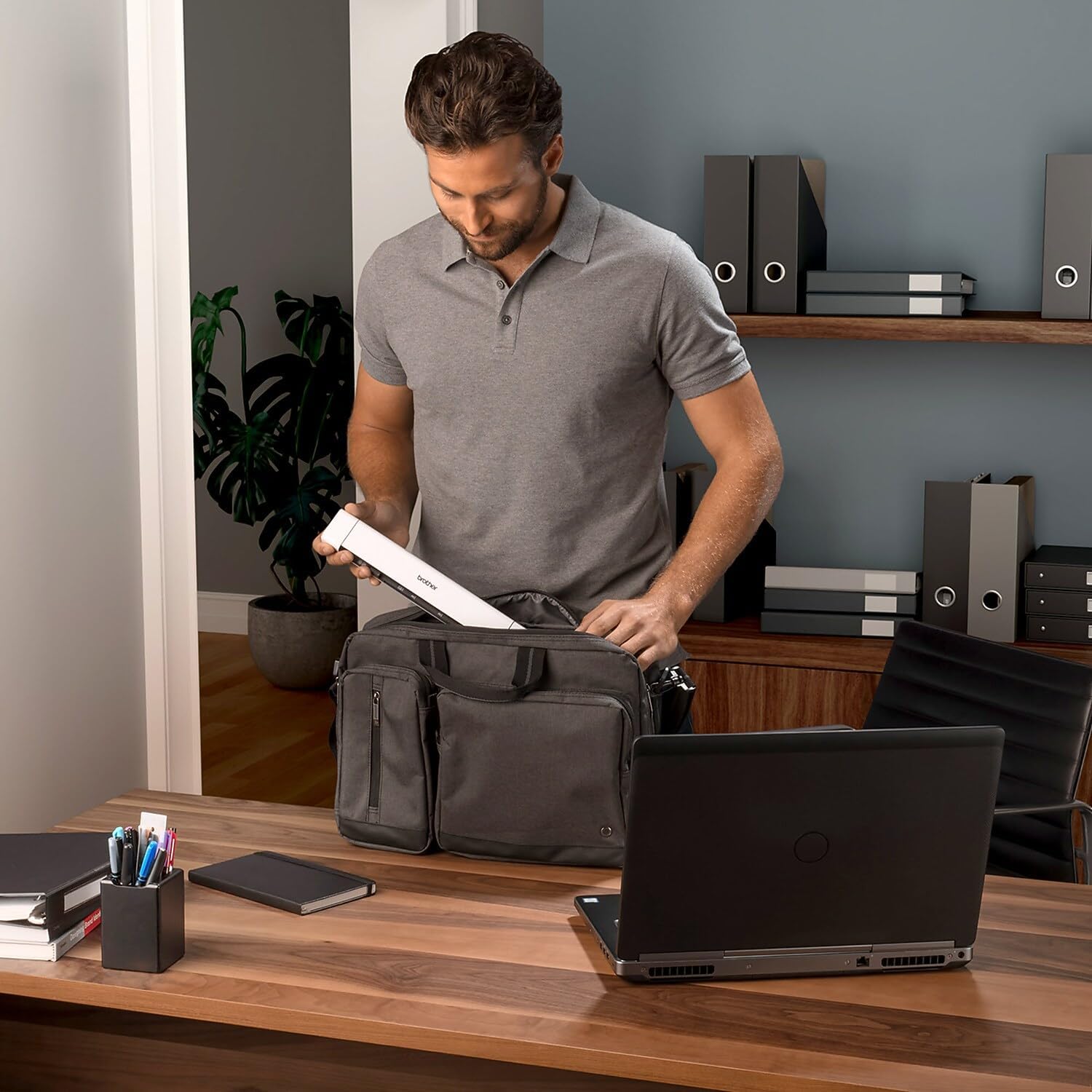
Scanning is faster for routine tasks because the device reaches up to 16 ppm for letter-size pages at 300 dpi, which helps reduce time spent processing stacks of documents. The compact footprint frees up desk space and the lightweight chassis makes it convenient to carry in a laptop bag. Image enhancement features assist with turning hardcopy into editable text, and multi-platform driver support means it can fit into Windows, Mac and Linux workflows. One nuance to consider is that advanced features such as image rotation and some OCR functions require connection to a PC and the manufacturer’s software download, according to the documentation.
Technical Specifications
- Name: Brother DS-640 Compact Mobile Document Scanner (DS640)
- Scan speed: 16 ppm (color and monochrome, letter, 300 dpi)
- Dimensions: 1.5" x 2" x 11.9" (less than 11.8" length stated by manufacturer)
- Weight: about 1.5 pounds
- Maximum document length: up to 72 inches
Usage Recommendations
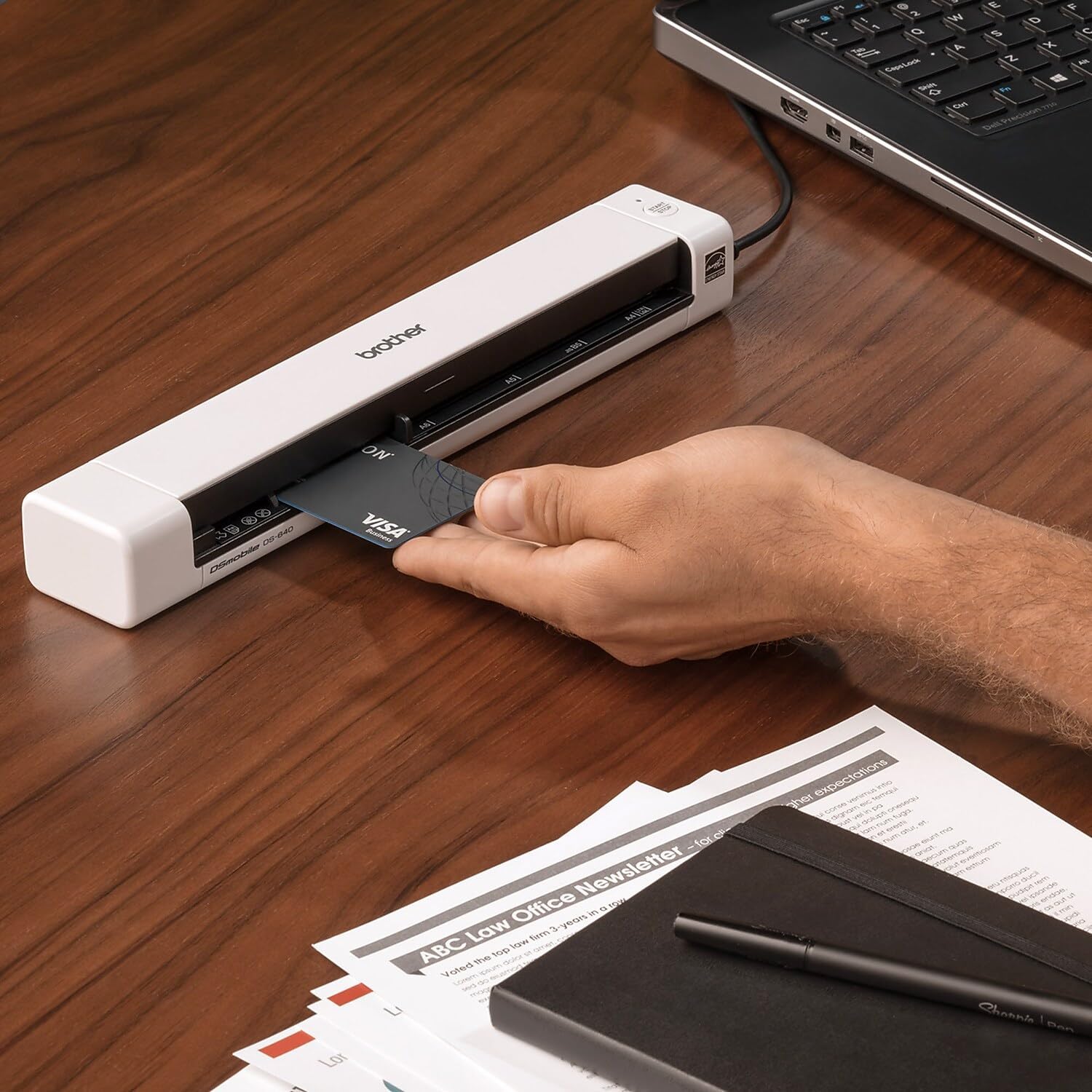
For best results place documents on a clean, flat surface and feed single sheets straight into the scanner to avoid jams. Receipts, plastic IDs and business cards can be scanned through the same feed path, but extremely thick or heavily laminated cards may require multiple light passes for optimal OCR. If you plan to use cloud destinations or OCR features frequently, ensure the host computer has the latest drivers and a stable internet connection for software activation and updates.