

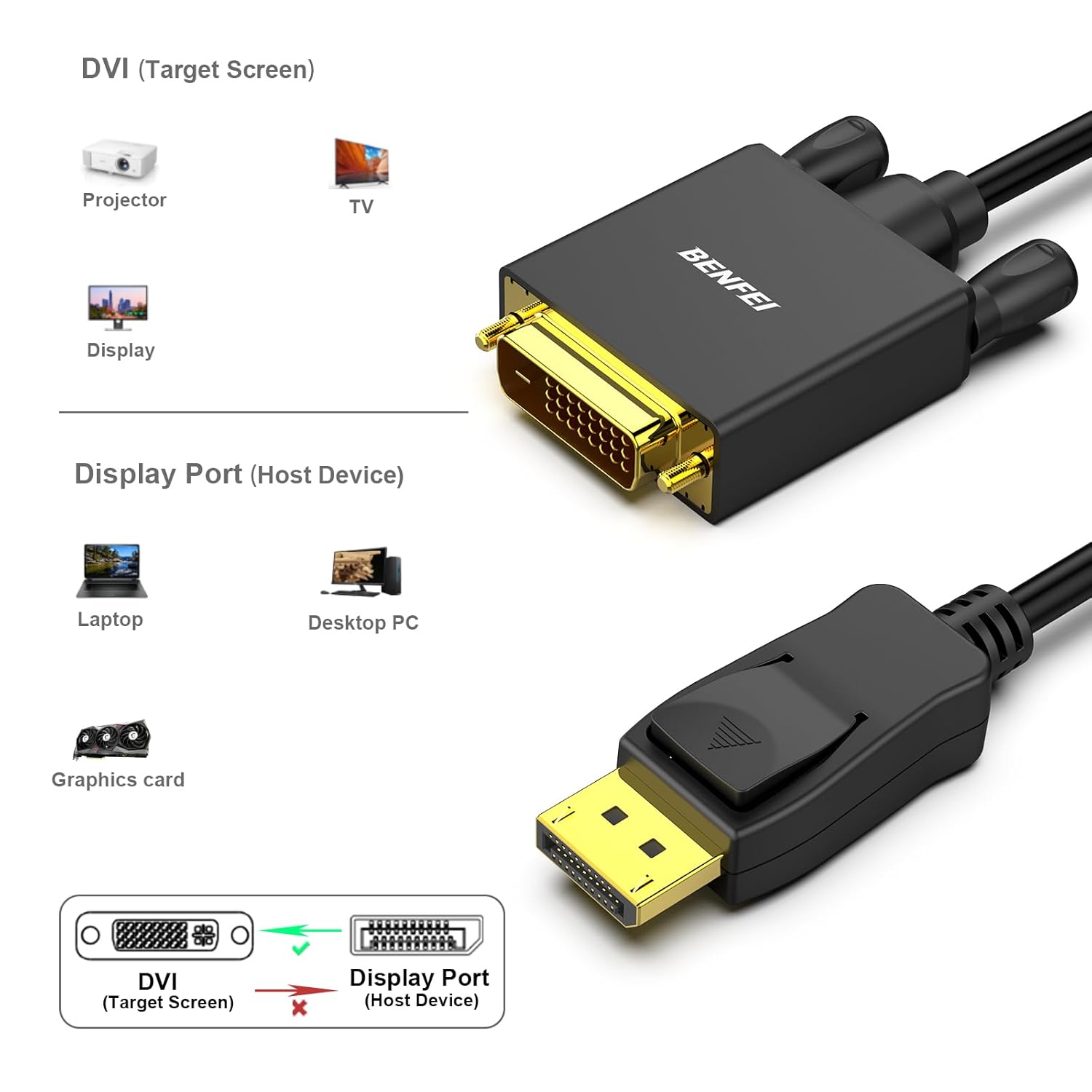
BENFEI DisplayPort-to-DVI Cable 6 Feet
Product description
Quick overview
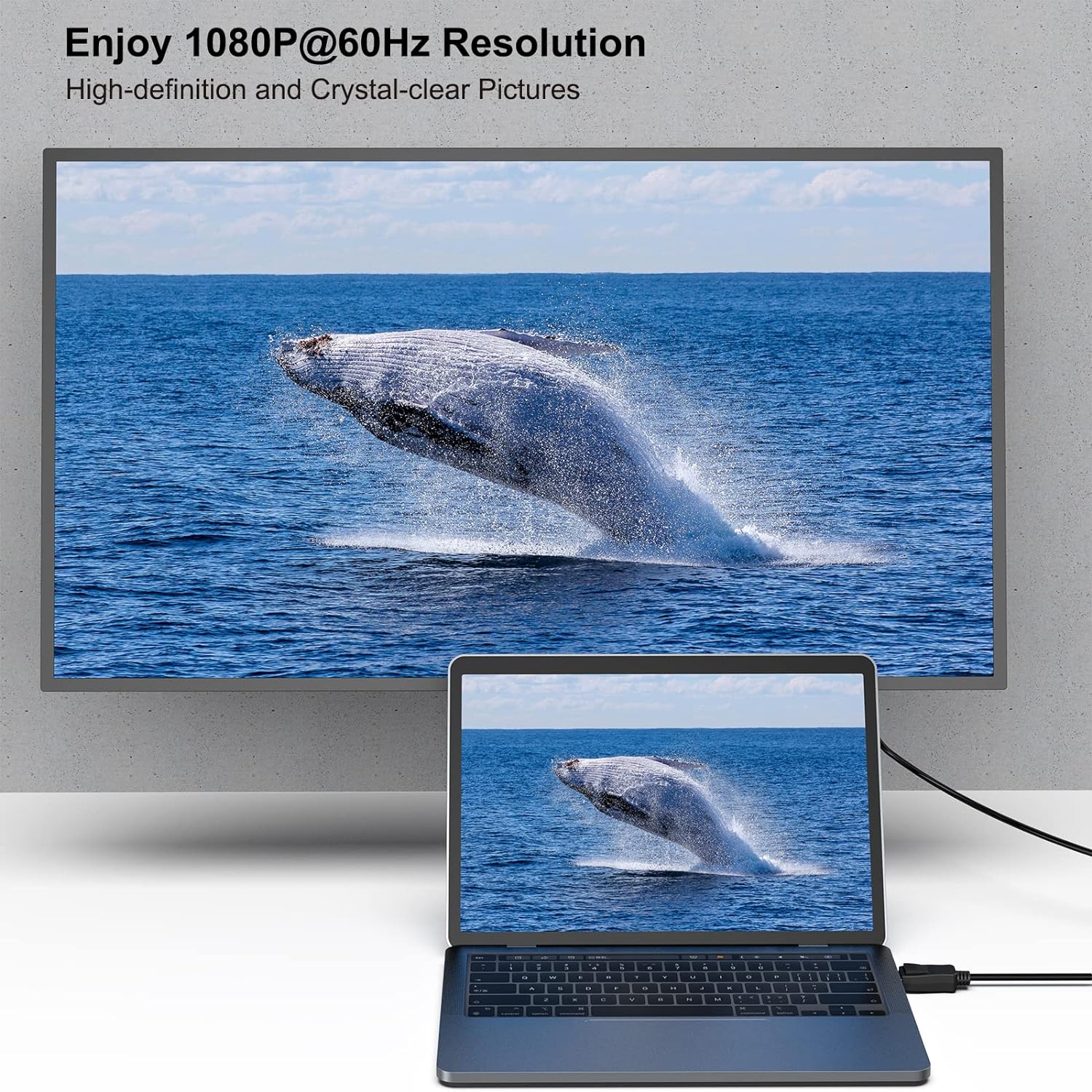
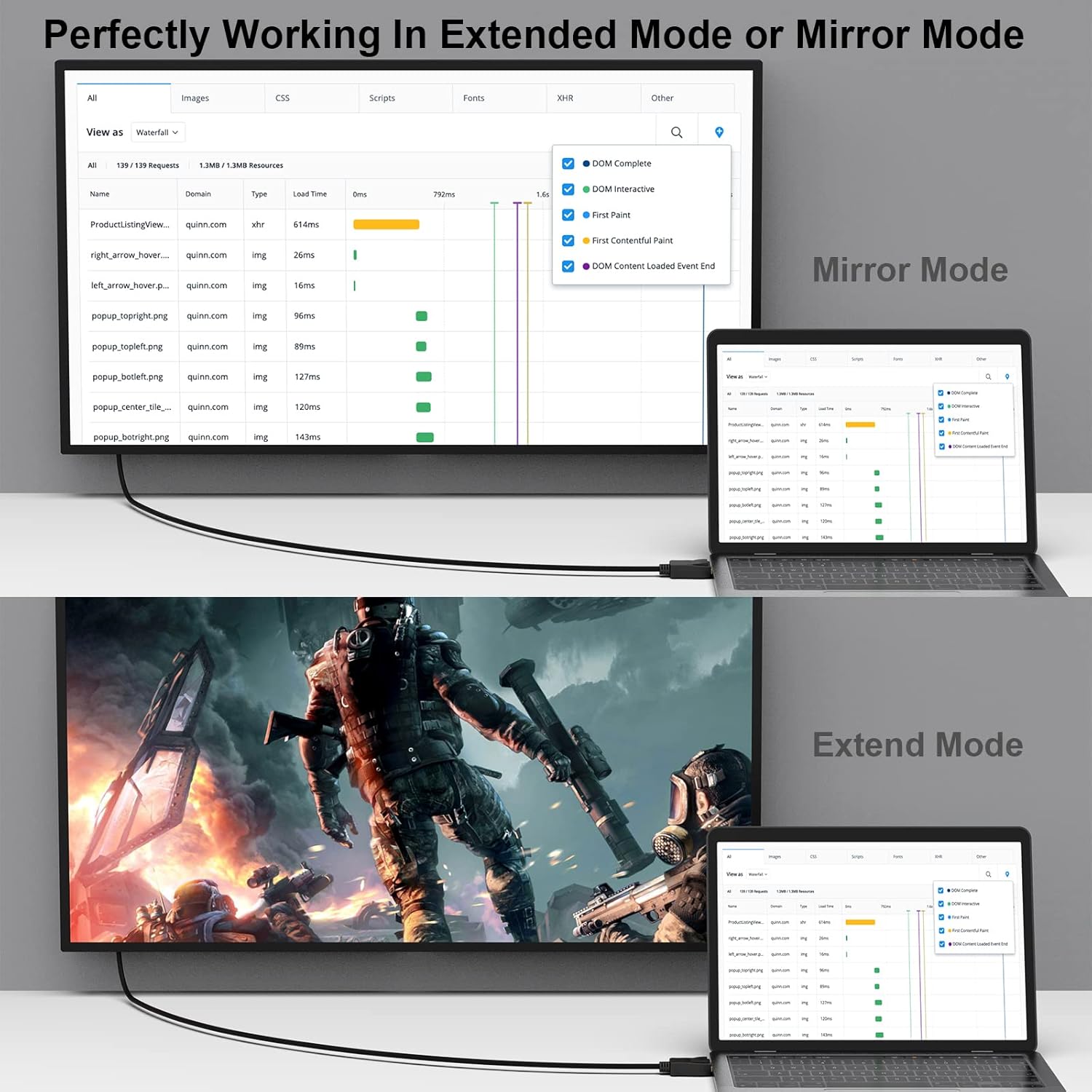
When a computer with a DisplayPort output needs to connect to a DVI-D monitor or projector, this BENFEI cable handles the conversion in one cable run. It comes as a two-pack, with male DisplayPort and DVI connectors, and supports resolutions up to 1920x1080 at 60Hz.
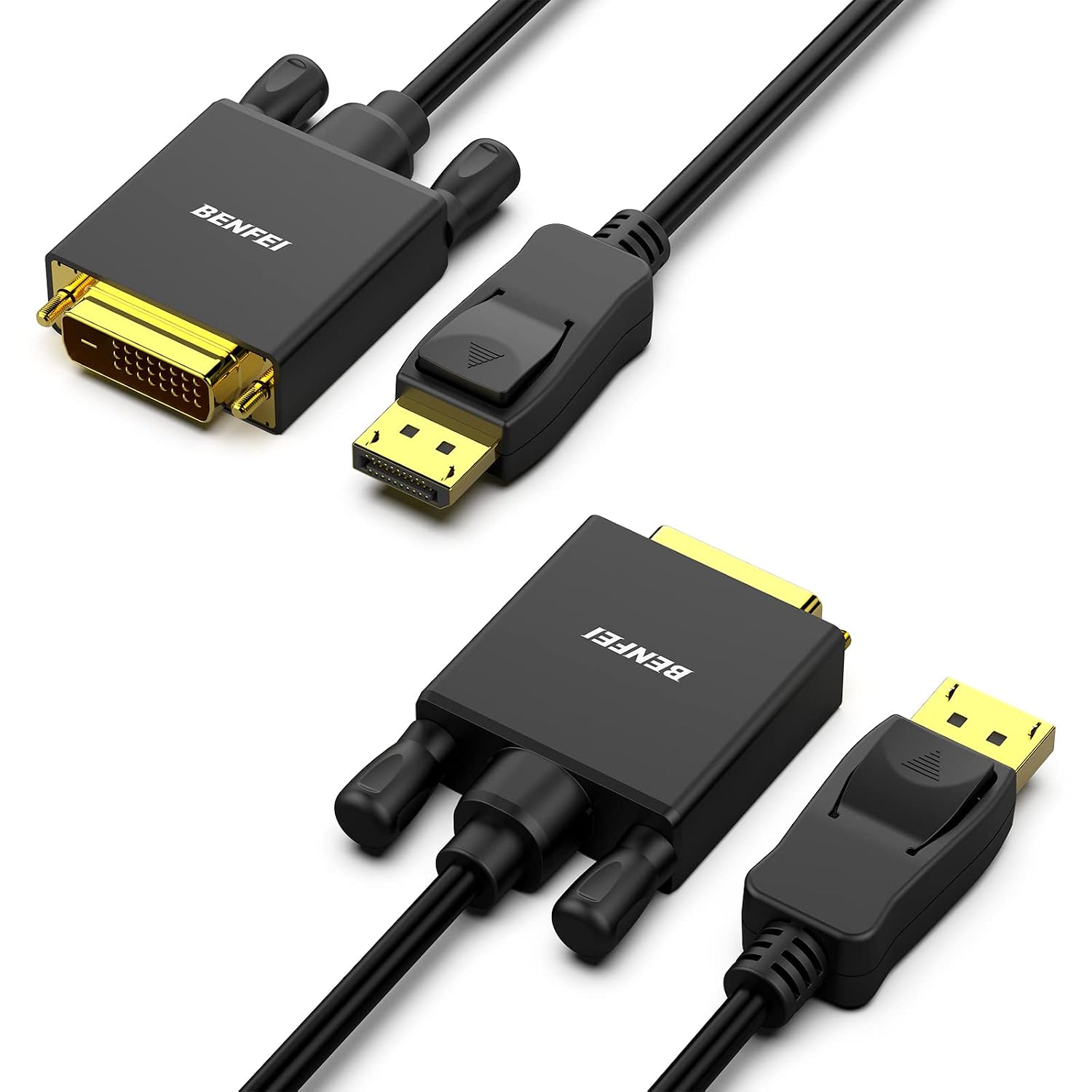
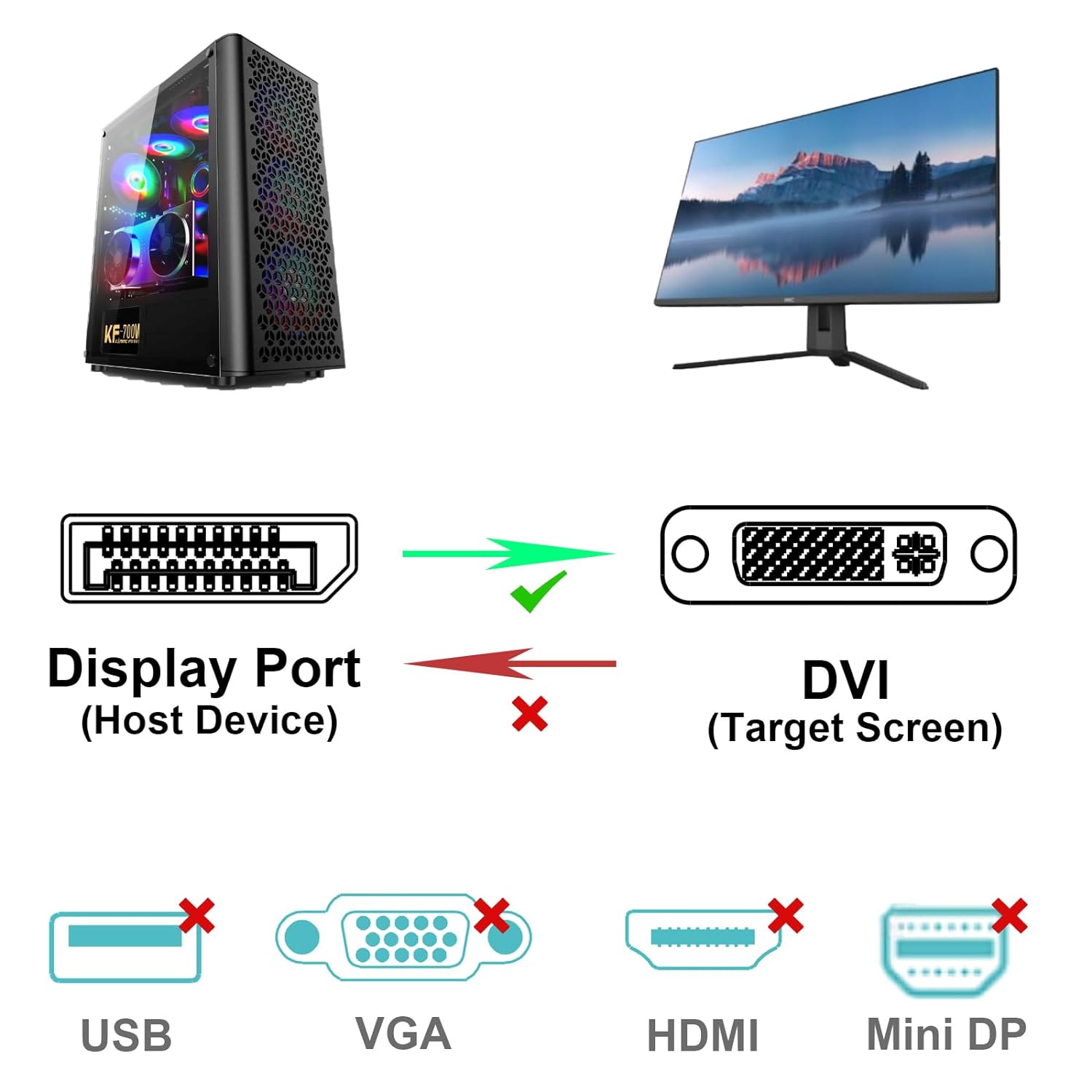
It’s a practical way to reuse a compatible DVI display without adding a separate adapter and cable. The conversion runs from DisplayPort to DVI only.
Fit and sizing
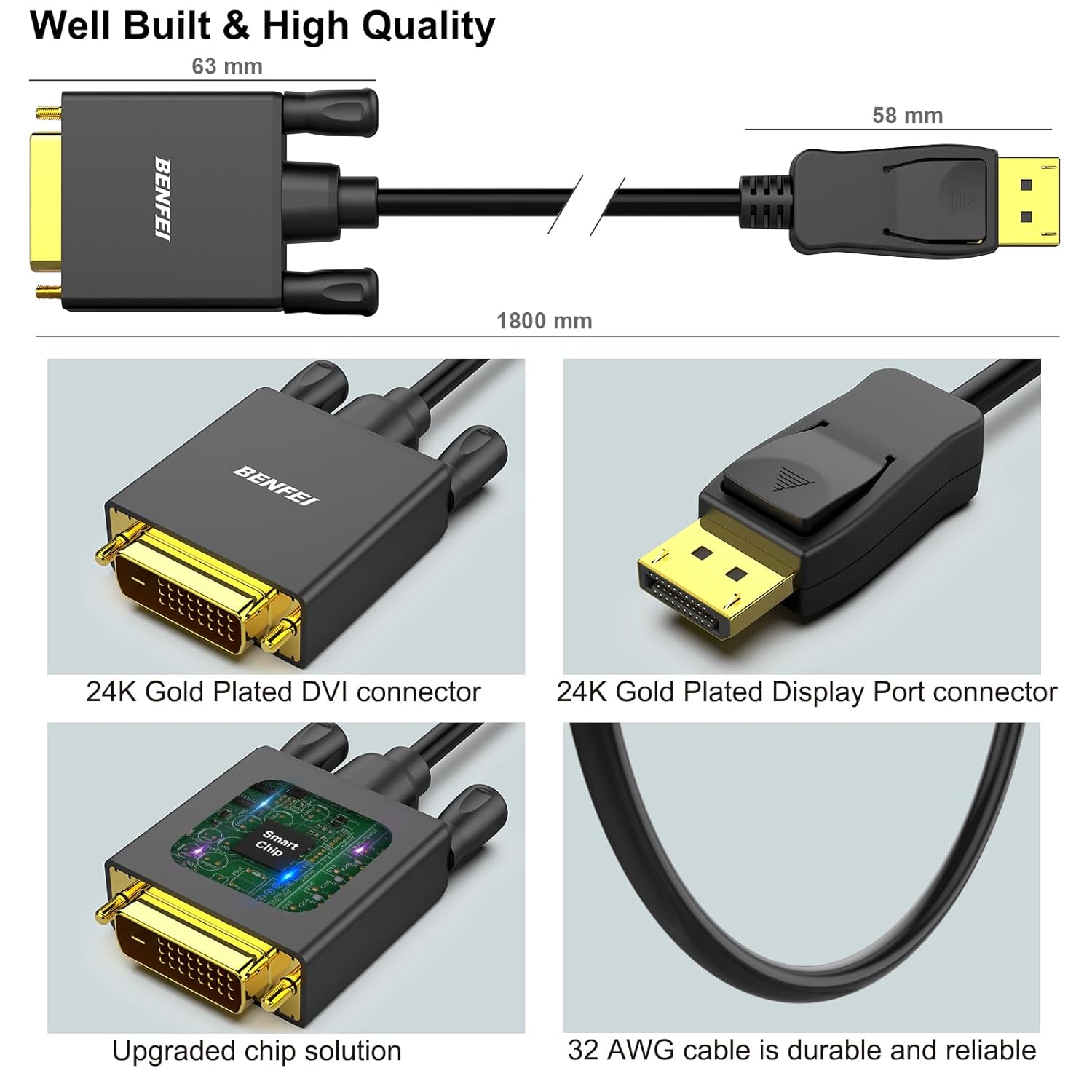
Each cable is 6 feet long, which can work for a nearby desktop tower and monitor while leaving some room for cable routing. The connectors are male-to-male, so the display and computer need matching female ports. Check the ports on both devices before choosing it, a DVI-to-DisplayPort setup is not supported.
Keep in mind that this is a one-way converter: its built-in chip changes a DisplayPort signal into DVI, not the other way around. If your computer only outputs DVI and the display takes DisplayPort, this cable won’t solve that connection. It supports up to 1080p at 60Hz, along with listed lower resolutions including 720p, 1600x1200, and 1280x1024, so it isn’t intended for higher-resolution or higher-refresh-rate output.
Tips for day-to-day use
The DisplayPort connector has latches to help hold it in place. Press the release button before unplugging it rather than pulling against the lock. That detail is useful if the cable will be moved between setups, though it adds a small step when disconnecting. Gold-plated connector contacts, multiple shielding, and molded strain relief are included in the design, these are construction features, not a substitute for checking that the cable fits your devices and cable path.
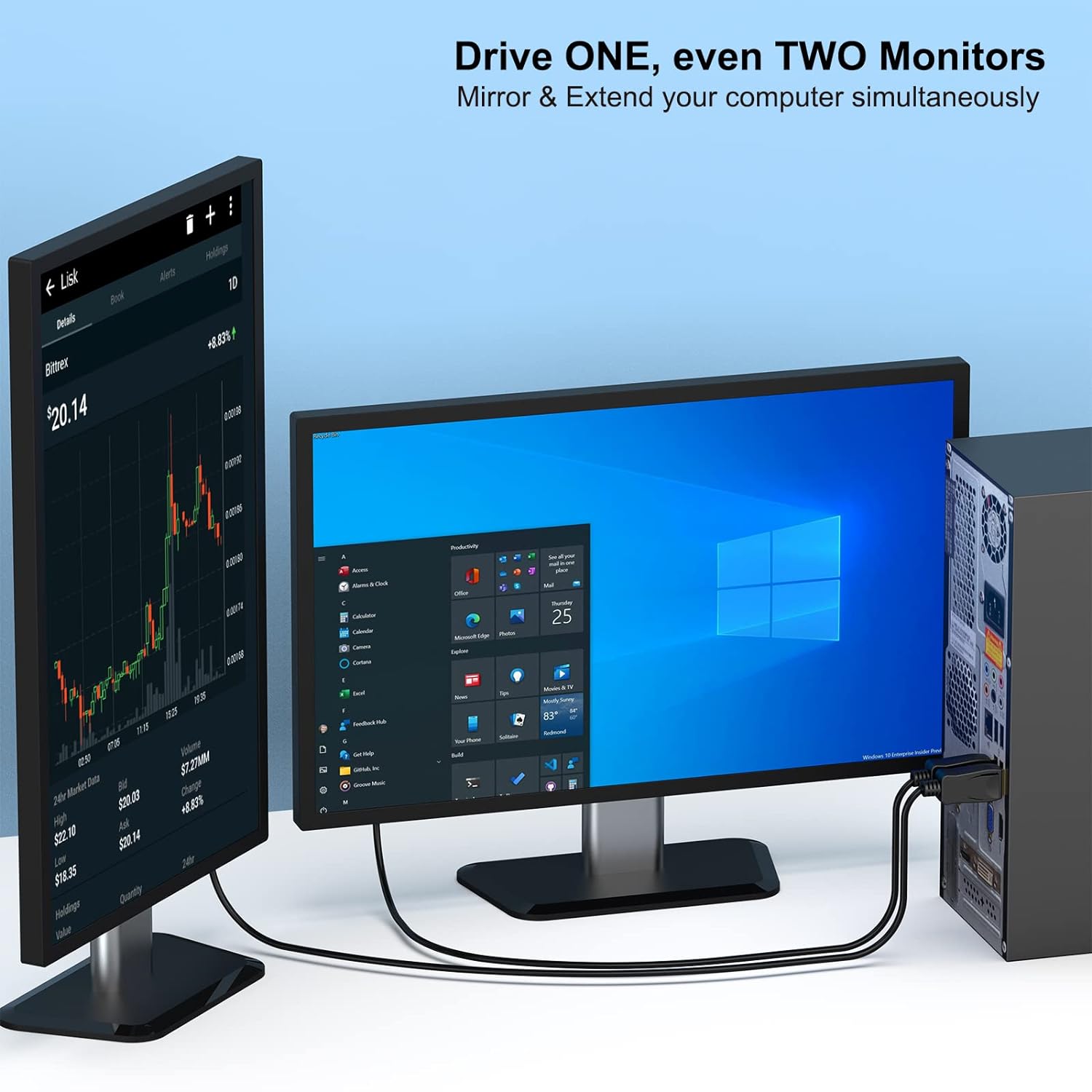
For a straightforward desk setup, route the cable from the computer’s DisplayPort jack to the DVI-D input on the monitor, then confirm the display is set to the correct input. The two-pack also leaves a second cable available for another compatible setup or as a spare. It makes sense if you need a direct, Full HD connection between DisplayPort output and DVI display input. It might not be a great match if you need bidirectional conversion, a longer run, or a resolution above the stated limit.
Practical doubts
Can it connect a DVI computer to a DisplayPort monitor? No. The signal direction is DisplayPort source to DVI display only.
What resolution does it support? Up to 1920x1080 at 60Hz, plus the lower resolutions listed in the product details.
Does it include two cables? Yes, the product is described as a two-pack.
Should you buy it?
Choose this cable when your source has DisplayPort, your monitor or projector has DVI-D, and 1080p at 60Hz is enough for the setup. That’s a simple alternative to buying a separate converter and cable, particularly if you want a spare in the same package. Skip it if the signal needs to travel from DVI to DisplayPort or your display setup calls for output beyond the stated resolution limit. The listed 18-month warranty may also matter if warranty coverage is part of your buying decision.