

BENFEI 8K DisplayPort to DisplayPort Cable 10ft
Reviews
Price
Product description
This DisplayPort cable pair from BENFEI delivers high-resolution video and multi-channel audio connections for desktop setups and gaming rigs. The two 10-foot DP-to-DP cables support high refresh rates and deep color, making them useful for connecting a PC or laptop to a monitor or projector for extended desktops, mirrored displays, or immersive gaming sessions.
Key Points
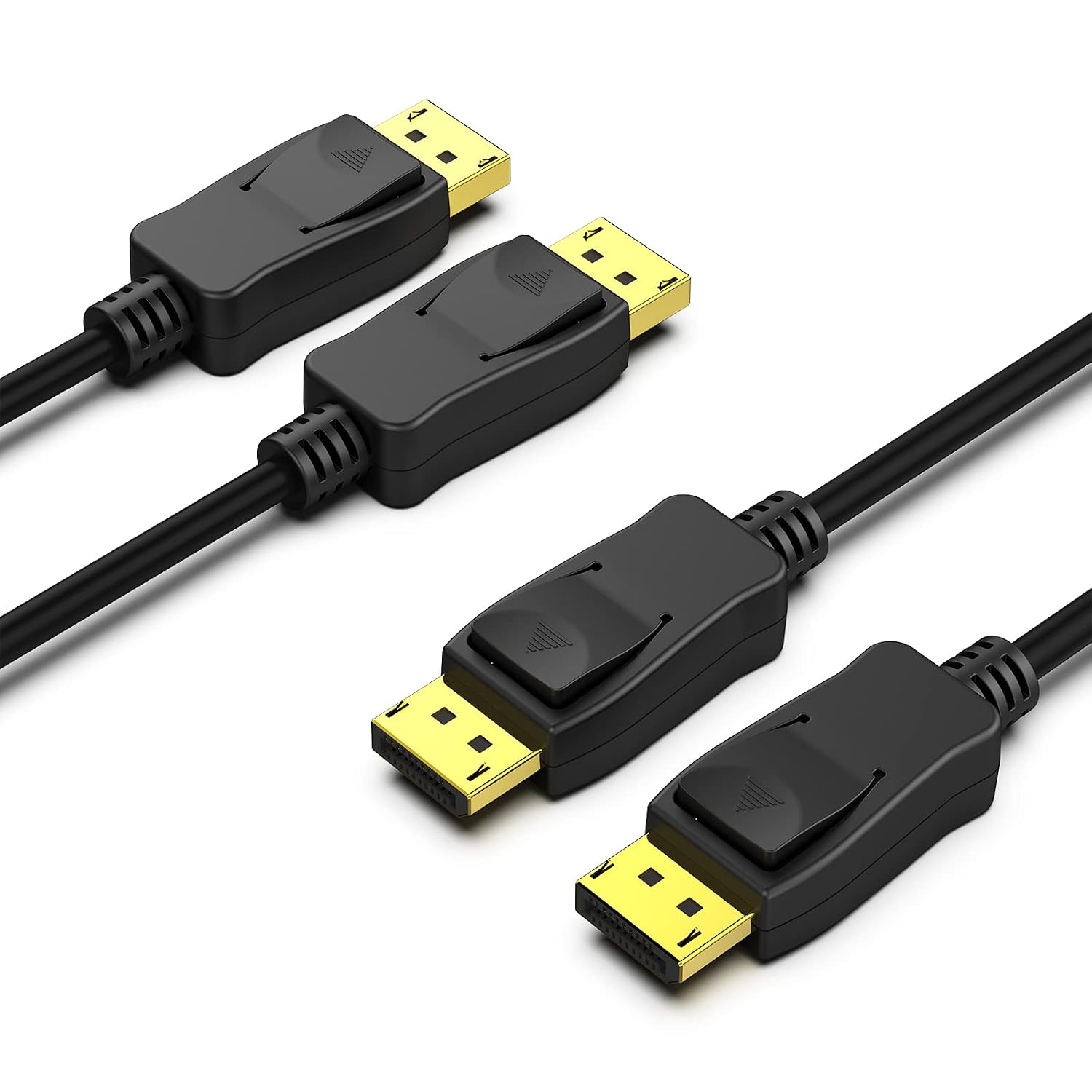
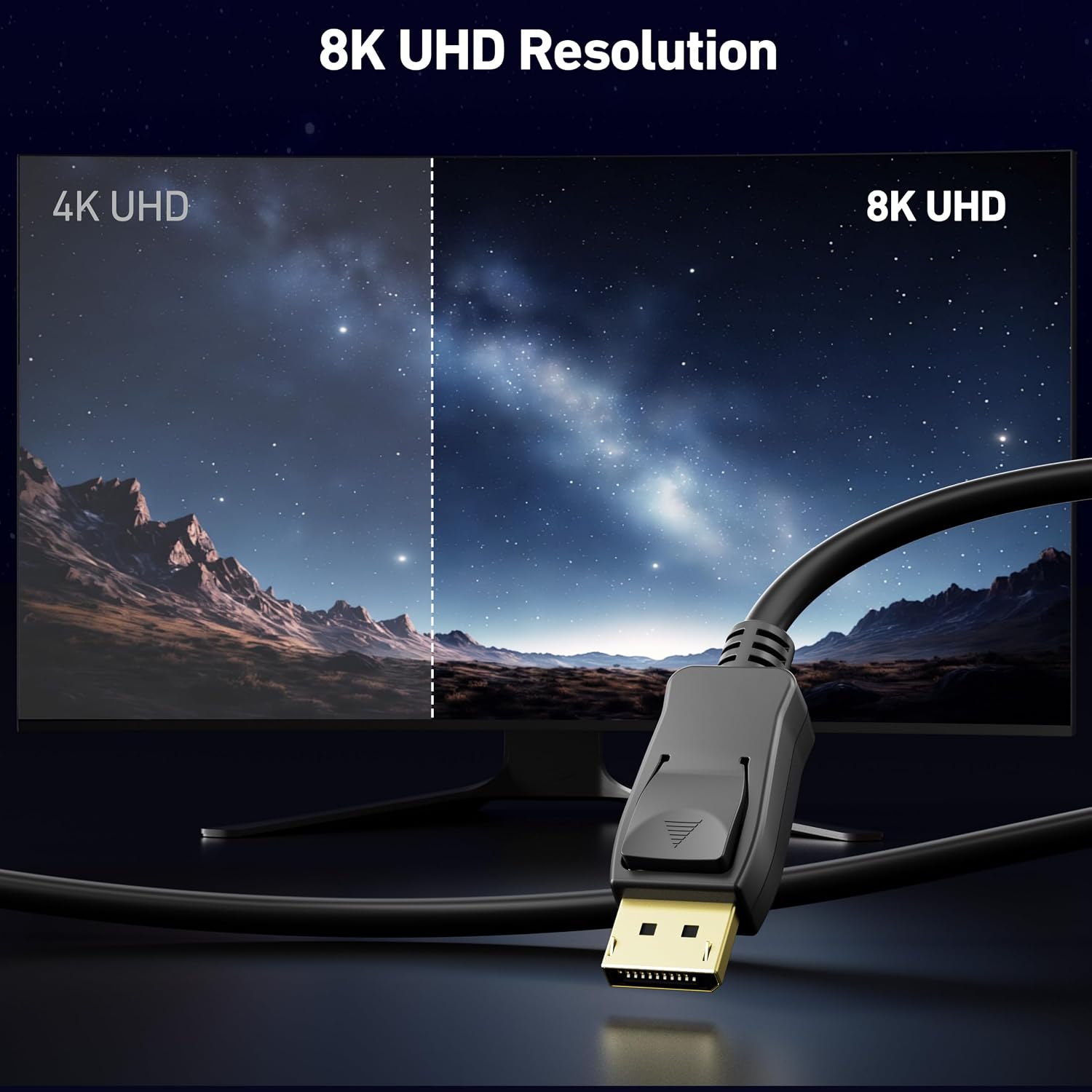
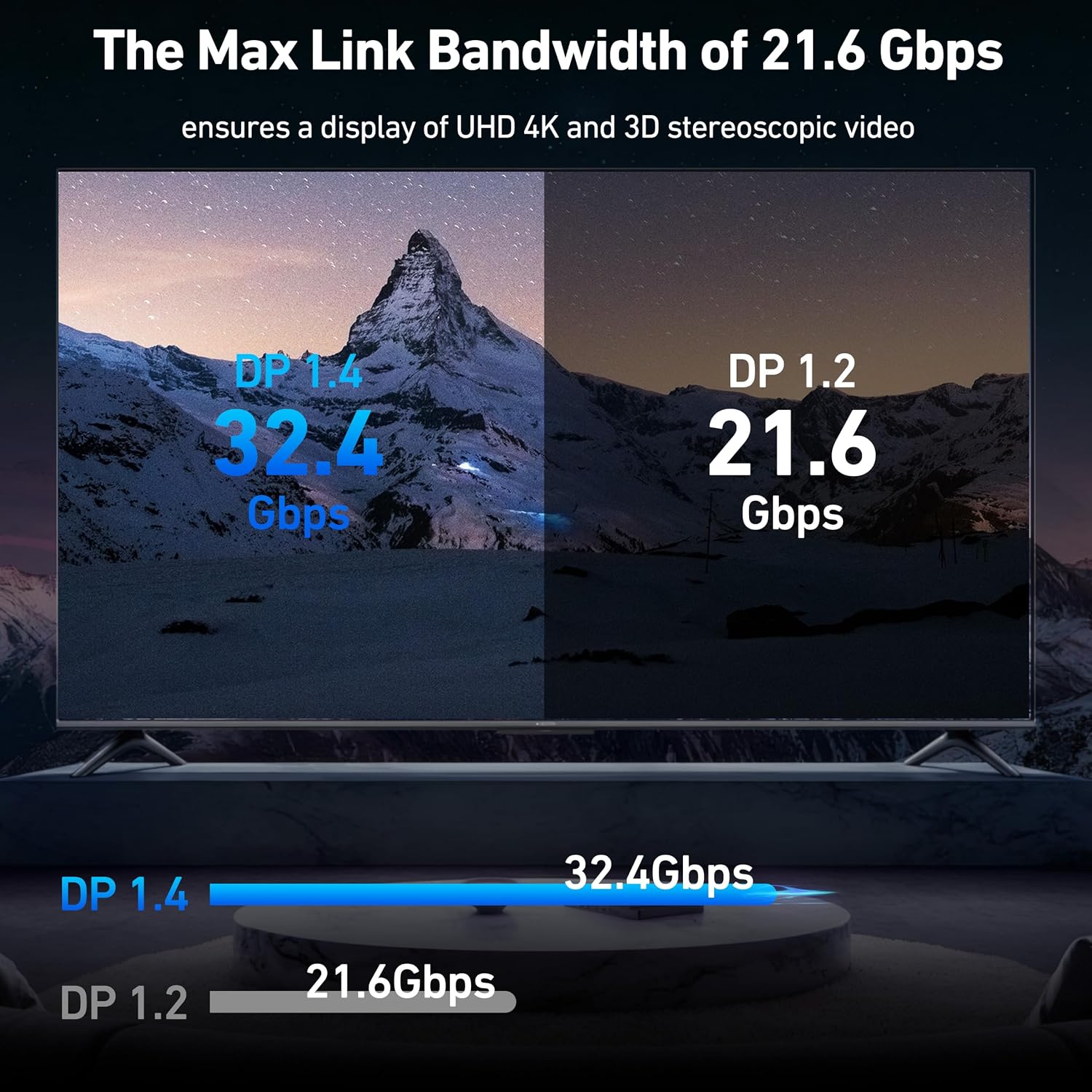
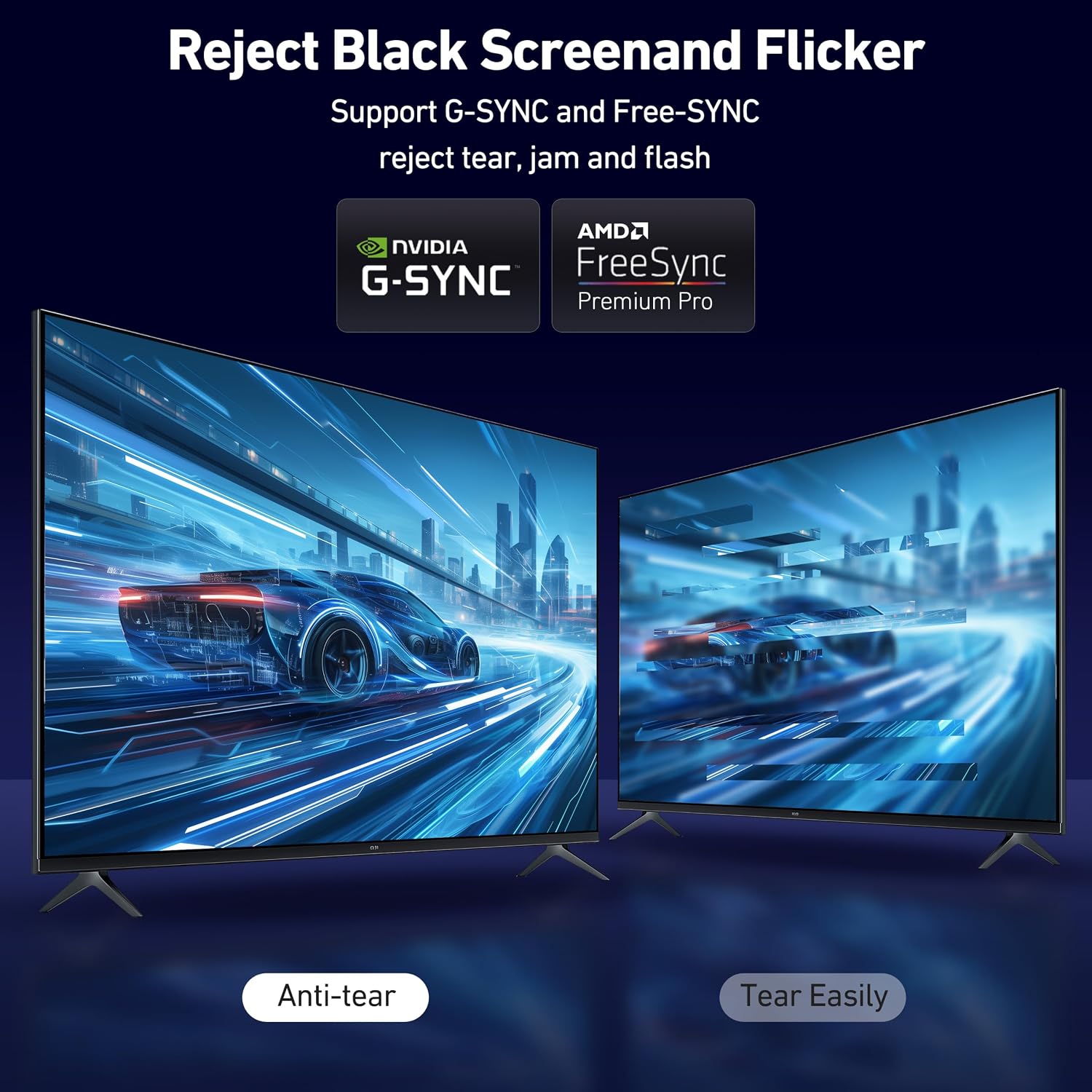
The cables are VESA certified and designed to transmit both video and audio signals without compression. According to the manufacturer, they support up to 8K at 60Hz and 4K at 144Hz, which helps when you need higher frame rates on compatible monitors. Connectors include latches with a release button to keep the connection secure during use and prevent accidental unplugging. The pair format provides a spare cable or a second run for multi-monitor setups. Consider that to achieve the highest resolutions and refresh rates you also need a compatible graphics card and monitor.

Technical Specifications
- Name: BENFEI VESA Certified 8K DisplayPort to DisplayPort Cable (2 Pack, 10 ft)
- Length: 10 feet each
- Supported resolutions and refresh rates: up to 8K@60Hz, 4K@144Hz, 2K@240Hz
- Connector type: DisplayPort male to DisplayPort male with latch and release button
- Construction: gold-plated connectors, bare copper conductors, braided shielding
Advantages
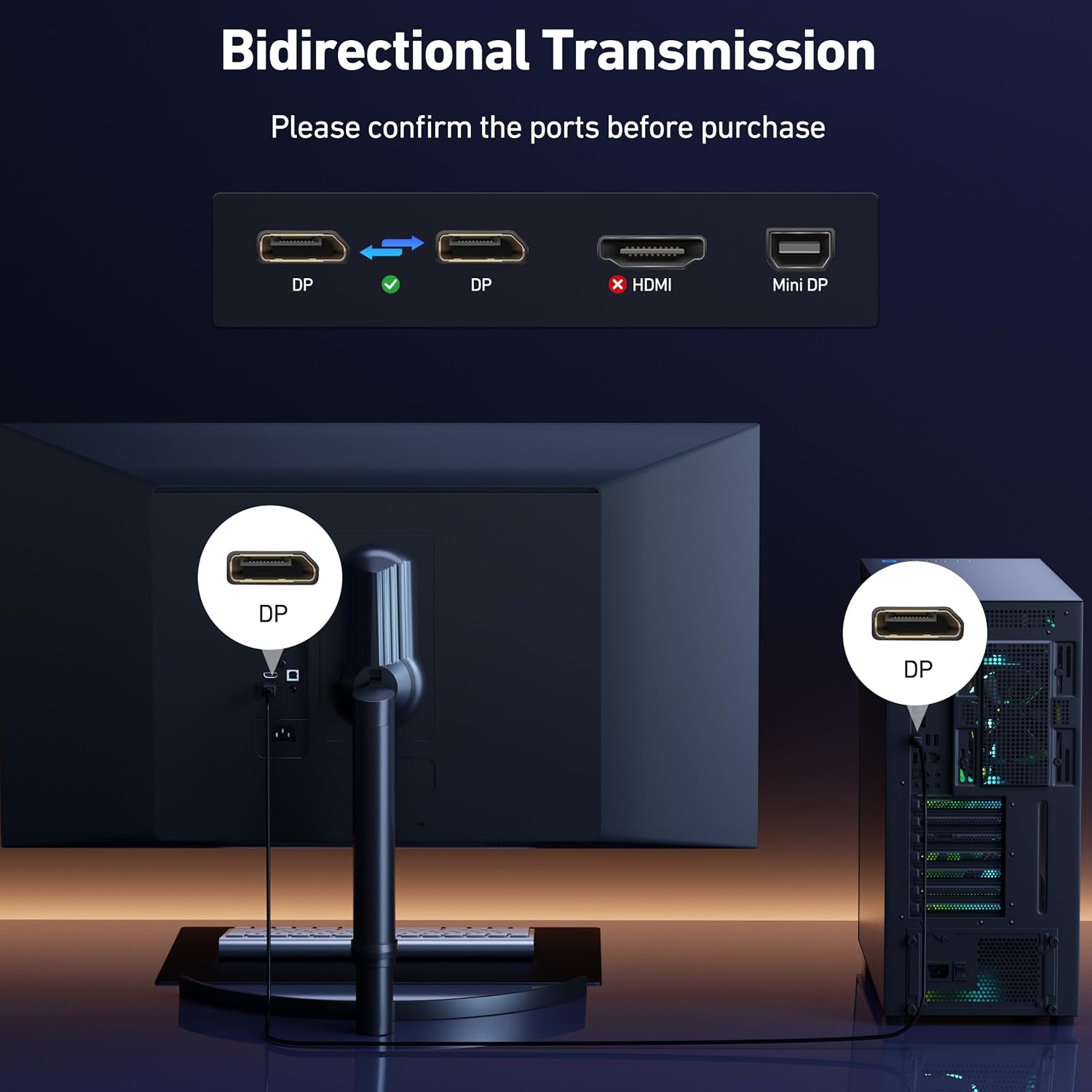
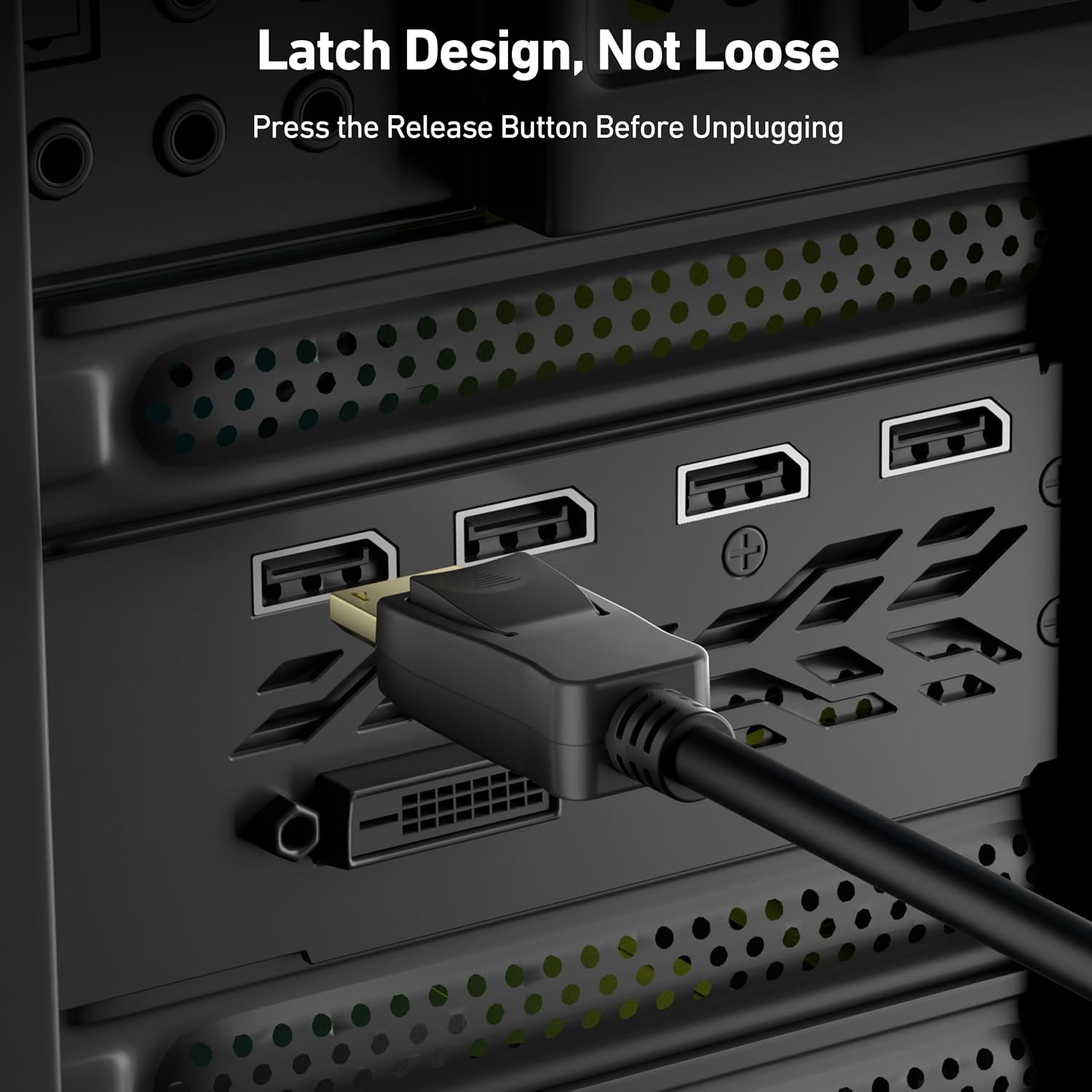
These cables prioritize a reliable physical connection by combining plated connectors with braided shielding and solid conductors. That combination reduces interference and helps maintain signal integrity over the 10-foot run. For setups that require multi-channel audio the cables pass through uncompressed audio for configurations such as 7.1 or 5.1 according to the product information. The included latching mechanism is practical for desktop or wall-mounted monitors where a secure connection matters.
Usage Recommendations
Use one cable to link a primary workstation or gaming PC to a high-resolution monitor and keep the second cable as a backup or to connect a secondary display. When setting up, press the latch button to unplug rather than tugging on the cable. If you plan to run 8K@60Hz or 4K at very high refresh rates, verify that both your GPU output and monitor input support DisplayPort bandwidth for those modes. When routing the 10-foot cable, avoid sharp bends and high electromagnetic interference zones to preserve signal quality.
Note that peak performance depends on the capabilities of source and display hardware, and driver settings in the operating system may need adjustment to enable the highest supported modes.