

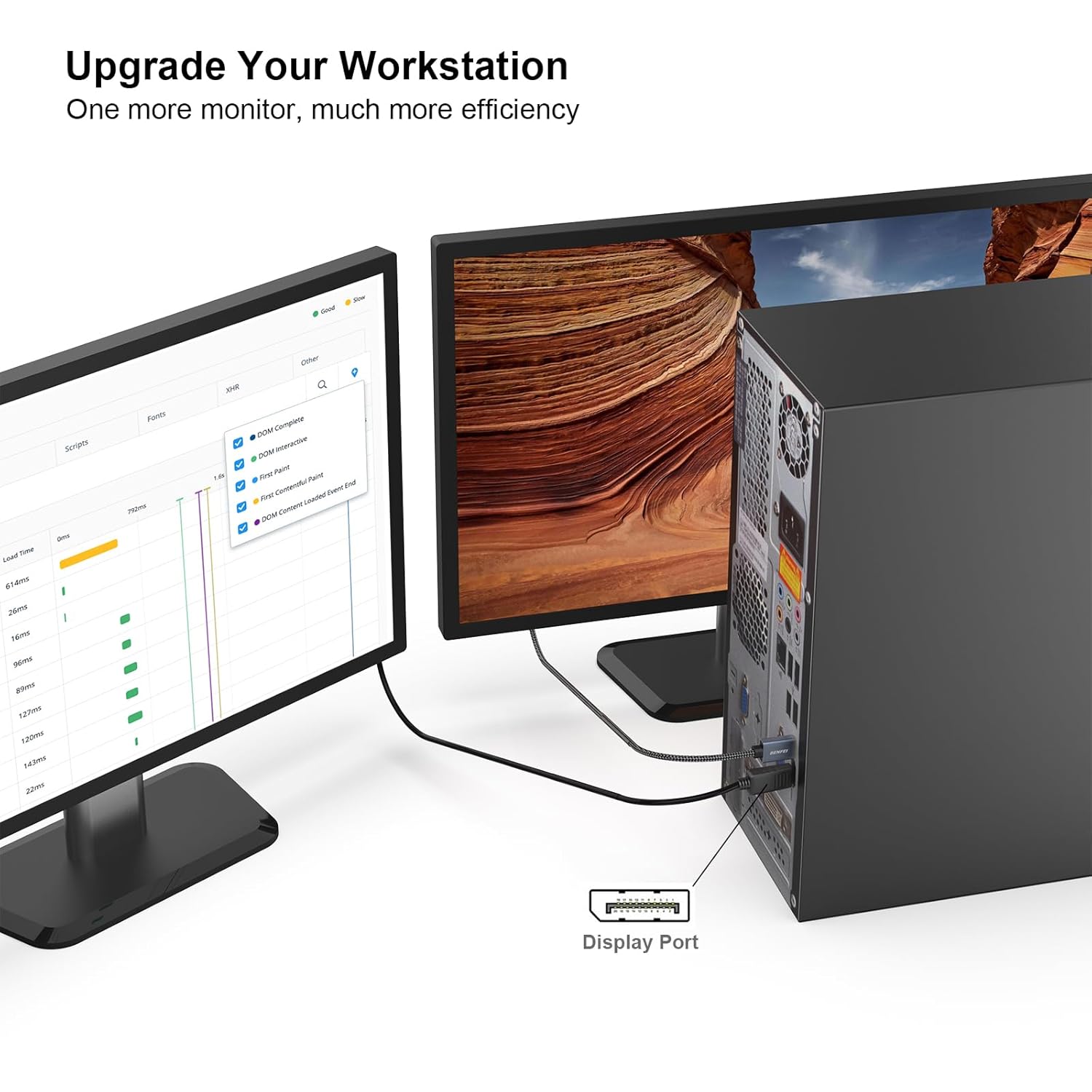
AVACON DisplayPort to HDMI Cable 6 Feet
Product description
When a desktop or laptop has a DisplayPort output but the monitor, HDTV, or projector takes HDMI, this AVACON cable connects the two directly. It sends audio and video from a DisplayPort-equipped computer to an HDMI display, making it useful for streaming, gaming, or setting up a larger workspace.
The key catch is direction: this cable does not carry a signal from an HDMI source to a DisplayPort monitor. Is that the connection you need? Check which port is on the computer and which is on the display before choosing it.
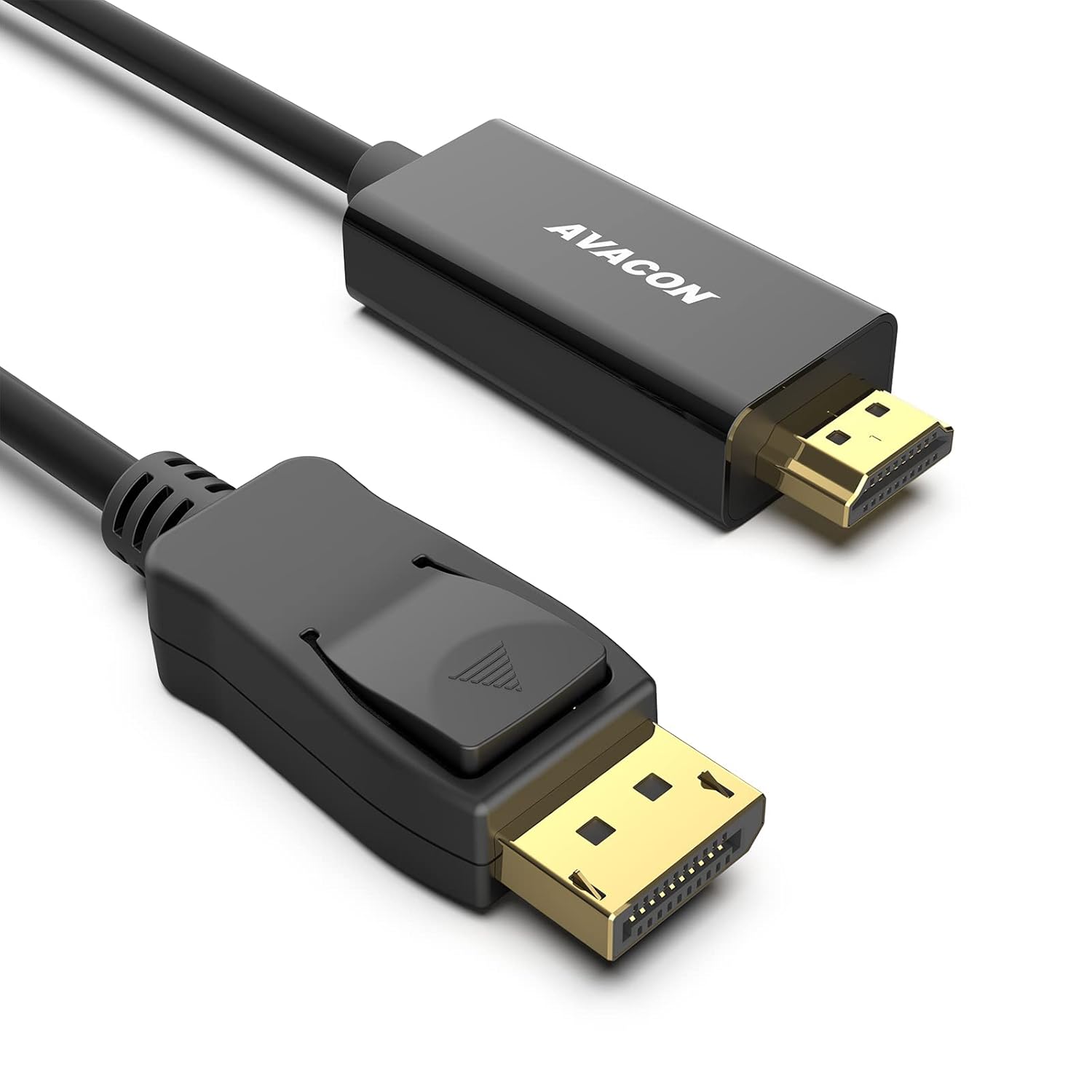
Best use cases
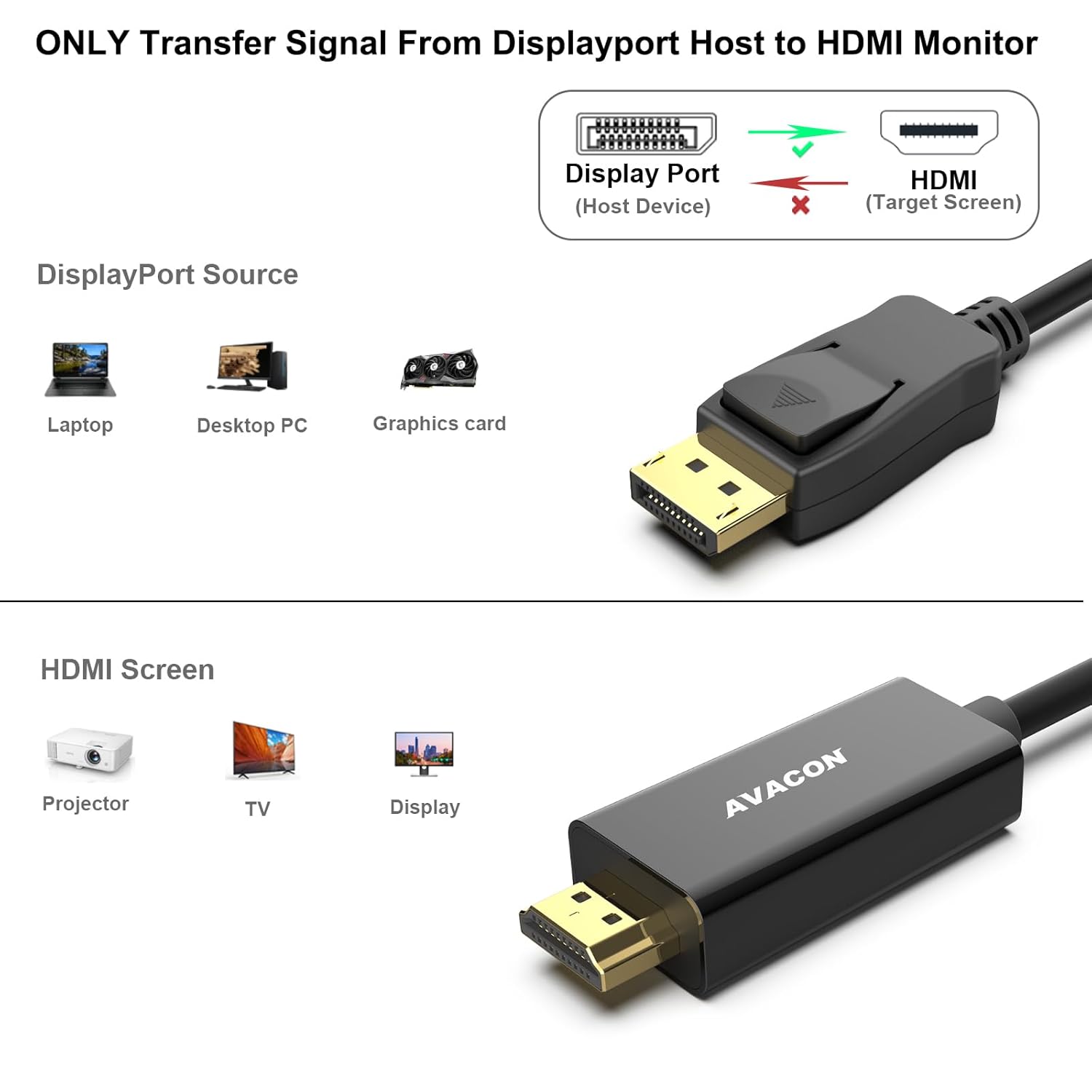
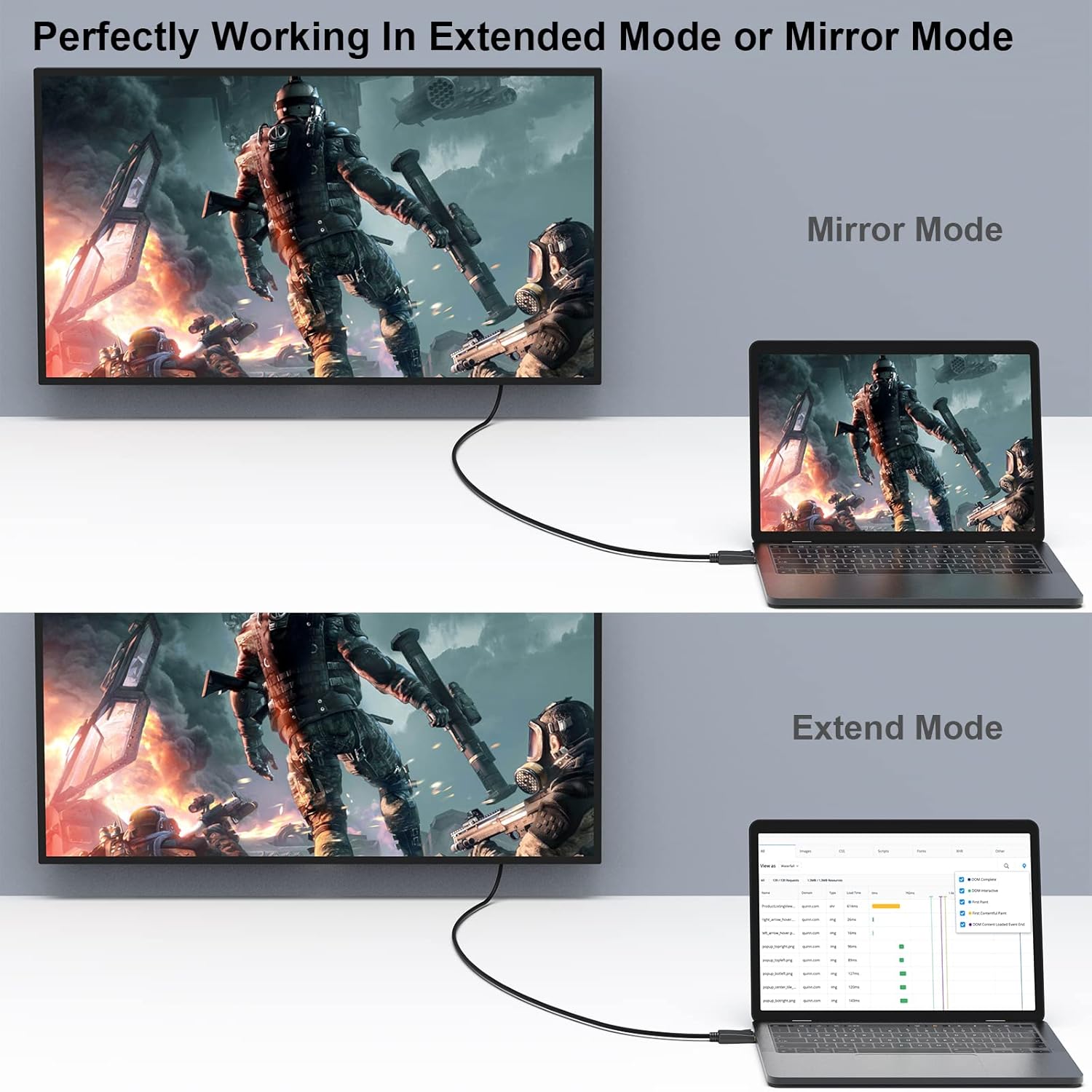
Use it to connect a computer’s DisplayPort output to an HDMI input on a monitor, HDTV, or projector. For example, you could connect a work computer to an HDMI monitor and choose an extended desktop for more screen space, or mirror the computer display on an HDTV for video playback. It also supports gaming, with the maximum resolution depending on the mode you need.
This is a straightforward cable-based approach for a DisplayPort-to-HDMI setup, rather than a solution for reversing the connection or converting from HDMI output. It’s a great fit if your computer has a compatible DisplayPort output and the screen has HDMI input. Better avoided if your source device only outputs HDMI, or if your display only accepts DisplayPort.
Product specs
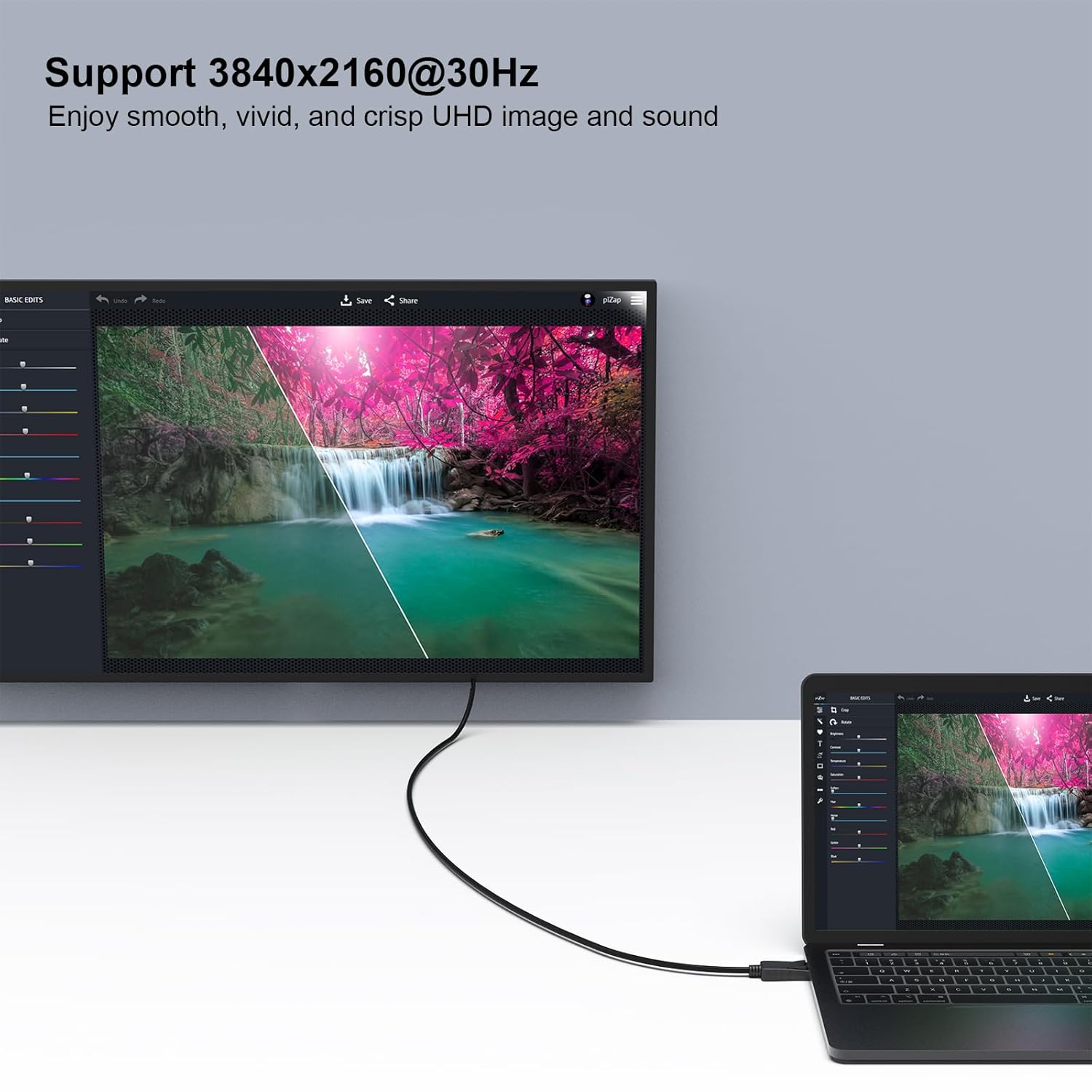
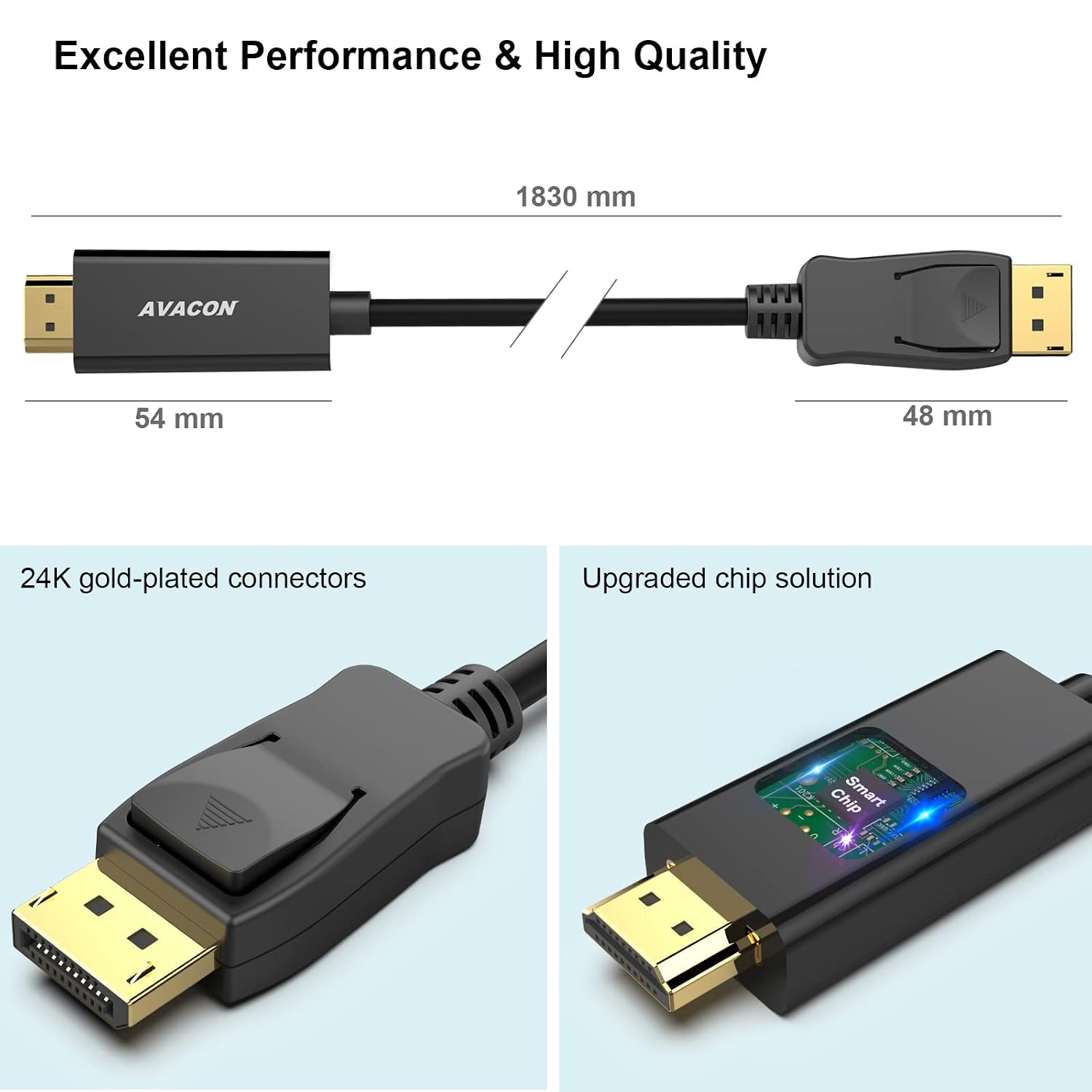
The cable is 6 feet long, with DisplayPort male and HDMI male connectors. It is listed as DP 1.2 to HDMI 1.4 and supports video resolutions up to 3840 × 2160 at 30Hz. The listed modes also include 1920 × 1080 at 60Hz, 720p, 1600 × 1200, and 1280 × 1024. That distinction matters if you want 4K: the stated limit is 30Hz, while 1080p is listed at 60Hz.
Audio pass-through supports uncompressed digital 7.1-channel, 5.1-channel, or 2-channel audio. The cable uses gold-plated connectors, bare copper conductors, and foil-and-braid shielding. Those are construction details, not a guarantee that every setup will perform identically, on the spec sheet, the most useful deciding points are the one-way signal path and the resolution your display setup requires.
Where it shines
Its appeal is simplicity: one cable connects a DP-equipped computer to an HDMI screen, carrying both picture and supported audio without requiring a separate video cable. The 6-foot length offers some flexibility when the computer and display aren’t side by side, though it may not suit a setup that needs a longer run. For everyday desktop expansion or a computer-to-TV connection, the supported 1080p at 60Hz is a relevant option, users seeking 4K should note the stated 30Hz ceiling.
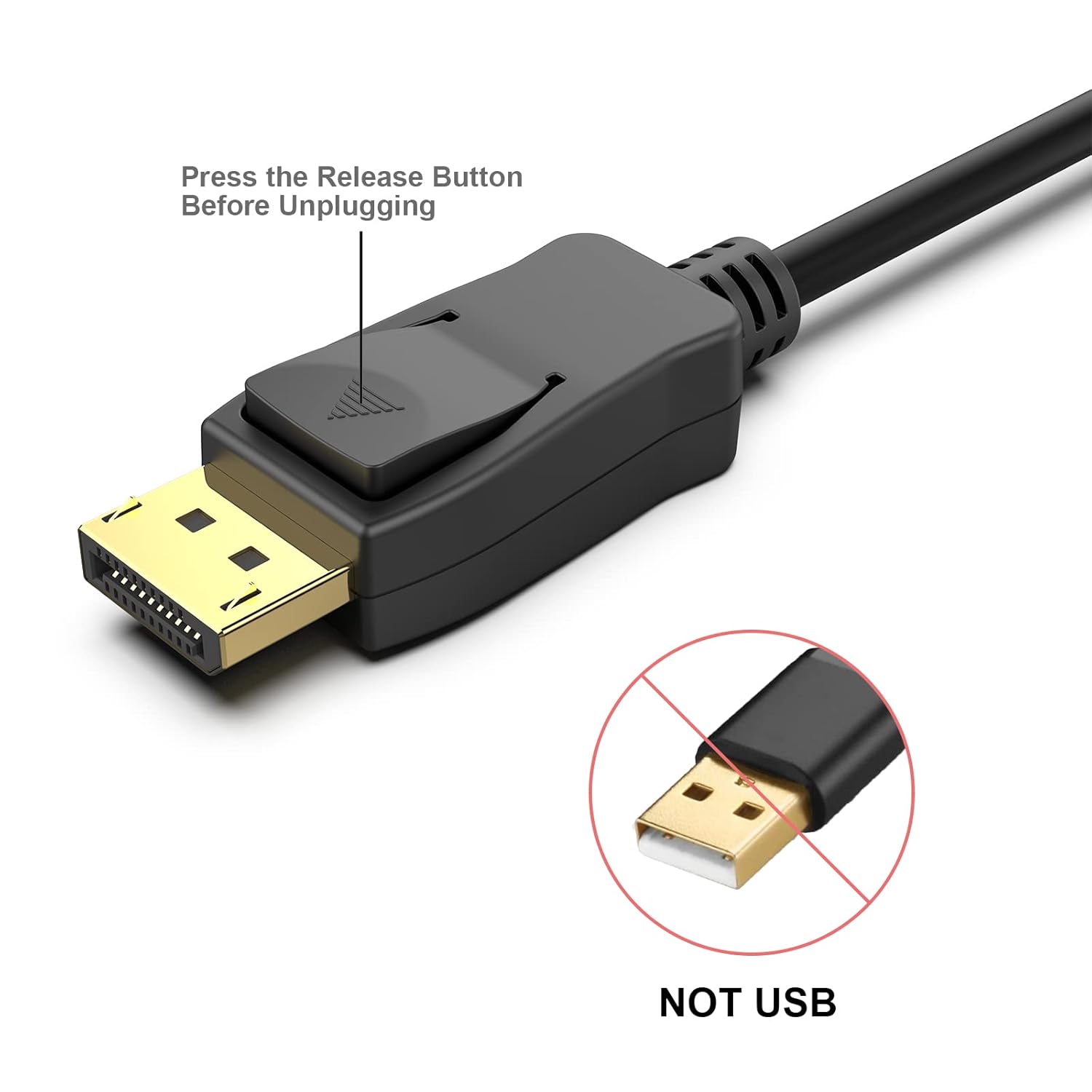
There is one small handling detail: press the release button before unplugging the DisplayPort connector. That is easy to overlook when disconnecting a cable from a crowded computer setup, so it’s worth remembering.
When it makes sense
Choose this cable when the source is DisplayPort and the screen’s input is HDMI, and when its listed resolution modes match how you plan to use the display. It can suit an extended or mirrored desktop, video streaming, or gaming with that connection direction. If you need the reverse route, a higher 4K refresh rate, or a different cable length, this model’s listed details don’t establish that it will meet the requirement. Match the ports first, then weigh the 4K-at-30Hz limit against the display mode you actually want.