

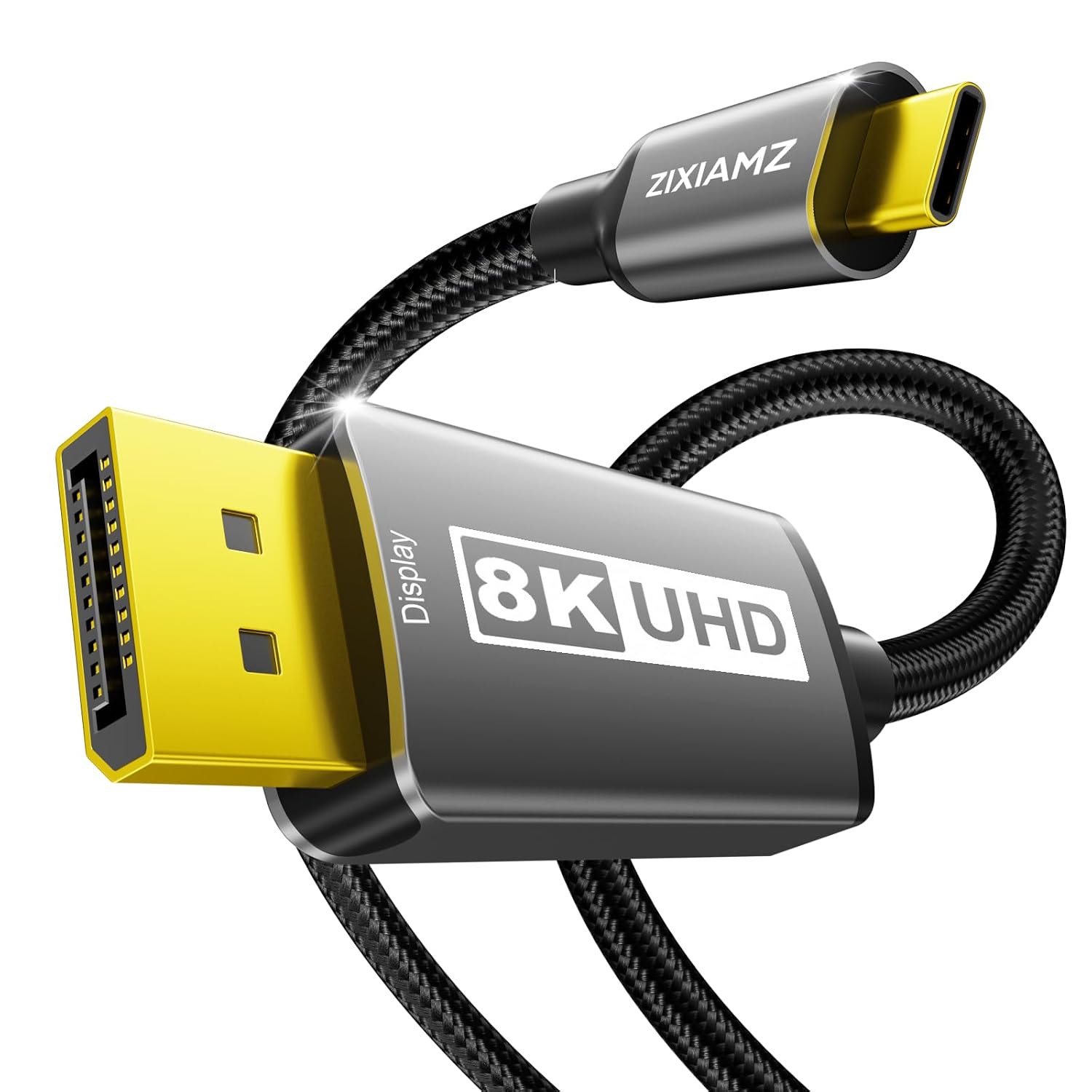
ZIXIAMZ USB-C to DisplayPort Cable, 6 ft
Product description
Highlights
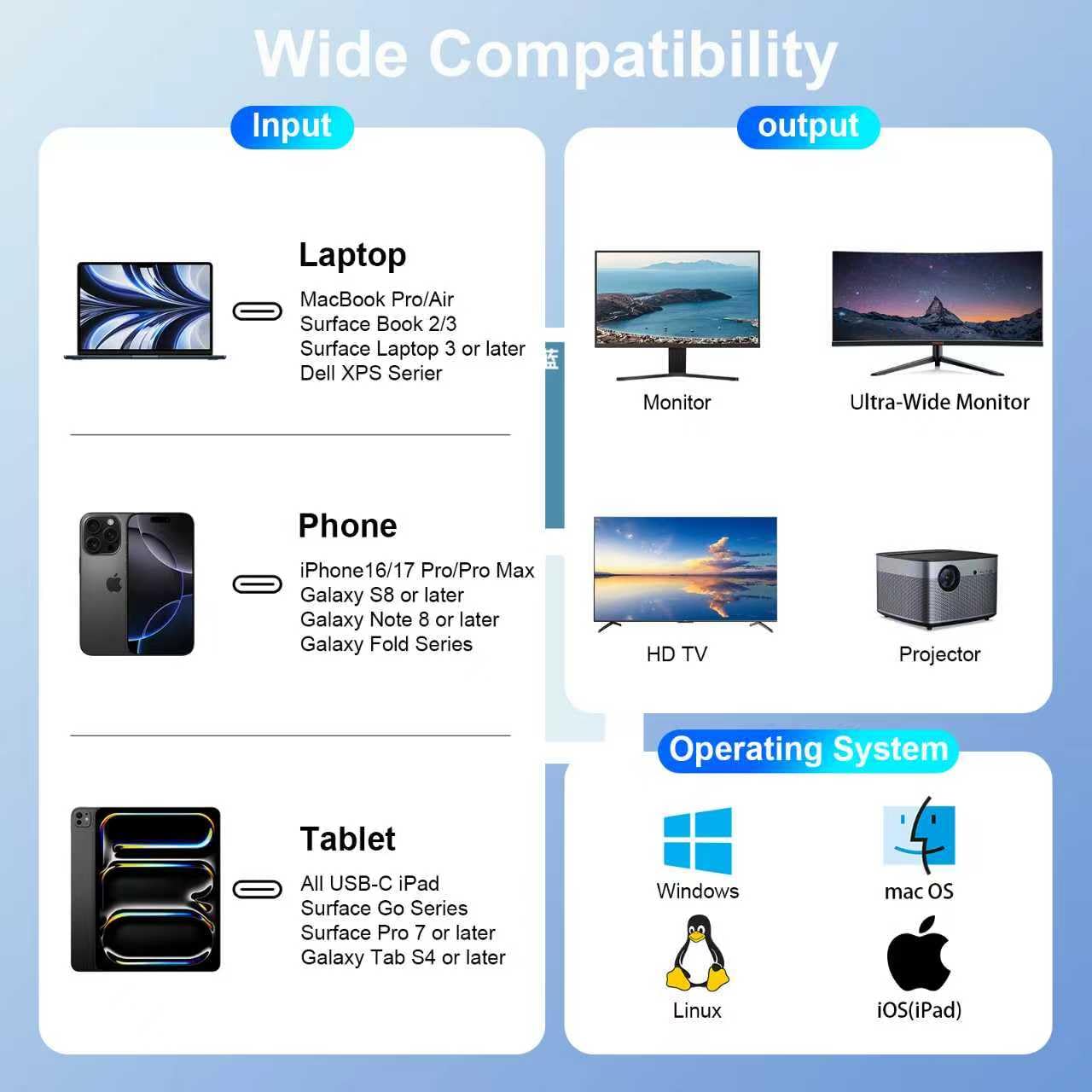
For laptop, tablet, or phone owners who want to connect a USB-C video source to a DisplayPort monitor, this cable offers a direct, driver-free connection. Its 6-foot length gives you some flexibility in placing your display without adding a separate adapter.
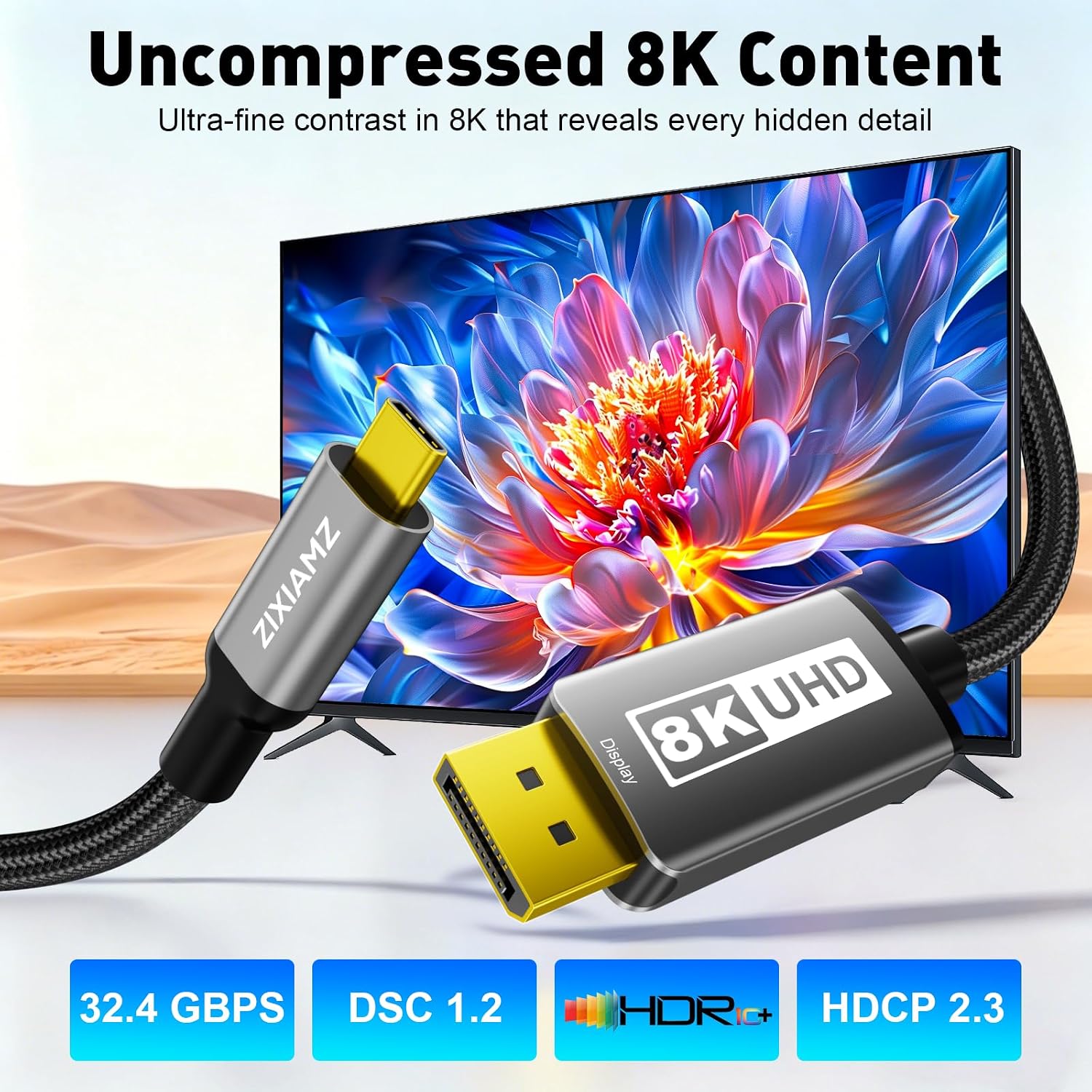
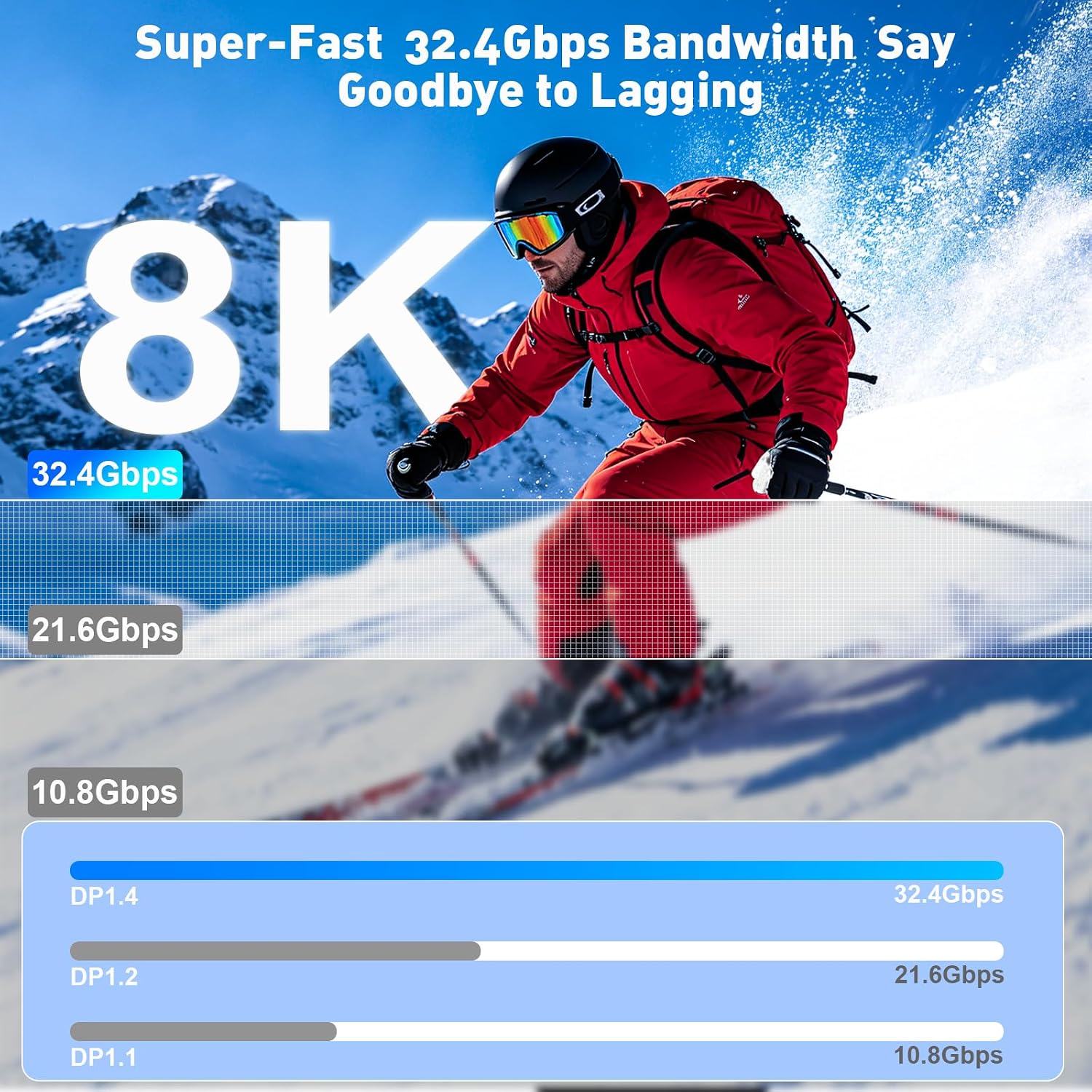
It supports DisplayPort 1.4 bandwidth up to 32.4 Gbps, with listed modes including 8K at 60Hz and 4K at 240Hz. Those are maximum supported formats, not a guarantee that every connected device and display will reach them, both ends need to support the chosen resolution and refresh rate.
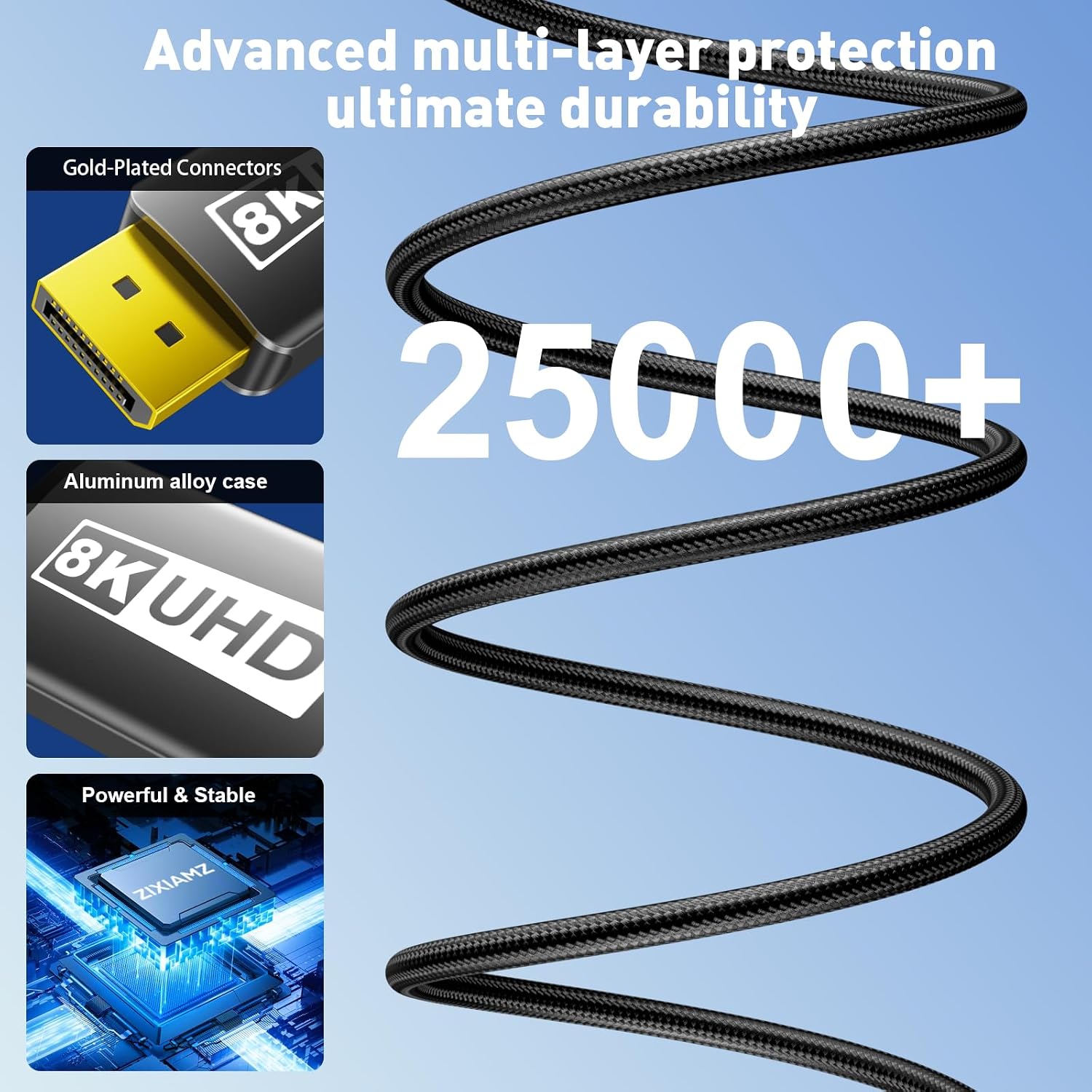
The cable is uni-directional: USB-C is the source end and DisplayPort is the display end. A braided nylon jacket and gold-plated connectors are intended to handle everyday plugging and cable movement. Keep in mind that the USB-C port must support DP Alt Mode video output, a USB-C connector alone is not enough.
Best use cases
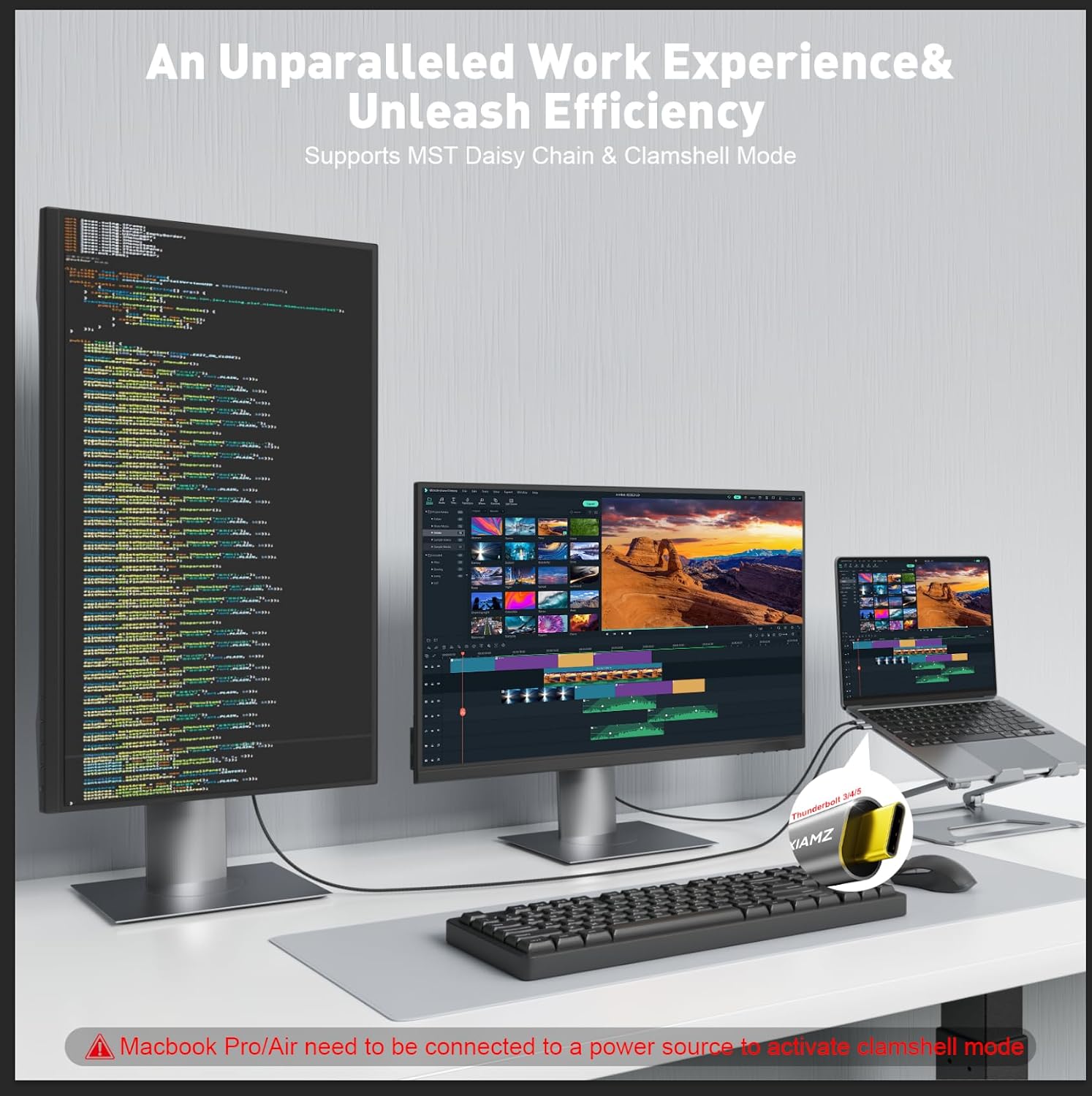
This setup makes sense for a desk where a compatible laptop feeds a DisplayPort monitor, or for connecting a supported tablet or phone to a larger screen. For example, you could plug a USB-C laptop into a high-refresh gaming monitor for smoother motion, provided the laptop, graphics hardware, monitor, and selected settings all support that mode. The listed support for MST may also suit a multi-monitor arrangement, though the devices involved need to support daisy-chaining.
A solid pick if you want one cable between a USB-C source and a DisplayPort display, rather than a multiport hub with connections you may not need. Not the best choice if your source lacks video output over USB-C, your display only accepts HDMI, or you need a cable that carries video in the reverse direction. The product listing names Thunderbolt 3, 4, and 5 compatibility, but the practical requirement remains a suitable video-capable USB-C source.
Tips for day-to-day use
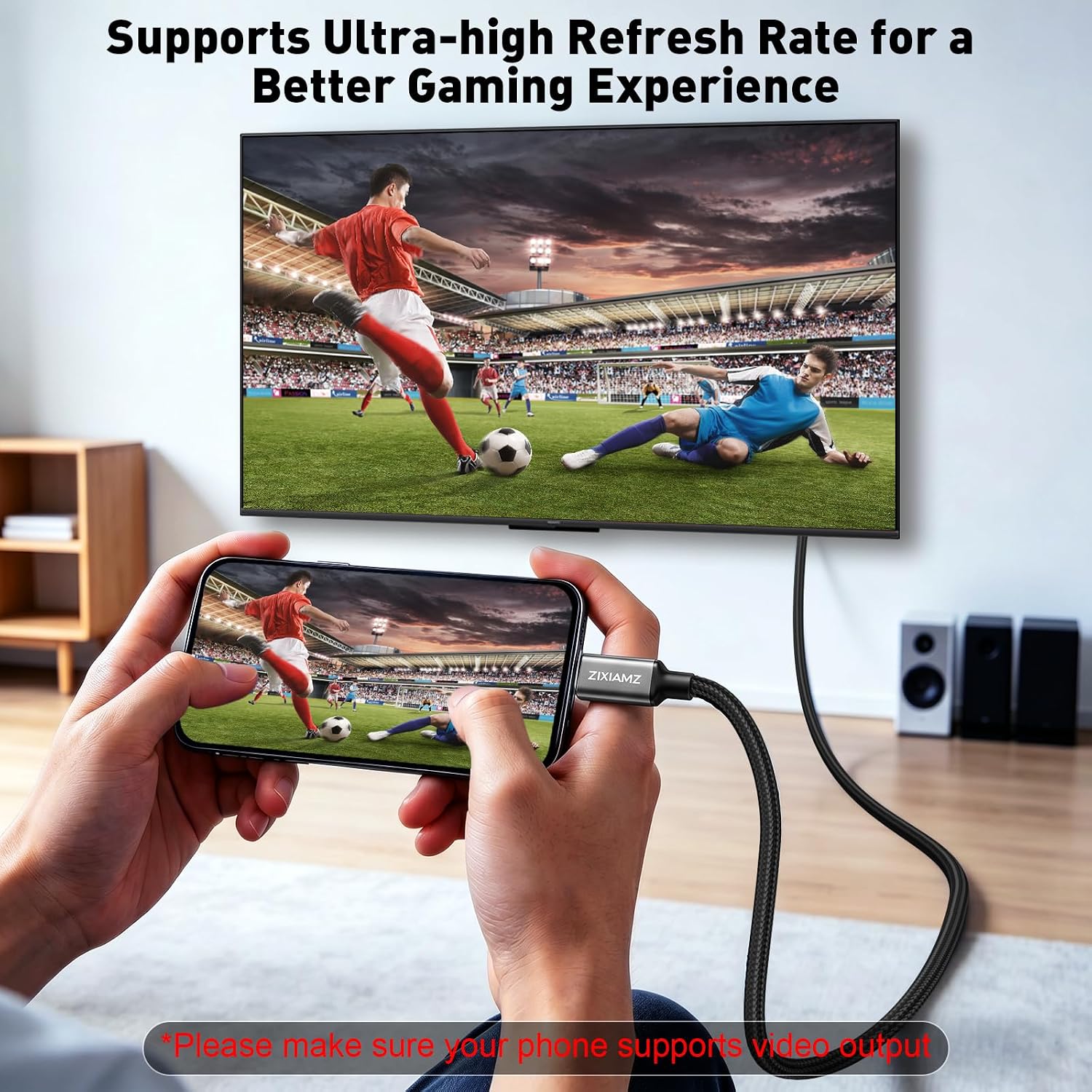
Connect the USB-C end to the source and the DisplayPort end to the monitor or projector. The cable is described as plug-and-play, with no driver installation required. If a display stays blank or runs at a lower refresh rate than expected, check the source port's video capabilities and the resolution and refresh-rate support of both connected devices before assuming the cable is at fault.
For a cleaner desk setup, route the 6-foot cable so it can reach without being pulled tight. The braided covering is designed for resistance to wear, but it does not change the directional connection or make an unsupported USB-C port output video.
Before you decide
Will it work with any USB-C device? No. The device's USB-C port needs to support DisplayPort Alt Mode video output, or the relevant Thunderbolt video connection.
Can I connect a DisplayPort computer to a USB-C monitor with it? No. It is uni-directional, from USB-C source to DisplayPort display.
Will it always deliver 8K at 60Hz or 4K at 240Hz? Those modes are listed, but the connected source and display must also support the selected resolution and refresh rate. Check their specifications before choosing it for a specific high-refresh setup.
Final verdict
This ZIXIAMZ cable is a straightforward option when your goal is to connect a video-capable USB-C device to a DisplayPort screen without an adapter or software setup. Its 6-foot braided build and support for high-bandwidth display modes suit a desk or entertainment setup where both devices match. Skip it if you need HDMI, bidirectional video, or a USB-C connection that does not support video output.