

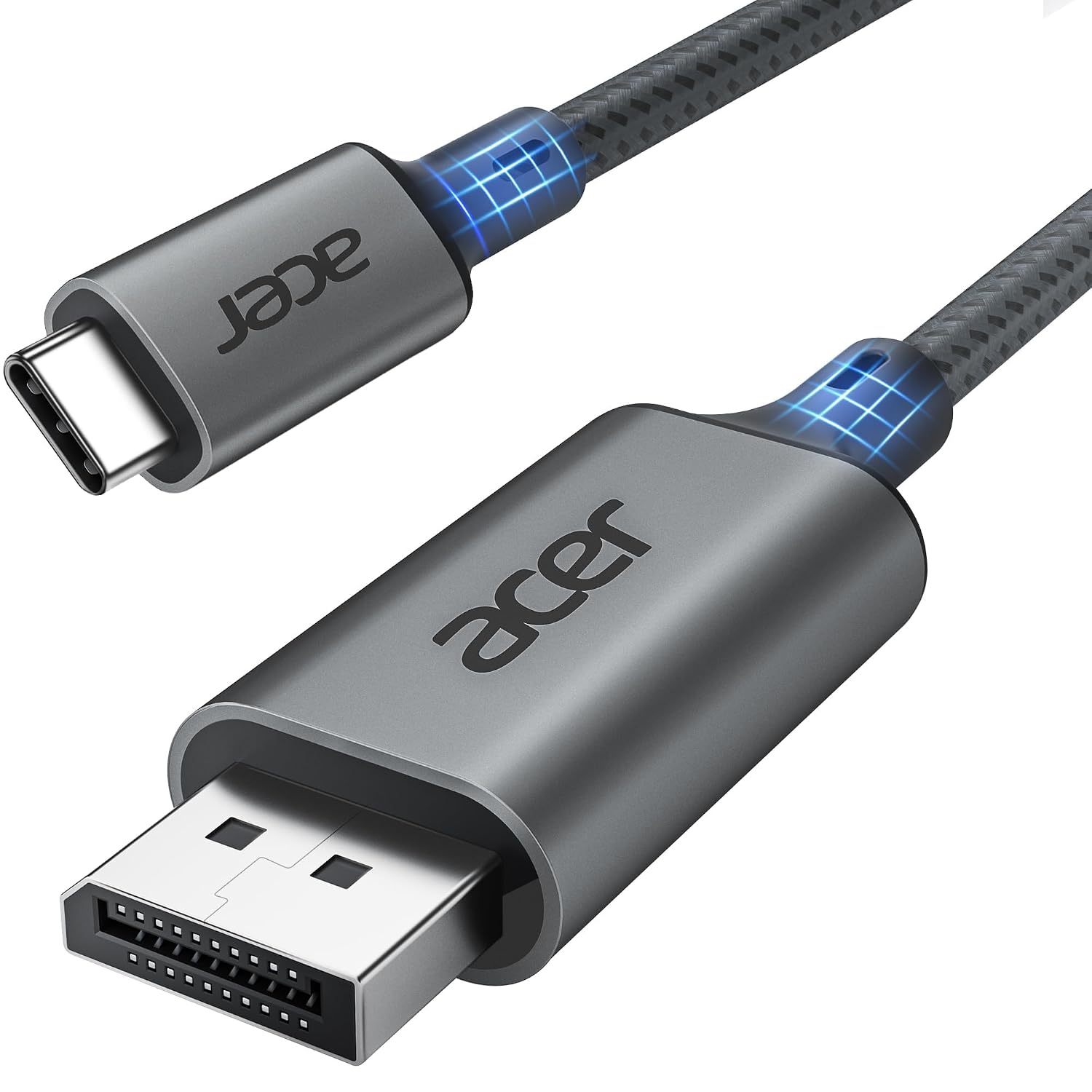
Acer USB-C to DisplayPort Cable, 6.6 ft
Product description
What to know
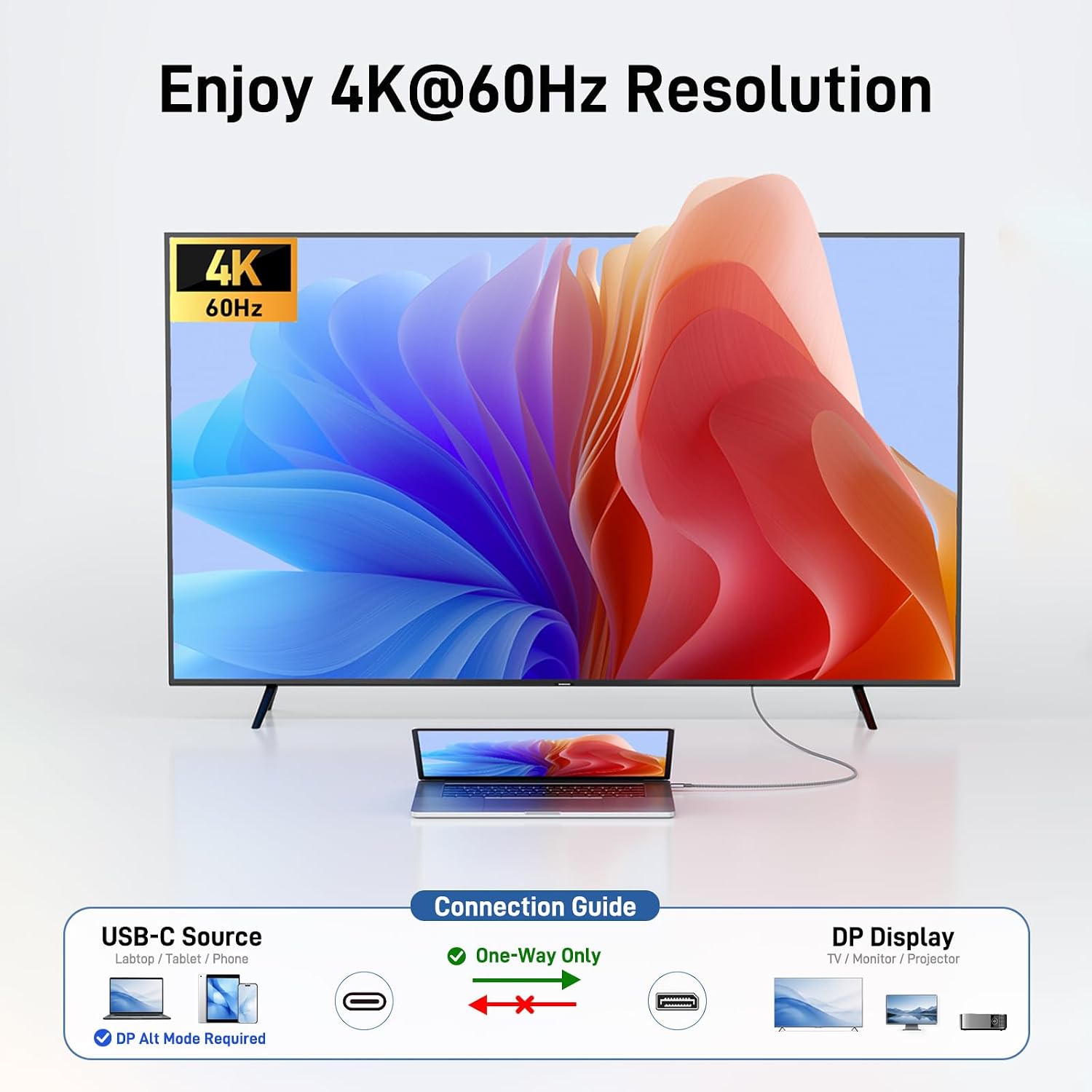
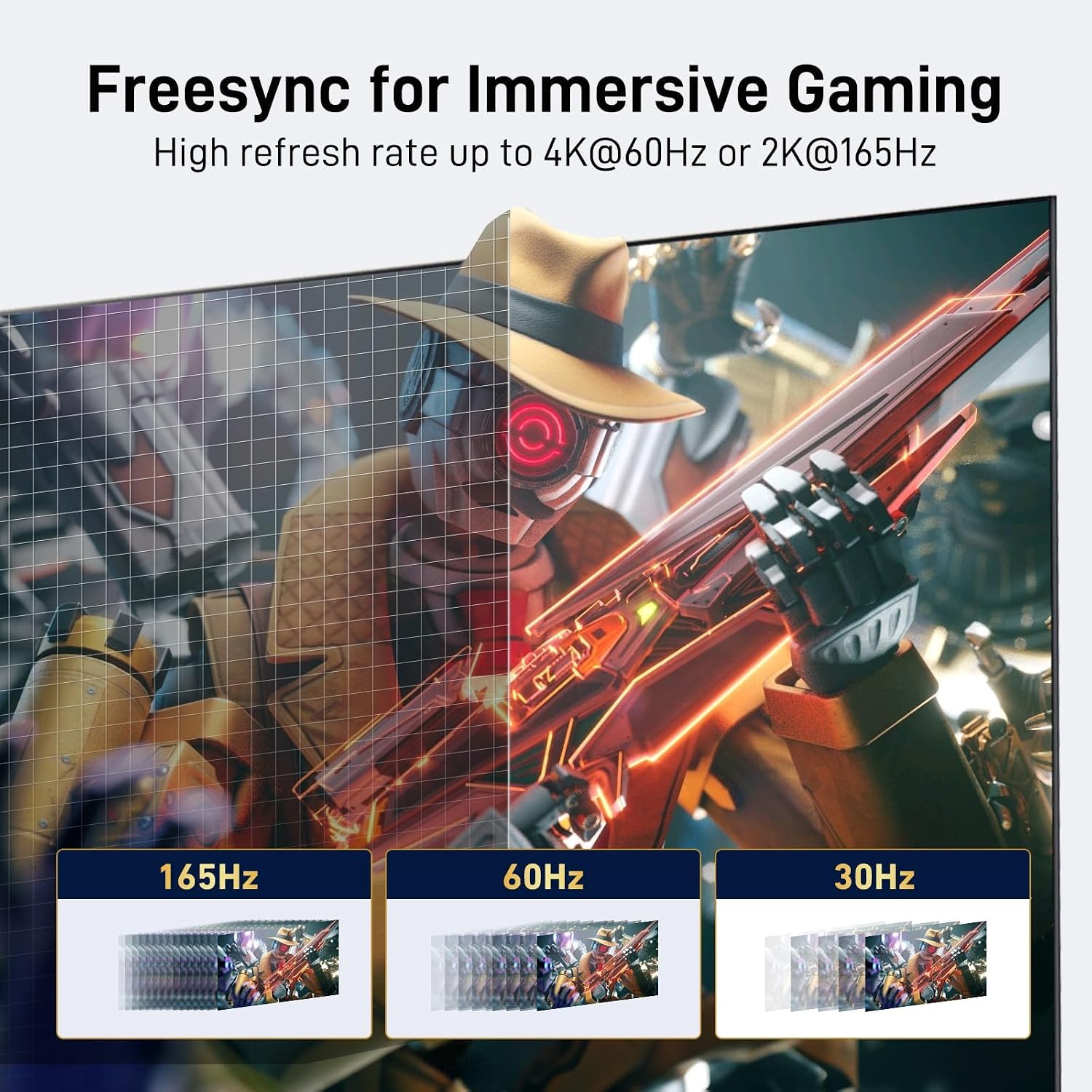
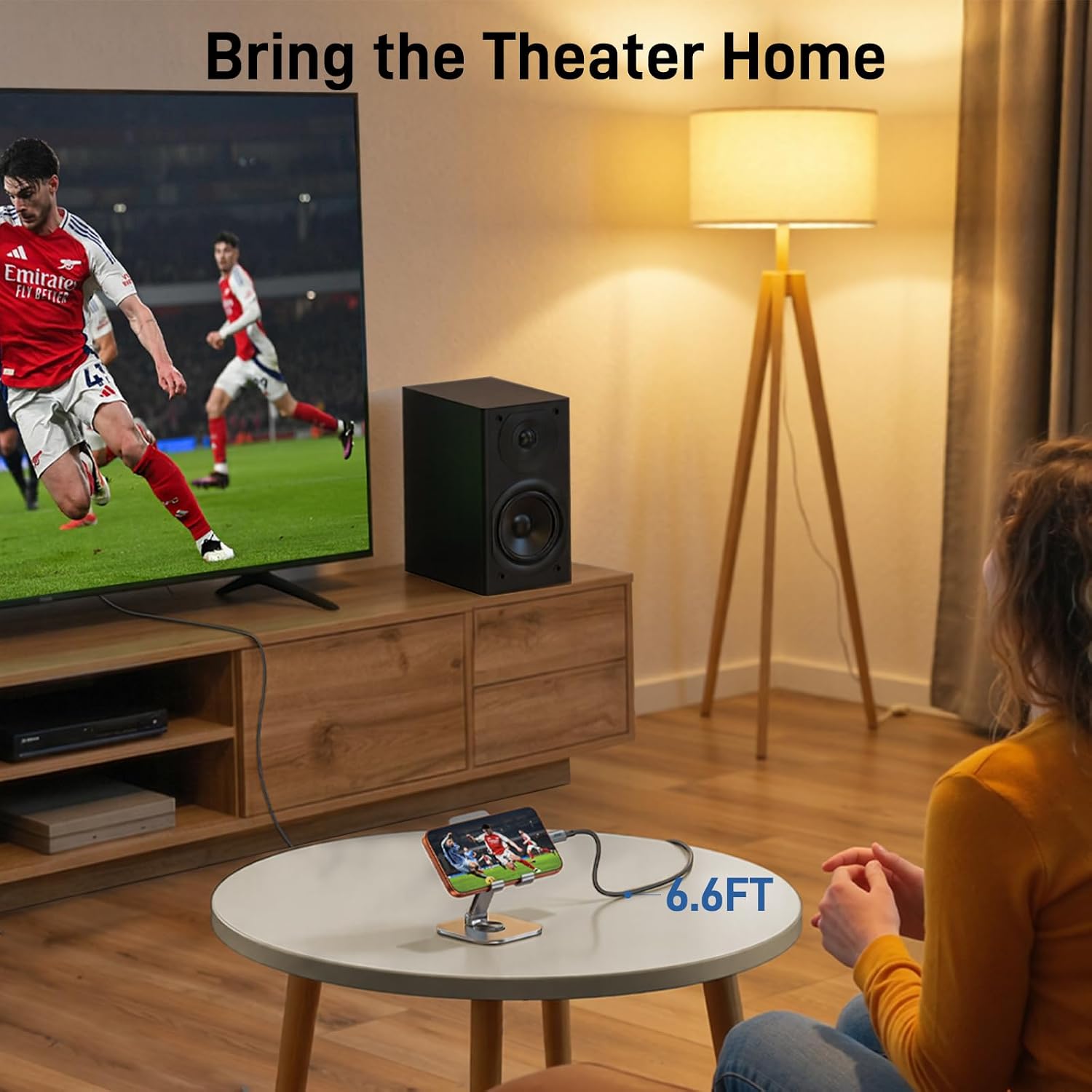
Support for up to 4K at 60Hz gives this USB-C to DisplayPort cable a straightforward job: connect a compatible laptop or other USB-C device directly to a DisplayPort monitor or projector. It also lists support for 2K at up to 165Hz, which may suit a high-refresh-rate display, though the final resolution and refresh rate depend on both connected devices.
The cable is unidirectional, from USB-C to DisplayPort. It supports USB-C devices with DP Alt Mode and Thunderbolt 3, 4, or 5, and the listing specifies plug-and-play operation without drivers. FreeSync and G-Sync support are also listed. Keep in mind that Acer recommends a direct connection rather than a dock or hub, so this is less convenient if your monitor setup depends on one.
Best use cases
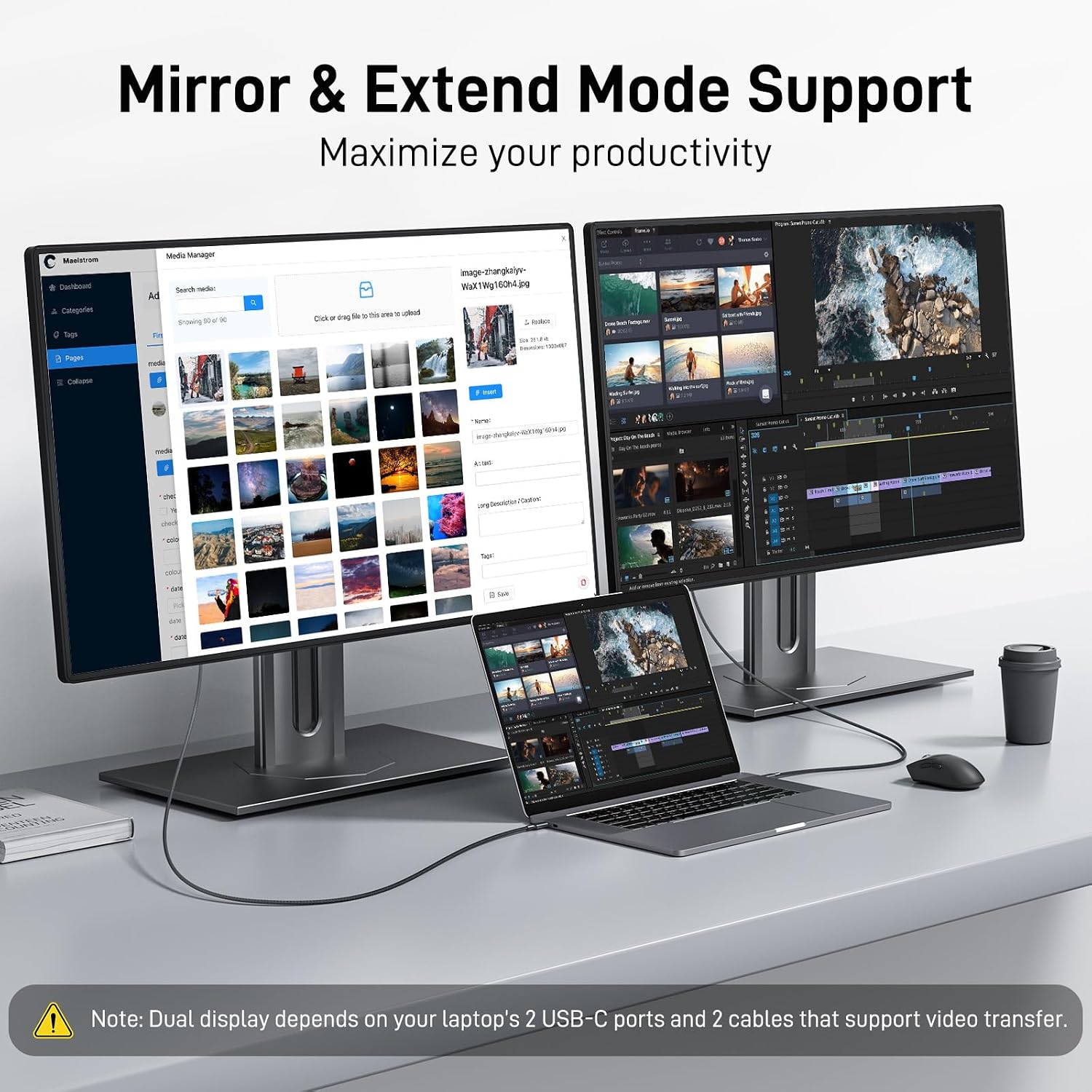
This makes sense for a desk setup where a laptop’s USB-C port needs to feed a DisplayPort screen, whether you want to mirror a presentation or extend your desktop for separate windows. Picture editing on the laptop while keeping reference material open on a larger monitor is one practical example. The listing also describes Mac clamshell use and Windows MST setups, clamshell mode requires a power connection, and multi-screen results depend on the computer’s capabilities.
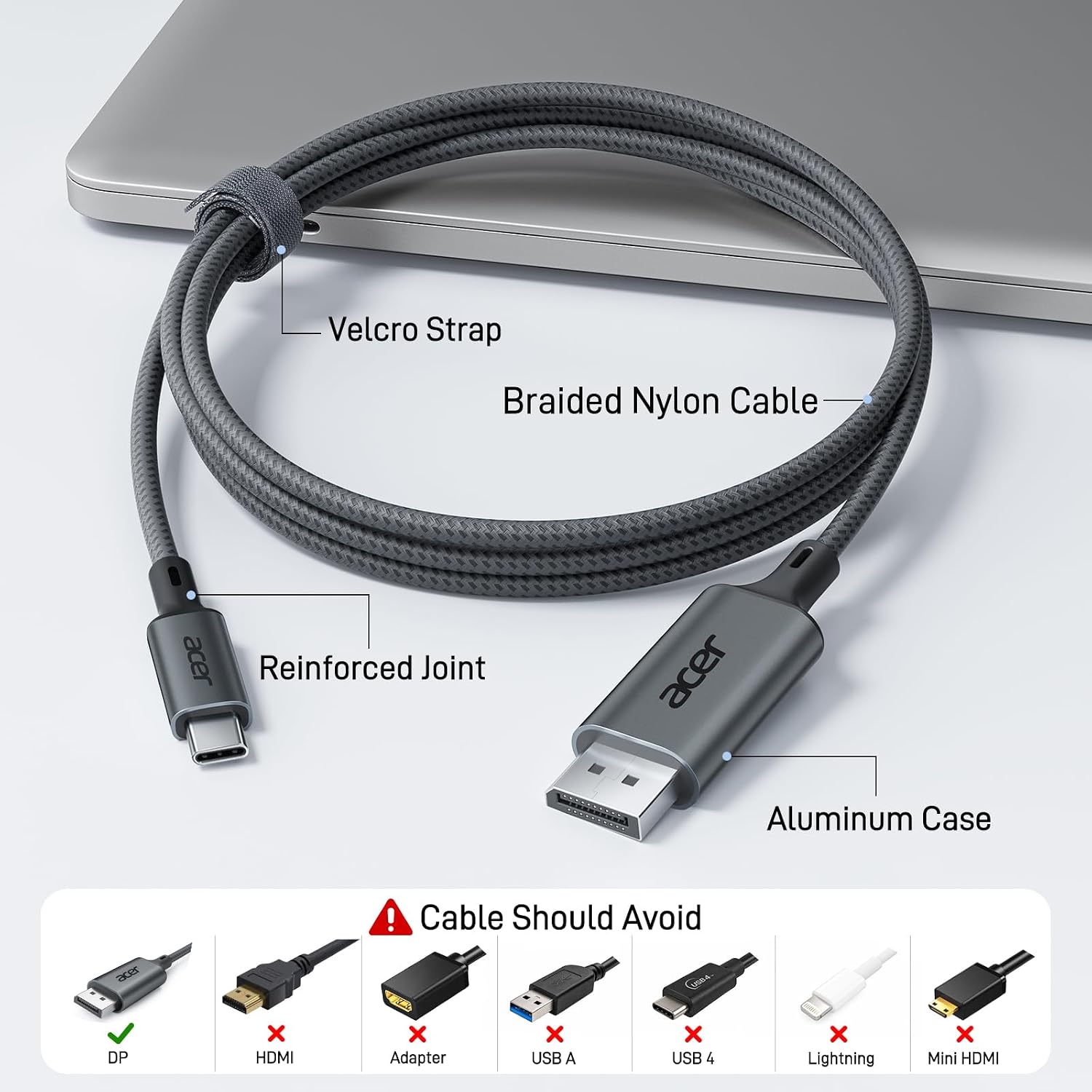
At 6.6 feet, it provides some room to route a connection between nearby devices without relying on an adapter. Its aluminum-alloy connector housing and braided nylon cable are aimed at everyday handling, and the included Velcro tie can help keep it bundled in a bag. It makes sense if you want a direct cable connection and your device supports video output over USB-C. It might not be a great match if you need DisplayPort-to-USB-C in the opposite direction or want to connect through a hub.
Tips for day-to-day use
Connect the USB-C end to the source device and the DisplayPort end to the monitor or projector. For fewer connection variables, leave docking stations and hubs out of the signal path. If the display does not reach the resolution or refresh rate you expected, remember that the cable alone does not determine the result: the source device and screen also have to support that mode.
For an extended desktop, select the display mode in your computer’s settings, for a mirrored presentation, choose the duplicate-display option. If you use a MacBook in clamshell mode, the product information says a power connection is required. When traveling, the included tie offers a simple way to keep the braided cable from sprawling in a bag.
Before you decide
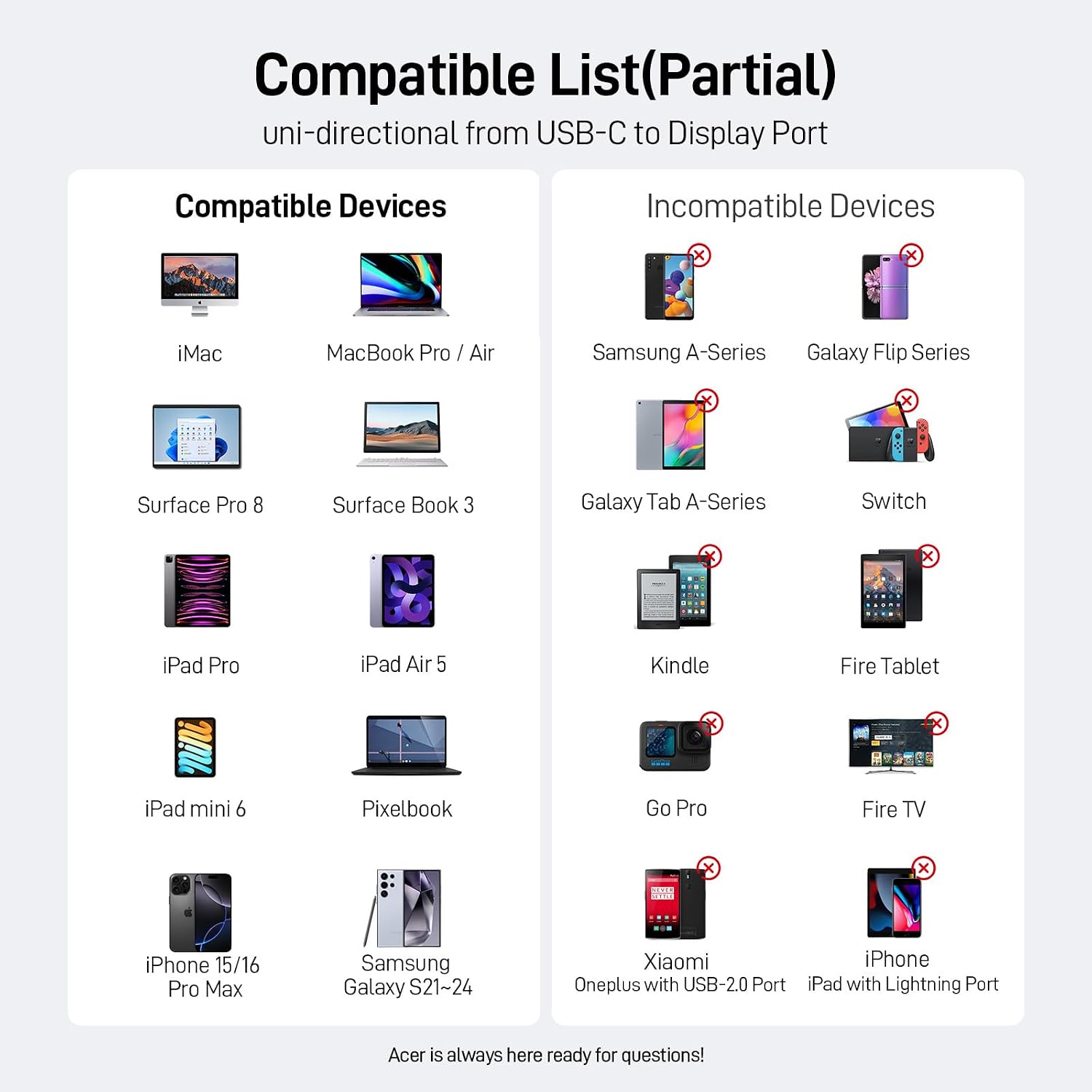
Does it work in both directions? No. It is specified for USB-C output to a DisplayPort display, not the reverse.
Will it work with any USB-C port? Not necessarily. The source needs USB-C video output through DP Alt Mode, or a compatible Thunderbolt interface.
Can it run an extended display? The listing describes extended and mirrored display modes, as well as Windows MST. The computer’s display support and the monitor determine what is available.
Buying verdict
This cable is a focused choice for connecting a video-capable USB-C or Thunderbolt device straight to a DisplayPort monitor, with listed support up to 4K at 60Hz and a 6.6-foot length. Its appeal is the direct, driver-free setup and the option to use mirror or extended display modes. The tradeoff is just as specific: it only runs from USB-C to DisplayPort, and the manufacturer advises against hubs and docks. Buy it when that direction and a direct connection fit your setup, choose a different type of cable if you need the reverse direction or hub-based routing.