

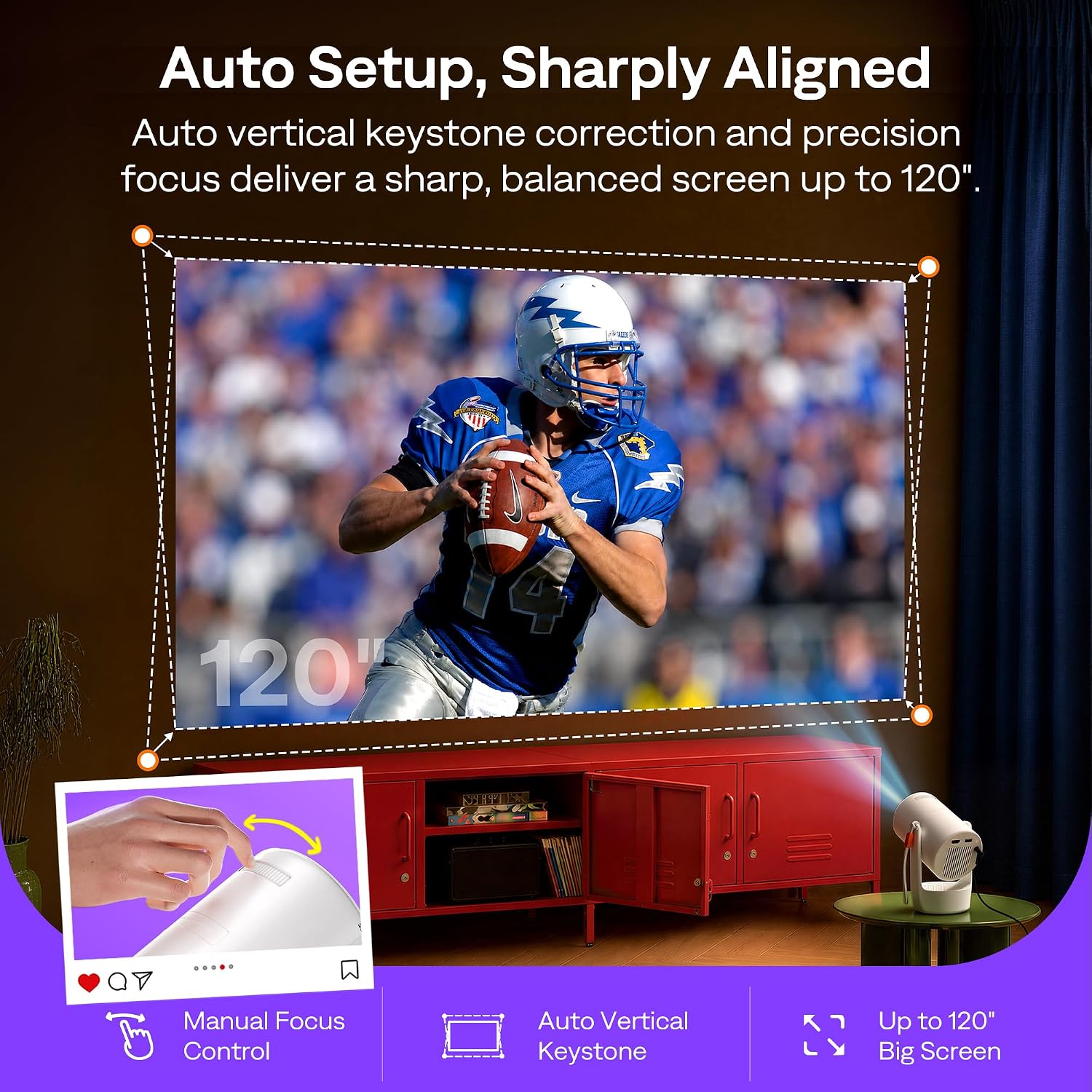
Aurzen Roku TV mini projector with 180° rotation
Product description
The 180° rotating stand is the E1R’s most practical distinction: it lets you aim the picture from a table or bedside surface, including toward the ceiling, without adding a separate stand. Roku TV is built in, so streaming starts from the projector’s home screen rather than an external stick. Its compact design and built-in strap also make it easier to move between rooms. The trade-off is that you’ll need Wi-Fi and a Roku account to activate it, and the listed features don’t include a brightness rating to help judge performance in a lit room.
Technical details
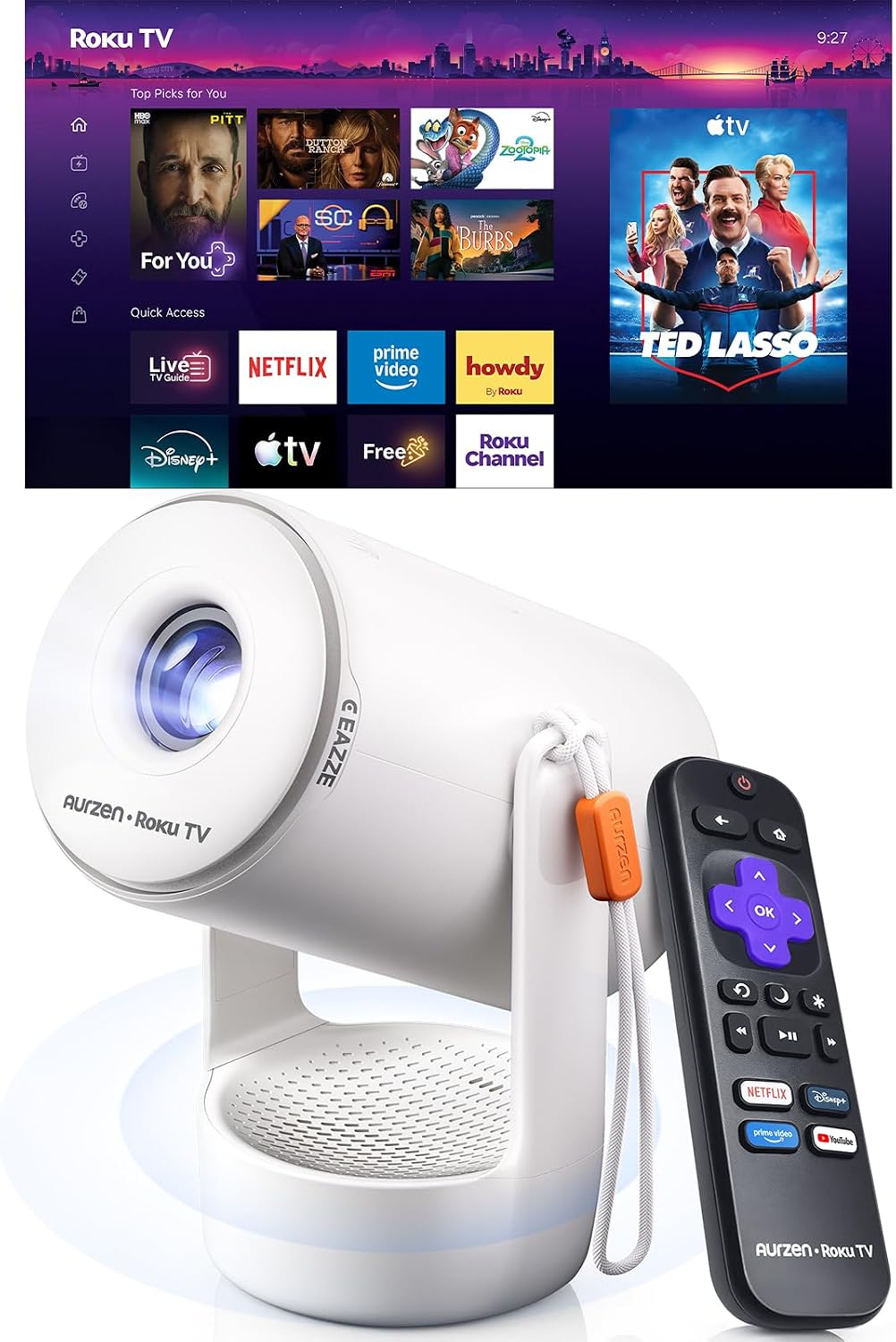
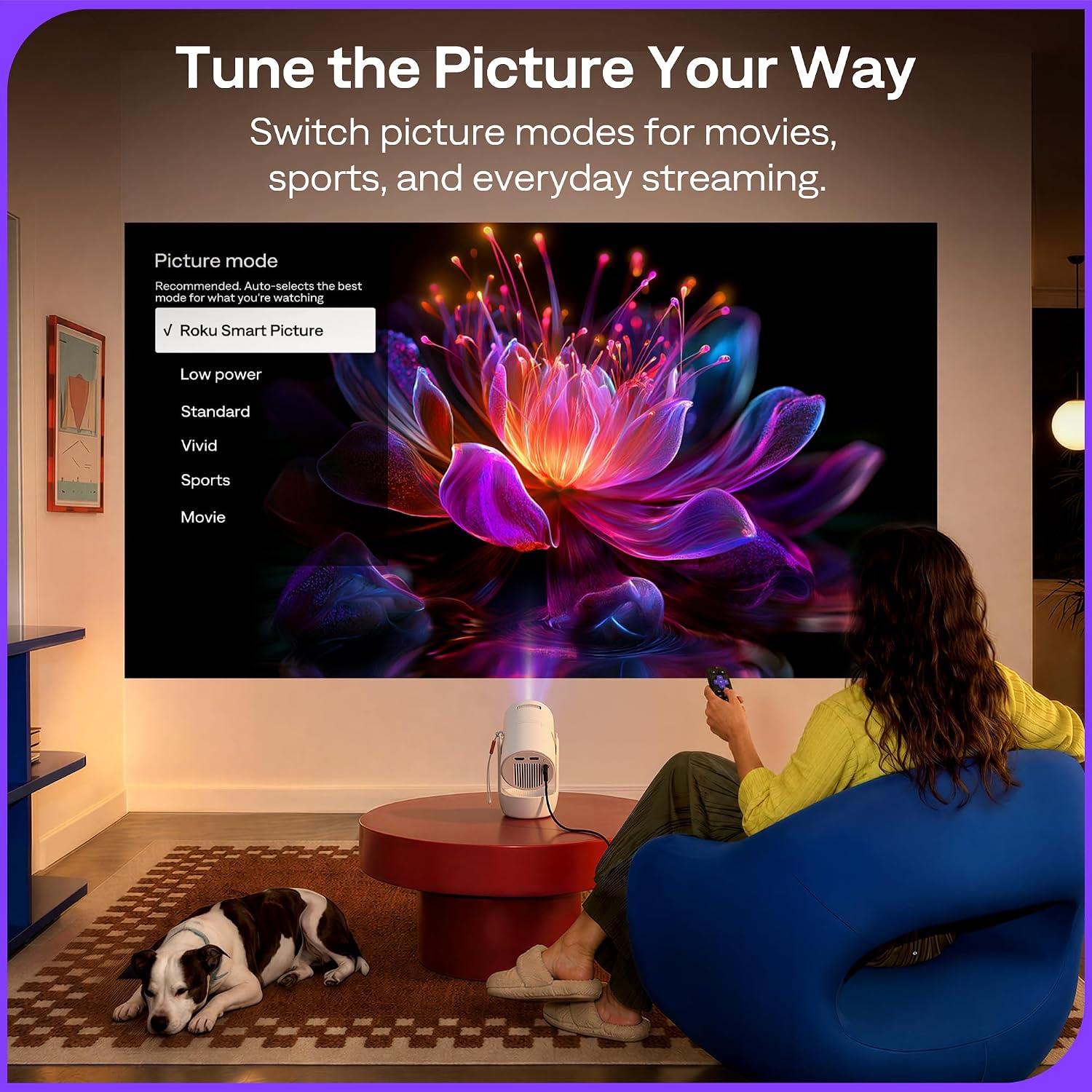
The E1R is a portable mini projector with built-in Roku TV, Wi-Fi, and two-way Bluetooth 5.2. Its 1.12:1 throw ratio supports a stated image size of 20–120 inches, while auto vertical keystone correction helps straighten the picture and a top focus wheel lets you fine-tune sharpness. The stand rotates 180°, and the projector weighs under 1 lb. Six picture modes are listed: Movie, Sports, Vivid, Standard, Low Power, and Roku Smart Picture, which adjusts settings to the content.
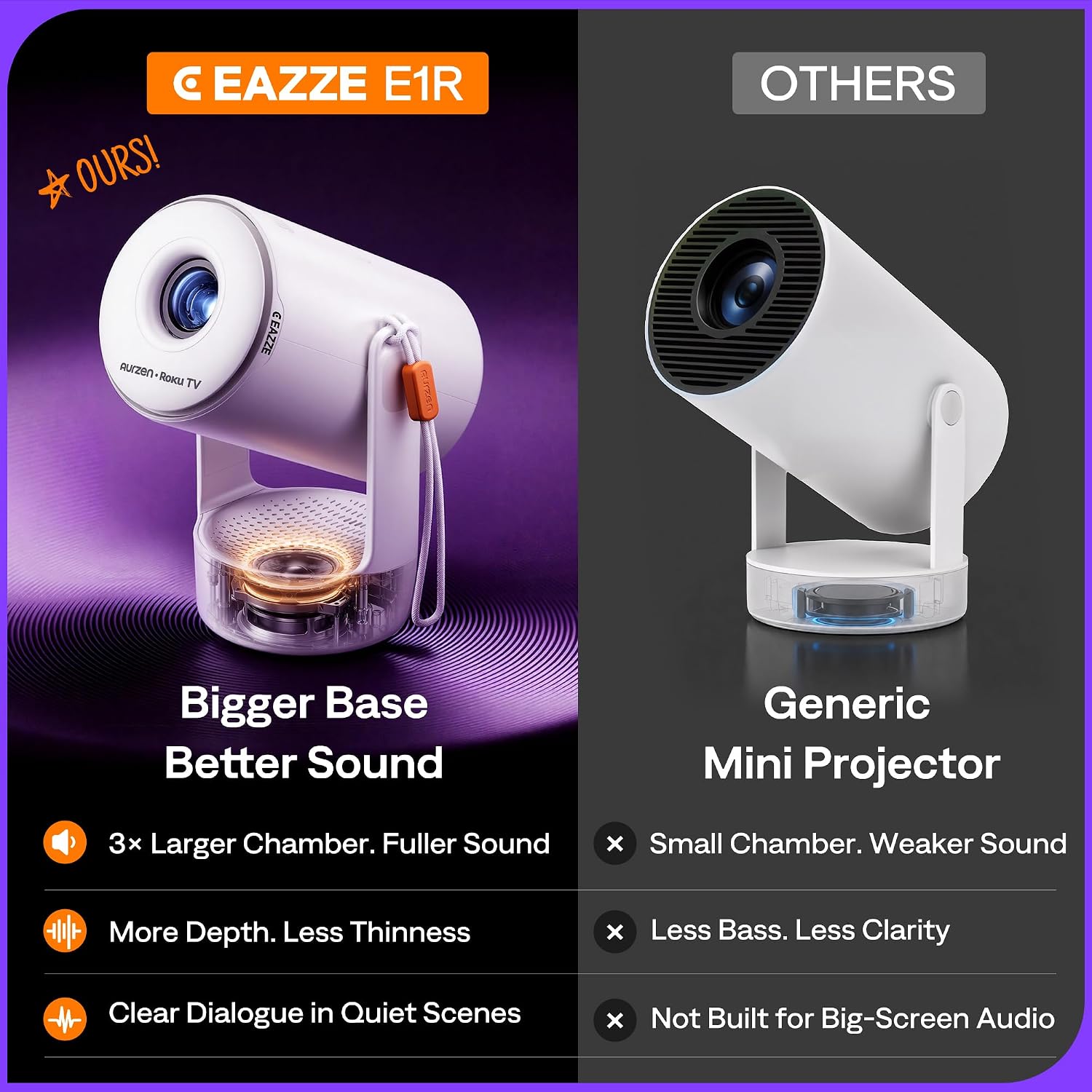
A sound chamber is built into the base, so audio is part of the unit rather than an accessory you must add before watching. The description also claims fuller sound and clearer dialogue, but there’s no detailed audio specification here for comparing it with a dedicated speaker. For a bedroom movie, that built-in setup keeps the surface around the projector less cluttered, for a larger gathering, Bluetooth lets you send audio to compatible speakers or headphones.

Compatibility
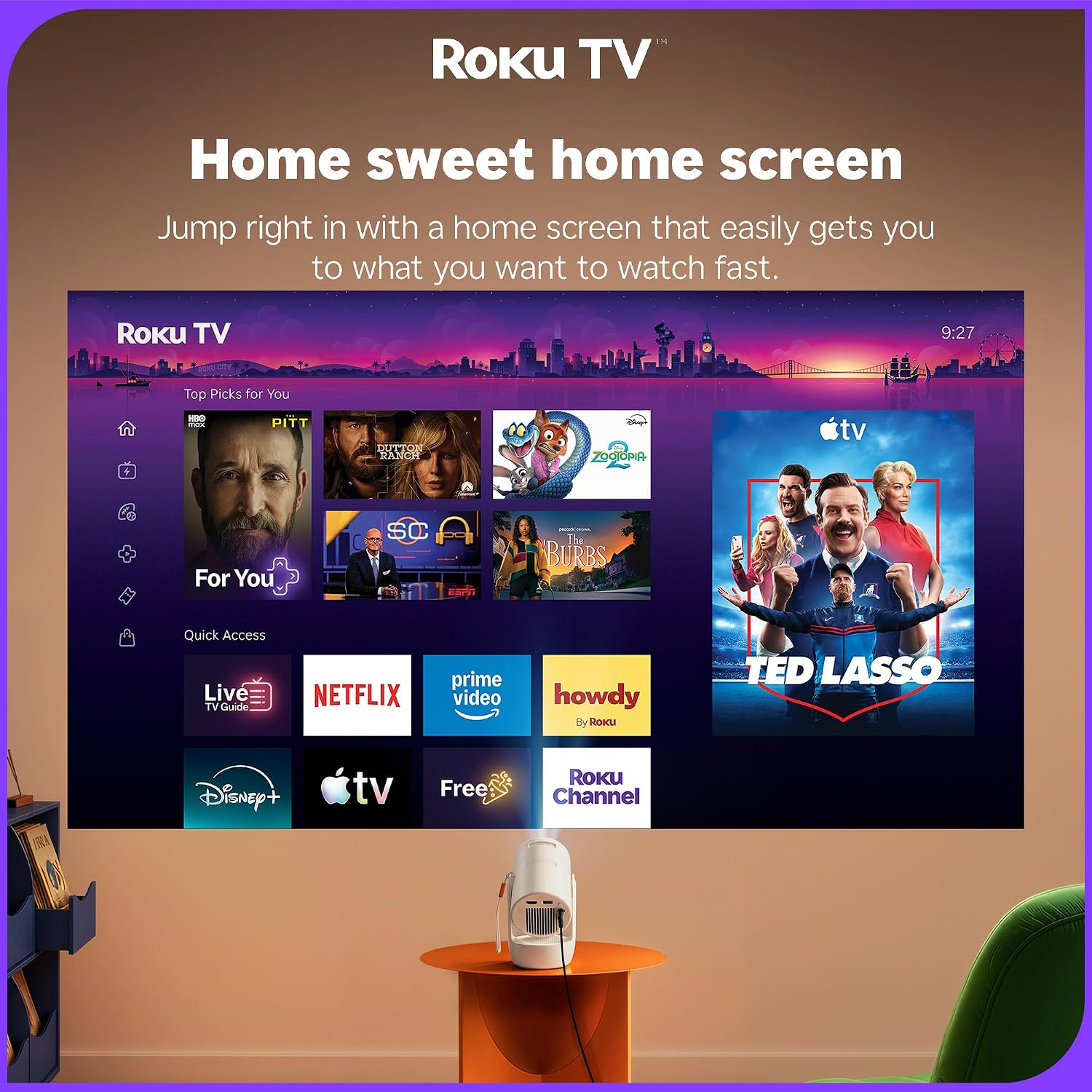
Connect to a 2.4G or 5G Wi-Fi network to use Roku’s streaming interface and its listed apps, including Netflix, Prime Video, Hulu, YouTube, The Roku Channel, and Apple TV. A Roku account and internet connection are required for activation, creating the account is free. There’s no need for a separate streaming stick for the built-in Roku features.
Bluetooth works in both directions: send the projector’s audio to compatible headphones or speakers, or play audio from a phone or tablet through the projector. That’s useful when you want private listening at night or want to use the unit as a music playback option. Compatibility with specific devices beyond those examples isn’t stated, so don’t assume every Bluetooth product will pair.
Usage tips
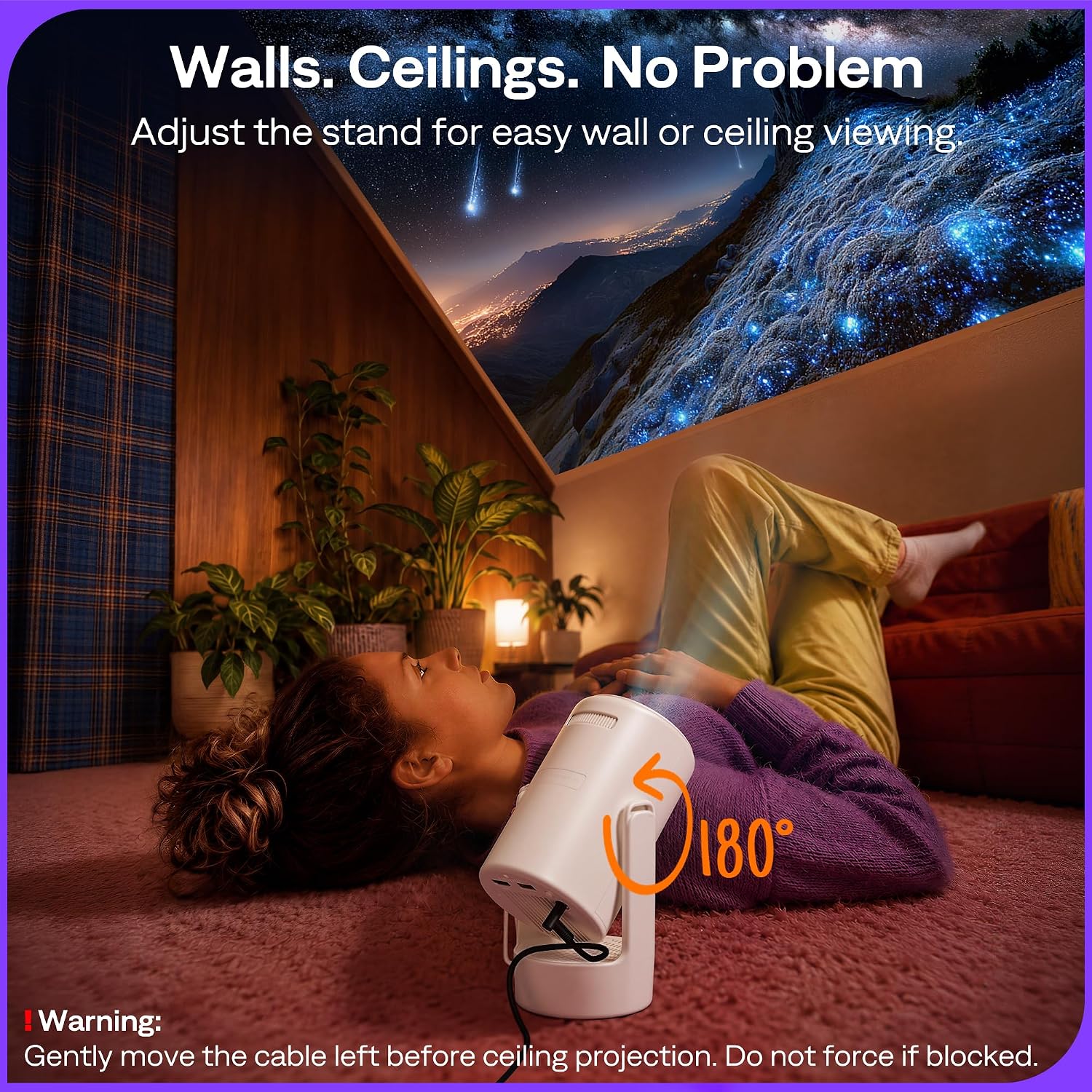
The rotating base gives you a simple way to set up a picture on a wall or ceiling from a table or bedside surface. The 20–120-inch range and short throw ratio are intended to make a larger image possible from less distance, which may suit bedrooms, dorm rooms, and other smaller spaces. Use the focus wheel after positioning the projector, then let auto vertical keystone correction help square the image.
For ceiling projection, follow the cable-routing warning: don’t twist or rotate the power plug, tuck the cable into the opening on the left side of the base. Also, the product details don’t specify brightness, so a darkened room is the safer expectation if picture visibility matters. It suits you if you want built-in streaming and a projector that can move easily from room to room. It might not be a great match if you need a stated brightness level to plan for daytime viewing or a consistently well-lit space. The portability claim is under 1 lb, but no dimensions are provided for judging how it will fit in a bag.
Questions before you buy
Do I need a separate streaming device? No separate stick is needed for Roku TV, the projector connects to Wi-Fi and runs the listed apps from its home screen.
Can I use Bluetooth headphones? The projector can send audio to compatible headphones or speakers. Pairing details for particular models aren’t provided.
What do I need to activate Roku? An internet connection and a Roku account are required. Account creation is free.
Is it worth it?
The E1R is worth considering if your priority is a portable, self-contained streaming setup with flexible placement, built-in audio, and a rotating stand. Compared with a basic projector that needs an external streaming stick, Roku integration reduces the number of devices to set up, compared with a more specification-led projector, this listing leaves brightness and detailed audio performance unclear. Without having tried it, the practical decision is to choose it for convenient bedroom or dorm viewing and easy repositioning, not if you need confirmed performance in a bright room or detailed specs for a more demanding setup.